
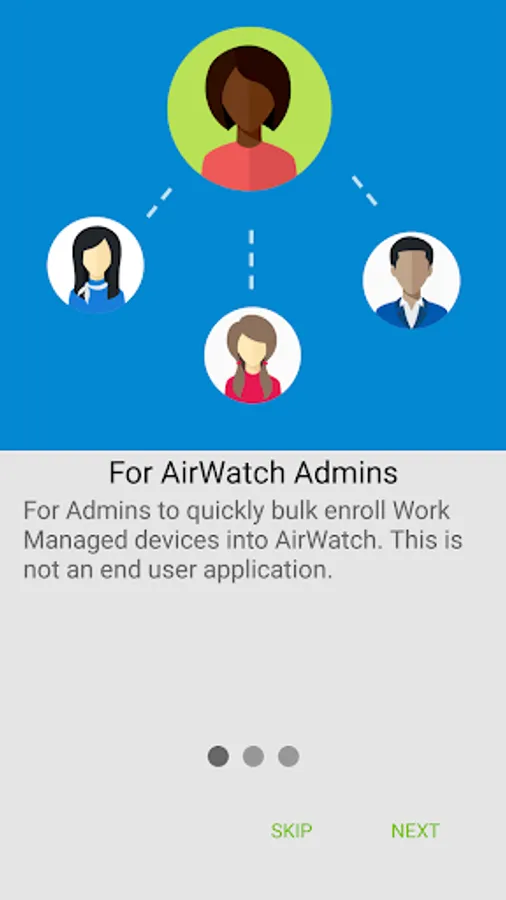
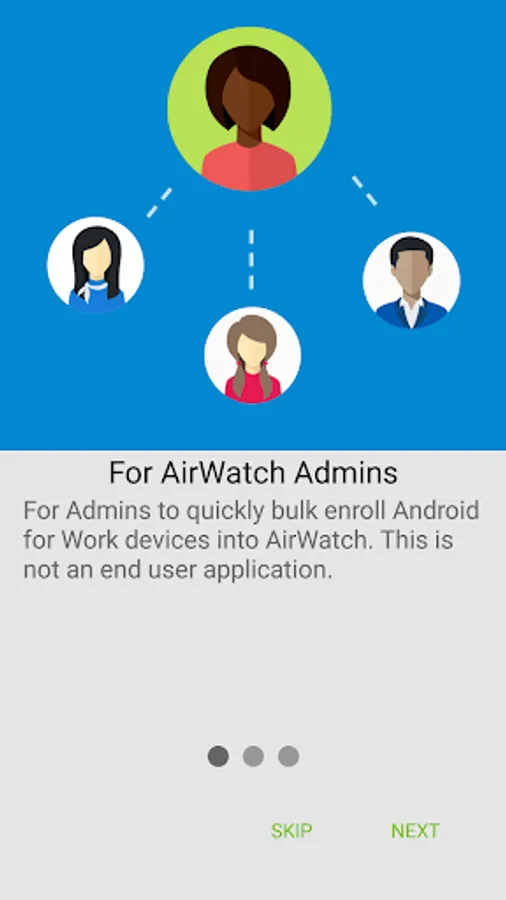
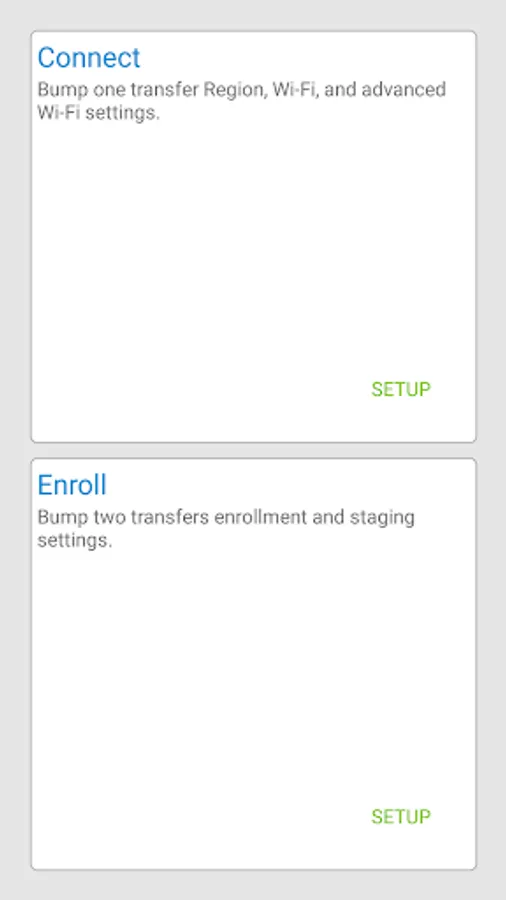
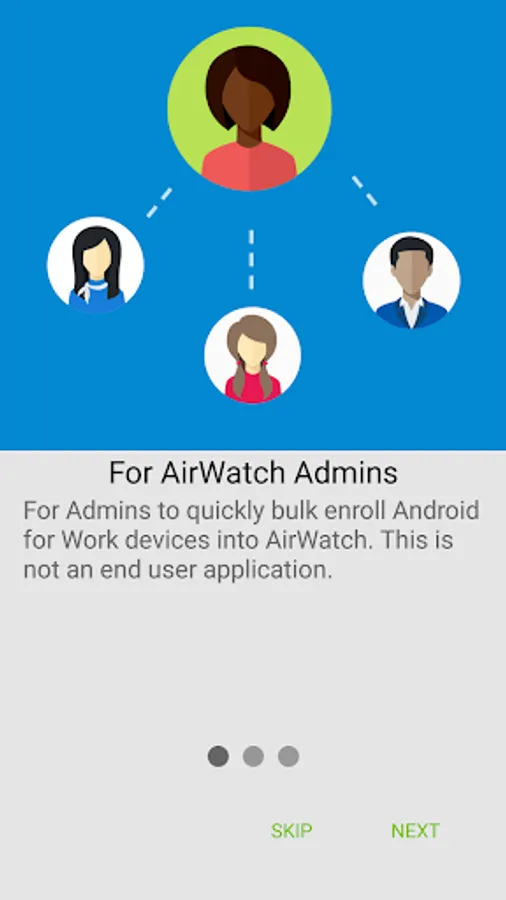
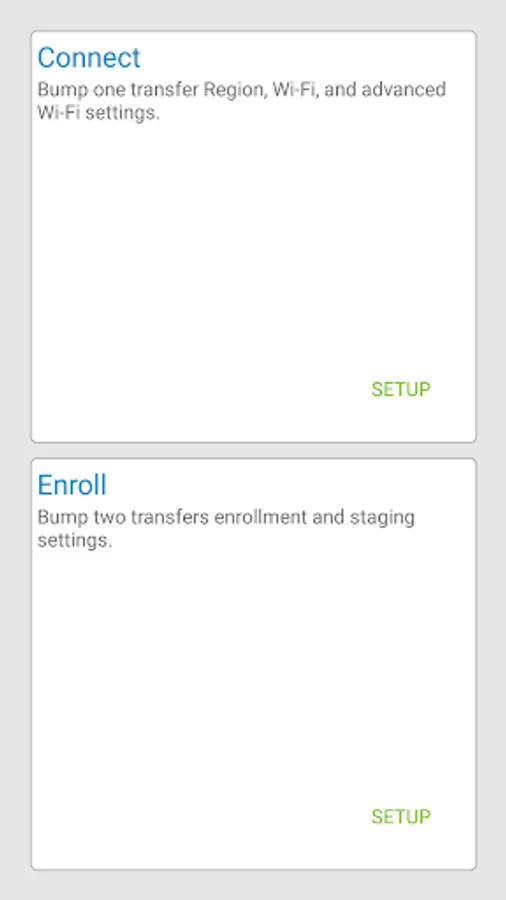
In this app, you can stage and auto-enroll Android devices into Work Managed Mode using NFC. Includes device provisioning, auto-enrollment, and configuration features.
AppRecs review analysis
AppRecs rating 3.8. Trustworthiness 66 out of 100. Review manipulation risk 25 out of 100. Based on a review sample analyzed.
★★★☆☆
3.8
AppRecs Rating
Ratings breakdown
5 star
64%
4 star
0%
3 star
18%
2 star
0%
1 star
18%
What to know
✓
Low review manipulation risk
25% review manipulation risk
✓
Good user ratings
64% positive sampled reviews
About AirWatch Relay
Google has created a true corporate ownership mode for Android devices that allows AirWatch and the IT administrator to control the entire device. This mode is known as “Work Managed Device” mode. The purpose of this app is to provision a device into Work Managed Device mode and auto-enroll it into AirWatch.
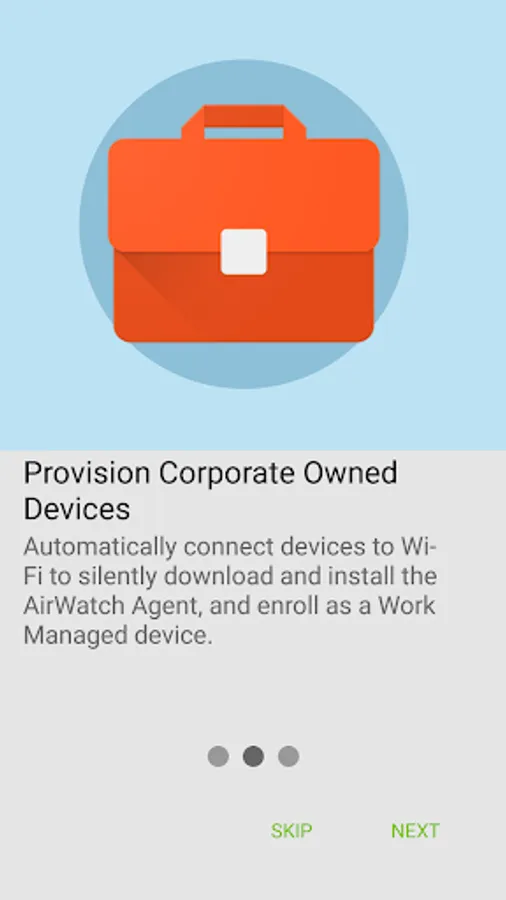
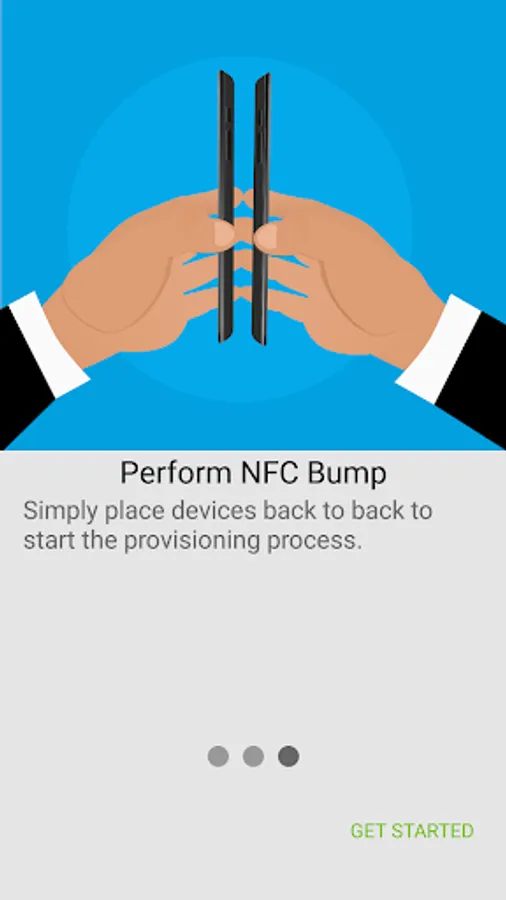
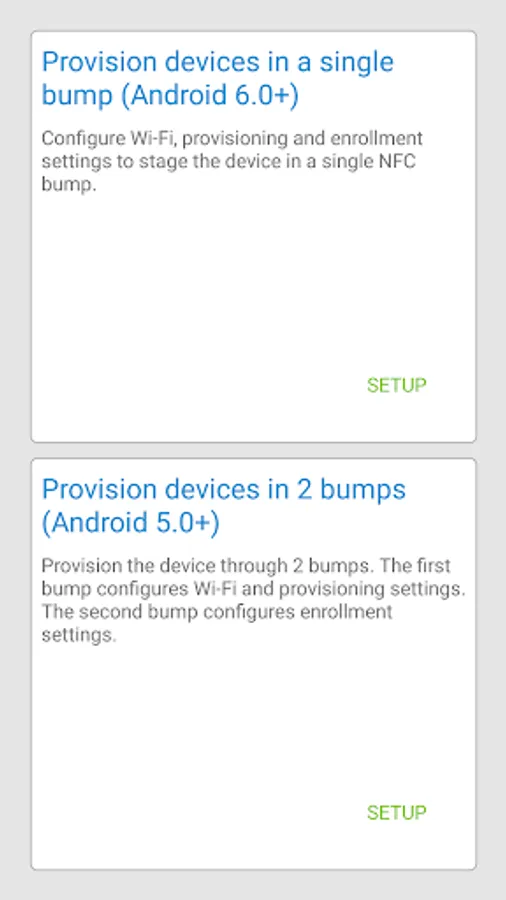
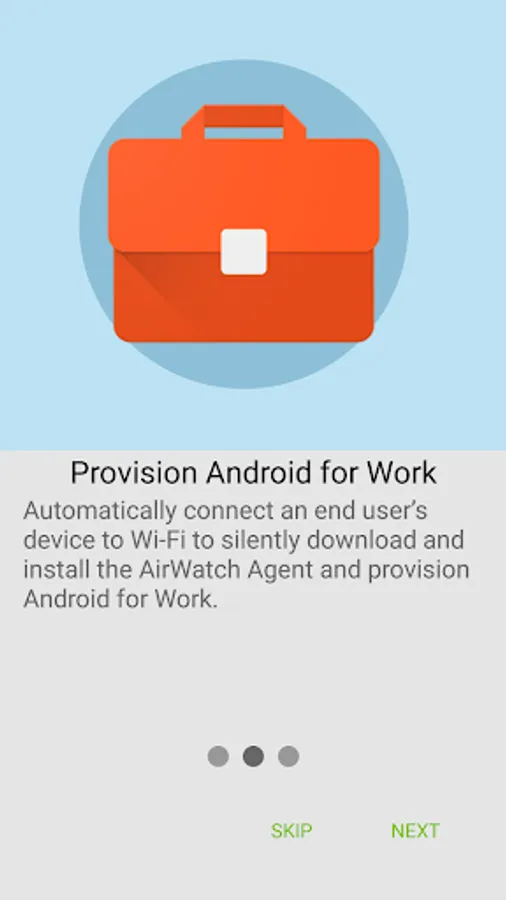
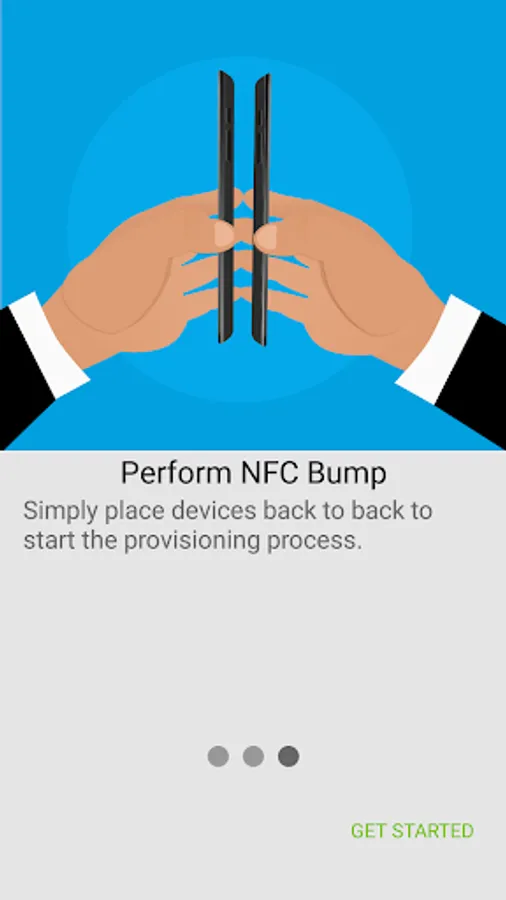
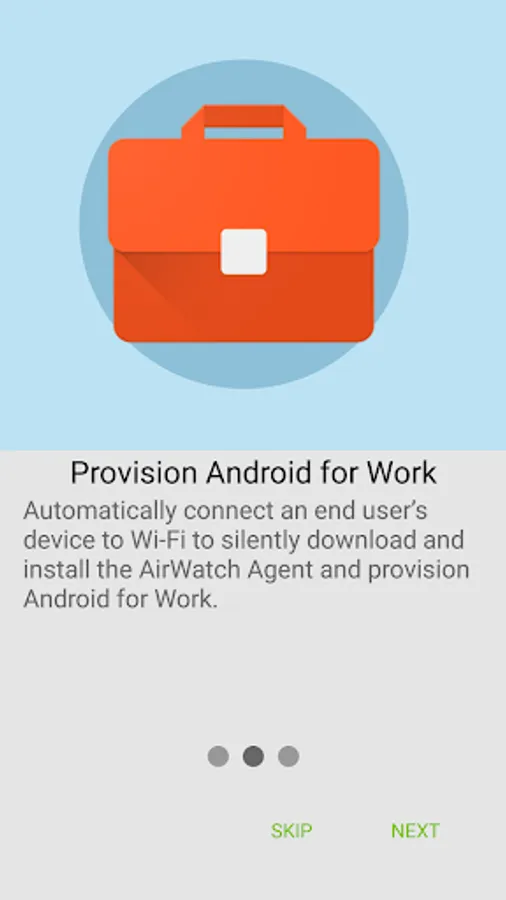
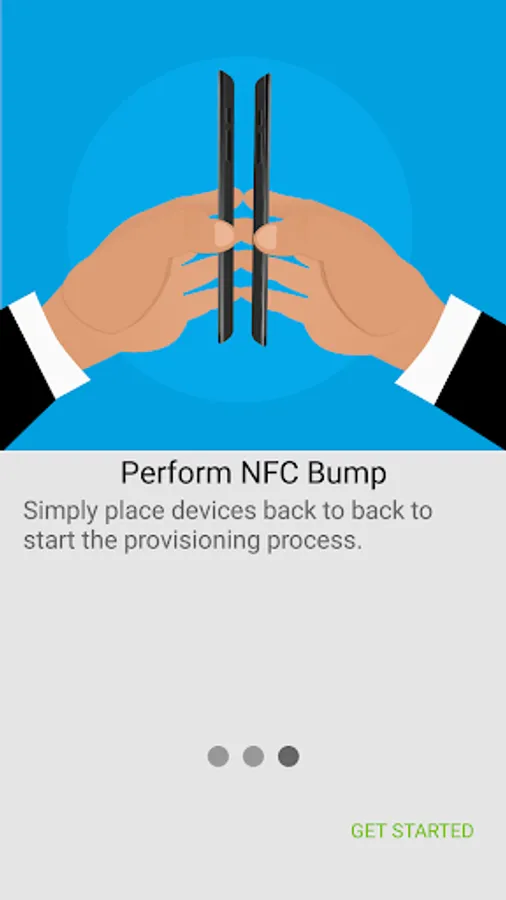
Setting up a Work Managed Device using AirWatch Relay requires a staging process. This will require a staging device or a “parent device” that will stage a “child device”. The parent device will have AirWatch Relay installed on it. This application will relay information through NFC telling the child device to:
Set the device date/time and locale
Connect to the staging Wi-Fi network
Download the latest production version of the AirWatch Agent for Android
Silently set the AirWatch Agent as device owner
Automatically enroll the agent into AirWatch
Note:
The child device must be in a factory reset state and support/have NFC turned on by default in order to be provisioned into Work Managed Device mode. This will guarantee that the device is not setup for personal use.
Requires Android Beam (not available in Android 10)
Setting up a Work Managed Device using AirWatch Relay requires a staging process. This will require a staging device or a “parent device” that will stage a “child device”. The parent device will have AirWatch Relay installed on it. This application will relay information through NFC telling the child device to:
Set the device date/time and locale
Connect to the staging Wi-Fi network
Download the latest production version of the AirWatch Agent for Android
Silently set the AirWatch Agent as device owner
Automatically enroll the agent into AirWatch
Note:
The child device must be in a factory reset state and support/have NFC turned on by default in order to be provisioned into Work Managed Device mode. This will guarantee that the device is not setup for personal use.
Requires Android Beam (not available in Android 10)
AirWatch Relay Screenshots
Tap to Rate:
Reviews for AirWatch Relay
Me Won
4/8/2024
I no longer use android and someone has taken over my account and is using this app on android which I no longer use android I have never used this app and would like to request my data as I know someone else is using this account on an android device which is not mine!
A Google user
12/6/2019
not able to use with Android 8. Works with Android 7. In Android 8 it gives an error that it's not able to connect to WiFi.