
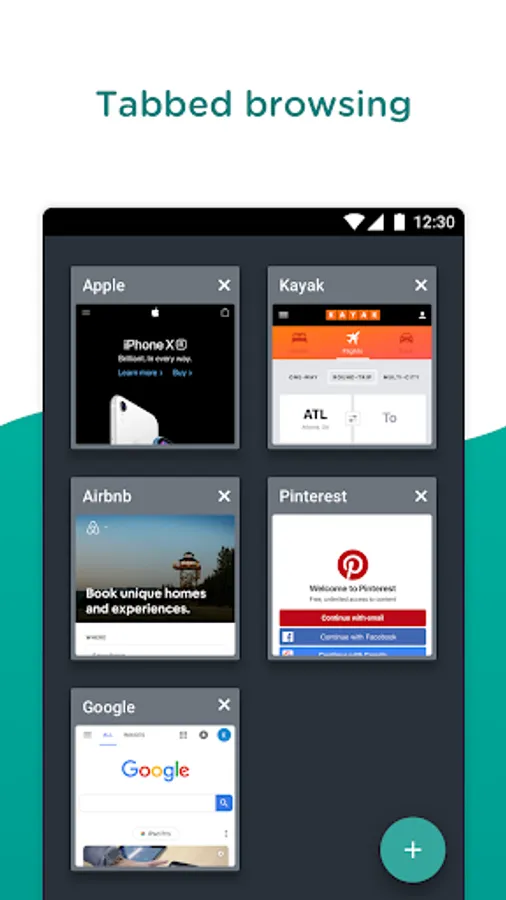
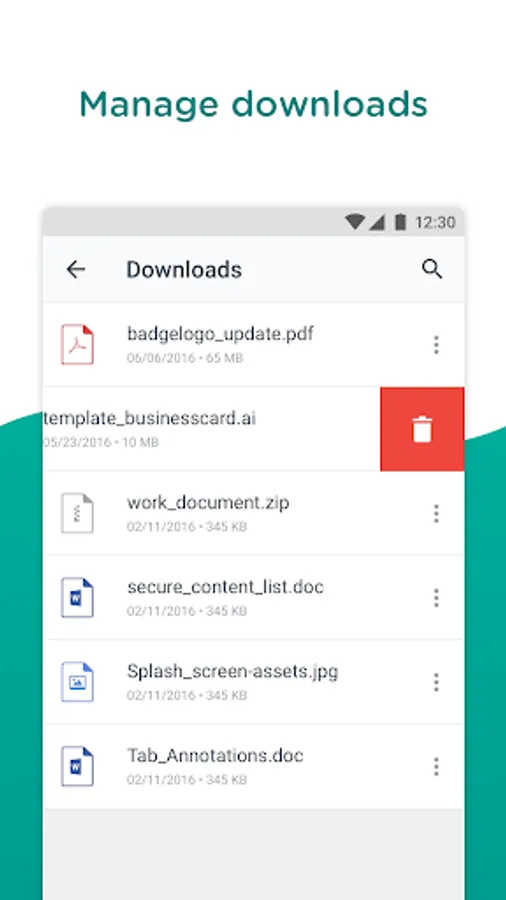
With this web browser, you can securely access internal and external websites, manage bookmarks, and scan QR codes easily. Includes features for bookmark management, QR code scanning, and device information collection.
AppRecs review analysis
AppRecs rating 1.1. Trustworthiness 20 out of 100. Review manipulation risk 80 out of 100. Based on a review sample analyzed.
★☆☆☆☆
1.1
AppRecs Rating
Ratings breakdown
5 star
67%
4 star
2%
3 star
4%
2 star
3%
1 star
24%
What to know
⚠
Questionable review trustworthiness
20% trustworthiness - reviews show concerning patterns
⚠
Review quality concerns
88% of sampled 5-star reviews are very short
⚠
High review manipulation risk
High risk of manipulated reviews (80%)
About Web - Workspace ONE
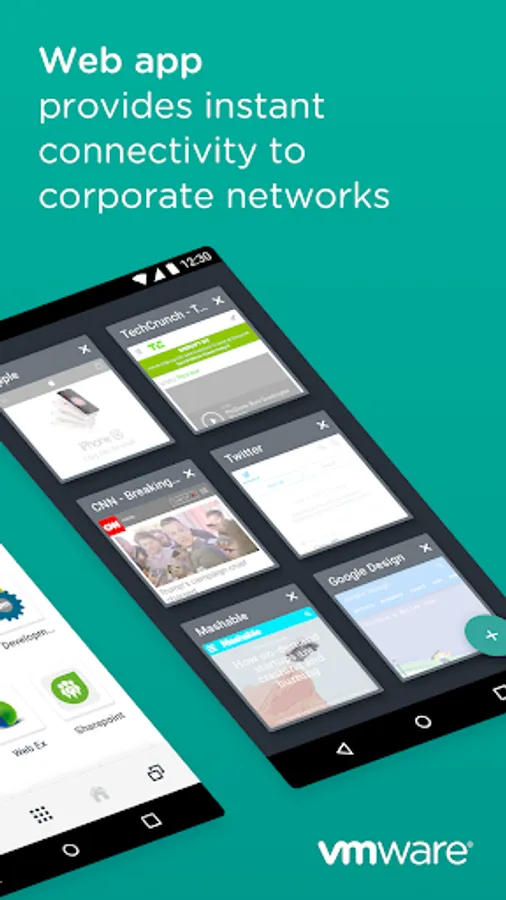
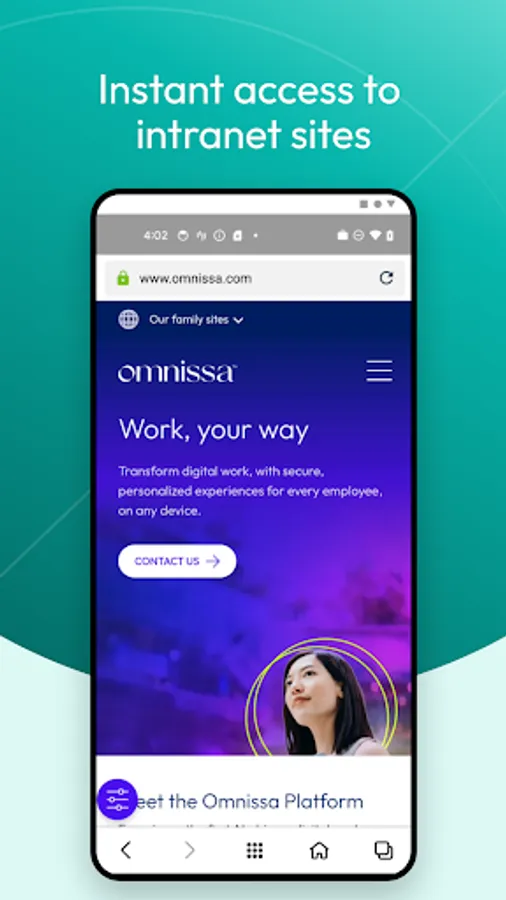
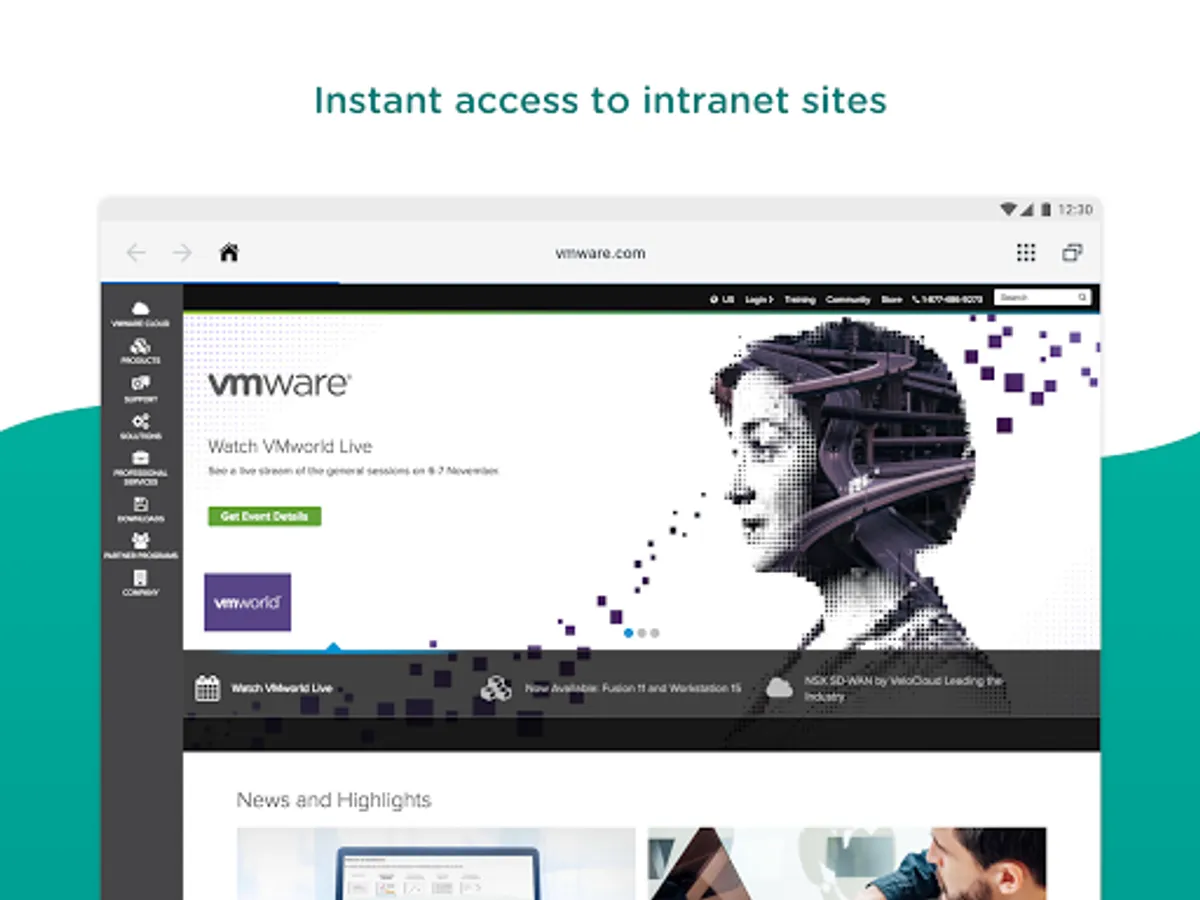
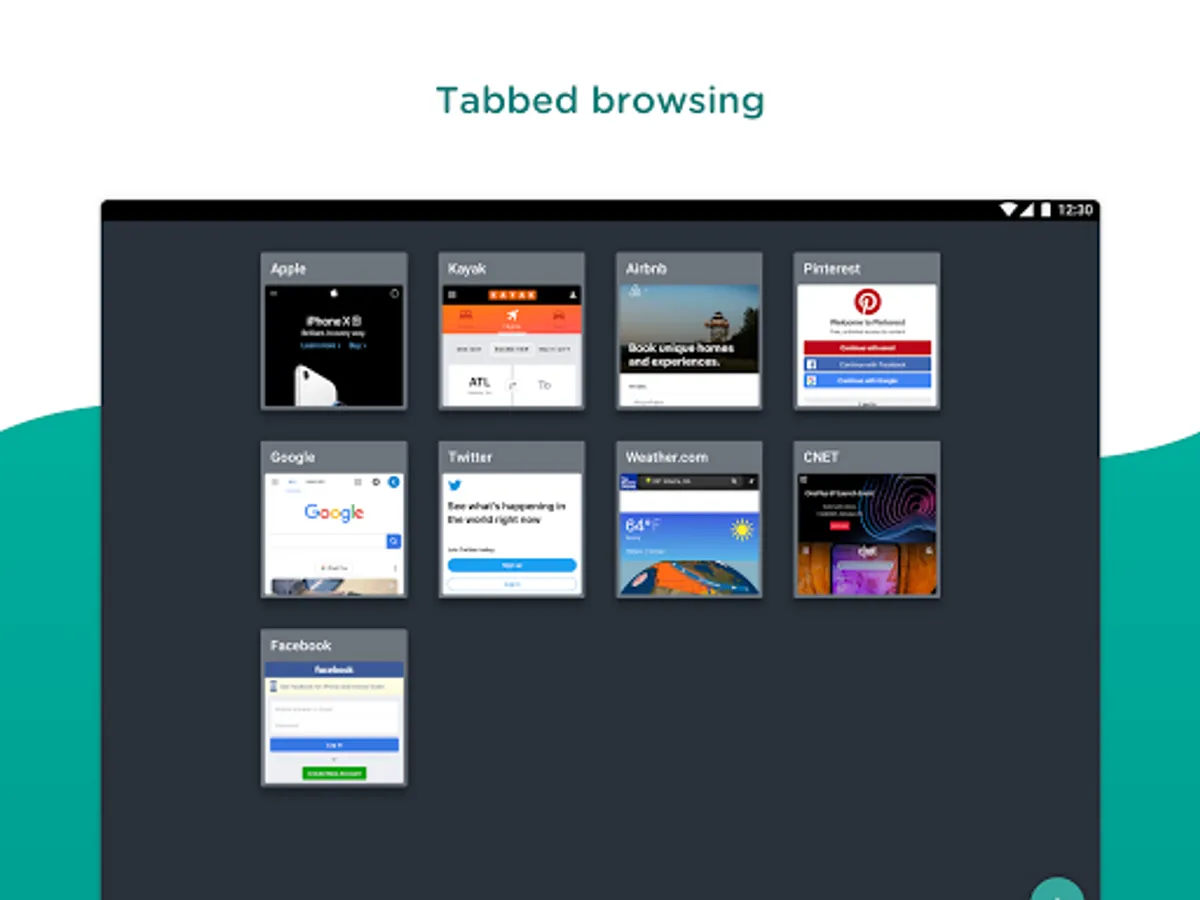
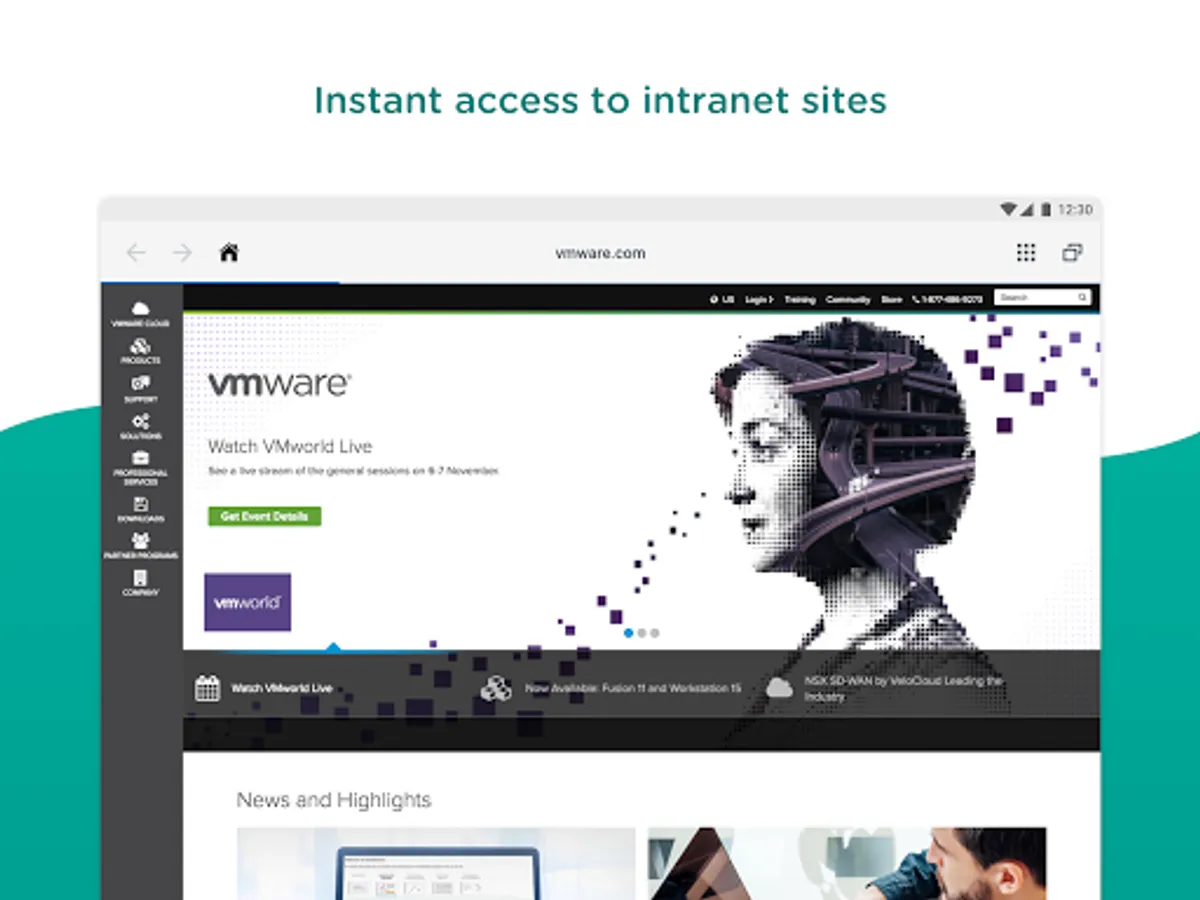
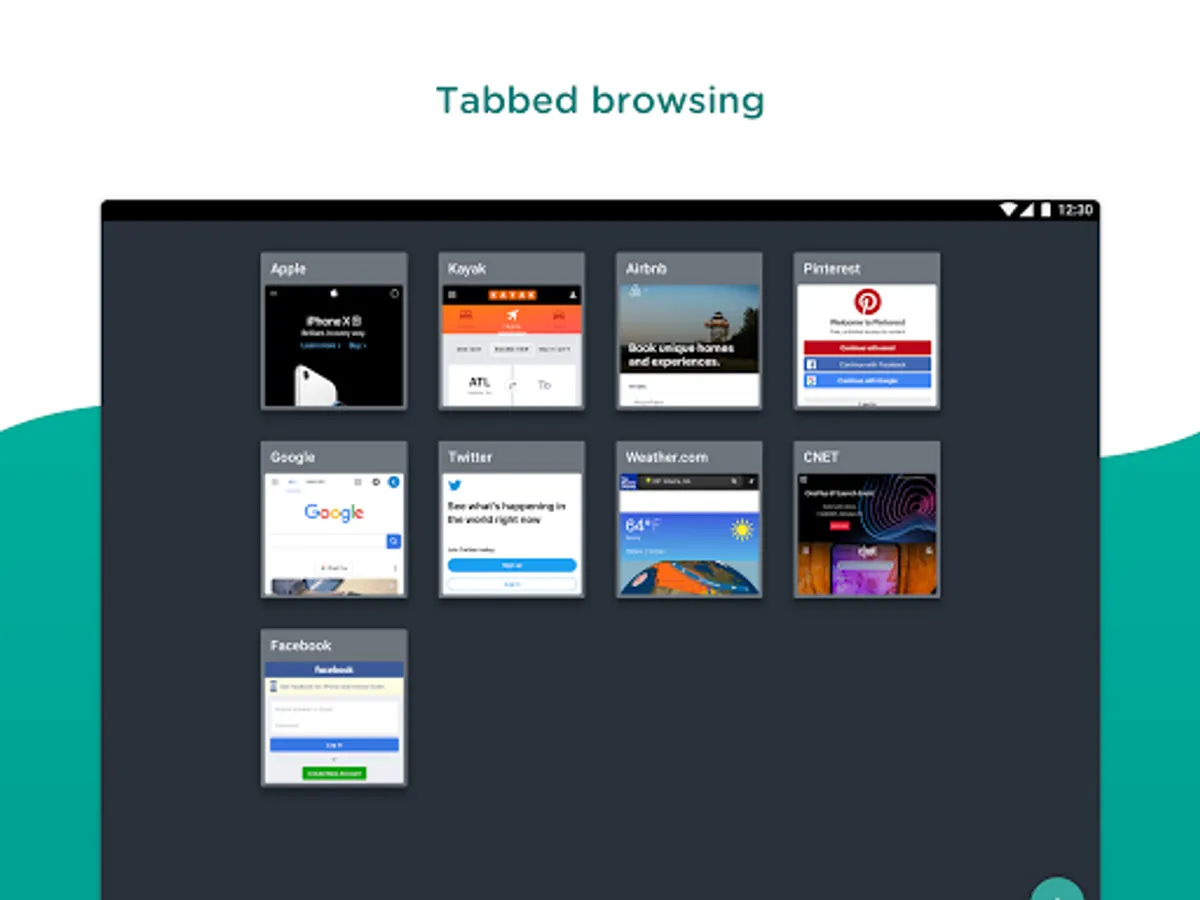
Experience intuitive, secure browsing across intranet, internet, and web apps. Workspace ONE Web gives you instant access to your company’s internal network sites while you’re on the go without the hassle of manually connecting to a VPN.
**Instantly Access Company Sites and Intranet**
Enjoy frictionless access to your organization’s websites and intranet in a flash without manually configuring a VPN.
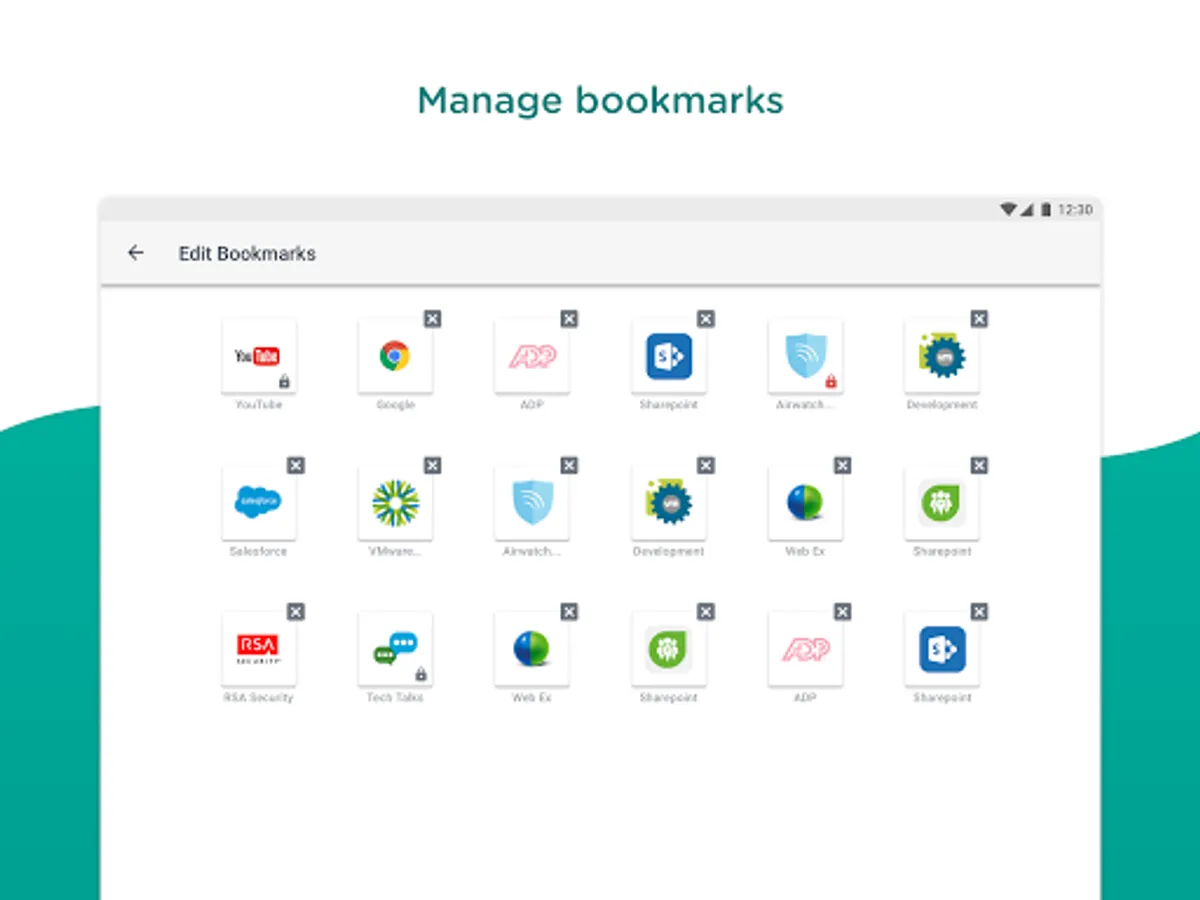
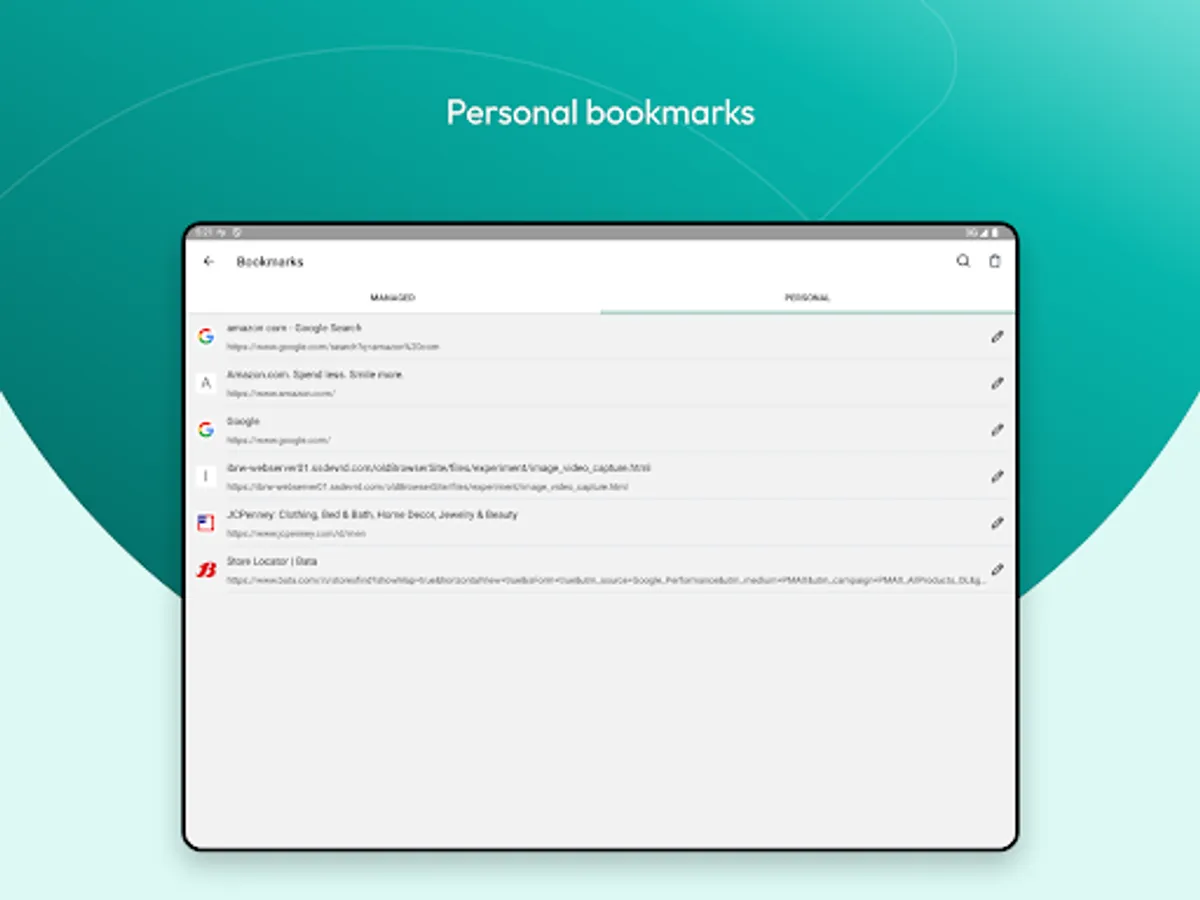
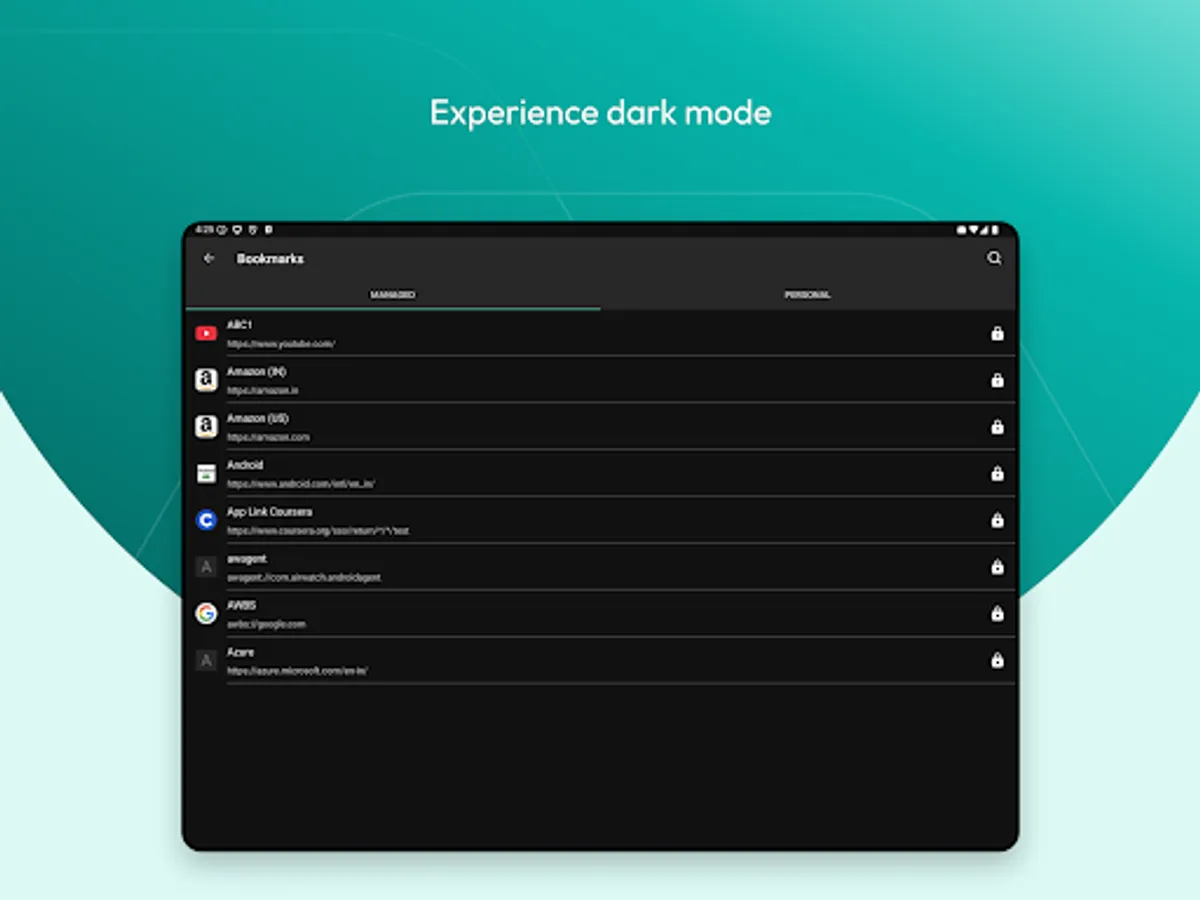
**Find All of Your Bookmarks in One Place**
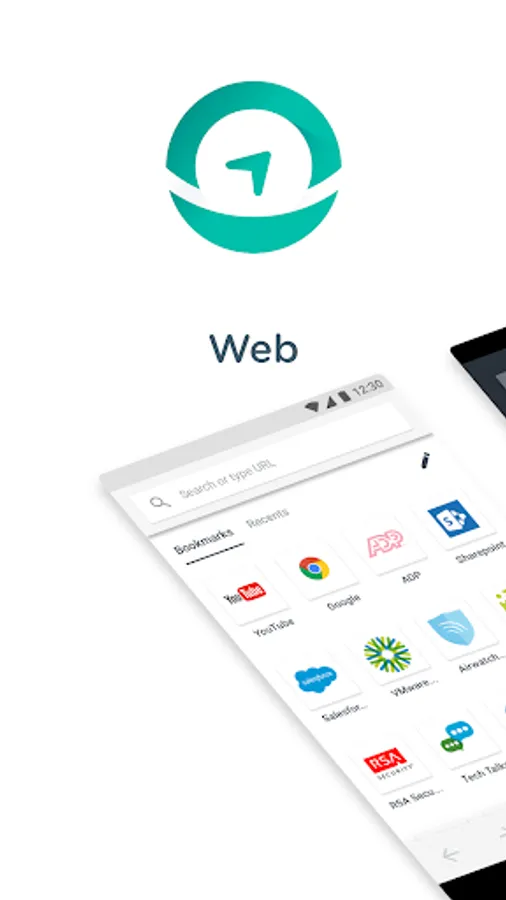
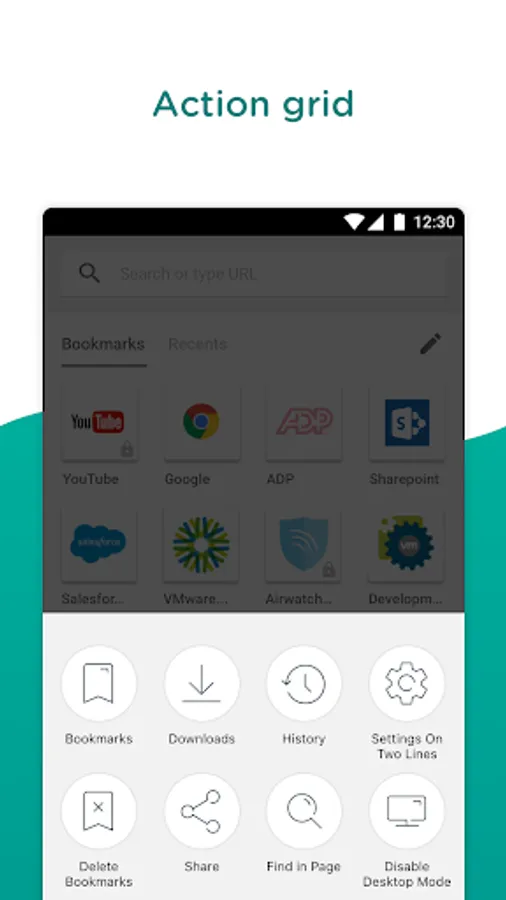
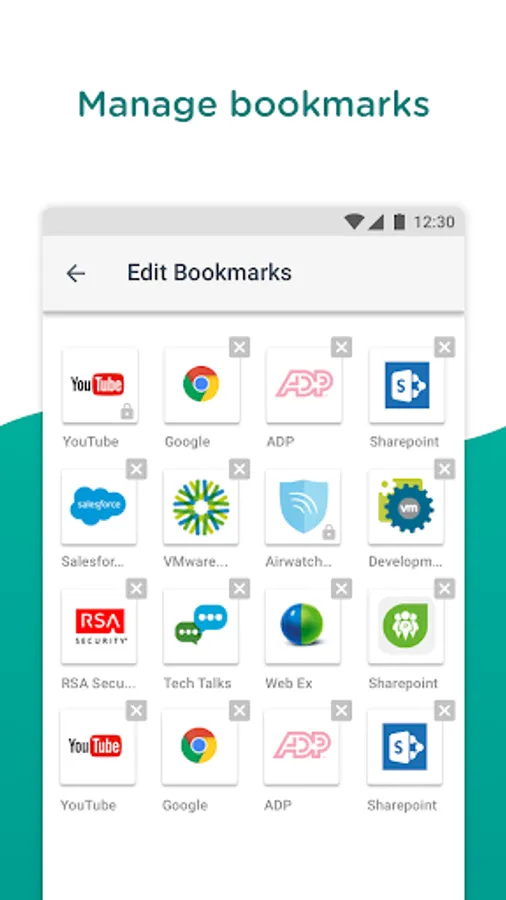
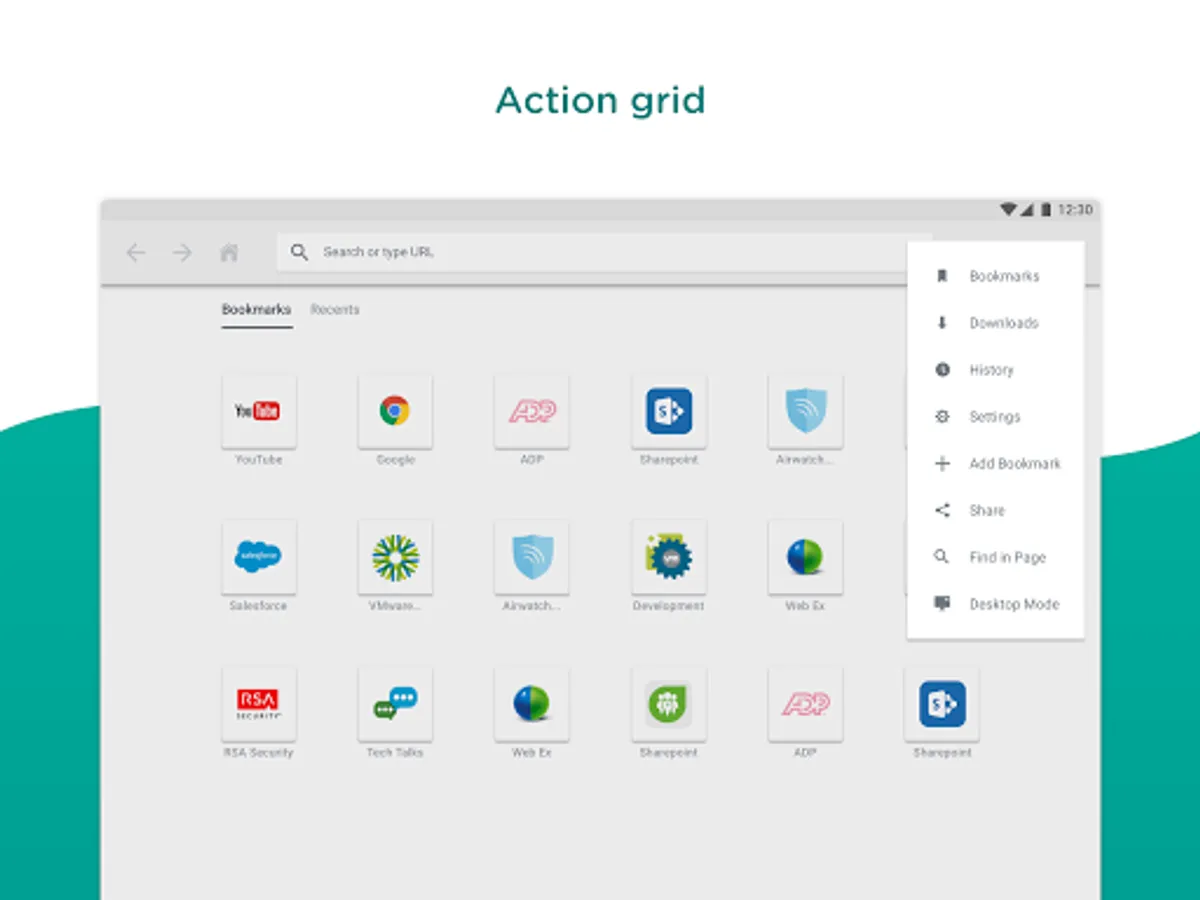
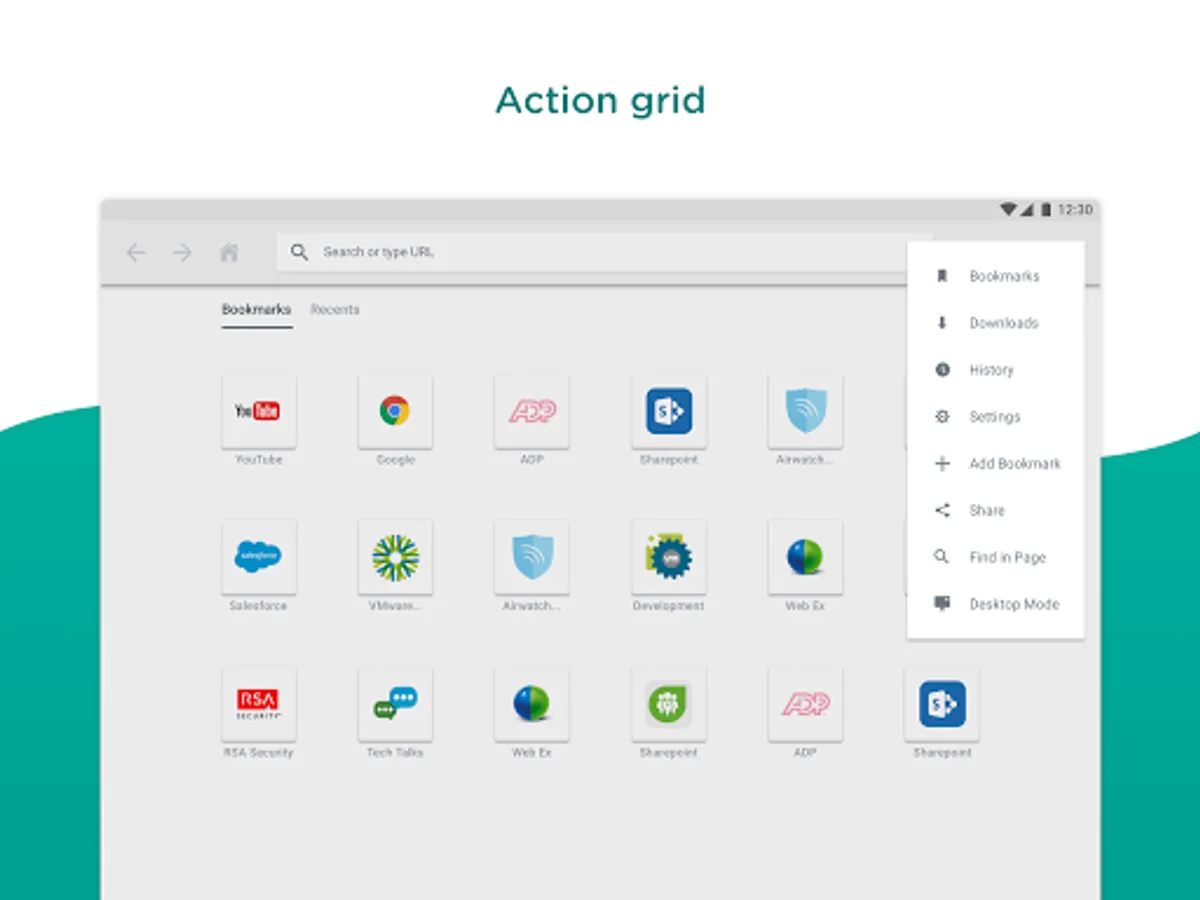
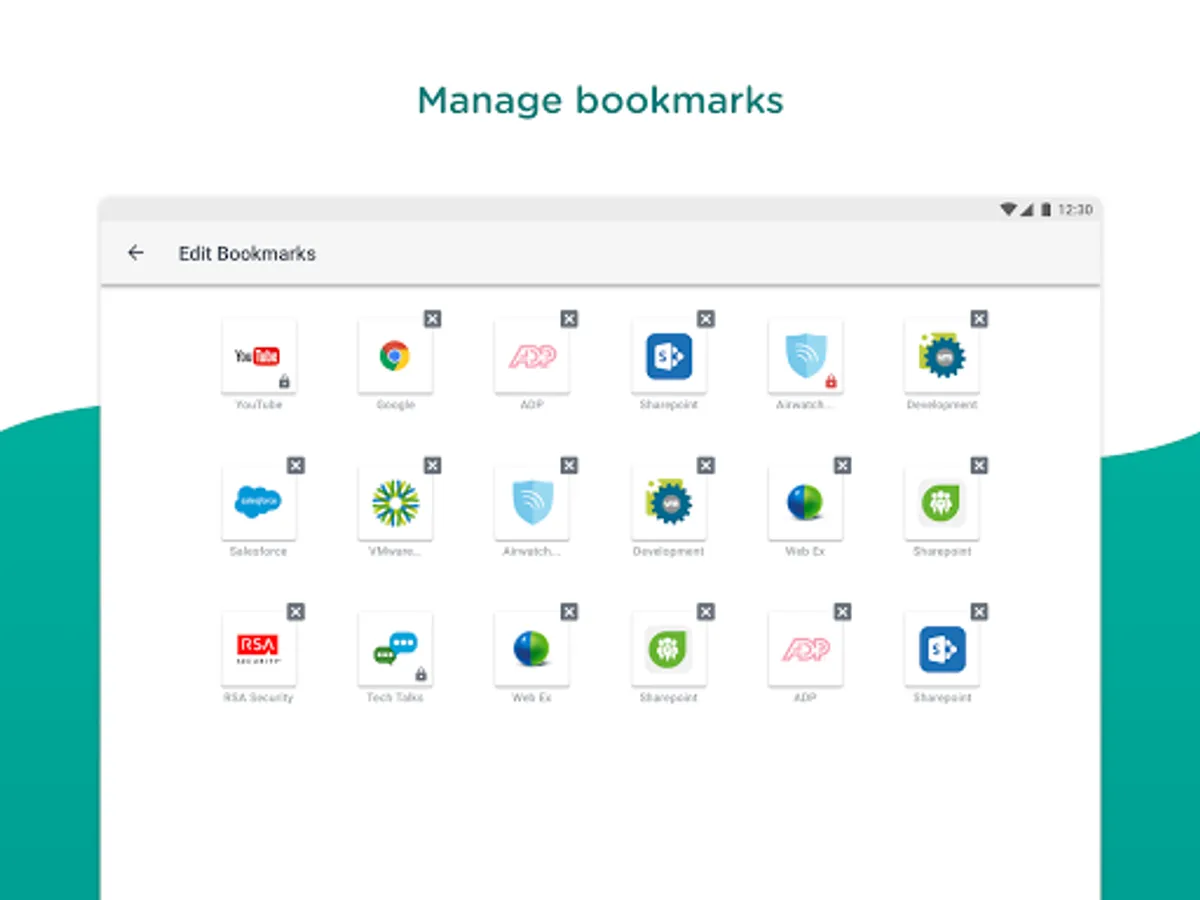
Your company can push bookmarks down to your app so you can easily locate them. You can also edit and remove bookmarks or add your own. Having a hard time locating your bookmarks? Tap the action grid at the bottom and tap “Bookmarks”.
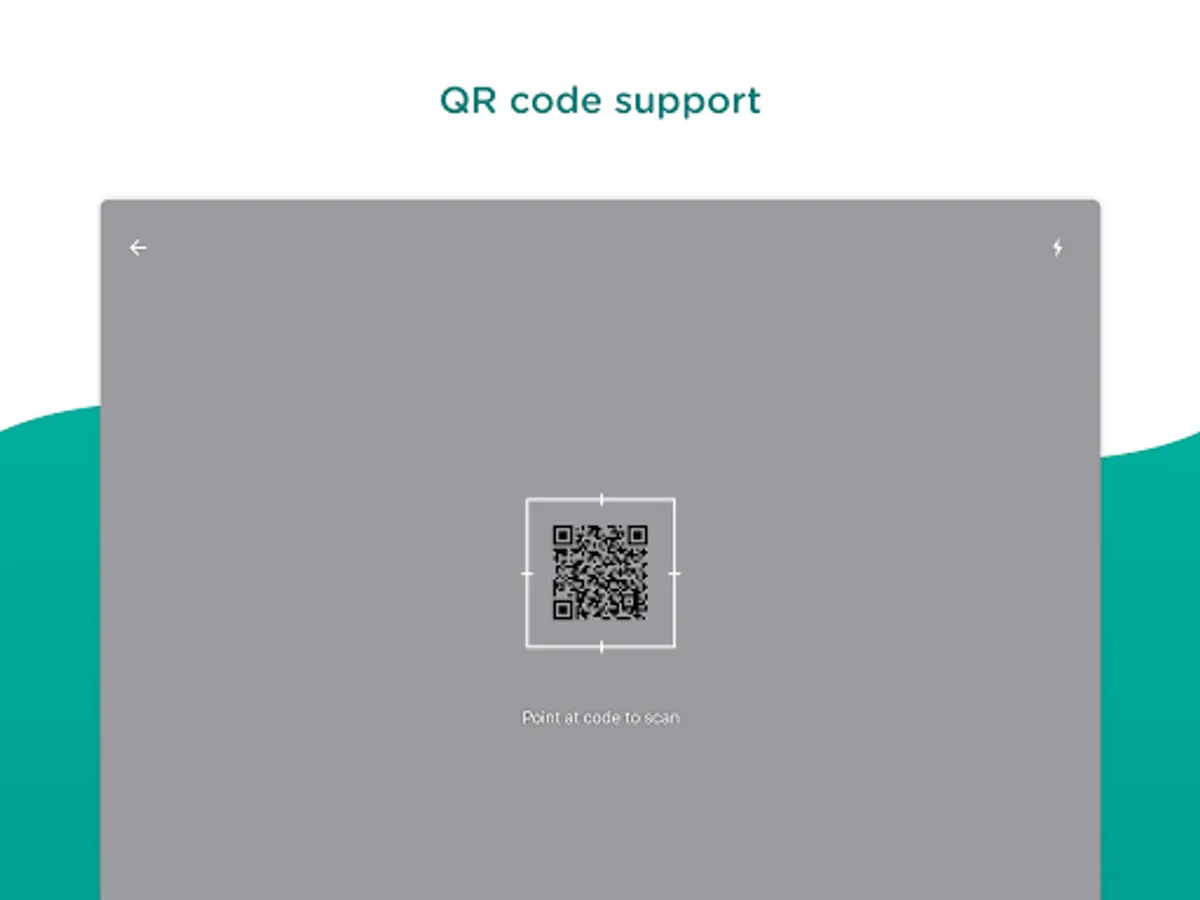
**Scan QR Codes on the Fly**
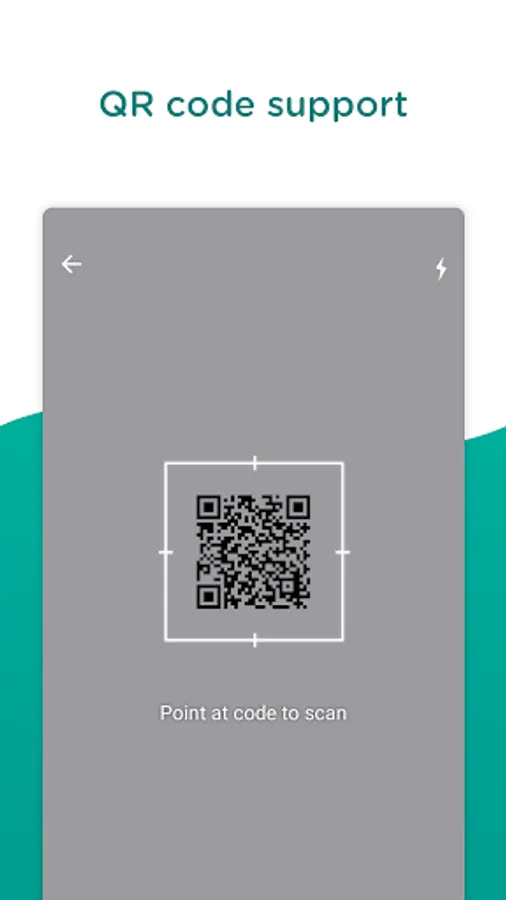
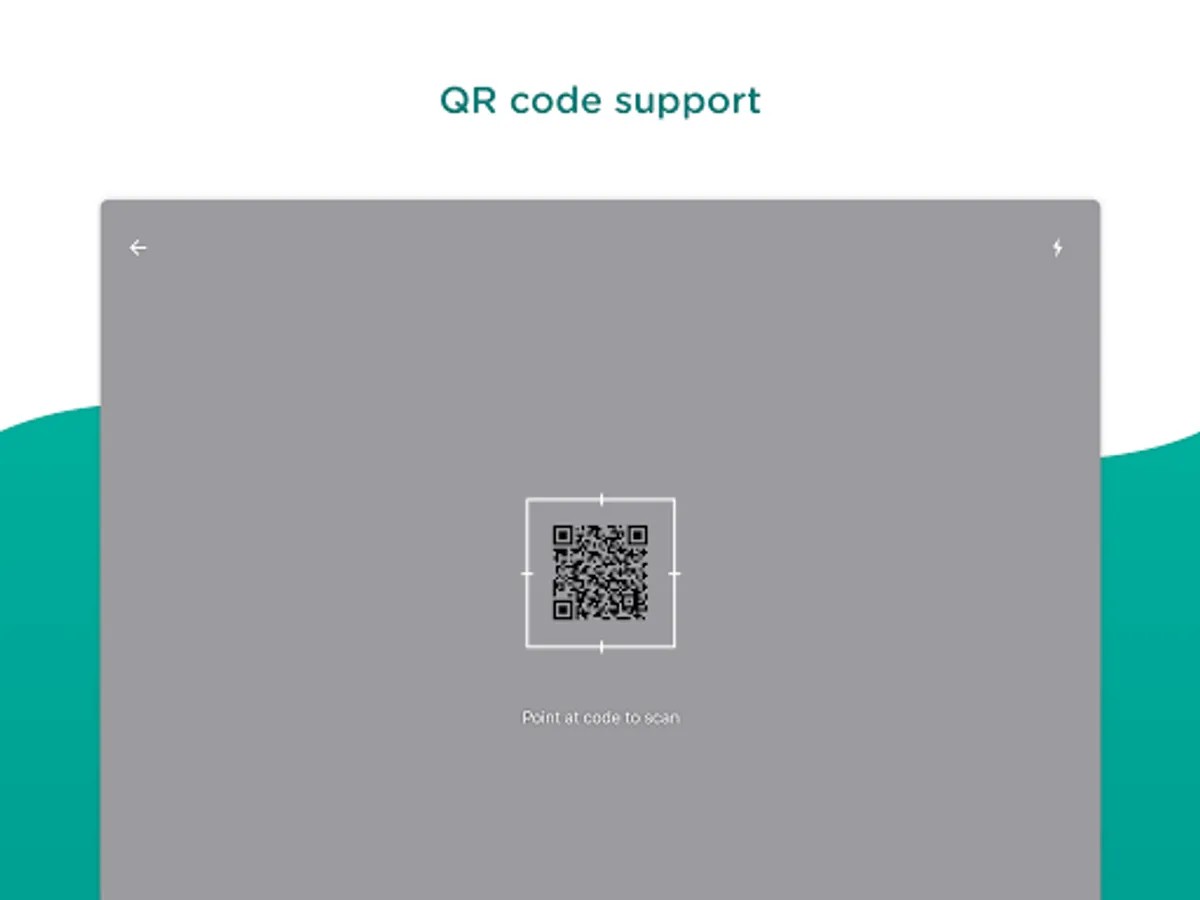
Need to scan a QR code? Navigate to the Browser’s URL address bar, tap the code on the right, enable access to the camera and your device is ready to scan!
To optimize security and productivity for your device, Omnissa will need to collect some device identity information, such as:
• Phone Number
• Serial Number
• UDID (Universal Device Identifier)
• IMEI (International Mobile Equipment Identifier)
• SIM Card Identifier
• Mac Address
• Currently Connected SSID
**Instantly Access Company Sites and Intranet**
Enjoy frictionless access to your organization’s websites and intranet in a flash without manually configuring a VPN.
**Find All of Your Bookmarks in One Place**
Your company can push bookmarks down to your app so you can easily locate them. You can also edit and remove bookmarks or add your own. Having a hard time locating your bookmarks? Tap the action grid at the bottom and tap “Bookmarks”.
**Scan QR Codes on the Fly**
Need to scan a QR code? Navigate to the Browser’s URL address bar, tap the code on the right, enable access to the camera and your device is ready to scan!
To optimize security and productivity for your device, Omnissa will need to collect some device identity information, such as:
• Phone Number
• Serial Number
• UDID (Universal Device Identifier)
• IMEI (International Mobile Equipment Identifier)
• SIM Card Identifier
• Mac Address
• Currently Connected SSID
Web - Workspace ONE Screenshots
Tap to Rate:
Reviews for Web - Workspace ONE
Frederick Kimble
10/5/2025
Great Widget .
Ryan C
9/2/2025
crashes more often than it works