
ai.type English Dictionary
ai.type
4.7 ★
419 ratings
50,000+
downloads
Free
With this keyboard app, you can customize your typing experience using next word prediction, correction, and spelling features. Includes English dictionary, emoji support, and various themes.
AppRecs review analysis
AppRecs rating 4.8. Trustworthiness 54 out of 100. Review manipulation risk 51 out of 100. Based on a review sample analyzed.
★★★★☆
4.8
AppRecs Rating
Ratings breakdown
5 star
85%
4 star
9%
3 star
2%
2 star
0%
1 star
4%
What to know
⚠
Questionable review patterns
51% review manipulation risk - some review patterns appear unusual
⚠
Rating authenticity concerns
High rating concentration (85% 5-star) in sampled ratings
⚠
Review quality concerns
61% of sampled 5-star reviews are very short
About ai.type English Dictionary
★★★ With over 50 million downloads, aitype Keyboard is now available in English as well ★★★
(ai.type Keyboard can be found in : https://play.google.com/store/apps/details?id=com.aitype.android)
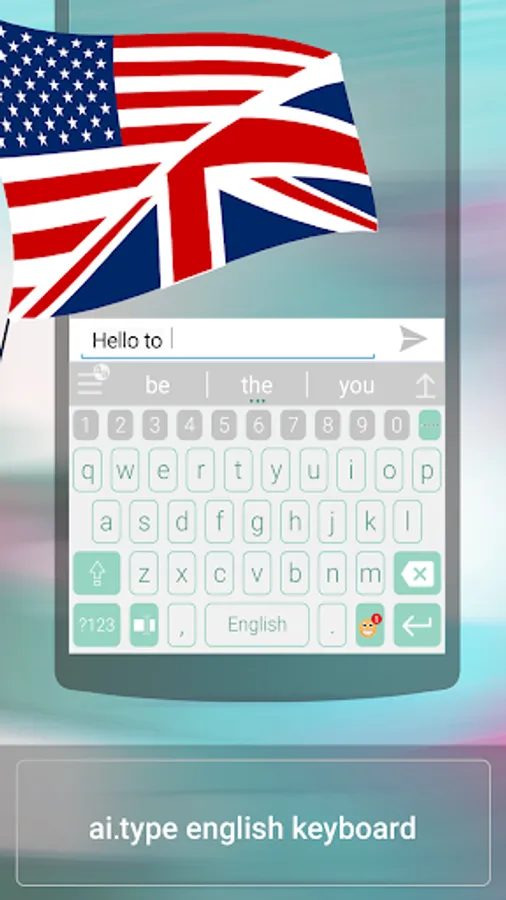
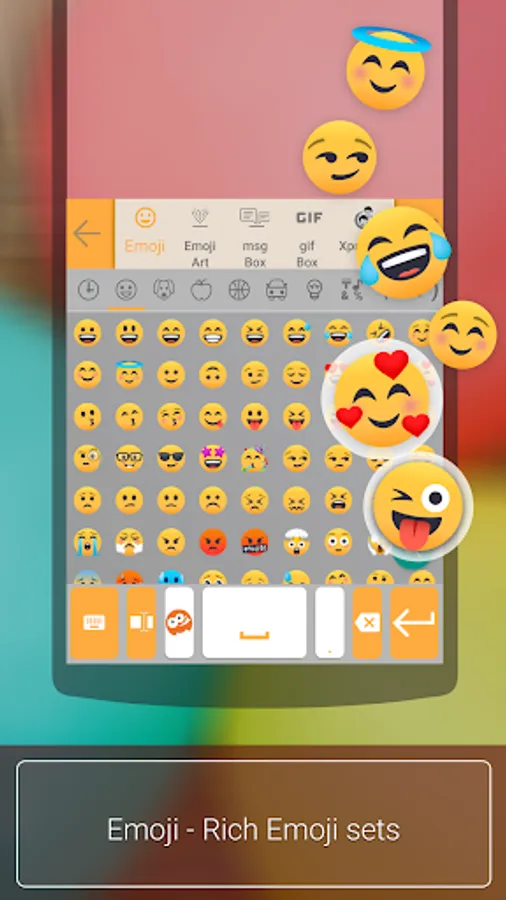
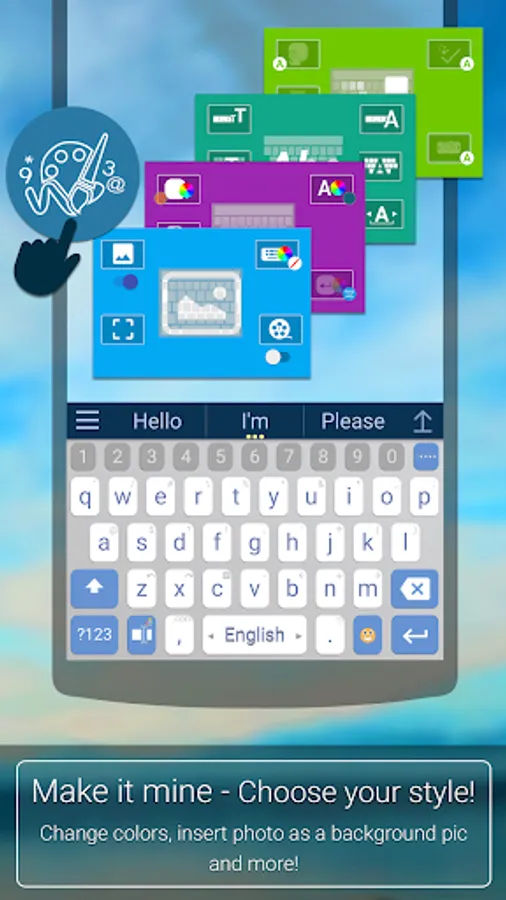
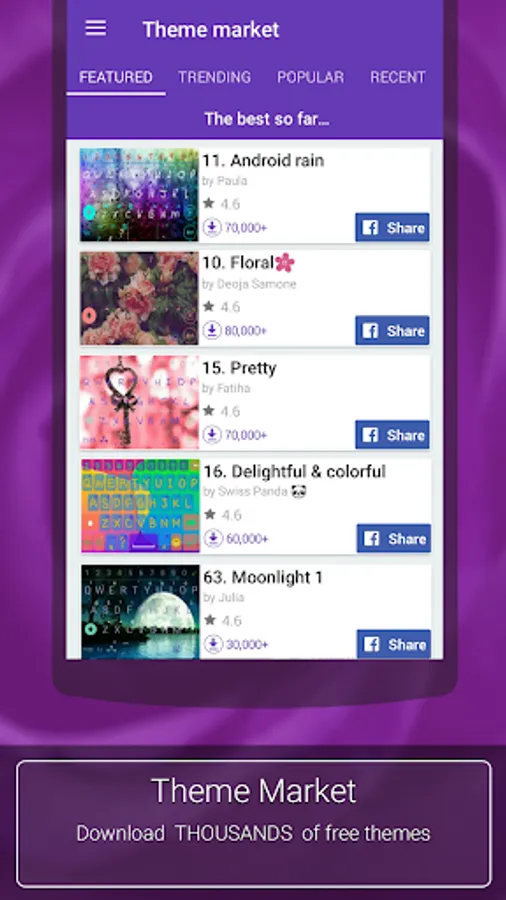
aitype.com replaces your default Android keyboard with a powerful, fully customized keyboard! aitype.com keyboard enables next word prediction, completion, correction, spelling and grammar check as you type. It includes built in emoji support (https://play.google.com/store/apps/details?id=com.aitype.android.emojinew) and hundreds of themes, It’s among the 10 leading productivity apps in over 35 countries.
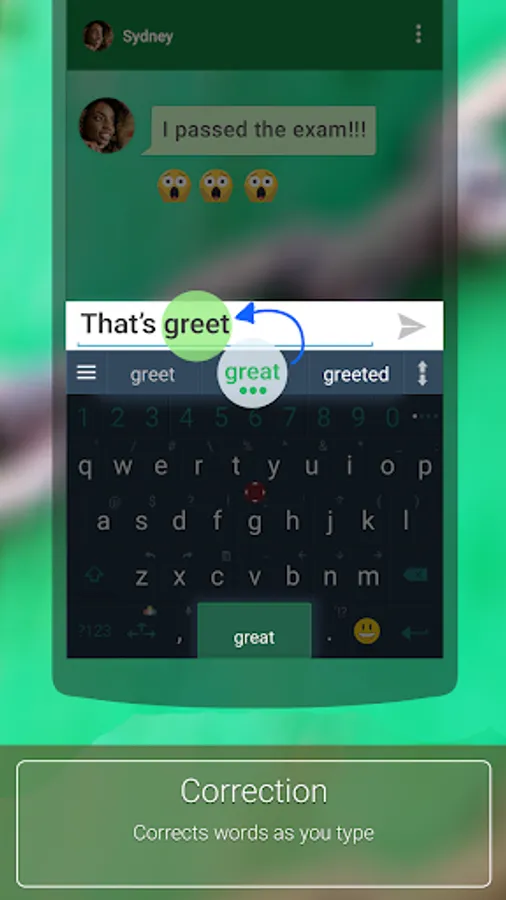
Download this FREE English dictionary pack to use it with your ai.type.com Keyboard. You’ll be able to type much faster with our world leading next word prediction, completion and correction self learning technology. The ai.type Keyboard makes a perfect tool that learns your typing patterns then predicts and corrects your typing- as you type. Try it out now for FREE!
After installing the English dictionary pack, open your ai.type Keyboard settings menu from the ai.type application or by long clicking the menu button on your ai.type Keyboard (bottom left area) then press “languages”. Inside languages, please select English under the ‘Installed’ section. Once installed, you can switch between languages by swiping the Space key right or left from your keyboard.
Please rate our English language pack on Google Play if you liked it! (-:
The English language pack requires ai.type Keyboard Plus or Free (https://play.google.com/store/apps/details?id=com.aitype.android)
(ai.type Keyboard can be found in : https://play.google.com/store/apps/details?id=com.aitype.android)
aitype.com replaces your default Android keyboard with a powerful, fully customized keyboard! aitype.com keyboard enables next word prediction, completion, correction, spelling and grammar check as you type. It includes built in emoji support (https://play.google.com/store/apps/details?id=com.aitype.android.emojinew) and hundreds of themes, It’s among the 10 leading productivity apps in over 35 countries.
Download this FREE English dictionary pack to use it with your ai.type.com Keyboard. You’ll be able to type much faster with our world leading next word prediction, completion and correction self learning technology. The ai.type Keyboard makes a perfect tool that learns your typing patterns then predicts and corrects your typing- as you type. Try it out now for FREE!
After installing the English dictionary pack, open your ai.type Keyboard settings menu from the ai.type application or by long clicking the menu button on your ai.type Keyboard (bottom left area) then press “languages”. Inside languages, please select English under the ‘Installed’ section. Once installed, you can switch between languages by swiping the Space key right or left from your keyboard.
Please rate our English language pack on Google Play if you liked it! (-:
The English language pack requires ai.type Keyboard Plus or Free (https://play.google.com/store/apps/details?id=com.aitype.android)
ai.type English Dictionary Screenshots
Tap to Rate:
Reviews for ai.type English Dictionary
Aminu Zaki Junior
2/25/2025
A very beautiful keyboard and easy to use, I just love it.
MarkG353
9/10/2024
Having used AI type for years I can say it's the best.