
ai.type Hindi Dictionary
ai.type
5.0 ★
623 ratings
50,000+
downloads
Free
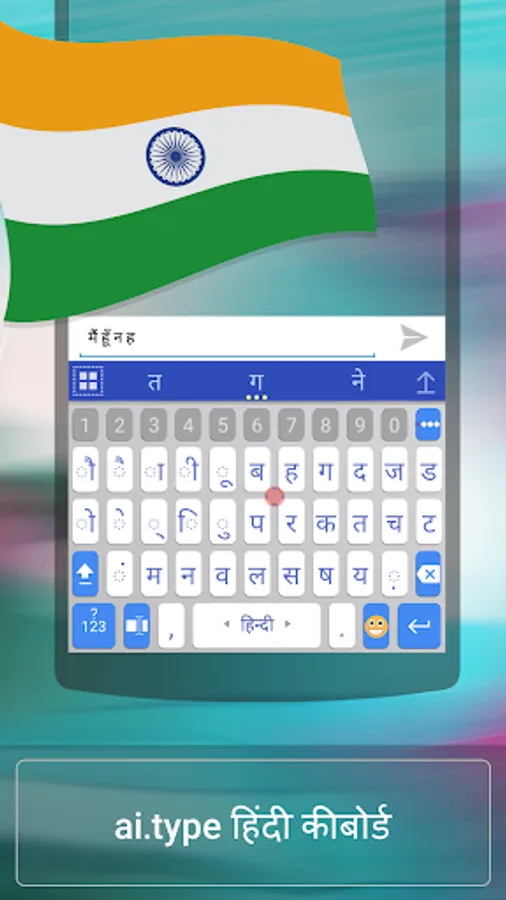
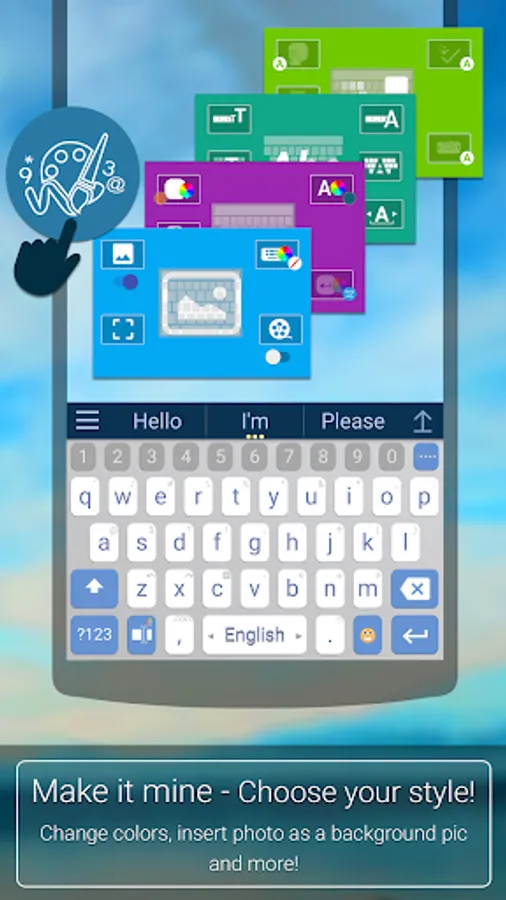
With this keyboard app, you can type in Hindi with next word prediction, correction, and customizable themes. Includes emoji support and language switching features.
AppRecs review analysis
AppRecs rating 4.0. Trustworthiness 42 out of 100. Review manipulation risk 49 out of 100. Based on a review sample analyzed.
★★★★☆
4.0
AppRecs Rating
Ratings breakdown
5 star
100%
4 star
0%
3 star
0%
2 star
0%
1 star
0%
What to know
⚠
Questionable review patterns
49% review manipulation risk - some review patterns appear unusual
⚠
Unusually uniform ratings
100% of sampled ratings are 5 stars with very little variation
⚠
Review quality concerns
76% of sampled 5-star reviews are very short
About ai.type Hindi Dictionary
★★★ With over 50 million downloads, aitype Keyboard is now available in Hindi as well ★★★
(ai.type Keyboard can be found in : https://play.google.com/store/apps/details?id=com.aitype.android)
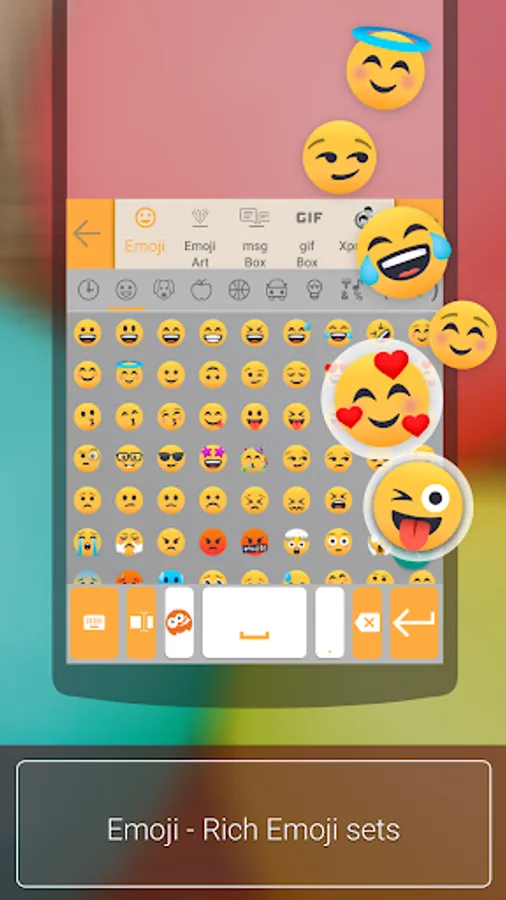
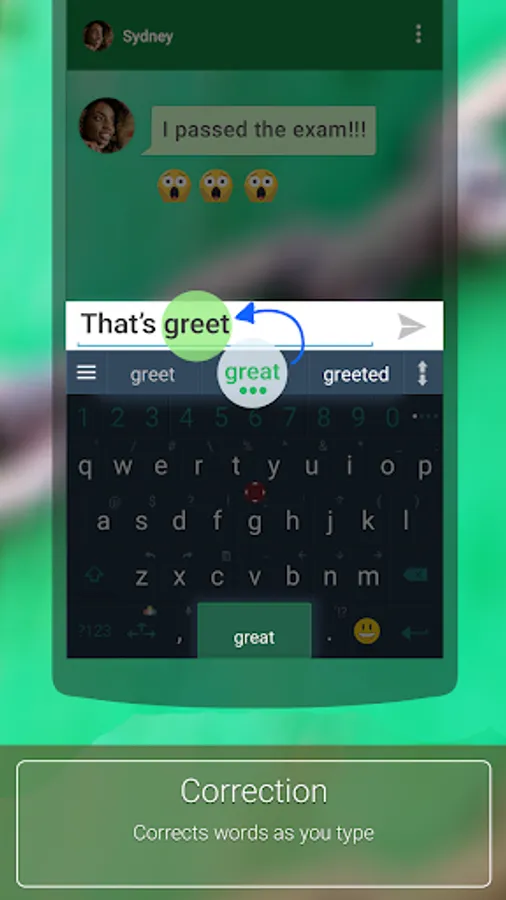
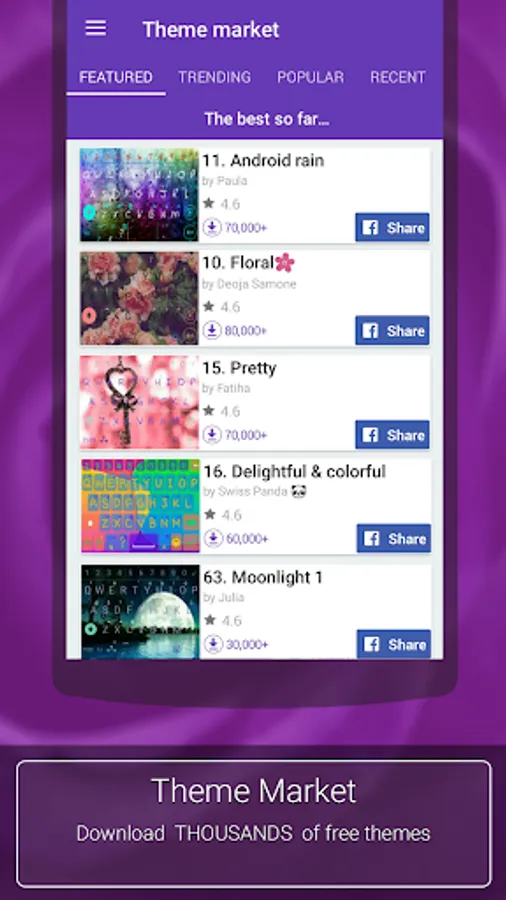
aitype.com replaces your default Android keyboard with a powerful, fully customized keyboard! aitype.com keyboard enables next word prediction, completion, correction, spelling and grammar check as you type. It includes built in emoji support (https://play.google.com/store/apps/details?id=com.aitype.android.emojinew) and hundreds of themes, It’s among the 10 leading productivity apps in over 35 countries.
Download this FREE Hindi dictionary pack to use it with your ai.type.com Keyboard. You’ll be able to type much faster with our world leading next word prediction, completion and correction self learning technology. The ai.type Keyboard makes a perfect tool that learns your typing patterns then predicts and corrects your typing- as you type. Try it out now for FREE!
After installing the Hindi dictionary pack, open your ai.type Keyboard settings menu from the ai.type application or by long clicking the menu button on your ai.type Keyboard (bottom left area) then press “languages”. Inside languages, please select Hindi under the ‘Installed’ section. Once installed, you can switch between languages by swiping the Space key right or left from your keyboard.
Please rate our Hindi language pack on Google Play if you liked it! (-:
The Hindi language pack requires ai.type Keyboard Plus or Free (https://play.google.com/store/apps/details?id=com.aitype.android)
(ai.type Keyboard can be found in : https://play.google.com/store/apps/details?id=com.aitype.android)
aitype.com replaces your default Android keyboard with a powerful, fully customized keyboard! aitype.com keyboard enables next word prediction, completion, correction, spelling and grammar check as you type. It includes built in emoji support (https://play.google.com/store/apps/details?id=com.aitype.android.emojinew) and hundreds of themes, It’s among the 10 leading productivity apps in over 35 countries.
Download this FREE Hindi dictionary pack to use it with your ai.type.com Keyboard. You’ll be able to type much faster with our world leading next word prediction, completion and correction self learning technology. The ai.type Keyboard makes a perfect tool that learns your typing patterns then predicts and corrects your typing- as you type. Try it out now for FREE!
After installing the Hindi dictionary pack, open your ai.type Keyboard settings menu from the ai.type application or by long clicking the menu button on your ai.type Keyboard (bottom left area) then press “languages”. Inside languages, please select Hindi under the ‘Installed’ section. Once installed, you can switch between languages by swiping the Space key right or left from your keyboard.
Please rate our Hindi language pack on Google Play if you liked it! (-:
The Hindi language pack requires ai.type Keyboard Plus or Free (https://play.google.com/store/apps/details?id=com.aitype.android)
ai.type Hindi Dictionary Screenshots
Tap to Rate:
Reviews for ai.type Hindi Dictionary
Bhil Punma
12/18/2022
𝐎𝐤
Soni Patel
3/6/2022
Nice