About Book Reader - PDF To Audio
Book Reader allows you to convert any computer typed PDF documents to Audio for free.
All you need is the pdf of the book.
Features:
• Quick processing of pdf documents
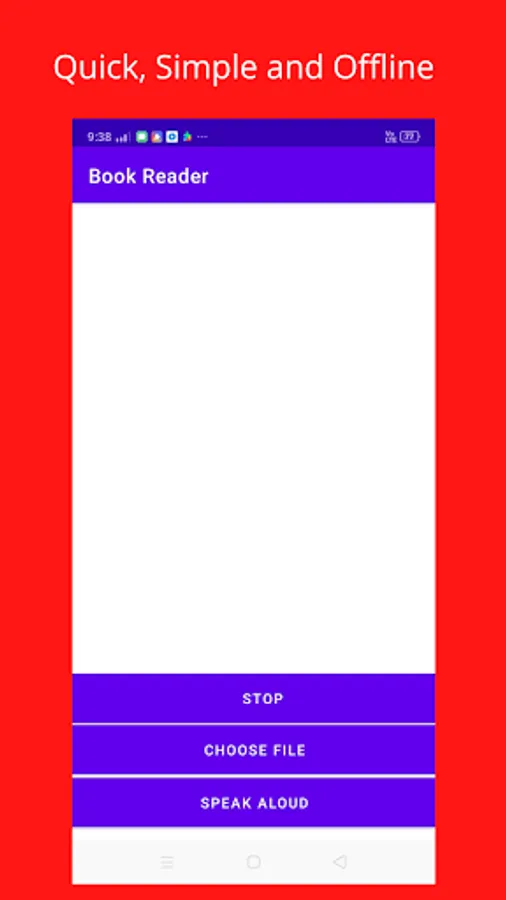
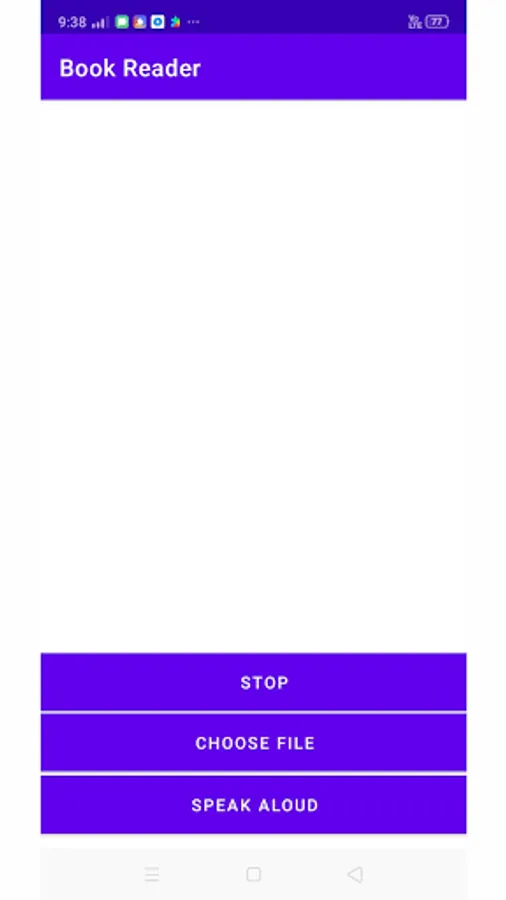
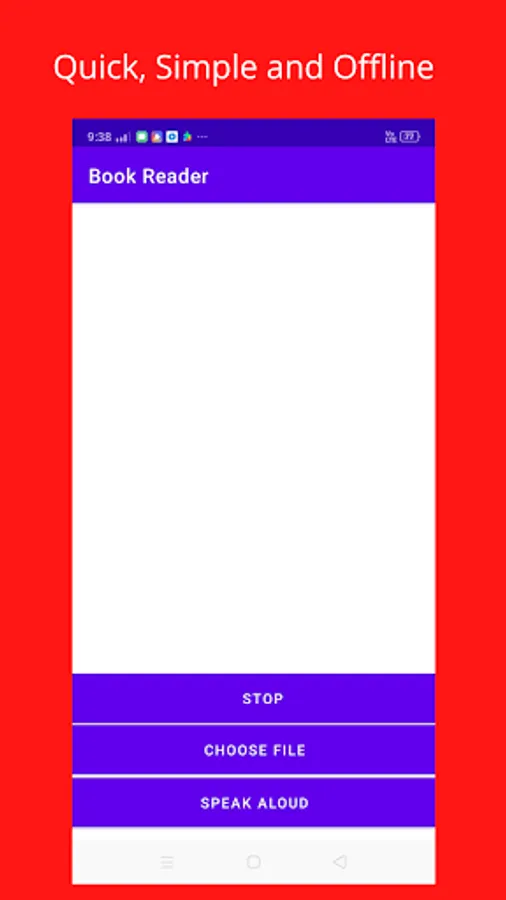
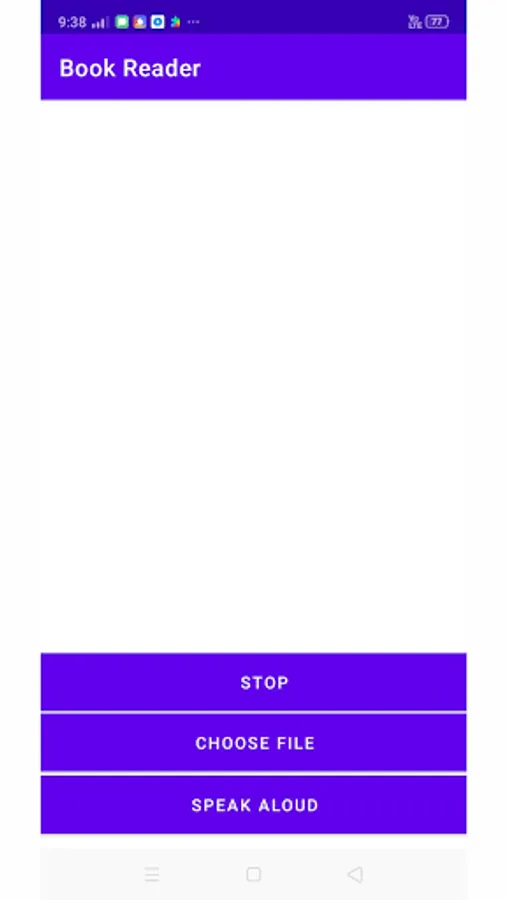
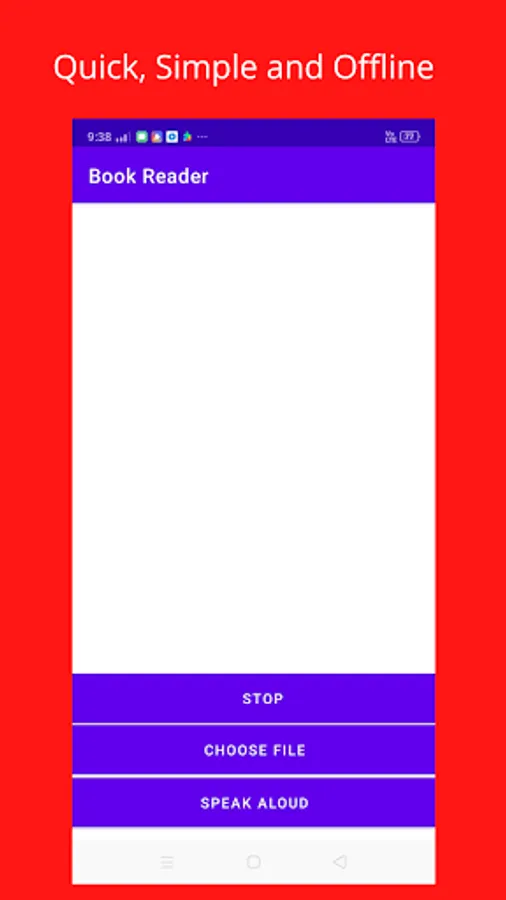
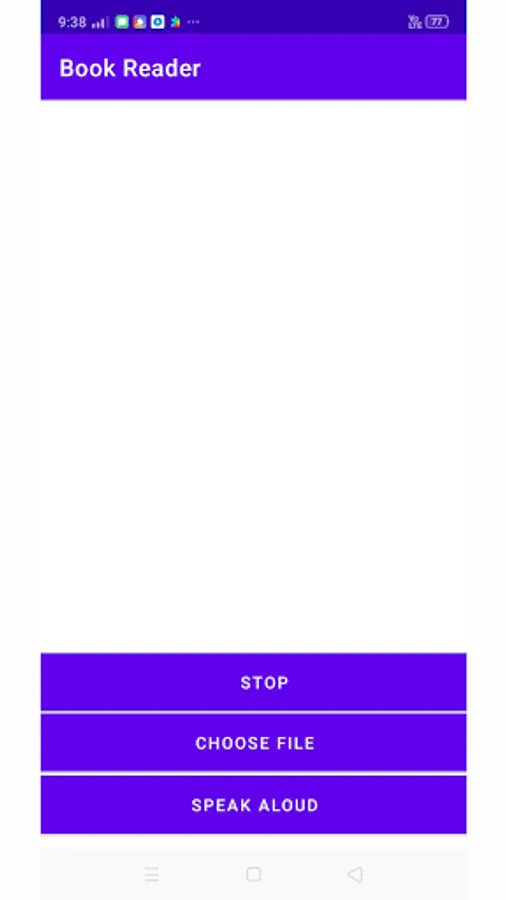
• Simple User Interface
• Easy to use
• You can also use other apps while Book Reader is reading.
• Works Offline
• Designed specifically for audiobook lovers
Instructions to use:-
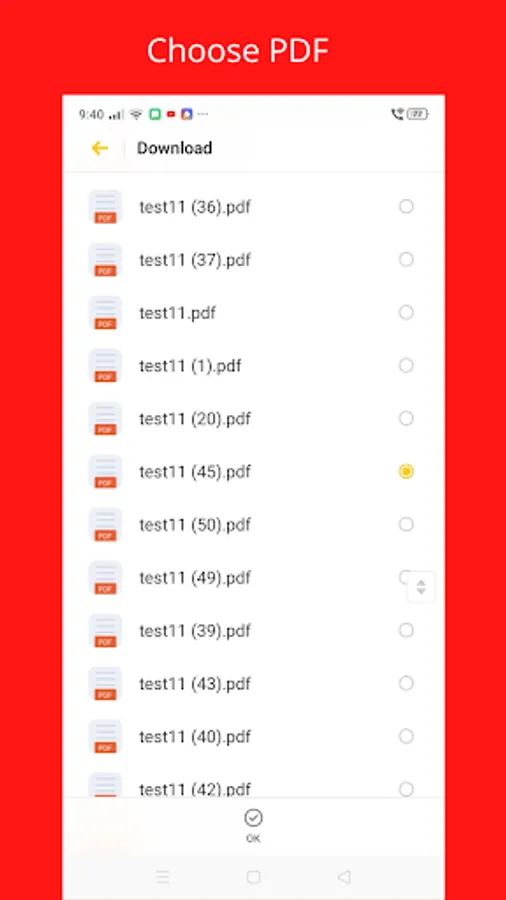
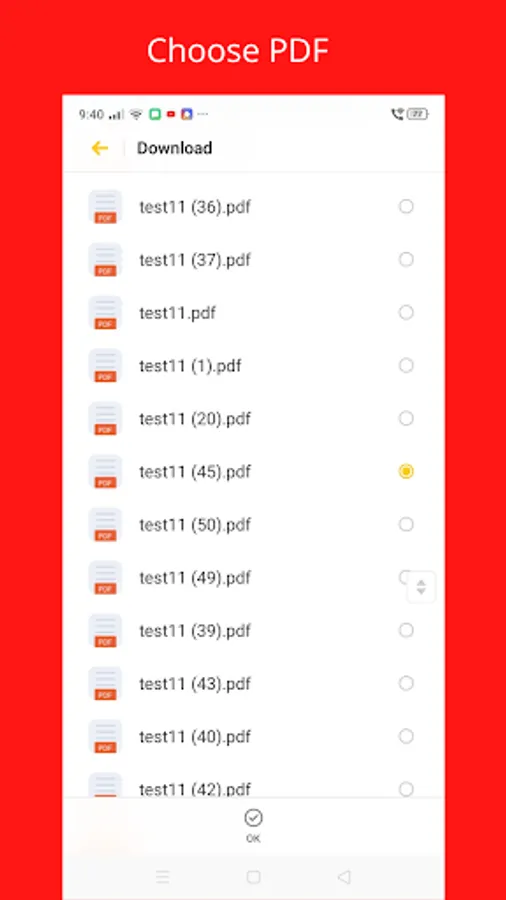
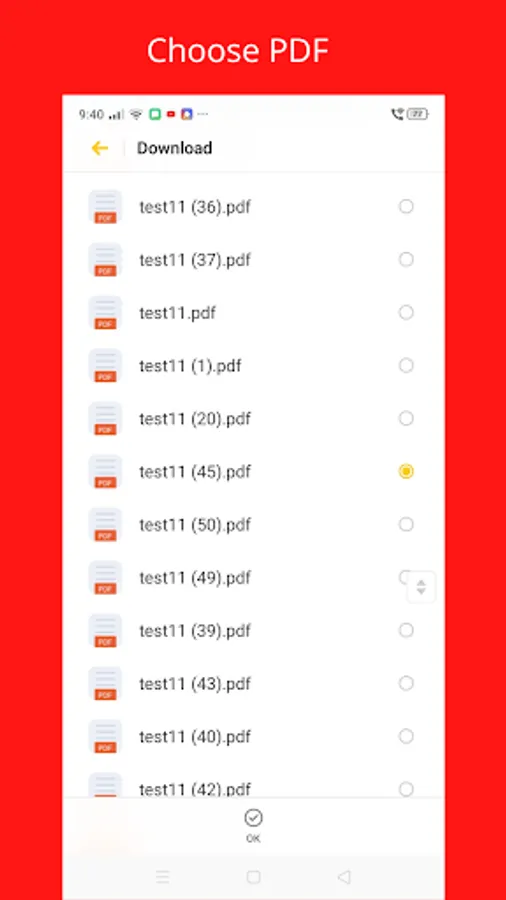
1. Click on 'Choose File' button and choose your desired '.pdf'.
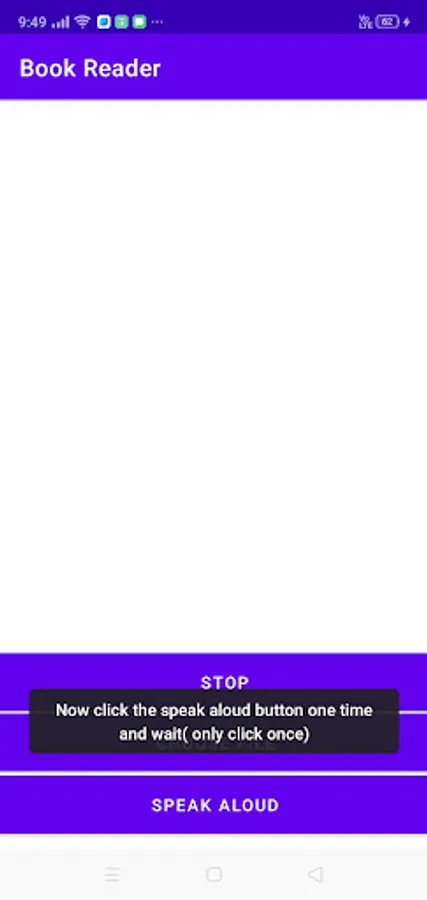
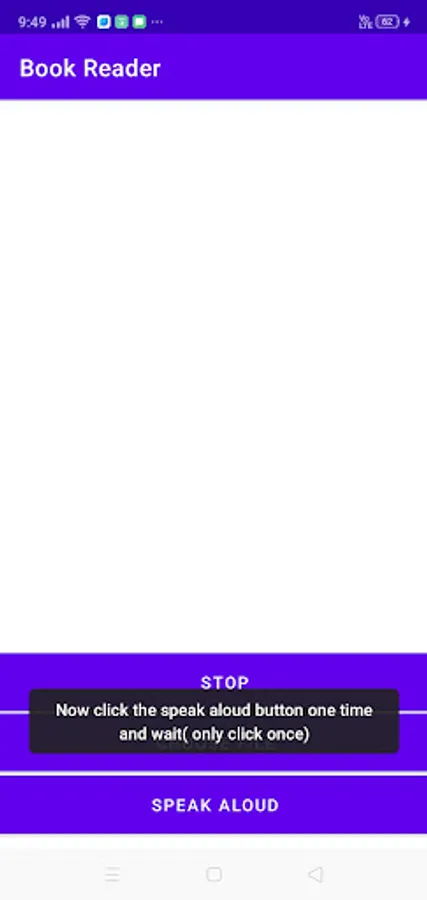
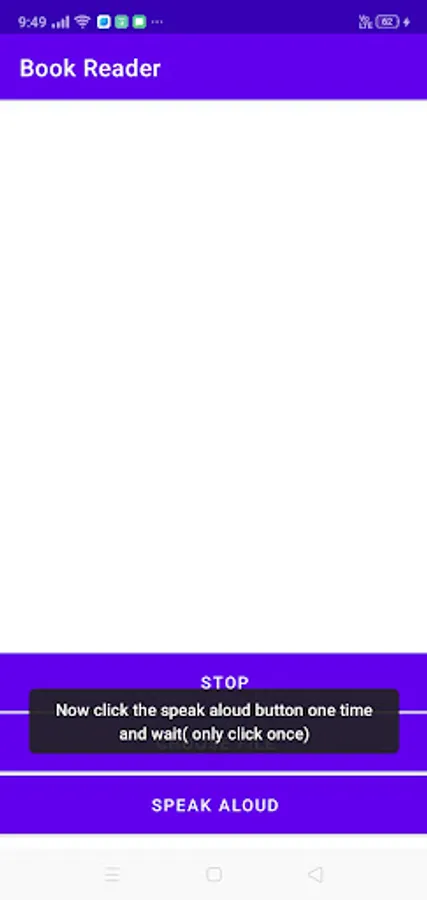
2. Then click on the 'Speak Aloud' button (not more than once or the app will crash).
3. Wait for a few seconds. The time taken for processing depends upon the size of the pdf.
4. Finally, it will start reading the document you have provided. Click on the stop button if you want to exit.
You can do other activities while listening to it. You can also open other applications (but don't press the back button).
All you need is the pdf of the book.
Features:
• Quick processing of pdf documents
• Simple User Interface
• Easy to use
• You can also use other apps while Book Reader is reading.
• Works Offline
• Designed specifically for audiobook lovers
Instructions to use:-
1. Click on 'Choose File' button and choose your desired '.pdf'.
2. Then click on the 'Speak Aloud' button (not more than once or the app will crash).
3. Wait for a few seconds. The time taken for processing depends upon the size of the pdf.
4. Finally, it will start reading the document you have provided. Click on the stop button if you want to exit.
You can do other activities while listening to it. You can also open other applications (but don't press the back button).