About Book Reader 2- PDF to Audio
Book Reader allows you to convert any computer typed PDF documents to Audio for free.
All you need is the pdf of the book. Book reader lets you convert unlimited number of books into audio in real-time and listen to them. In order to save the processing time and for better experience, the app only converts 30 pages. But after you finish listening to it, you can again give the next page number and continue listening.
Features:
• Quick processing of pdf documents
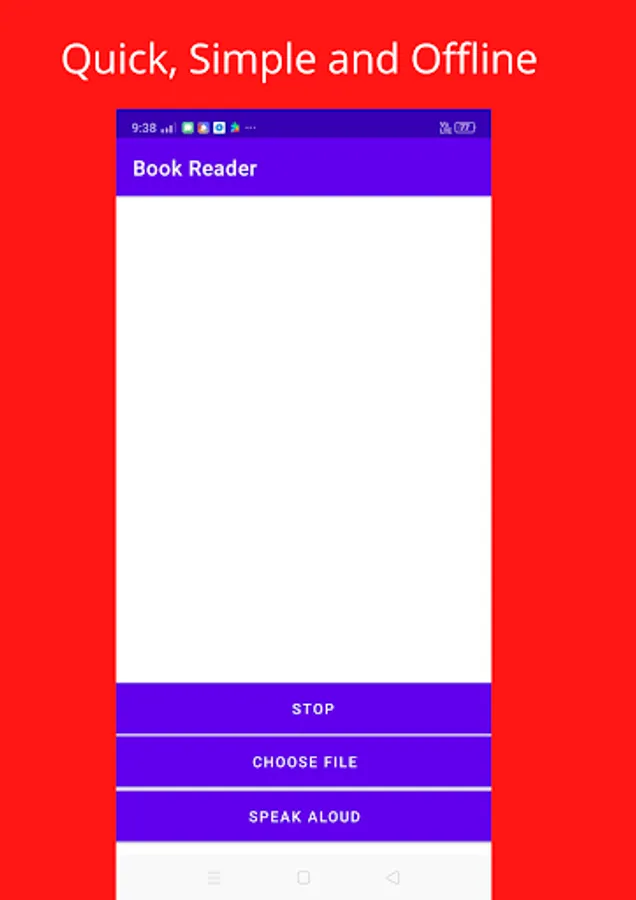
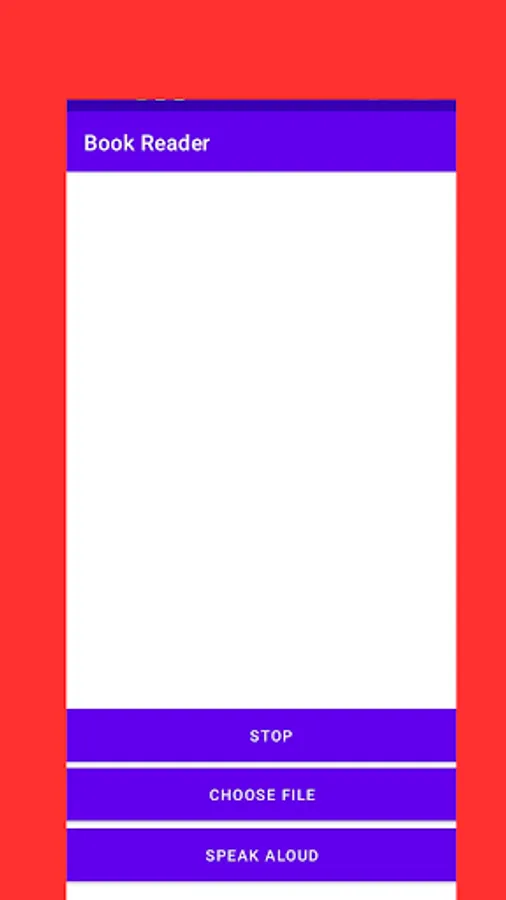
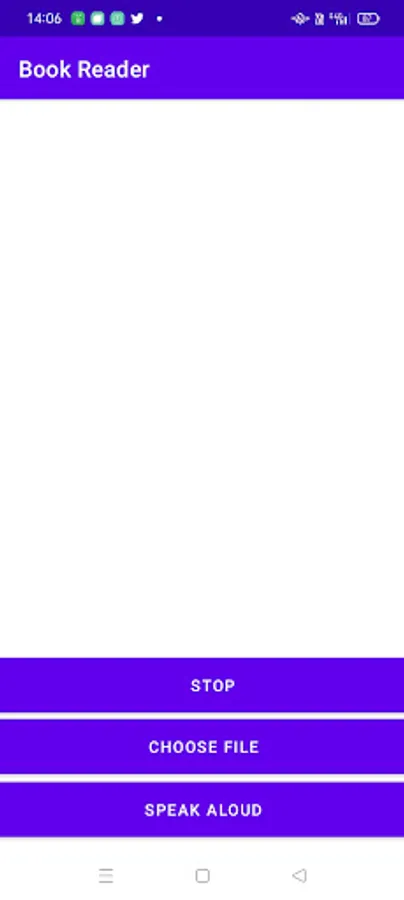
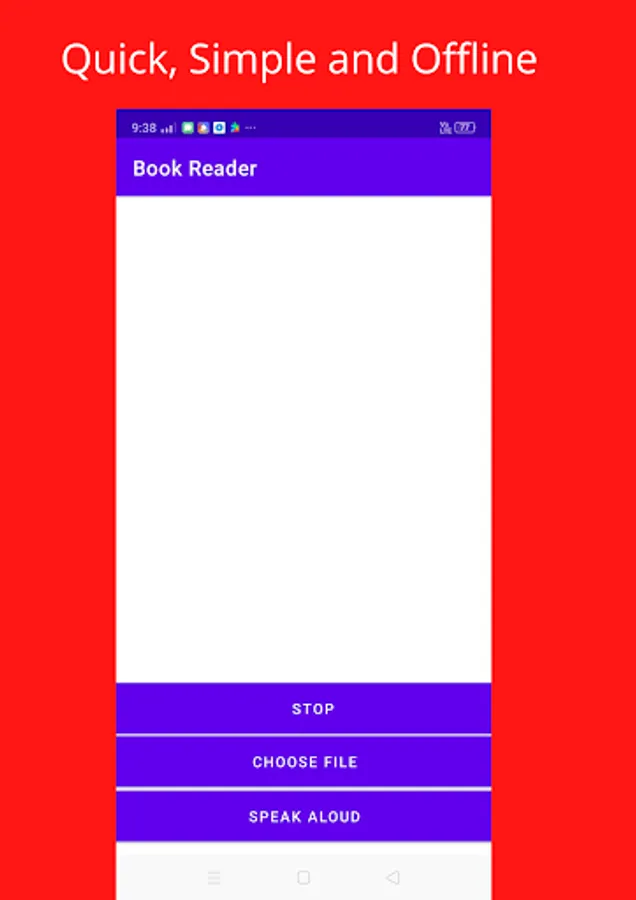
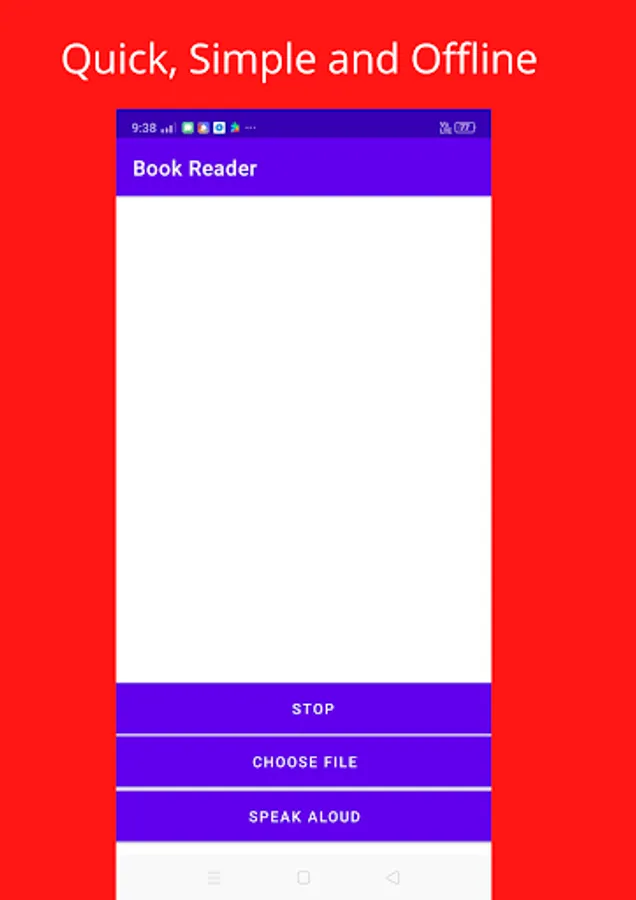
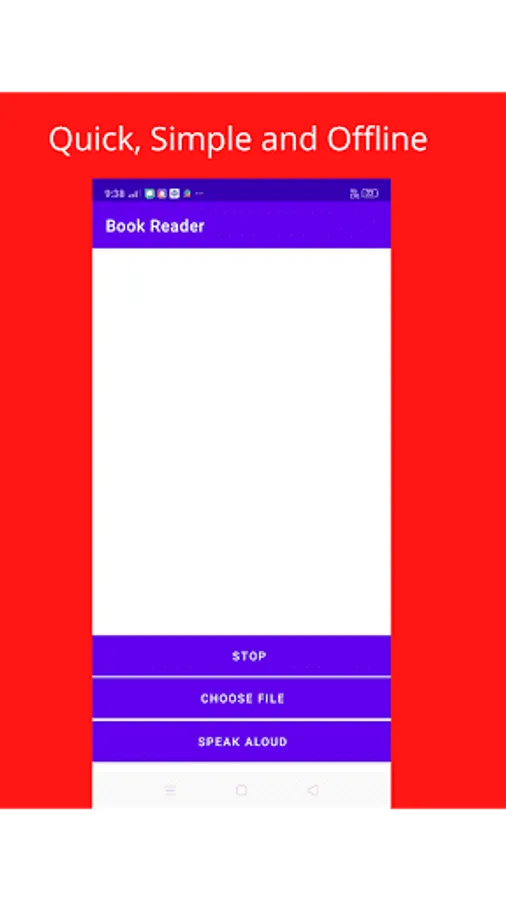
• Simple User Interface
• Easy to use
• You can also use other apps while Book Reader is reading( Background Running)
• Works Offline
• Designed specifically for audiobook lovers
Instructions to use:-
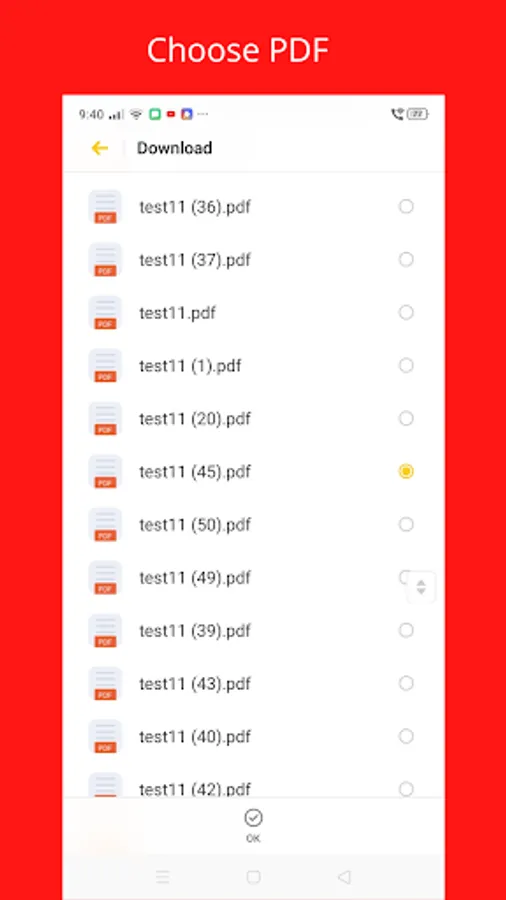
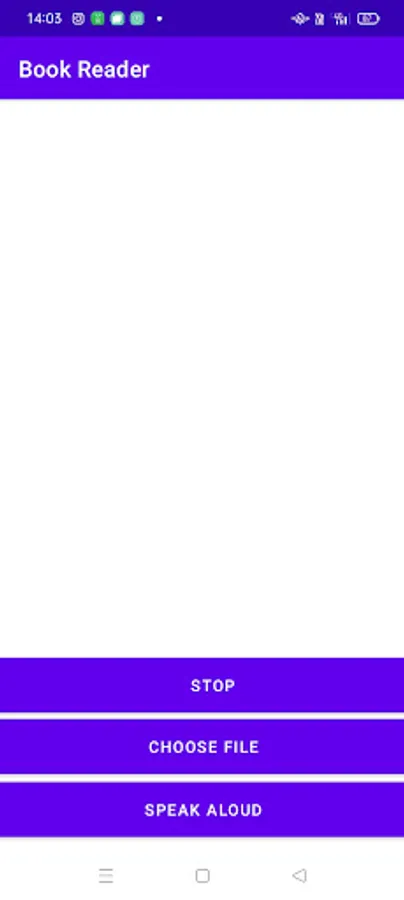
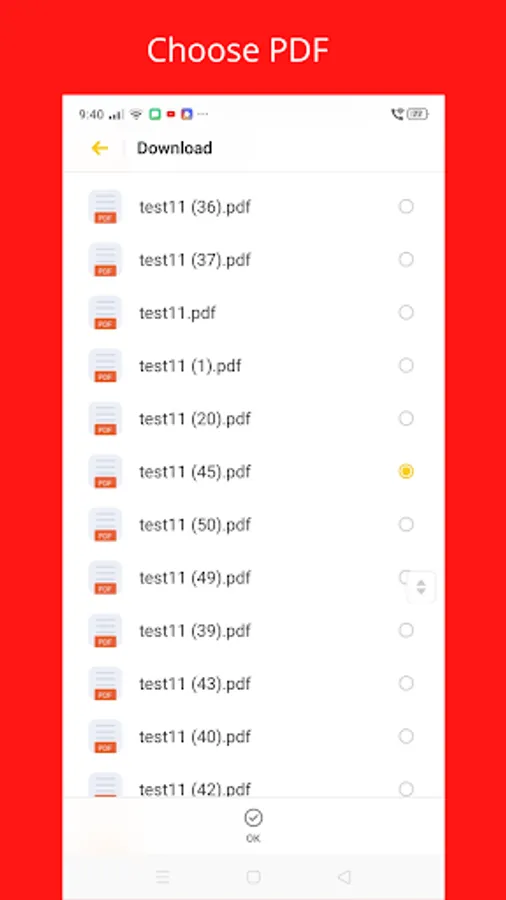
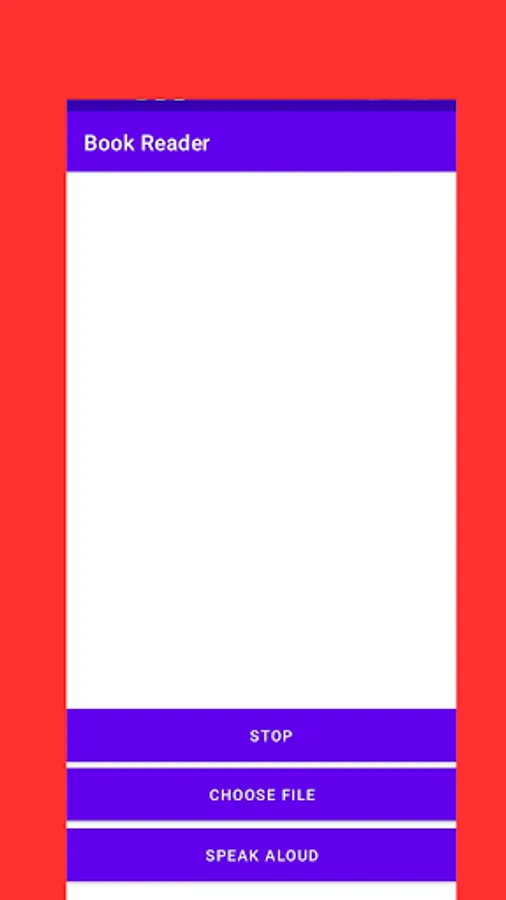
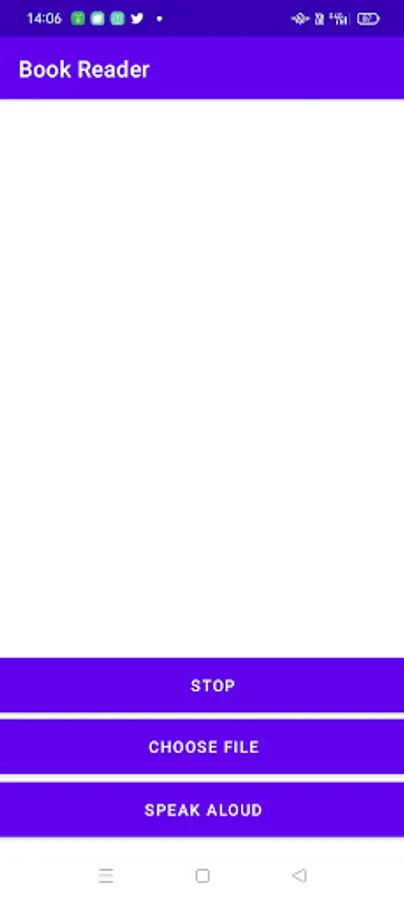
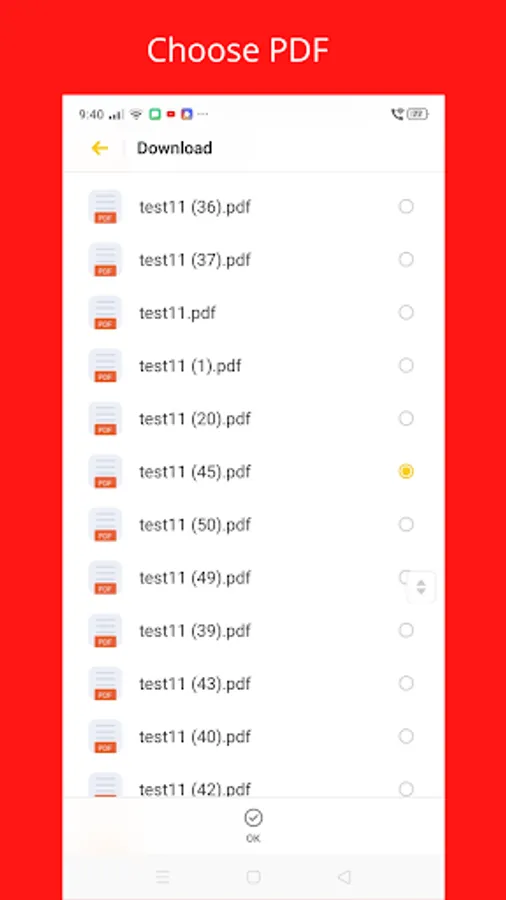
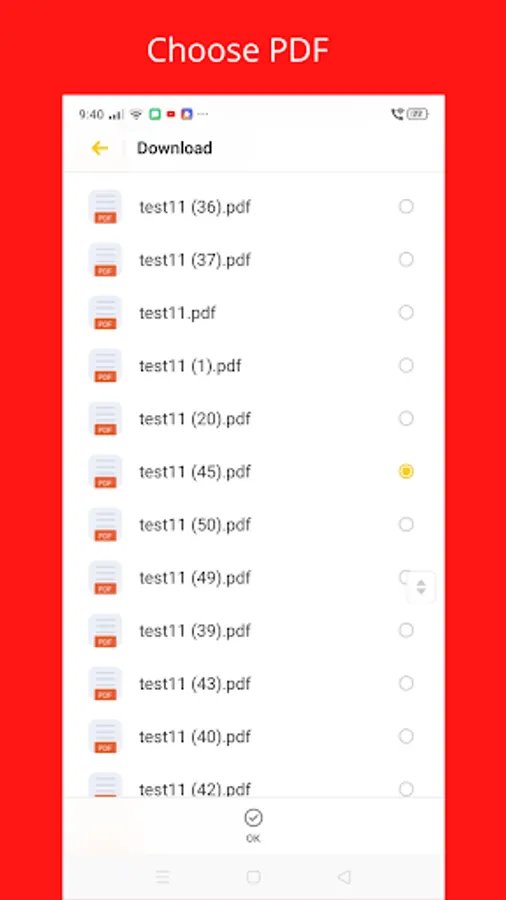
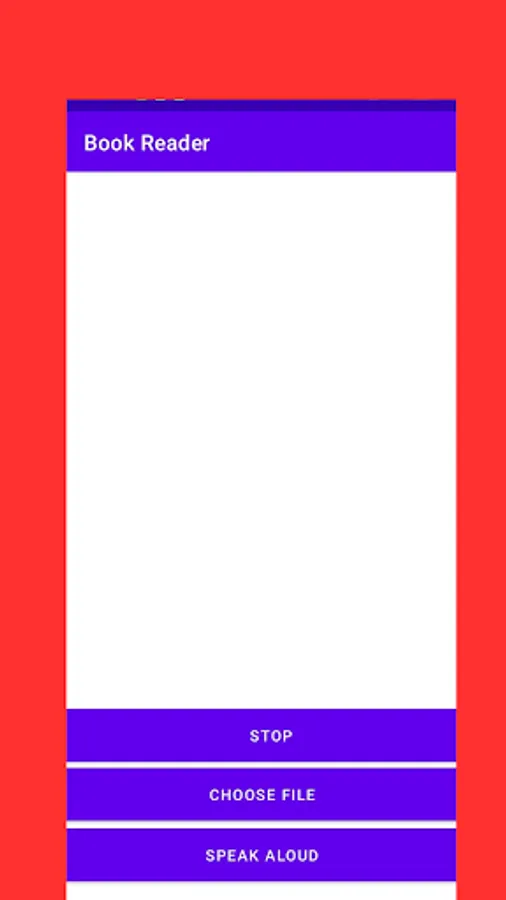
1. Click on 'Choose File' button and choose your desired '.pdf'.
2. Enter the page number to begin.
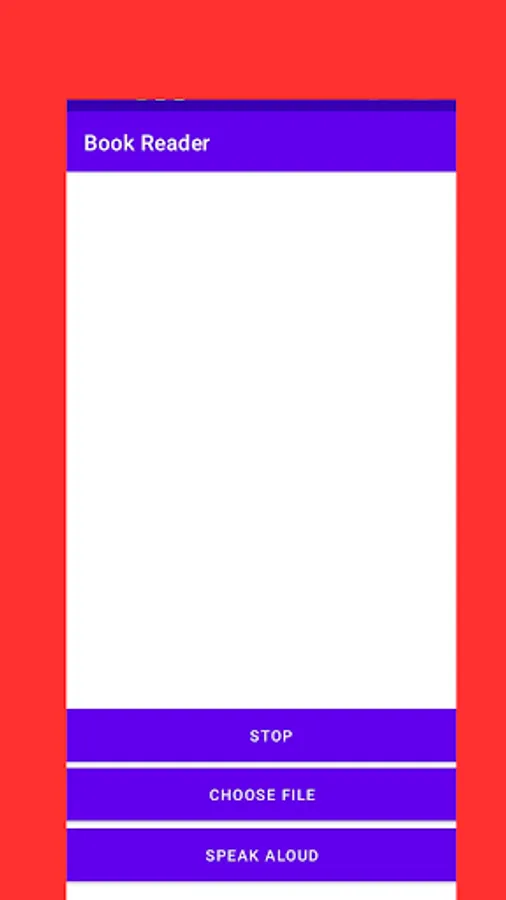
3. Then click on the 'Speak Aloud' button
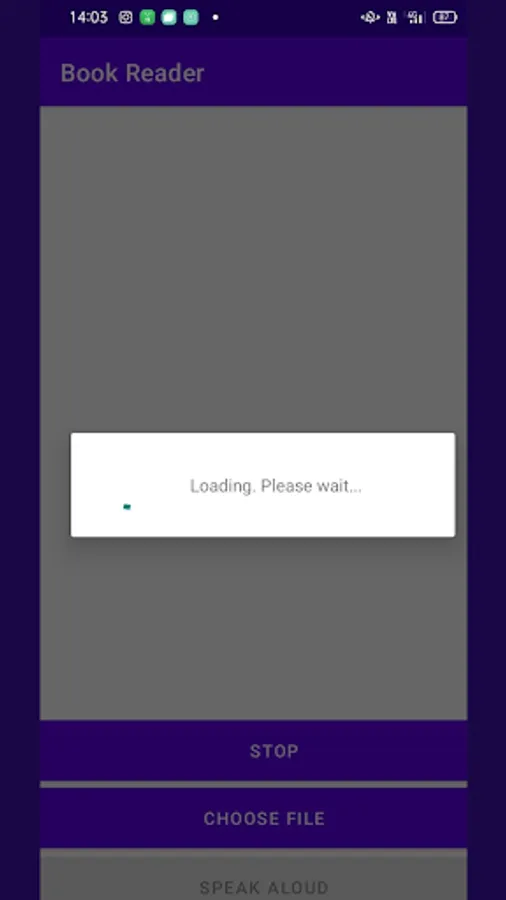
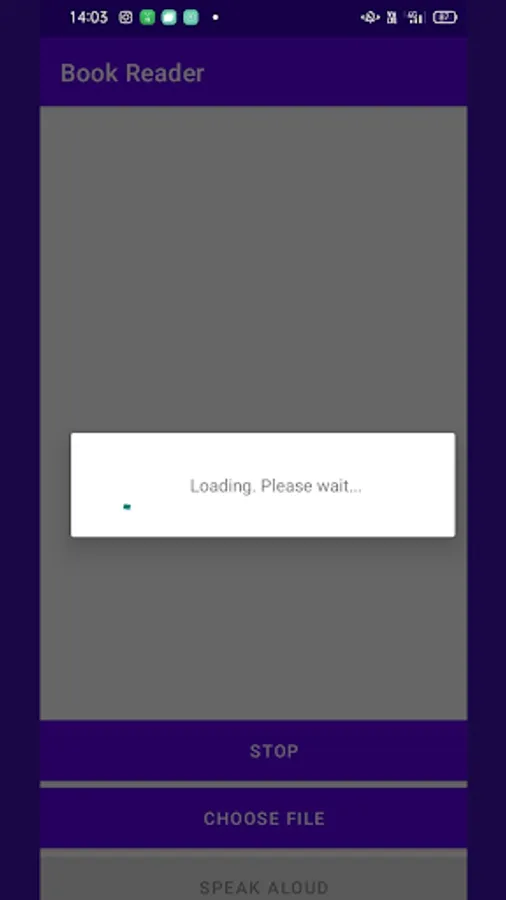
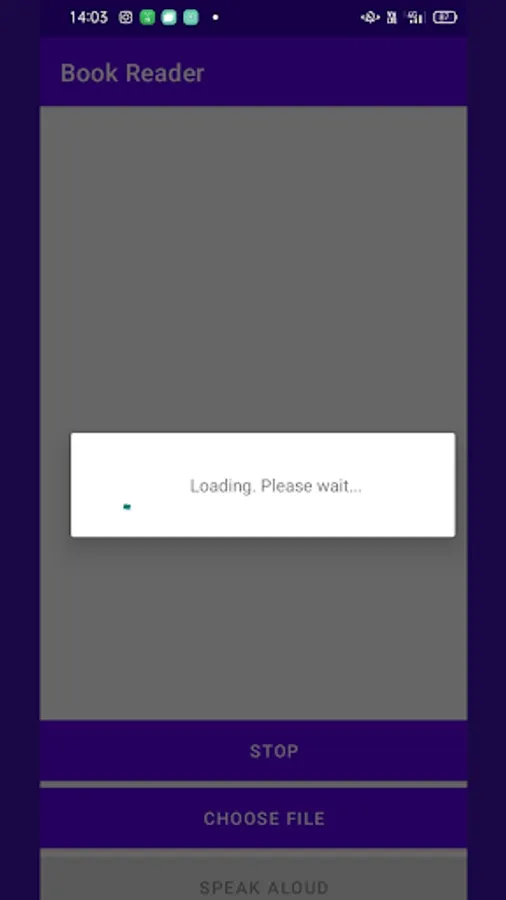
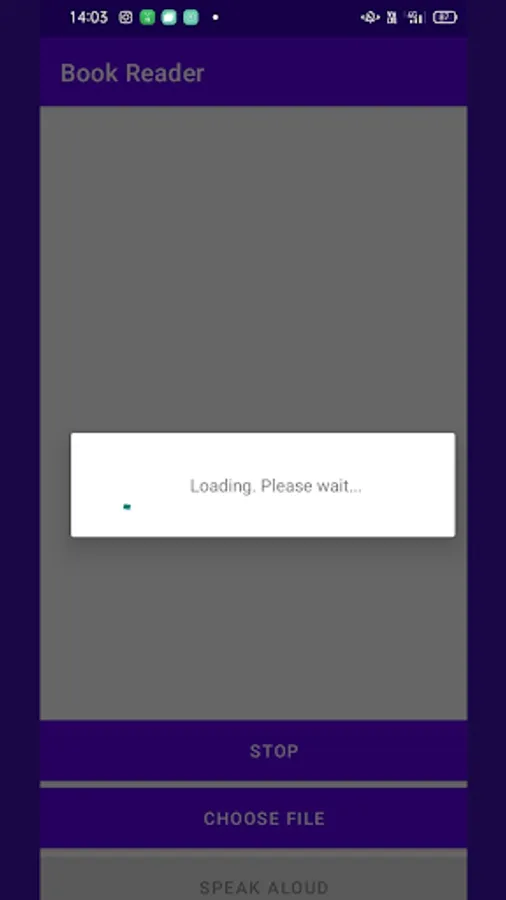
4. Wait for a few seconds. The time taken for processing depends upon the size of the pdf.
5. Finally, it will start reading the document you have provided. Click on the stop button if you want to exit.
Book Reader supports background running. So you can use other apps and perform other tasks while listening to it.
All you need is the pdf of the book. Book reader lets you convert unlimited number of books into audio in real-time and listen to them. In order to save the processing time and for better experience, the app only converts 30 pages. But after you finish listening to it, you can again give the next page number and continue listening.
Features:
• Quick processing of pdf documents
• Simple User Interface
• Easy to use
• You can also use other apps while Book Reader is reading( Background Running)
• Works Offline
• Designed specifically for audiobook lovers
Instructions to use:-
1. Click on 'Choose File' button and choose your desired '.pdf'.
2. Enter the page number to begin.
3. Then click on the 'Speak Aloud' button
4. Wait for a few seconds. The time taken for processing depends upon the size of the pdf.
5. Finally, it will start reading the document you have provided. Click on the stop button if you want to exit.
Book Reader supports background running. So you can use other apps and perform other tasks while listening to it.