
Flashcard maker
Alpaca Works
4.7 ★
10K ratings
500,000+
downloads
Free
+ in-app
With this flashcard maker app, you can create, customize, and organize digital flashcards easily and efficiently. Includes speech-reading, image and sound attachments, test mode, CSV export and import, sharing options, and study customization features.
AppRecs review analysis
AppRecs rating 4.4. Trustworthiness 74 out of 100. Review manipulation risk 29 out of 100. Based on a review sample analyzed.
★★★★☆
4.4
AppRecs Rating
Ratings breakdown
5 star
85%
4 star
8%
3 star
0%
2 star
3%
1 star
4%
What to know
✓
Low review manipulation risk
29% review manipulation risk
✓
Credible reviews
74% trustworthiness score from analyzed reviews
✓
High user satisfaction
85% of sampled ratings are 5 stars
About Flashcard maker
Features
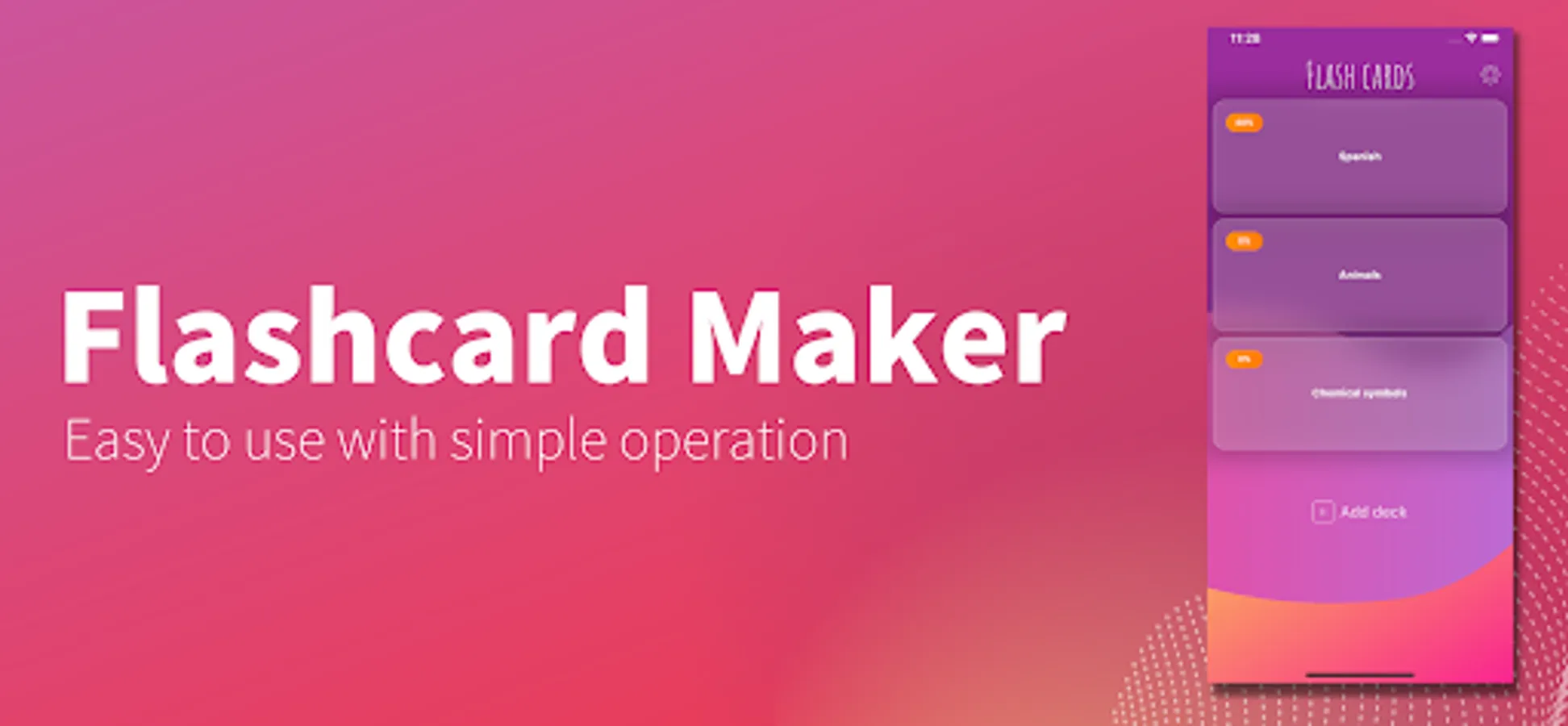
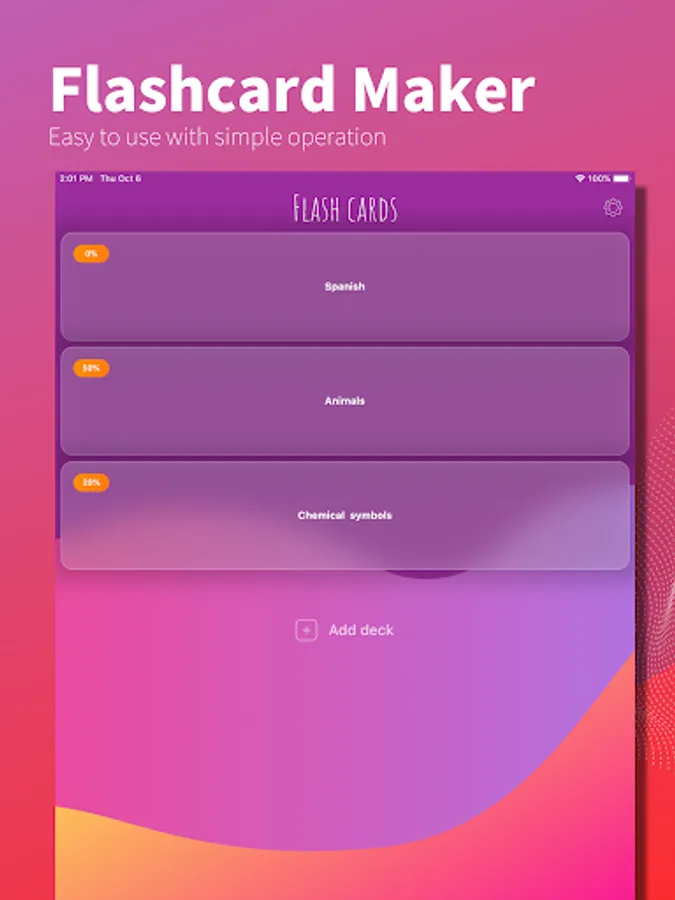
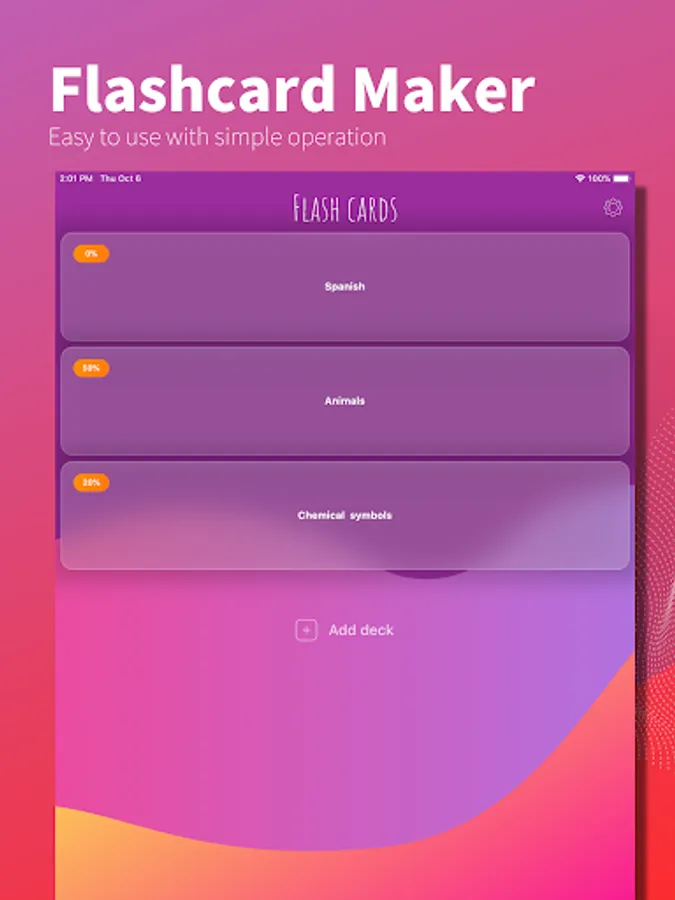
- Quickly create cards with easy operation
Easy to use and made with a thorough focus on ease of use. Quickly create cards.
- Customize it to fit your needs
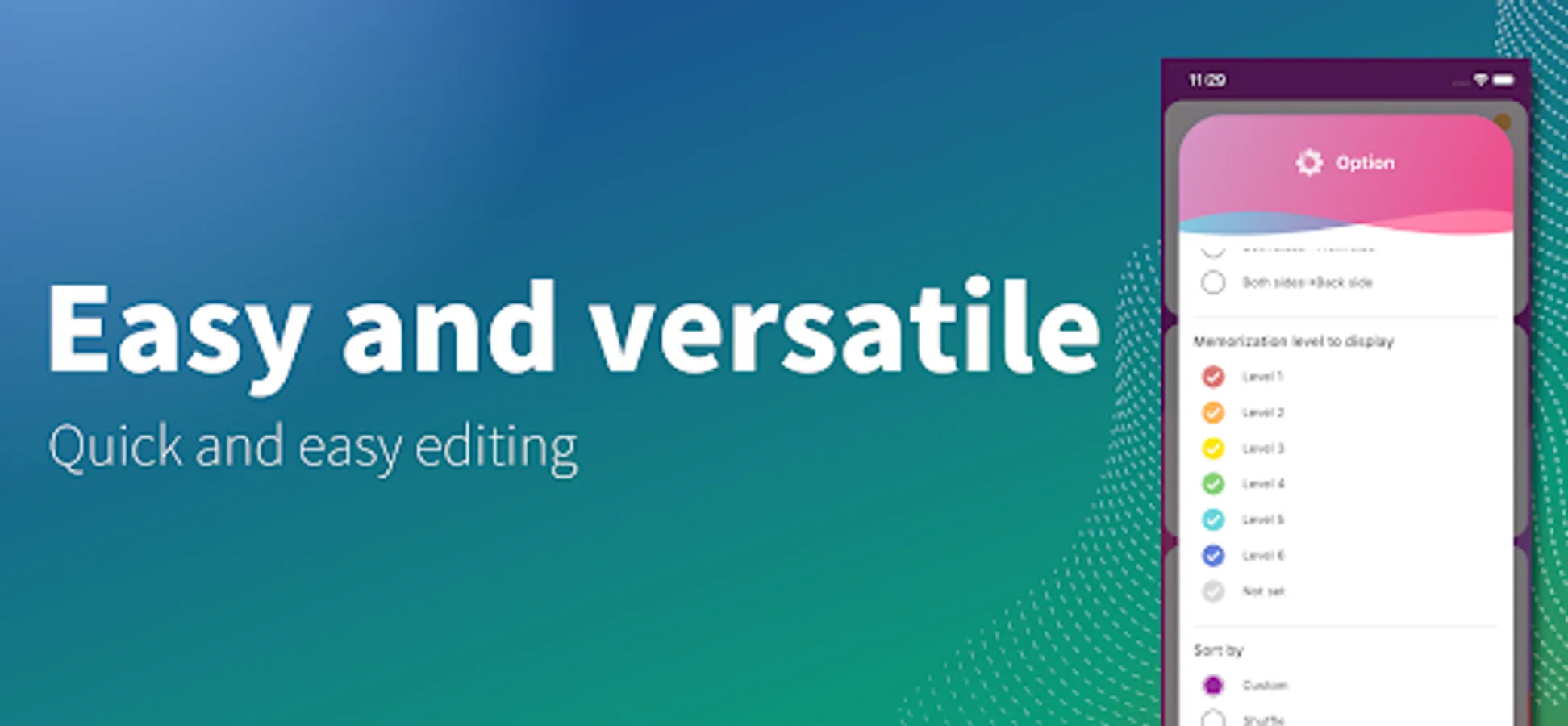
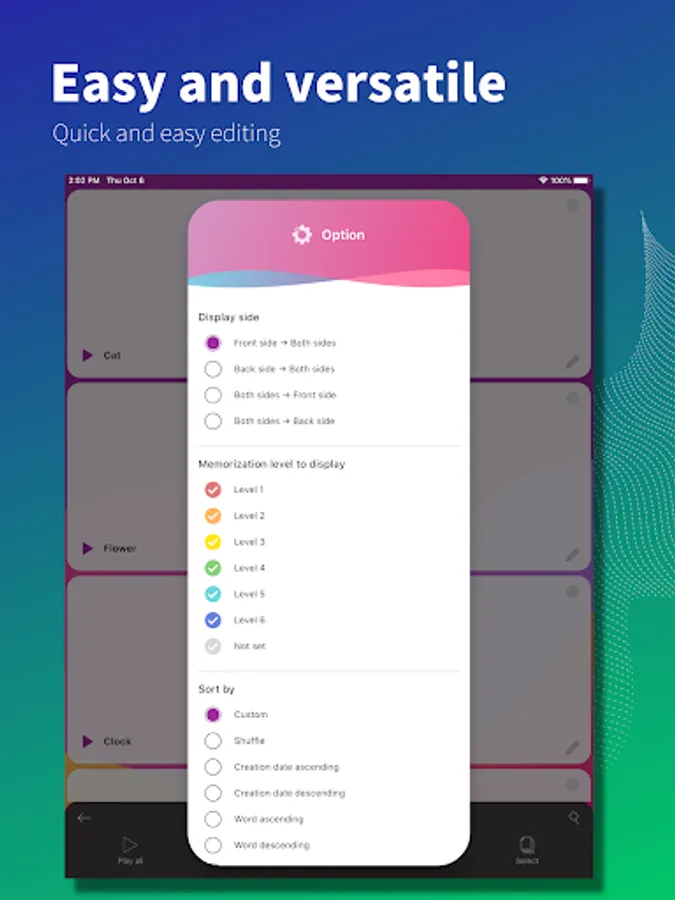
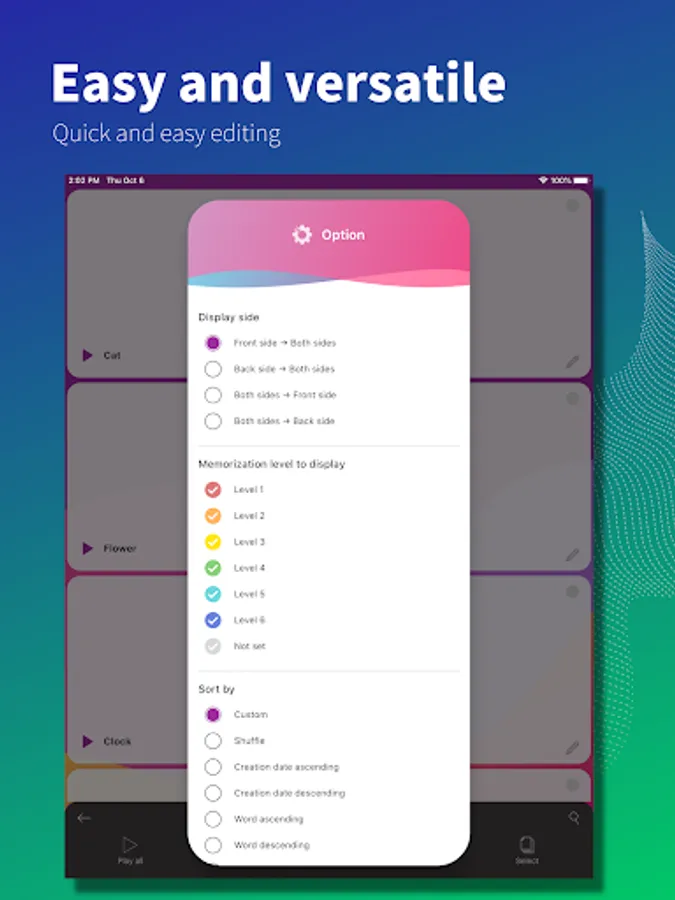
You can customize it to suit yourself by displaying only the cards you have difficulty with or rearranging them in any order you like. You can also search for words, copy cards, and more.
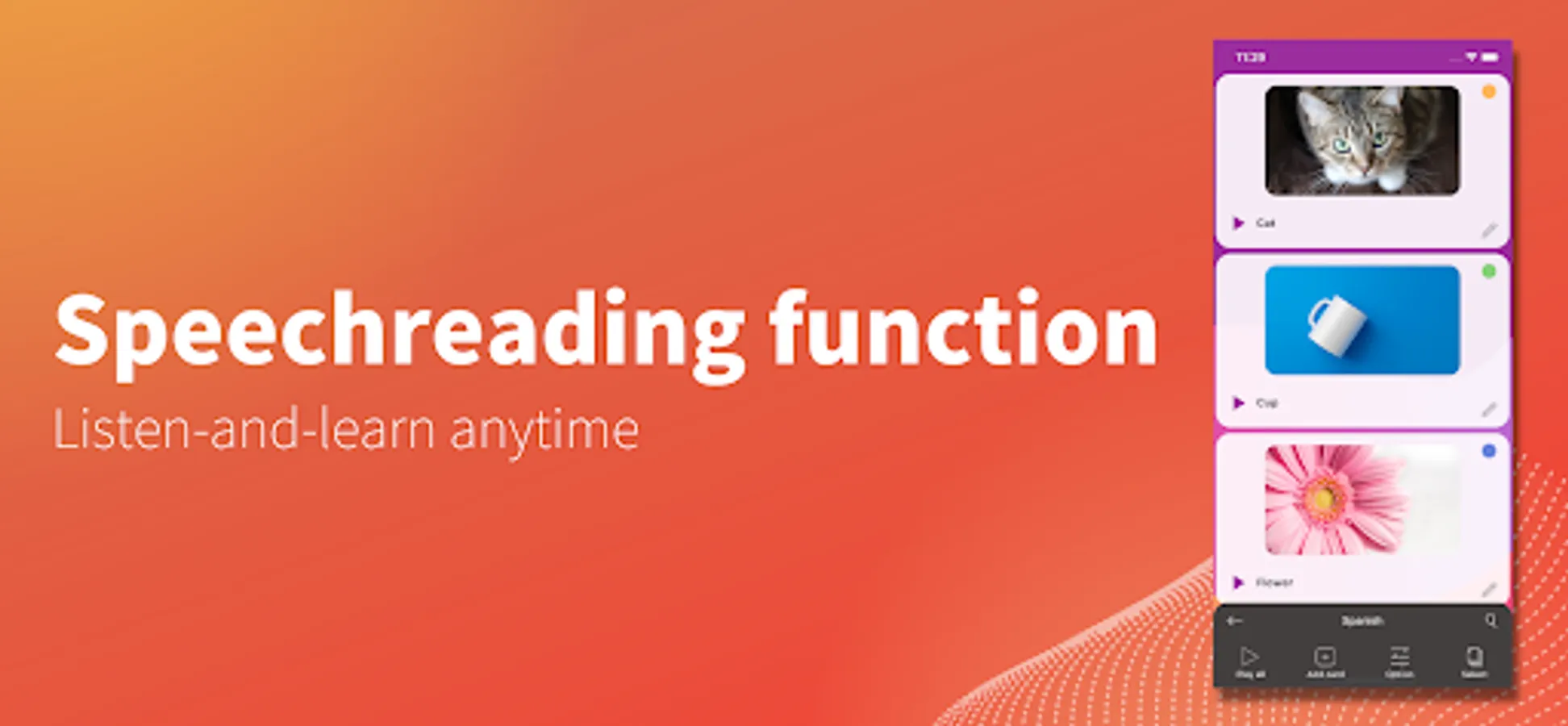
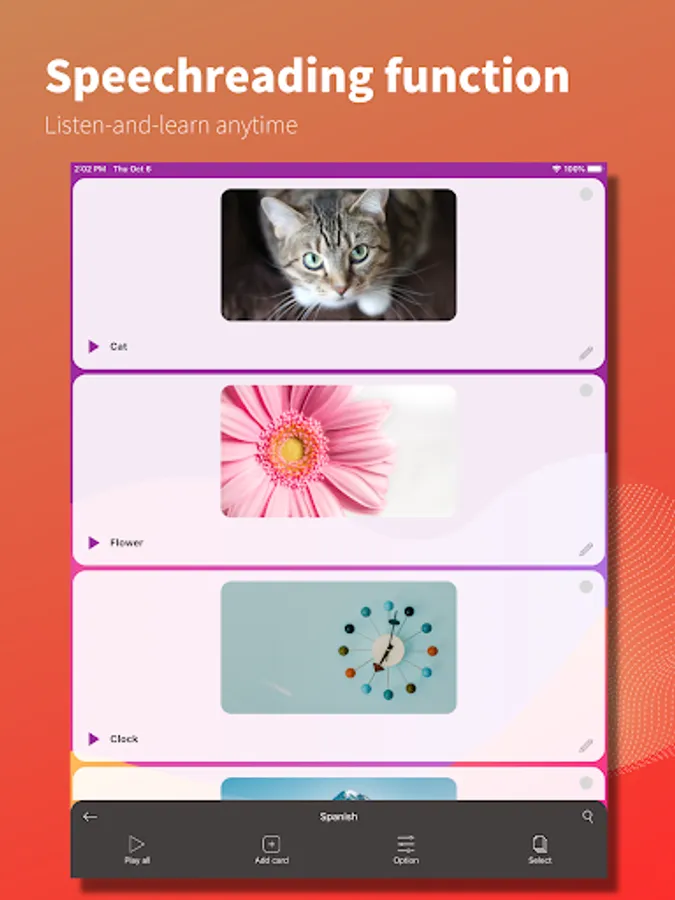
- Speech-reading function
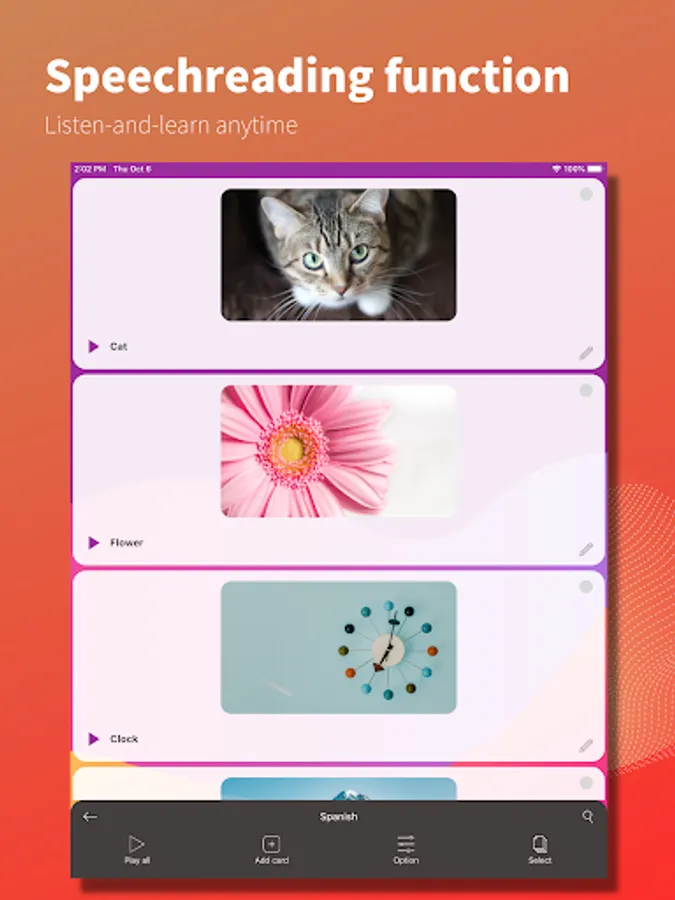
Text-to-speech reading of cards is supported. The cards can be read out loud, not only in English, but also in several other languages, making it ideal for listening comprehension. The cards can also be played back repeatedly, making it useful in a variety of situations, such as listening while on the move. The reading speed can also be adjusted, so if you have difficulty understanding the text, you can slow down the speed of the reading.
- Support for attaching images and sounds
Images and sounds can be attached to the card. You can launch the camera or voice recorder from within the app and quickly attach them to the card.
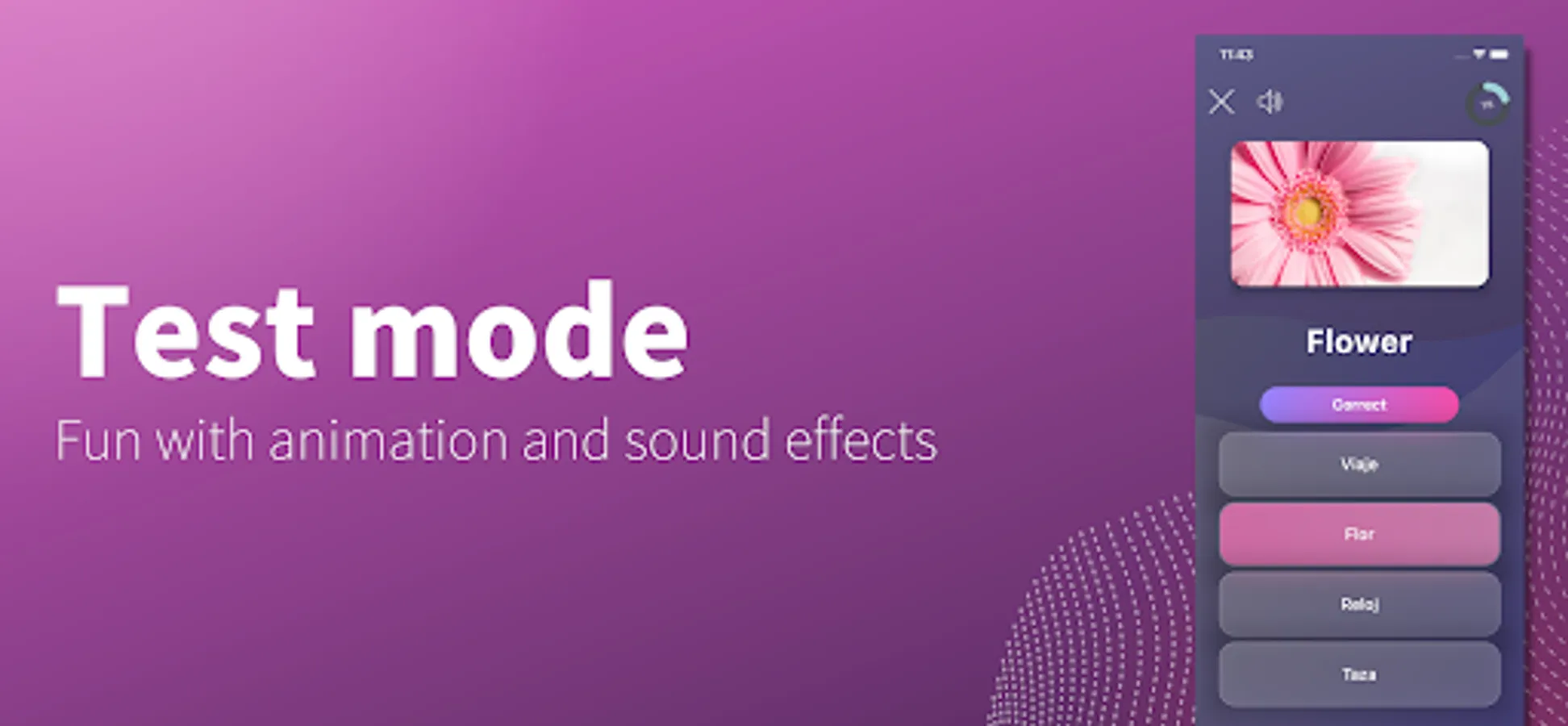
- Test mode
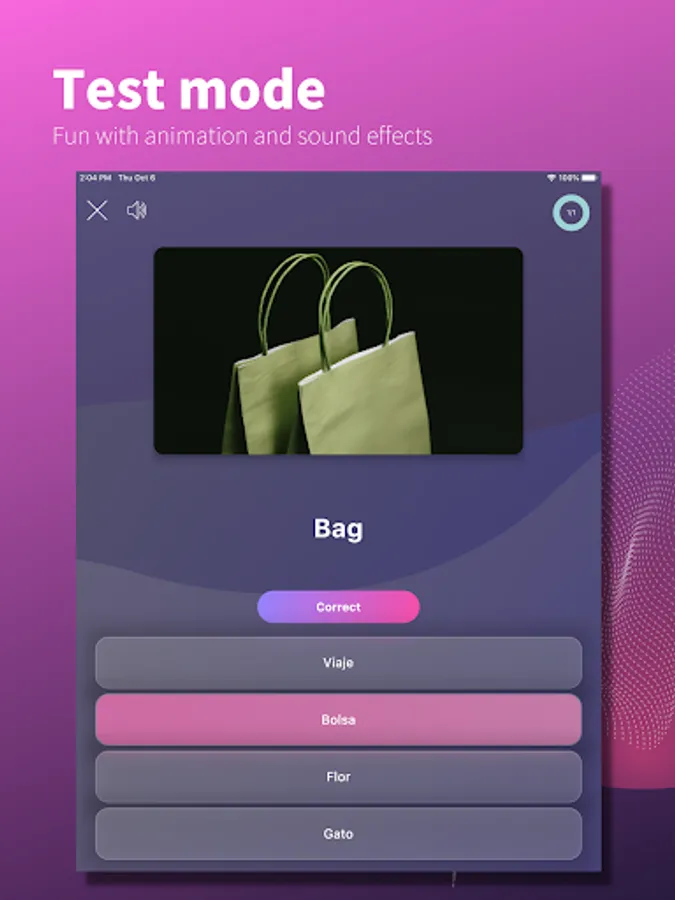
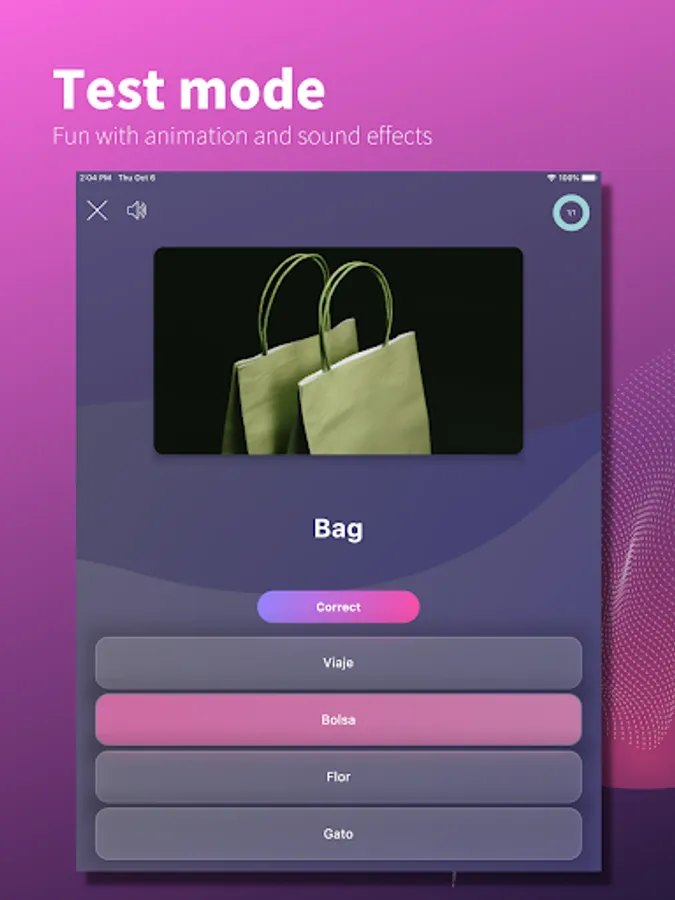
A test mode with four choices is provided to play with the flashcards you have created. The test mode is a fun way to learn through audio and animations. You can freely set the scope of the test, for example, to test only the cards you have difficulty with.
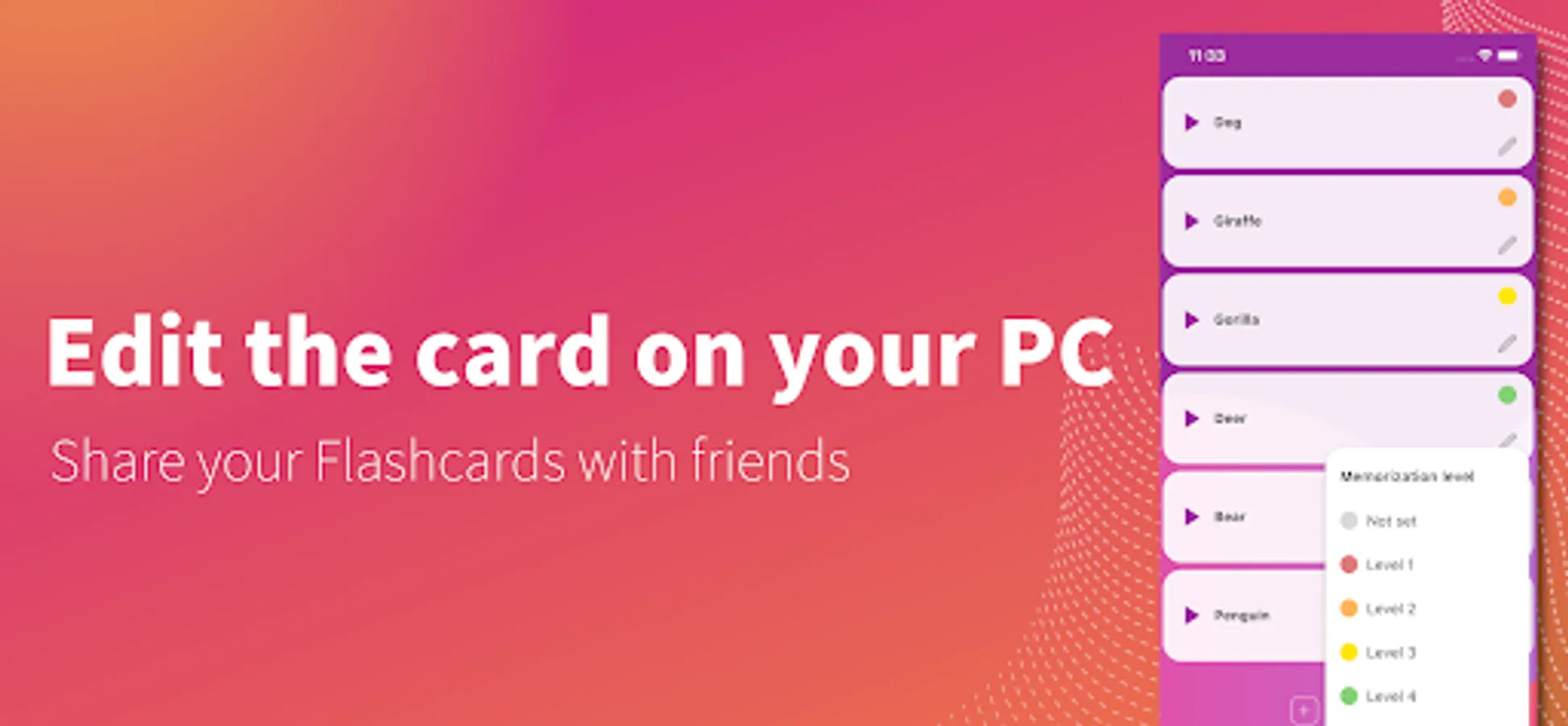
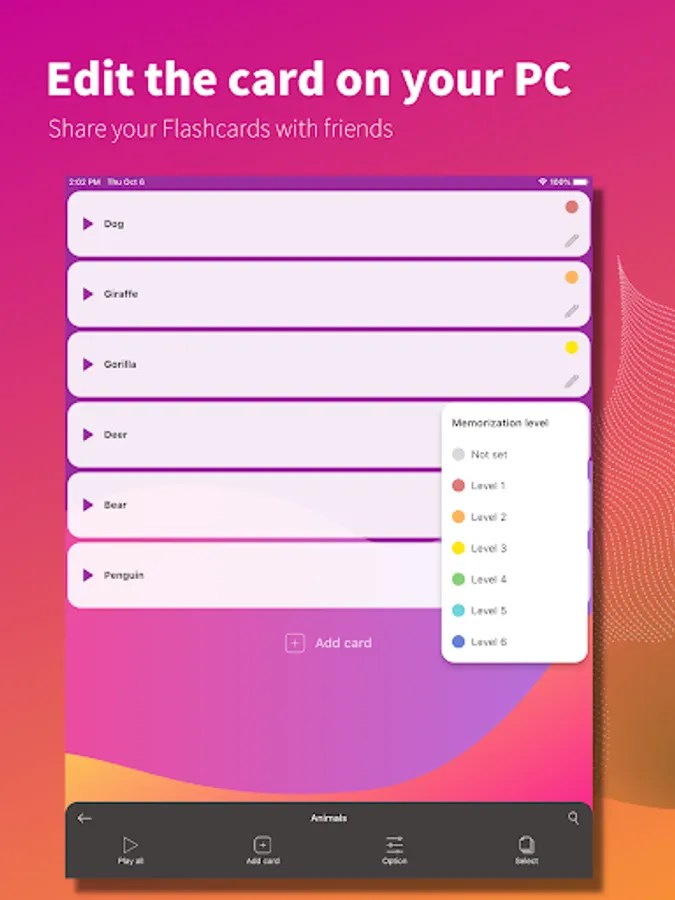
- Edit flashcards on PC
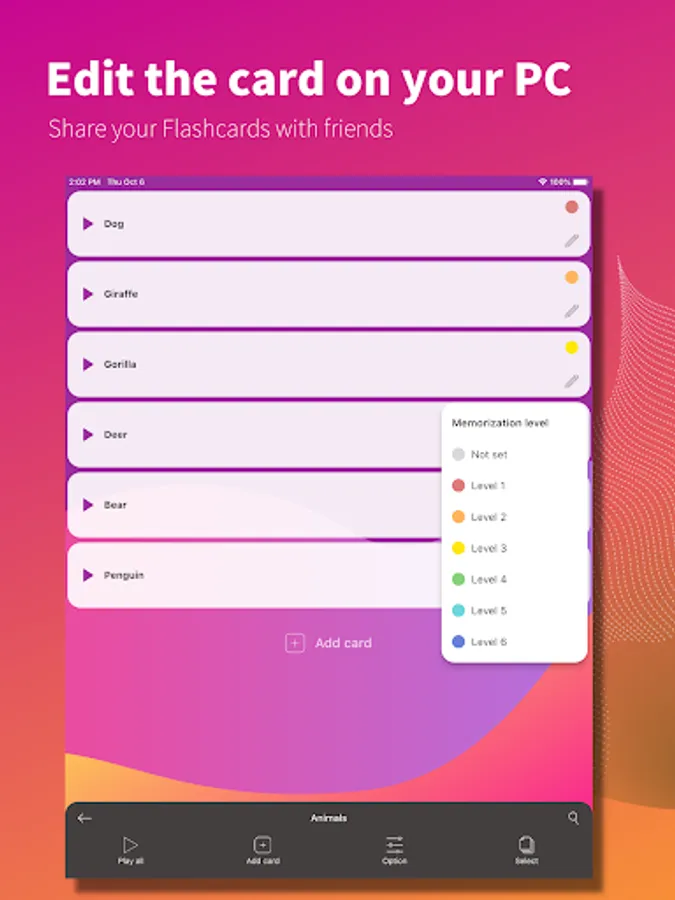
CSV file output and import are supported. You can output a template from the application and import it to your PC to register cards at once using your PC.
- Share created flashcards with friends
The app is equipped with a function for outputting flashcards, allowing you to easily share card data.
- Study only the cards you are weak in
You can set the memorization level for each card. You can also display and test only the cards you have difficulty with.
- Beautiful App Design
We aimed to create an app with a beautiful and sophisticated design that makes you want to touch it.
- Quickly create cards with easy operation
Easy to use and made with a thorough focus on ease of use. Quickly create cards.
- Customize it to fit your needs
You can customize it to suit yourself by displaying only the cards you have difficulty with or rearranging them in any order you like. You can also search for words, copy cards, and more.
- Speech-reading function
Text-to-speech reading of cards is supported. The cards can be read out loud, not only in English, but also in several other languages, making it ideal for listening comprehension. The cards can also be played back repeatedly, making it useful in a variety of situations, such as listening while on the move. The reading speed can also be adjusted, so if you have difficulty understanding the text, you can slow down the speed of the reading.
- Support for attaching images and sounds
Images and sounds can be attached to the card. You can launch the camera or voice recorder from within the app and quickly attach them to the card.
- Test mode
A test mode with four choices is provided to play with the flashcards you have created. The test mode is a fun way to learn through audio and animations. You can freely set the scope of the test, for example, to test only the cards you have difficulty with.
- Edit flashcards on PC
CSV file output and import are supported. You can output a template from the application and import it to your PC to register cards at once using your PC.
- Share created flashcards with friends
The app is equipped with a function for outputting flashcards, allowing you to easily share card data.
- Study only the cards you are weak in
You can set the memorization level for each card. You can also display and test only the cards you have difficulty with.
- Beautiful App Design
We aimed to create an app with a beautiful and sophisticated design that makes you want to touch it.
Flashcard maker Screenshots
Tap to Rate:
Reviews for Flashcard maker
Avantika Raj
12/29/2025
nice little ads very effective for learning
Donelia Tonk
12/29/2025
only caveat (maybe) > ads)