Notific | Lockscreen
Anand Bibek
3.7 ★
3K ratings
500,000+
downloads
Free
In this lockscreen notification app, you can customize how notifications are displayed and manage quick actions. Includes themes, pocket detection, and privacy mode settings.
AppRecs review analysis
AppRecs rating 3.8. Trustworthiness 78 out of 100. Review manipulation risk 28 out of 100. Based on a review sample analyzed.
★★★☆☆
3.8
AppRecs Rating
Ratings breakdown
5 star
47%
4 star
17%
3 star
14%
2 star
10%
1 star
13%
What to know
✓
Low review manipulation risk
28% review manipulation risk
✓
Credible reviews
78% trustworthiness score from analyzed reviews
✓
Good user ratings
64% positive sampled reviews
About Notific | Lockscreen
Blacklist/Whitelist feature is available on Pro version only
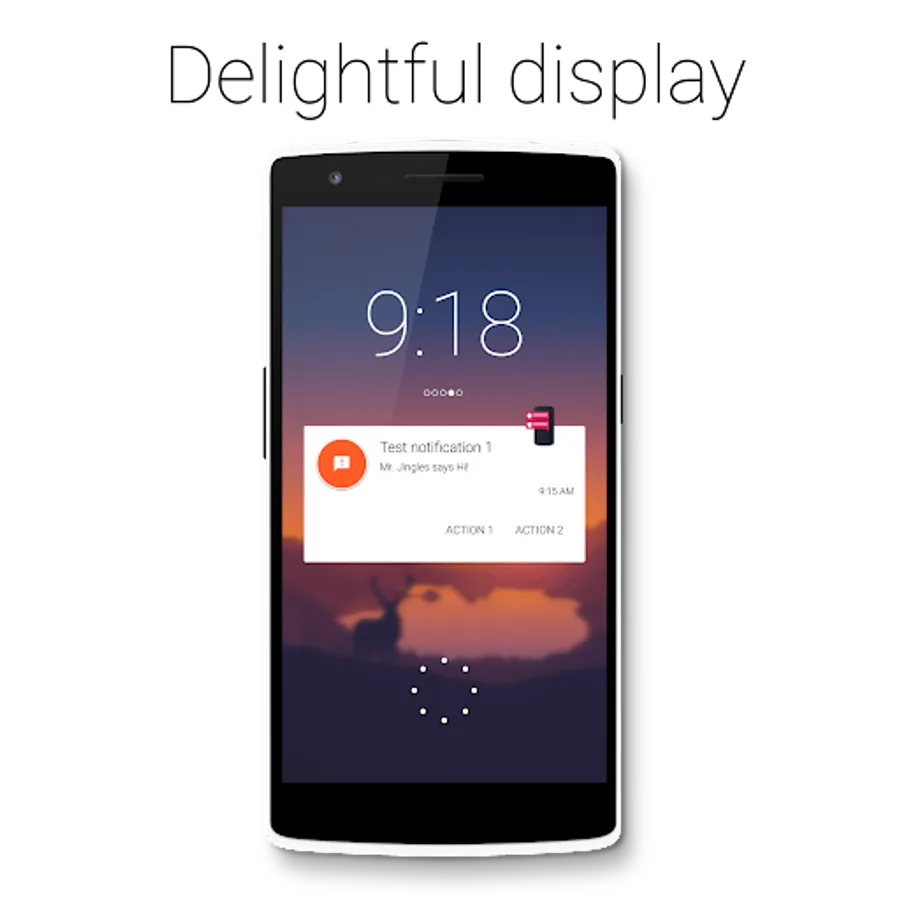
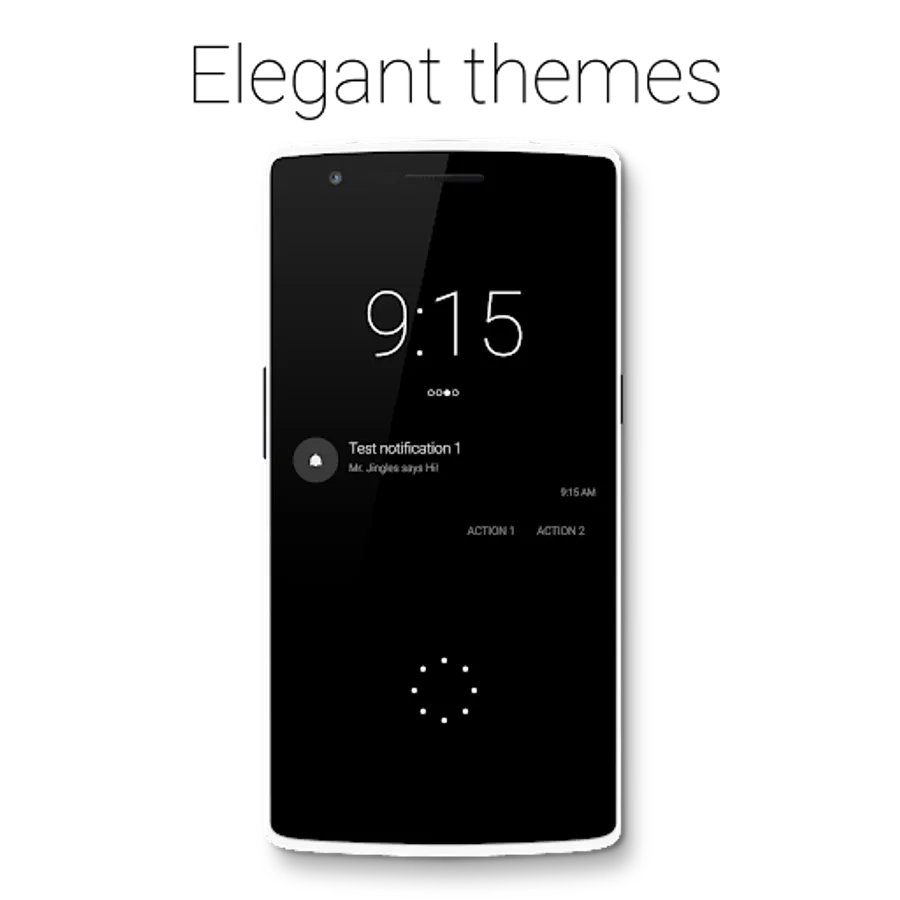
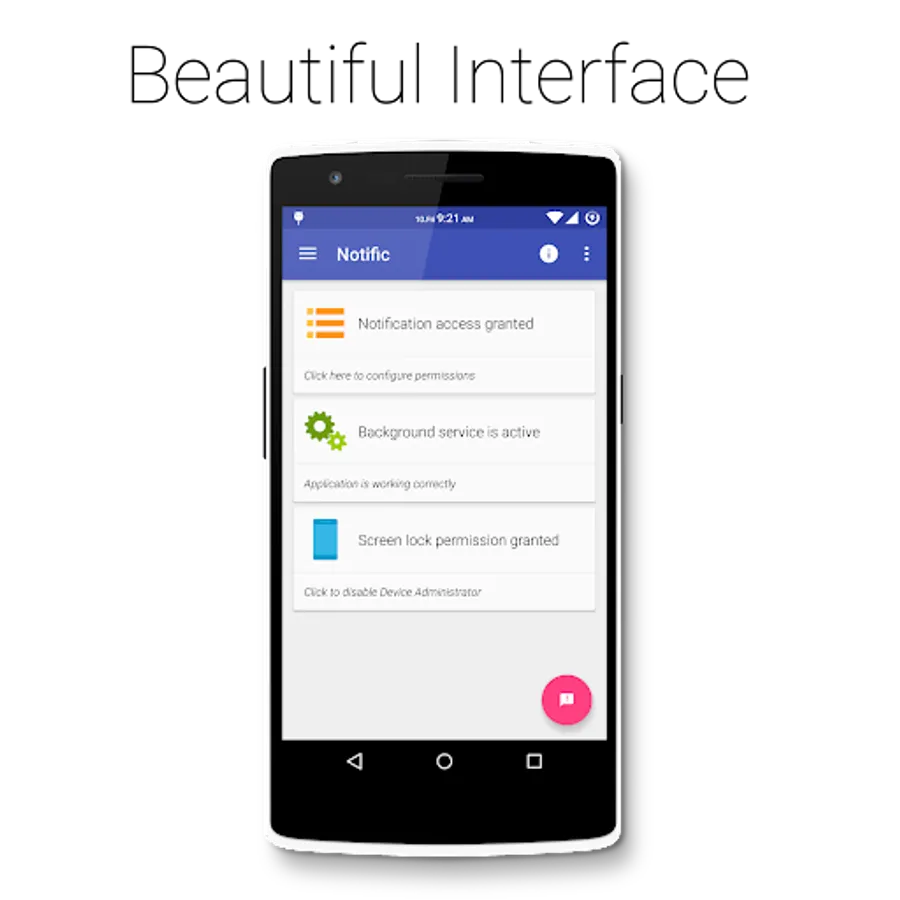
Notific is a lockscreen notification app that displays your notification in an intuitive manner when you need it.
It will automatically turn the screen on and display your notification in one of the three themes along with quick action buttons if expansion is enabled.
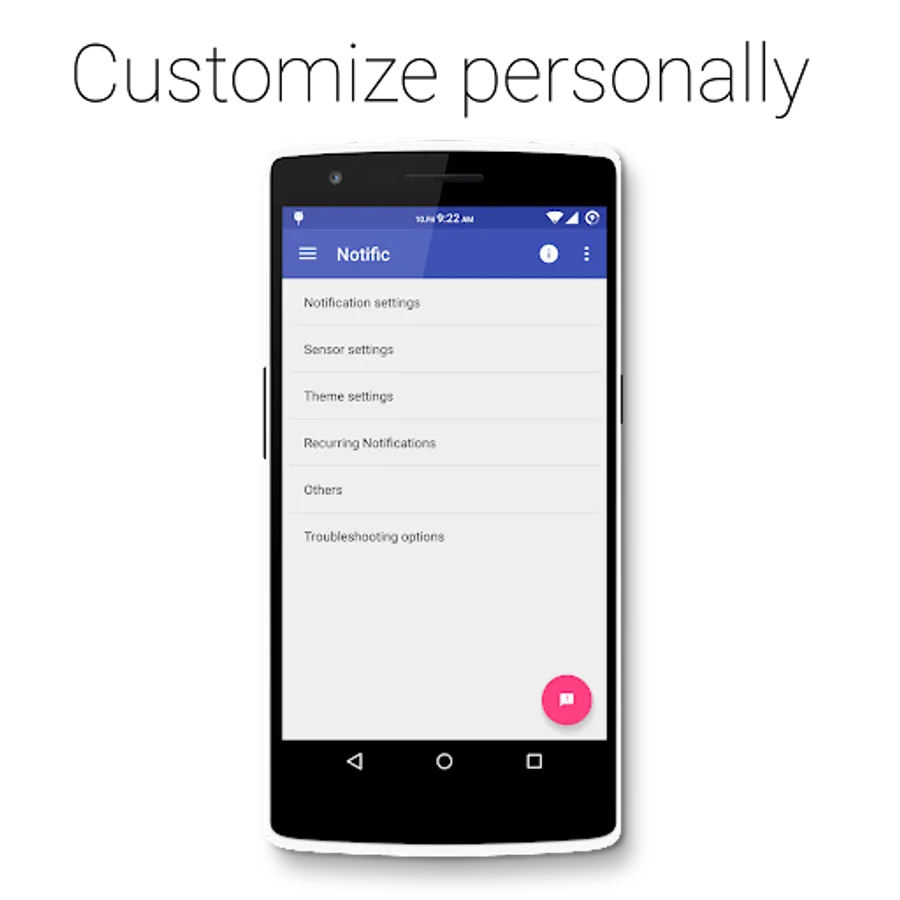
You can choose your own style from Three different themes, Jellybean HOLO, Android Wear inspired Material and Ambient Display inspired dark (AMOLED friendly) theme. (Some themes are available only on Android 4.4 and above due to system limitation on 4.3)
If the phone is in pocket, don't worry. Notific is intelligent enough to understand that and will not turn on the screen. But if you take out the phone from your pocket within 10secs (customizable) it will turn on the screen for you.
Notific doesn't impact battery life as it will only use the proximity sensor for 10 secs.
The memory usage is highly optimized (2-15MB) and doesn't use 50MB+ as in other notification apps.
The multitude of notifications we get every day are probably the most sensitive information for some and these deserve the utmost privacy.
That's why Notific comes with absolutely no private data mining. No crash data, No Google analytics.
It doesn't require connecting to Internet, so you can be sure that there's no way your information goes out of your device.
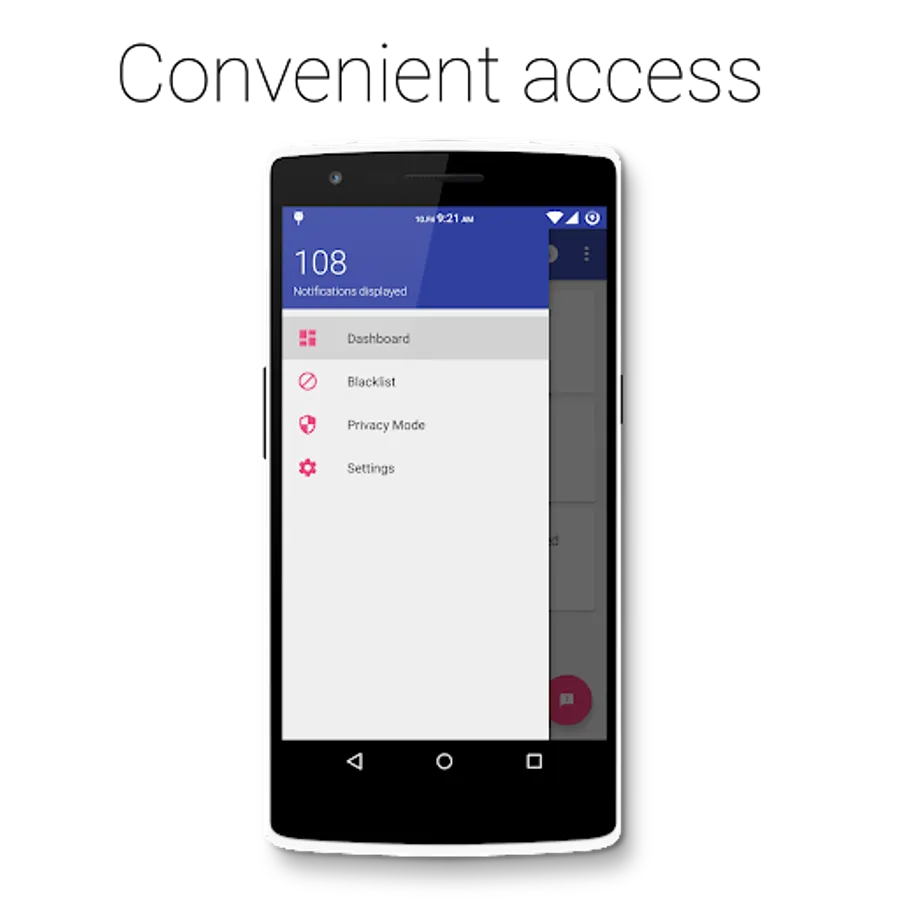
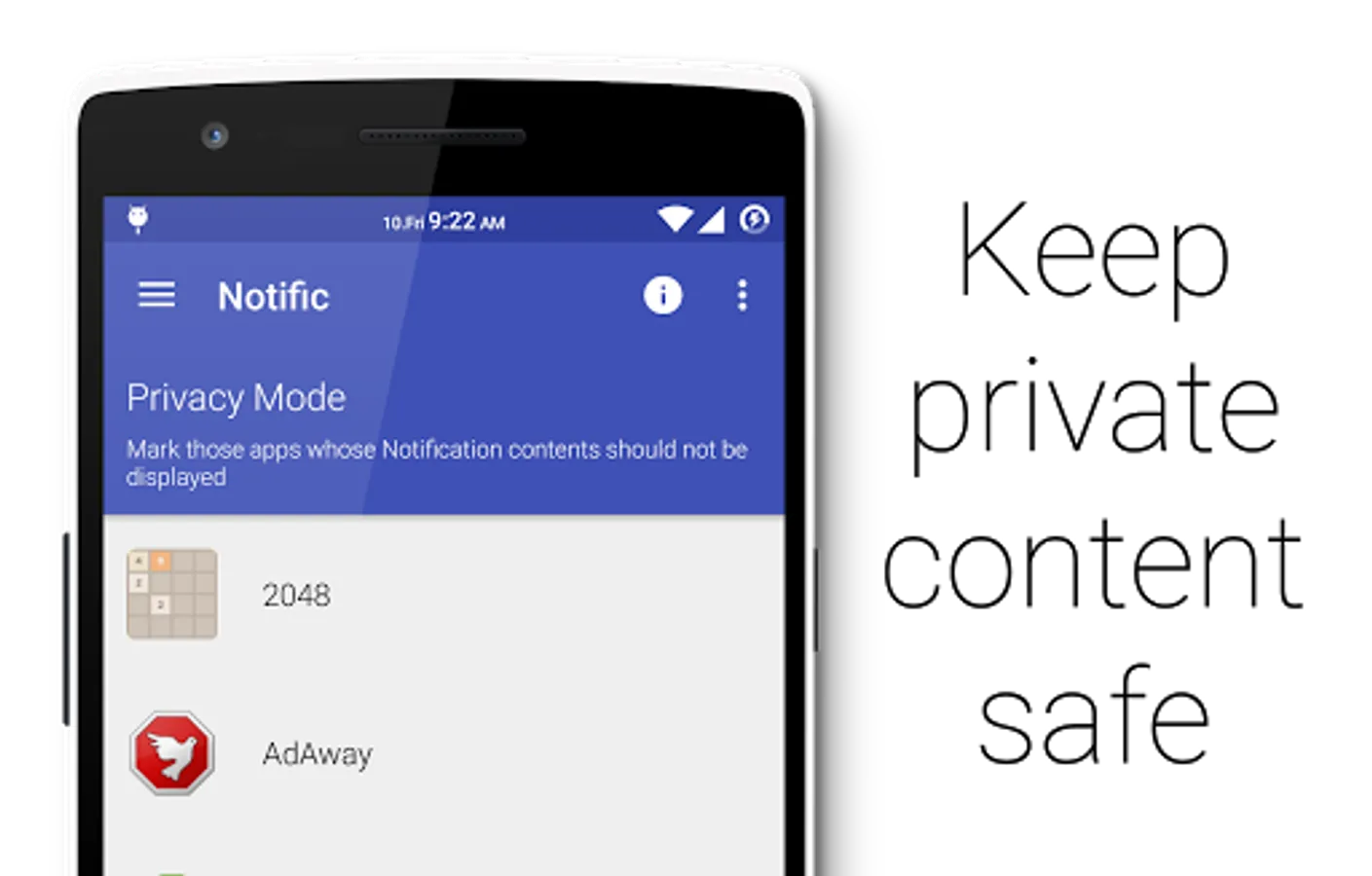
If you are worried about people seeing your notifications when they pop up, you can use privacy mode feature to keep your notification content safe from prying eyes on per app basis.
Some not so obvious features:
• You can unlock directly by double tap on circular drag handle.
• Drag and hold on the dismiss spot to dismiss all notifications
Proximity sensor values are calibrated for Nexus devices by default. If you have problems with the sensor on Galaxy or Xperia devices, try calibrating the sensor from Troubleshooting settings or Turn Off Pocket Mode.
This app uses the Device Administrator permission. "Force Lock" is used to turn off the screen when all notifications are dismissed.
If you are having problems to uninstall, please click on "Uninstall" option in the menu when app is open.
Notific is a lockscreen notification app that displays your notification in an intuitive manner when you need it.
It will automatically turn the screen on and display your notification in one of the three themes along with quick action buttons if expansion is enabled.
You can choose your own style from Three different themes, Jellybean HOLO, Android Wear inspired Material and Ambient Display inspired dark (AMOLED friendly) theme. (Some themes are available only on Android 4.4 and above due to system limitation on 4.3)
If the phone is in pocket, don't worry. Notific is intelligent enough to understand that and will not turn on the screen. But if you take out the phone from your pocket within 10secs (customizable) it will turn on the screen for you.
Notific doesn't impact battery life as it will only use the proximity sensor for 10 secs.
The memory usage is highly optimized (2-15MB) and doesn't use 50MB+ as in other notification apps.
The multitude of notifications we get every day are probably the most sensitive information for some and these deserve the utmost privacy.
That's why Notific comes with absolutely no private data mining. No crash data, No Google analytics.
It doesn't require connecting to Internet, so you can be sure that there's no way your information goes out of your device.
If you are worried about people seeing your notifications when they pop up, you can use privacy mode feature to keep your notification content safe from prying eyes on per app basis.
Some not so obvious features:
• You can unlock directly by double tap on circular drag handle.
• Drag and hold on the dismiss spot to dismiss all notifications
Proximity sensor values are calibrated for Nexus devices by default. If you have problems with the sensor on Galaxy or Xperia devices, try calibrating the sensor from Troubleshooting settings or Turn Off Pocket Mode.
This app uses the Device Administrator permission. "Force Lock" is used to turn off the screen when all notifications are dismissed.
If you are having problems to uninstall, please click on "Uninstall" option in the menu when app is open.
Notific | Lockscreen Screenshots
Tap to Rate:
Reviews for Notific | Lockscreen
Sidd Gould
10/13/2025
and have pop-up Windows to show with the notification is and a way to deal with it then I'll go to five stars
Corey White
8/29/2025
Doesn't work well on the Doogee V Max Pro. Even with notifications on my lockscreen it won't pop up unless I click test.