
ClipZ: AI Clipboard Manager
Anas Mugally
4.1 ★
293 ratings
10,000+
downloads
Free
+ in-app
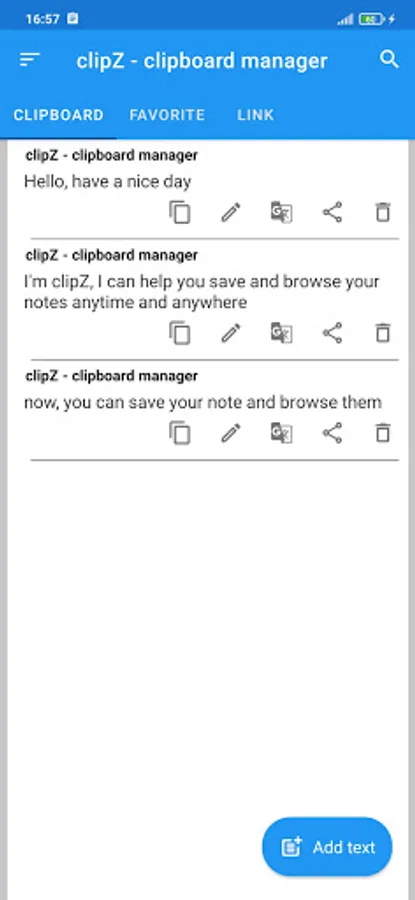
In this clipboard manager app, you can save, organize, and search your copied texts efficiently. Includes clipboard history, AI text tools, OCR scanner, and security features.
AppRecs review analysis
AppRecs rating 3.6. Trustworthiness 79 out of 100. Review manipulation risk 28 out of 100. Based on a review sample analyzed.
★★★☆☆
3.6
AppRecs Rating
Ratings breakdown
5 star
74%
4 star
5%
3 star
0%
2 star
0%
1 star
21%
What to know
✓
Low review manipulation risk
28% review manipulation risk
✓
Credible reviews
79% trustworthiness score from analyzed reviews
⚠
Ad complaints
Many low ratings mention excessive ads
About ClipZ: AI Clipboard Manager
🔥 KEY FEATURES:
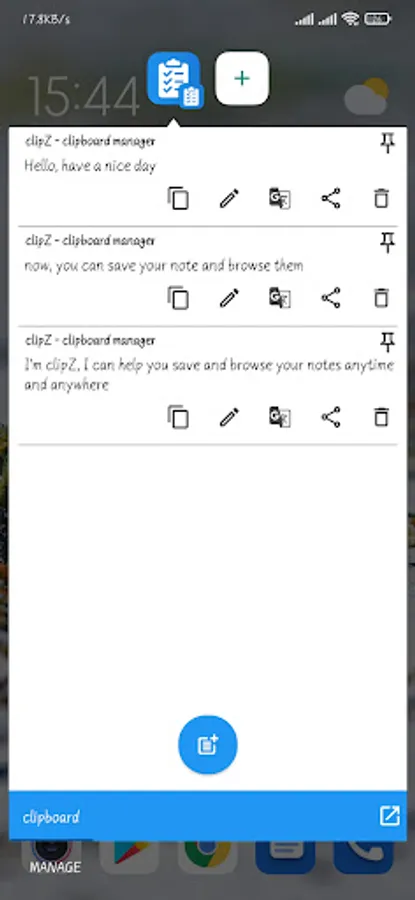
✅ ADVANCED CLIPBOARD MANAGER
- Automatic clipboard history - Save every copied text instantly
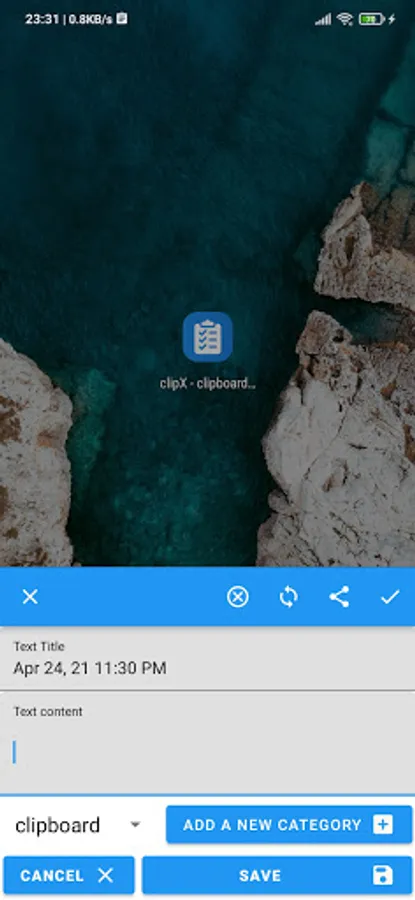
- Organize clips into custom categories for easy access
- Smart search through your clipboard history
- Quick access to recently copied texts
🤖 AI TEXT TOOLS & PROCESSING
- AI Paraphraser (formal, casual, creative, professional)
- Text Summarizer
- AI Translator with high accuracy
- Grammar & Spell Checker
- Text Corrector
- Content Generator
- AI Writing Assistant
🫧 FLOATING BUBBLE - YOUR SMART ASSISTANT
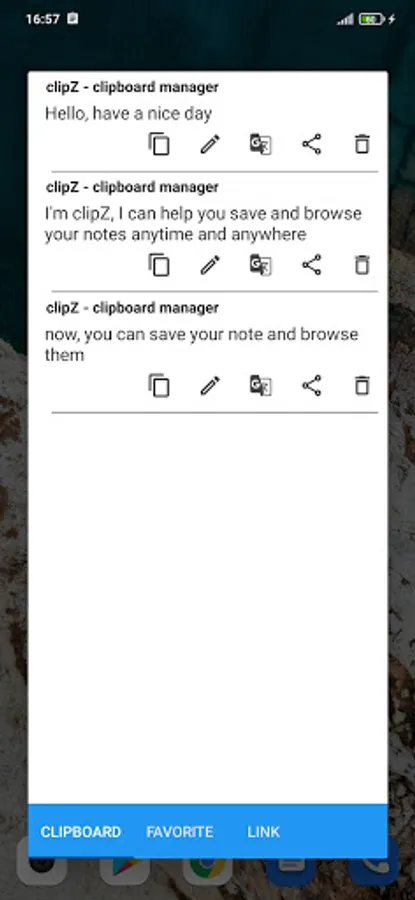
- Always-on-screen floating bubble for instant access
- Extract text from any app or webpage with one tap
- Auto-fill text fields from saved notes or clipboard
- Quick access menu with all app functions
📲 SCREEN TEXT SCANNER & OCR
- Advanced OCR text scanner - Extract text from any screen
- Normal mode - Capture visible text instantly
- Scroll mode - Automatically collect text while scrolling through long pages
- Scan text from social media, websites, and apps
- Support for multiple languages
🔒 SECURITY & PRIVACY
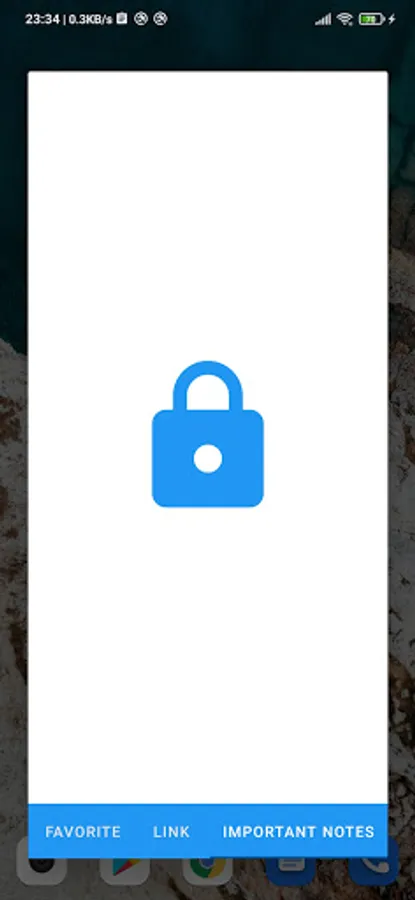
- Biometric lock protection (fingerprint/face unlock)
- Password protection for sensitive notes
- Encrypted clipboard storage
⚡ QUICK ACCESS EVERYWHERE
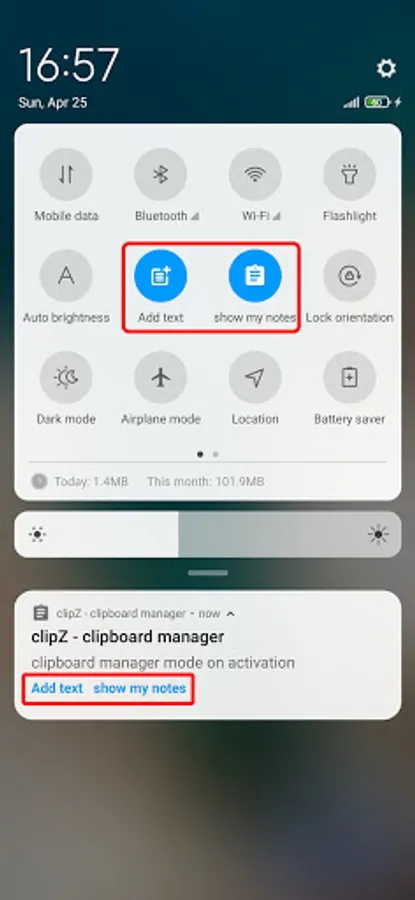
- Notification bar quick actions
- Quick settings tile integration
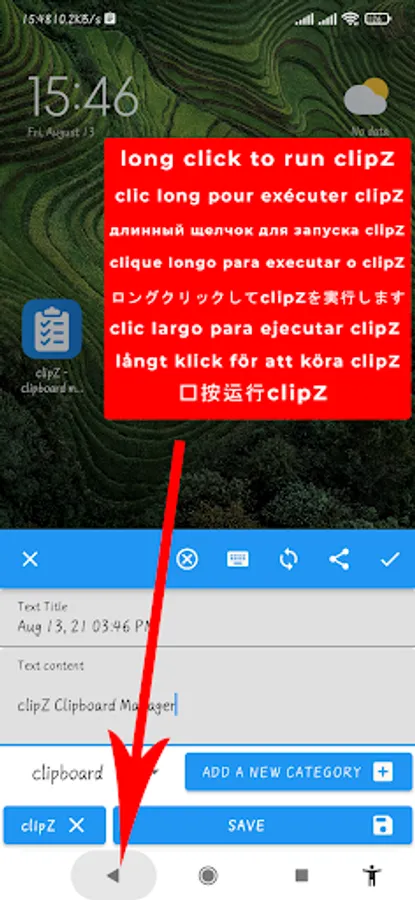
- Long-press system buttons (back, home, recent apps)
- Floating bubble shortcuts
🎯 SMART SHARING & PASTING
- Quick share to favorite apps directly
- Add frequently used apps for instant sharing
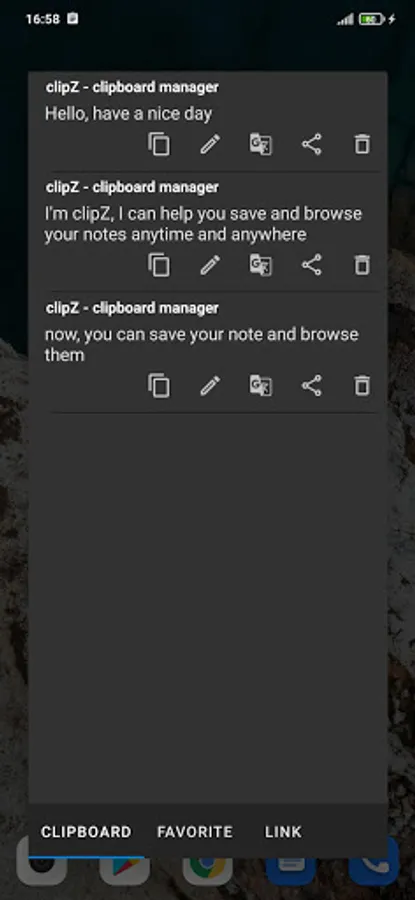
- Split-screen and popup window support
- Auto-paste to last selected text field
- Share without leaving current app
- Seamless text transfer between apps
💾 AUTO-SAVE & BACKUP
- Automatic clipboard backup
- Save copied text with one tap
- Floating notification for quick actions after copying
- Never lose important copied text
- Manual backup and restore options
🎓 PERFECT FOR:
- Students - Professionals - Writers - Developers - Translators - Content Creators
🌟 WHY CHOOSE ClipZ?
ClipZ is not just another clipboard manager - it's a complete text productivity suite. With powerful AI tools, screen scanning capabilities, floating bubble assistant, and rock-solid security, ClipZ transforms how you interact with text on your Android device.
Unlike basic clipboard apps, ClipZ offers:
✓ AI-powered text processing (paraphrase, summarize, translate)
✓ Screen text extraction with OCR technology
✓ Floating bubble for instant access anywhere
✓ Biometric security for sensitive data
✓ Auto-save with smart retention policies
✓ Quick sharing without app switching
📥 DOWNLOAD NOW:
---
🌟 PRIMARY FEATURES:
Clipboard History Manager
AI Text Editor & Writing Assistant
Floating Bubble Quick Access
Screen OCR Scanner & Text Extractor
AI Paraphraser & Summarizer
Smart Translator & Grammar Checker
Biometric Lock & Secure Notes
Auto-Save, Backup & Quick Share
🏷️ KEYWORDS: clipboard manager, AI text tools, floating bubble, OCR text scanner, text summarizer, paraphraser, translator, grammar checker, note taking, screen text extractor, auto paste, quick share, secure clipboard, productivity app, text editor, copy paste manager, clipboard history, smart clipboard, text organizer, AI writing assistant
⭐ RATE US: Love ClipZ? Please rate and review to help us improve!
Accessibility (AccessibilityService API)
Enabling accessibility is optional, but unlocks professional features:
1. Extract text from screen
2. Trigger app functions via long-press on system buttons (Back, Home, Recents)
3. Show floating icon when keyboard appears to display saved notes
⚠️ We never collect or share your private data. The app works without accessibility.
ClipZ: AI Clipboard Manager Screenshots
Tap to Rate:
Reviews for ClipZ: AI Clipboard Manager
Charles Delroy
12/12/2025
copied my first text. ad ad ad! joke! uninstalled
martins offu
12/8/2025
Very nice app you have here developer. You did a very good job here I must confess. It's very automatic that you don't need to visit the app anytime you make a copy to paste it, it's already there anytime, any day you want to open the app. That's an excellent job take 5 stars 🌟 , the only problem is too much ADS. Thank you very much please keep it up but reduce the ADS please