
AppRecs review analysis
AppRecs rating . Trustworthiness 88 out of 100. Review manipulation risk 17 out of 100. Based on a review sample analyzed.
★
AppRecs Rating
Ratings breakdown
5 star
50%
4 star
0%
3 star
50%
2 star
0%
1 star
0%
What to know
✓
Low review manipulation risk
17% review manipulation risk
✓
Credible reviews
88% trustworthiness score from analyzed reviews
About Only Applock – App Lock
It works without unnecessary permissions and gives you control over how and when your apps are protected.
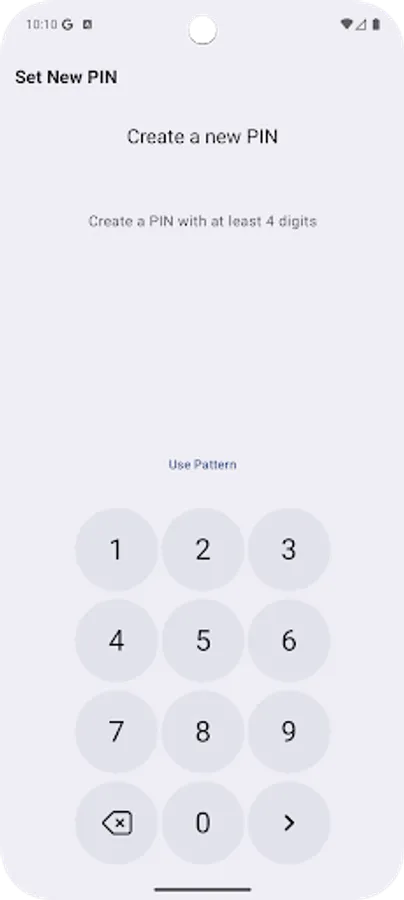
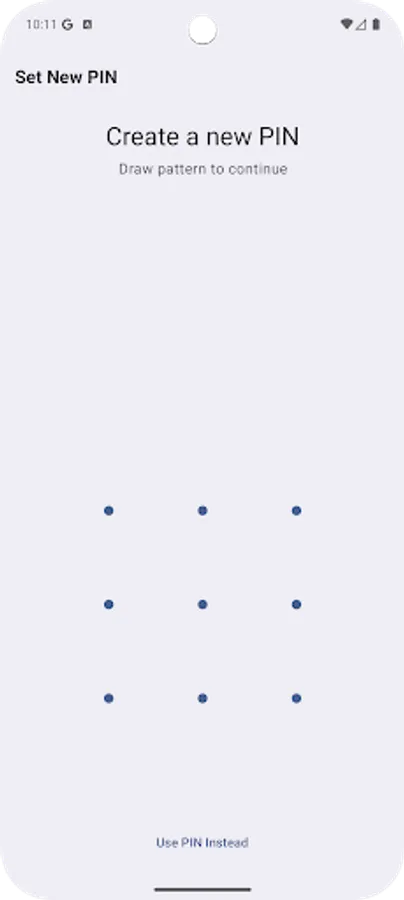
🔒 App Lock with PIN, Pattern or Fingerprint
Choose your preferred lock method and apply it to individual apps.
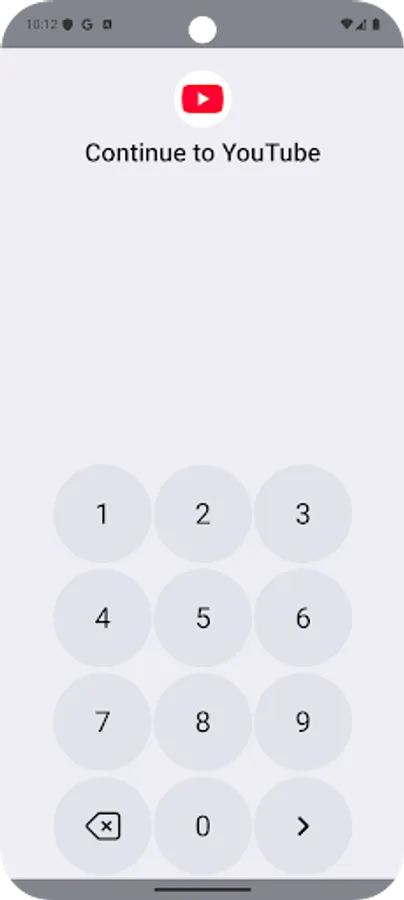
The lock screen appears whenever a protected app is opened.
🛡️ Additional Protection Options
• Optional cover screen that displays before the lock screen
• Optional attempt-capture feature that stores a photo when a wrong password is entered
• Adjustable delay settings for repeated unlocks
• Support for trusted devices and flexible unlock behavior
🎨 Simple & Clear Interface
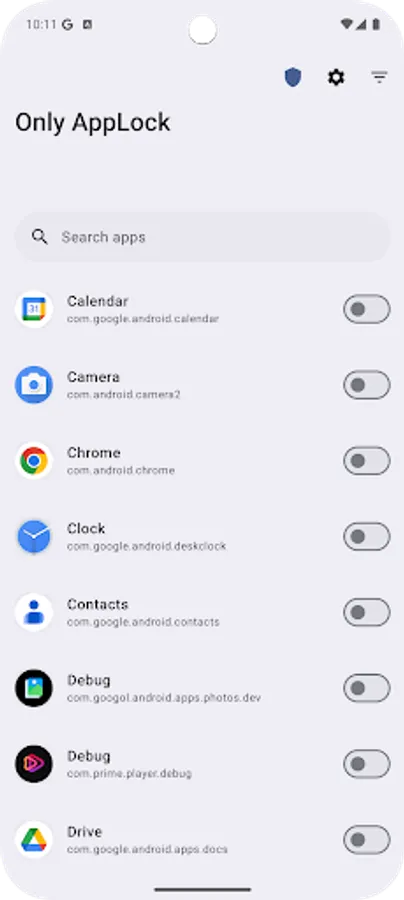
Only AppLock offers a clean layout to select and manage protected apps.
You can organize your lock list and adjust settings at any time.
🔐 Privacy-Focused
Only AppLock does not collect or store personal data.
All processing takes place on your device, and no data is sent to external servers.
📢 Accessibility Service Disclosure
Only AppLock uses Android’s Accessibility Service only to provide the app lock functionality.
Why it is used
• To identify when a selected app is opened
• To display the lock screen above the detected app
What the service can access
• Foreground app information
• Limited view content needed to detect protected apps
What the service cannot do
• It does not read messages, passwords or personal data
• It does not perform actions inside other apps
• It does not send any data to external servers or third parties
Data Handling
All Accessibility data is processed locally on your device.
Nothing is stored externally or shared.
Your Control
The Accessibility permission is optional and can be disabled anytime from:
Settings → Accessibility → Only AppLock
📌 Additional Permissions
• Draw over other apps: required to display the lock screen
• Battery optimization settings: may need adjustment on some devices for consistent locking
🚀 Getting Started
Open Only AppLock
Select apps to protect
Enable Accessibility Service
Set your PIN, pattern or fingerprint
Only AppLock provides a simple, private way to add an extra layer of protection to apps on your device.
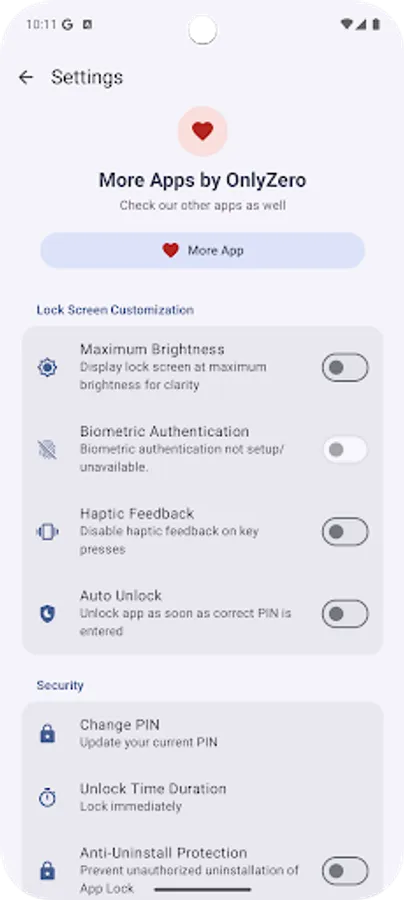
Only Applock – App Lock Screenshots
Tap to Rate:
Reviews for Only Applock – App Lock
Klemen Merzel
10/31/2025
This kind of AppLock is a rarity on play store and is the only AppLock that successfully locks all user and majority of system apps needed for granular behavior control of the smartphone. Please fix the locking of system UI app on google pixel 10 pro and accessibility for your AppLock that sometimes does not work despite accessibility is turned on. Please add an option to self lock the newly installed apps. I simply love your AppLock. Thanks for development!
SHIV SHANKAR BHAGAT
10/1/2025
Hlo Dev team,app behavior is very annoying. app is automatically locked every minute and need to unlock again and again. Please fix this bugs as soon as possible.Thank you