
AppRecs review analysis
AppRecs rating . Trustworthiness 72 out of 100. Review manipulation risk 26 out of 100. Based on a review sample analyzed.
★
AppRecs Rating
Ratings breakdown
5 star
89%
4 star
0%
3 star
0%
2 star
0%
1 star
11%
What to know
✓
Low review manipulation risk
26% review manipulation risk
✓
Credible reviews
72% trustworthiness score from analyzed reviews
✓
High user satisfaction
89% of sampled ratings are 5 stars
About Only Play – HD Video Player
Only Play – HD Video Player is an advanced, high-performance Android video player powered by the ExoPlayer library. It includes ExoPlayer’s FFmpeg extension with all audio formats enabled, allowing playback of even rare and high-end formats such as AC3, EAC3, DTS, DTS-HD, TrueHD, and more.
The player ensures perfect audio–video sync, including when using Bluetooth earphones or speakers, providing a smooth and reliable playback experience for all users.
🎵 Supported Audio Formats
Vorbis, Opus, FLAC, ALAC, PCM/WAVE (μ-law, A-law), MP1, MP2, MP3, AMR (NB/WB), AAC (LC, ELD, HE, xHE), AC-3, E-AC-3, DTS, DTS-HD, TrueHD
🎬 Supported Video Formats
H.263, H.264 AVC, H.265 HEVC, MPEG-4 SP, VP8, VP9, AV1
📦 Supported Containers
MP4, MOV, WebM, MKV, Ogg, MPEG-TS, MPEG-PS, FLV
🌐 Streaming Protocols
DASH, HLS, SmoothStreaming, RTSP
📝 Subtitle Formats
SRT, SSA, TTML, VTT
🌈 HDR Support
Playback of HDR10+ and Dolby Vision videos on supported devices.
⭐ Features
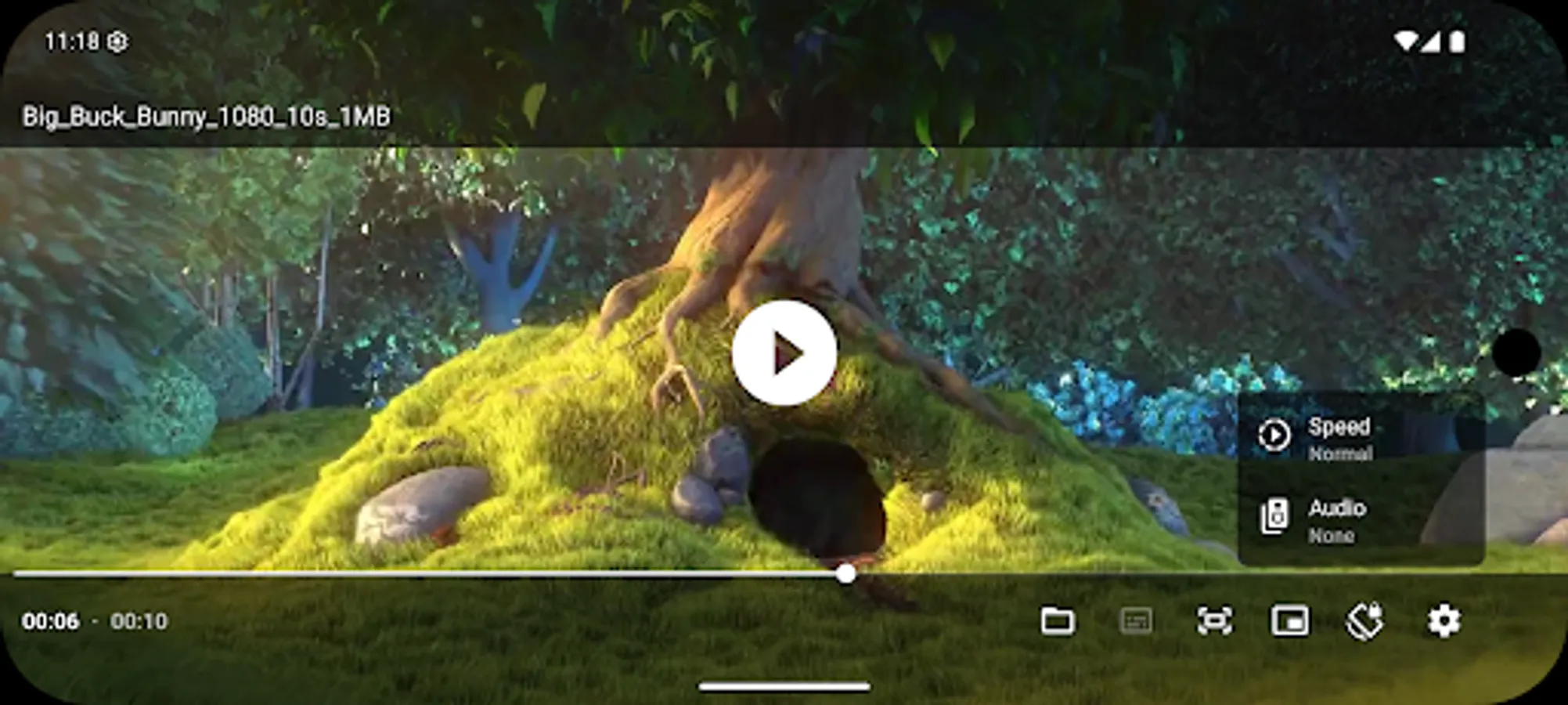
Audio & subtitle track selection
Playback speed control
Swipe & gesture controls
Horizontal swipe / double tap to seek
Vertical swipe for brightness (left) / volume (right)
Pinch to zoom (Android 7+)
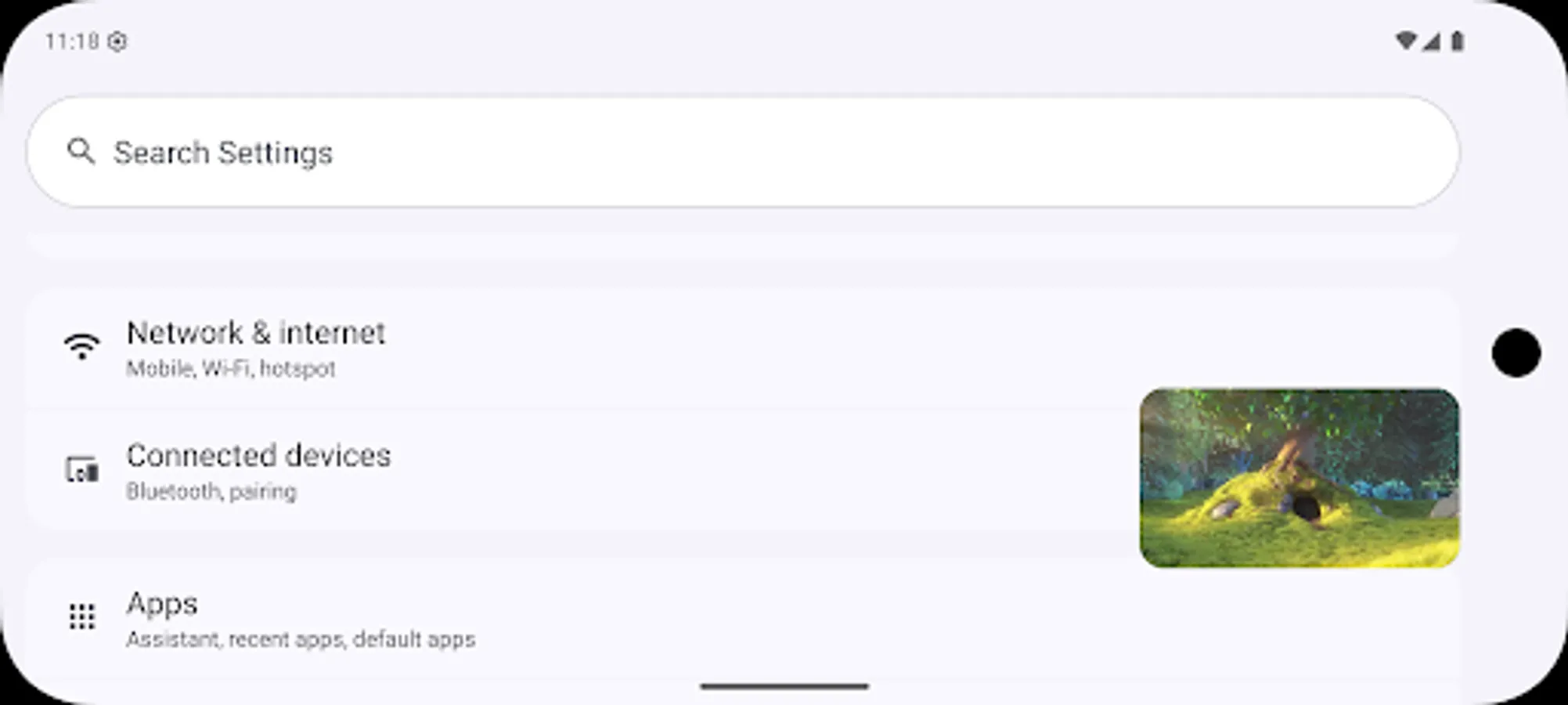
Picture-in-Picture mode (Android 8+, resizable on Android 11+)
Video resize modes (fit / crop)
Volume boost
Auto frame-rate matching (Android TV / boxes, Android 6+)
Post-playback actions (delete file / skip to next)
Touch lock mode
Lightweight, fast, no ads, no tracking, and no unnecessary permissions
📂 External Subtitle Loading
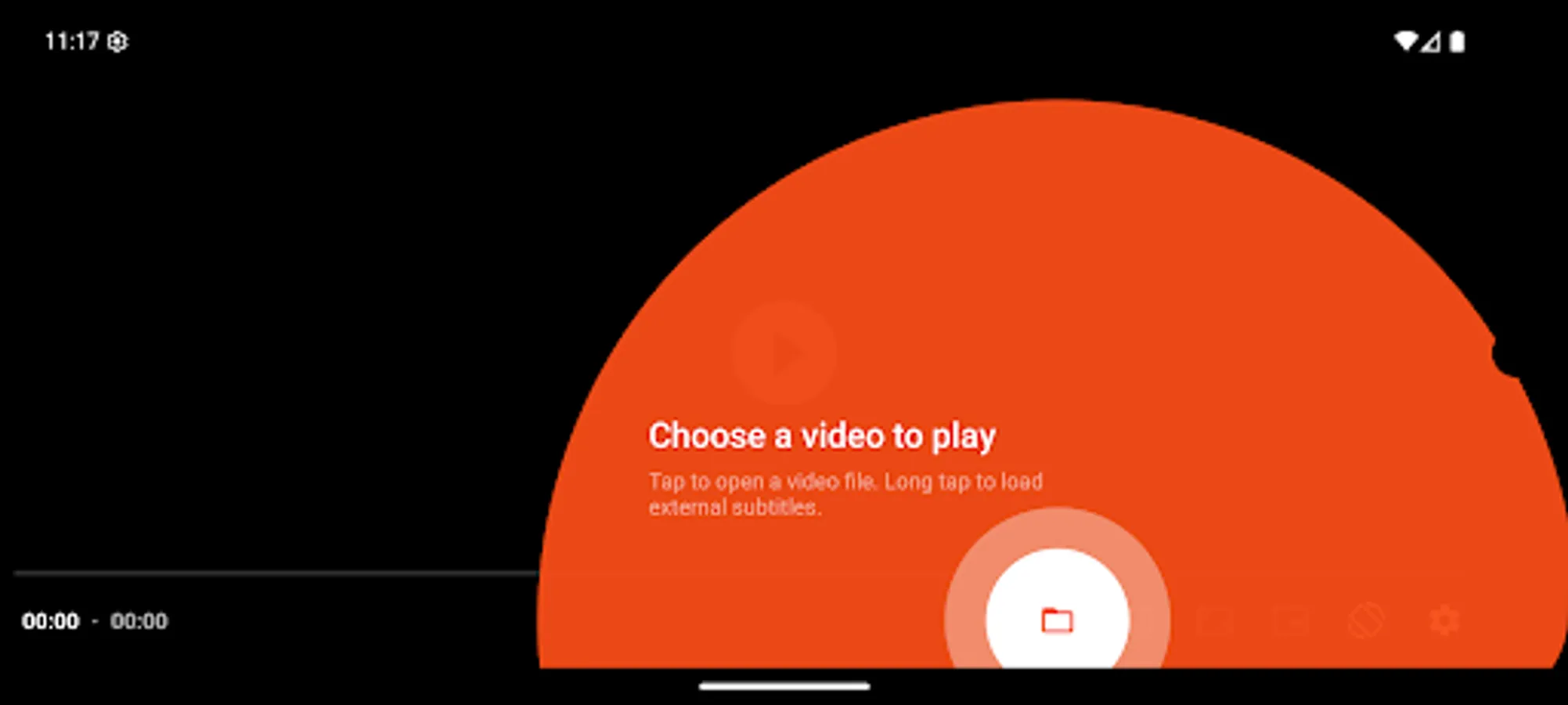
To load external (non-embedded) subtitles, long-press the Open File button in the bottom bar. On first use, you will be prompted to select your root video folder to enable automatic subtitle loading.
⚠️ Important Note
This app does not provide video content.
It only plays videos or streams provided by the user.
The player ensures perfect audio–video sync, including when using Bluetooth earphones or speakers, providing a smooth and reliable playback experience for all users.
🎵 Supported Audio Formats
Vorbis, Opus, FLAC, ALAC, PCM/WAVE (μ-law, A-law), MP1, MP2, MP3, AMR (NB/WB), AAC (LC, ELD, HE, xHE), AC-3, E-AC-3, DTS, DTS-HD, TrueHD
🎬 Supported Video Formats
H.263, H.264 AVC, H.265 HEVC, MPEG-4 SP, VP8, VP9, AV1
📦 Supported Containers
MP4, MOV, WebM, MKV, Ogg, MPEG-TS, MPEG-PS, FLV
🌐 Streaming Protocols
DASH, HLS, SmoothStreaming, RTSP
📝 Subtitle Formats
SRT, SSA, TTML, VTT
🌈 HDR Support
Playback of HDR10+ and Dolby Vision videos on supported devices.
⭐ Features
Audio & subtitle track selection
Playback speed control
Swipe & gesture controls
Horizontal swipe / double tap to seek
Vertical swipe for brightness (left) / volume (right)
Pinch to zoom (Android 7+)
Picture-in-Picture mode (Android 8+, resizable on Android 11+)
Video resize modes (fit / crop)
Volume boost
Auto frame-rate matching (Android TV / boxes, Android 6+)
Post-playback actions (delete file / skip to next)
Touch lock mode
Lightweight, fast, no ads, no tracking, and no unnecessary permissions
📂 External Subtitle Loading
To load external (non-embedded) subtitles, long-press the Open File button in the bottom bar. On first use, you will be prompted to select your root video folder to enable automatic subtitle loading.
⚠️ Important Note
This app does not provide video content.
It only plays videos or streams provided by the user.
Only Play – HD Video Player Screenshots

Tap to Rate:
Reviews for Only Play – HD Video Player
Ankush Mishraa
1/20/2026
Excellent player with smooth decoding, subtitle support, and intuitive controls. Easily my daily driver.
KP Patel
12/31/2025
Very good video player app.