AOD Flow: Always On Display
Androxus
4.5 ★
5K ratings
500,000+
downloads
Free
+ in-app
In this Always On Display app, you can customize clock styles, view notifications, and control music directly on your AMOLED screen. Includes burn-in protection, pocket mode, and adjustable display timings.
AppRecs review analysis
AppRecs rating 4.6. Trustworthiness 72 out of 100. Review manipulation risk 37 out of 100. Based on a review sample analyzed.
★★★★☆
4.6
AppRecs Rating
Ratings breakdown
5 star
73%
4 star
13%
3 star
7%
2 star
2%
1 star
5%
What to know
✓
Credible reviews
72% trustworthiness score from analyzed reviews
✓
High user satisfaction
85% of sampled ratings are 4+ stars (4.5★ average)
✓
Authentic reviews
Natural distribution, no red flags
About AOD Flow: Always On Display
Interactive watch faces, notifications, and music control on AMOLED display
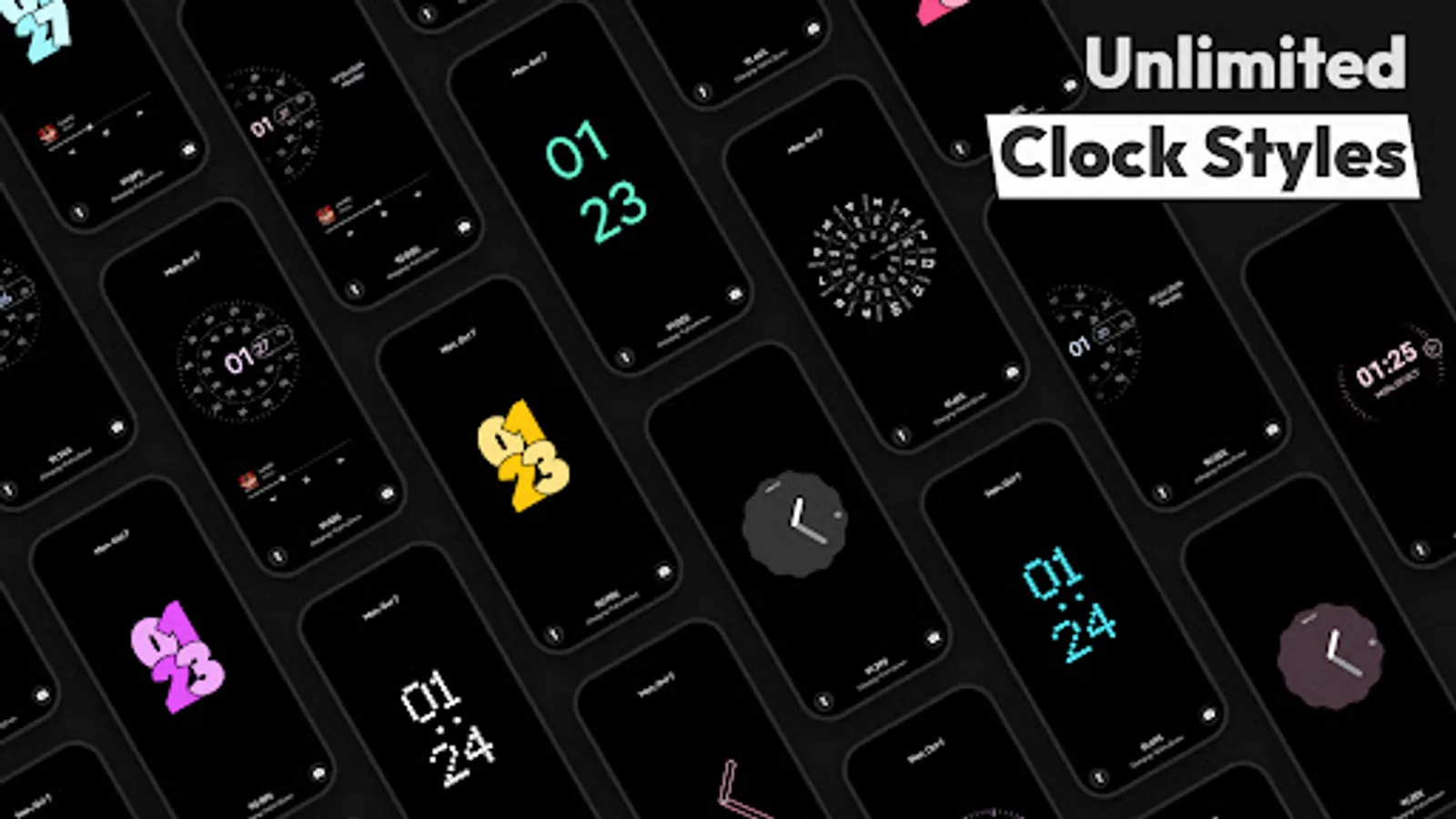
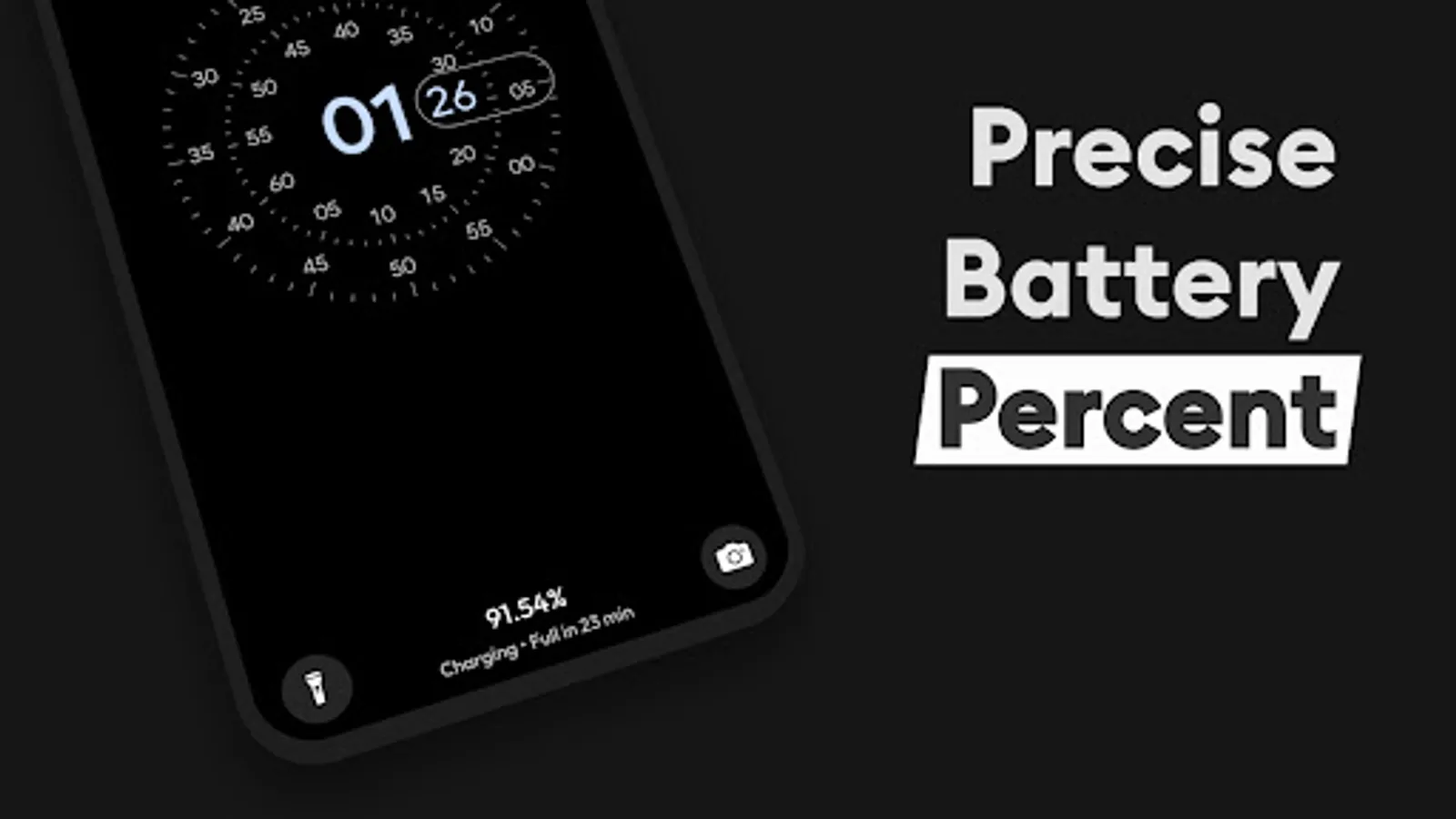
AOD Flow is the ultimate Always On Display app for AMOLED screens, turning your lock screen into an interactive and stylish AOD. View the time/date and precise battery percentage, and customize modern clock styles and watch faces to suit your taste.
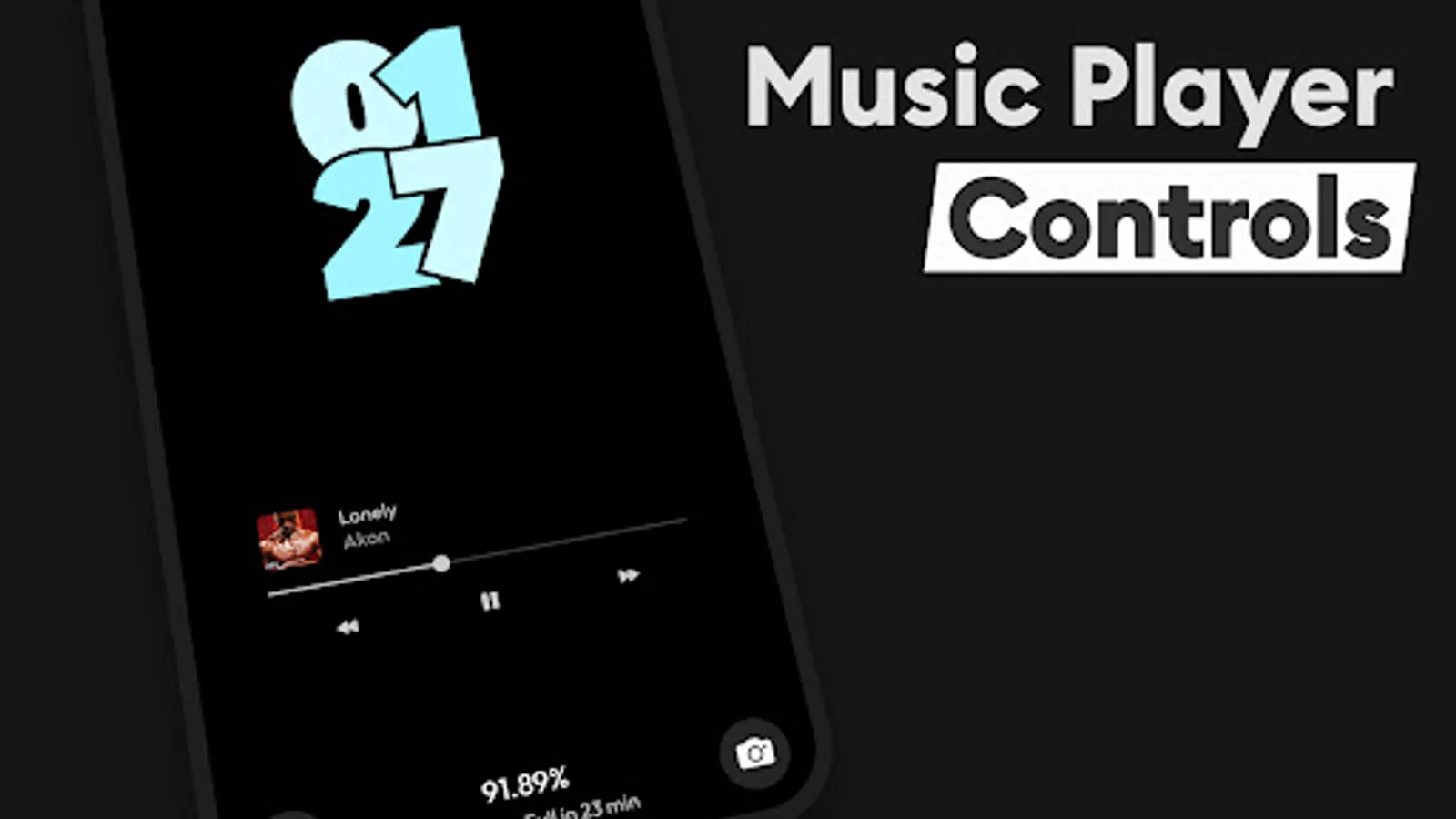
Control your music with advanced features like seeking and track changing. Enjoy beautiful edge-to-edge minimal clock styles that covers full screen with features like AMOLED/OLED burn-in protection, pocket mode, and screen dim time to protect your screen.
Key Features:
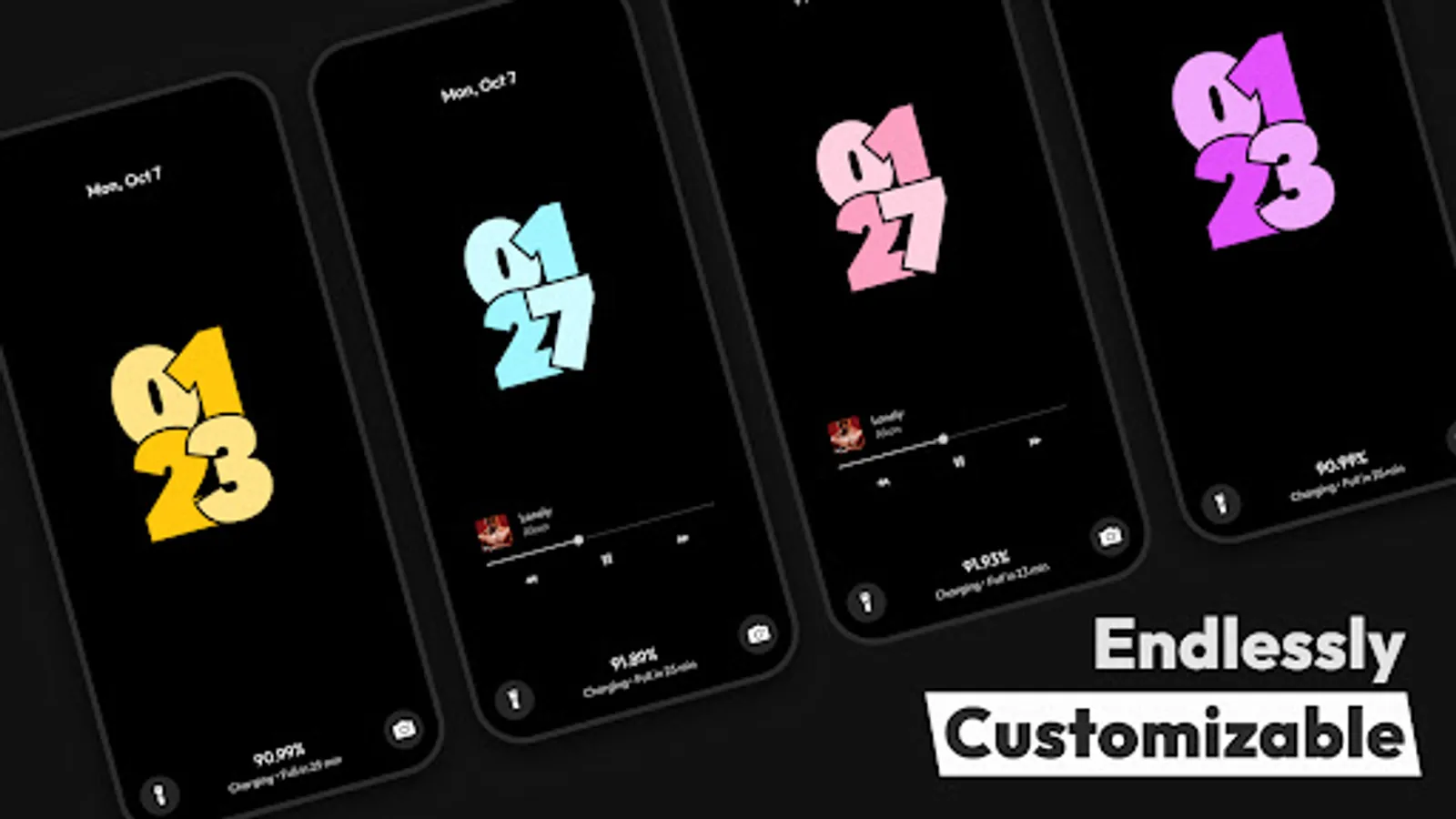
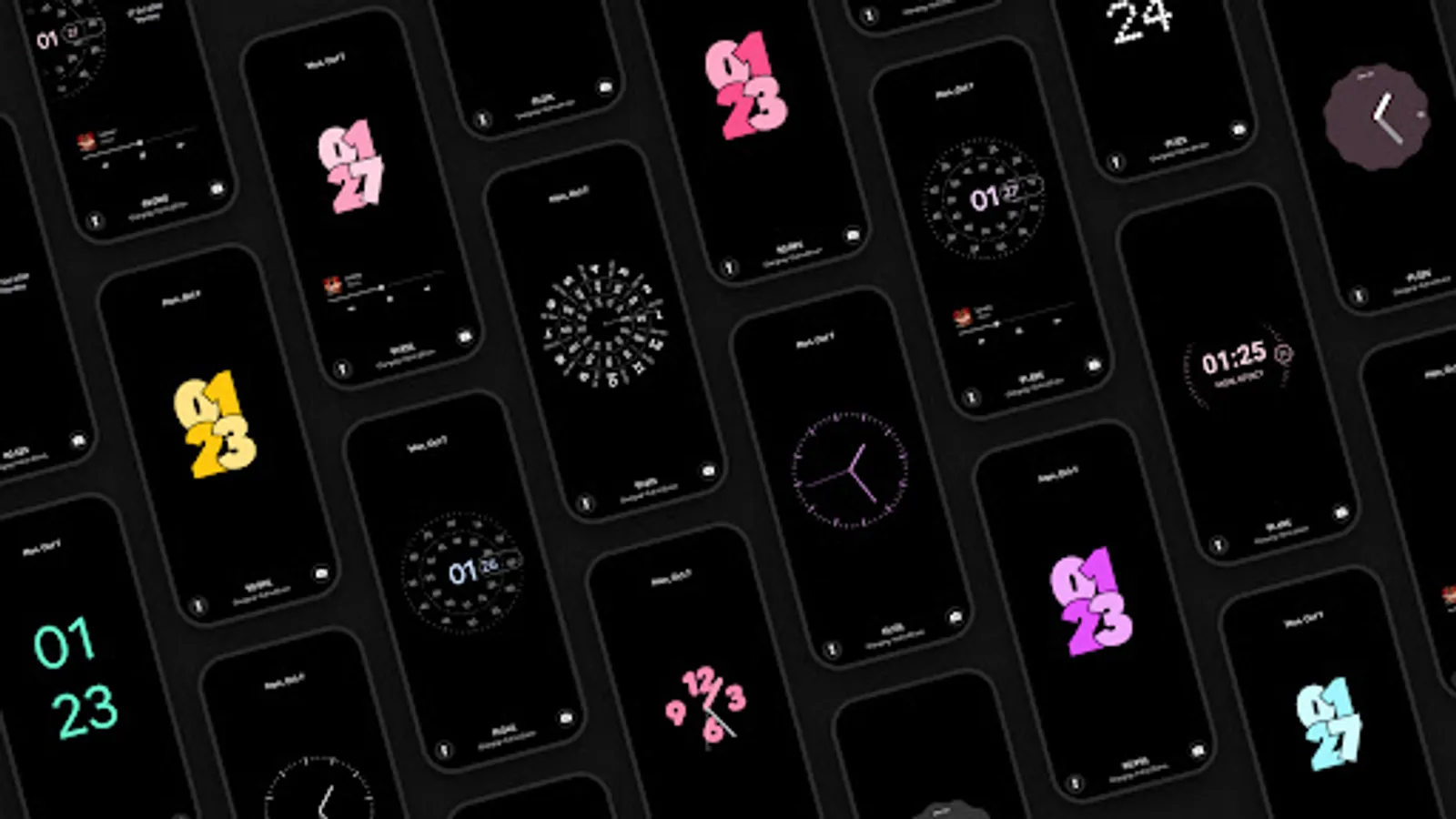
•Aesthetic and Beautiful Clock Styles: Personalize your lock screen with a variety of modern and stylish clock styles.
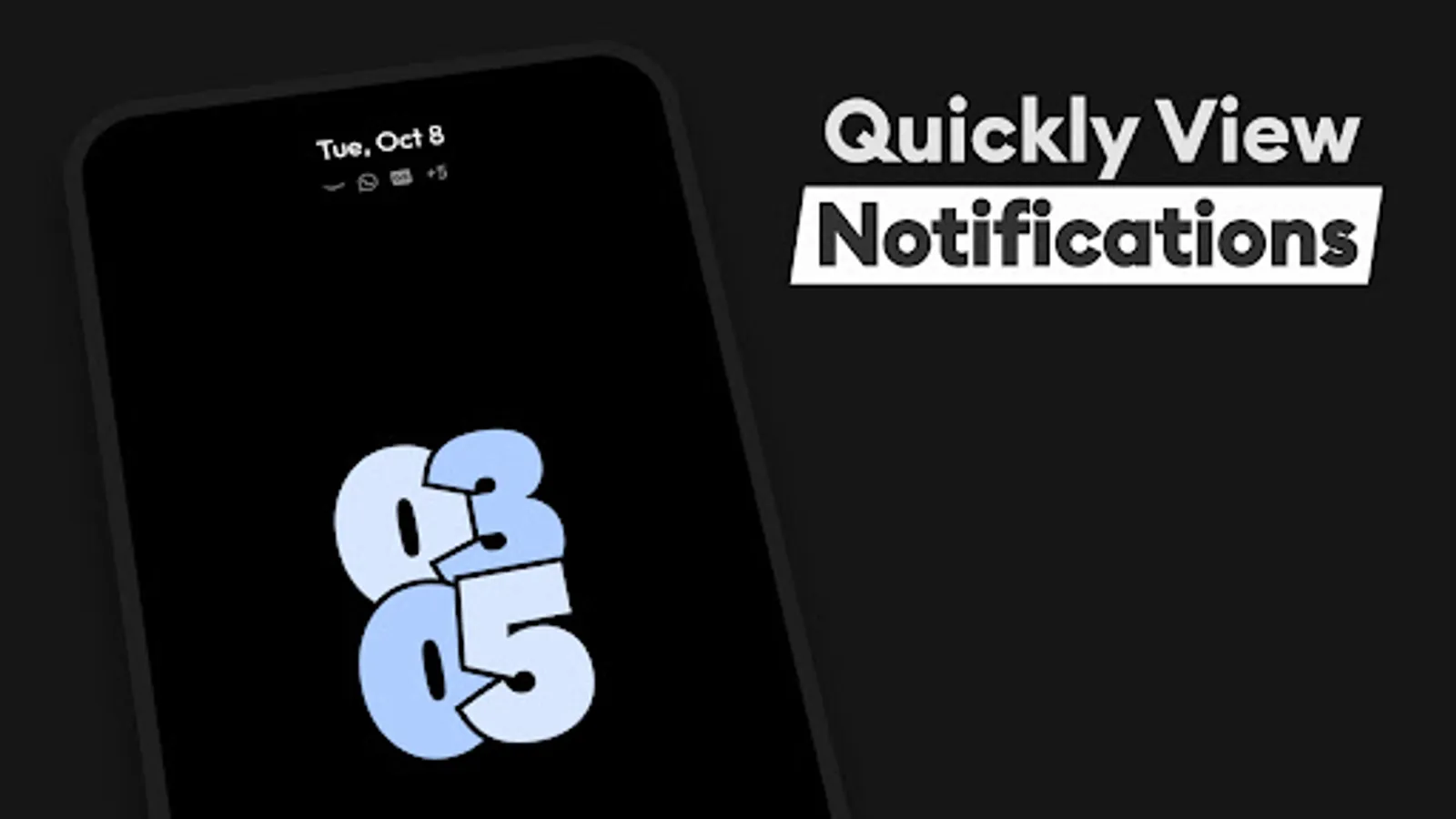
• Notifications on Always On Display (AOD): View and interact with notifications directly on your AOD screen.
• Advanced Music and Video Control: Control your music directly from the AOD, including seeking progress and changing tracks.
• Fast Charging Detection: Automatically detects and displays when your device is fast charging, so you can get back to full power quicker than ever.
•AMOLED/OLED Burn-in Protection: Protect your screen with built-in burn-in prevention techniques tailored for AMOLED and OLED displays.
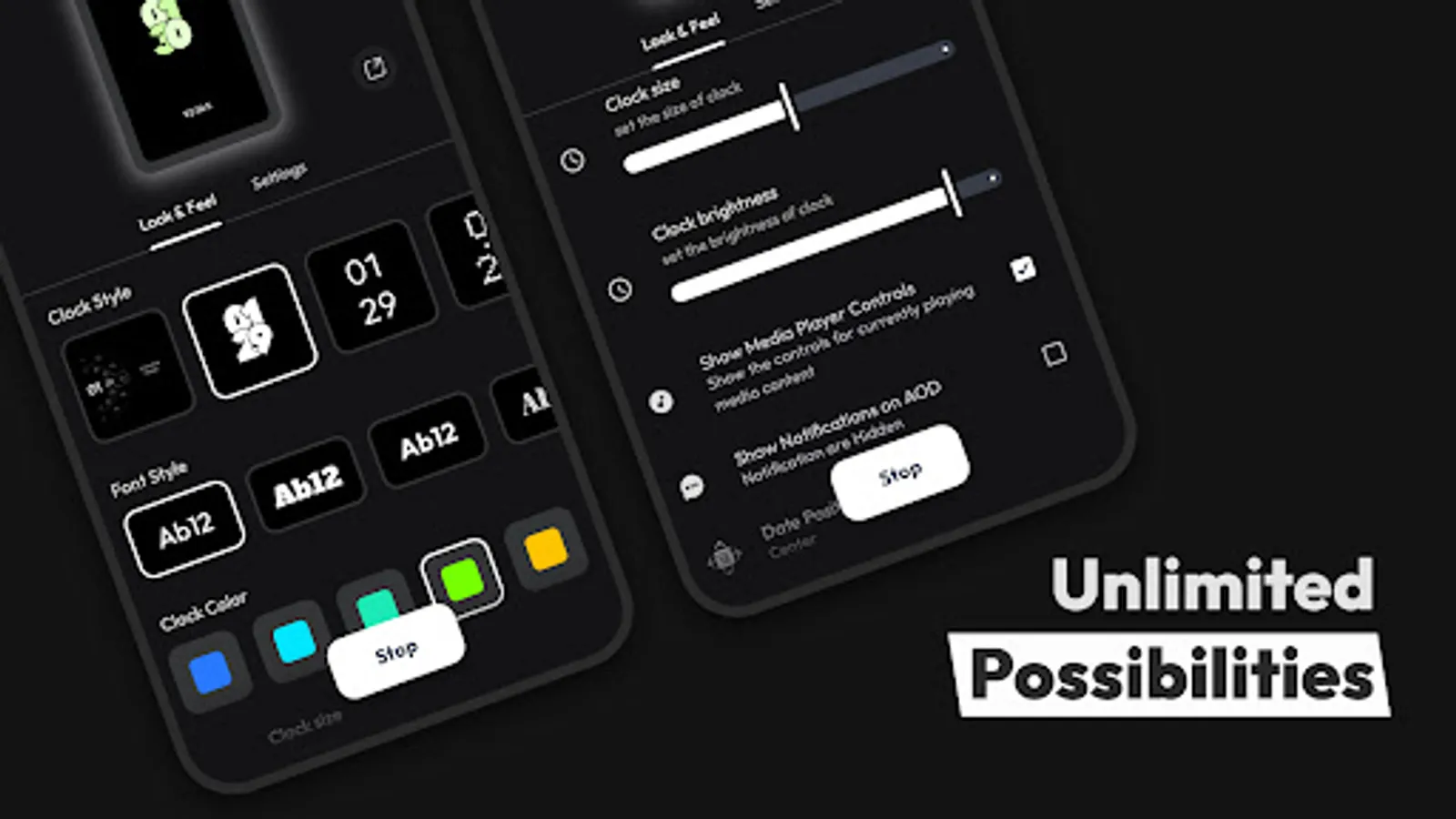
• Customizable AOD Timing and Dim Settings: Adjust the AOD display time and dimming options to conserve battery life.
• Power Saving Mode: Save energy by pausing animations like rotating clocks after a set period.
• Double Tap to Exit: Effortlessly exit the AOD screen with a simple double-tap gesture.
• Torch and Camera Support: Access the torch and camera functions directly from your AOD for quick utility.
• Custom Fonts, styles, colors, and Sizes: Customize clock fonts, colors, and sizes to match your personal style.
• Flexible Date and Time Formats: Display the date and time in formats that suit you best.
•StandBy Mode: It can also turn your device into a Smart Display Bedside NightStand or Desk Clock with smooth animations, digital and fullscreen analog clocks, night mode, and quick launch for an enhanced charging experience.
Whether you're always on the go or just want more control over your device, AOD Flow is the perfect app for you. It offers a customizable Always On Display that keeps your screen both stylish and functional.
Download AOD Flow today and enjoy a personalized lock screen experience that fits seamlessly into your digital life.