Night Screen: Ultra Dim Mode
Androxus
4.1 ★
6K ratings
500,000+
downloads
Free
+ in-app
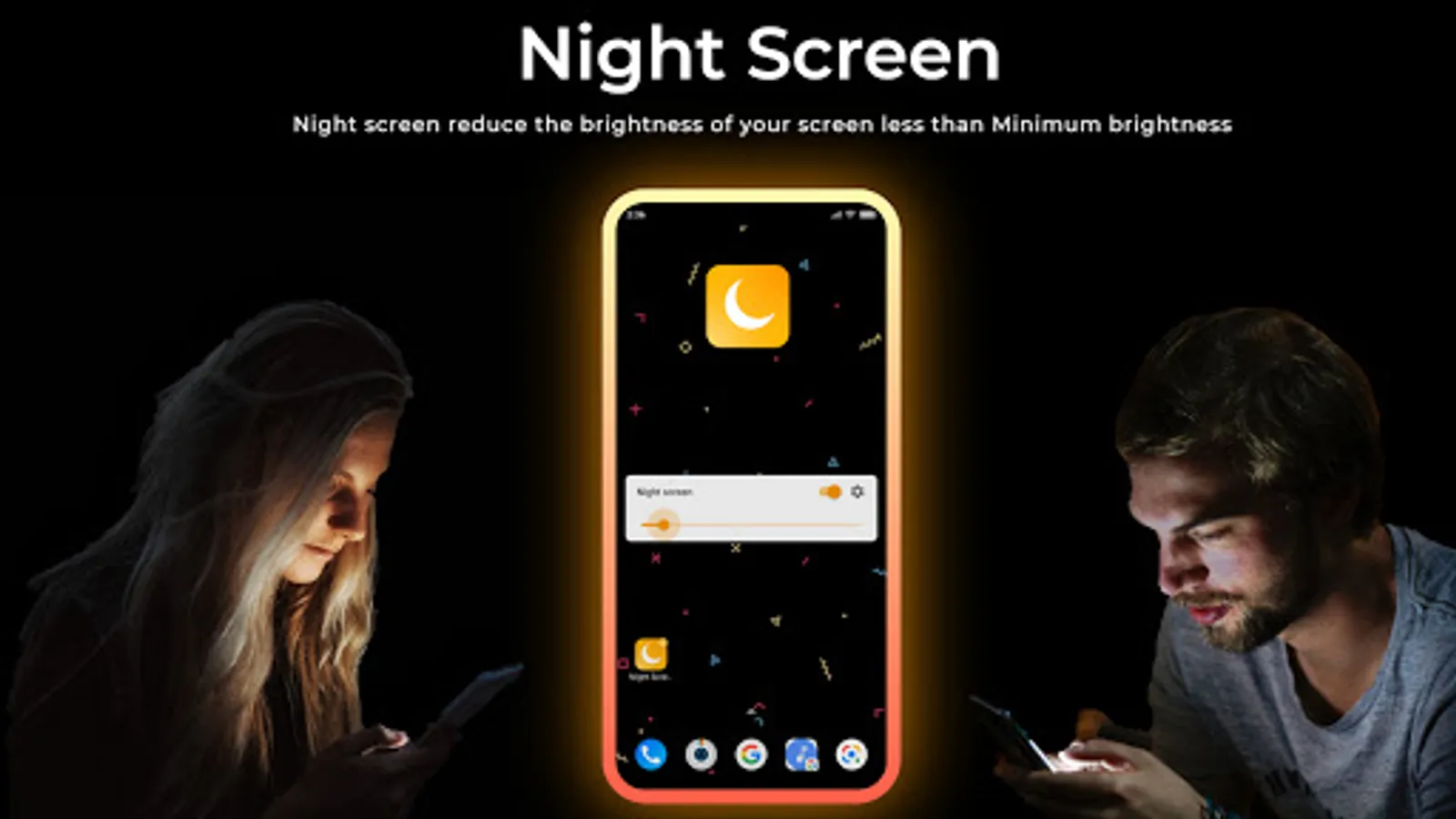
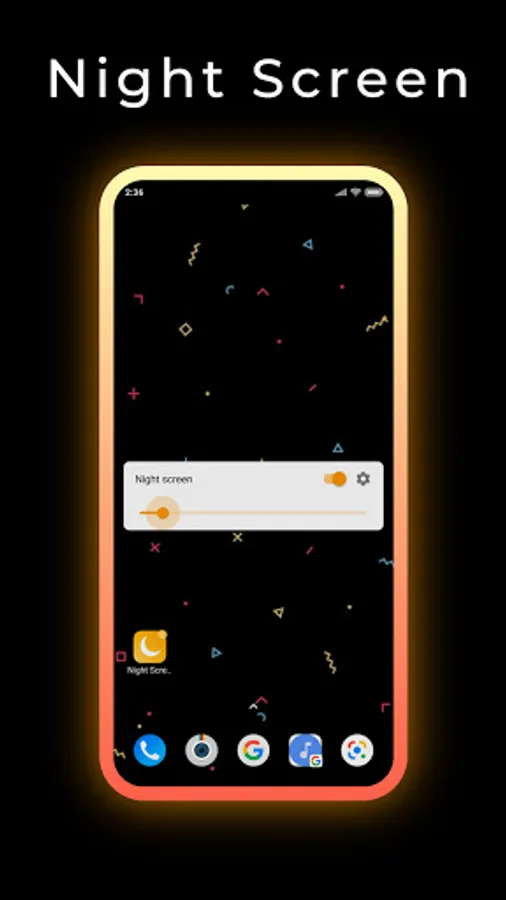
With this app, you can dim your screen brightness below the default minimum and customize night screen filters. Includes night modes, blue light reduction, auto scheduling, and easy-to-use controls.
AppRecs review analysis
AppRecs rating 3.6. Trustworthiness 72 out of 100. Review manipulation risk 38 out of 100. Based on a review sample analyzed.
★★★☆☆
3.6
AppRecs Rating
Ratings breakdown
5 star
72%
4 star
8%
3 star
2%
2 star
1%
1 star
18%
What to know
✓
Credible reviews
72% trustworthiness score from analyzed reviews
✓
High user satisfaction
80% of sampled ratings are 4+ stars (4.1★ average)
⚠
Ad complaints
Many low ratings mention excessive ads
About Night Screen: Ultra Dim Mode
Night Screen
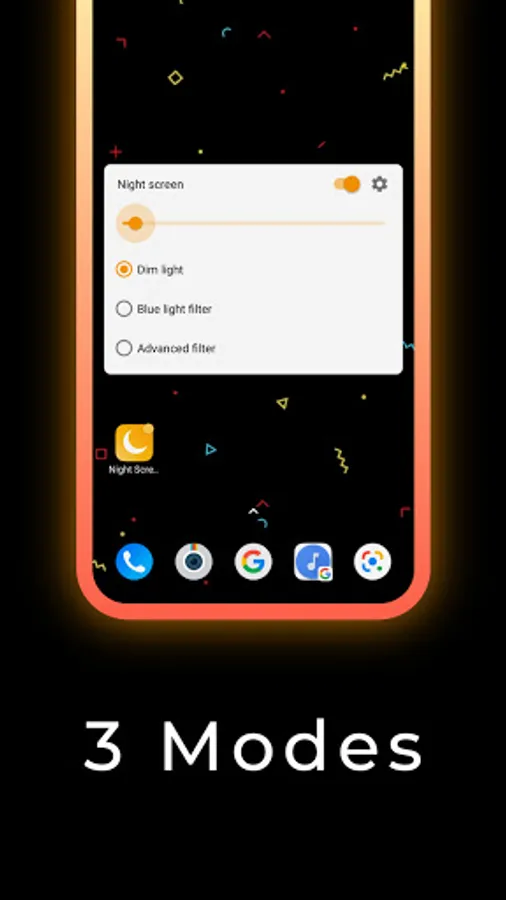
Night screen is a Free app that dim the brightness of your Screen lower than the phone minimum brightness settings, it has many night screen modes: night mode reading screen, Ultra-low screen brightness, Customize your night screen filtersDifferent Night modes that are included in Night Screen app:
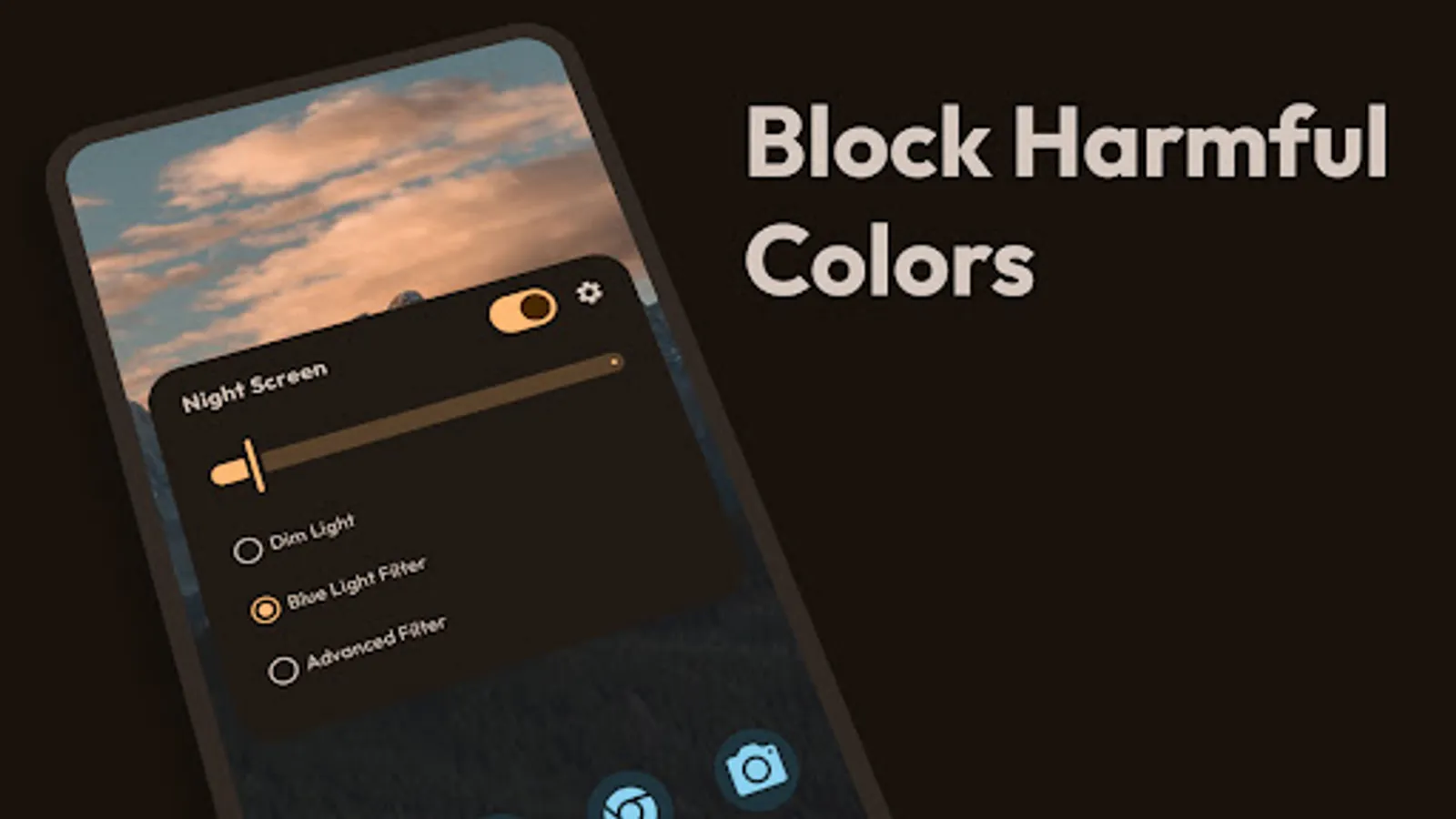
• Dim Light:
You can adjust your screen brightness accordingly. Get a better viewing experience, Reduce brightness levels, reduce stress on the eyes and protect eyes from screen light.
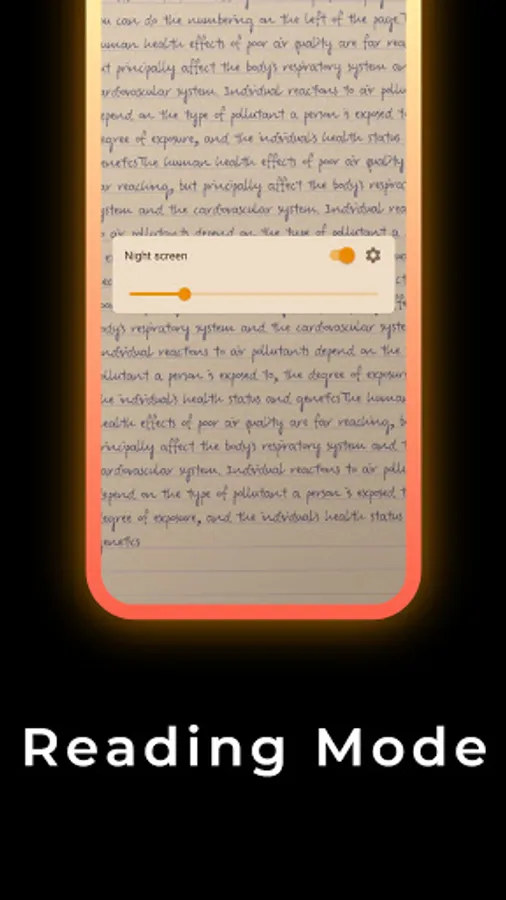
• Blue light filter (Reading Mode):
Blue light filter is used to decrease blue light by reducing the intensity. Shifting Night screen mode to Blue light filter can relieve your eyes stress, and your eyes will feel at comfort during night reading. Also, Blue light filter will protect your eyes and assist you to sleep comfortably. Great for low-light gaming, web browsing, and eBook reading.
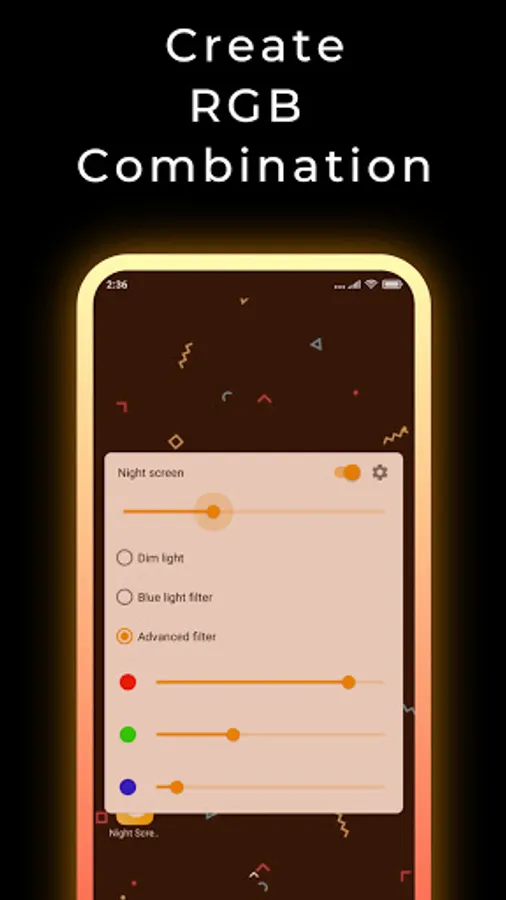
• Customize Screen Filter (RGB):
The color picker function makes you choose any color which is best for your eyes and begin using your smartphone with the Night Screen mode. This will protect your eyes from the flashing screen and use at night time with the Night Screen app.
• Auto Schedule:
Automatically enable night screen at sunset and disable it in the morning. Set your preferred sunset and morning times, and Night Screen will handle everything automatically. The filter gradually increases in intensity after sunset, helping your eyes adjust naturally and improving your sleep quality. You can customize the transition duration (1-4 hours) and maximum filter intensity (10-100%). Smart pause feature lets you temporarily disable the schedule until the next day.
• Easy to Use:
beautiful buttons help you turn on and turn off and adjust the Night screen settings app in one second. Very useful screen dimmer & night modes app for eye care and safety.
Night Screen (screen dimmer) Tools Features:
• Beautiful dark and light theme
• All modes in one place
• Reduce blue light on the screen
• Customize Screen Filter (RGB)
• Dim the entire screen
• Customize screen filter(shade and color) to anything you wish.
• Blue light filter (Reading Mode)
• Eye protector from Blue screen light
• Auto Schedule - automatically turn on at sunset and off in the morning
• Gradual intensity transition for natural eye adjustment
• Quick stop from Notification.
• Very simple to use.
Permissions Notice:
Display overlay- it is used to change the color of the overlay