My PDF - PDF Editor, Creator
3k Developers
3.2 ★
104 ratings
10,000+
downloads
Free
In this PDF editor and creator app, you can produce, modify, and convert PDF files using various tools. Includes features such as image to PDF, text to PDF, PDF merging, splitting, and compression.
AppRecs review analysis
AppRecs rating 3.3. Trustworthiness 80 out of 100. Review manipulation risk 34 out of 100. Based on a review sample analyzed.
★★★☆☆
3.3
AppRecs Rating
Ratings breakdown
5 star
50%
4 star
0%
3 star
0%
2 star
17%
1 star
33%
What to know
✓
Credible reviews
80% trustworthiness score from analyzed reviews
✓
Authentic reviews
Natural distribution, no red flags
⚠
High negative review ratio
50% of sampled ratings are 1–2 stars
About My PDF - PDF Editor, Creator
My PDF is an ultimate tool for all PDF related works. You can Create or Edit the PDF based on your choice.
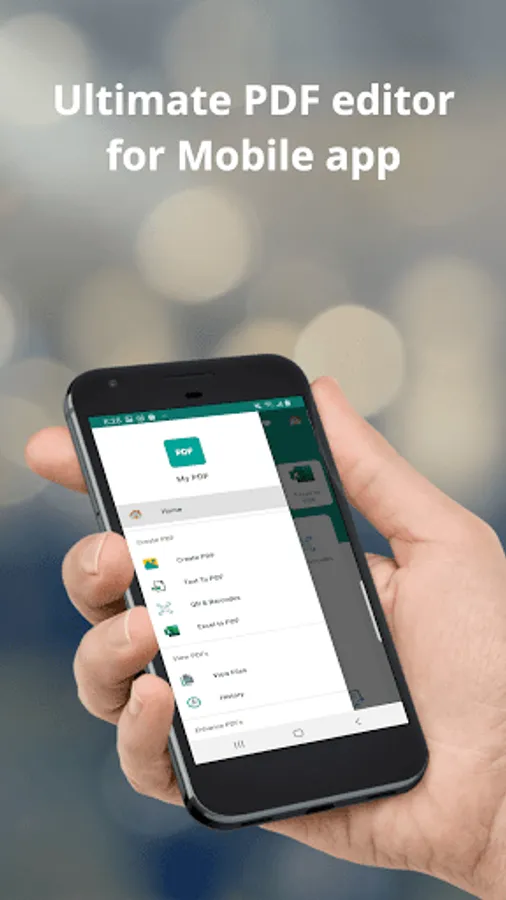
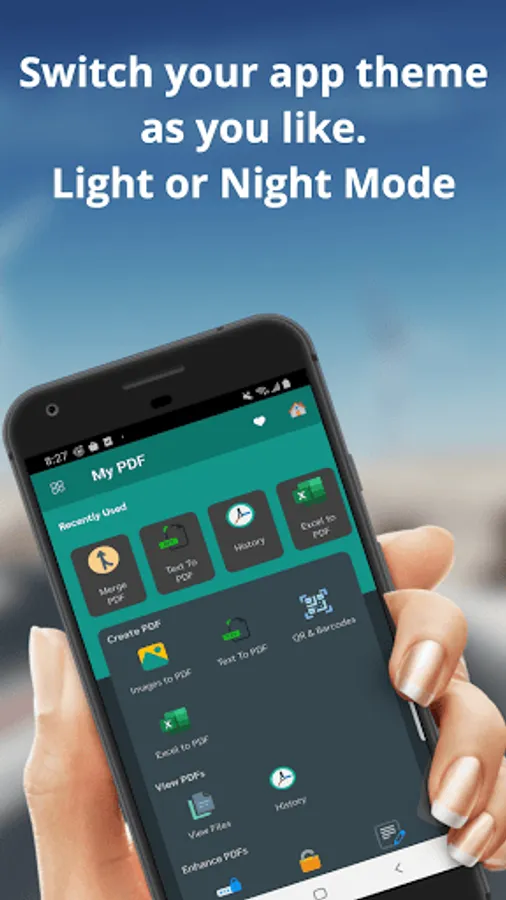
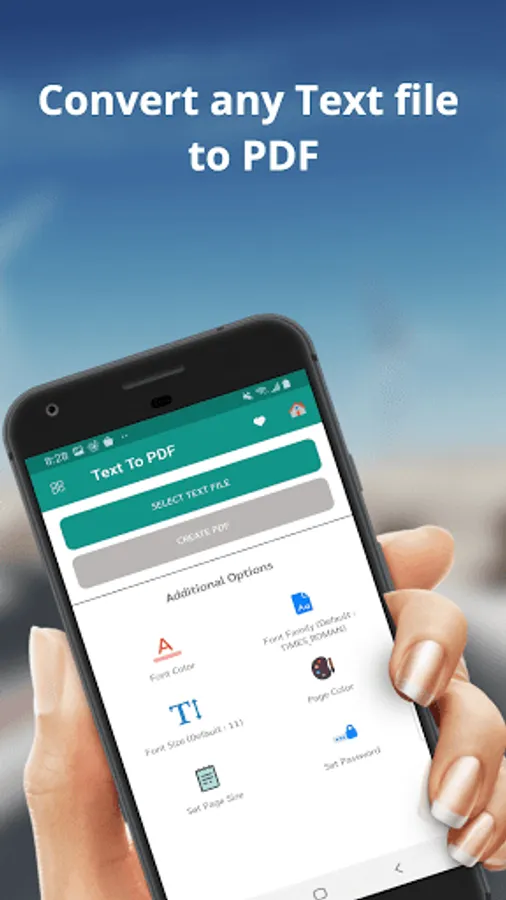
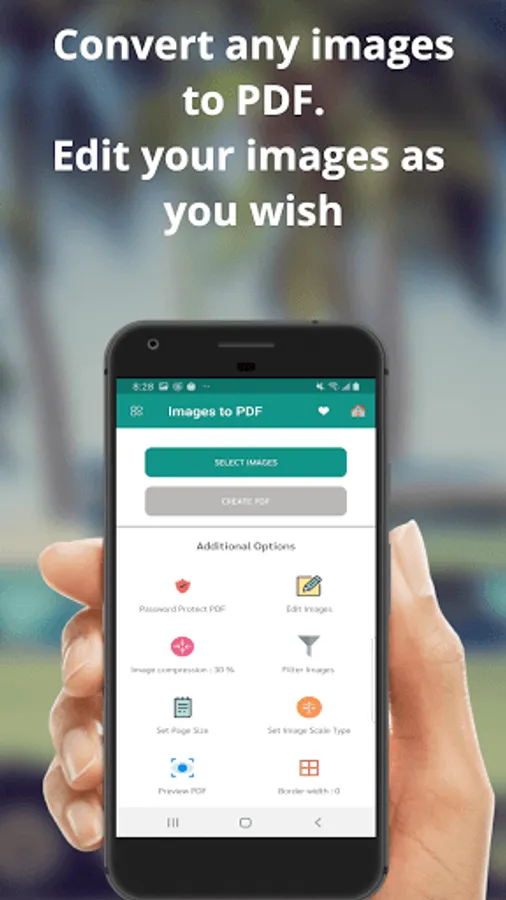
Main features of My PDF include the image to PDF conversion, Text to PDF conversion and Excel to PDF Conversion. Also the My PDF include lots more features for free. You can store and view PDF based on your choice.
View PDF part of the app helps you to View the converted files and also see the PDF converted history. This features helps in track all your previous PDF files. You can share edit, copy, print, or send here. My PDF is the most advanced tool to perform all these tasks.
Enhance PDF part helps in enhancing your PDF by adding a password protected PDF or you can remove the password with the help of My PDF app.
Adding Text to PDF is now super simple with help of My PDF app. You can rotate pages or a watermark based on your choice or adding new images to existing PDF. These all features are completely free with My PDF. Modify any PDF with merging PDF part called merge pdf or Split the PDF files using split pdf part of our app. You can invert pdf also. Compress pdf helps in compressing your pdf into a smaller size. Remove duplicate pages or remove pages is an advanced feature that you get it for free.
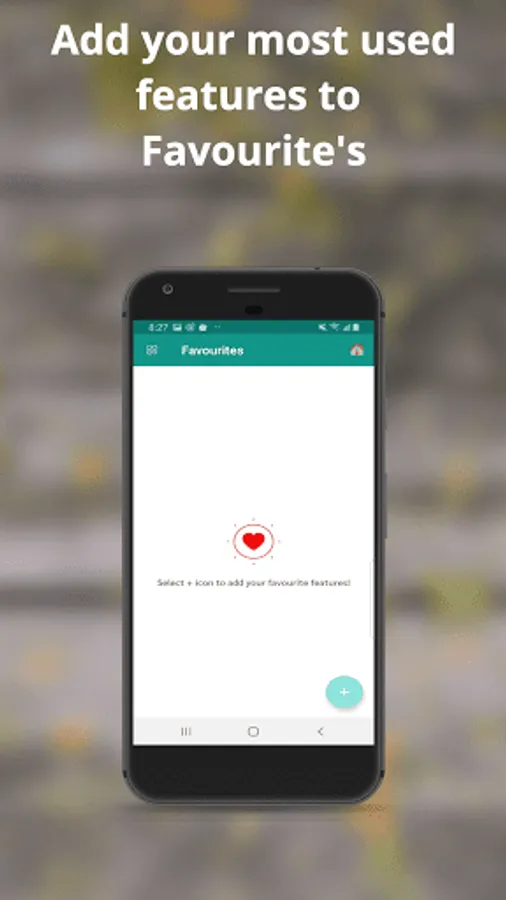
You can remove pages or reorder pages using our app. Also helps in extract the images from any pdf's. PDF to images or Extract text or convert a zip to pdf also possible with the My PDF app. Favourite apps helps in adding your favourite tools for easy access.
For any support please contact the developer, we are ready to help you with any issues in our app. Thanks
Main features of My PDF include the image to PDF conversion, Text to PDF conversion and Excel to PDF Conversion. Also the My PDF include lots more features for free. You can store and view PDF based on your choice.
View PDF part of the app helps you to View the converted files and also see the PDF converted history. This features helps in track all your previous PDF files. You can share edit, copy, print, or send here. My PDF is the most advanced tool to perform all these tasks.
Enhance PDF part helps in enhancing your PDF by adding a password protected PDF or you can remove the password with the help of My PDF app.
Adding Text to PDF is now super simple with help of My PDF app. You can rotate pages or a watermark based on your choice or adding new images to existing PDF. These all features are completely free with My PDF. Modify any PDF with merging PDF part called merge pdf or Split the PDF files using split pdf part of our app. You can invert pdf also. Compress pdf helps in compressing your pdf into a smaller size. Remove duplicate pages or remove pages is an advanced feature that you get it for free.
You can remove pages or reorder pages using our app. Also helps in extract the images from any pdf's. PDF to images or Extract text or convert a zip to pdf also possible with the My PDF app. Favourite apps helps in adding your favourite tools for easy access.
For any support please contact the developer, we are ready to help you with any issues in our app. Thanks
My PDF - PDF Editor, Creator Screenshots
Tap to Rate:
Reviews for My PDF - PDF Editor, Creator
Fahim Najme
8/26/2023
😌👍🏻
Julia Adona
9/20/2022
Good