
App Off Timer: Limit App Usage
X-MORE, LTD.
3.3 ★
3K ratings
500,000+
downloads
Free
With this app, you can set usage timers for individual apps and lock them after reaching a limit. Includes app locking, schedule management, and usage monitoring features.
AppRecs review analysis
AppRecs rating 3.2. Trustworthiness 84 out of 100. Review manipulation risk 22 out of 100. Based on a review sample analyzed.
★★★☆☆
3.2
AppRecs Rating
Ratings breakdown
5 star
45%
4 star
9%
3 star
11%
2 star
6%
1 star
30%
What to know
✓
Low review manipulation risk
22% review manipulation risk
✓
Credible reviews
84% trustworthiness score from analyzed reviews
⚠
High negative review ratio
36% of sampled ratings are 1–2 stars
About App Off Timer: Limit App Usage
■ Caution
This app may not work properly on devices from the following manufacturers.
• HUAWEI • Xiaomi • OPPO
■ App Usage Timer & Locker – Stay Focused, Limit Screen Time
Have you ever lost track of time while using an app or playing a game?
Are you worried that your child is spending too much time on their smartphone?
This app usage timer and lock tool helps you manage screen time, avoid overuse, and build healthier habits for adults and children alike.
◆ Main Features ◆
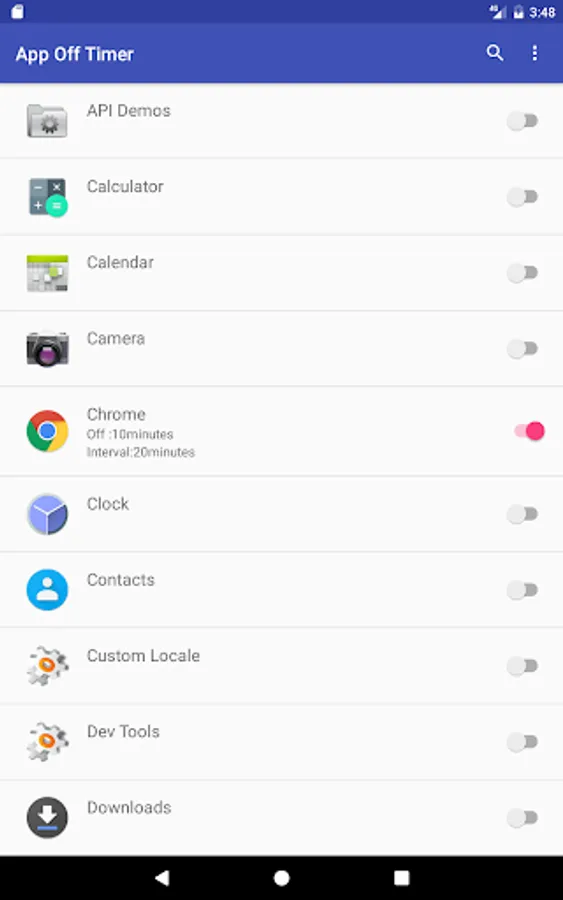
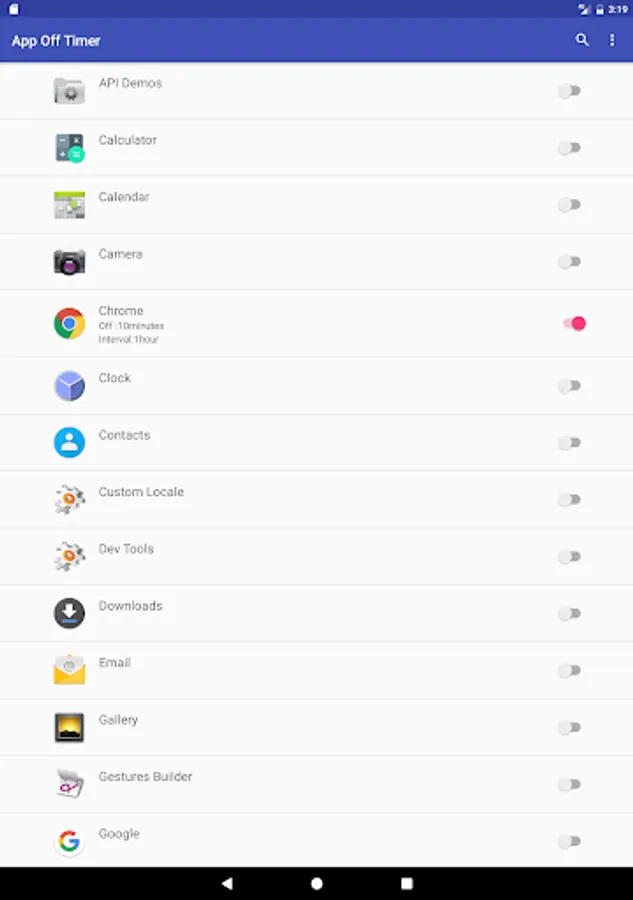
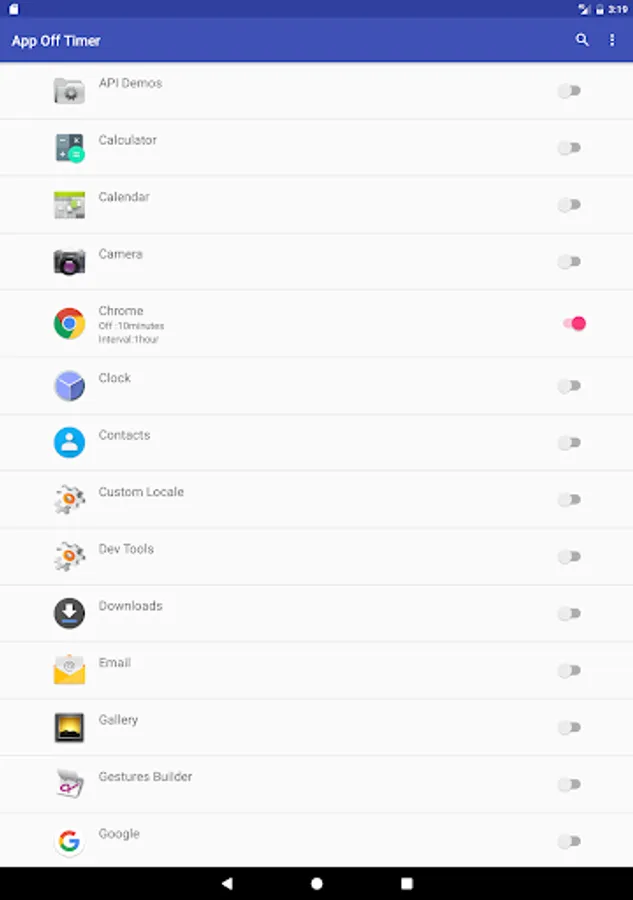
■ Set Timer & Lock Apps
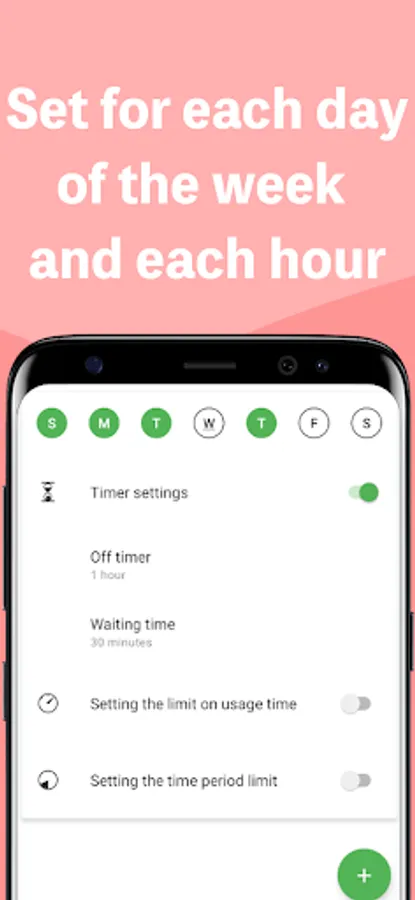
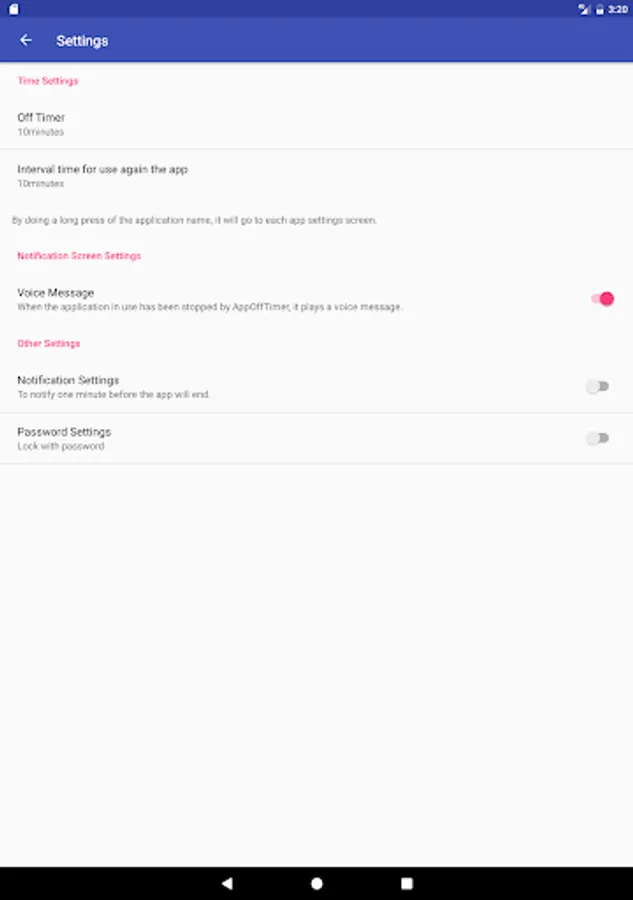
- Set a usage timer for each app individually (max 24 hours).
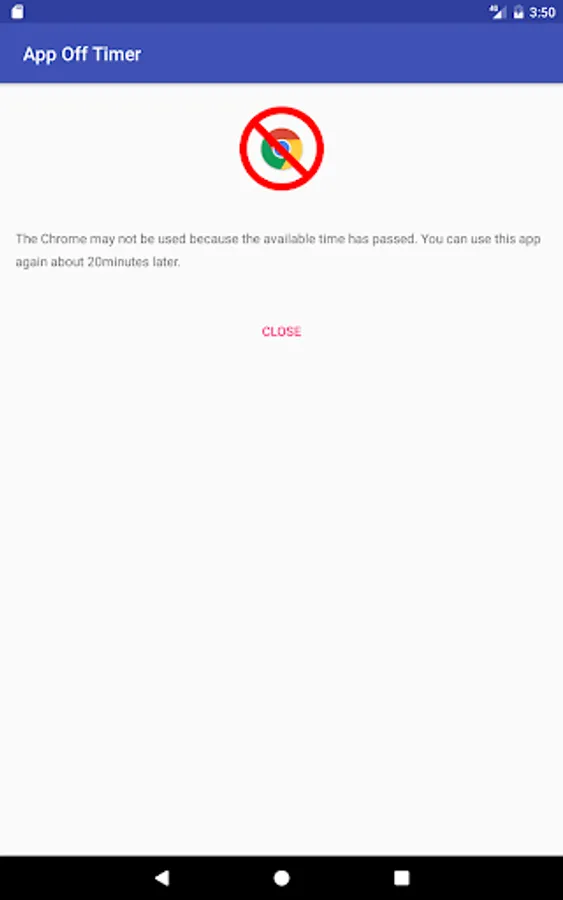
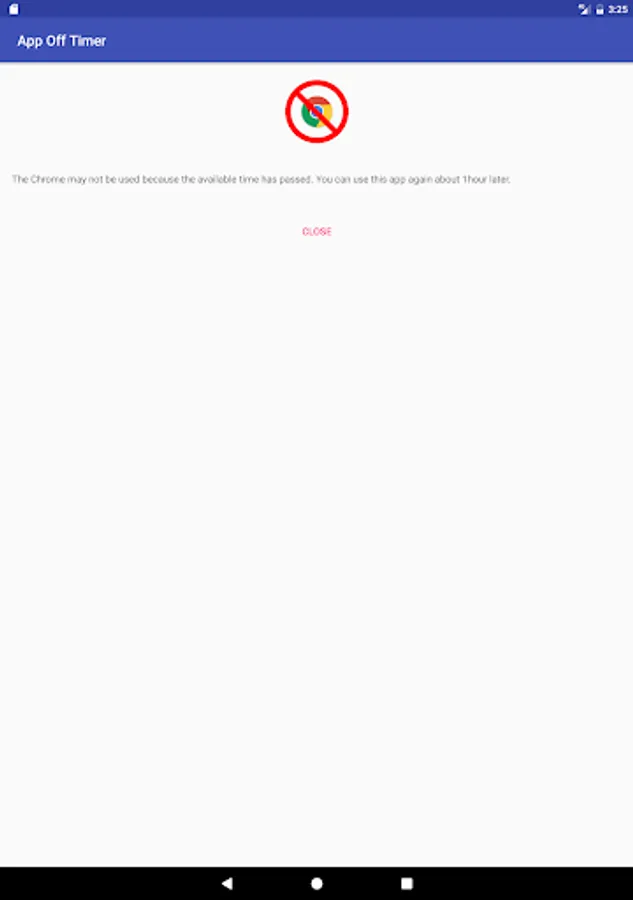
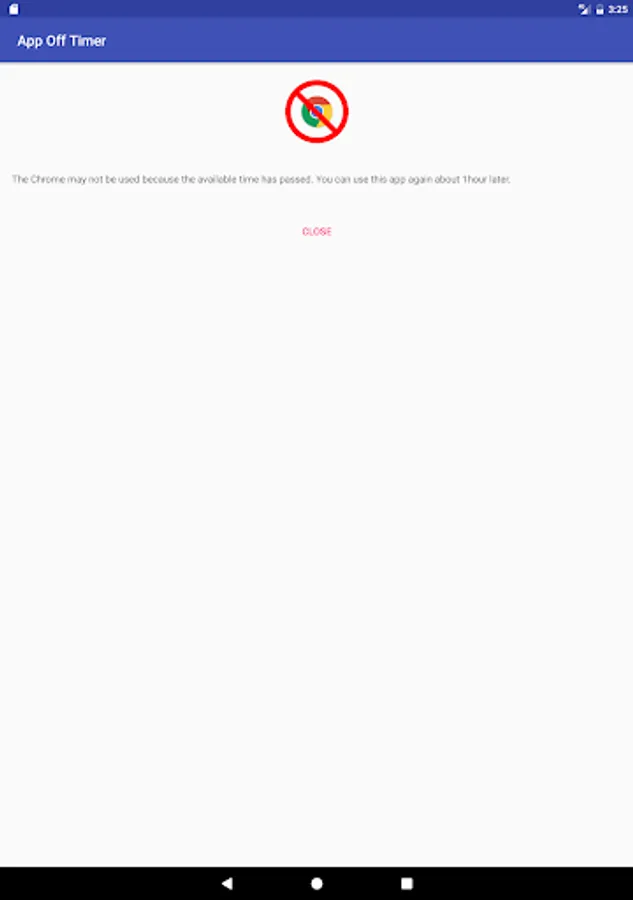
- Once the set time limit is reached, the app is automatically locked.
- The timer controls how long an app can be used continuously.
- After the app is locked, it remains inaccessible for up to 24 hours.
Example:
Set the timer on a video app to 10 minutes and the waiting time to 30 minutes. After 10 minutes of usage, the app automatically locks and remains inaccessible for the next 30 minutes.
■ Daily Time Limits & Schedules
- You can set daily usage limits for each app or app group. Once the limit is reached, the app is locked for the rest of the day.
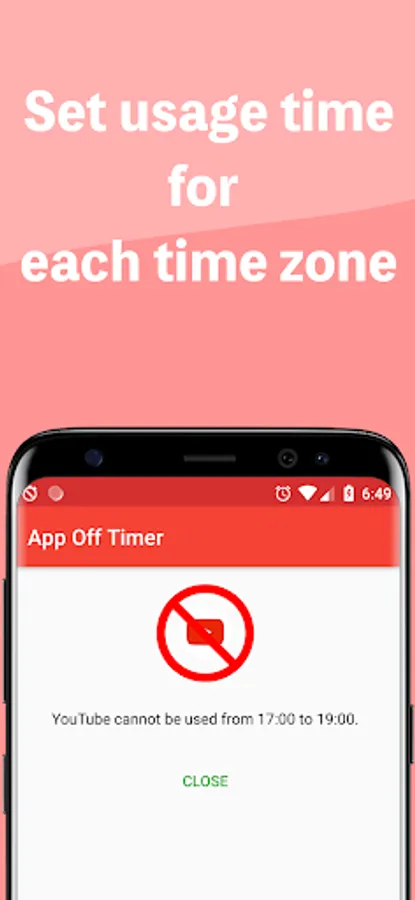
- You can restrict app usage to specific time periods (for example, from 9 p.m. to 6 a.m.).
- You can schedule app locks by day of the week and by hour to suit school or work routines.
- You can monitor app usage history for the past 24 hours, 7 days, or 30 days.
Example:
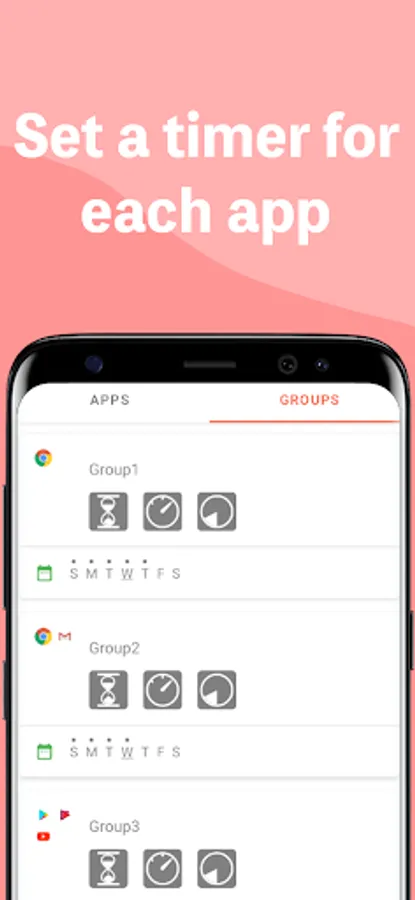
Group Twitter, Facebook, and Instagram under “SNS” and set a 1-hour daily usage limit. All three apps combined can only be used for 1 hour per day.
■ Safe & Secure for Children
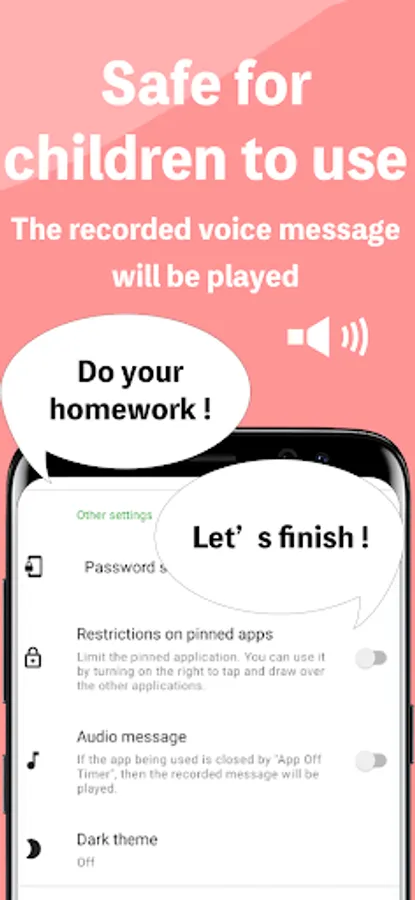
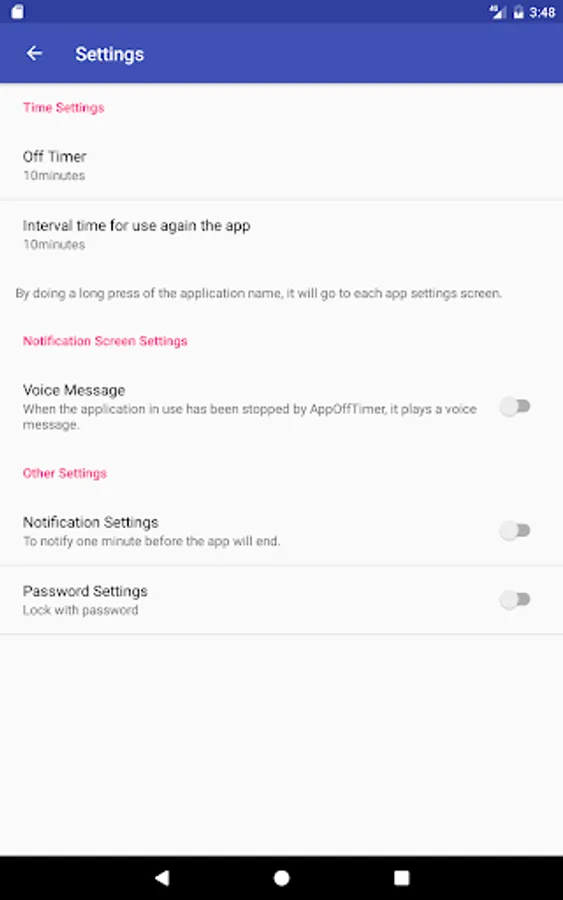
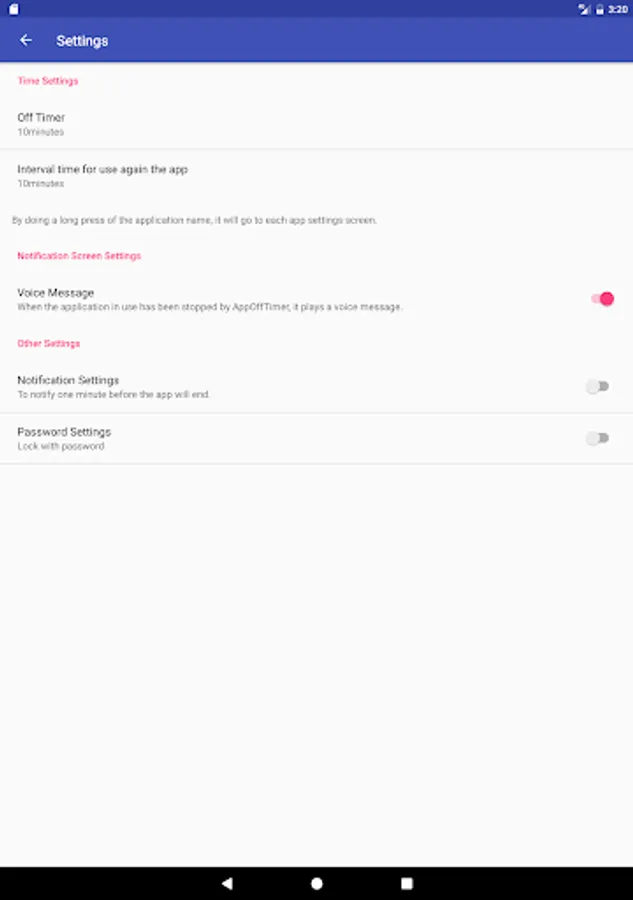
- Lock settings with a password to prevent unauthorized changes.
- Enable uninstall protection to stop kids from deleting the app (device admin permission required).
- Get app shutdown alerts 1 to 10 minutes before time is up.
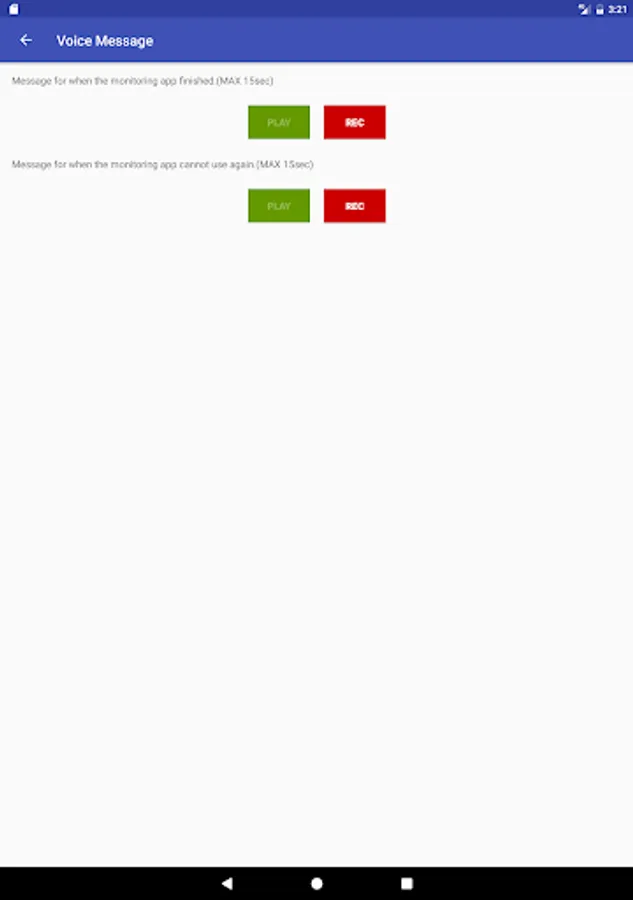
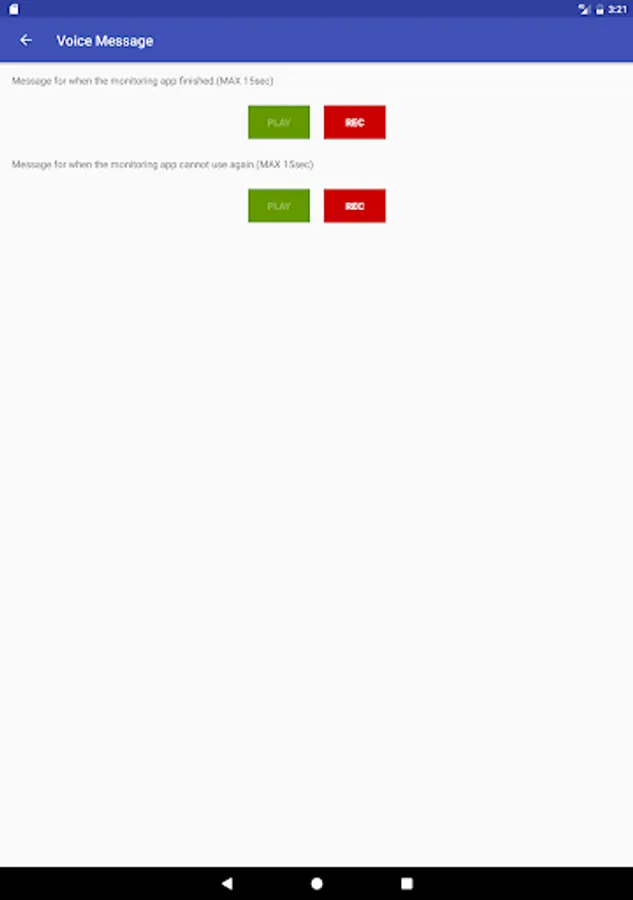
- Play custom voice messages like “Time’s up!” or “Do your homework!” when locked apps are accessed.
- See remaining usage time in the notification bar.
■ Ideal For
- Parents who want to manage their children's smartphone usage.
- Users who want to limit app usage and stay focused.
- People trying to reduce screen time or smartphone dependency.
- Anyone who wants to control app usage with a timer and locker system.
■ Example Use Cases
Set a 10-minute timer + 30-minute wait time for a video app → Forces a break after use.
Limit video apps to 1 hour/day → Can’t be used again until the next day.
Block social media from 21:00 to 6:00 → Improve sleep and productivity.
Group apps (for example, SNS) and apply a shared daily usage limit.
Customize voice messages to encourage better habits.
If you find a bug, have feedback, or want to request a feature, feel free to contact us at support@x-more.co.jp
This app may not work properly on devices from the following manufacturers.
• HUAWEI • Xiaomi • OPPO
■ App Usage Timer & Locker – Stay Focused, Limit Screen Time
Have you ever lost track of time while using an app or playing a game?
Are you worried that your child is spending too much time on their smartphone?
This app usage timer and lock tool helps you manage screen time, avoid overuse, and build healthier habits for adults and children alike.
◆ Main Features ◆
■ Set Timer & Lock Apps
- Set a usage timer for each app individually (max 24 hours).
- Once the set time limit is reached, the app is automatically locked.
- The timer controls how long an app can be used continuously.
- After the app is locked, it remains inaccessible for up to 24 hours.
Example:
Set the timer on a video app to 10 minutes and the waiting time to 30 minutes. After 10 minutes of usage, the app automatically locks and remains inaccessible for the next 30 minutes.
■ Daily Time Limits & Schedules
- You can set daily usage limits for each app or app group. Once the limit is reached, the app is locked for the rest of the day.
- You can restrict app usage to specific time periods (for example, from 9 p.m. to 6 a.m.).
- You can schedule app locks by day of the week and by hour to suit school or work routines.
- You can monitor app usage history for the past 24 hours, 7 days, or 30 days.
Example:
Group Twitter, Facebook, and Instagram under “SNS” and set a 1-hour daily usage limit. All three apps combined can only be used for 1 hour per day.
■ Safe & Secure for Children
- Lock settings with a password to prevent unauthorized changes.
- Enable uninstall protection to stop kids from deleting the app (device admin permission required).
- Get app shutdown alerts 1 to 10 minutes before time is up.
- Play custom voice messages like “Time’s up!” or “Do your homework!” when locked apps are accessed.
- See remaining usage time in the notification bar.
■ Ideal For
- Parents who want to manage their children's smartphone usage.
- Users who want to limit app usage and stay focused.
- People trying to reduce screen time or smartphone dependency.
- Anyone who wants to control app usage with a timer and locker system.
■ Example Use Cases
Set a 10-minute timer + 30-minute wait time for a video app → Forces a break after use.
Limit video apps to 1 hour/day → Can’t be used again until the next day.
Block social media from 21:00 to 6:00 → Improve sleep and productivity.
Group apps (for example, SNS) and apply a shared daily usage limit.
Customize voice messages to encourage better habits.
If you find a bug, have feedback, or want to request a feature, feel free to contact us at support@x-more.co.jp
App Off Timer: Limit App Usage Screenshots
Tap to Rate:
Reviews for App Off Timer: Limit App Usage
Lucky Patcher
12/24/2025
it doesn't close apps when time reached.
Rijja Adnan
12/15/2025
Wants payment. Isn't free.