Finger Paint
Brandon Stecklein
4.1 ★
983 ratings
100,000+
downloads
Free
+ in-app
In this painting app, users select colors and tools to create digital artwork. Includes multiple brush sizes, a flood fill tool, and social sharing options.
AppRecs review analysis
AppRecs rating 4.1. Trustworthiness 65 out of 100. Review manipulation risk 37 out of 100. Based on a review sample analyzed.
★★★★☆
4.1
AppRecs Rating
Ratings breakdown
5 star
57%
4 star
18%
3 star
13%
2 star
3%
1 star
8%
What to know
✓
High user satisfaction
75% of sampled ratings are 4+ stars (4.1★ average)
✓
Authentic reviews
Natural distribution, no red flags
About Finger Paint
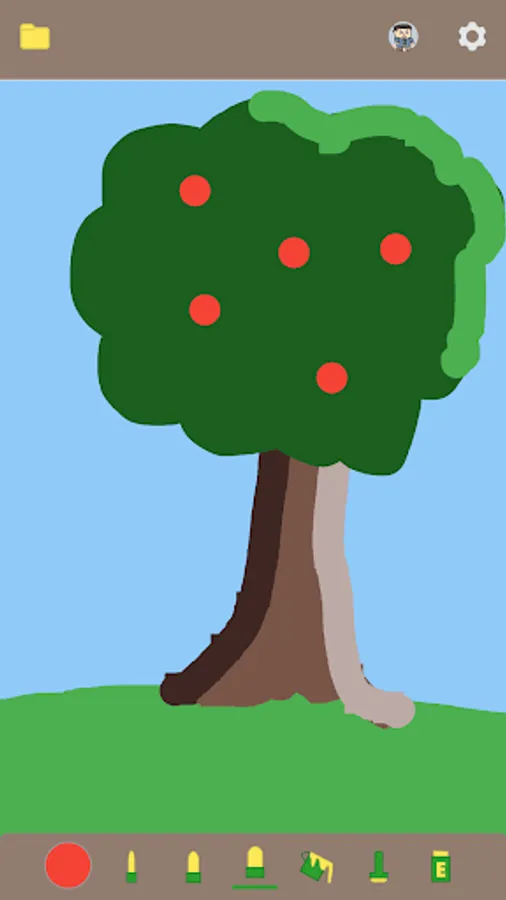
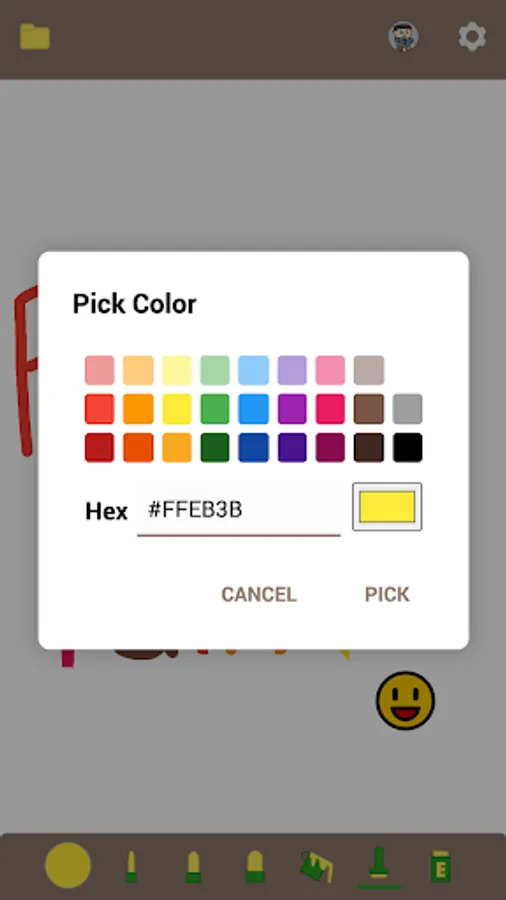
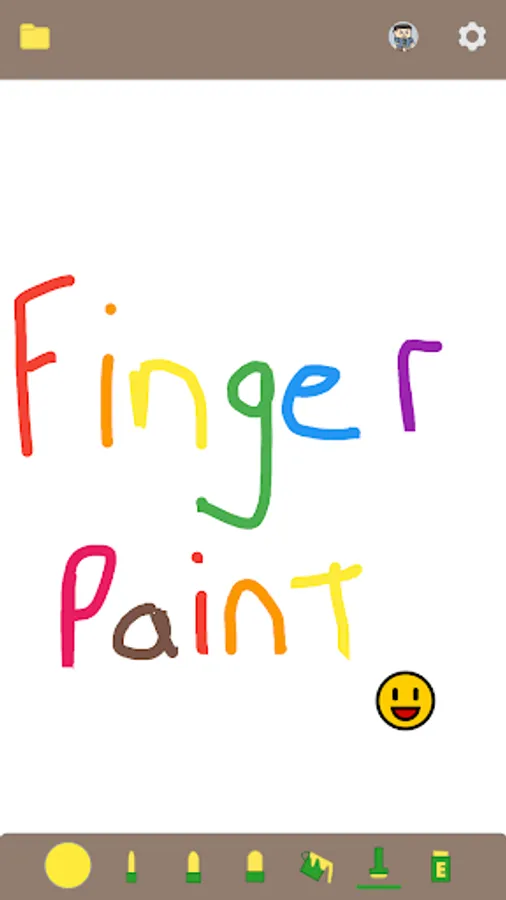
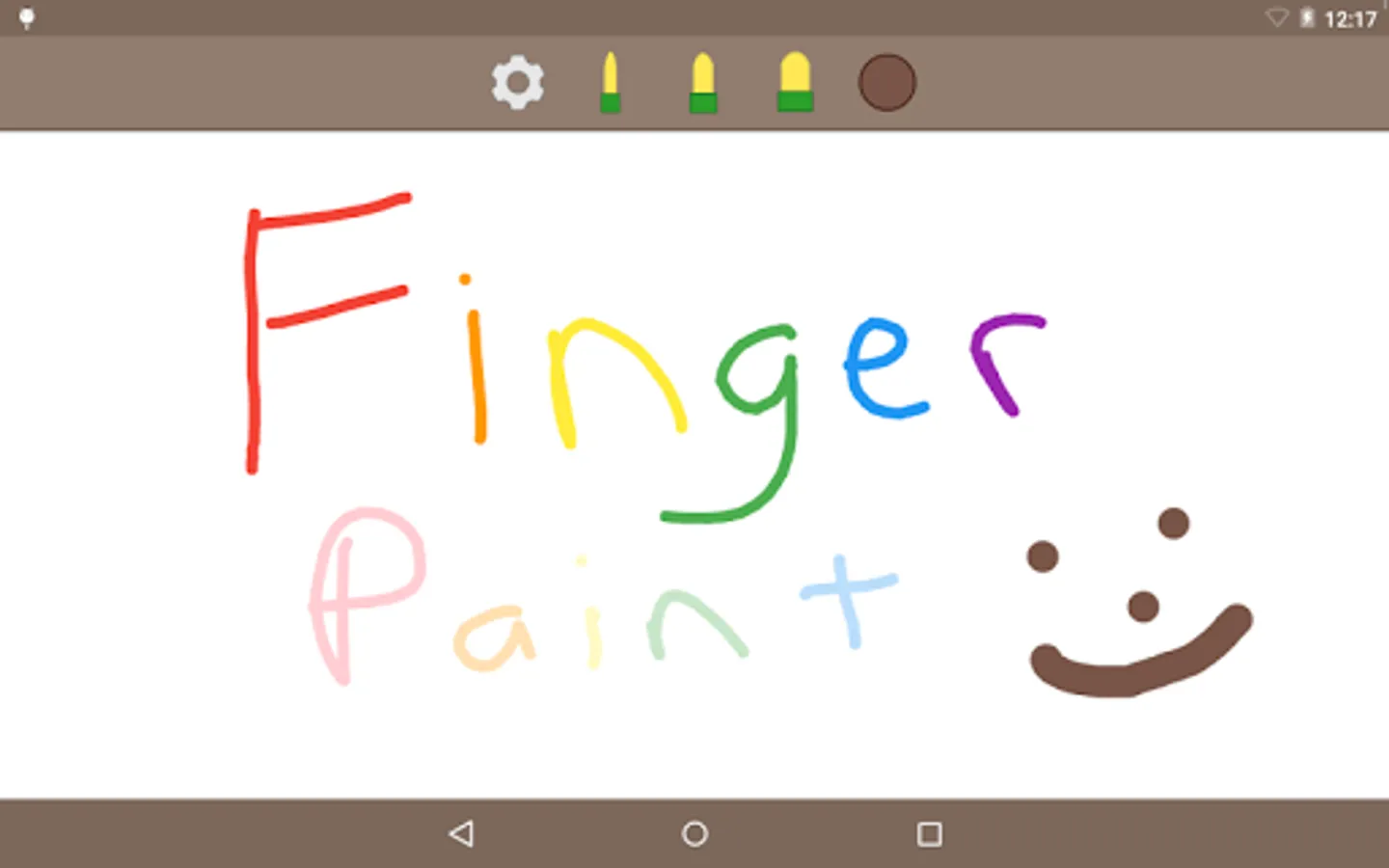
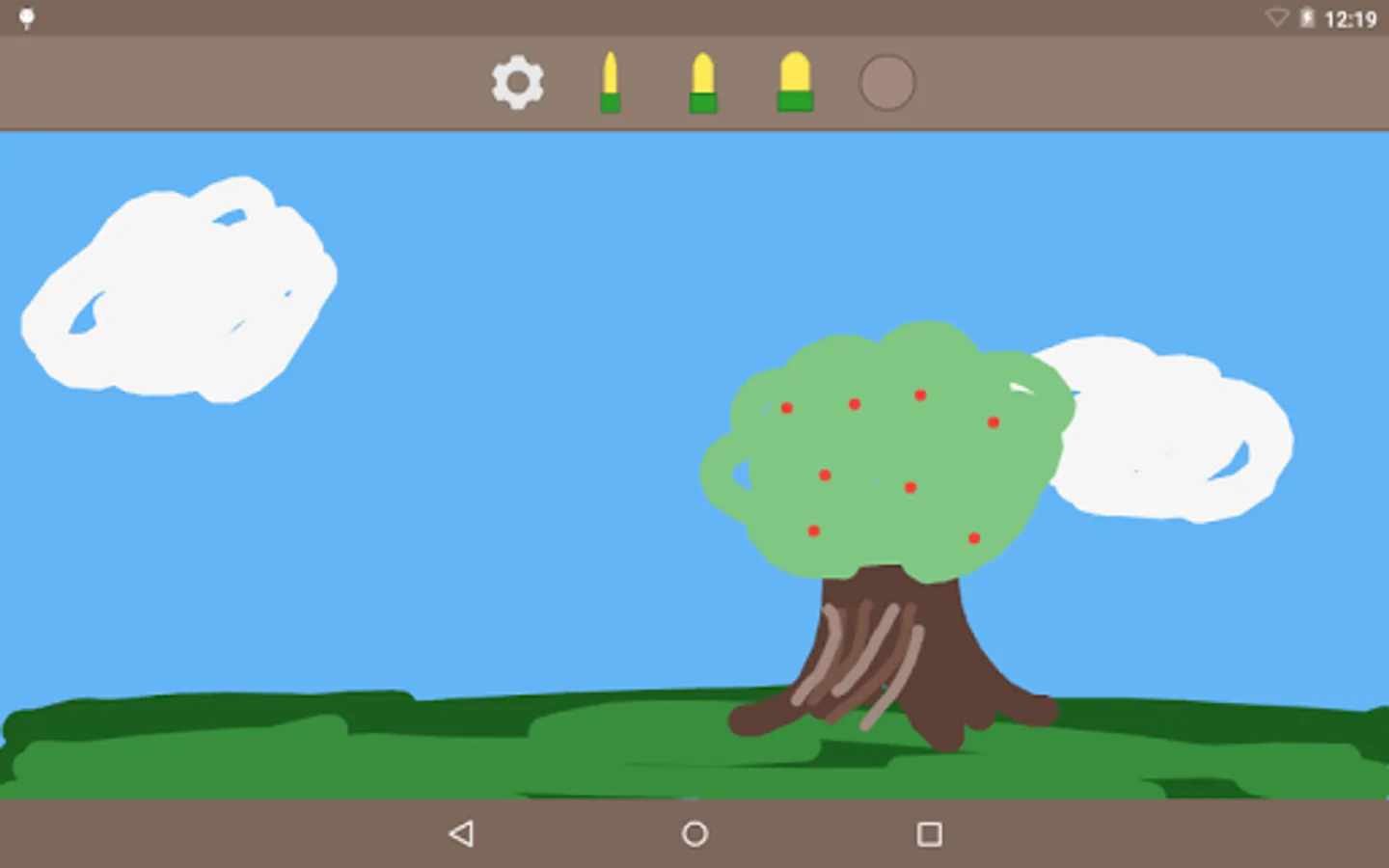
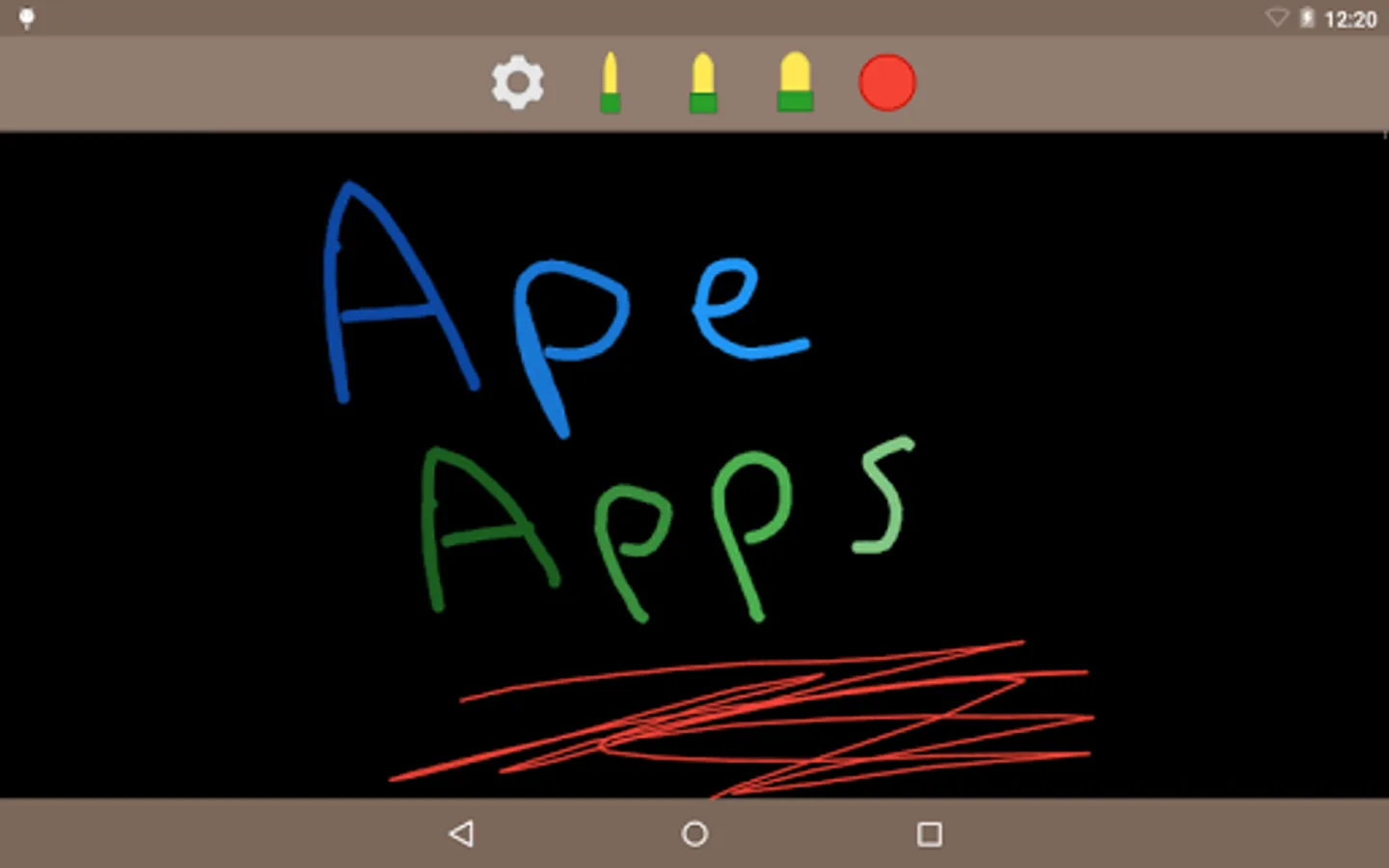
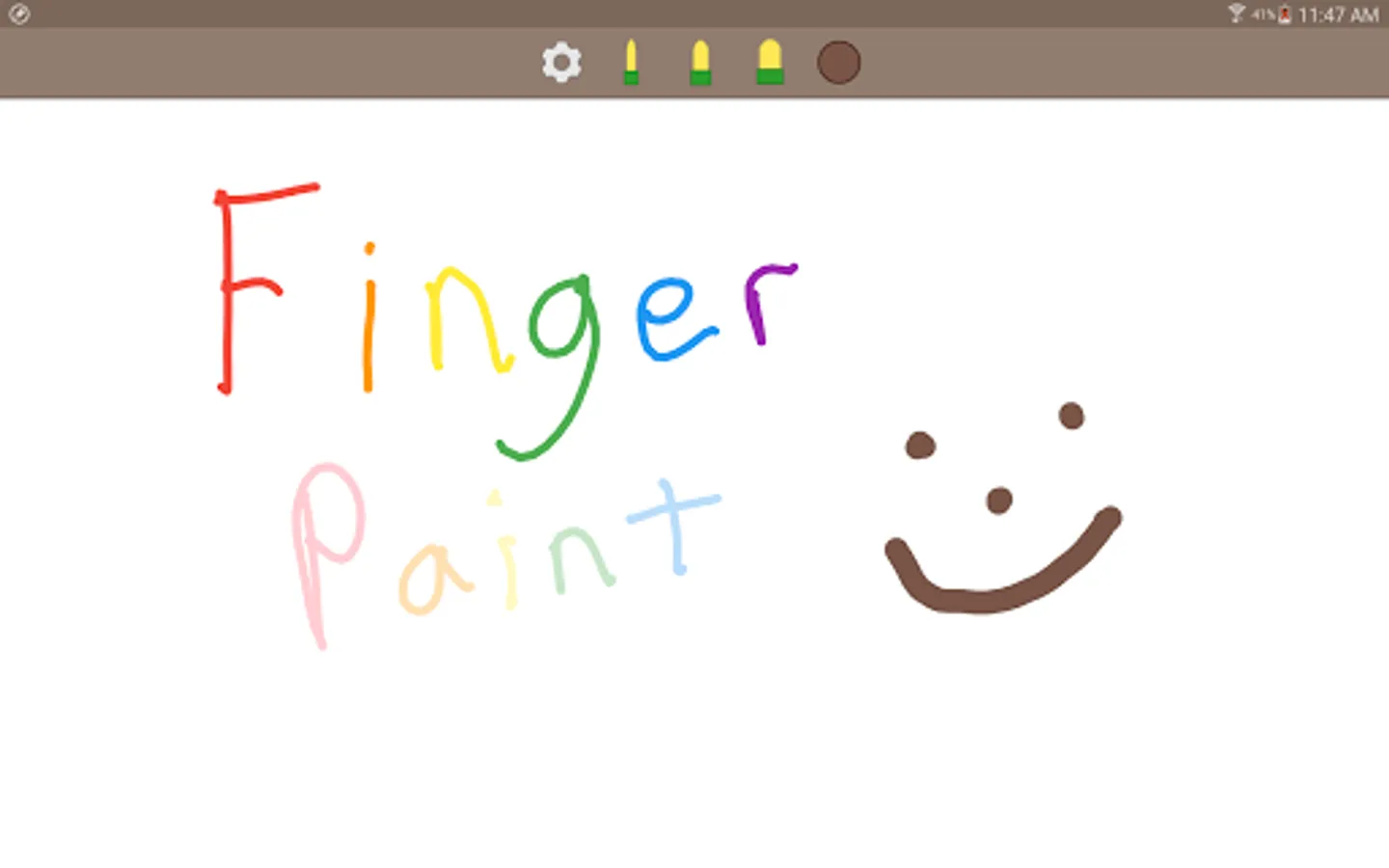
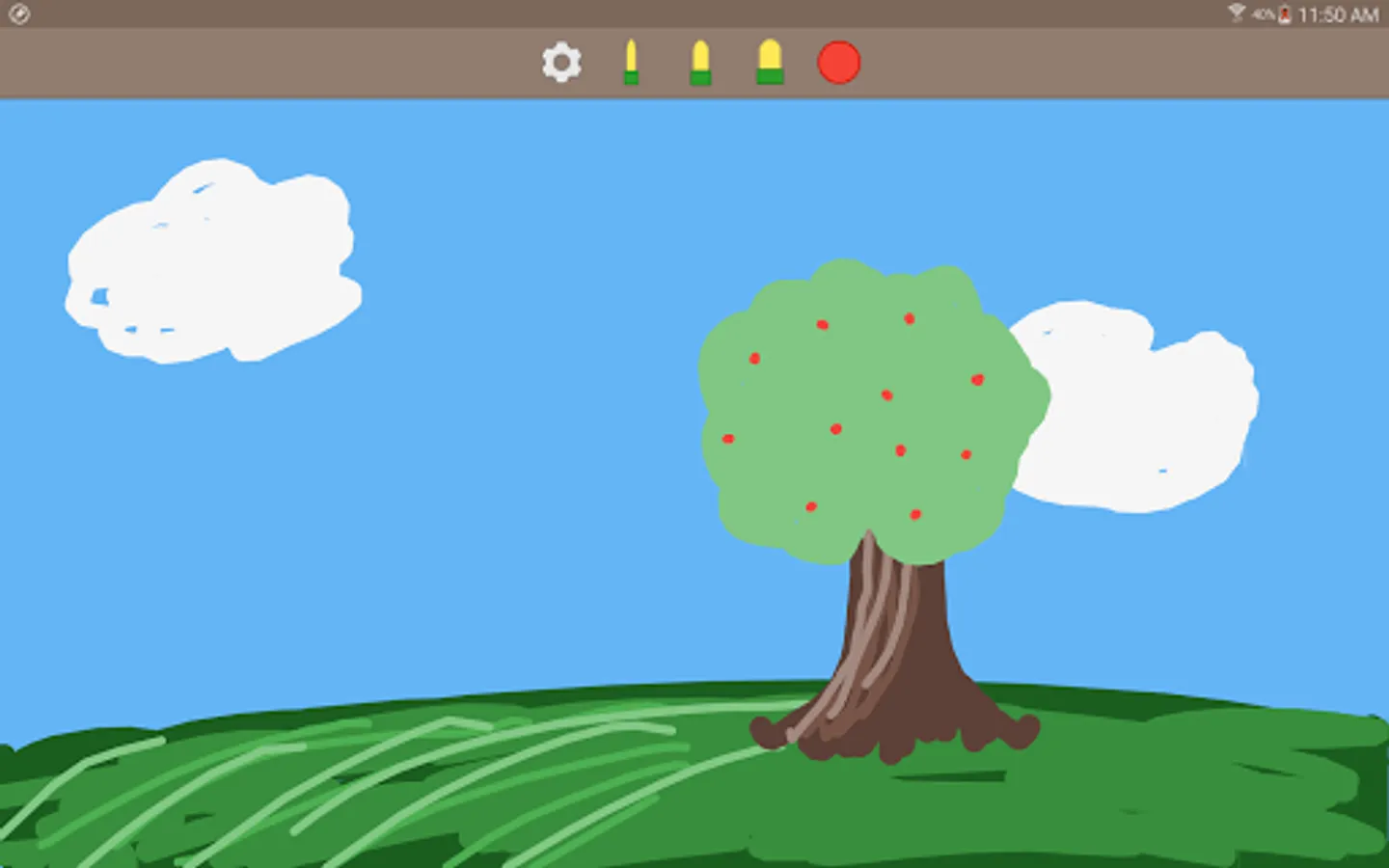
Finger Paint is an awesome finger painting application that is fun for kids and adults alike! You start off with a blank canvas, your imagination, and 42 fun colors to choose from.
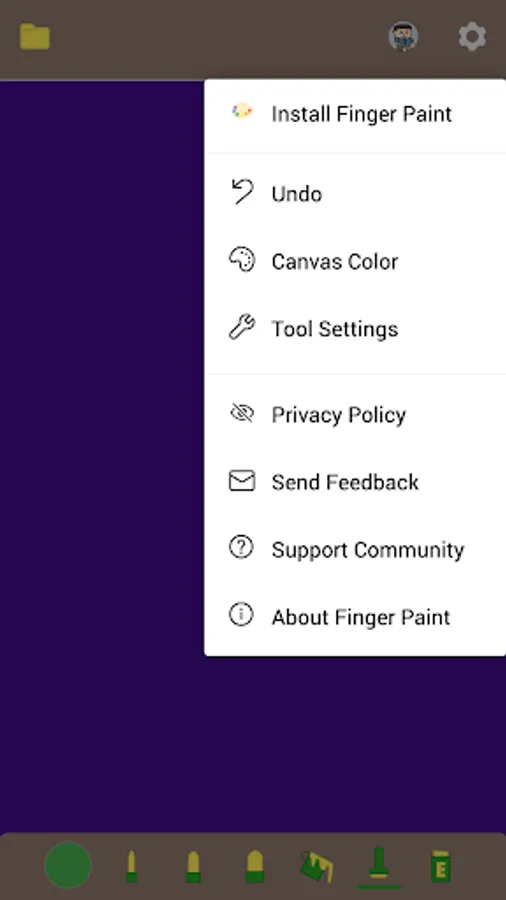
Tapping on the pen icon will bring up the tools menu which lets you choose from small, medium, and large pen sizes. The paint brush tool is a new flood fill option, and the Bomb tool will clear your entire canvas to the selected color. And of course, the save button lets you save your drawing to your Gallery.
An added feature of this version now lets you share your photos after you save them. This way you can post your drawings to Facebook, Twitter, or any other social network and show off your talents to the world!
Finger Paint now adds full support for devices with S Pen or other pen input devices. The app recognized pressure sensitivity and adjusts ink opacity accordingly. Try it out!
I am always looking to improve my apps, and will update often based on feedback. If you have anything you would like changed added or updated, please leave a comment or send me an e-mail and I will get to it ASAP. This app is for you guys!
Once again, thanks for trying Finger Paint from Ape Apps. Enjoy!
Tapping on the pen icon will bring up the tools menu which lets you choose from small, medium, and large pen sizes. The paint brush tool is a new flood fill option, and the Bomb tool will clear your entire canvas to the selected color. And of course, the save button lets you save your drawing to your Gallery.
An added feature of this version now lets you share your photos after you save them. This way you can post your drawings to Facebook, Twitter, or any other social network and show off your talents to the world!
Finger Paint now adds full support for devices with S Pen or other pen input devices. The app recognized pressure sensitivity and adjusts ink opacity accordingly. Try it out!
I am always looking to improve my apps, and will update often based on feedback. If you have anything you would like changed added or updated, please leave a comment or send me an e-mail and I will get to it ASAP. This app is for you guys!
Once again, thanks for trying Finger Paint from Ape Apps. Enjoy!
Finger Paint Screenshots
Tap to Rate:
Reviews for Finger Paint
Fatmah Batool
11/15/2023
it was terrible because it doesn't let me zoom in and the stickers are terrible so I deleted this game🤬
Jenny J RAMOS
9/23/2023
Fun to do Thank's