Storm Prediction Center Widget
APEXICE
3.7 ★
78 ratings
1,000+
downloads
$1.99
In this widget, you can view the latest severe weather outlooks, watches, and reports on your home screen. Includes options to set update frequency and toggle alert sounds.
AppRecs review analysis
AppRecs rating 3.7. Trustworthiness 0 out of 100. Review manipulation risk 0 out of 100. Based on a review sample analyzed.
★★★☆☆
3.7
AppRecs Rating
Ratings breakdown
5 star
50%
4 star
20%
3 star
3%
2 star
1%
1 star
26%
What to know
✓
Good user ratings
70% positive sampled reviews
✓
Authentic reviews
Natural distribution, no red flags
About Storm Prediction Center Widget
Recent Android changes are keeping widgets from updating. You must turn off power saving features in Settings to keep this and other widgets from not working.
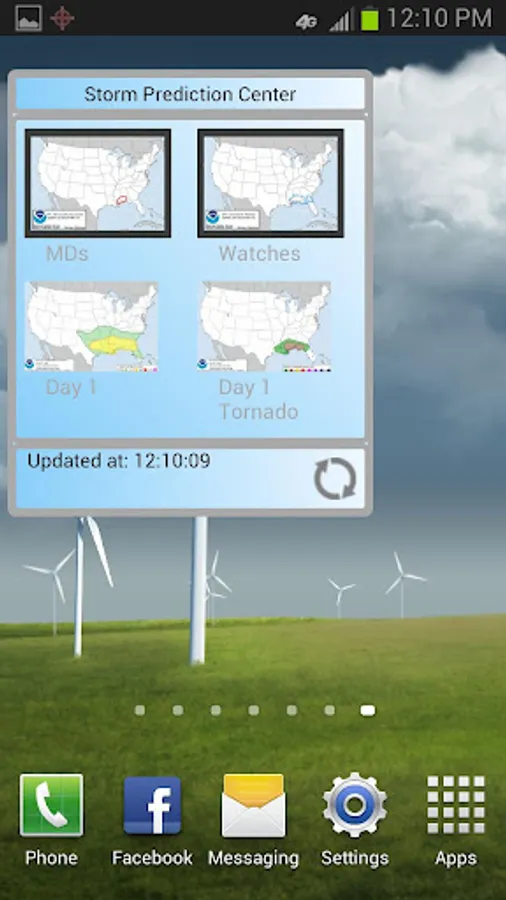
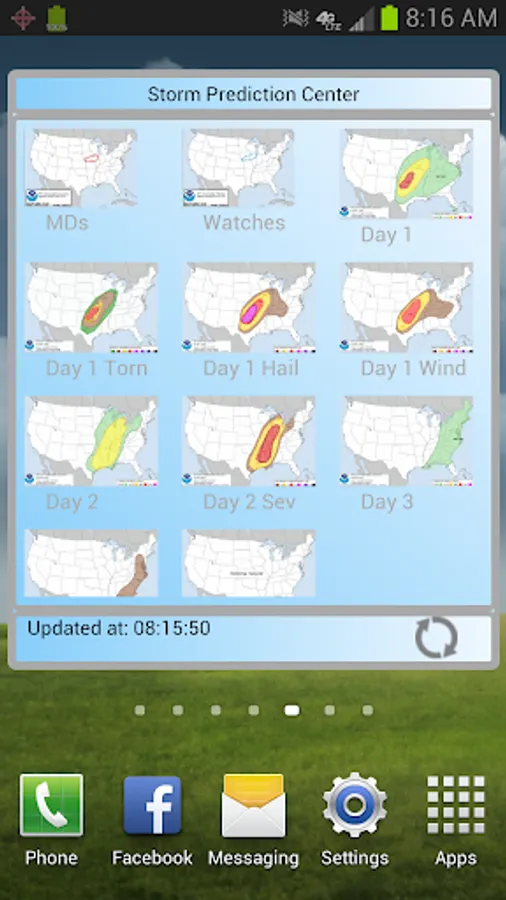
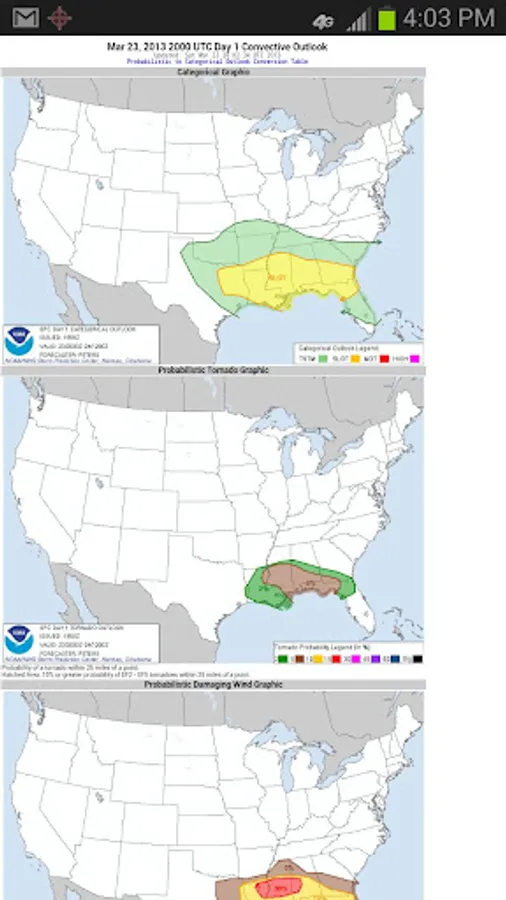
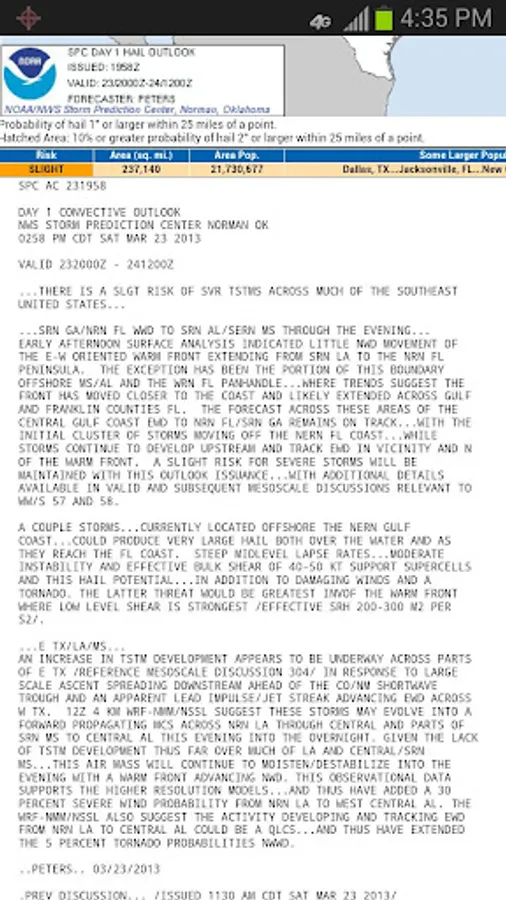
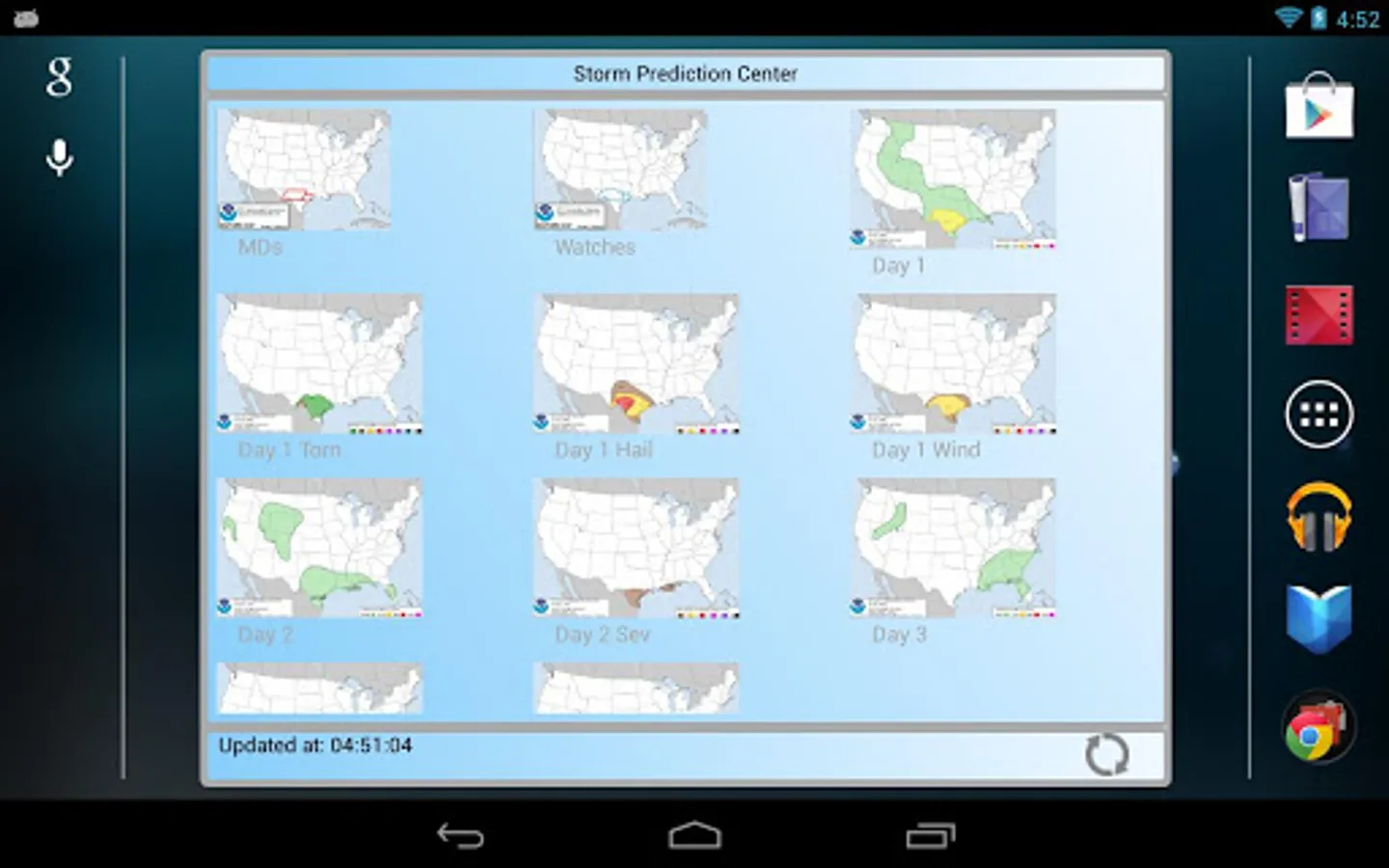
Keep up to date with the latest Severe Weather Outlooks from the Storm Prediction Center. See the latest Mesoscale Discussions, Watches, Day 1, 2, 3, 4 - 8 Day Outlooks and Storm Reports at a glance on this Home Screen Widget.
Press on any image to go the SPC webpage for more details.
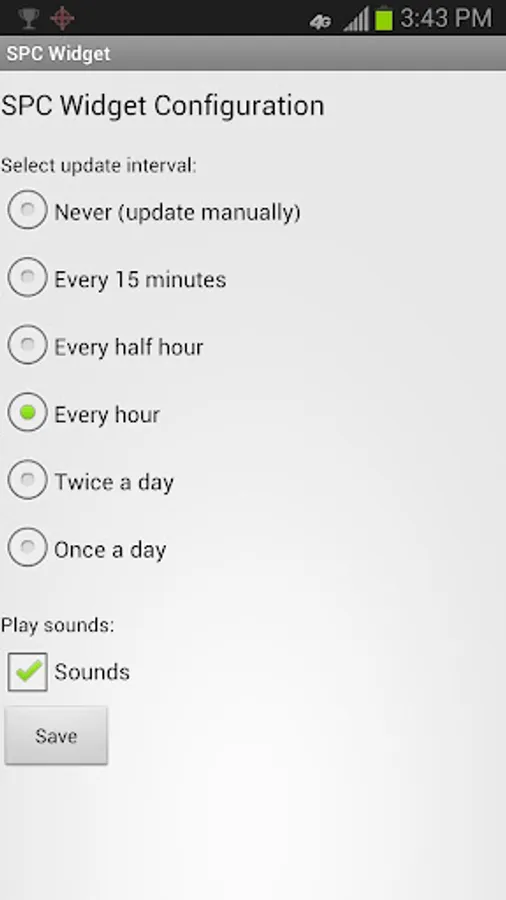
Settings include options to update every 15 minutes, 30 minutes, every hour, twice a day or once a day. Hit the Refresh button on the widget at anytime to see an instant update of the most current information. Play a sound at every update (veteran chasers will recognize this sound!) or uncheck sounds.
Instructions for install:
1) Go to your apps button (On KitKat and greater after long press on the homescreen you'll see widgets at the bottom of the screen.)
2) Select the Widgets tab. Long press on the SPC Widget (light blue background).
3) Drag to the area you want it on your homescreen.
4) See the config screen and choose your settings for update frequency and sounds.
5) Save and then see it on the screen.
6) Long press again to resize.
7) Long press and move to trash can to delete.
8) Repeat 1) - 6) to add again.
To reconfigure:
To get back to the config screen you have to delete your widget from the screen by dragging it to the trashcan then install a new one. Then you will see the config screen again and can set a new update time or disable the sound on the new one.
On June 21, 2018 the widget stopped updating it's images. Version 1.7 now fixes this problem and shows the images again.
(c)2018 Apexice All Rights Reserved
Keep up to date with the latest Severe Weather Outlooks from the Storm Prediction Center. See the latest Mesoscale Discussions, Watches, Day 1, 2, 3, 4 - 8 Day Outlooks and Storm Reports at a glance on this Home Screen Widget.
Press on any image to go the SPC webpage for more details.
Settings include options to update every 15 minutes, 30 minutes, every hour, twice a day or once a day. Hit the Refresh button on the widget at anytime to see an instant update of the most current information. Play a sound at every update (veteran chasers will recognize this sound!) or uncheck sounds.
Instructions for install:
1) Go to your apps button (On KitKat and greater after long press on the homescreen you'll see widgets at the bottom of the screen.)
2) Select the Widgets tab. Long press on the SPC Widget (light blue background).
3) Drag to the area you want it on your homescreen.
4) See the config screen and choose your settings for update frequency and sounds.
5) Save and then see it on the screen.
6) Long press again to resize.
7) Long press and move to trash can to delete.
8) Repeat 1) - 6) to add again.
To reconfigure:
To get back to the config screen you have to delete your widget from the screen by dragging it to the trashcan then install a new one. Then you will see the config screen again and can set a new update time or disable the sound on the new one.
On June 21, 2018 the widget stopped updating it's images. Version 1.7 now fixes this problem and shows the images again.
(c)2018 Apexice All Rights Reserved
Storm Prediction Center Widget Screenshots
Tap to Rate: