Screenshot - Capture screen
FAVAS Group
4.0 ★
store rating
500,000+
downloads
Free
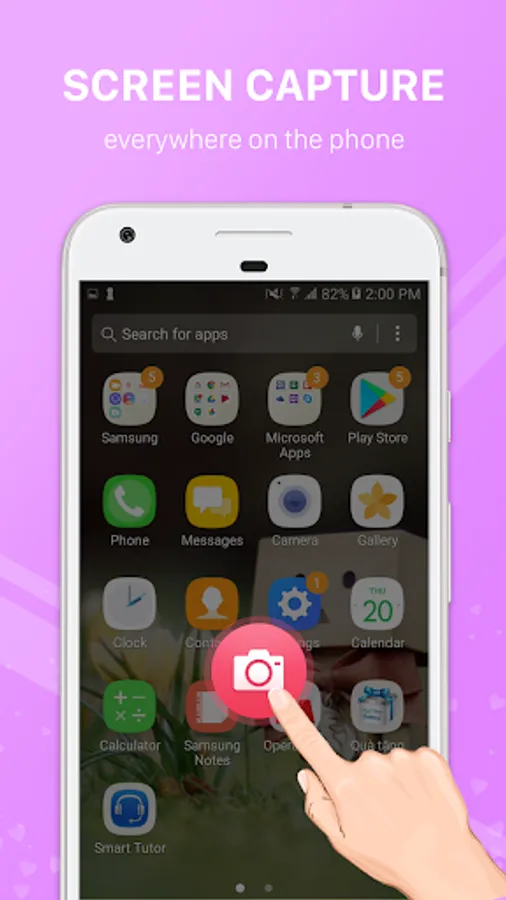
In this screen capture app, you can take screenshots or record your screen using simple gestures or shortcuts. Includes options for recording sound, multiple capture methods, and compatibility across many Android devices.
AppRecs review analysis
AppRecs rating 4.1. Trustworthiness 76 out of 100. Review manipulation risk 34 out of 100. Based on a review sample analyzed.
★★★★☆
4.1
AppRecs Rating
Ratings breakdown
5 star
61%
4 star
10%
3 star
12%
2 star
3%
1 star
14%
What to know
✓
Credible reviews
76% trustworthiness score from analyzed reviews
✓
High user satisfaction
71% of sampled ratings are 4+ stars (4.0★ average)
✓
Authentic reviews
Natural distribution, no red flags
About Screenshot - Capture screen
Taking screenshots or recording your screen on Android has never been easier. This app supports popular devices such as Samsung, Oppo, Xiaomi, Huawei, LG, HTC, Vivo, Realme, OnePlus, Sony and many others. With a single tap or gesture, you can capture what’s on your screen—image or video—and save it instantly.
Key Features
- Android Phone Screen Capture
Easily take screenshots on any Android phone without complex settings. Whether you use Samsung Galaxy, Oppo, Xiaomi Redmi, Huawei, LG, HTC, or other brands, the app works smoothly.
- Screen Recorder (with sound)
Record the screen as a video with clear quality. Choose microphone audio, or record internal audio on Android 10+ when allowed by the source app. Set resolution, frame rate, and bitrate. Start/stop from the notification bar or a Quick Settings tile.
- Multiple Screenshot Options
Choose the capture style that suits you best:
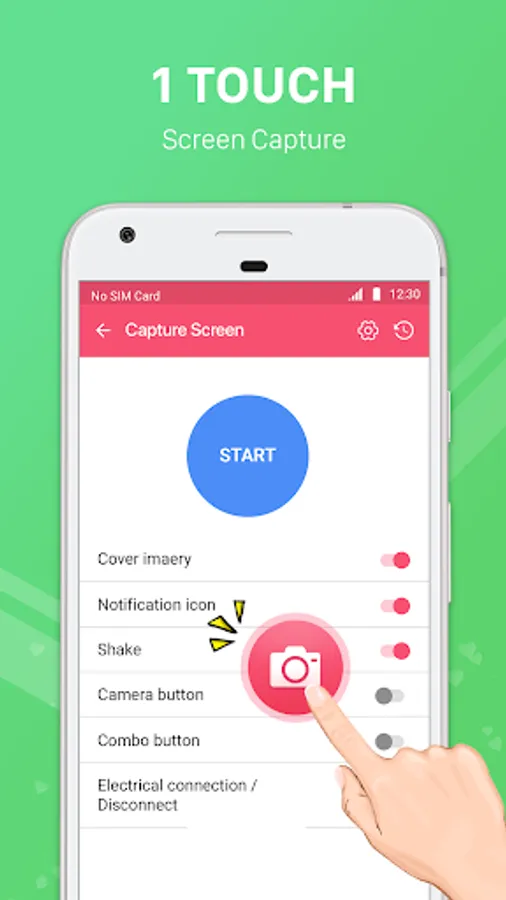
• Press the quick shortcut button.
• Use the notification bar capture button.
• Shake your phone to take a screenshot.
• Flexible and fast in all situations.
- No Root Required
100% safe and simple. The app works on all devices without rooting, ensuring your phone’s security is not affected.
- High-Quality Output
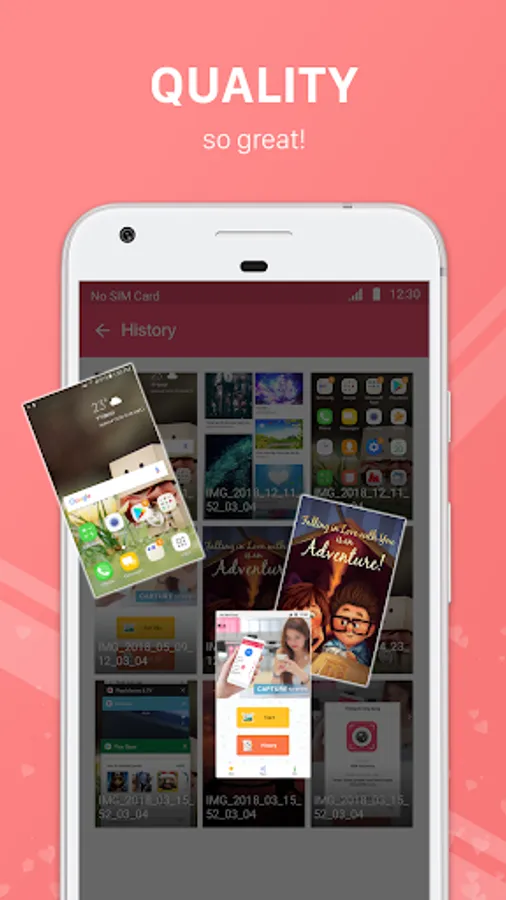
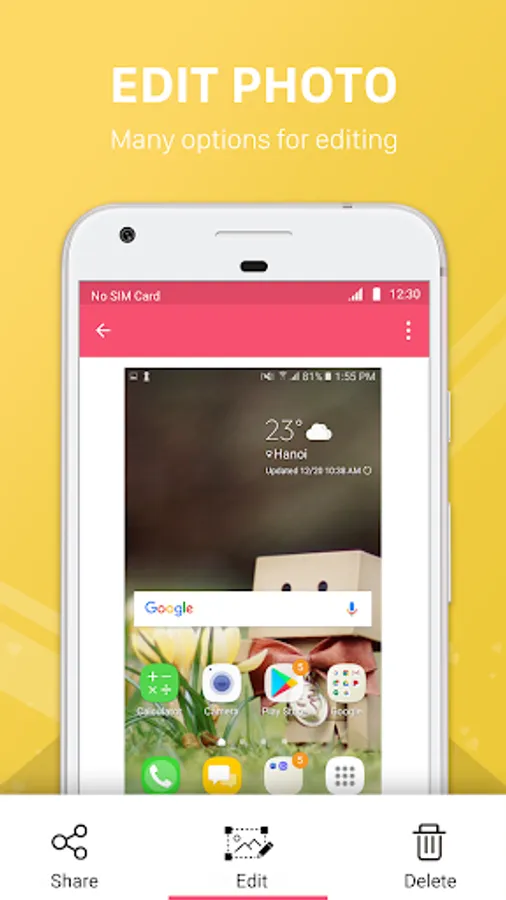
Screenshots are saved sharp and clear; screen recordings are smooth and readable—great for sharing on social media, saving important chats, recording game scores, tutorials, or app demos.
- Lightweight & Easy to Use
Simple interface, small installation size, no heavy background processes, and minimal battery usage.
Why Choose This App?
- Compatible with a wide range of Android devices: Samsung, Oppo, Xiaomi, Huawei, LG, HTC, Vivo, Realme, OnePlus, Motorola, Sony, etc.
- Fast and reliable screen capture and screen recording without complicated setup.
- Flexible methods (button, notification, shake gesture; Quick Settings tile for recording).
- No need for root permissions.
- Perfect for saving conversations, game achievements, study notes, work documents, or recording tutorials and app walkthroughs.
If you need a screenshot tool that also includes a powerful screen recorder and works across major phone brands, this app is the right choice. Download now and start capturing your screen—anytime, anywhere.
Key Features
- Android Phone Screen Capture
Easily take screenshots on any Android phone without complex settings. Whether you use Samsung Galaxy, Oppo, Xiaomi Redmi, Huawei, LG, HTC, or other brands, the app works smoothly.
- Screen Recorder (with sound)
Record the screen as a video with clear quality. Choose microphone audio, or record internal audio on Android 10+ when allowed by the source app. Set resolution, frame rate, and bitrate. Start/stop from the notification bar or a Quick Settings tile.
- Multiple Screenshot Options
Choose the capture style that suits you best:
• Press the quick shortcut button.
• Use the notification bar capture button.
• Shake your phone to take a screenshot.
• Flexible and fast in all situations.
- No Root Required
100% safe and simple. The app works on all devices without rooting, ensuring your phone’s security is not affected.
- High-Quality Output
Screenshots are saved sharp and clear; screen recordings are smooth and readable—great for sharing on social media, saving important chats, recording game scores, tutorials, or app demos.
- Lightweight & Easy to Use
Simple interface, small installation size, no heavy background processes, and minimal battery usage.
Why Choose This App?
- Compatible with a wide range of Android devices: Samsung, Oppo, Xiaomi, Huawei, LG, HTC, Vivo, Realme, OnePlus, Motorola, Sony, etc.
- Fast and reliable screen capture and screen recording without complicated setup.
- Flexible methods (button, notification, shake gesture; Quick Settings tile for recording).
- No need for root permissions.
- Perfect for saving conversations, game achievements, study notes, work documents, or recording tutorials and app walkthroughs.
If you need a screenshot tool that also includes a powerful screen recorder and works across major phone brands, this app is the right choice. Download now and start capturing your screen—anytime, anywhere.