Notepad Vault - Hide Apps
Hide Apps (NO ROOT)
4.3 ★
4K ratings
100,000+
downloads
Free
+ in-app
In this app, you can hide applications, photos, and videos using disguises and clone technology. Includes disguised icons, photo and video encryption, and support for multiple accounts.
AppRecs review analysis
AppRecs rating 4.4. Trustworthiness 72 out of 100. Review manipulation risk 31 out of 100. Based on a review sample analyzed.
★★★★☆
4.4
AppRecs Rating
Ratings breakdown
5 star
72%
4 star
12%
3 star
0%
2 star
8%
1 star
8%
What to know
✓
Credible reviews
72% trustworthiness score from analyzed reviews
✓
High user satisfaction
84% of sampled ratings are 4+ stars (4.3★ average)
✓
Authentic reviews
Natural distribution, no red flags
About Notepad Vault - Hide Apps
Key Features:
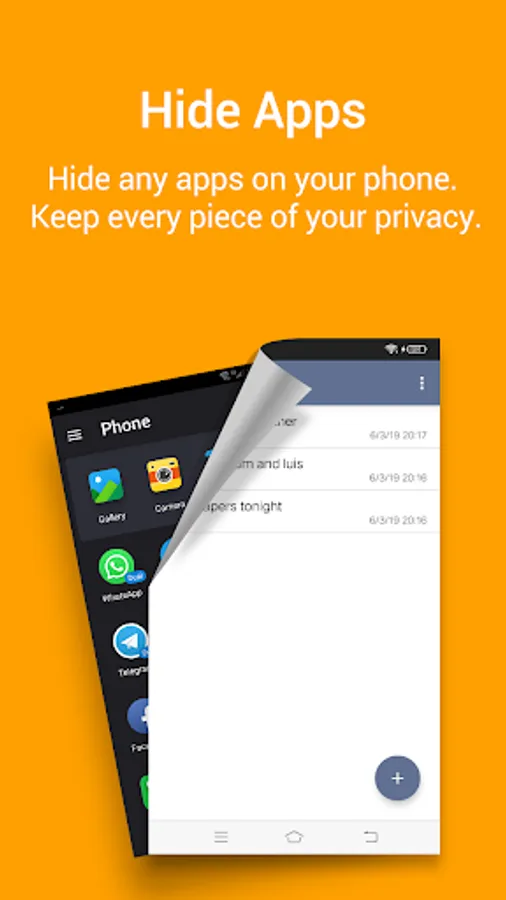
-Hide App
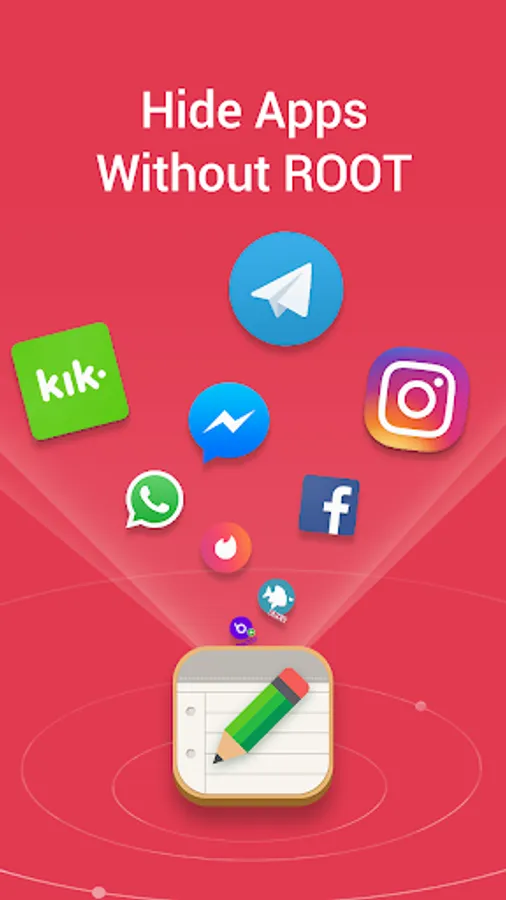
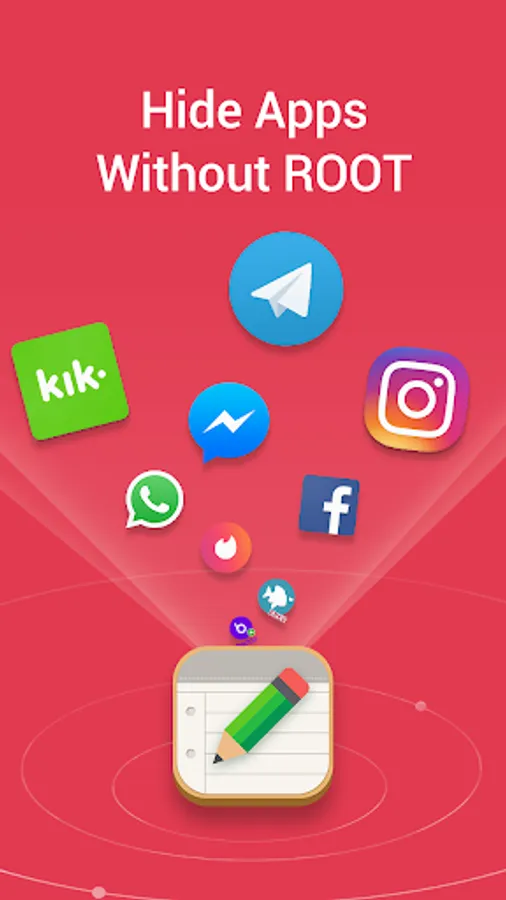
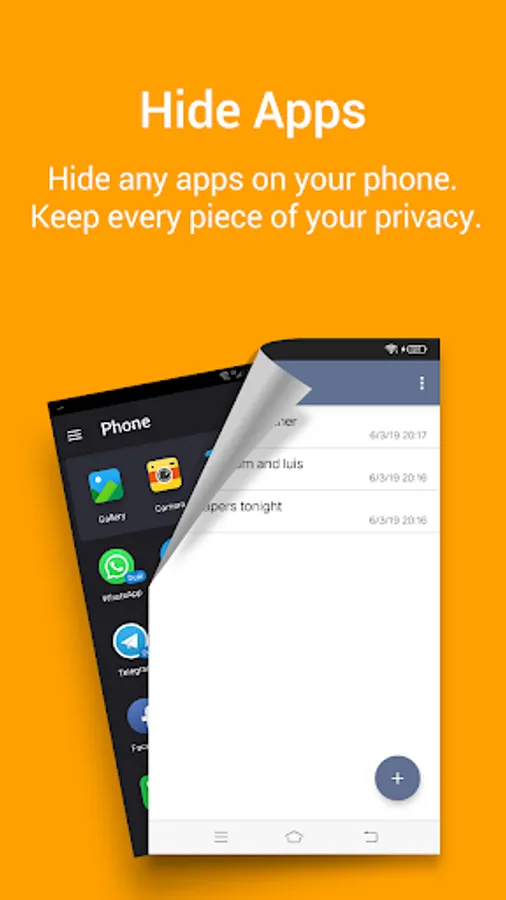
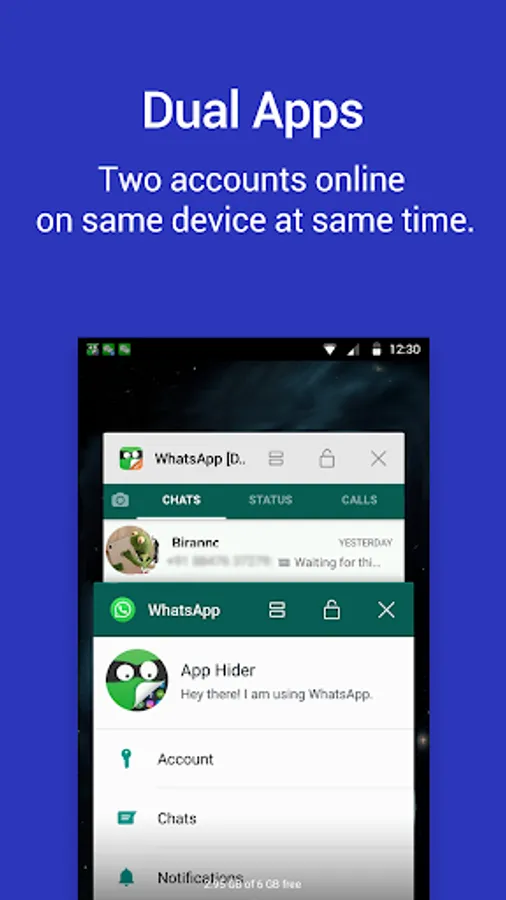
Notepad Vault / App Hider can hide messenger apps like facebook whatsapp instagram telegram ... And you can hide game apps too. You can also play multiple accounts in Notepad Vault / App Hider in hidden mode.
-Multiple Accounts / App clone
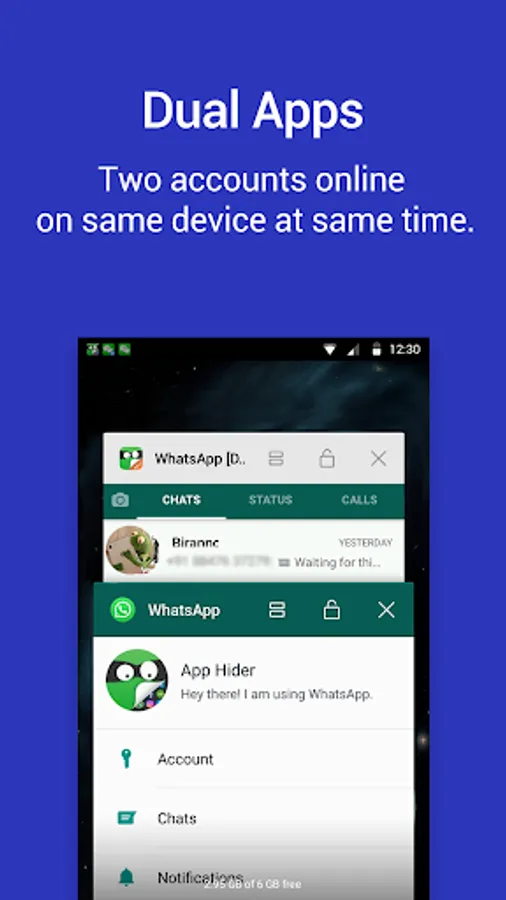
If you can hide an app in Dailer Vault / App Hider then you also can dual the app in App Hider. For example when you import Whatsapp into Dailer Vault / App Hider you actually make a clone of Whatsapp in Notepad Vault / App Hider. It will run in dual mode or dual accounts mode. If you clone Whatsapp multiple times in Dailer Vault / App Hider then you can run multiple Accounts on it.
-Hide Pictures / Hide Videos
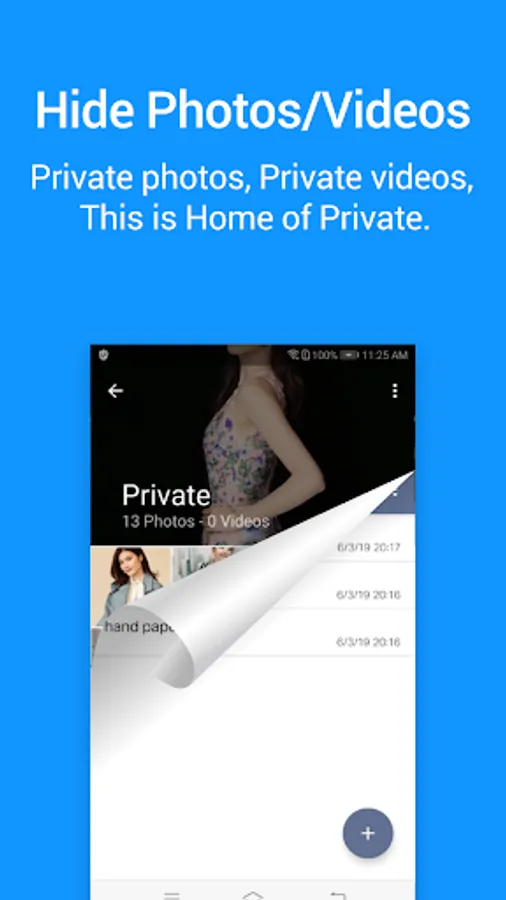
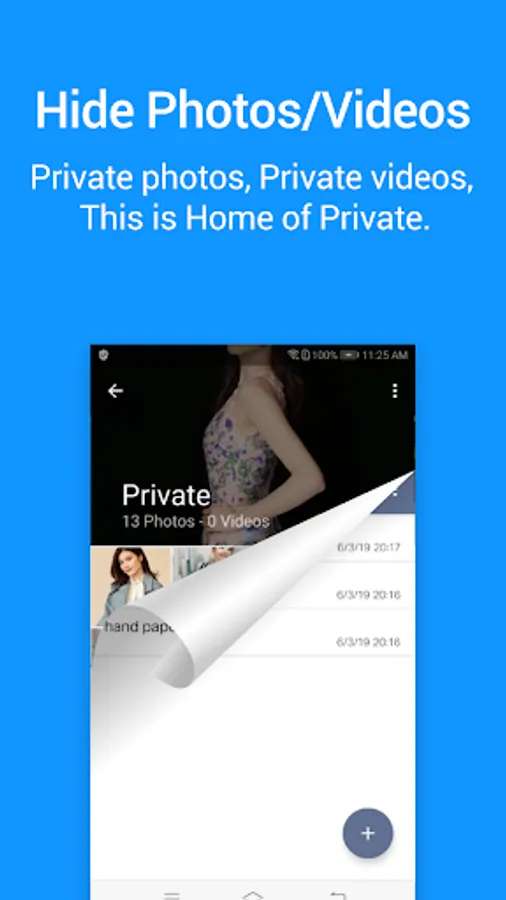
After you import your photos or videos into Notepad Vault / App Hider. No other apps can discover the photos / videos stored in Notepad Vault / App Hider. Hide photos / Hide videos are really easy and safe here.
-Disguised Icon / Disguised UI
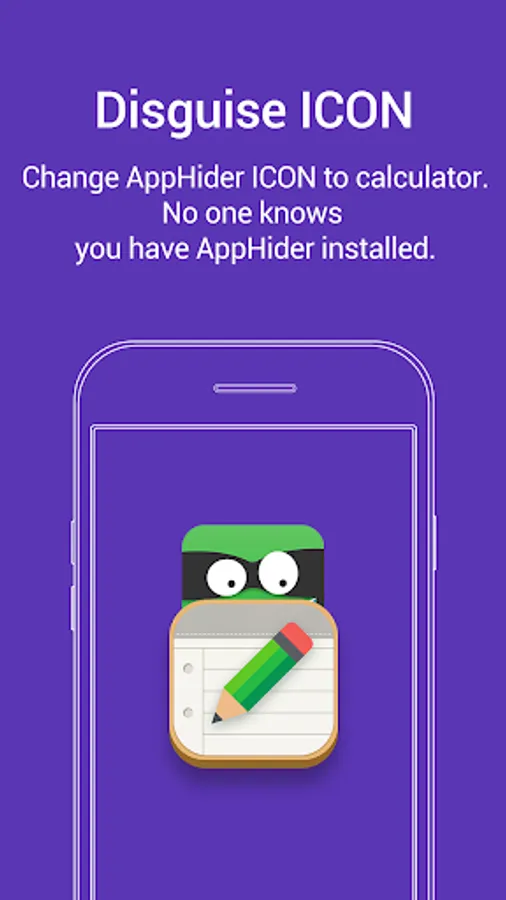
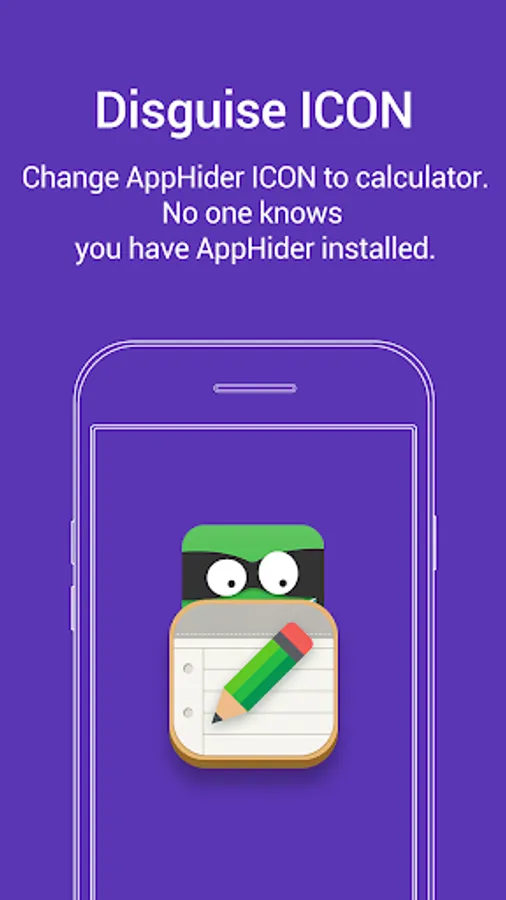
Notepad Vault / App Hider comes with an icon looks like an common Notepad. A common Notepad UI will popup When launche Notepad Vault / App Hider through the icon. It act like a qualified Notepad until you dial your pin code Boom ! your secret space popup.
Notepad Vault - Hide Apps Screenshots
Tap to Rate:
Reviews for Notepad Vault - Hide Apps
Gayathri .o
12/29/2025
gives good privacy but it doesn't hide snapchat showing issues loging in please rectify it i depend only on this app its worth the use please help with hiding the snapchat please
Ibrahim Taiwo
12/28/2025
This is an incredible app.It is one of the best hide app I have ever used .I would have rated this app well by giving it 5 stars but I didn't because of the inability to hide some specific apps and also the frequent ads popping up when trying to launch an app