
With this magnetometer app, you can measure ambient magnetic fields and customize alerts for high field detection. Includes calibration options, sensitivity adjustment, and options for vibration and audible alarms.
AppRecs review analysis
AppRecs rating 4.6. Trustworthiness 72 out of 100. Review manipulation risk 32 out of 100. Based on a review sample analyzed.
★★★★☆
4.6
AppRecs Rating
Ratings breakdown
5 star
82%
4 star
8%
3 star
6%
2 star
0%
1 star
5%
What to know
✓
Credible reviews
72% trustworthiness score from analyzed reviews
✓
High user satisfaction
82% of sampled ratings are 5 stars
About Magnetometer
Info:
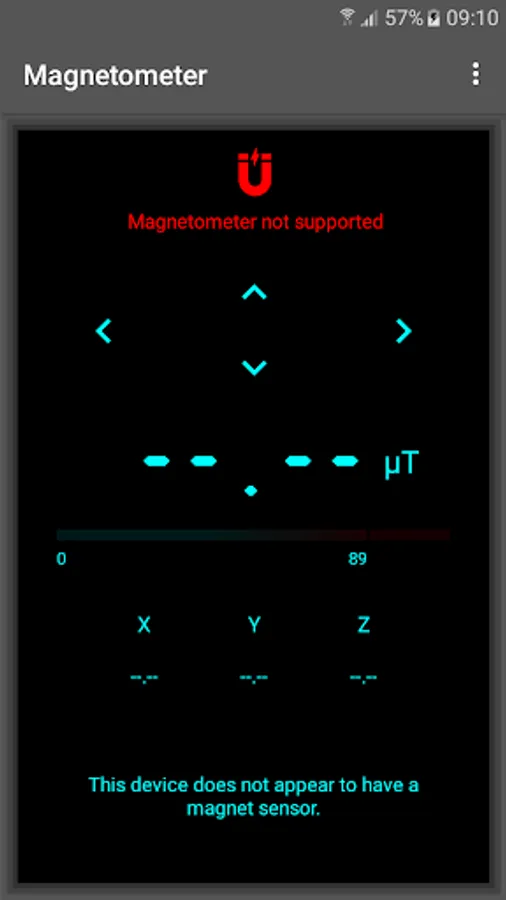
Not all android devices have a built-in magnetometer, so please be advised that it may not work with your device.
Icon and text will indicate if device is compatible once application starts.
Accuracy is dependent on manufacturer.
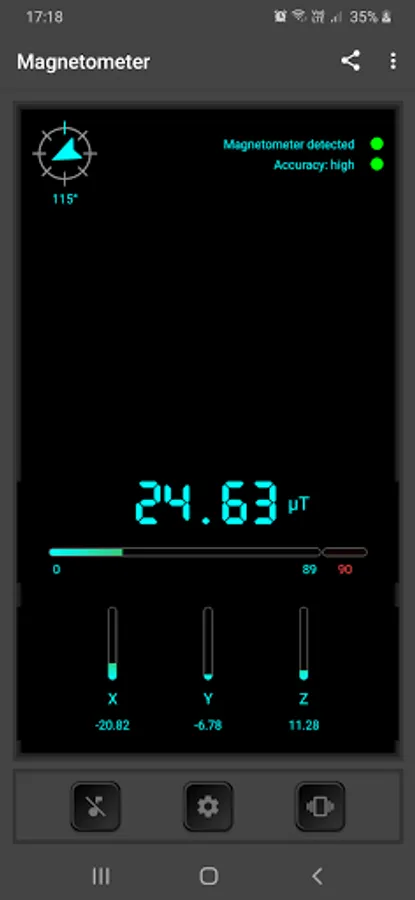
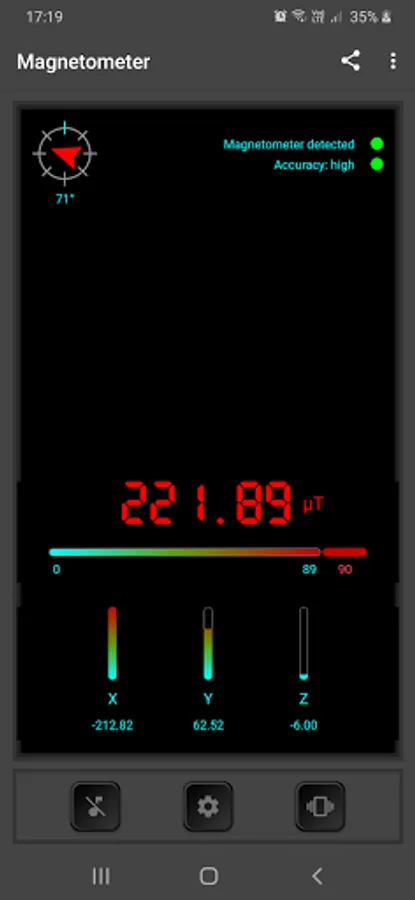
A magnetic field sensor (also known as magnetometer) reports the ambient magnetic field, as measured along the three sensor axes.
The measurement is reported in the x, y, and z fields and all values are in micro-Tesla (uT).
Settings:
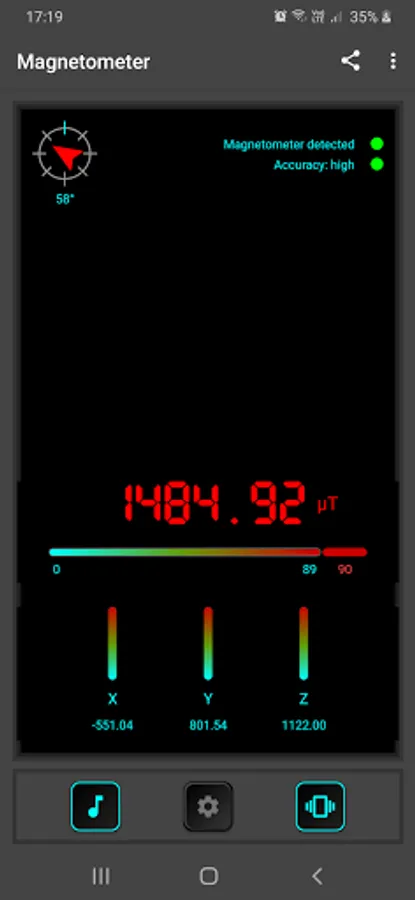
For audible alarm and vibration on high field detection click on respective buttons to toggle.
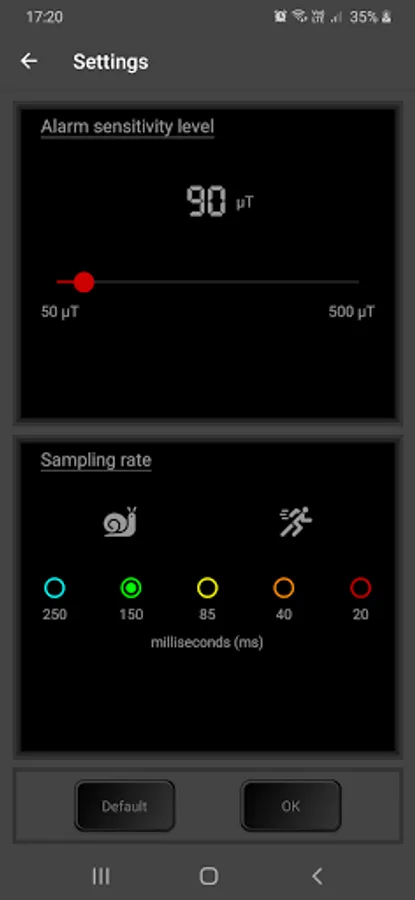
Change alarm sensitivity by clicking on reading and swipe seek bar to set.
Calibration:
If output readings fail it attempt to calibrate by gently shaking the device or waving the device in a figure 8 pattern.
Permissions:
Vibration: select whether device should vibrate when high signal is detected.
Wake lock: Device will not sleep during operation.
Not all android devices have a built-in magnetometer, so please be advised that it may not work with your device.
Icon and text will indicate if device is compatible once application starts.
Accuracy is dependent on manufacturer.
A magnetic field sensor (also known as magnetometer) reports the ambient magnetic field, as measured along the three sensor axes.
The measurement is reported in the x, y, and z fields and all values are in micro-Tesla (uT).
Settings:
For audible alarm and vibration on high field detection click on respective buttons to toggle.
Change alarm sensitivity by clicking on reading and swipe seek bar to set.
Calibration:
If output readings fail it attempt to calibrate by gently shaking the device or waving the device in a figure 8 pattern.
Permissions:
Vibration: select whether device should vibrate when high signal is detected.
Wake lock: Device will not sleep during operation.
Magnetometer Screenshots
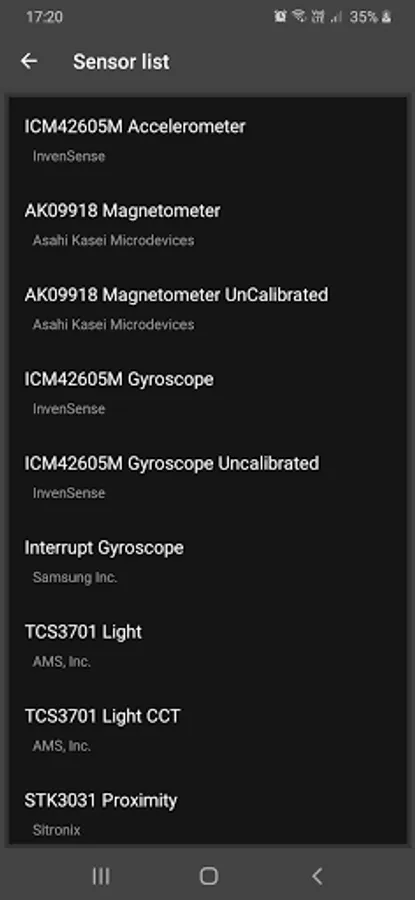
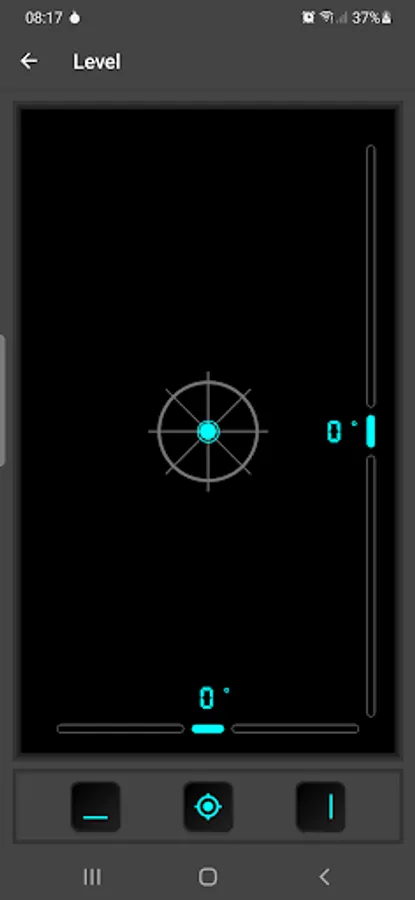
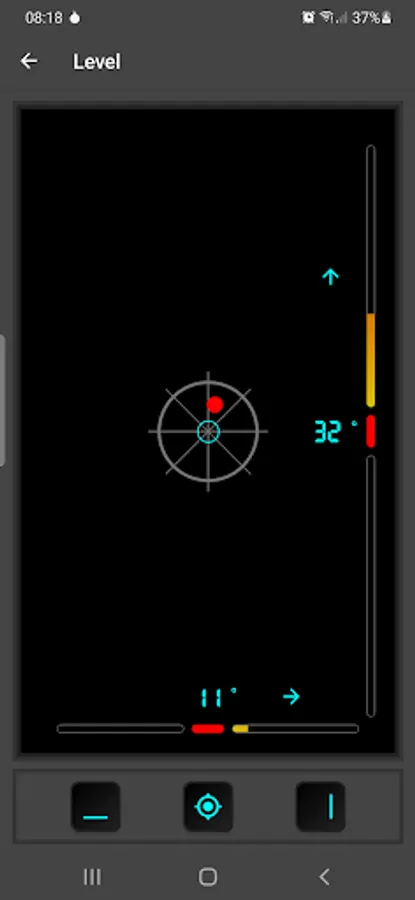
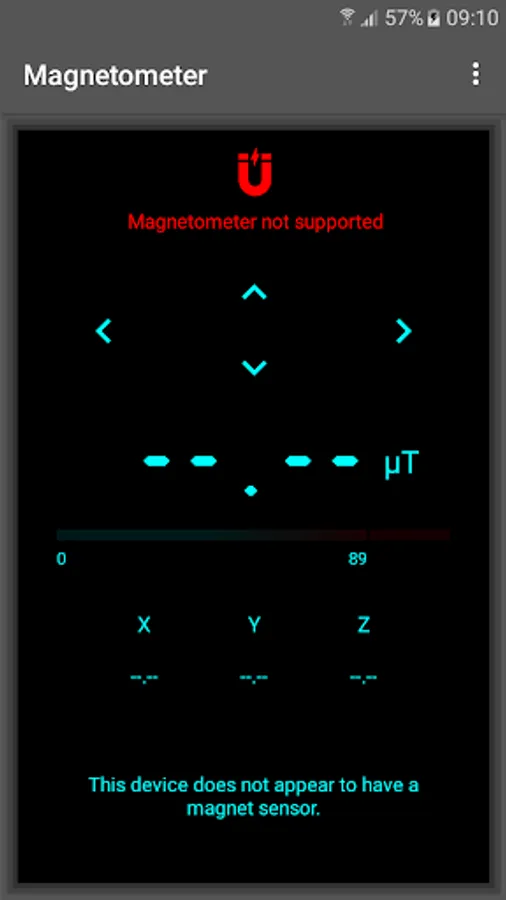
Tap to Rate:
Reviews for Magnetometer
PSR Natural Magnetic Therepy
12/17/2025
Excellent 👌
christopher wolf
12/14/2025
very good tool