In this alarm clock app, you can customize alarms by selecting pictures from your gallery, rotate images, and set repeat and snooze options. Includes picture selection, alarm controls, and snooze customization.
AppRecs review analysis
AppRecs rating 3.9. Trustworthiness 61 out of 100. Review manipulation risk 35 out of 100. Based on a review sample analyzed.
★★★☆☆
3.9
AppRecs Rating
Ratings breakdown
5 star
64%
4 star
0%
3 star
0%
2 star
36%
1 star
0%
What to know
✓
Good user ratings
64% positive sampled reviews
✓
Authentic reviews
Natural distribution, no red flags
⚠
High negative review ratio
36% of sampled ratings are 1–2 stars
About PicAlarms
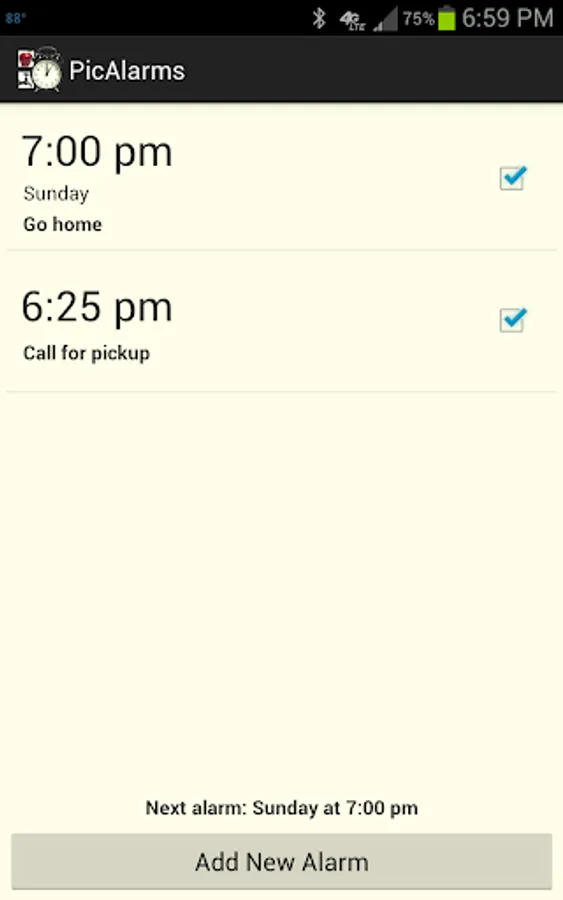
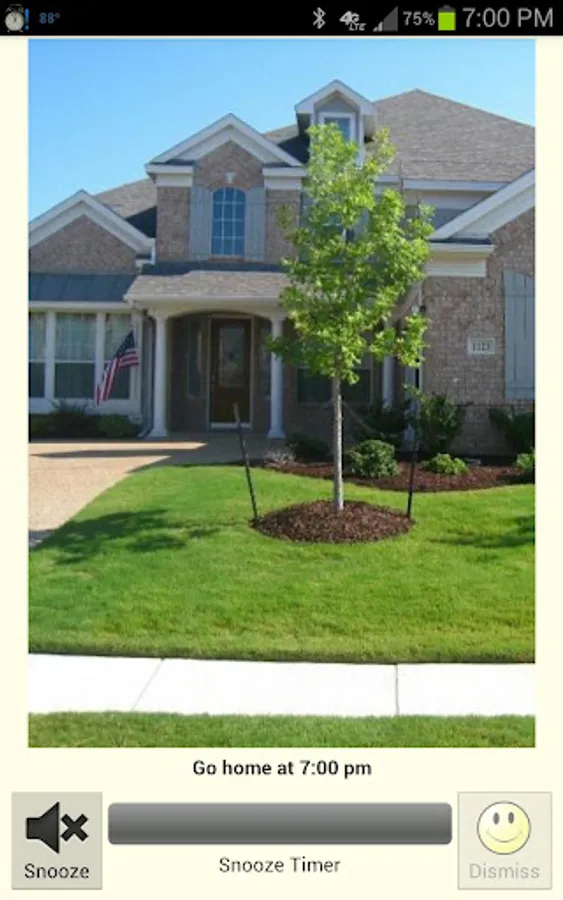
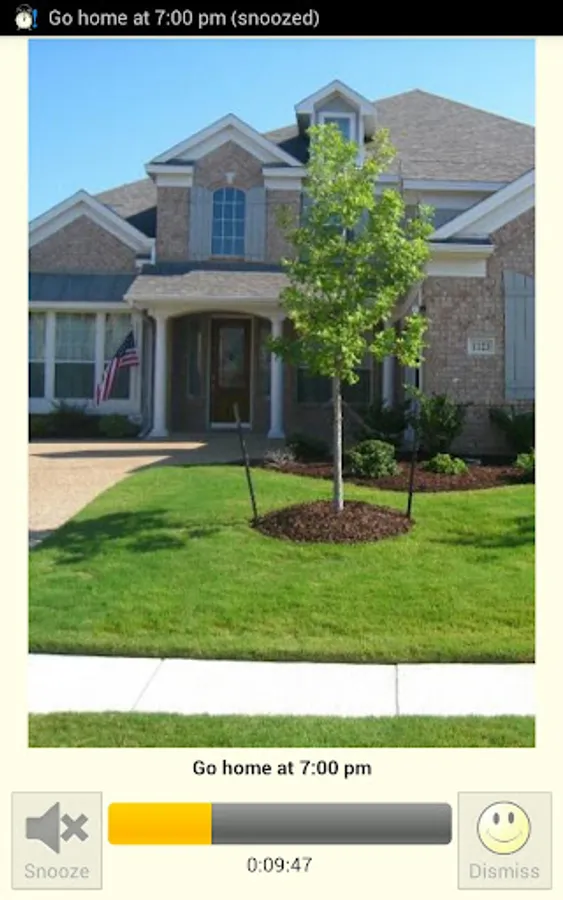
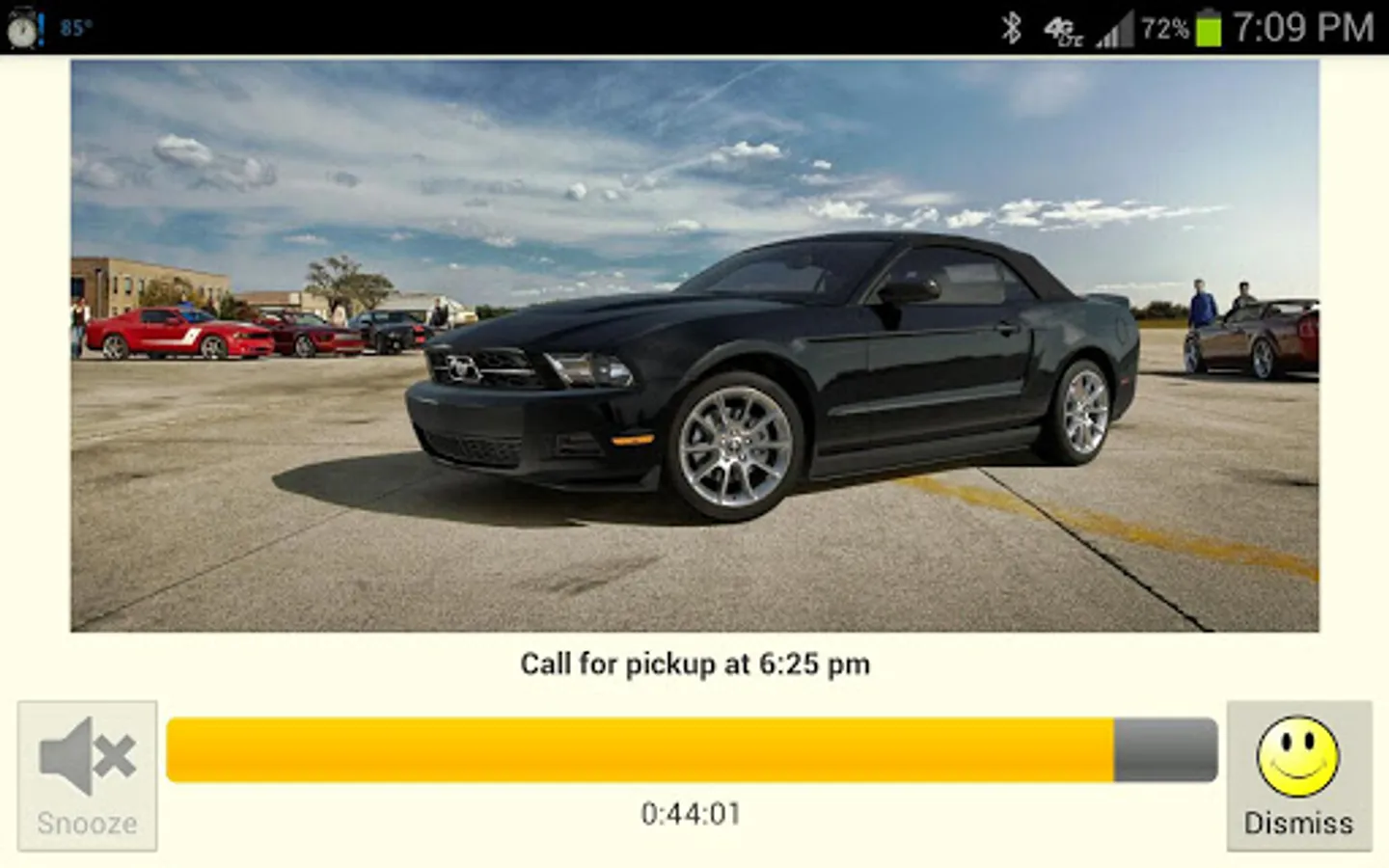
PicAlarms is an alarm clock that displays a chosen picture when it goes off. In addition to the typical alarm settings it allows you to select a picture from the device's gallery and add it to the alarm. This app is designed to help people with reading disabilities. It is a free app with no ads and fully supported by Appestry. It's our way of saying thank you for everything.
• You can add pictures that are captured using a camera or downloaded from the web.
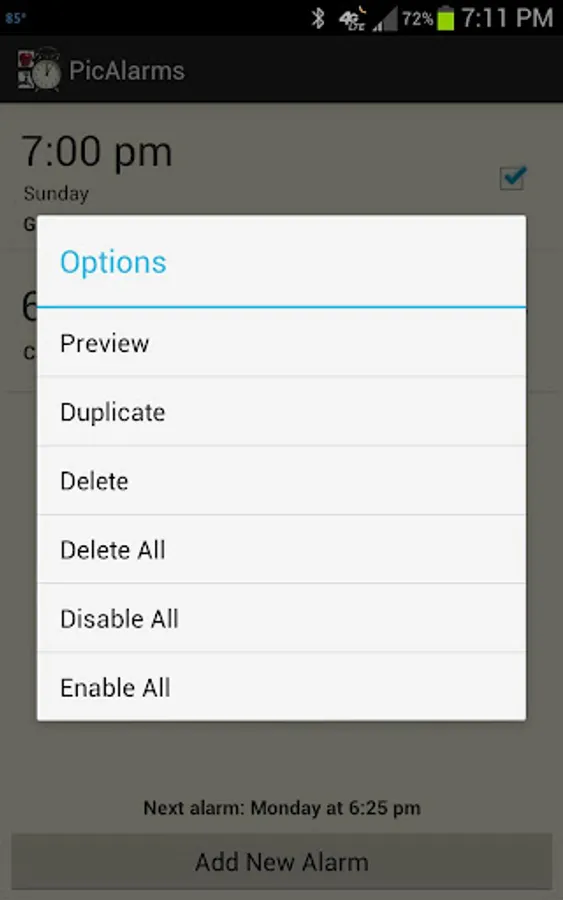
• Preview the selected pictures in alarms after setting up.
• Rotate pictures to suit their display during alarms.
• Visual progress bar indicates the amount of time left in the snooze timer.
• Enable dismiss only after snoozing a desired number of times.
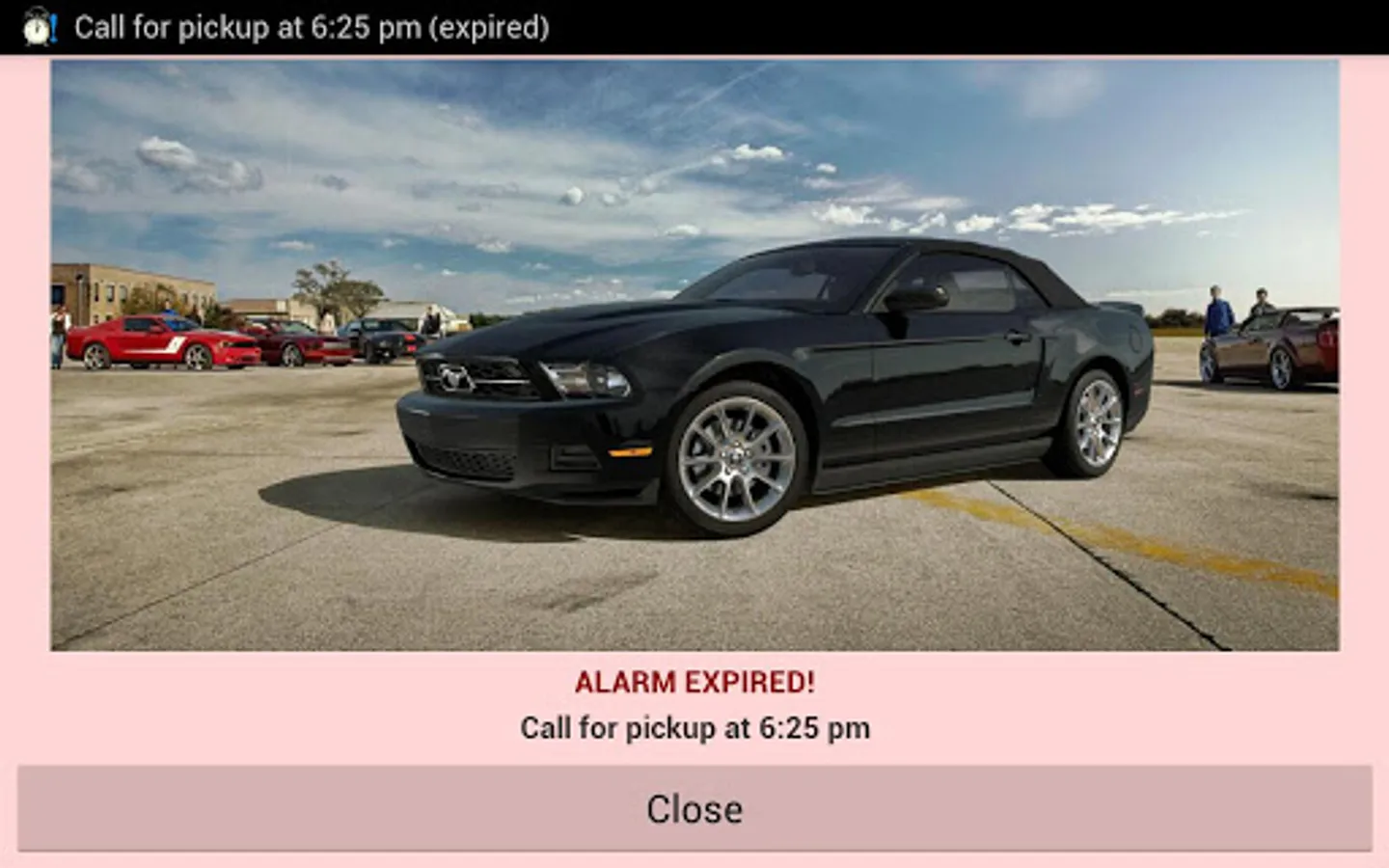
• Review snoozed and expired alarms form the notification bar.
• Kill all ringing and buzzing alarms in one touch.
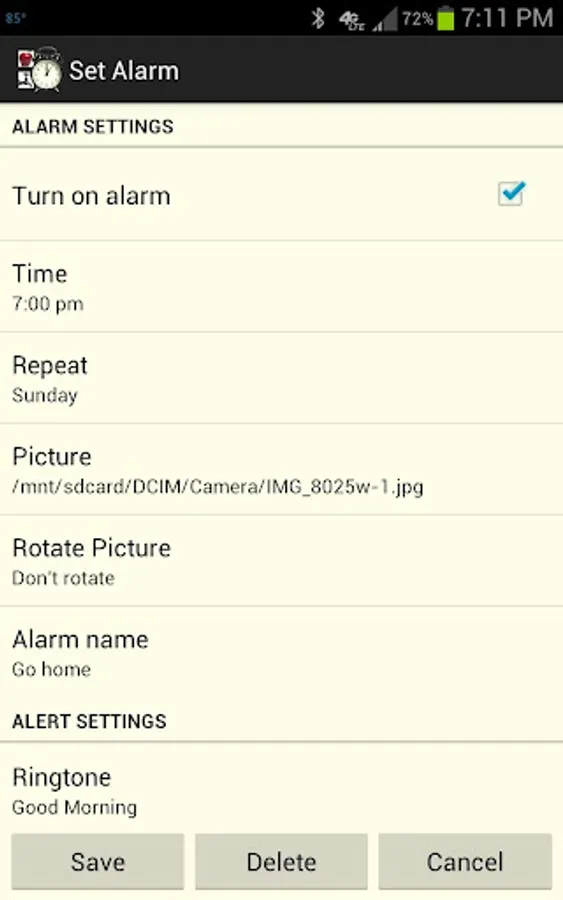
• Alarm Settings:
- Turn alarm on/off
- Alarm Time
- Repeat: days of week
- Picture: select from gallery
- Rotate picture: 90°, 180° or 270°
- Alarm Name
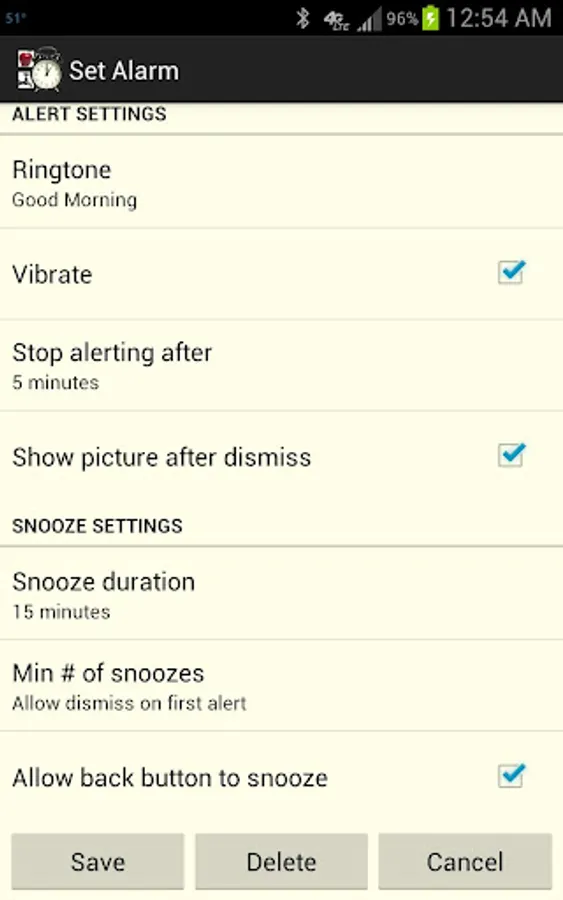
• Alert Settings:
- Ringtone
- Vibrate
- Stop alerting after X minutes
- Show picture after dismiss
• Snooze Settings:
- Snooze duration
- Minimum number of snoozes before dismiss
- Allow back button to snooze
You could use this app for beautiful reminders showing pictures of your loved ones in your daily alarms. If you find this app useful please consider a donation towards our fight against Autism, Dyslexia or other reading disabilities.
http://www.autismspeaks.org
http://www.interdys.org
http://www.readingrockets.org
• You can add pictures that are captured using a camera or downloaded from the web.
• Preview the selected pictures in alarms after setting up.
• Rotate pictures to suit their display during alarms.
• Visual progress bar indicates the amount of time left in the snooze timer.
• Enable dismiss only after snoozing a desired number of times.
• Review snoozed and expired alarms form the notification bar.
• Kill all ringing and buzzing alarms in one touch.
• Alarm Settings:
- Turn alarm on/off
- Alarm Time
- Repeat: days of week
- Picture: select from gallery
- Rotate picture: 90°, 180° or 270°
- Alarm Name
• Alert Settings:
- Ringtone
- Vibrate
- Stop alerting after X minutes
- Show picture after dismiss
• Snooze Settings:
- Snooze duration
- Minimum number of snoozes before dismiss
- Allow back button to snooze
You could use this app for beautiful reminders showing pictures of your loved ones in your daily alarms. If you find this app useful please consider a donation towards our fight against Autism, Dyslexia or other reading disabilities.
http://www.autismspeaks.org
http://www.interdys.org
http://www.readingrockets.org
PicAlarms Screenshots
Tap to Rate:
Reviews for PicAlarms
SAGAR MAHESH
2/4/2023
SUPER
Kitty Samy
12/20/2022
Very nice and very helpful