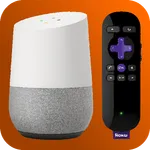
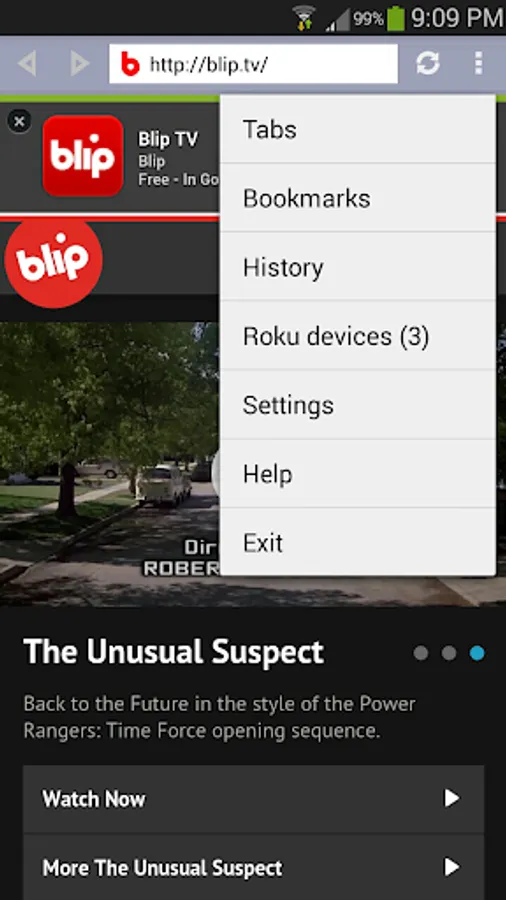
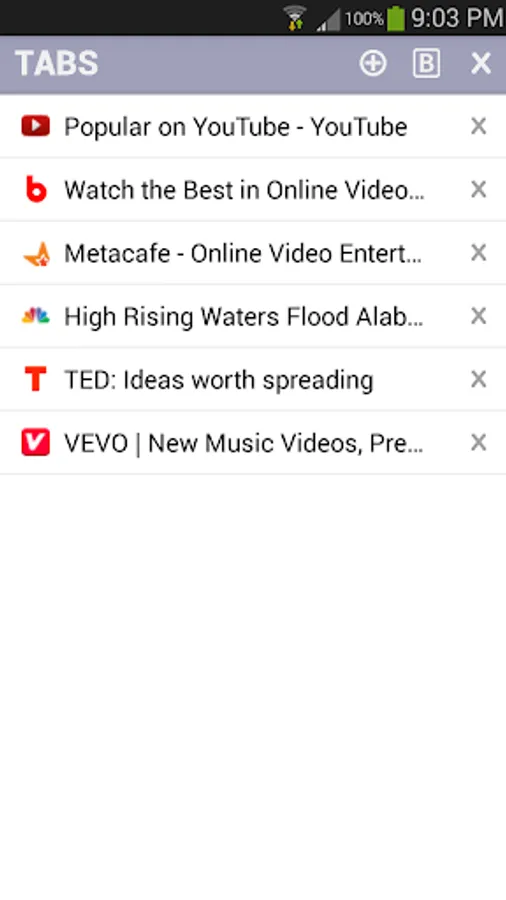
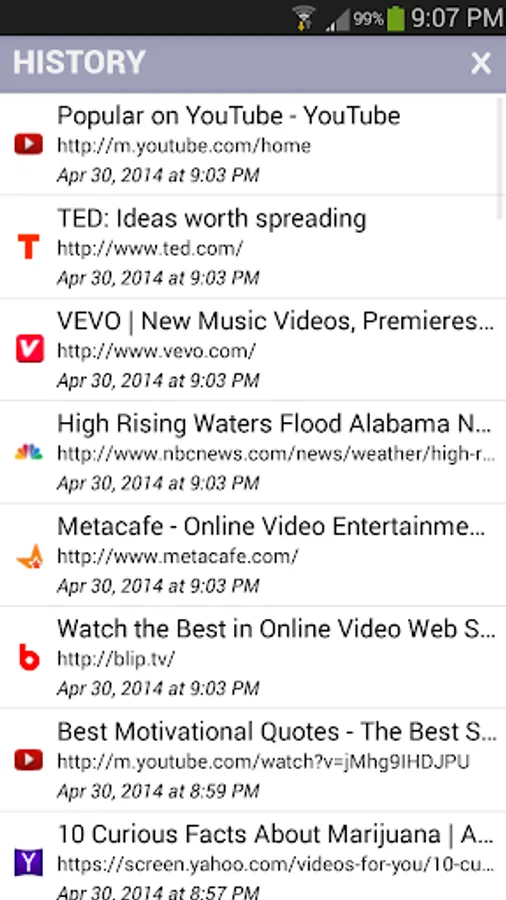
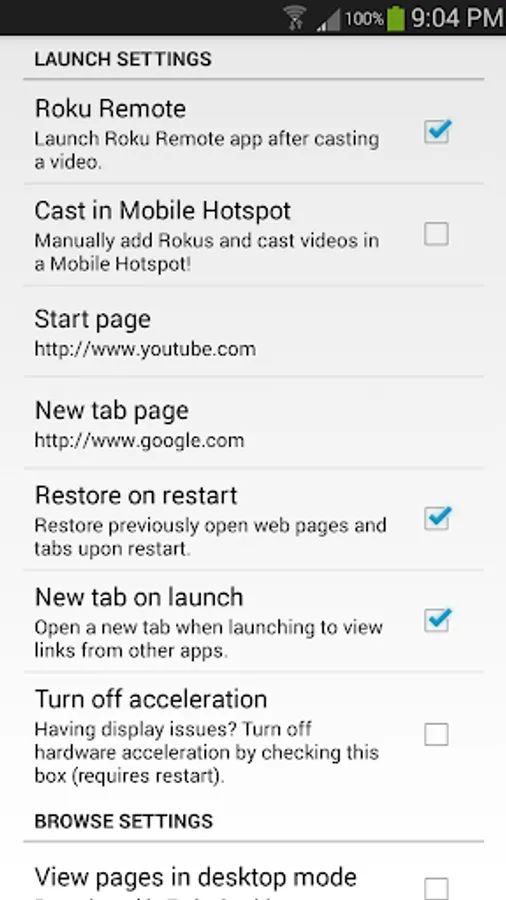
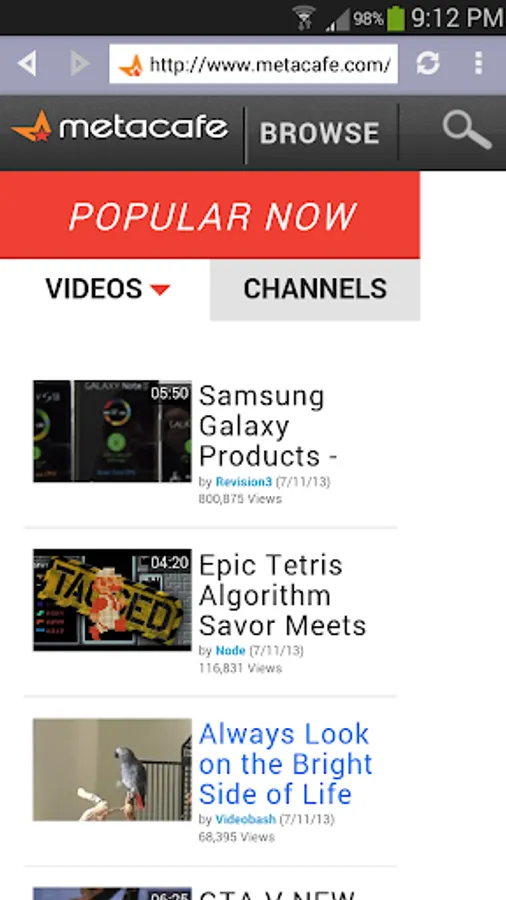
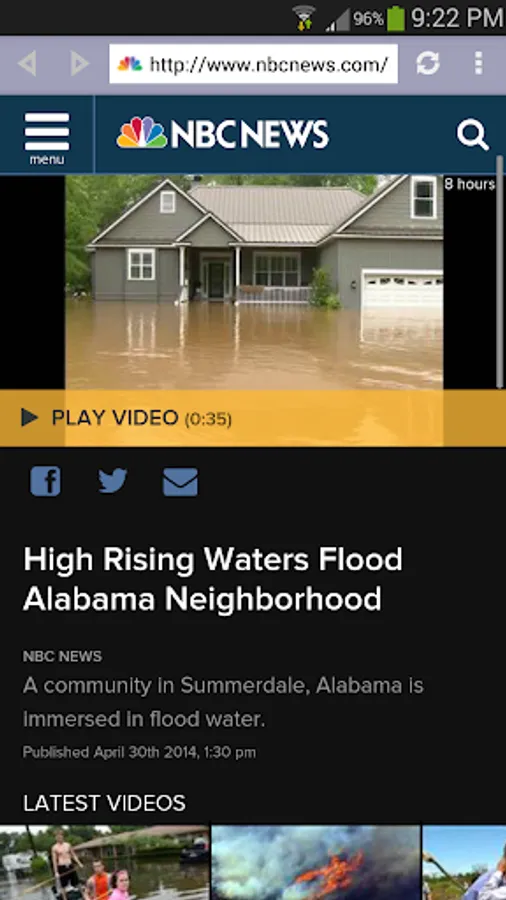
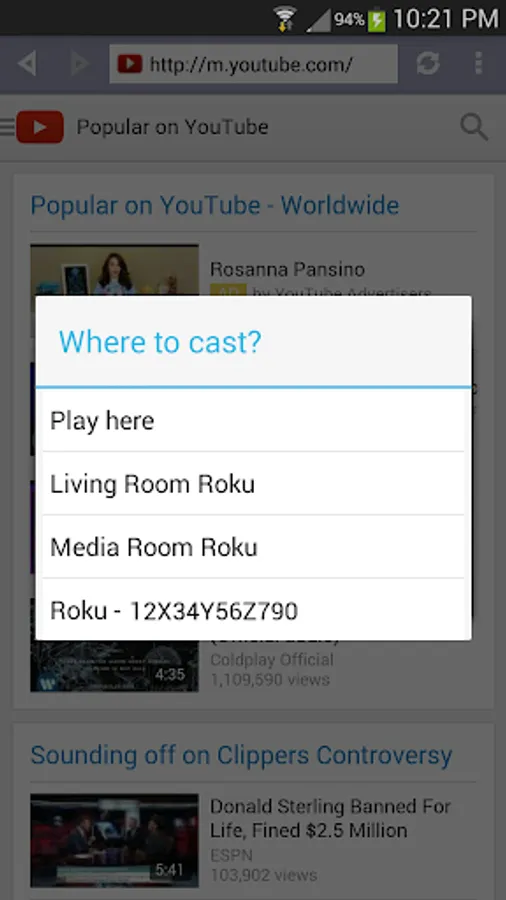
In this app, you can browse websites and cast embedded videos to your Roku device using your Android device. Includes device detection, browsing, and casting features.
AppRecs review analysis
AppRecs rating 2.6. Trustworthiness 79 out of 100. Review manipulation risk 23 out of 100. Based on a review sample analyzed.
★★☆☆☆
2.6
AppRecs Rating
Ratings breakdown
5 star
27%
4 star
8%
3 star
8%
2 star
11%
1 star
47%
What to know
✓
Low review manipulation risk
23% review manipulation risk
⚠
Mixed user feedback
Average 2.6★ rating suggests room for improvement
⚠
High negative review ratio
57% of sampled ratings are 1–2 stars
About R-Cast
Cast online videos from your Android device to Roku! This app is intended to help cast videos embedded in websites that don't have a Roku channel.
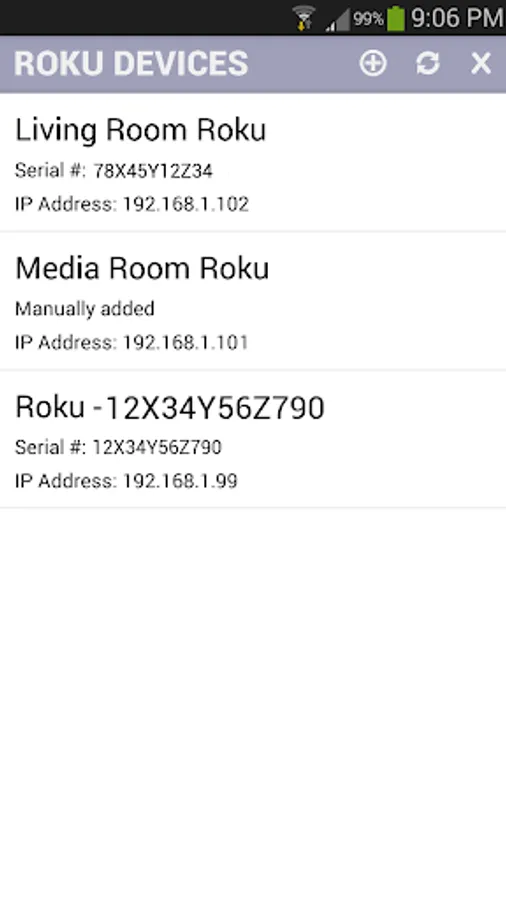
Install the R-Cast channel and R-Cast app in your Roku and Android devices respectively. Once you connect the devices to the same Wi-Fi network, this app will detect your Roku devices.
Browse the web for videos in the Android app and cast them to the Roku channel. It's that easy!
Please note that not all videos can be cast including HTTPS, Flash videos, live streams. If you see R-Cast channel load the video and return to the home screen it is usually because of incompatible video format. Roku doesn't play all video formats that play in Android devices.
Videos in the web that are not in high definition, might not look the same on your HD TV as they look in a small screen. If the video website already has a Roku channel, please use its channel.
YouTube videos will not cast in Android 4.4 and newer devices, please use the YouTube app.
Quick Start:
* Install R-Cast channel in your Roku device: https://my.roku.com/add/rcast
* Install R-Cast app in your Android device
* Connect your Android device to the same Wi-Fi network as your Roku device
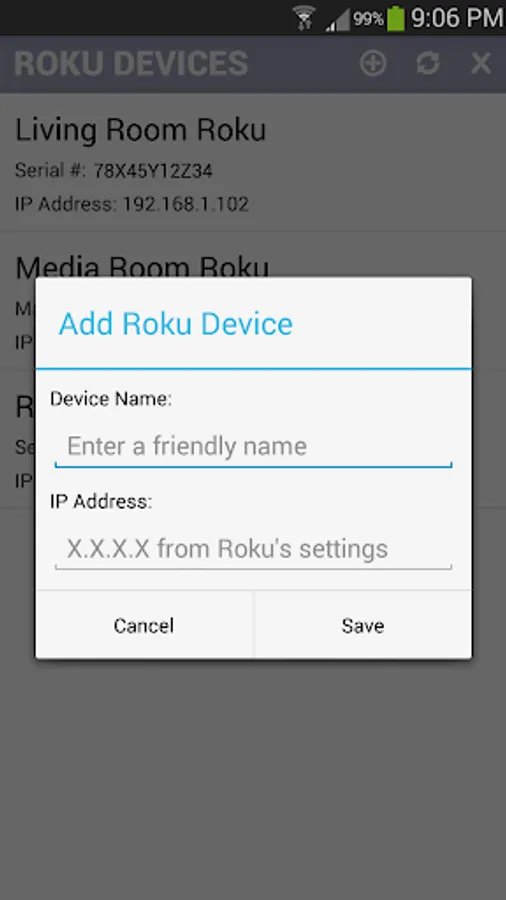
* The app will detect Roku devices in your network
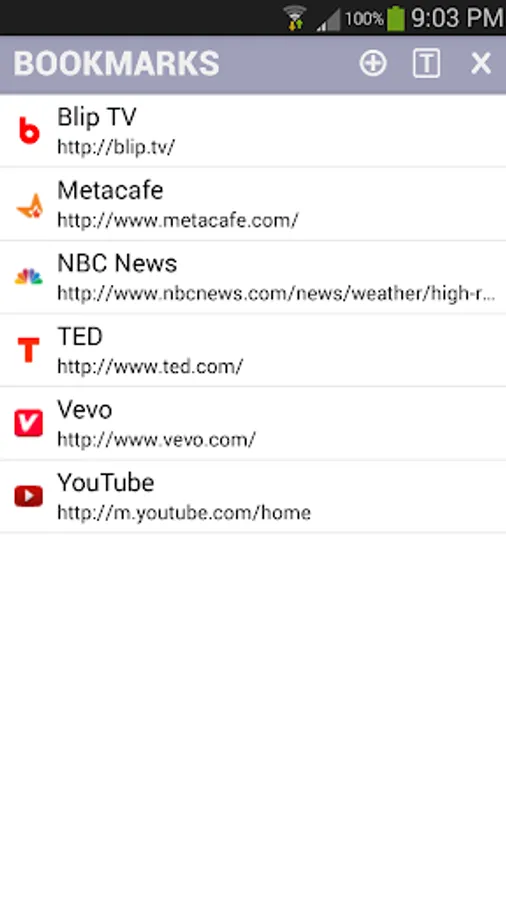
* Browse the web for your favorite entertainment
* In Android 4.3 or earlier, play videos in full view for the cast menu
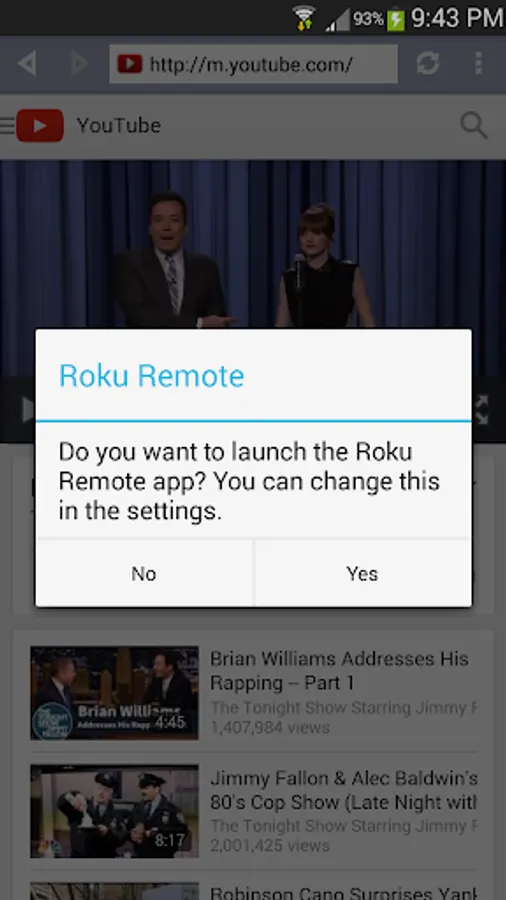
* In Android 4.4 or later, just start videos to launch the cast menu
* Select the Roku device to cast and voila!
* Enjoy videos on the big screen!!
Upgrade to the RADICAL edition to watch videos longer than 10 minutes and resume previous video casts. The upgrade removes the ads at the bottom of the browser. It doesn't remove the ads hosted by the websites you visit.
Please make sure the websites you frequent play in R-Cast channel before upgrading to the RADICAL Edition. R-Cast channel only works with the R-Cast app.
R-Cast Channel information: https://channelstore.roku.com/details/41530/r-cast
R-Cast App Help & FAQs: http://www.appestry.biz/rcast
Install the R-Cast channel and R-Cast app in your Roku and Android devices respectively. Once you connect the devices to the same Wi-Fi network, this app will detect your Roku devices.
Browse the web for videos in the Android app and cast them to the Roku channel. It's that easy!
Please note that not all videos can be cast including HTTPS, Flash videos, live streams. If you see R-Cast channel load the video and return to the home screen it is usually because of incompatible video format. Roku doesn't play all video formats that play in Android devices.
Videos in the web that are not in high definition, might not look the same on your HD TV as they look in a small screen. If the video website already has a Roku channel, please use its channel.
YouTube videos will not cast in Android 4.4 and newer devices, please use the YouTube app.
Quick Start:
* Install R-Cast channel in your Roku device: https://my.roku.com/add/rcast
* Install R-Cast app in your Android device
* Connect your Android device to the same Wi-Fi network as your Roku device
* The app will detect Roku devices in your network
* Browse the web for your favorite entertainment
* In Android 4.3 or earlier, play videos in full view for the cast menu
* In Android 4.4 or later, just start videos to launch the cast menu
* Select the Roku device to cast and voila!
* Enjoy videos on the big screen!!
Upgrade to the RADICAL edition to watch videos longer than 10 minutes and resume previous video casts. The upgrade removes the ads at the bottom of the browser. It doesn't remove the ads hosted by the websites you visit.
Please make sure the websites you frequent play in R-Cast channel before upgrading to the RADICAL Edition. R-Cast channel only works with the R-Cast app.
R-Cast Channel information: https://channelstore.roku.com/details/41530/r-cast
R-Cast App Help & FAQs: http://www.appestry.biz/rcast
R-Cast Screenshots
Tap to Rate:
Reviews for R-Cast
Colleen Steiner
11/16/2025
This app does not do what it says it does. I just tried it out briefly and I could not see a way to cast videos or pictures from my phone to the TV. So, I deleted the app. NO, I don't recommend this app to anyone.
Kendrick Johnson
6/13/2025
terrible