
IP Tools - Network Utilities
apptech_Infotech
4.1 ★
881 ratings
100,000+
downloads
Free
+ in-app
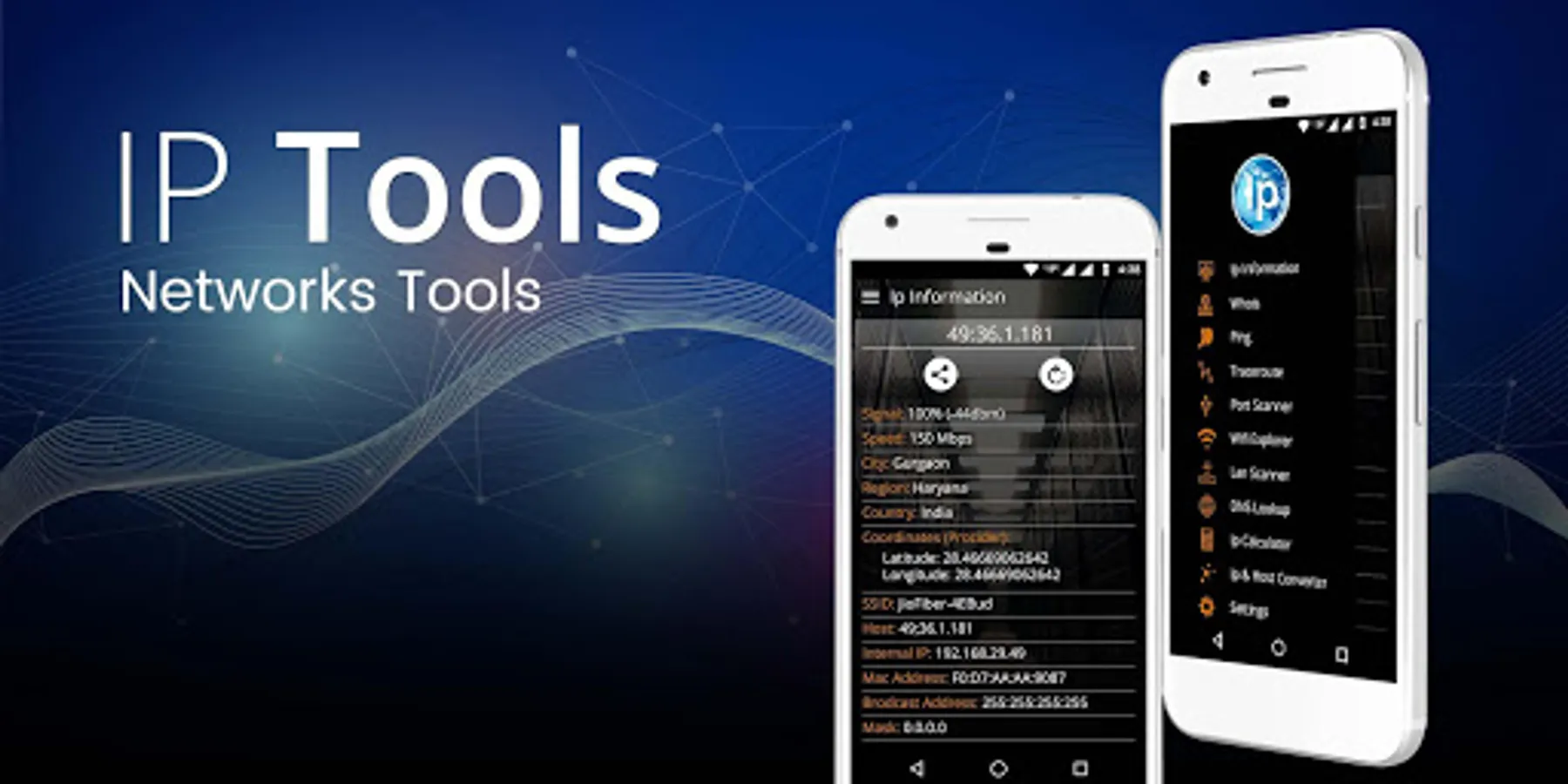
In this network utility app, users can analyze and troubleshoot internet and WiFi connections through features like ping tests and device scanning. Includes IP address identification, network diagnostics, and device detection tools.
AppRecs review analysis
AppRecs rating 4.1. Trustworthiness 69 out of 100. Review manipulation risk 45 out of 100. Based on a review sample analyzed.
★★★★☆
4.1
AppRecs Rating
Ratings breakdown
5 star
67%
4 star
6%
3 star
10%
2 star
2%
1 star
15%
What to know
⚠
Ad complaints
Many low ratings mention excessive ads
⚠
Questionable review patterns
45% review manipulation risk - some review patterns appear unusual
⚠
Review quality concerns
61% of sampled 5-star reviews are very short
About IP Tools - Network Utilities
IP Tools - Network Utilities is an all-in-one network toolkit designed for both professionals and everyday users to monitor, analyze, and optimize internet and WiFi networks. Whether you're troubleshooting connectivity issues or conducting network diagnostics, IP Tools gives you the power of advanced networking utilities in a user-friendly app.
From identifying your IP address, analyzing network speed, performing ping tests, or scanning connected devices—IP Tools is your complete mobile network analyzer and WiFi scanner.
🔧 Core Features of IP Tools - Network Utilities:
📡 Network Information & IP Address Tools
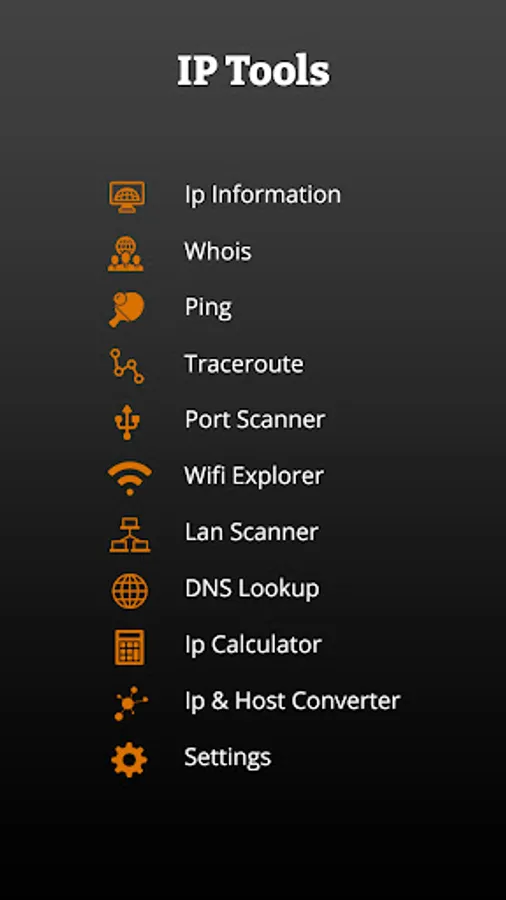
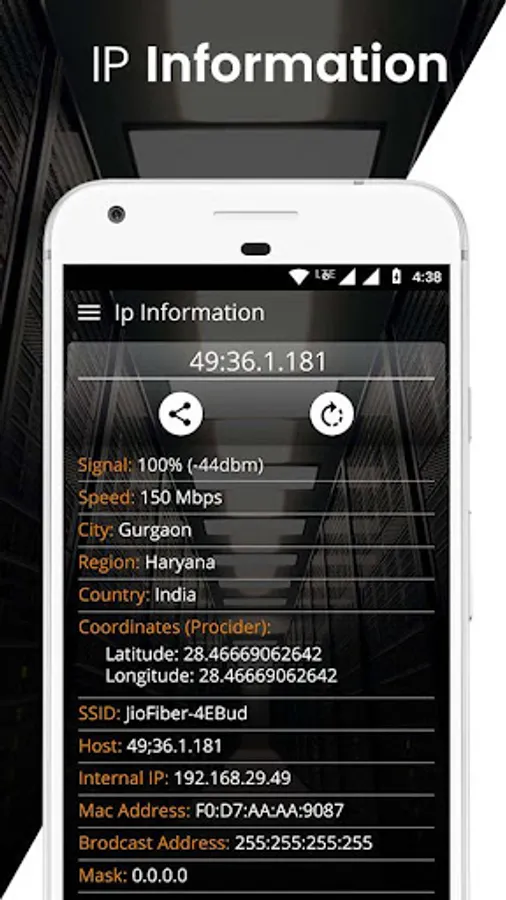
Get your public and private IP address, SSID, BSSID, gateway, subnet mask, DNS, DHCP server info, and more.
Real-time internet connectivity checker.
IP location finder: Know your ISP, region, city, and even coordinates (latitude & longitude).
WiFi Signal Strength Meter: Monitor your wireless network signal in real time.
🔍 WiFi & LAN Scanner
Scan and detect all connected devices in your WiFi or LAN.
View IP address, MAC address, device name, vendor, and manufacturer.
Open discovered hosts in browser if web ports (80/443) are open.
Detect network intruders and unauthorized access.
🌐 Advanced Network Tools
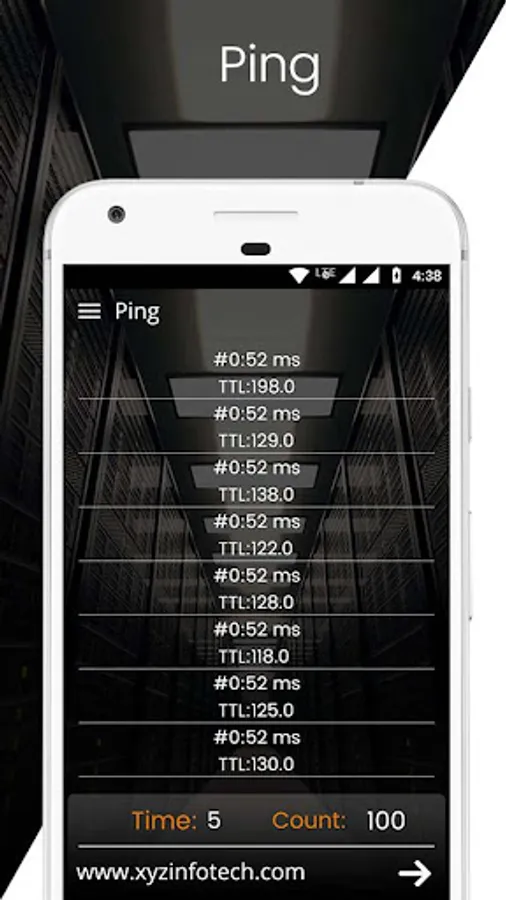
Ping & Traceroute: Measure network stability and diagnose path issues.
DNS Lookup & Reverse Lookup: Resolve domain names and IPs.
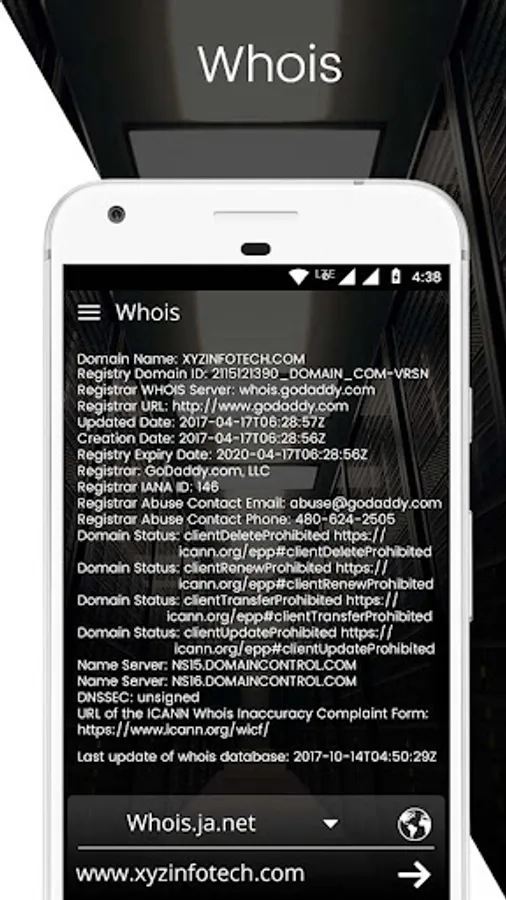
Whois Lookup: Reveal domain ownership and server data.
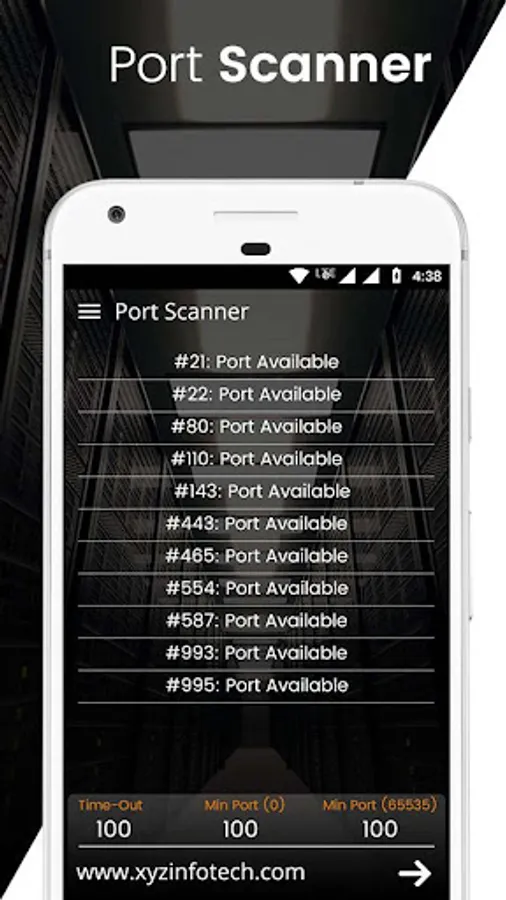
Port Scanner: Discover open ports and services across devices.
Subnet Scanner & IP Range Scan: Scan LAN or WAN IP ranges quickly.
WOL (Wake on LAN): Remotely power on devices.
🧠 Smart Utilities for Power Users
IP Calculator: Helps compute subnet masks, wildcard masks, and more.
ISP Analysis Tool: Find out who’s providing your connection and their performance.
Network Speed Test (coming soon): Measure download, upload, and latency.
🎯 Why Choose IP Tools?
Lightweight and powerful network utility.
Built for IT experts, network admins, gamers, and anyone who cares about internet speed and WiFi quality.
Helps you troubleshoot slow WiFi, monitor networks, and find security flaws fast.
Essential toolkit for remote tech support, system administrators, and cybersecurity professionals.
🔥 2025 Trending Use Cases
“How to check who’s connected to my WiFi”
“Find my IP address quickly”
“Best free WiFi analyzer app”
“How to detect network intruders”
“Scan my local network for devices”
“How to ping a server from phone”
💬 Feedback & Support
We’re constantly improving IP Tools based on your feedback. If you enjoy using the app, please leave us a ⭐⭐⭐⭐⭐ rating! Have suggestions? We’d love to hear from you!
IP Tools - Network Utilities Screenshots


Tap to Rate:
Reviews for IP Tools - Network Utilities
jagdanand kumar
10/31/2025
good software without add.
Paula Yerka
7/20/2025
Excellent app to gather intel on spies and hackers. Has helped to give me back control after Xfinity got into my device through Google. Now I can see what they're doing with your app's assistance. Thanks for making this app to make the playing field even!