AppRecs review analysis
AppRecs rating . Trustworthiness 75 out of 100. Review manipulation risk 16 out of 100. Based on a review sample analyzed.
★
AppRecs Rating
Ratings breakdown
5 star
100%
4 star
0%
3 star
0%
2 star
0%
1 star
0%
What to know
✓
Low review manipulation risk
16% review manipulation risk
✓
Credible reviews
75% trustworthiness score from analyzed reviews
✓
High user satisfaction
100% of sampled ratings are 5 stars
About Auto Blur Faces
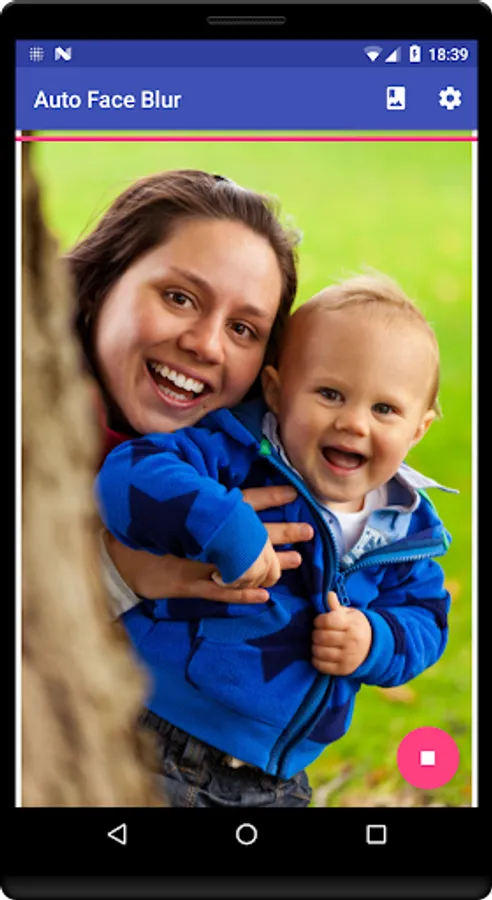
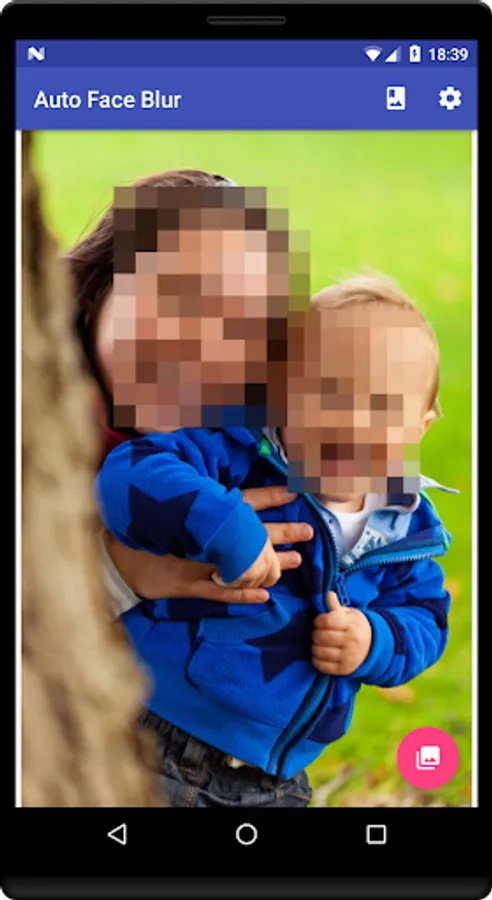
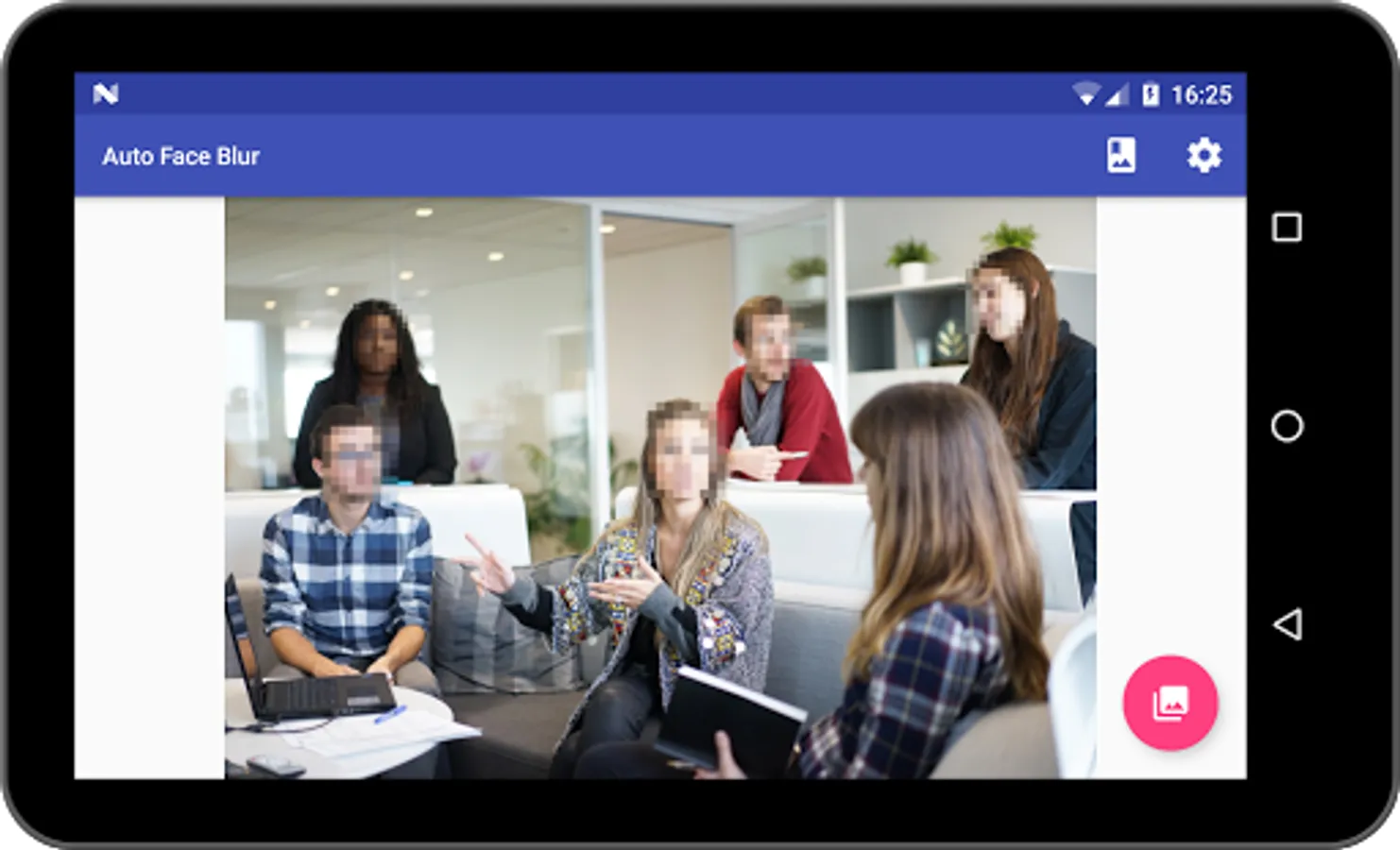
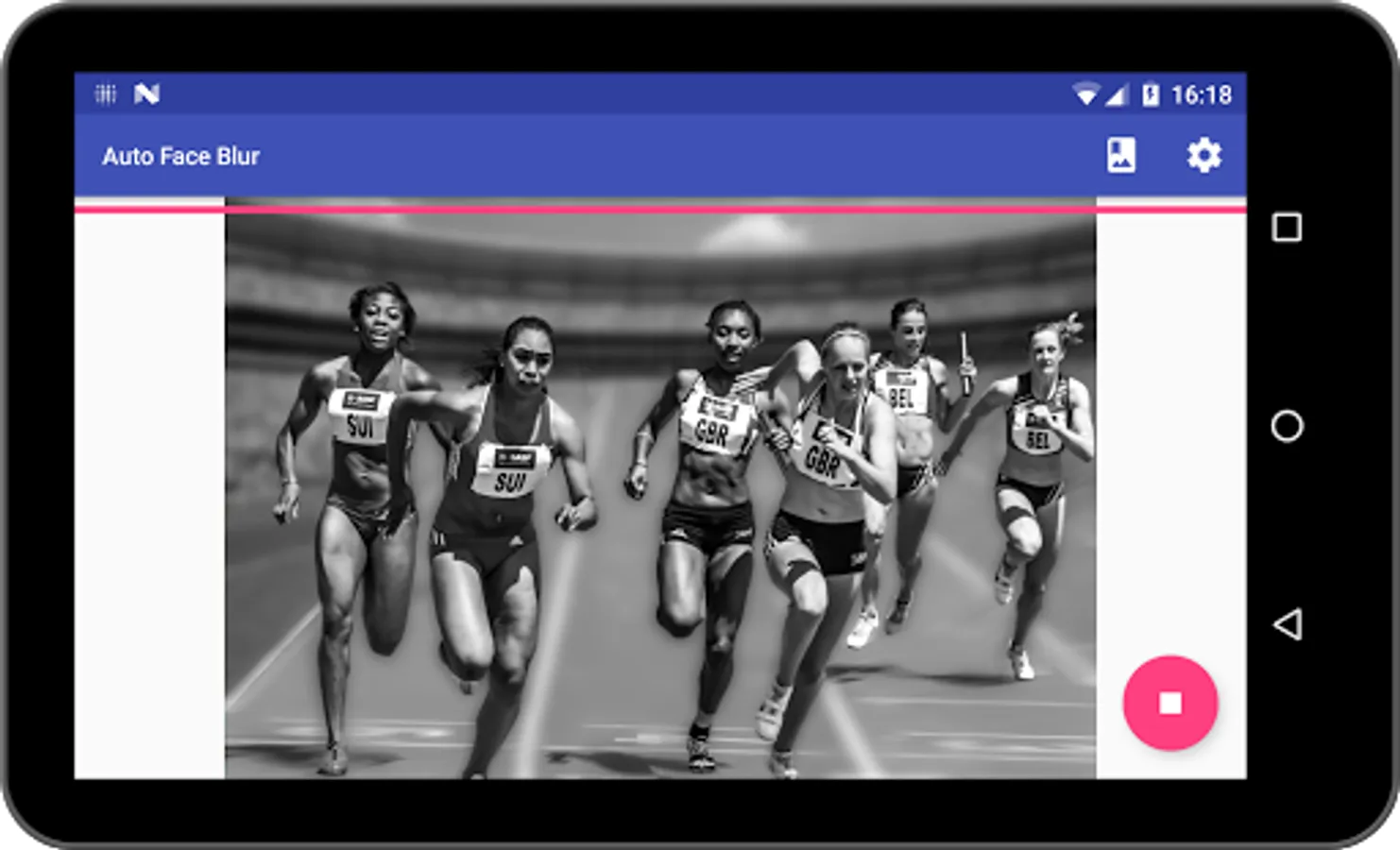
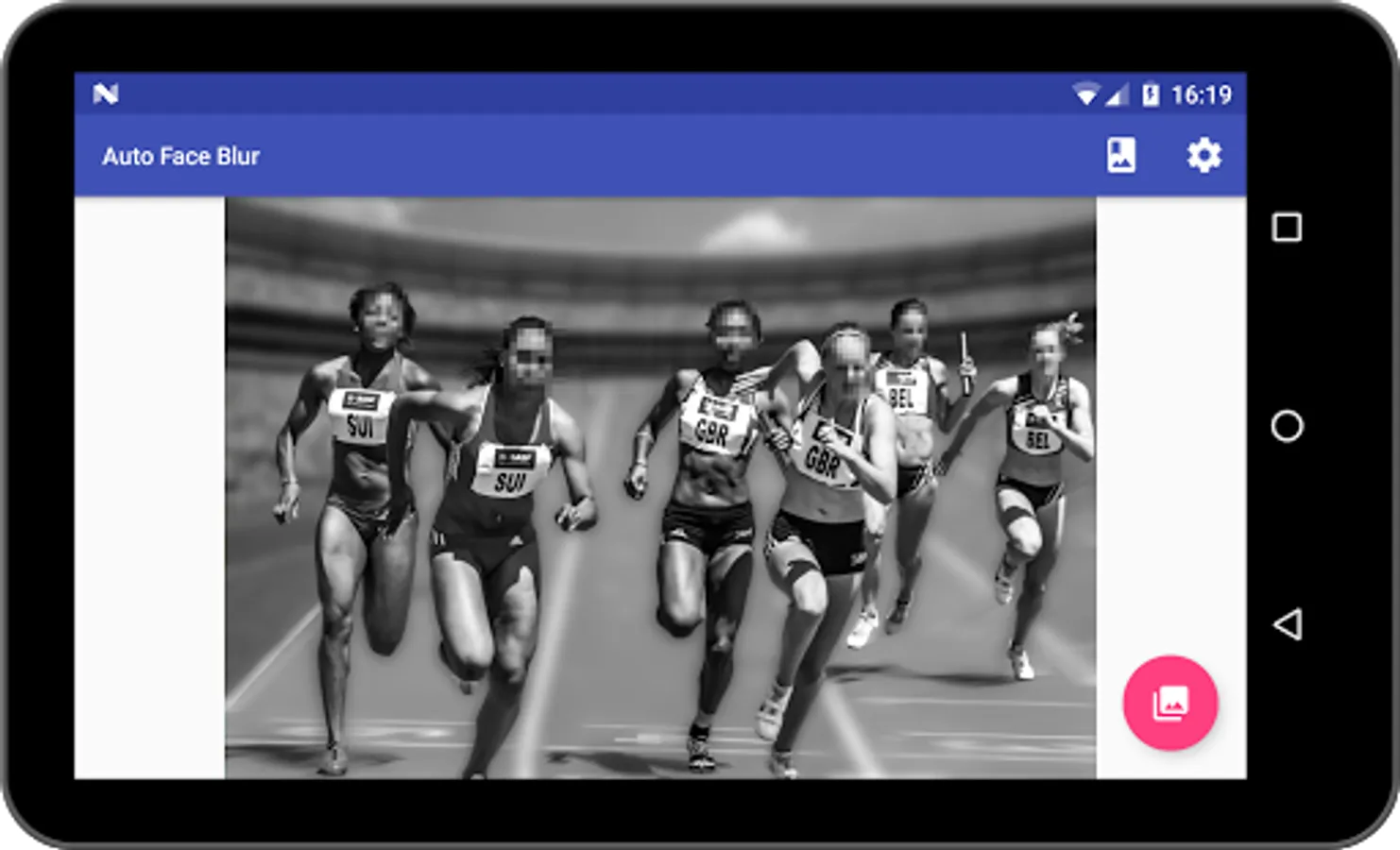
Auto Blur Faces automatically detects and blurs (pixellates) faces in your pictures.
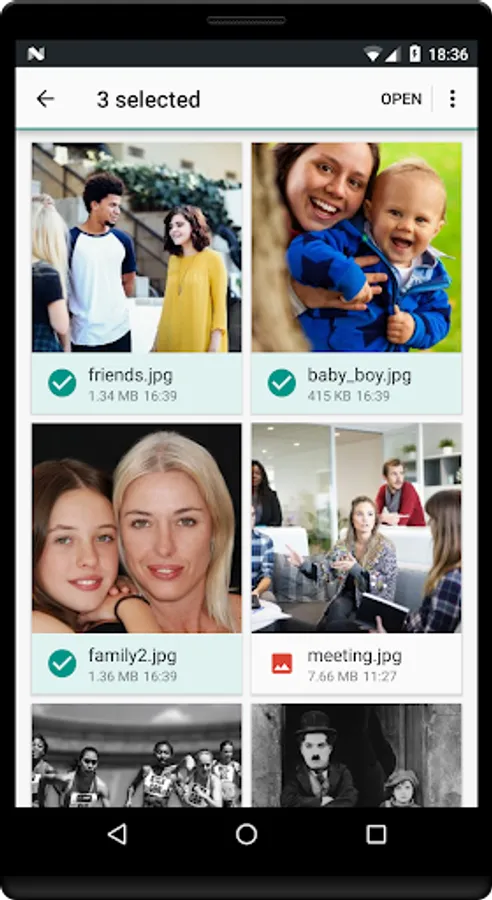
Pictures can be processed one by one or in batch.
Pictures can be selected within Auto Blur Faces or from a third party app and sent to Auto Blur Faces.
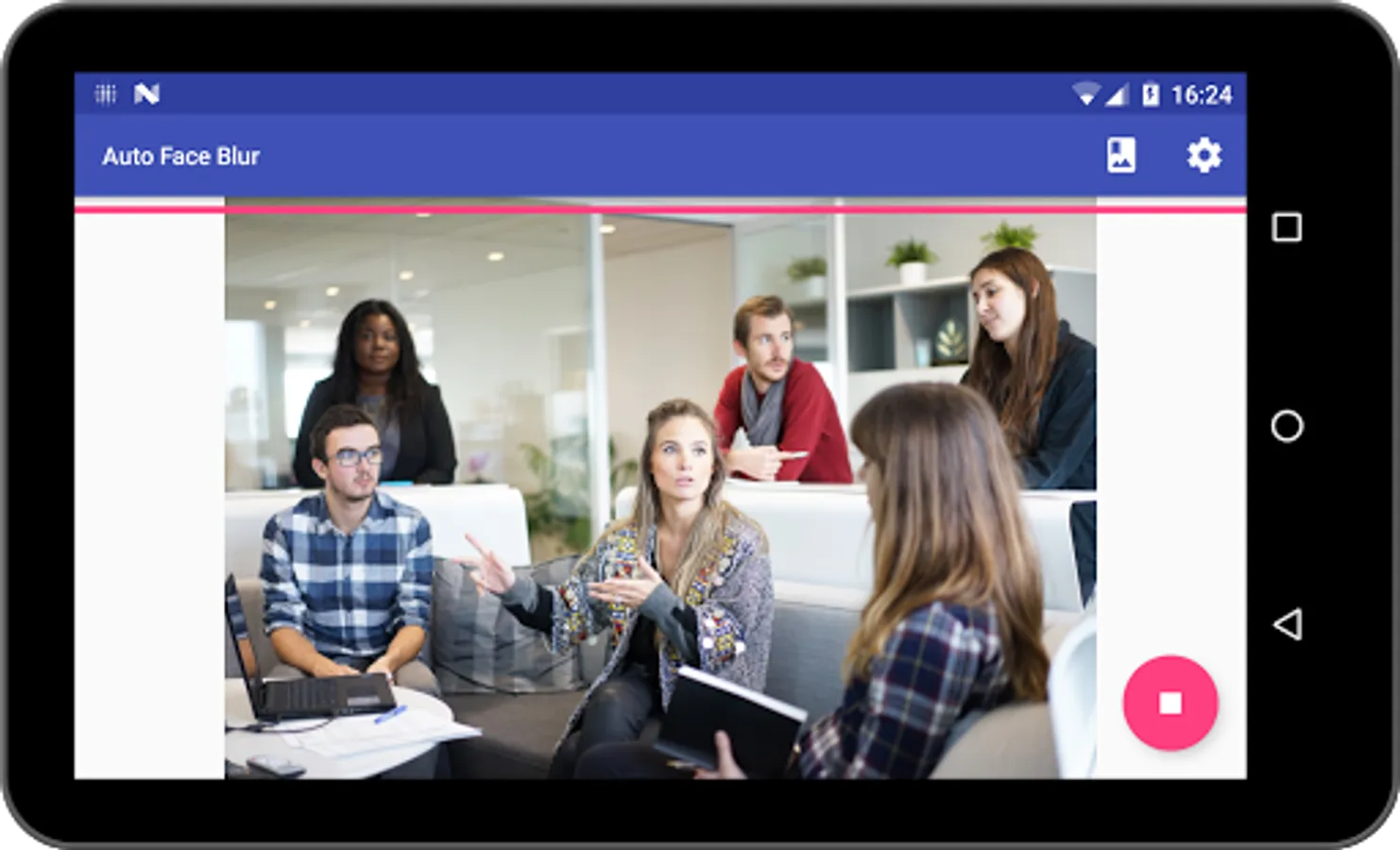
Auto Blur Faces can detect and blur automatically several faces in a single picture.
Auto Blur Faces can save you a lot of time if you have many pictures to process.
Blurred pictures are stored in the "AutoFaceBlur" folder in your phone's Pictures Gallery.
Auto Blur Faces will try its best to detect faces but detection is not guaranteed to work in all cases.
For instance, detection can fail if :
* faces are partly masked with hands, clothes, shades, spectacles, etc
* faces are upside down
* faces features (eyes, nose, mouth, cheeks) are not clearly visible (low light, low contrast, etc)
Pictures can be processed one by one or in batch.
Pictures can be selected within Auto Blur Faces or from a third party app and sent to Auto Blur Faces.
Auto Blur Faces can detect and blur automatically several faces in a single picture.
Auto Blur Faces can save you a lot of time if you have many pictures to process.
Blurred pictures are stored in the "AutoFaceBlur" folder in your phone's Pictures Gallery.
Auto Blur Faces will try its best to detect faces but detection is not guaranteed to work in all cases.
For instance, detection can fail if :
* faces are partly masked with hands, clothes, shades, spectacles, etc
* faces are upside down
* faces features (eyes, nose, mouth, cheeks) are not clearly visible (low light, low contrast, etc)