Pix You Dark Android Icon Pack
Arjun Arora
4.6 ★
2K ratings
100,000+
downloads
Free
+ in-app
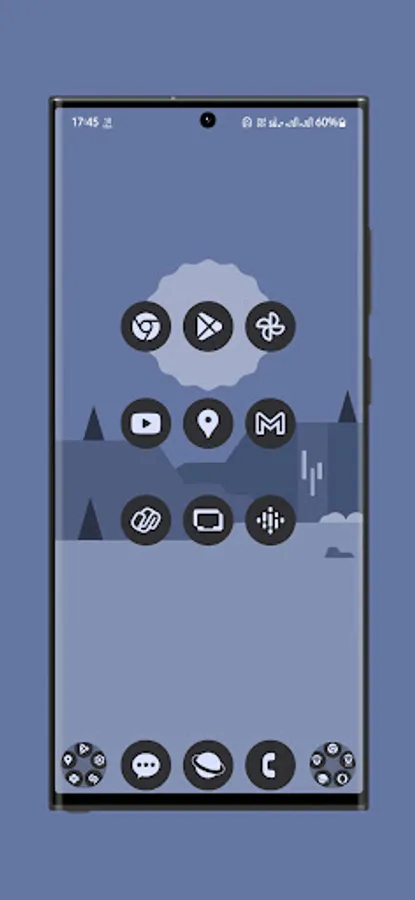
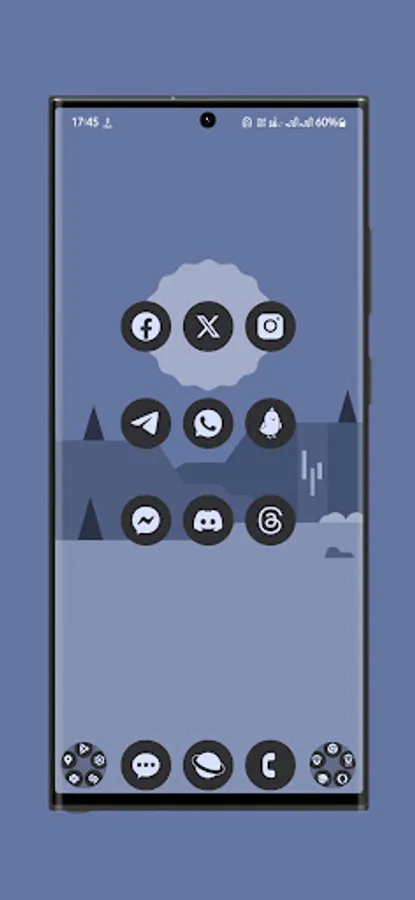
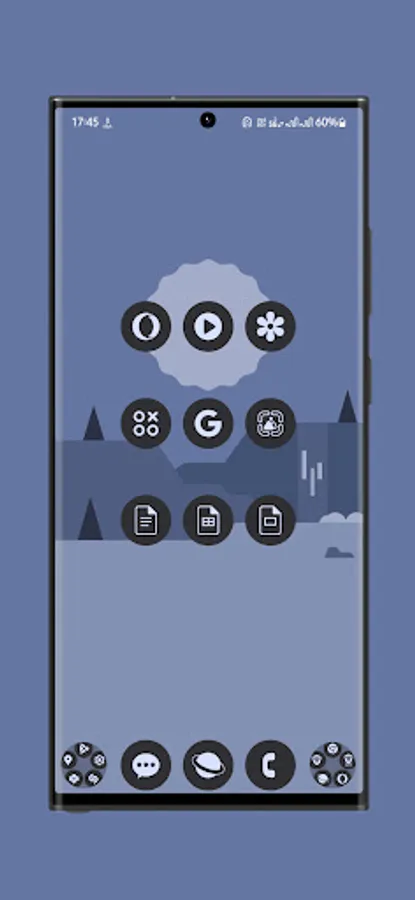
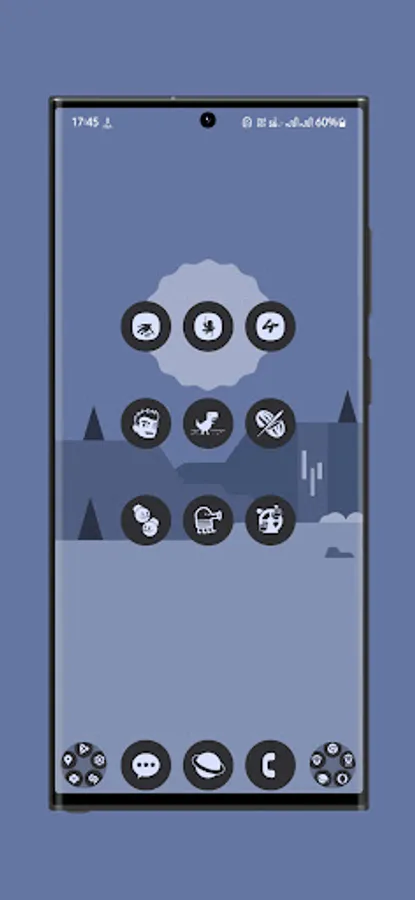
In this icon pack app, you can customize your device's appearance by applying a collection of high-definition, flat icons. Includes monthly updates, support for multiple launchers, and alternative icons for personalization.
AppRecs review analysis
AppRecs rating 4.6. Trustworthiness 76 out of 100. Review manipulation risk 22 out of 100. Based on a review sample analyzed.
★★★★☆
4.6
AppRecs Rating
Ratings breakdown
5 star
78%
4 star
14%
3 star
2%
2 star
2%
1 star
3%
What to know
✓
Low review manipulation risk
22% review manipulation risk
✓
Credible reviews
76% trustworthiness score from analyzed reviews
✓
High user satisfaction
78% of sampled ratings are 5 stars
About Pix You Dark Android Icon Pack
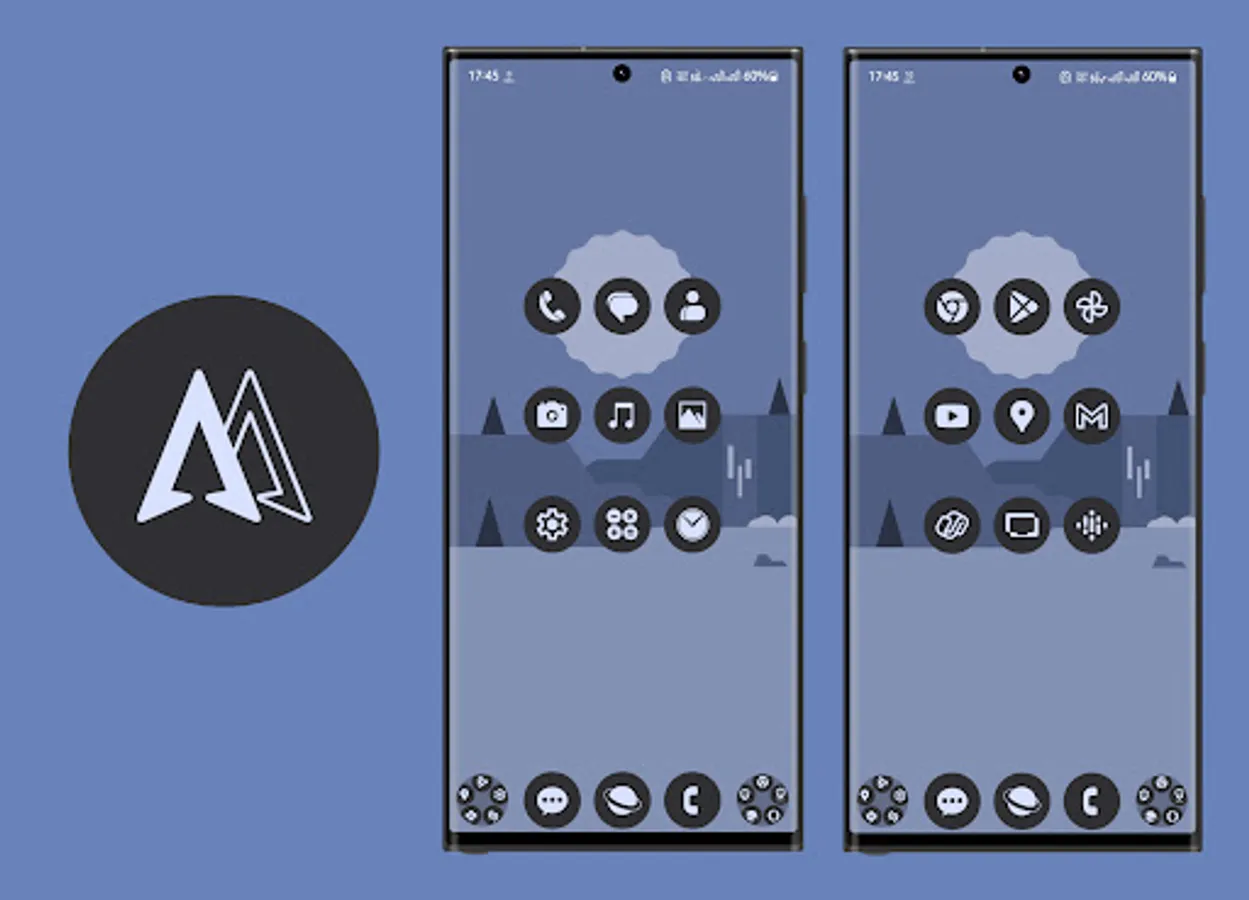
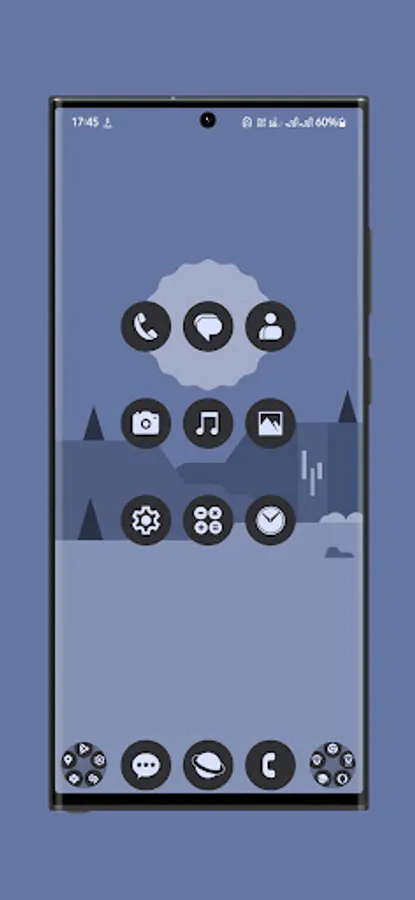
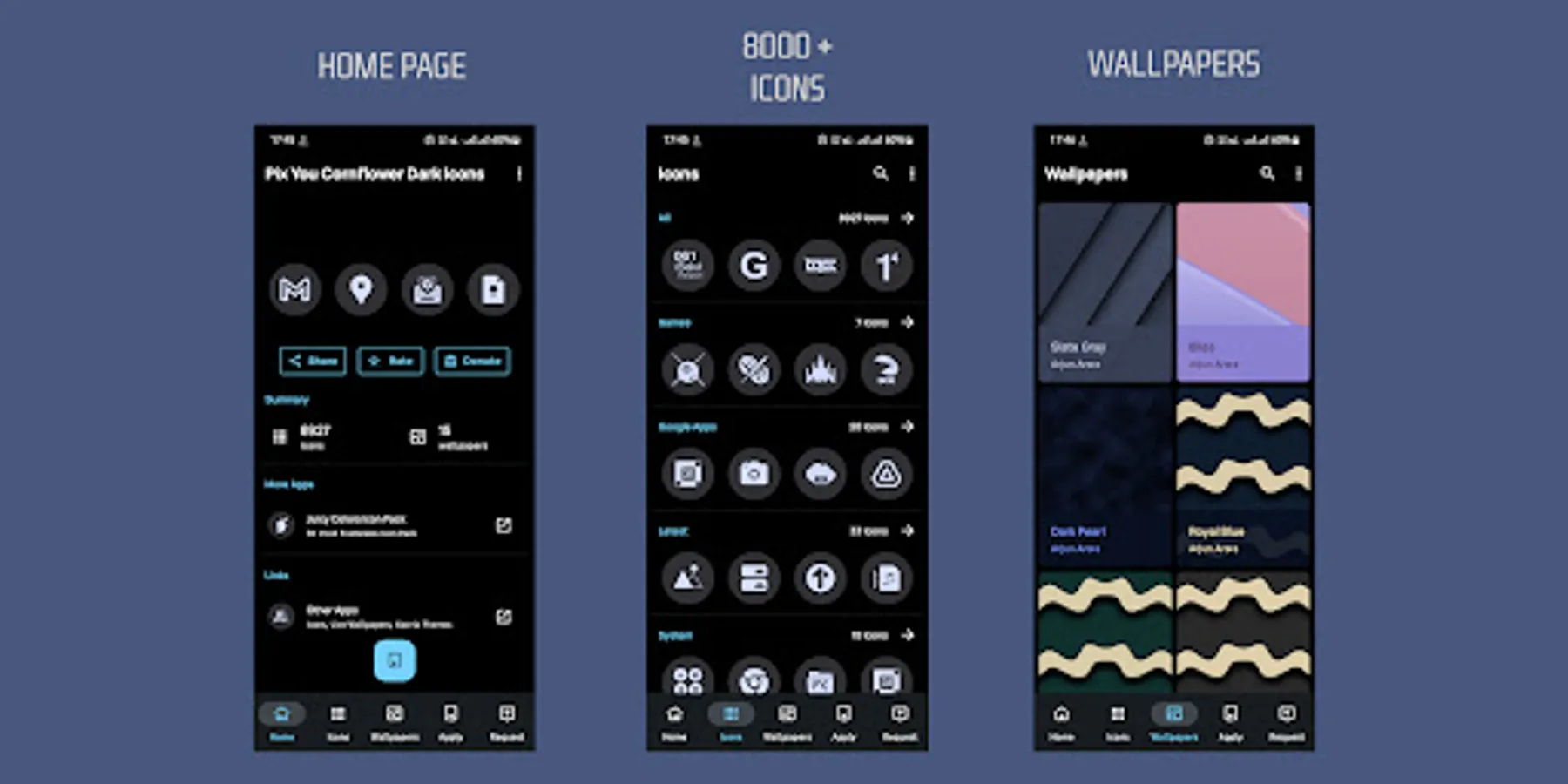
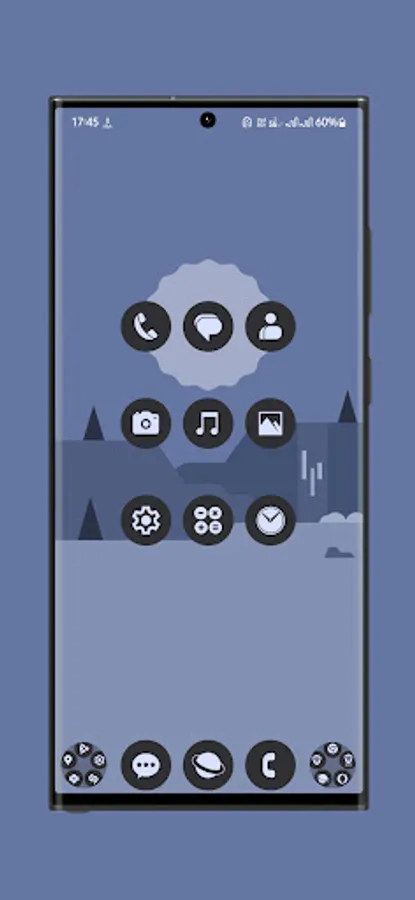
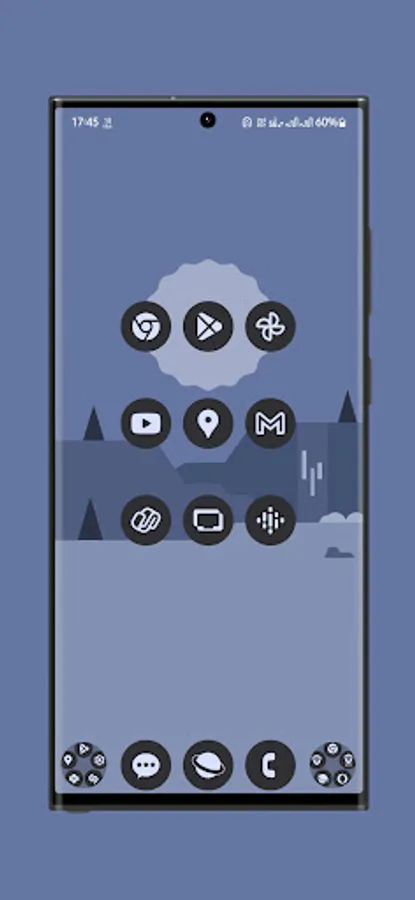
Pix You Dark is a minimalist icon pack which offers your device a clean look. These are high definition, simple, flat icons created to enhance your mobile experience.
I have created each icon with utmost precision.
You need a supported launcher to apply this Pix You Dark Icon Pack theme.
IMPORTANT:
This is not standalone app. You need a compatible android launcher to use this icon pack.
Please be patient as the app's Icons and Request sections may load slowly based on the installed apps and RAM on your smartphone.
Steps:
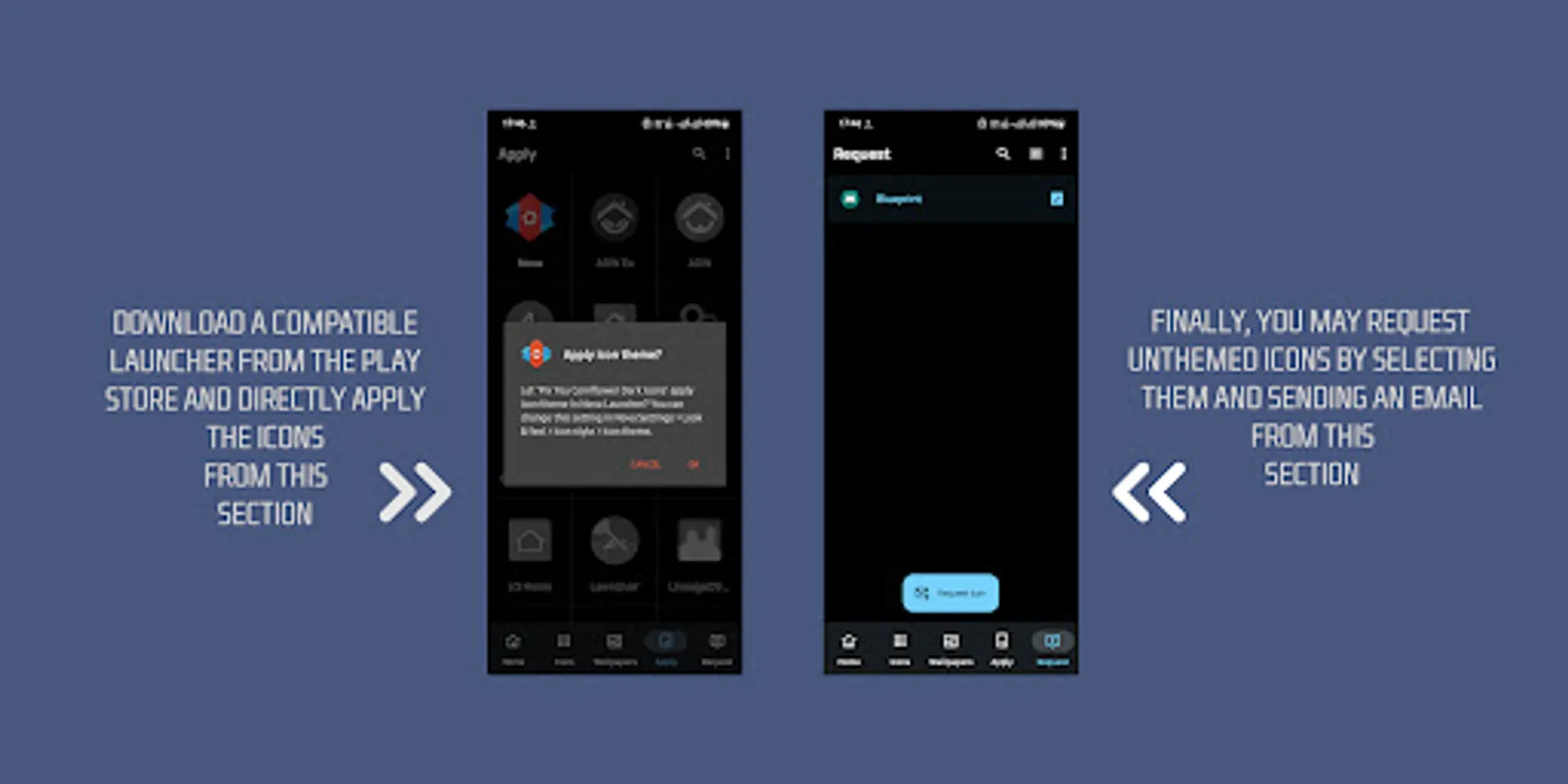
1. Download a supported launcher (Nova Recommended).
2. Open Pix You Dark Icon Pack and Apply.
Features:
1. Based on stock android.
2. 8900+ [Latest & popular icons]
3. A big thanks to iOSXPC for providing the wallpapers.
4. Various alternate icons to choose from.
5. Icons based on vector graphics.
6. Monthly updates.
8. Multi Launcher Support.
Supported Launchers:
1. Nova Launcher
2. Lawnchair
3. Microsoft Launcher (and many more..)
4. App shortcut maker is necessary for pixel devices.
Icon Updates:
I'll try my best to add new icons as well as update older icons every month.
Please feel free to contact me on my email or any of the following social media platforms.
Facebook: https://www.facebook.com/arjun.aa.arora
Twitter: https://twitter.com/Arjun_Arora
Kindly Rate & Review
Thanks to Jahir Fiquitiva & iOSXPC.
I have created each icon with utmost precision.
You need a supported launcher to apply this Pix You Dark Icon Pack theme.
IMPORTANT:
This is not standalone app. You need a compatible android launcher to use this icon pack.
Please be patient as the app's Icons and Request sections may load slowly based on the installed apps and RAM on your smartphone.
Steps:
1. Download a supported launcher (Nova Recommended).
2. Open Pix You Dark Icon Pack and Apply.
Features:
1. Based on stock android.
2. 8900+ [Latest & popular icons]
3. A big thanks to iOSXPC for providing the wallpapers.
4. Various alternate icons to choose from.
5. Icons based on vector graphics.
6. Monthly updates.
8. Multi Launcher Support.
Supported Launchers:
1. Nova Launcher
2. Lawnchair
3. Microsoft Launcher (and many more..)
4. App shortcut maker is necessary for pixel devices.
Icon Updates:
I'll try my best to add new icons as well as update older icons every month.
Please feel free to contact me on my email or any of the following social media platforms.
Facebook: https://www.facebook.com/arjun.aa.arora
Twitter: https://twitter.com/Arjun_Arora
Kindly Rate & Review
Thanks to Jahir Fiquitiva & iOSXPC.
Pix You Dark Android Icon Pack Screenshots
Tap to Rate:
Reviews for Pix You Dark Android Icon Pack
Ghost Void
12/12/2025
Very good app that has a lot of icons for apps and looks good
Orava Supu
12/2/2025
really good!