AR Drawing: TraceCam & Draw
Amobear Application - AILABS.
100,000+
downloads
Free
+ in-app
AppRecs review analysis
AppRecs rating 3.4. Trustworthiness 77 out of 100. Review manipulation risk 26 out of 100. Based on a review sample analyzed.
★★★☆☆
3.4
AppRecs Rating
Ratings breakdown
5 star
50%
4 star
17%
3 star
6%
2 star
0%
1 star
28%
What to know
✓
Low review manipulation risk
26% review manipulation risk
✓
Credible reviews
77% trustworthiness score from analyzed reviews
✓
Good user ratings
67% positive sampled reviews
About AR Drawing: TraceCam & Draw
🎨 AR Drawing: TraceCam & Draw — Learn to Sketch with Augmented Reality
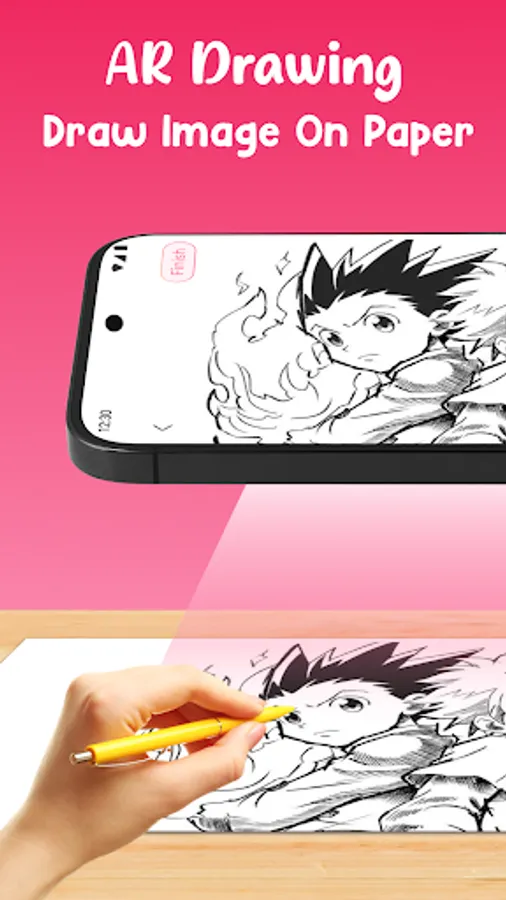
Turn any surface into your canvas. AR Drawing: TraceCam & Draw projects images through your phone camera so you can trace by hand—perfect for beginners, students, and creators who want clean sketches fast.
📸 How it works
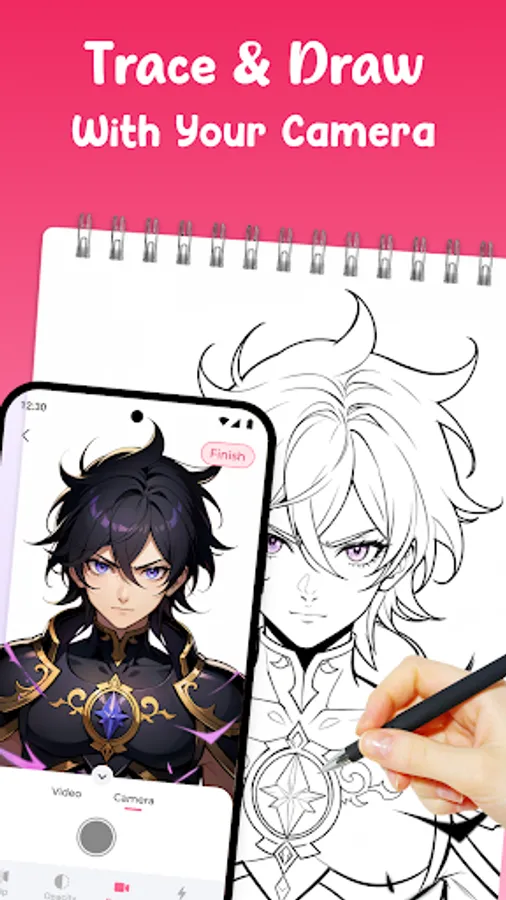
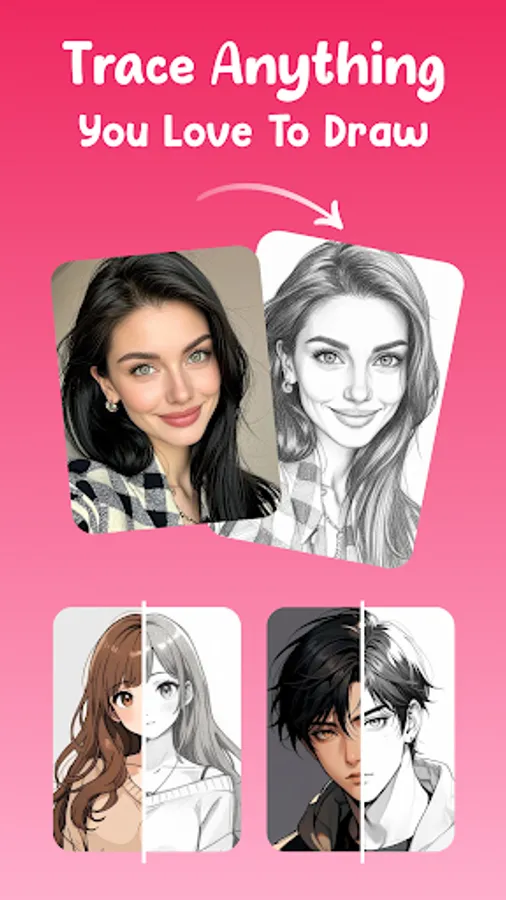
Project & Trace – Pick a template or import a photo, point your camera at paper, and follow the AR outline.
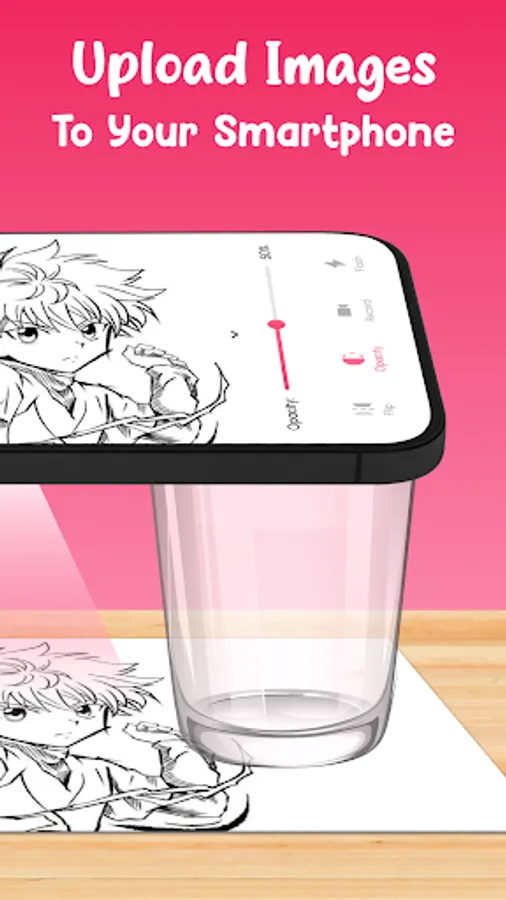
Stabilize for accuracy – Use a stand/tripod or rest your phone on a flat surface.
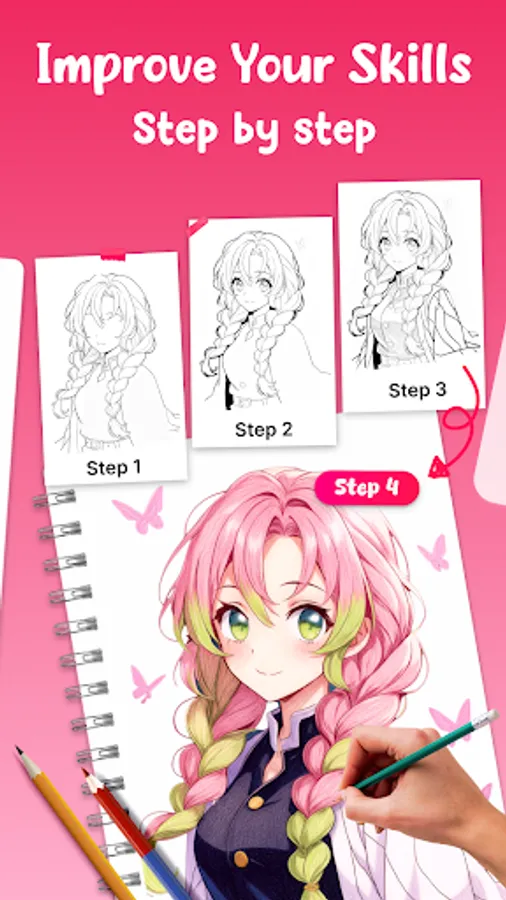
Draw & refine – Trace lines, add details and shading, and level up each session.
✨ Creative features
Template Library: Cartoons, animals, flowers, portraits, anime & more
Import Your Own: Turn any image into a traceable overlay
Adjustable Overlay: Scale, rotate, mirror, and set opacity
Flashlight Mode: Sketch clearly in low light
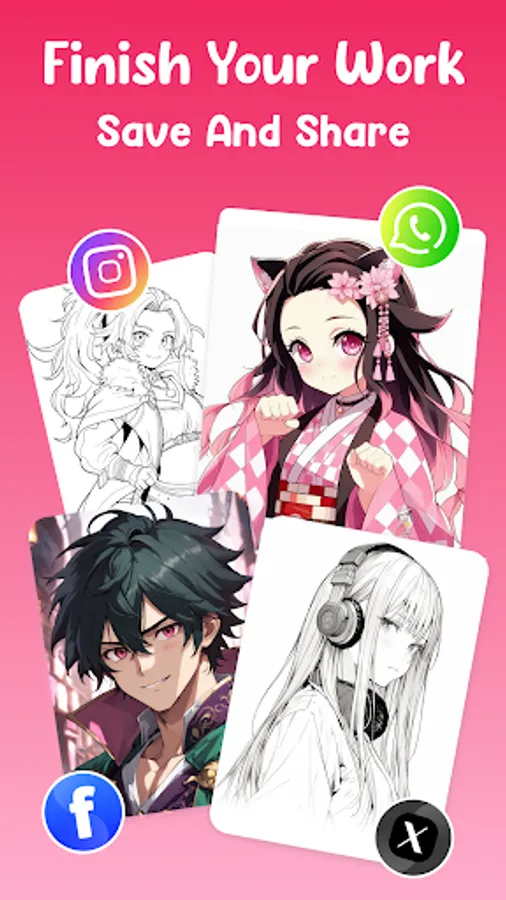
Save to Gallery: Keep all drawings organized
Record & Time-lapse: Capture your drawing process for socials
One-Tap Sharing: Post to TikTok, Instagram, Reels, or send directly
🎯 Made for all skill levels
From first-line learners to hobbyists and pros, TraceCam helps nail proportions, study references, and practice daily with confidence.
🧰 Great for
Fundamentals training (proportion, line control, shading)
Classroom demos & home practice
Posters, murals, tattoo stencils, craft layouts
🔒 Simple & private
Open, choose, trace—done. Your creations stay on your device unless you share them.
🌟 Sketch smarter, not harder
Download AR Drawing: TraceCam & Draw and bring your ideas to life—anytime, anywhere.
Turn any surface into your canvas. AR Drawing: TraceCam & Draw projects images through your phone camera so you can trace by hand—perfect for beginners, students, and creators who want clean sketches fast.
📸 How it works
Project & Trace – Pick a template or import a photo, point your camera at paper, and follow the AR outline.
Stabilize for accuracy – Use a stand/tripod or rest your phone on a flat surface.
Draw & refine – Trace lines, add details and shading, and level up each session.
✨ Creative features
Template Library: Cartoons, animals, flowers, portraits, anime & more
Import Your Own: Turn any image into a traceable overlay
Adjustable Overlay: Scale, rotate, mirror, and set opacity
Flashlight Mode: Sketch clearly in low light
Save to Gallery: Keep all drawings organized
Record & Time-lapse: Capture your drawing process for socials
One-Tap Sharing: Post to TikTok, Instagram, Reels, or send directly
🎯 Made for all skill levels
From first-line learners to hobbyists and pros, TraceCam helps nail proportions, study references, and practice daily with confidence.
🧰 Great for
Fundamentals training (proportion, line control, shading)
Classroom demos & home practice
Posters, murals, tattoo stencils, craft layouts
🔒 Simple & private
Open, choose, trace—done. Your creations stay on your device unless you share them.
🌟 Sketch smarter, not harder
Download AR Drawing: TraceCam & Draw and bring your ideas to life—anytime, anywhere.