In this event timer app, you can create and customize countdowns for various occasions and add countdown widgets to your home screen. Includes options for editing, deleting, and viewing countdown details directly from widgets.
AppRecs review analysis
AppRecs rating 2.2. Trustworthiness 0 out of 100. Review manipulation risk 0 out of 100. Based on a review sample analyzed.
★★☆☆☆
2.2
AppRecs Rating
Ratings breakdown
5 star
16%
4 star
0%
3 star
16%
2 star
16%
1 star
51%
What to know
✓
Authentic reviews
Natural distribution, no red flags
⚠
Mixed user feedback
Average 2.2★ rating suggests room for improvement
⚠
High negative review ratio
67% of sampled ratings are 1–2 stars
About Countdown Widget : Event Timer
Countdown Widget Timer helps you to count the time until/after your all events.
What is Countdown Widget Timer?
The countdown Widget Timer is a way to Count Time for your all events. All Countdown shows days, hours, minutes, and seconds until/after your events.
Why the Countdown Widget Timer app?
All People have various events in their life. So the Countdown Widget Timer app can help to save their events and view Countdowns until/after events. Countdown Widget Timer has also Simple User Interface.
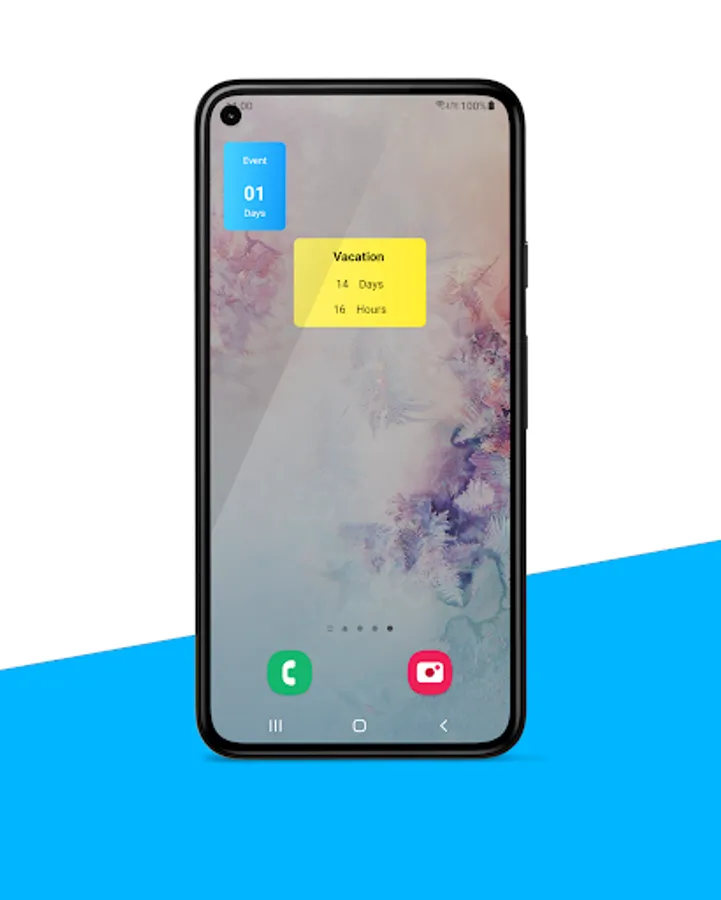
You can also create Countdown Widgets for your countdowns. So you can view your all Countdowns without opening the app. You can access all details about your countdown by tapping on Widget.
How to create Countdowns in the app?
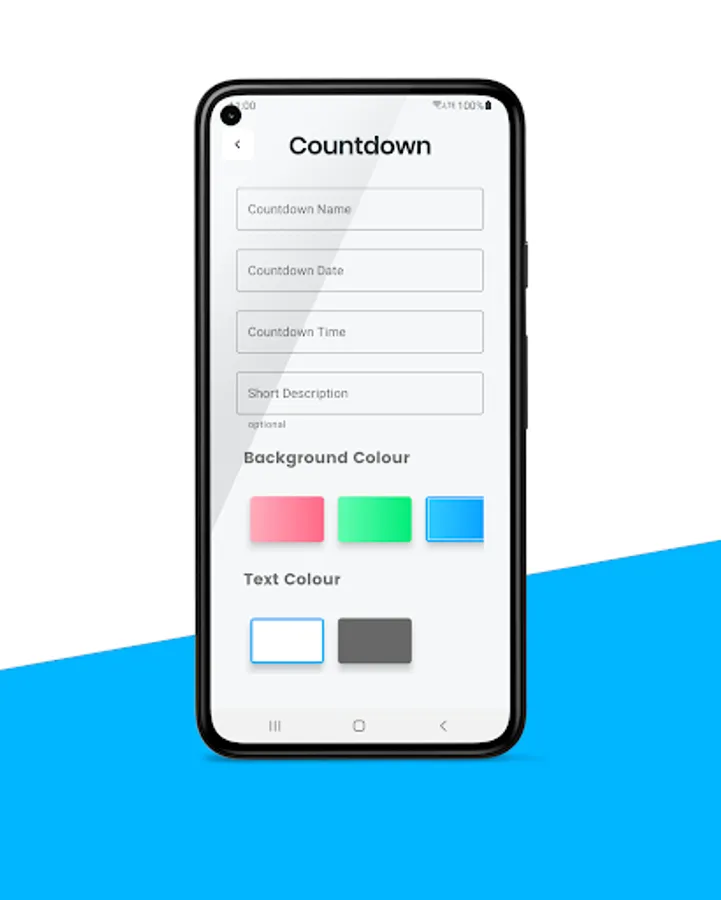
To create countdowns you need to tap on the "Add" button on the app's main screen. After tapping on it you can simply fill in the data and tap submit to create the countdowns. In this screen, you can create unlimited countdowns.
How do update countdowns?
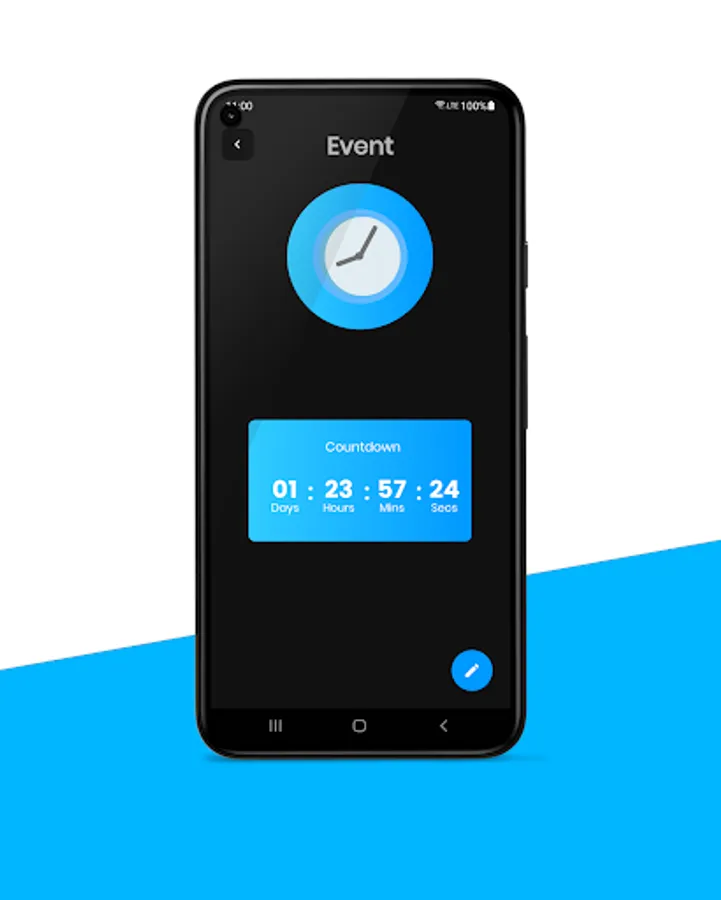
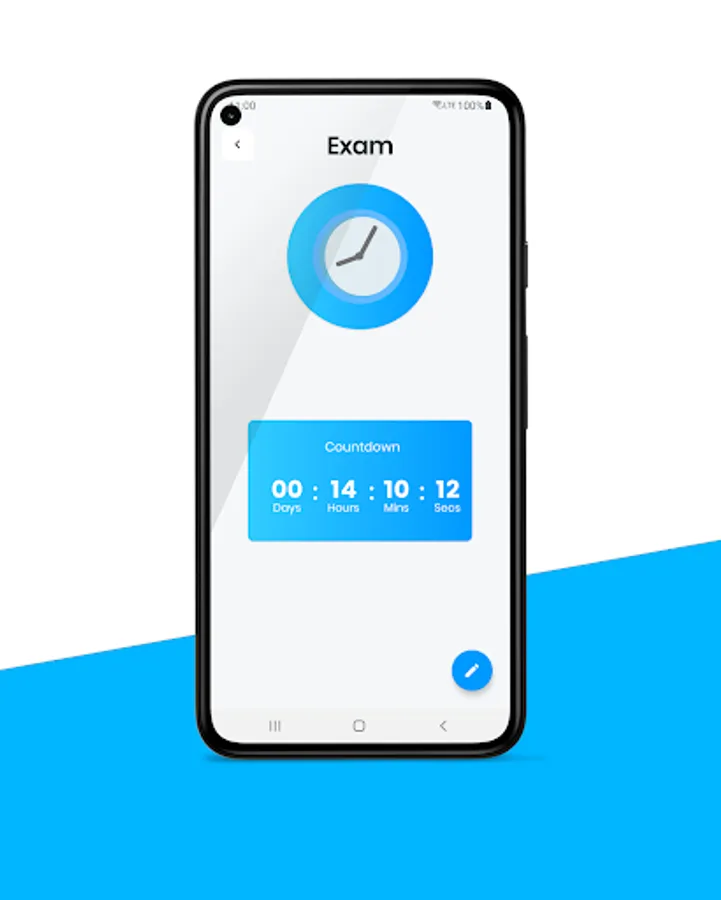
On the app's main screen, you can tap on the countdown what you need to edit. After tapping you will be redirected to the full countdown page. In this you can page you can tap on the pencil icon to edit your countdowns. In this new window, you can simply edit your countdowns.
To delete you need to long tap on the countdown that is on the main screen.
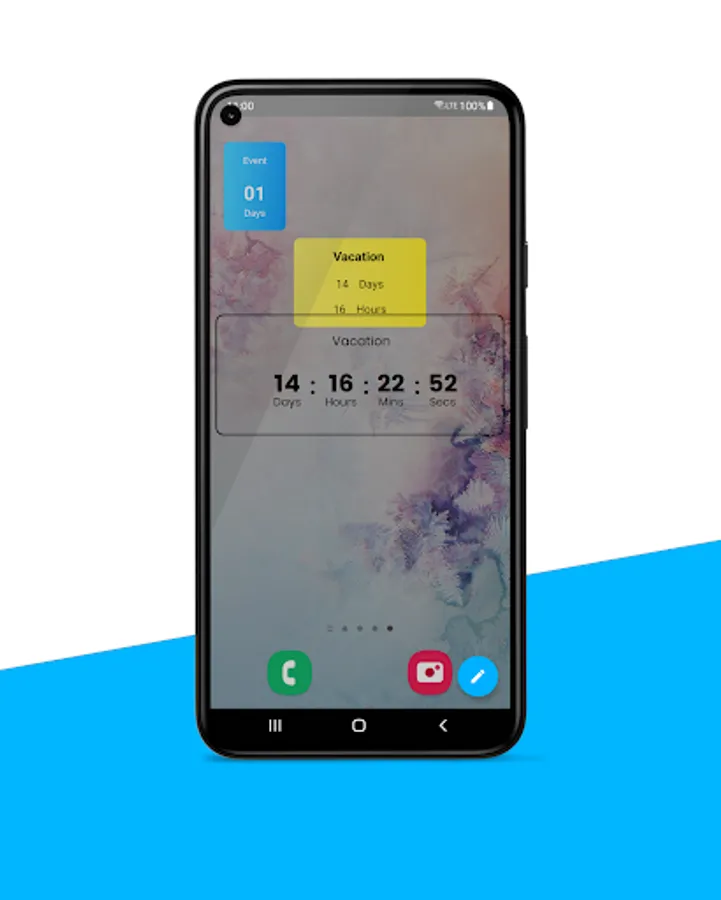
As well as you can also update your countdowns if you have created Countdown Widgets, you can simply tap on the widget on the home screen and tap on the pencil icon to edit it. So you can easily edit your countdowns without opening the app.
Countdown Widget Timer Features
Countdown Widget Widget app is Free, with no in-app purchases.
So you can access all features for free in the app. Then you can create countdowns as you need. As well as you can create Countdown Widgets for your countdowns. You all Countdowns in the app you can see in Days, Hours, Minutes, and Seconds. You can update or delete your countdowns anytime.
Countdown Widgets
You can create Countdown Widgets by long pressing your device's home screen or app icon. After that, you can select the widget option and create widgets.
The Countdown Widget Timer app gives access to create widgets for your countdowns. You can create 6 widgets of various sizes. To view in days, hours, minutes & seconds and edit your widgets you can tap on it.
Your Data in the app
We do not collect your data. All your countdown data is stored in your device locally.
Countdown Widget app Interface
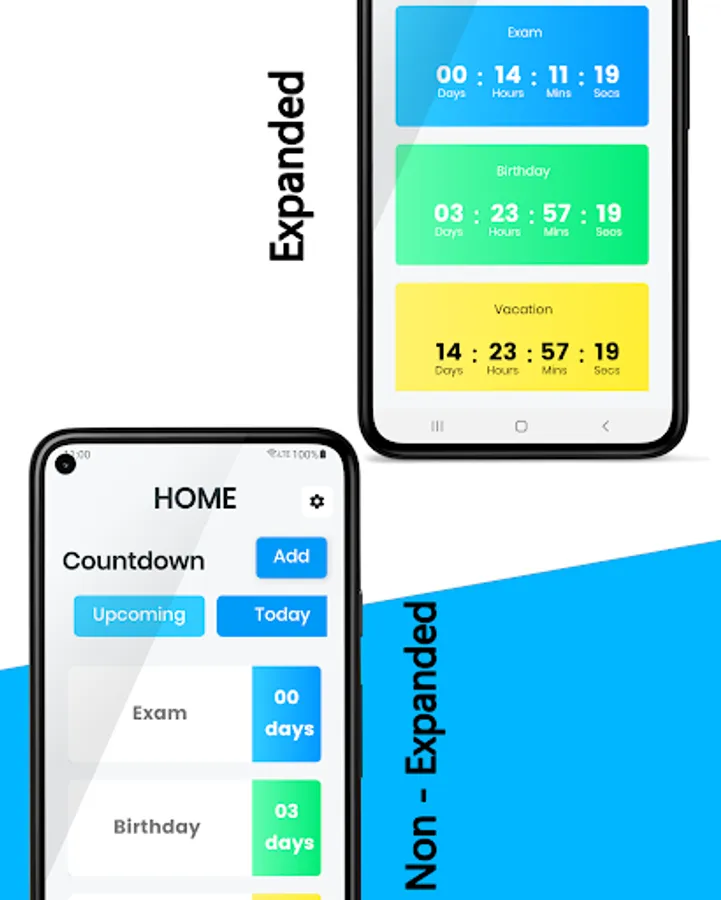
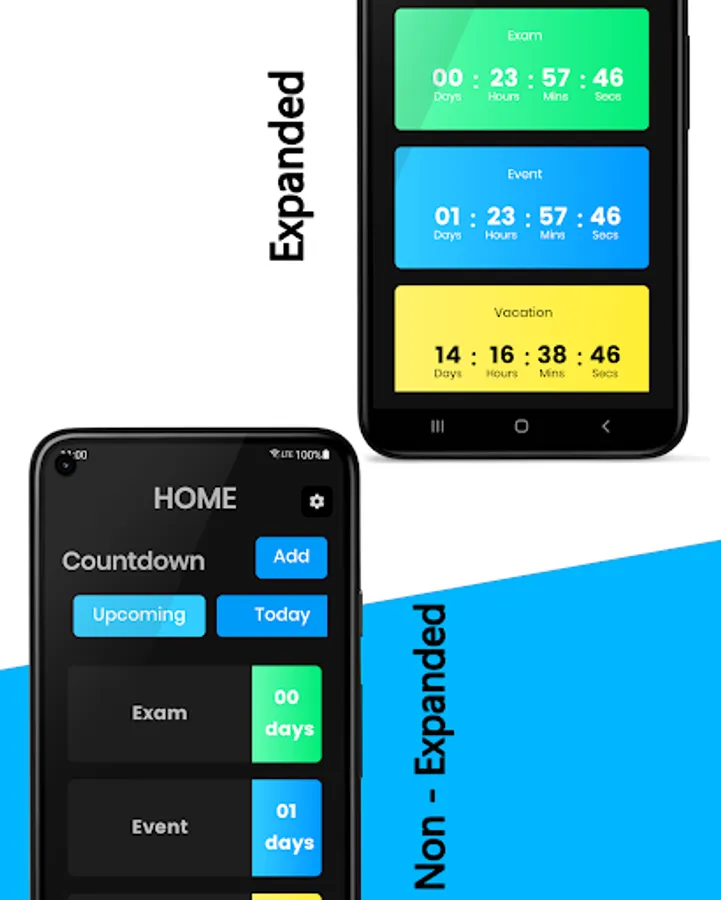
The main screen of the app shows three tabs. The first shows the upcoming countdowns, second shows the countdowns that are ending/starting today. The last tab shows your all past countdowns. All countdowns that you are adding to the app are automatically sorted into these tabs. And also upcoming countdowns also sorted by their date. So you can view your nearest countdowns easily.
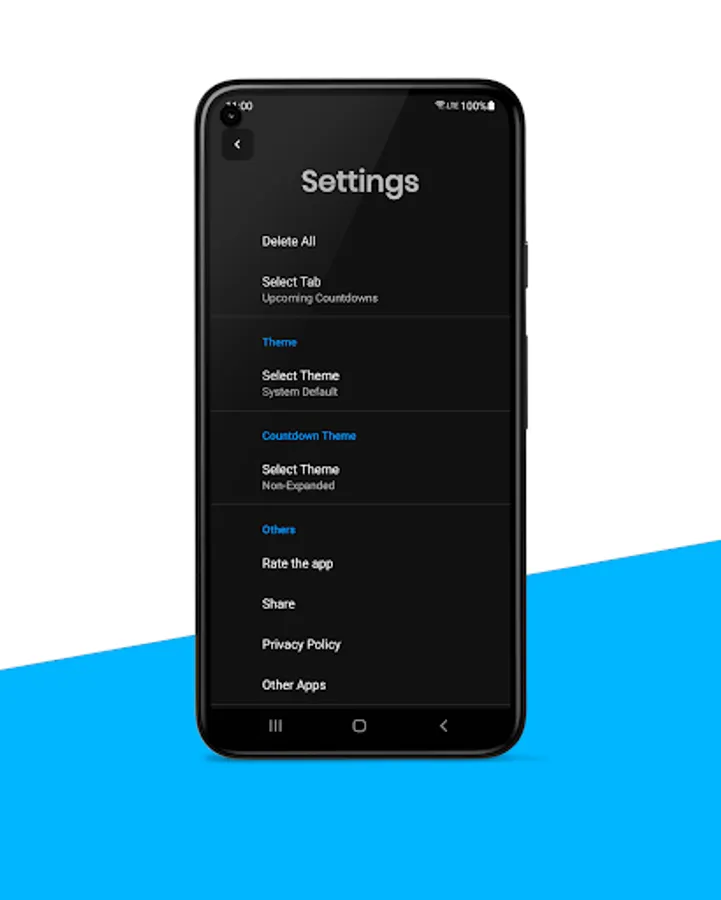
These countdowns show the day, hour, minute, and seconds format. If you would like to use countdowns in days-only mode you can select non-expanded mode in settings.
Download Countdown Widget Timer for Free.
What is Countdown Widget Timer?
The countdown Widget Timer is a way to Count Time for your all events. All Countdown shows days, hours, minutes, and seconds until/after your events.
Why the Countdown Widget Timer app?
All People have various events in their life. So the Countdown Widget Timer app can help to save their events and view Countdowns until/after events. Countdown Widget Timer has also Simple User Interface.
You can also create Countdown Widgets for your countdowns. So you can view your all Countdowns without opening the app. You can access all details about your countdown by tapping on Widget.
How to create Countdowns in the app?
To create countdowns you need to tap on the "Add" button on the app's main screen. After tapping on it you can simply fill in the data and tap submit to create the countdowns. In this screen, you can create unlimited countdowns.
How do update countdowns?
On the app's main screen, you can tap on the countdown what you need to edit. After tapping you will be redirected to the full countdown page. In this you can page you can tap on the pencil icon to edit your countdowns. In this new window, you can simply edit your countdowns.
To delete you need to long tap on the countdown that is on the main screen.
As well as you can also update your countdowns if you have created Countdown Widgets, you can simply tap on the widget on the home screen and tap on the pencil icon to edit it. So you can easily edit your countdowns without opening the app.
Countdown Widget Timer Features
Countdown Widget Widget app is Free, with no in-app purchases.
So you can access all features for free in the app. Then you can create countdowns as you need. As well as you can create Countdown Widgets for your countdowns. You all Countdowns in the app you can see in Days, Hours, Minutes, and Seconds. You can update or delete your countdowns anytime.
Countdown Widgets
You can create Countdown Widgets by long pressing your device's home screen or app icon. After that, you can select the widget option and create widgets.
The Countdown Widget Timer app gives access to create widgets for your countdowns. You can create 6 widgets of various sizes. To view in days, hours, minutes & seconds and edit your widgets you can tap on it.
Your Data in the app
We do not collect your data. All your countdown data is stored in your device locally.
Countdown Widget app Interface
The main screen of the app shows three tabs. The first shows the upcoming countdowns, second shows the countdowns that are ending/starting today. The last tab shows your all past countdowns. All countdowns that you are adding to the app are automatically sorted into these tabs. And also upcoming countdowns also sorted by their date. So you can view your nearest countdowns easily.
These countdowns show the day, hour, minute, and seconds format. If you would like to use countdowns in days-only mode you can select non-expanded mode in settings.
Download Countdown Widget Timer for Free.