AI Remove Objects, Retouch
BG.Studio
4.2 ★
1K ratings
500,000+
downloads
Free
+ in-app
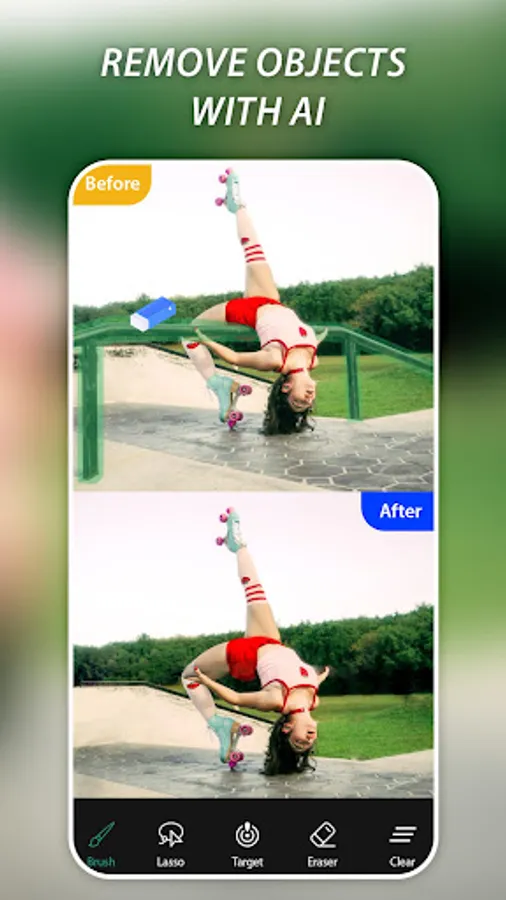
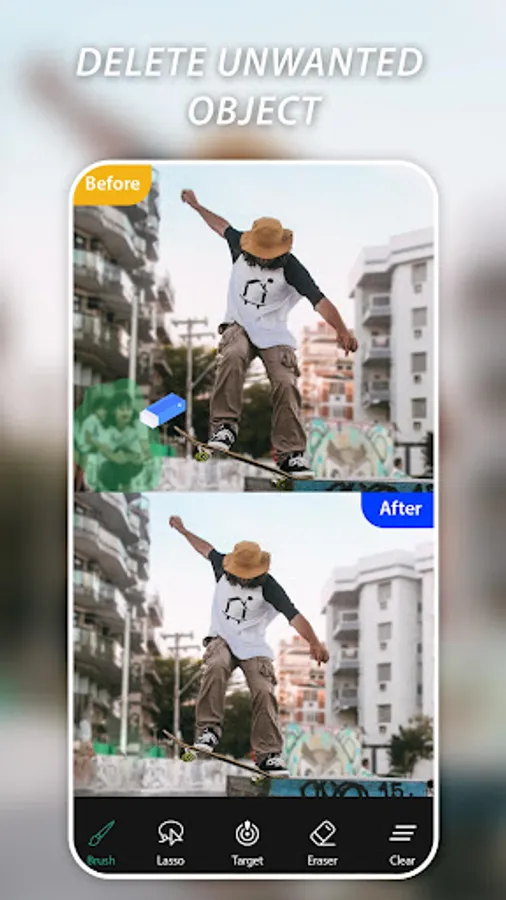
In this photo editing app, you can remove unwanted objects, watermarks, and backgrounds using AI technology. Includes features for retouching skin, deleting power lines, and removing surface scratches.
AppRecs review analysis
AppRecs rating 4.0. Trustworthiness 78 out of 100. Review manipulation risk 29 out of 100. Based on a review sample analyzed.
★★★★☆
4.0
AppRecs Rating
Ratings breakdown
5 star
71%
4 star
10%
3 star
4%
2 star
4%
1 star
12%
What to know
✓
Low review manipulation risk
29% review manipulation risk
✓
Credible reviews
78% trustworthiness score from analyzed reviews
⚠
Ad complaints
Many low ratings mention excessive ads
About AI Remove Objects, Retouch
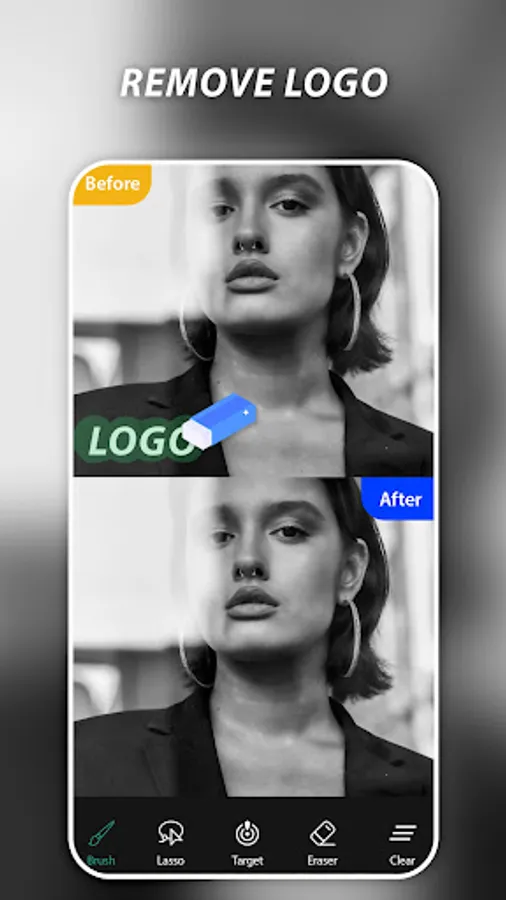
AI Remove objets, Magic Eraser or bg remover app is one of best applications that lets you remove unwanted content from your photos using just the tip of your finger. Remove unwanted object or unwanted watermark, it is a professional photo editor that helps you remove unwanted content from your photo using AI technology. Say goodbye to photo bombers, unwanted watermarks, logos, text and enjoy picture-perfect photos every time.
✨ Key Features:
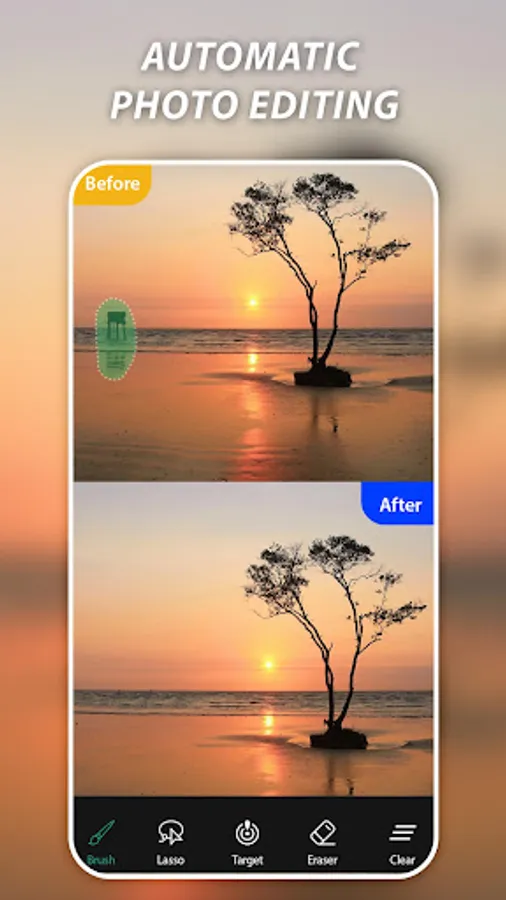
✓ Easily remove unwanted people from your photos
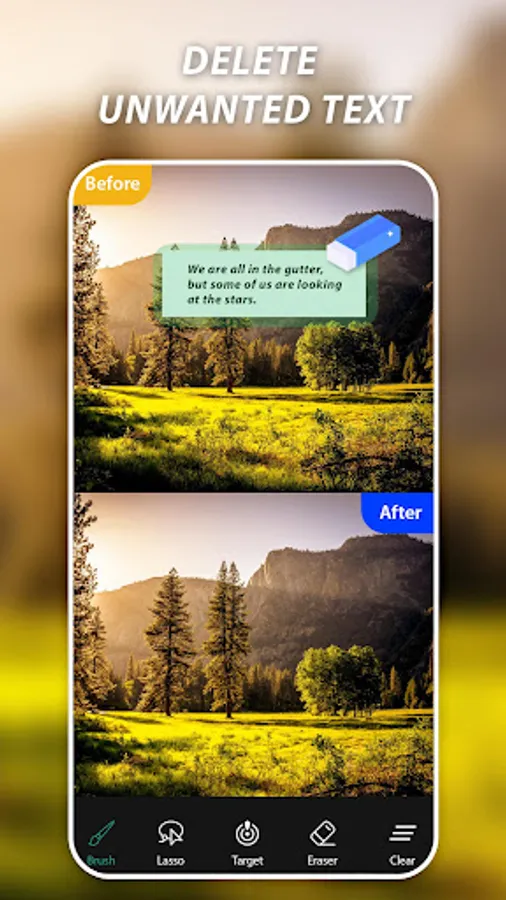
✓ Quickly remove the watermark, text, caption, logo, remove unwanted stickers…
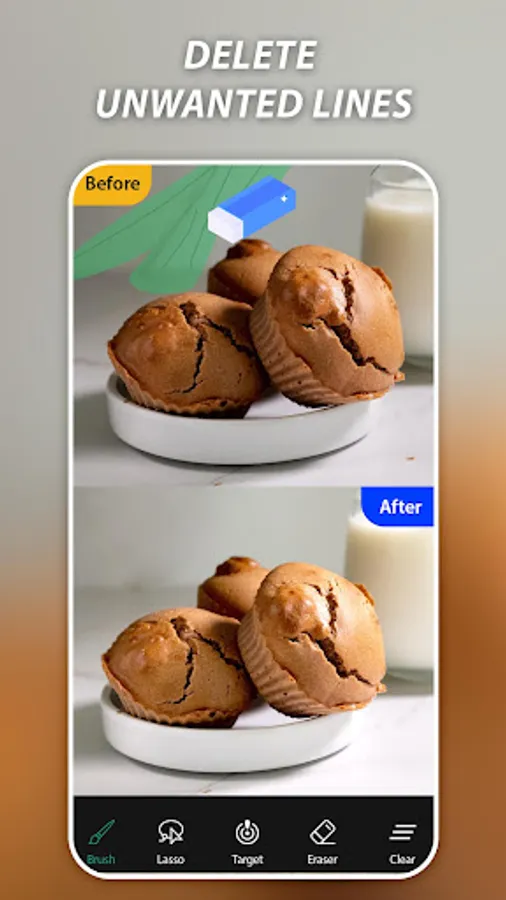
✓ Magic eraser to delete telephone wires and posts, power lines
✓ AI processing tool to remove objects from photo fast & smoothly
✓ Delete human-made objects like stop lights, street signs, trash cans, cloth, watermark
✓ Remove surface breaks and scratches — both straight and curved
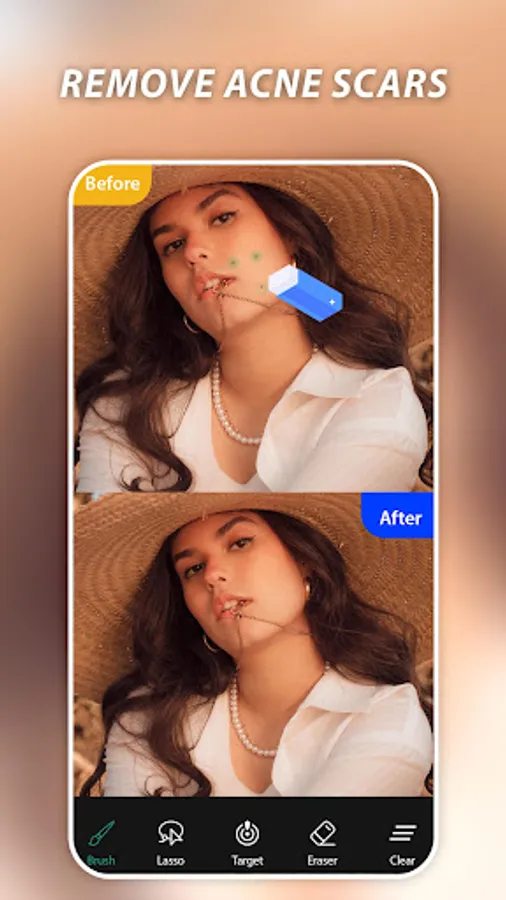
✓ Remove pimples, acne, and more, and let your true self shine in every shot
✓ Remove whatever you feel is ruining your photos with the magic of retouch
How to use AI Retouch Photo, Magic Eraser:
1. Select a photo from the gallery
2. Choose objects you want to remove which marked in green
3. Press Process button, easy retouch
4. Save or share with your friends
Magic Eraser & Remove Objects helps you remove unwanted objects and people, remove watermarks, remove texts or logos from images, and retouch your photos. You can mark and remove unwanted content in pictures, then directly remove them with just one touch!
✨ Key Features:
✓ Easily remove unwanted people from your photos
✓ Quickly remove the watermark, text, caption, logo, remove unwanted stickers…
✓ Magic eraser to delete telephone wires and posts, power lines
✓ AI processing tool to remove objects from photo fast & smoothly
✓ Delete human-made objects like stop lights, street signs, trash cans, cloth, watermark
✓ Remove surface breaks and scratches — both straight and curved
✓ Remove pimples, acne, and more, and let your true self shine in every shot
✓ Remove whatever you feel is ruining your photos with the magic of retouch
How to use AI Retouch Photo, Magic Eraser:
1. Select a photo from the gallery
2. Choose objects you want to remove which marked in green
3. Press Process button, easy retouch
4. Save or share with your friends
Magic Eraser & Remove Objects helps you remove unwanted objects and people, remove watermarks, remove texts or logos from images, and retouch your photos. You can mark and remove unwanted content in pictures, then directly remove them with just one touch!
AI Remove Objects, Retouch Screenshots
Tap to Rate:
Reviews for AI Remove Objects, Retouch
Skyelle Solace
12/8/2025
It just kept sending me back when I tried removing text in an image ;/
Sutapa Mondal
12/7/2025
this app is not working properly 😡😡😡