
Quikshort: Shortcut Creator
AtolphaDev
4.3 ★
553 ratings
100,000+
downloads
Free
+ in-app
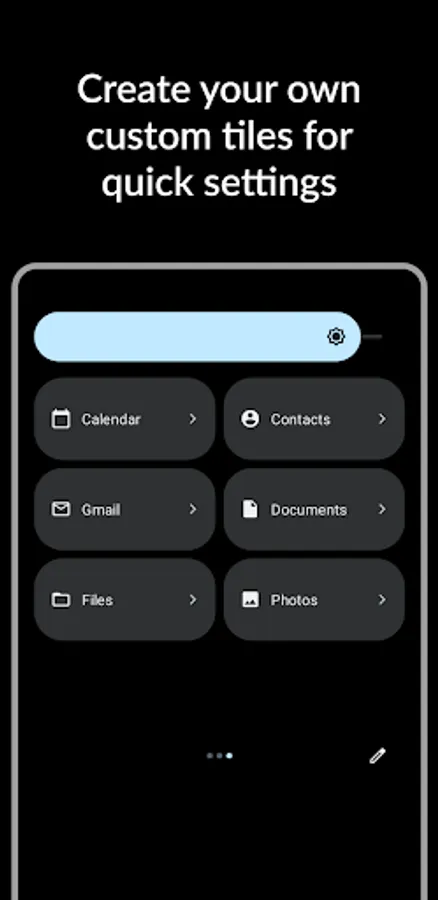
Create shortcuts and tiles for apps, contacts, files, and system actions with this app. Includes icon customization, grouping options, and preview features.
AppRecs review analysis
AppRecs rating 4.4. Trustworthiness 81 out of 100. Review manipulation risk 23 out of 100. Based on a review sample analyzed.
★★★★☆
4.4
AppRecs Rating
Ratings breakdown
5 star
73%
4 star
10%
3 star
3%
2 star
3%
1 star
10%
What to know
✓
Low review manipulation risk
23% review manipulation risk
✓
Credible reviews
81% trustworthiness score from analyzed reviews
✓
High user satisfaction
83% of sampled ratings are 4+ stars (4.3★ average)
About Quikshort: Shortcut Creator
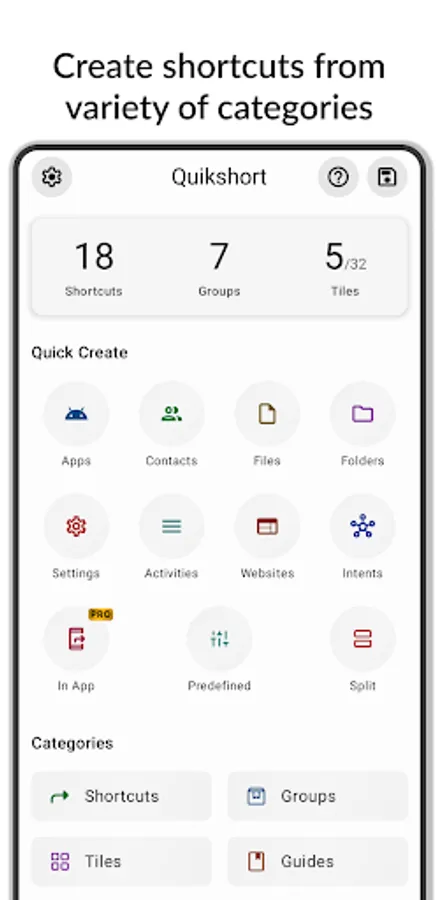
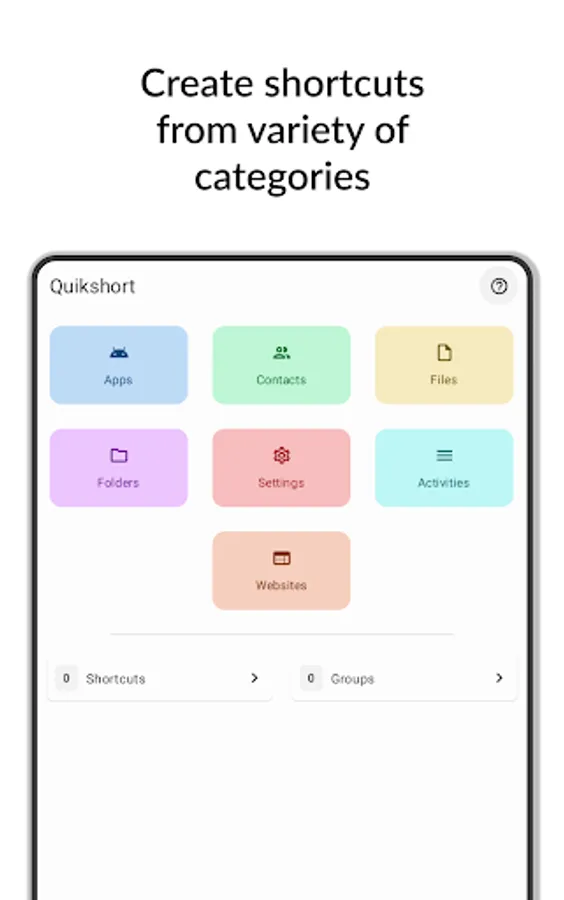
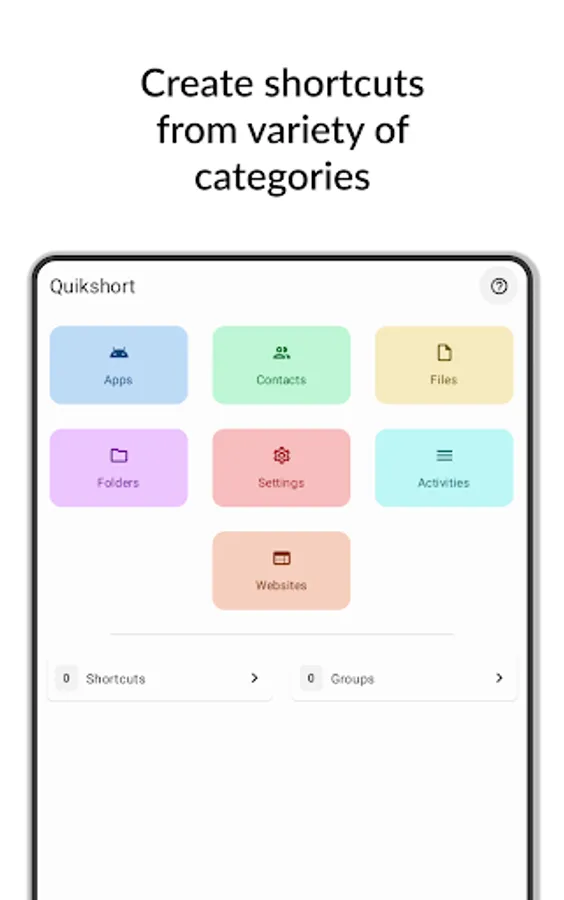
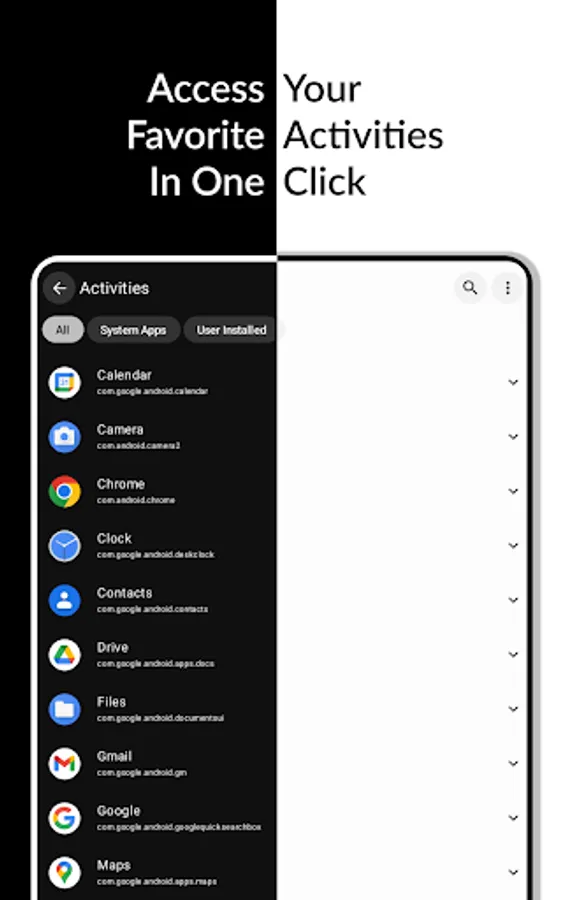
Create shortcuts and tiles from variety of categories such as
- Apps
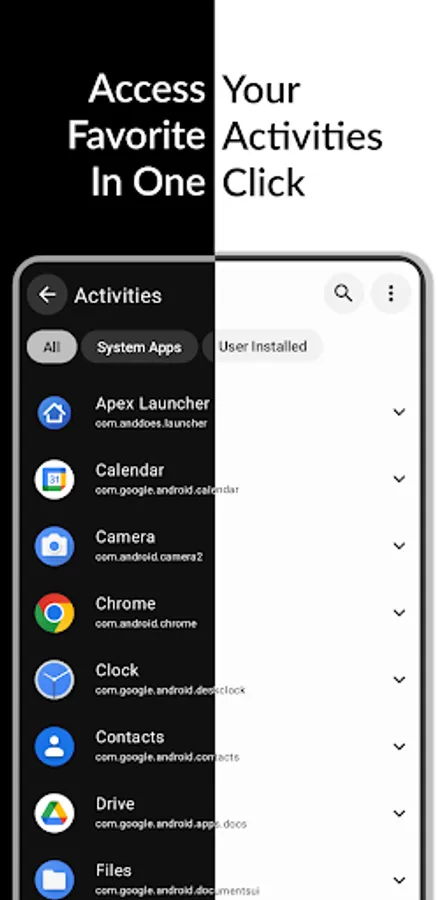
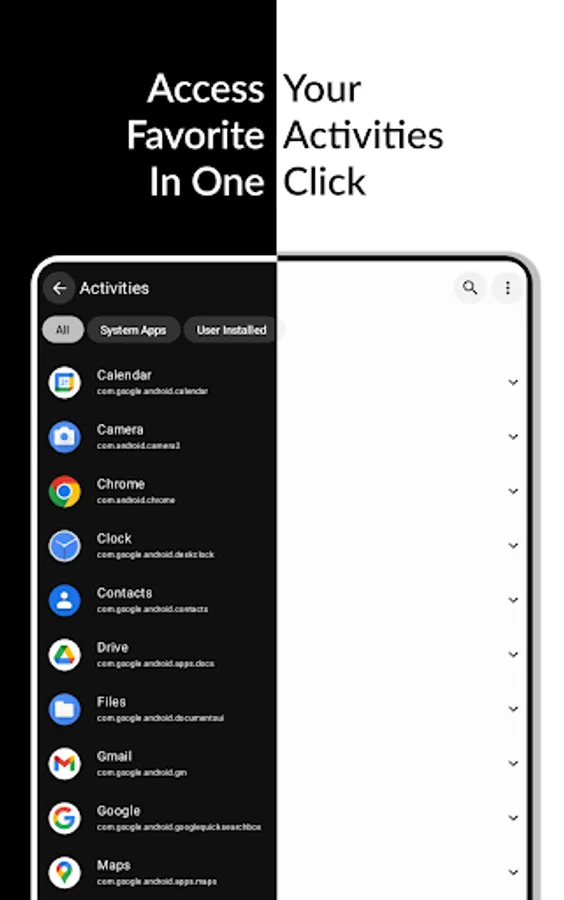
- Activities
- Contacts
- Files
- Folders
- Websites
- Settings
- System Intents
- Custom Intents
You can create unlimited shortcuts and groups on your home screen and up to 15 tiles in your quick settings using Quikshort.
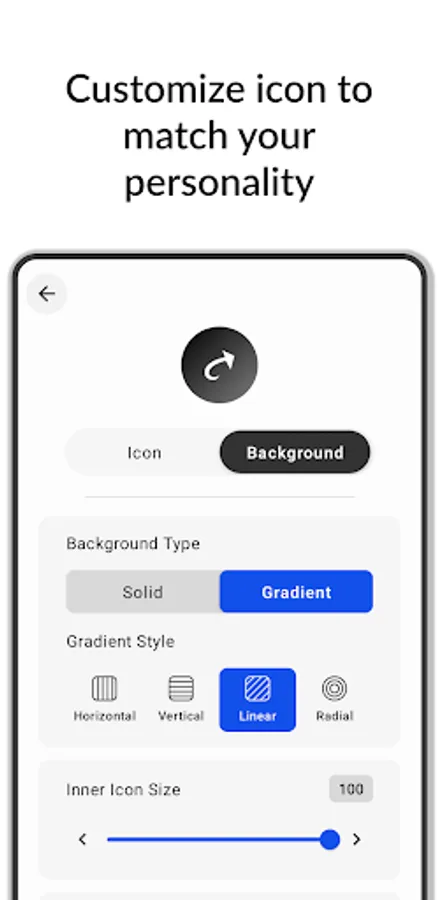
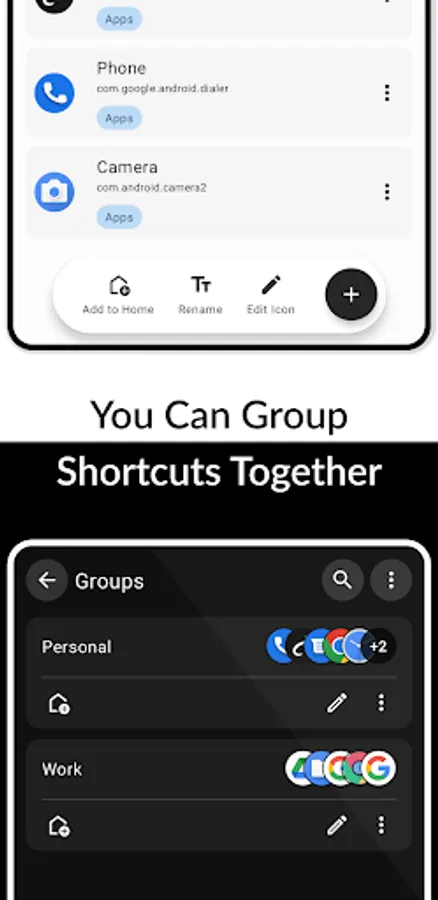
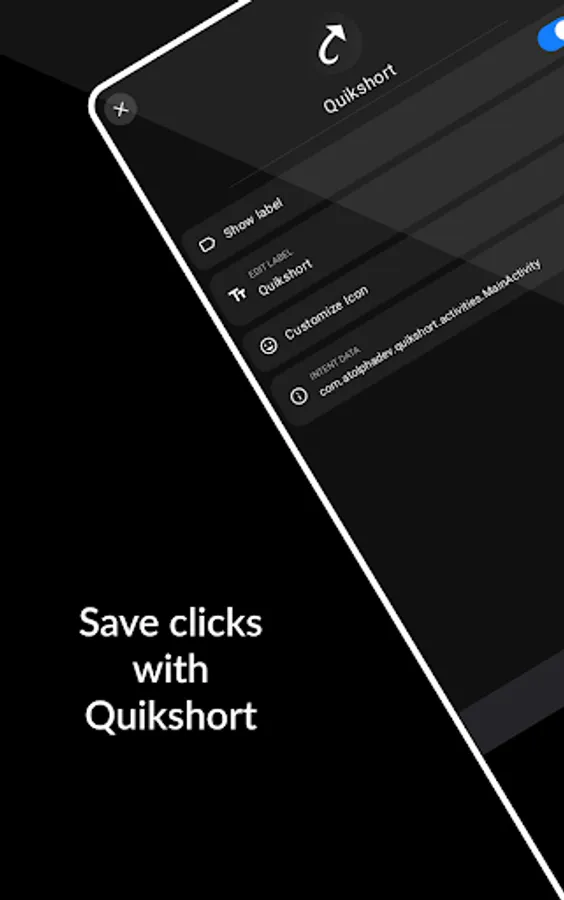
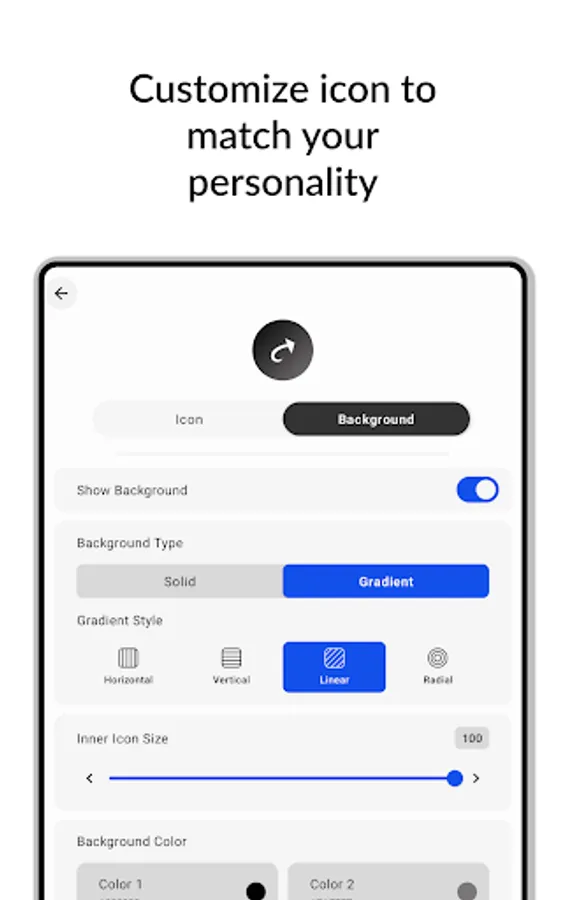
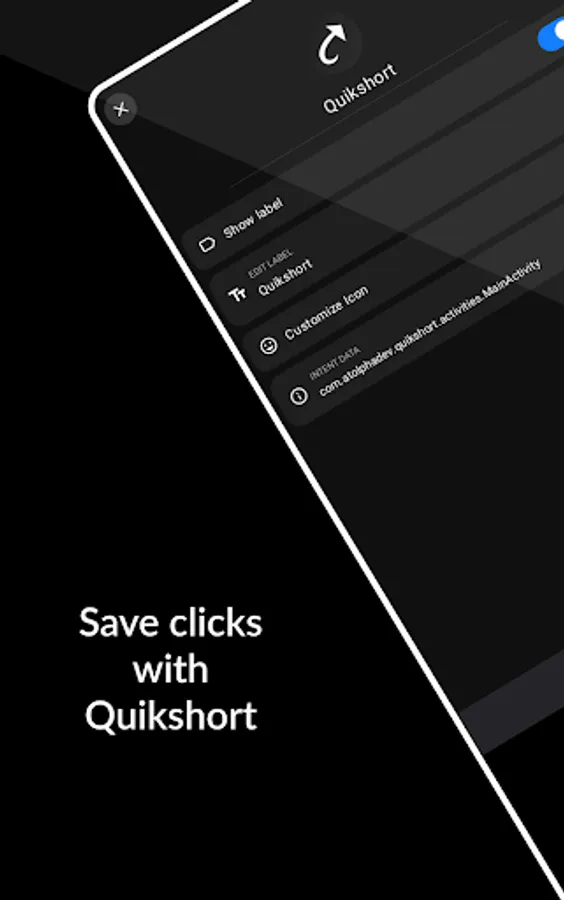
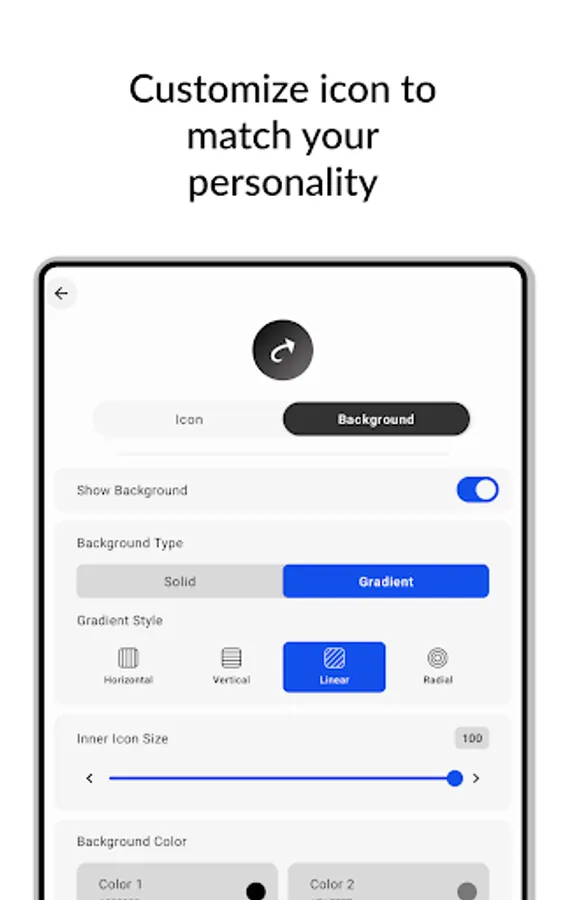
Customize your shortcut with variety of customization features like select icon from icon packs, add a background, change background to solid or gradient colors, adjust icon size and shape and many more.
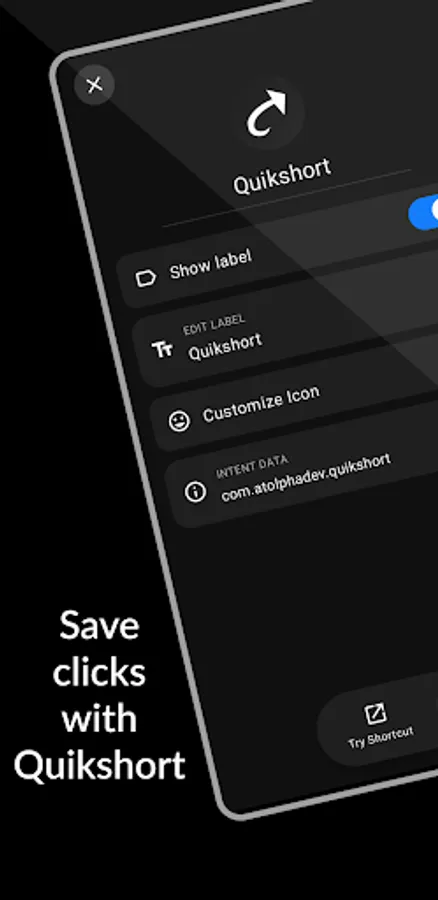
Quikshort allows you to try out your shortcut before you put them on your homescreen.
It saves your shortcuts and provides you the ability to modify and update them in future.
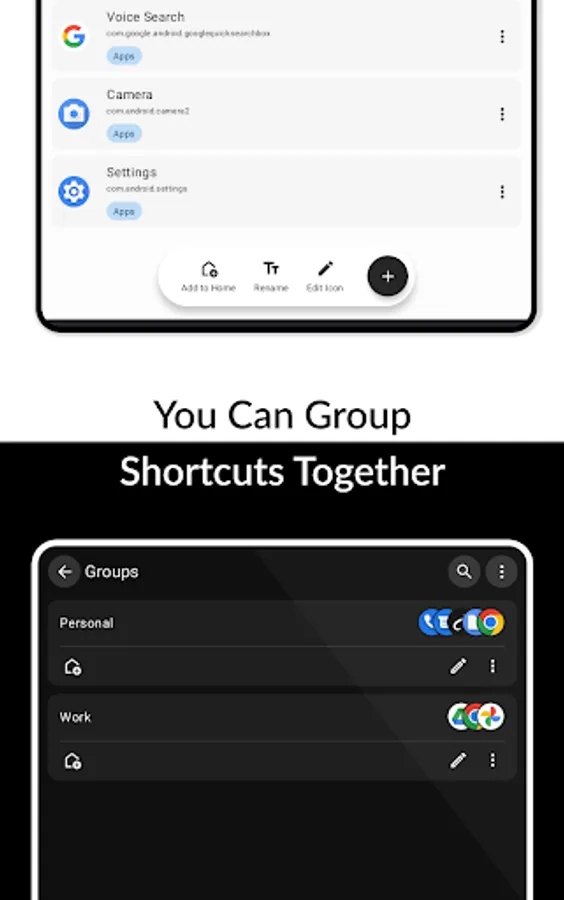
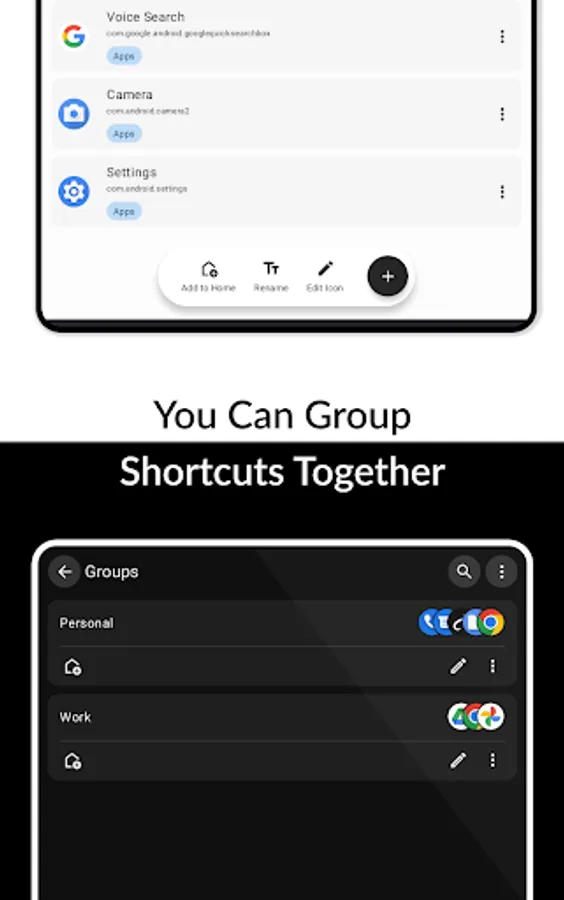
Quikshort provides group feature to group your shortcuts together and access all at a time with single shortcut.
Quikshort also allows you to create action shortcuts to quickly access and control system functions such as adjusting brightness, volume, and sound modes, as well as performing actions like taking a screenshot, locking the device, or opening the power menu.
==== Accessibility Service Usage ====
Quikshort uses the Accessibility Service API strictly to enable specific action shortcuts such as Power Menu, Lock Device, and Screenshot. This permission is not required for general use of the app and is only requested when a user creates any of the specific mentioned action shortcuts. Quikshort does not collect, store, or share any personal or sensitive data through the Accessibility Service. The service is used solely for the purpose of executing the mentioned action shortcuts and for no other function.
Create a shortcuts with Quikshort and save few clicks in your day.
Quikshort: Shortcut Creator Screenshots
Tap to Rate:
Reviews for Quikshort: Shortcut Creator
Danielle Pezzat
12/27/2025
doesn't work after the first few uses
Hugo Ortiz
12/27/2025
This app is great and works. The only thing keeping it from 5 stars is the dialog (bottom sheet) window for groups takes over the whole screen. The shortcut maker app only opens the dialog sheet without taking the full screen. I managed to almost "replicate" this disabling wallpaper zoom and transparency in customization setting, but, still some glitches appear (flashing). Bought the app to support since this has potential. But that is my only personal gripe. Other than that, everything works.