
Shortcut Maker
Rushikesh Kamewar
3.4 ★
22K ratings
5,000,000+
downloads
Free
+ in-app
With this app, you can create shortcuts for apps, activities, files, system intents, settings, and websites on your Android home screen. Includes a shortcut preview, favorite list, history, and user-requested features.
AppRecs review analysis
AppRecs rating 3.3. Trustworthiness 83 out of 100. Review manipulation risk 23 out of 100. Based on a review sample analyzed.
★★★☆☆
3.3
AppRecs Rating
Ratings breakdown
5 star
48%
4 star
9%
3 star
7%
2 star
11%
1 star
25%
What to know
✓
Low review manipulation risk
23% review manipulation risk
✓
Credible reviews
83% trustworthiness score from analyzed reviews
⚠
High negative review ratio
37% of sampled ratings are 1–2 stars
About Shortcut Maker
This app can create a shortcut on android homescreen for anything you want from your android.
Simply select the feature and click on CREATE to shortcut. That's it!
Quite simple right?
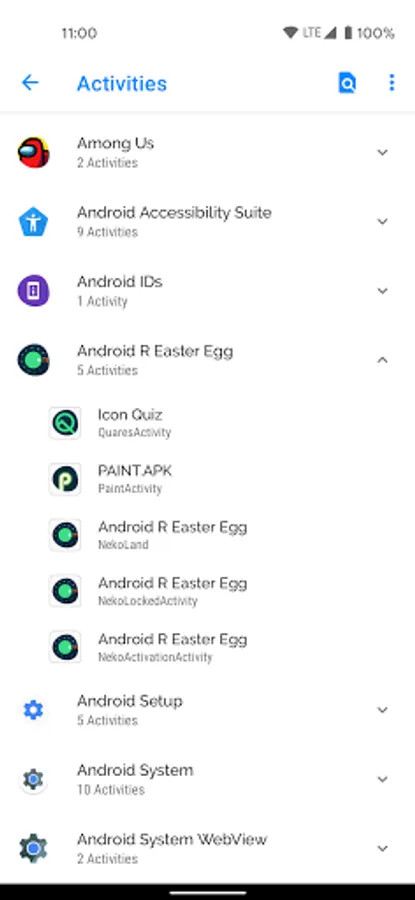
You can also use this app to launch an actvity from installed app.
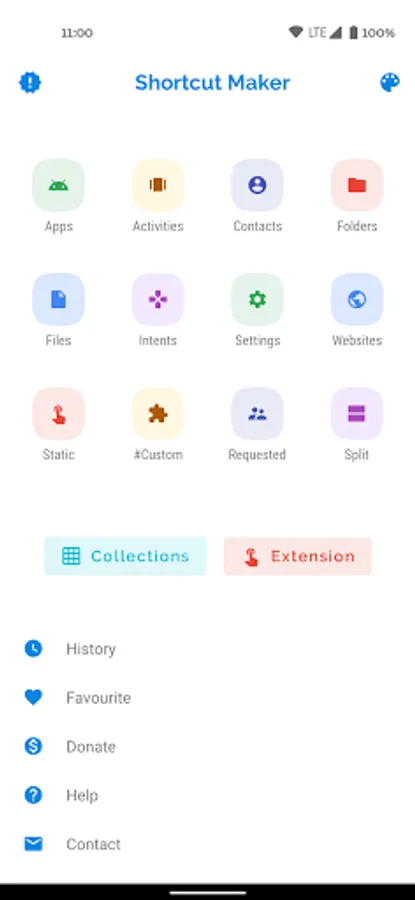
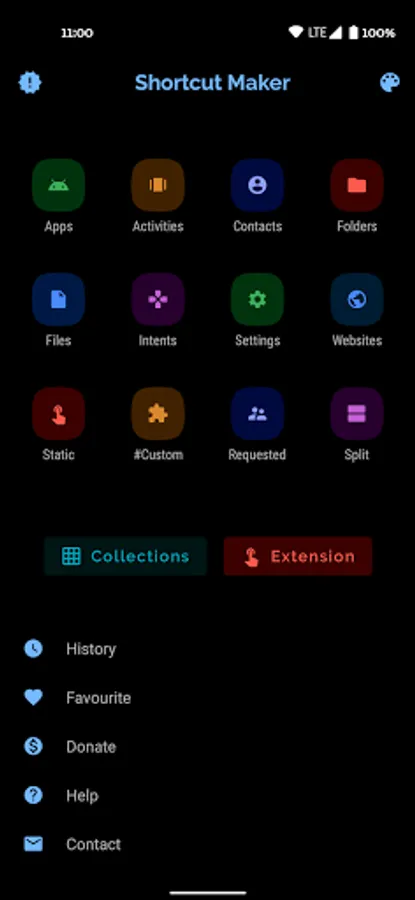
Apps and Activities: Create shortcut of installed apps and activities.
Folder and Files : Create shortcut of folder and files from internal storage.
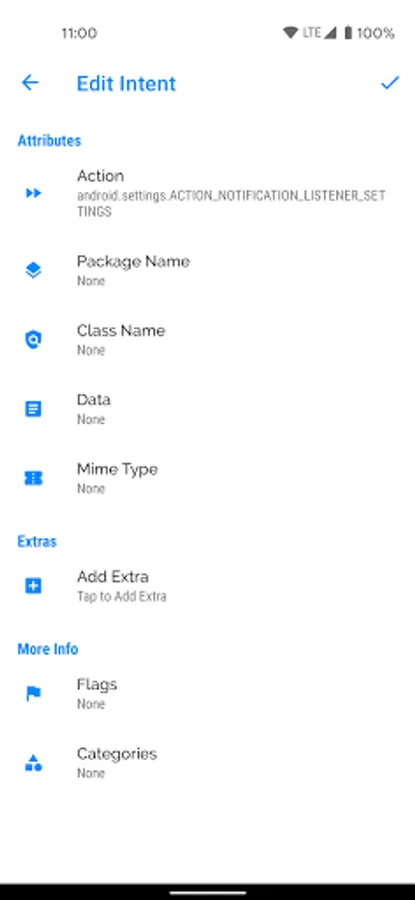
Intents: Create shortcut of android system intents along with the default app.
Quick Settings: Create shortcut to quickly change your system settings.
Website: Shortcut for your favourite website.
User Requested: Features that are requested by users.
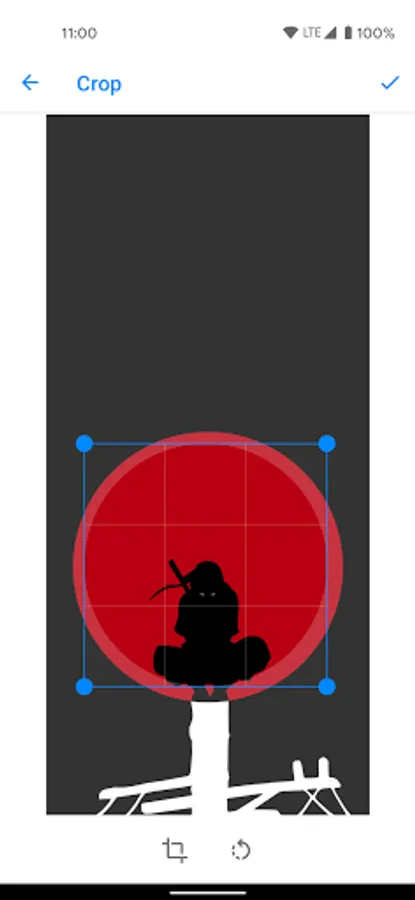
#Custom#: Just a bonus and fresh feature to get shortcuts from installed apps and edit in this app before creating.
Contact me: Shortcut to mail me your suggestions :)
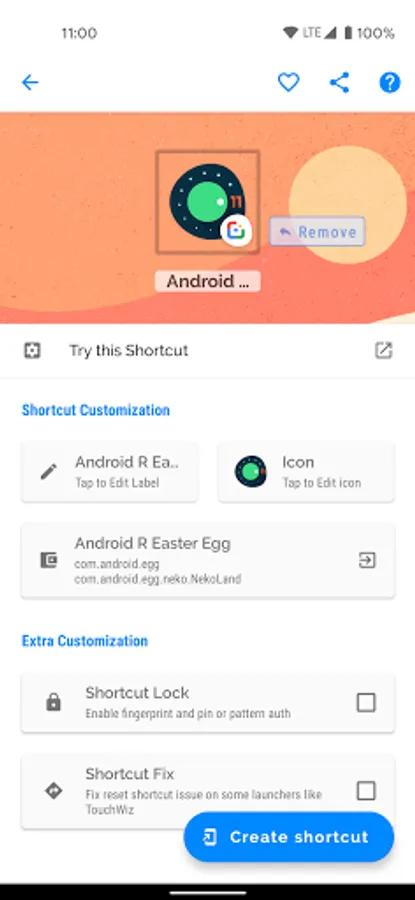
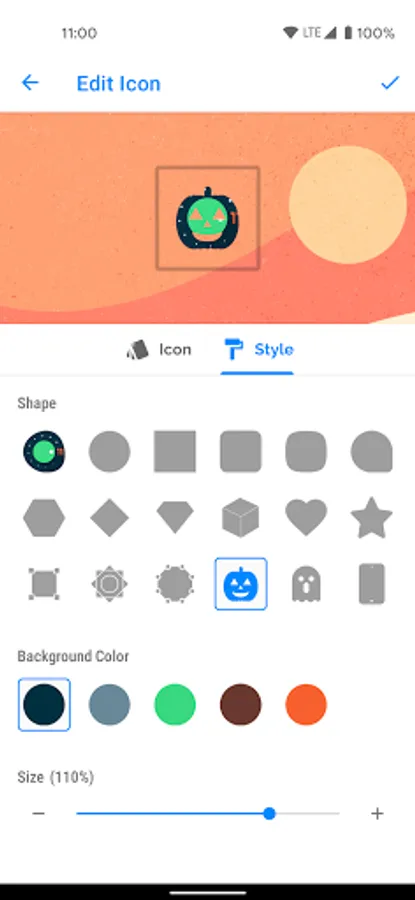
Shortcut Preview: after selecting the activity app will show you a preview of shortcut before creating. Here you can also rename the shortcut name. You can also add shortcut to favourite.
History: here you can check the list of shortcuts created by you.
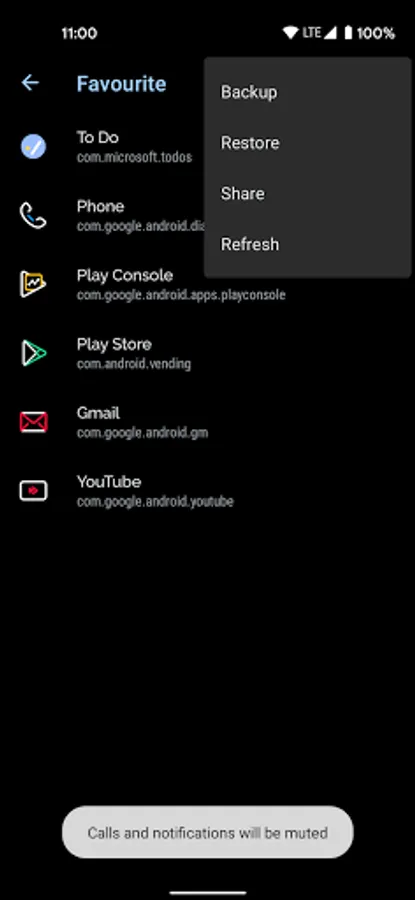
Favourite: here you can check the list of your favourite shortcuts.
If you wish to add any features in this app, please send me your responses and feedbacks on Rkamewar1111@gmail.com (Don't forget to add app name in subject)
Special Thanks to MaterialSearchView (Thanks MiguelCatalan! :)) for providing a free searchview with a clean UI with simple implementation. Here's the link the library I used for this:
https://github.com/MiguelCatalan/MaterialSearchView
Simply select the feature and click on CREATE to shortcut. That's it!
Quite simple right?
You can also use this app to launch an actvity from installed app.
Apps and Activities: Create shortcut of installed apps and activities.
Folder and Files : Create shortcut of folder and files from internal storage.
Intents: Create shortcut of android system intents along with the default app.
Quick Settings: Create shortcut to quickly change your system settings.
Website: Shortcut for your favourite website.
User Requested: Features that are requested by users.
#Custom#: Just a bonus and fresh feature to get shortcuts from installed apps and edit in this app before creating.
Contact me: Shortcut to mail me your suggestions :)
Shortcut Preview: after selecting the activity app will show you a preview of shortcut before creating. Here you can also rename the shortcut name. You can also add shortcut to favourite.
History: here you can check the list of shortcuts created by you.
Favourite: here you can check the list of your favourite shortcuts.
If you wish to add any features in this app, please send me your responses and feedbacks on Rkamewar1111@gmail.com (Don't forget to add app name in subject)
Special Thanks to MaterialSearchView (Thanks MiguelCatalan! :)) for providing a free searchview with a clean UI with simple implementation. Here's the link the library I used for this:
https://github.com/MiguelCatalan/MaterialSearchView
Shortcut Maker Screenshots
Tap to Rate:
Reviews for Shortcut Maker
Anand Raj Mandal
12/30/2025
very good app
Tanzil R
12/30/2025
gk bisa lagi :(