About Swiftlet audio editor
Swiftlet Audio Editor
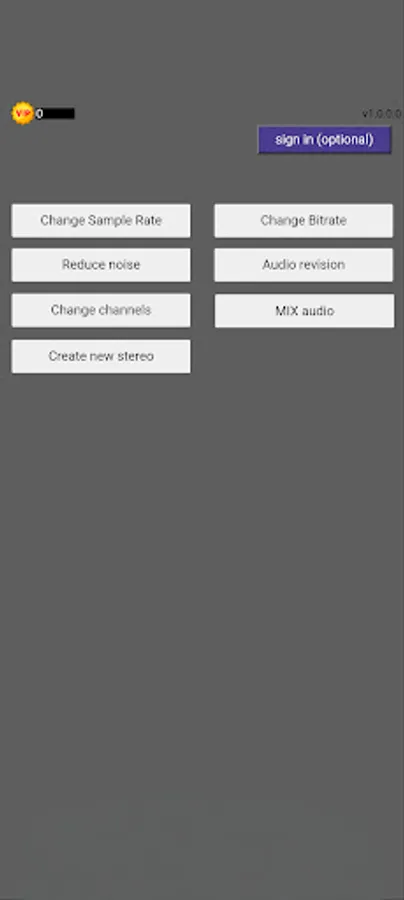
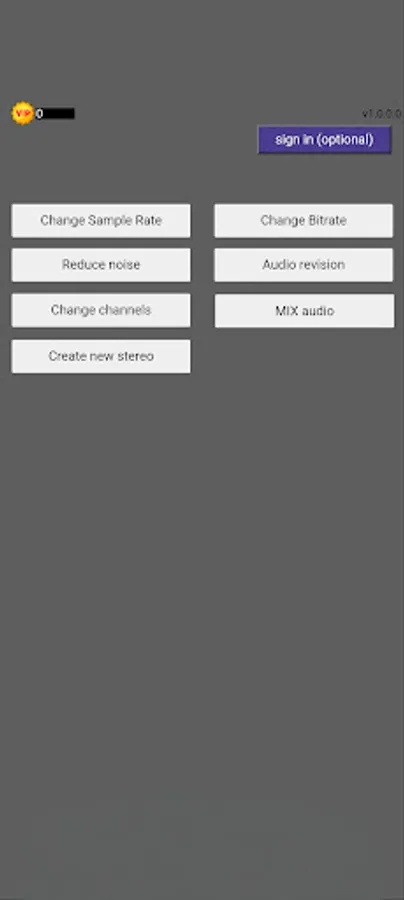
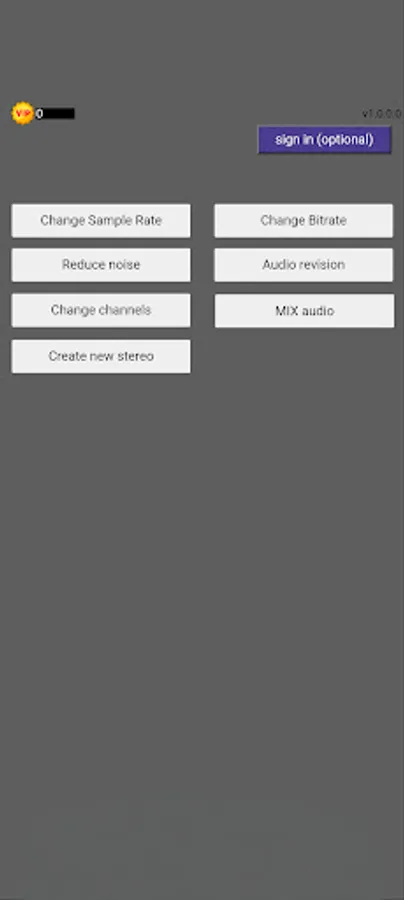
A dedicated Android app for editing and enhancing swiftlet calls—to make them more attractive, lure swiftlets closer, invite them in, and help them build their nests. The intuitive interface makes all the following settings easily accessible:
Key Features
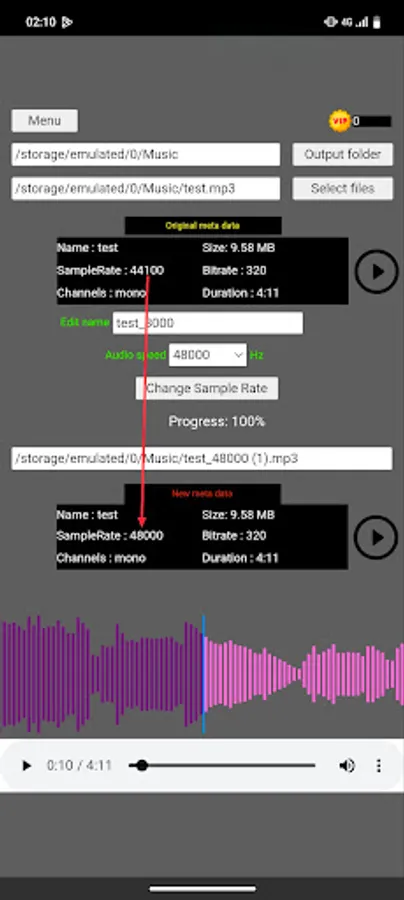
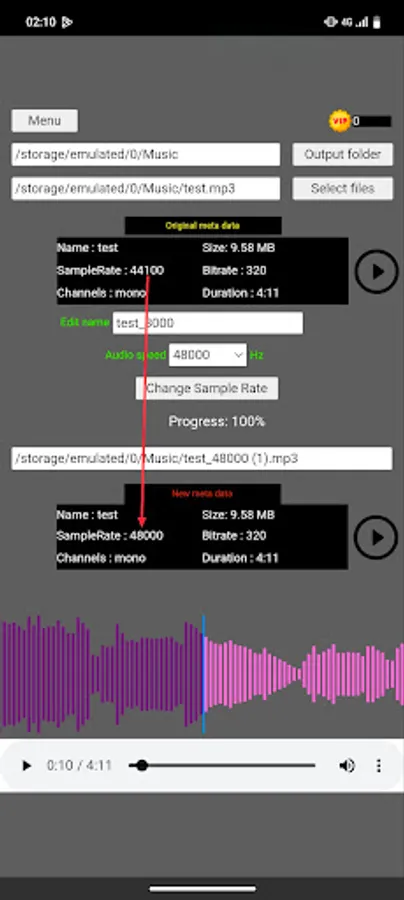
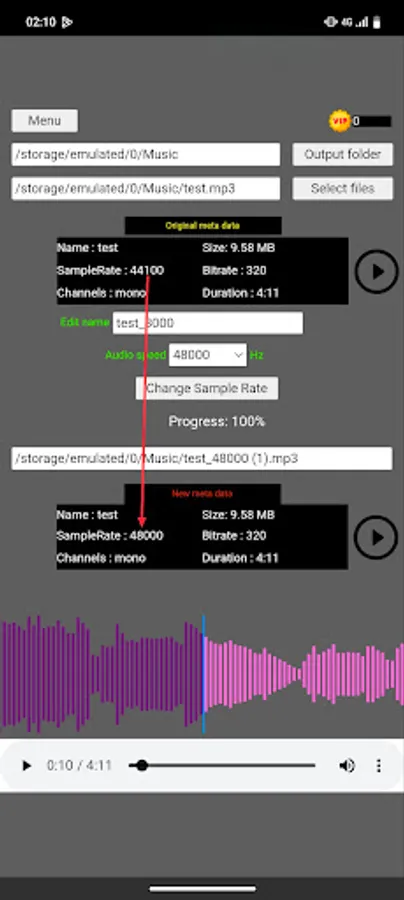
1: Change Sample Rate
Adjust the sample rate of your swiftlet audio files (e.g. 44.1kHz → 48kHz) for optimal playback quality on field speakers or portable devices.
2: Change Bitrate
Set the bitrate (e.g. 128kbps, 256kbps) to balance sound quality and file size—important when playing multiple files simultaneously in the field.
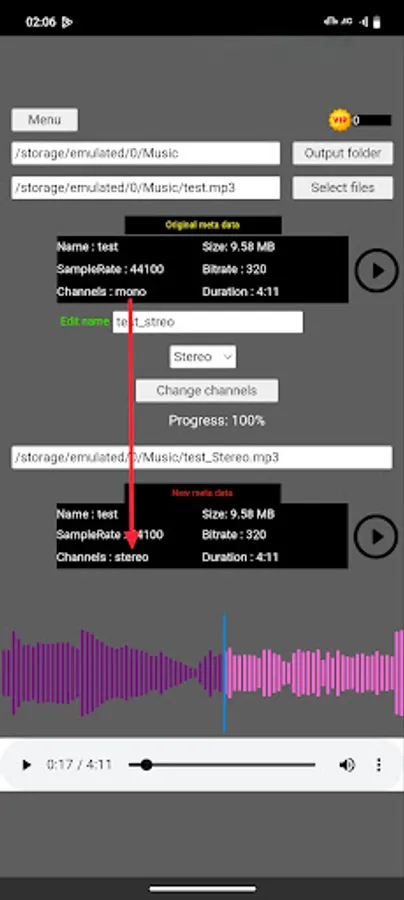
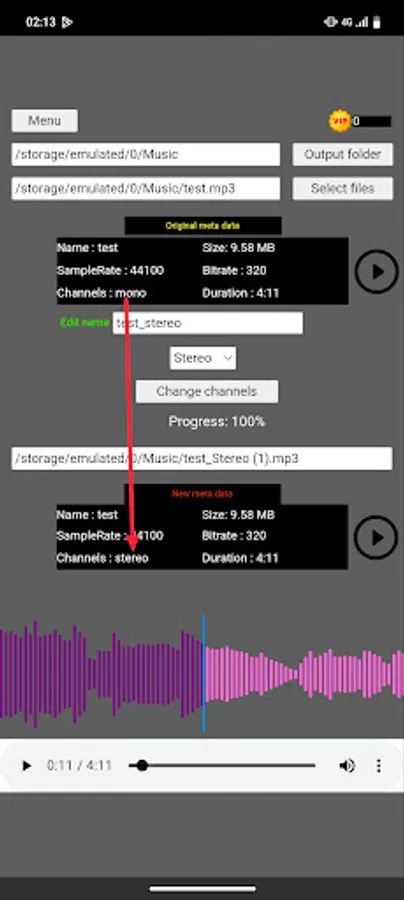
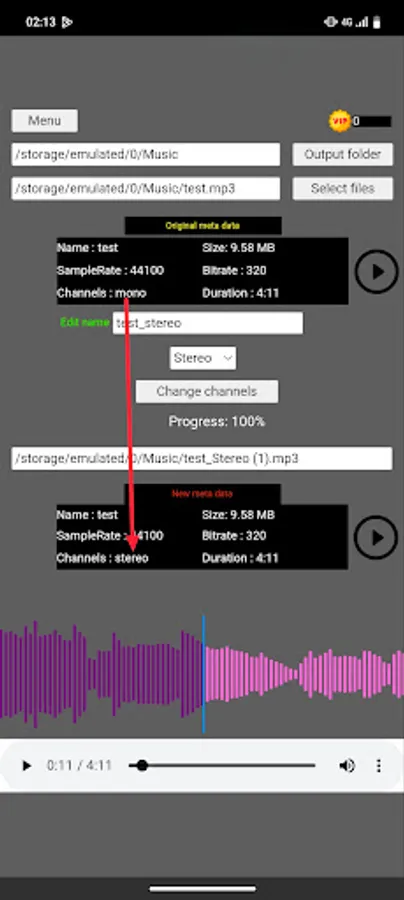
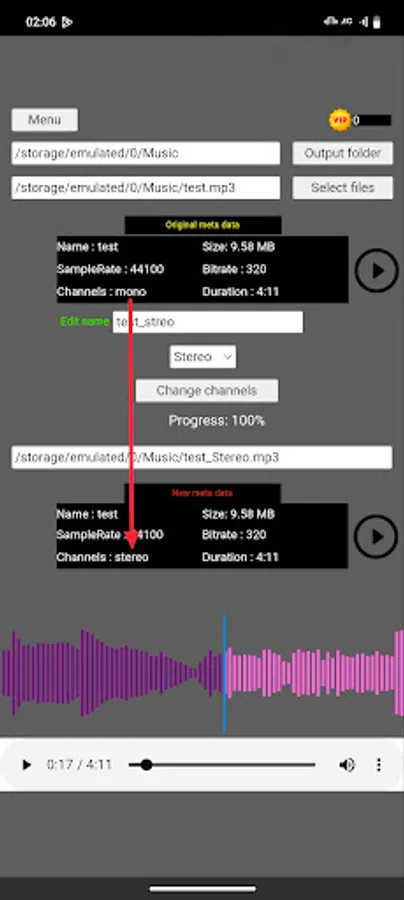
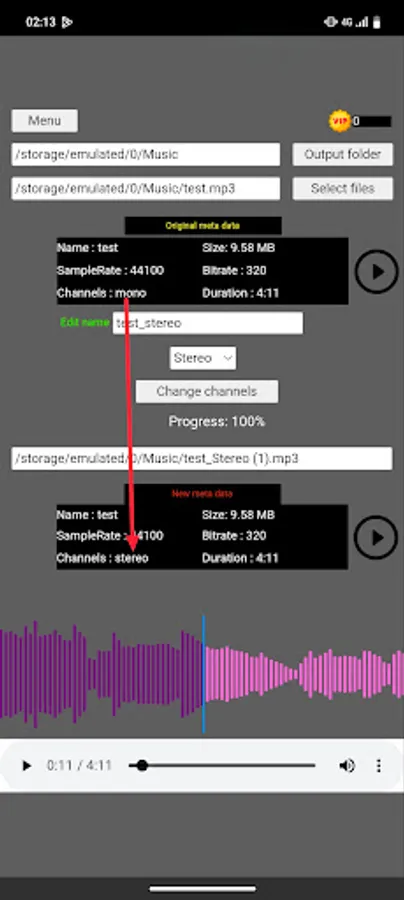
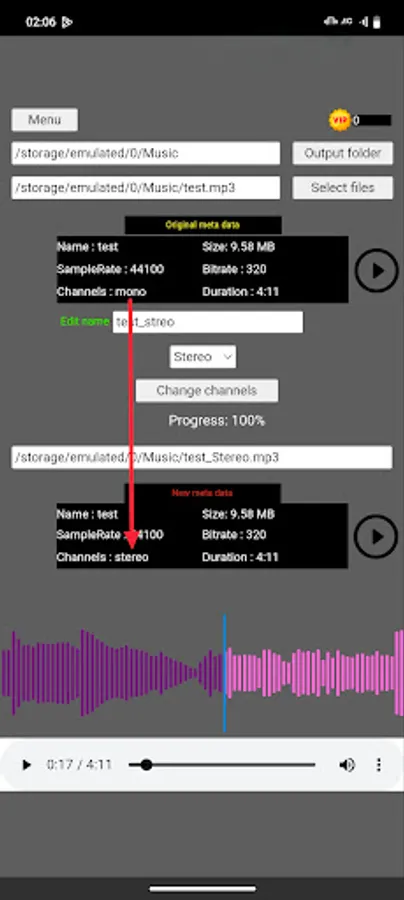
3: Change Channels
Choose between mono or stereo—use stereo for a spatial effect that mimics natural swiftlet calls, or mono to focus the sound in one direction.
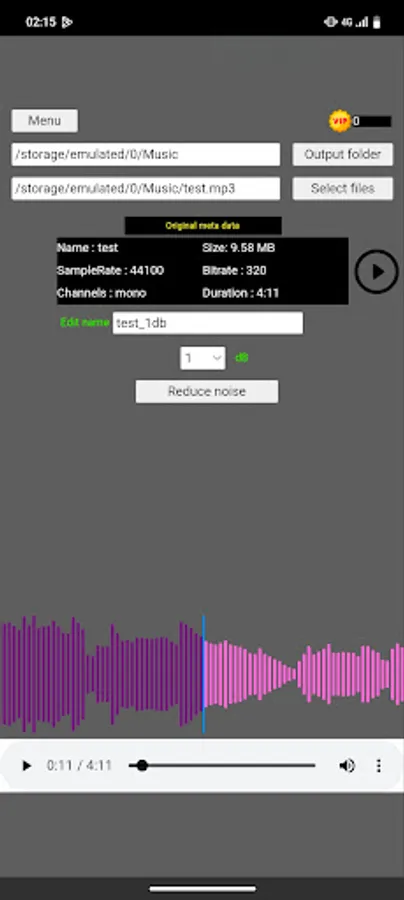
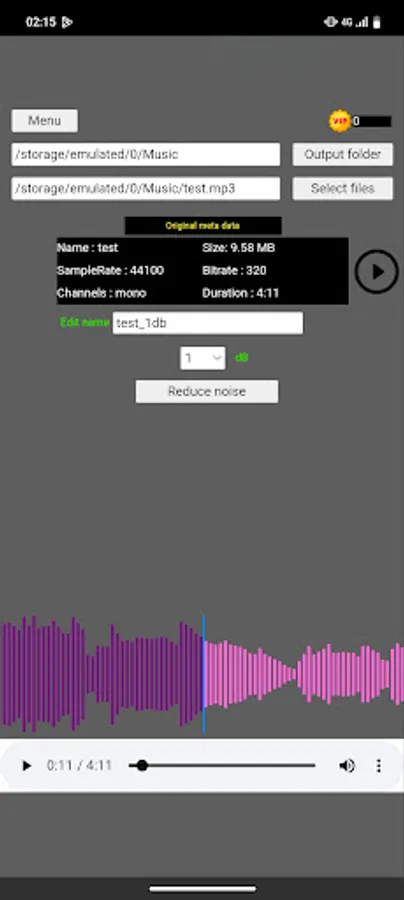
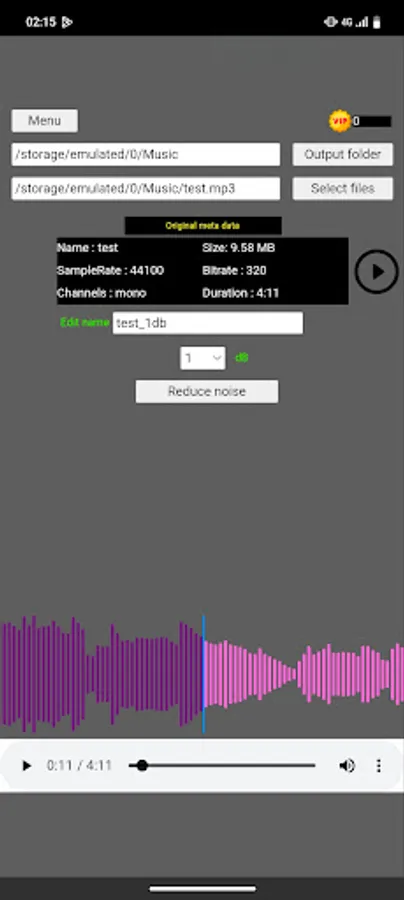
4: Noise Reduction (sign-in with google)
Remove unwanted hums, hisses, and background noises to make swiftlet calls sound clearer and more appealing in their natural habitat.
5: Mix Audio (Stereo Mix)
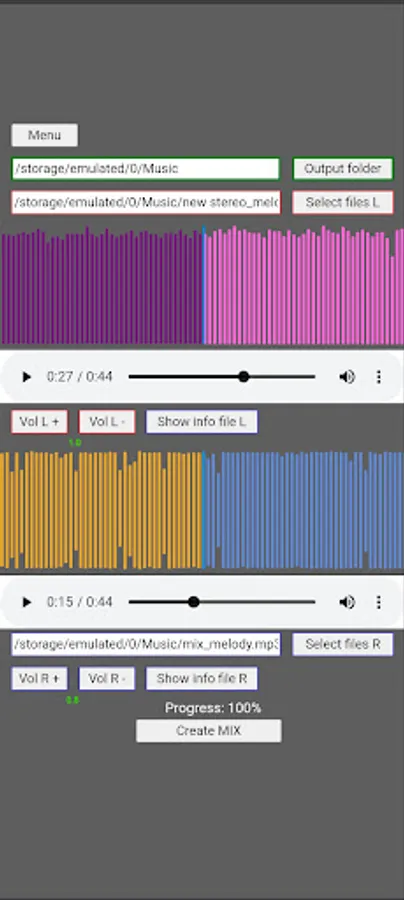
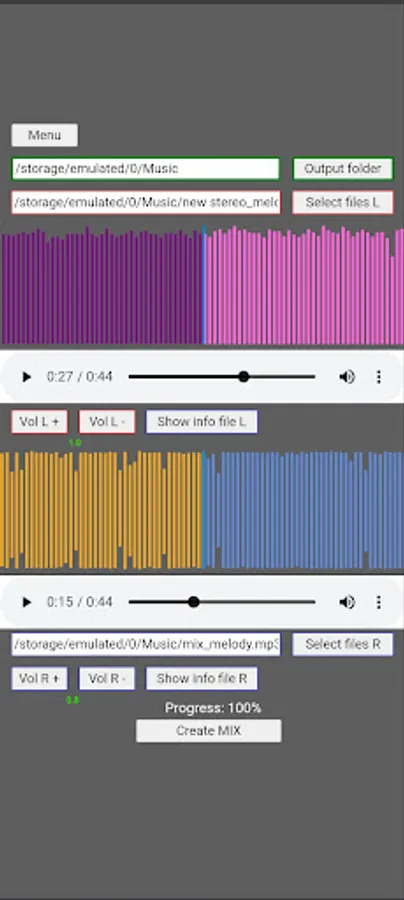
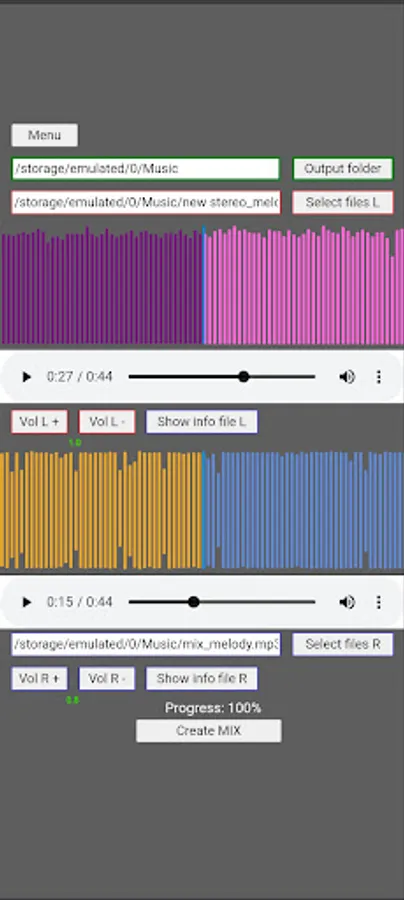
Combine two audio files (File L & File R) into one mix track.
Adjust the volume level of each channel (L or R) in real‑time with the VolL+ / VolL– and VolR+ / VolR– buttons.
Preview the mix result before saving.
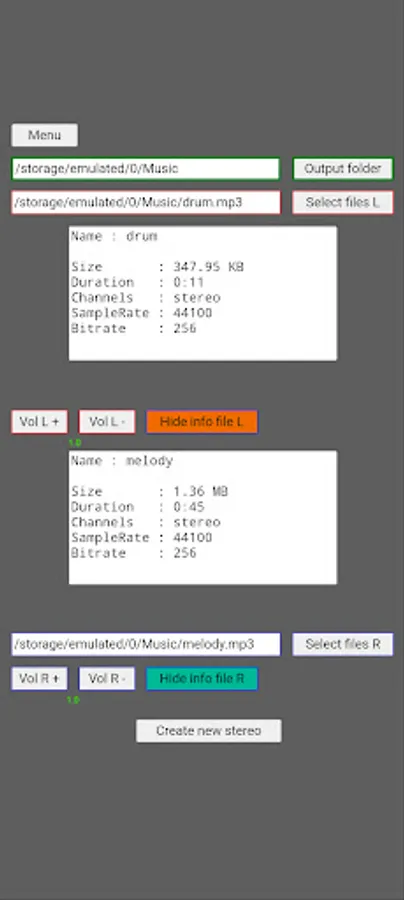
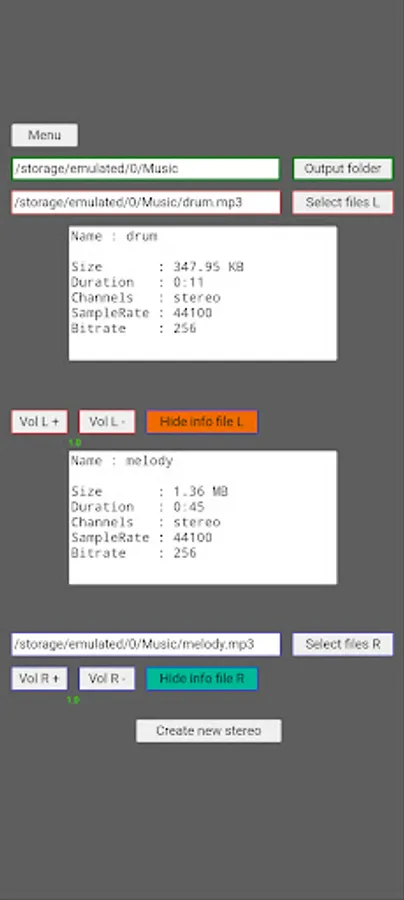
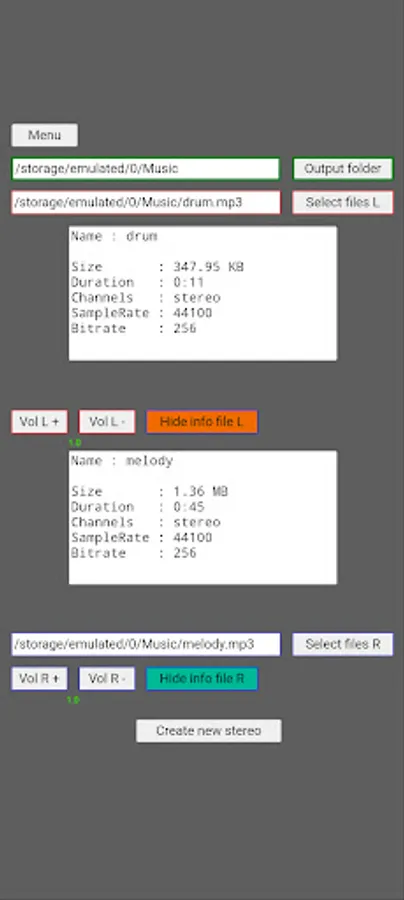
6: Create New Stereo File
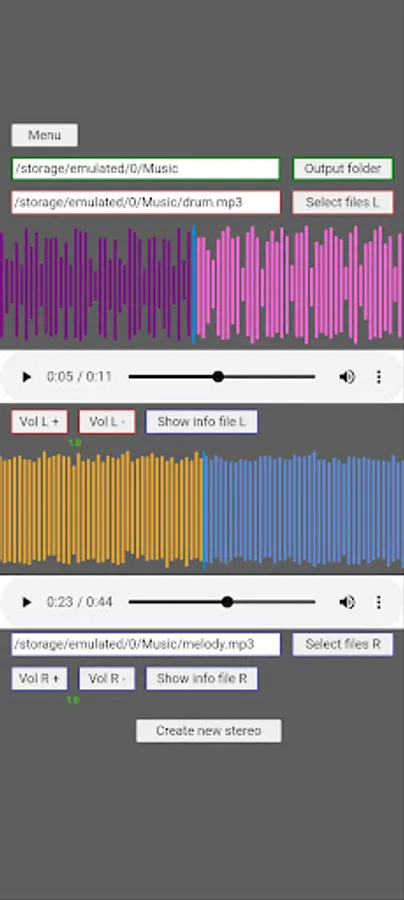
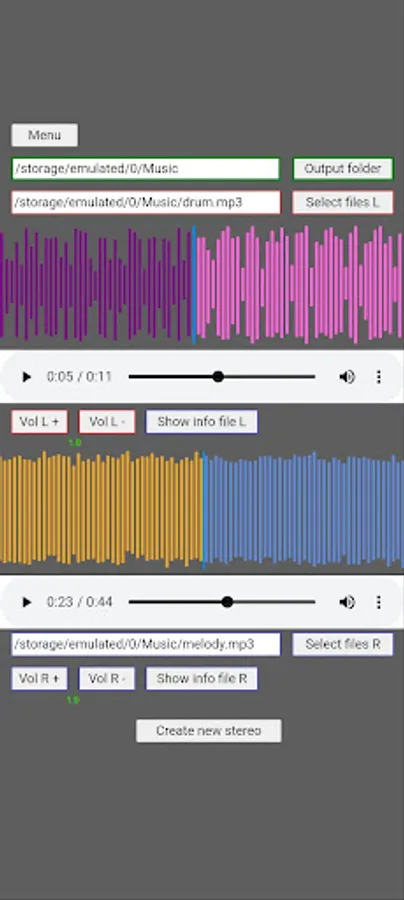
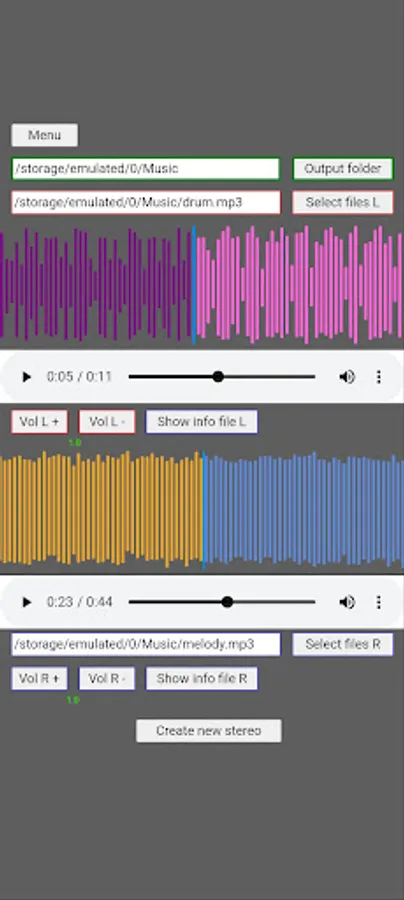
Create a new stereo file by mixing two mono or stereo files.
The final result places one file in the left channel (L) and one file in the right channel (R) for a unique spatial and deep effect.
Save as MP3, WAV, or other popular formats according to your device settings.
7: Waveform Visualization
Display colorful waveforms for both tracks.
The blue cursor line indicates the current playback position.
Move the slider to quickly navigate to a specific part of the audio.
8: Other Uses
In addition to being designed specifically for swiftlet calls, Swiftlet Audio Editor is also ideal for:
MP3 Music – Change the quality and size of your favorite music files.
Voice Recording – Clean up noise in interviews, podcasts, or field recordings.
9: (optional) sign-in with google
A dedicated Android app for editing and enhancing swiftlet calls—to make them more attractive, lure swiftlets closer, invite them in, and help them build their nests. The intuitive interface makes all the following settings easily accessible:
Key Features
1: Change Sample Rate
Adjust the sample rate of your swiftlet audio files (e.g. 44.1kHz → 48kHz) for optimal playback quality on field speakers or portable devices.
2: Change Bitrate
Set the bitrate (e.g. 128kbps, 256kbps) to balance sound quality and file size—important when playing multiple files simultaneously in the field.
3: Change Channels
Choose between mono or stereo—use stereo for a spatial effect that mimics natural swiftlet calls, or mono to focus the sound in one direction.
4: Noise Reduction (sign-in with google)
Remove unwanted hums, hisses, and background noises to make swiftlet calls sound clearer and more appealing in their natural habitat.
5: Mix Audio (Stereo Mix)
Combine two audio files (File L & File R) into one mix track.
Adjust the volume level of each channel (L or R) in real‑time with the VolL+ / VolL– and VolR+ / VolR– buttons.
Preview the mix result before saving.
6: Create New Stereo File
Create a new stereo file by mixing two mono or stereo files.
The final result places one file in the left channel (L) and one file in the right channel (R) for a unique spatial and deep effect.
Save as MP3, WAV, or other popular formats according to your device settings.
7: Waveform Visualization
Display colorful waveforms for both tracks.
The blue cursor line indicates the current playback position.
Move the slider to quickly navigate to a specific part of the audio.
8: Other Uses
In addition to being designed specifically for swiftlet calls, Swiftlet Audio Editor is also ideal for:
MP3 Music – Change the quality and size of your favorite music files.
Voice Recording – Clean up noise in interviews, podcasts, or field recordings.
9: (optional) sign-in with google