About Image Converter PIL
App Permissions: READ_MEDIA_IMAGES
Only supported ABI: arm64-v8a
All processes run offline.
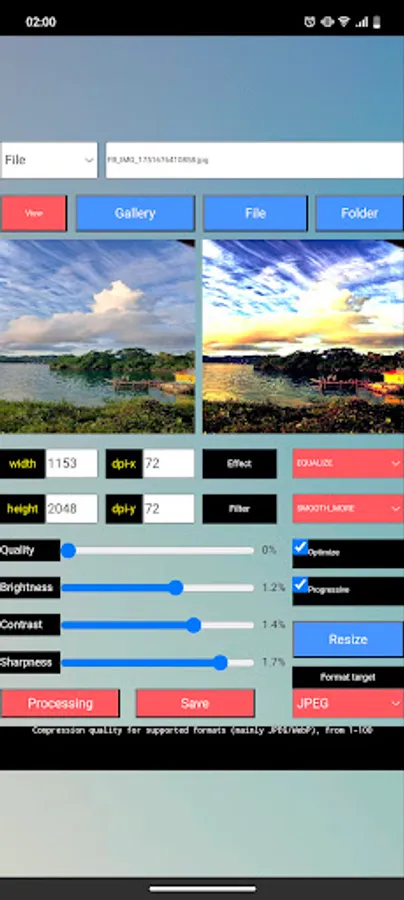
Image Converter PIL simplifies all basic image operations – from resizing and adjusting quality to brightness, contrast, sharpness, and a variety of unique PIL effects and filters. All processes are manual: changes are applied only after you press the Processing or Save button.
Key Features
1: Left/Right Canvas
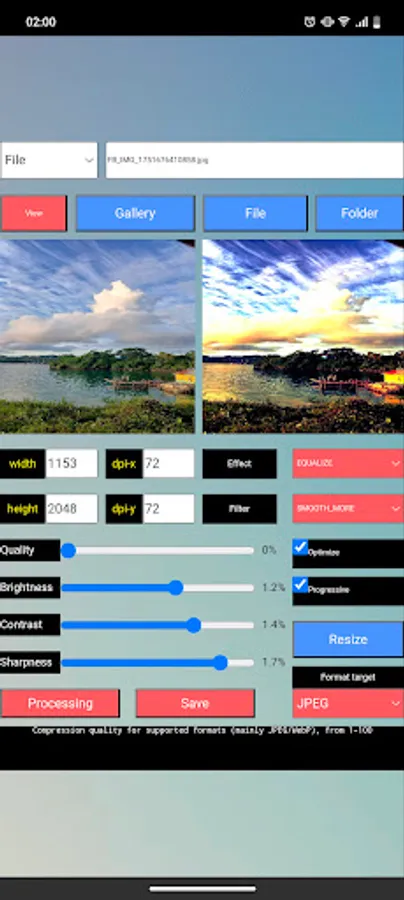
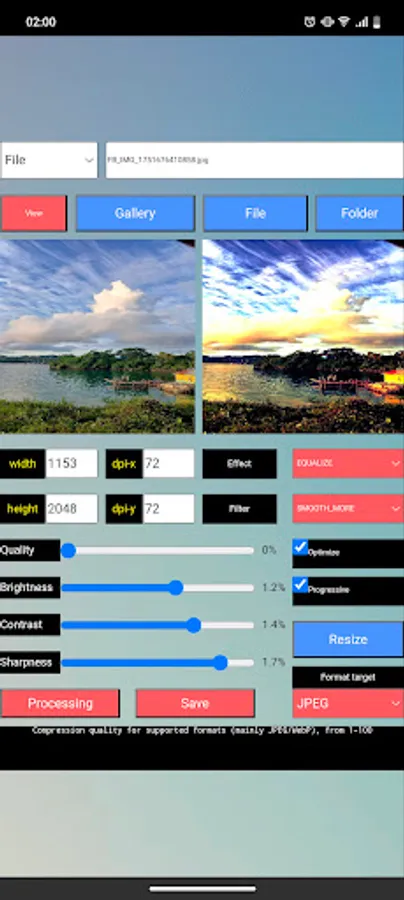
Left: Displays the original image.
Right: Shows the processed results.
2: Load & Preview
Select the folder where your images are saved.
Choose the image source: Gallery or File.
After processing, use the View button to open full-screen mode. In full-screen mode, you can zoom in/out to inspect details before saving.
3: Setting Options
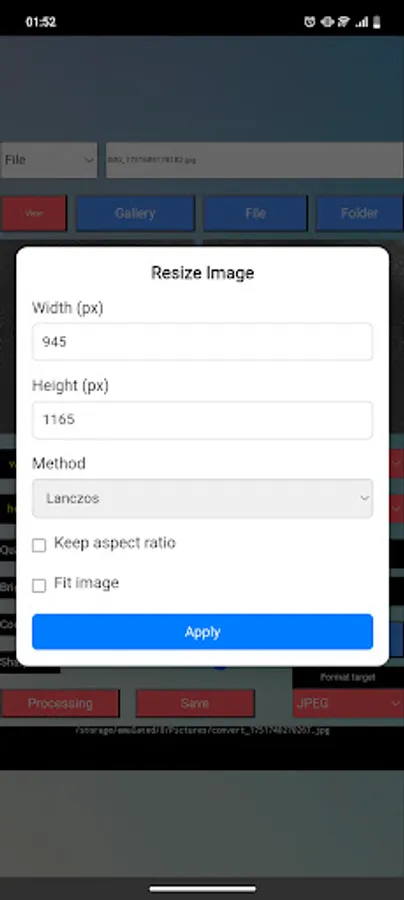
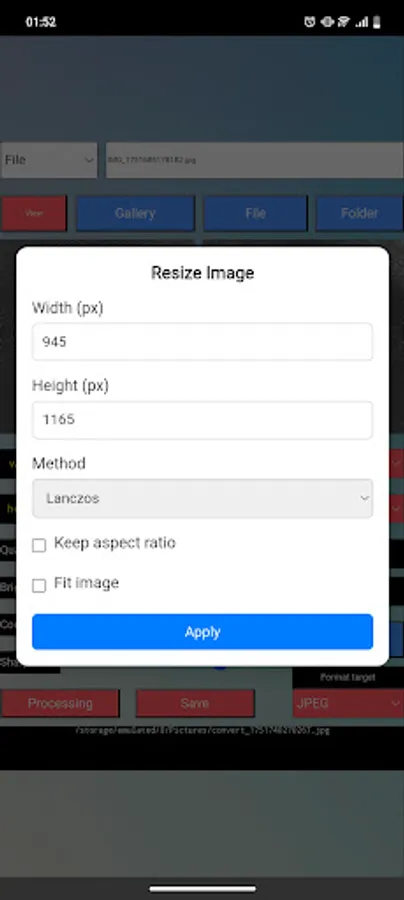
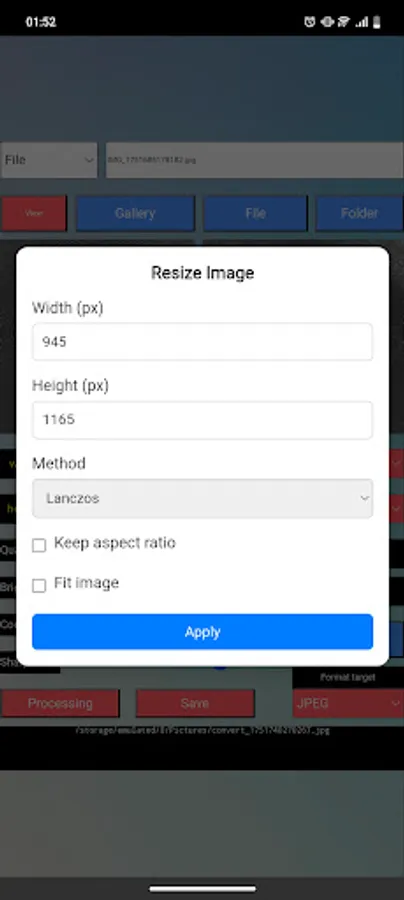
Size & DPI: Adjust width, height, dpi-x, and dpi-y.
JPEG Quality: Slider from 0–100% + Optimize / Progressive options.
Brightness / Contrast / Sharpness: Sliders from 0.1–2.0%.
Resize: Apply new dimensions.
Available Options
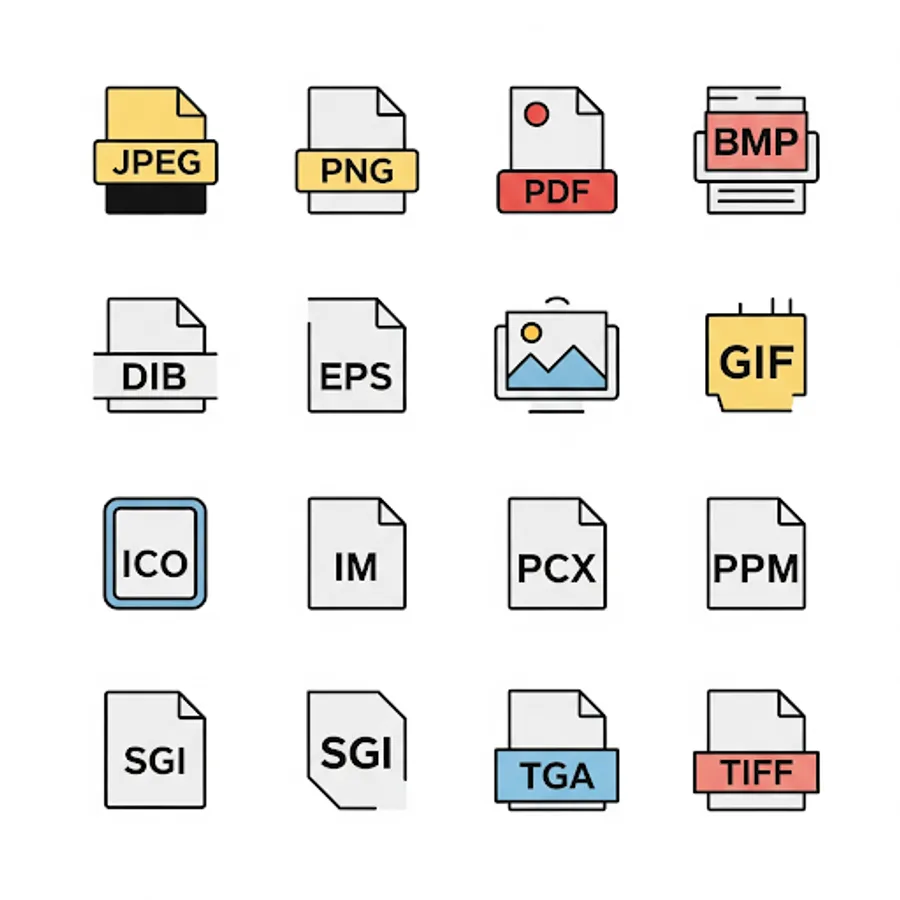
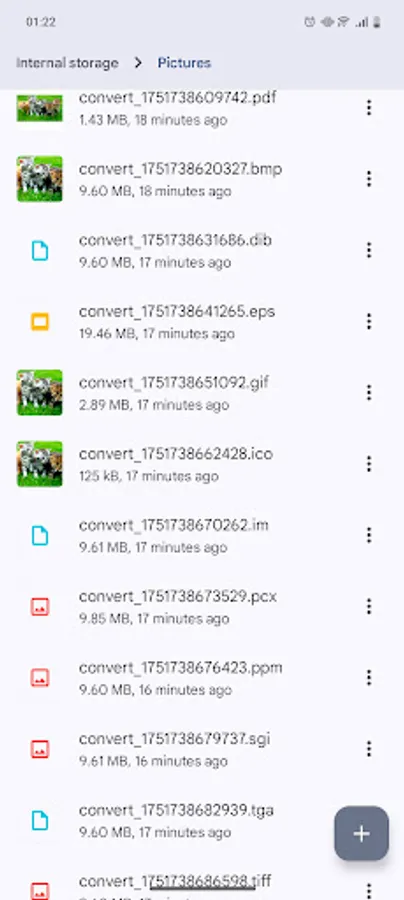
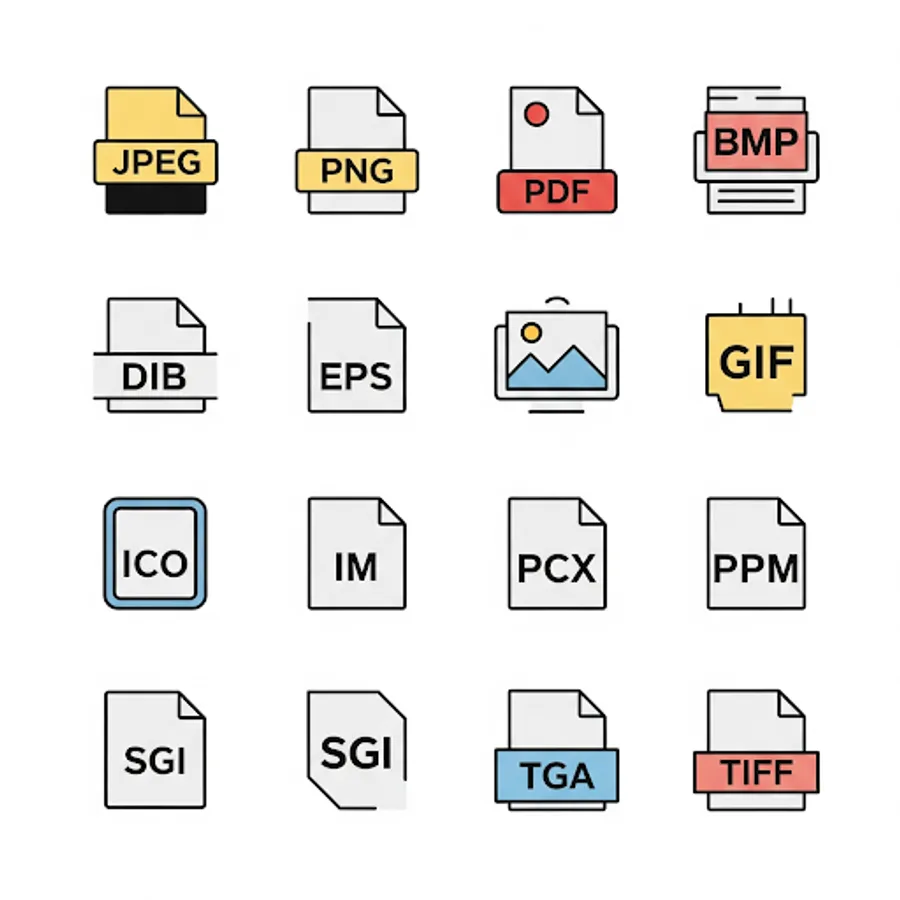
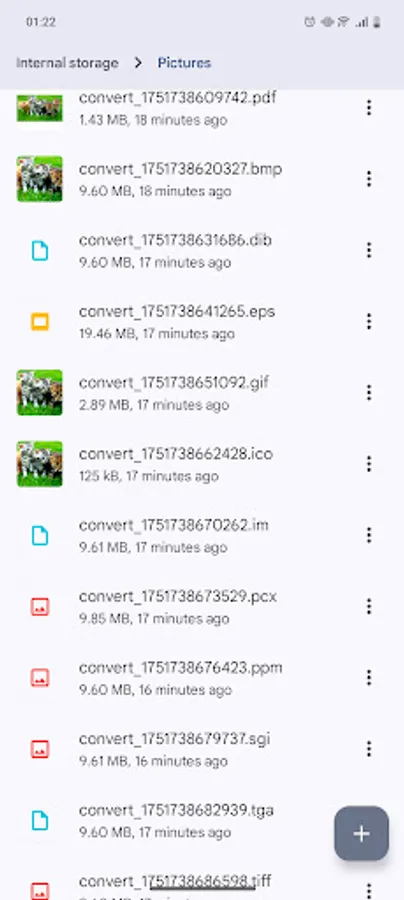
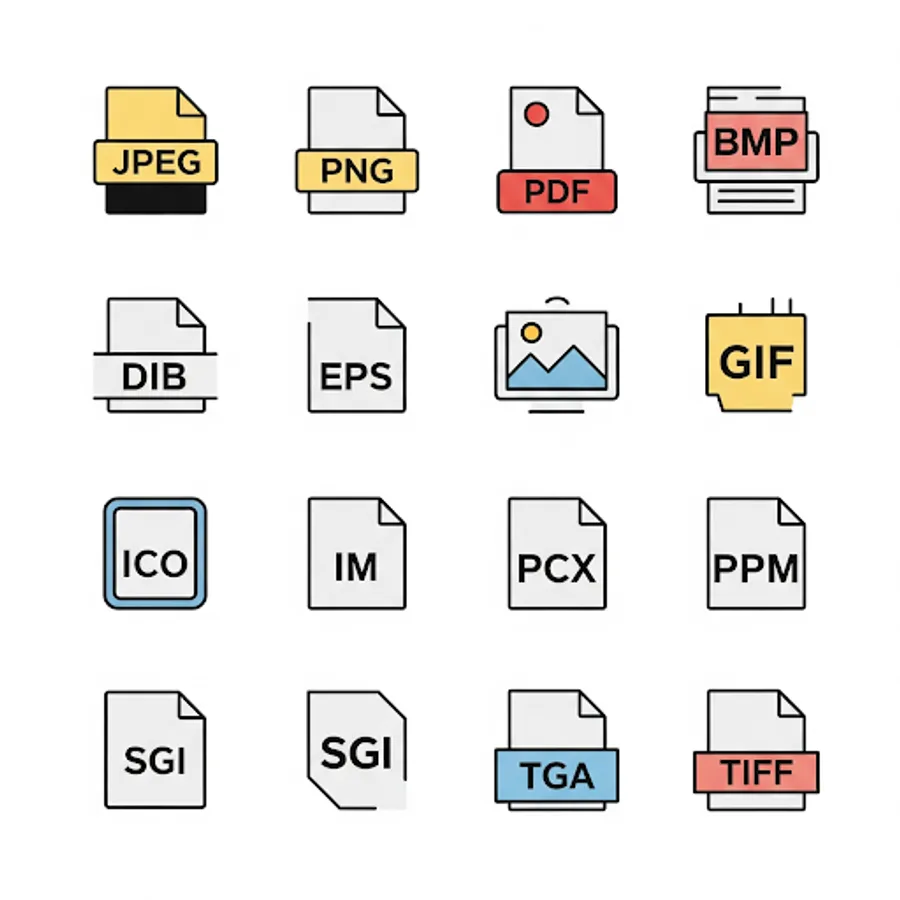
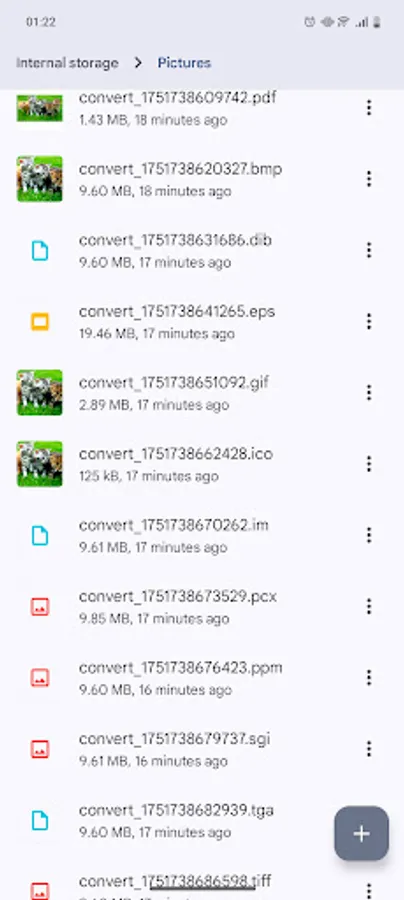
Target Formats: JPEG, PNG, PDF, BMP, DIB, EPS, GIF, ICO, IM, PCX, PPM, SGI, TGA, TIFF.
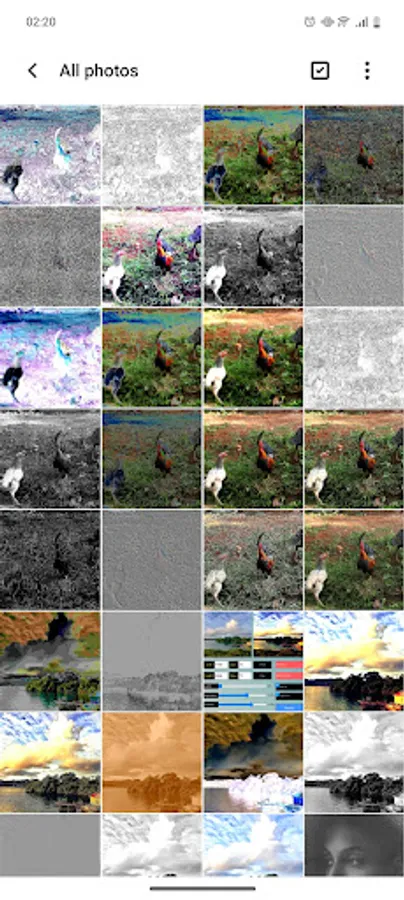
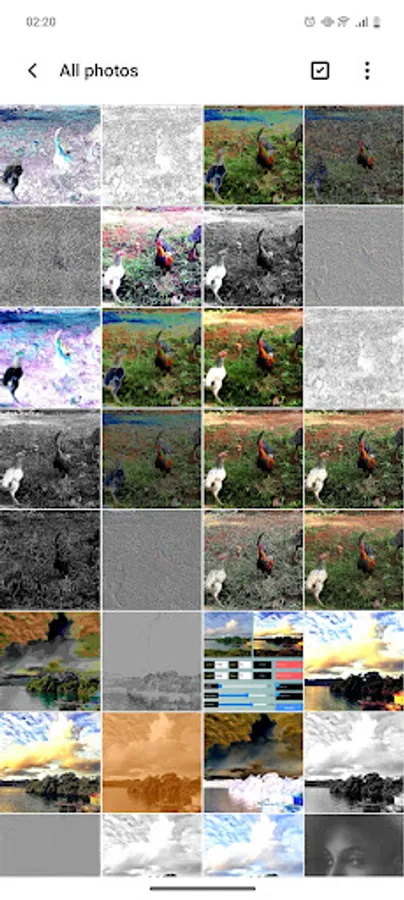
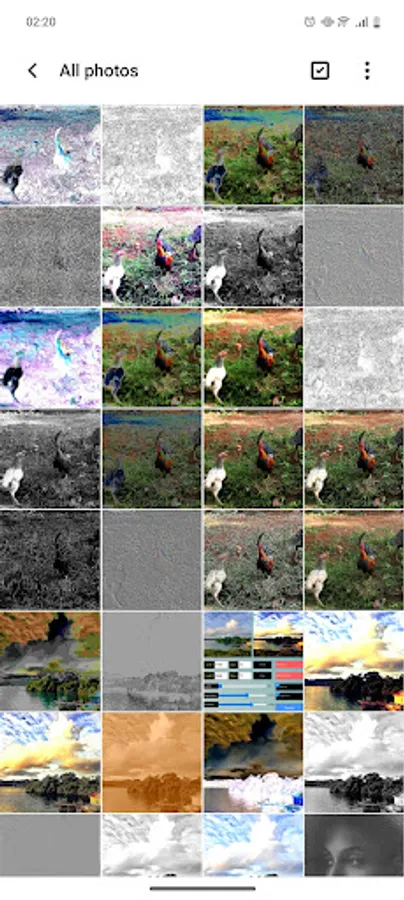
Effect List: ORIGINAL, GRAYSCALE, INVERT, SEPIA, AUTOCONTRAST, EQUALIZE, and many more.
Filter List: ORIGINAL, BLUR, CONTOUR, DETAIL, EDGE_ENHANCE / EDGE_ENHANCE_MORE, and many more.
Enjoy easy image conversion and editing on your Android device with Image Converter.
Only supported ABI: arm64-v8a
All processes run offline.
Image Converter PIL simplifies all basic image operations – from resizing and adjusting quality to brightness, contrast, sharpness, and a variety of unique PIL effects and filters. All processes are manual: changes are applied only after you press the Processing or Save button.
Key Features
1: Left/Right Canvas
Left: Displays the original image.
Right: Shows the processed results.
2: Load & Preview
Select the folder where your images are saved.
Choose the image source: Gallery or File.
After processing, use the View button to open full-screen mode. In full-screen mode, you can zoom in/out to inspect details before saving.
3: Setting Options
Size & DPI: Adjust width, height, dpi-x, and dpi-y.
JPEG Quality: Slider from 0–100% + Optimize / Progressive options.
Brightness / Contrast / Sharpness: Sliders from 0.1–2.0%.
Resize: Apply new dimensions.
Available Options
Target Formats: JPEG, PNG, PDF, BMP, DIB, EPS, GIF, ICO, IM, PCX, PPM, SGI, TGA, TIFF.
Effect List: ORIGINAL, GRAYSCALE, INVERT, SEPIA, AUTOCONTRAST, EQUALIZE, and many more.
Filter List: ORIGINAL, BLUR, CONTOUR, DETAIL, EDGE_ENHANCE / EDGE_ENHANCE_MORE, and many more.
Enjoy easy image conversion and editing on your Android device with Image Converter.