
AppRecs review analysis
AppRecs rating . Trustworthiness 75 out of 100. Review manipulation risk 29 out of 100. Based on a review sample analyzed.
★
AppRecs Rating
Ratings breakdown
5 star
0%
4 star
0%
3 star
33%
2 star
0%
1 star
67%
What to know
✓
Low review manipulation risk
29% review manipulation risk
✓
Credible reviews
75% trustworthiness score from analyzed reviews
⚠
Mixed user feedback
Average 1.7★ rating suggests room for improvement
About Edge Remote
In the build-up to our 50th anniversary, we asked our engineers, what would they make if anything was possible? If we removed all limitations? Over 3 years in the making, from a team of 9 engineers, the result was Edge.
Our best ever hi-fi system needed our best ever app to control it. Edge Remote was built from the ground up, with an interface designed to mimic the simple and intuitive dual-concentric knob used to navigate menus on the Edge NQ, to deliver an outstanding, unobtrusive user experience. With Edge Remote you’ll be able to…
• Control Playback – Select audio sources, control volume and view Now Playing status
• Play Internet Radio – Browse 1000s of stations and save your favourites as presets
• Explore Your Digital Library – Play music and build play queues from your networked devices or connected USB sources
• Configure Your Product – Set-up Edge the way you like it. Rename the unit, set volume limits, change standby modes and much more
Rediscover Music with Edge.
This app is designed to be used with the Cambridge Audio Edge NQ Pre-amplifier with Network Player.
For all other Cambridge Audio StreamMagic products, please use the Cambridge Connect app.
Edge Remote Screenshots
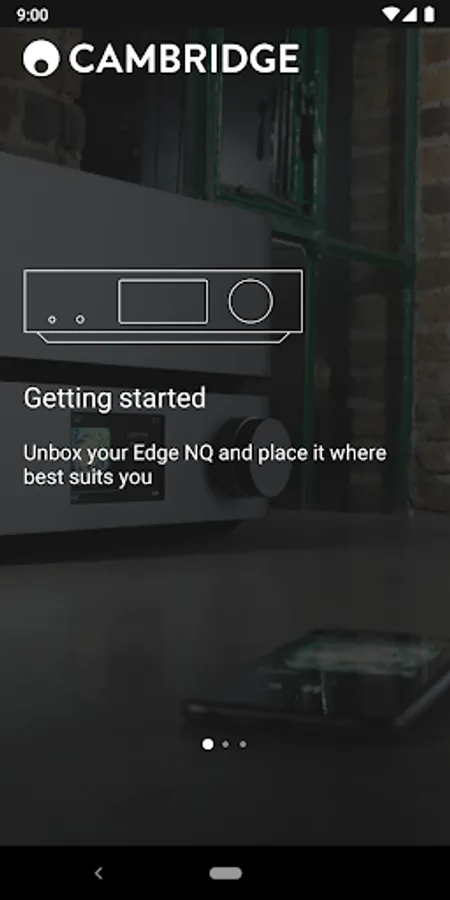
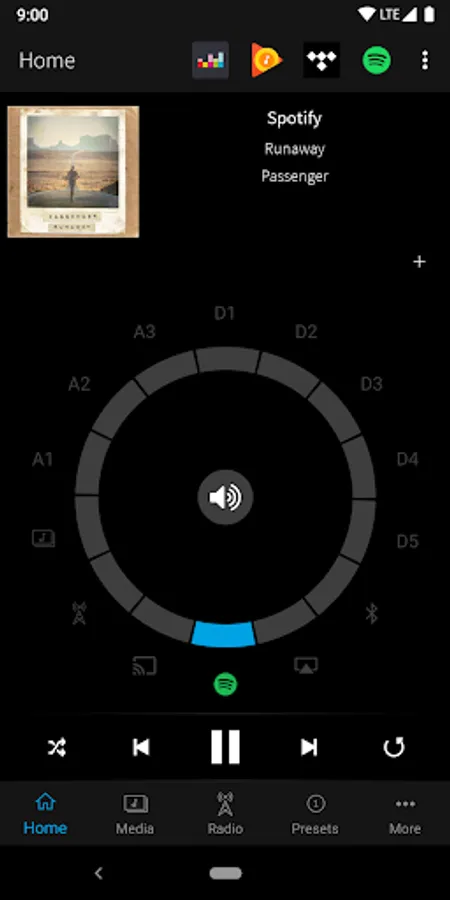

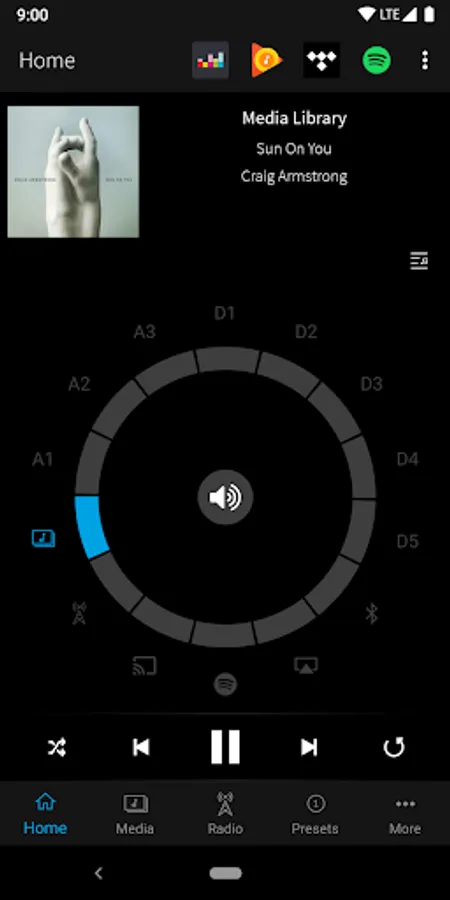

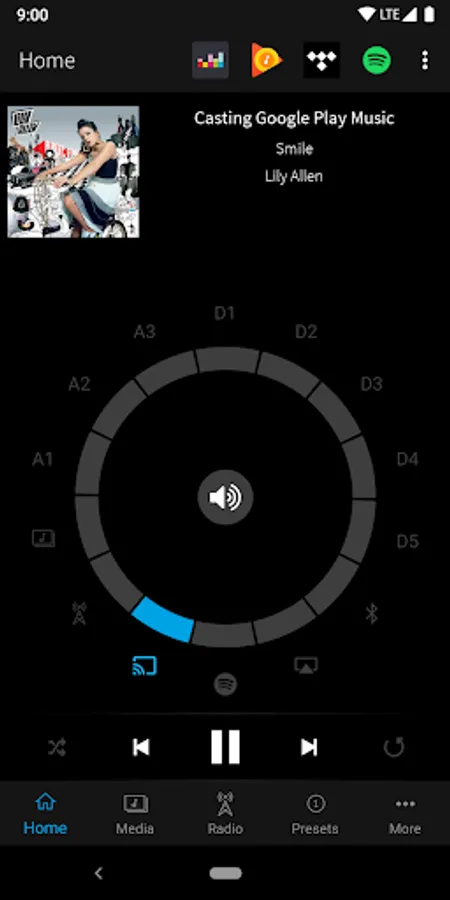
Tap to Rate:
Reviews for Edge Remote
Ryan CrawCour
4/1/2022
Doesn't work when EdgeNQ on wired network and mobile app is on WiFi. So now that I have my EdgeNQ on a wired network for better streaming and not on WiFi anymore the mobile remote is useless to me.
A Google user
12/14/2019
The app works okay for changing the audio source or volume, but the Tidal integration is currently extremely inconvenient. Since Tidal doesn't seem to offer something like 'Spotify Connect', you have to use this app to use Tidal directly from the device. The issue is, every time you minimize the app or lock the screen, the whole state in the app is reset. It starts with visually reconnecting to the device (this is not necessary to show the user and block them from doing anything) but then you also have to navigate all the way back to where you were within the integrated Tidal service. This means making a dozen clicks just to choose another song. When I look for new music I'd really like to have the freedom of picking a song to play one after another and I would not like to disable screen locking on my phone just because this app has such a problem. The app should reconnect and restore the navigation state. Considering the price for this product and that using this app is mandatory to get it working, I would really like to see some improvements on this.