Audio Output Switch
happytime inc
3.3 ★
164 ratings
10,000+
downloads
Free
Use this app to switch audio output between headphones, speakers, or other devices and manage mute and volume settings. Includes support for Bluetooth, USB, Cast, and automatic detection of headphone insertion or removal.
AppRecs review analysis
AppRecs rating 2.8. Trustworthiness 82 out of 100. Review manipulation risk 21 out of 100. Based on a review sample analyzed.
★★☆☆☆
2.8
AppRecs Rating
Ratings breakdown
5 star
57%
4 star
0%
3 star
0%
2 star
0%
1 star
43%
What to know
✓
Low review manipulation risk
21% review manipulation risk
⚠
Ad complaints
Many low ratings mention excessive ads
⚠
High negative review ratio
43% of sampled ratings are 1–2 stars
About Audio Output Switch
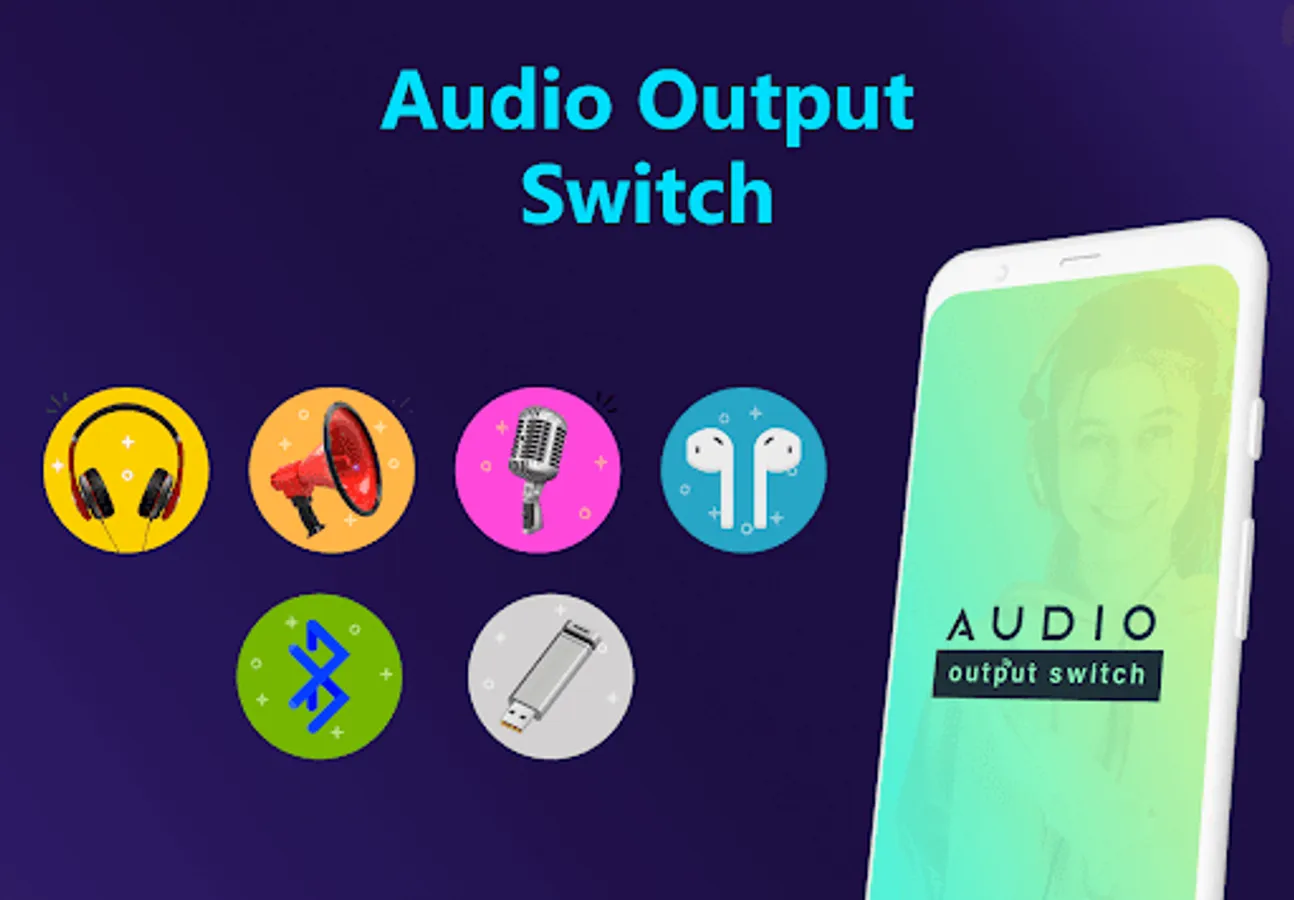
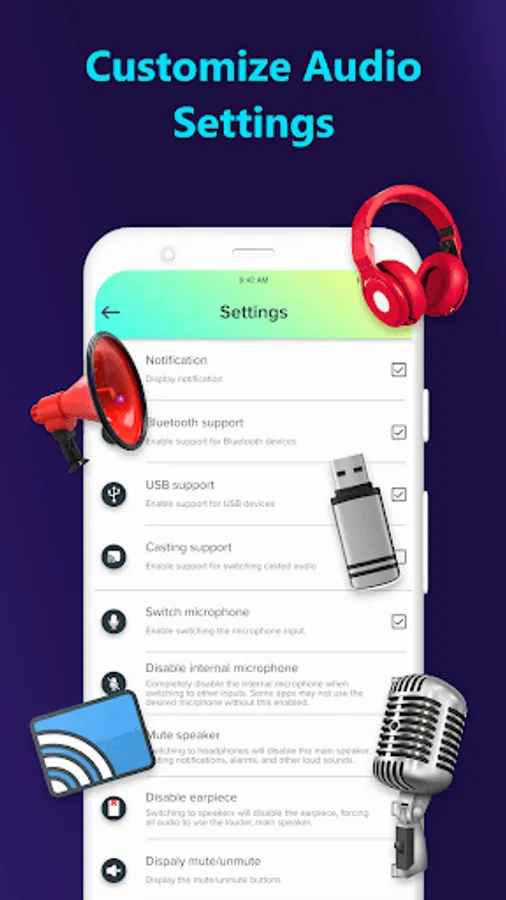
The Audio Output Switch app will assist you in enabling and switching your audio output to headphones, speakers, or other output devices. The other output device supports Cast, Bluetooth, and USB.
Here, you have the option of switching to the microphone in addition to selecting the output device. Most of the speaker devices can be completely muted if you wish to do so.
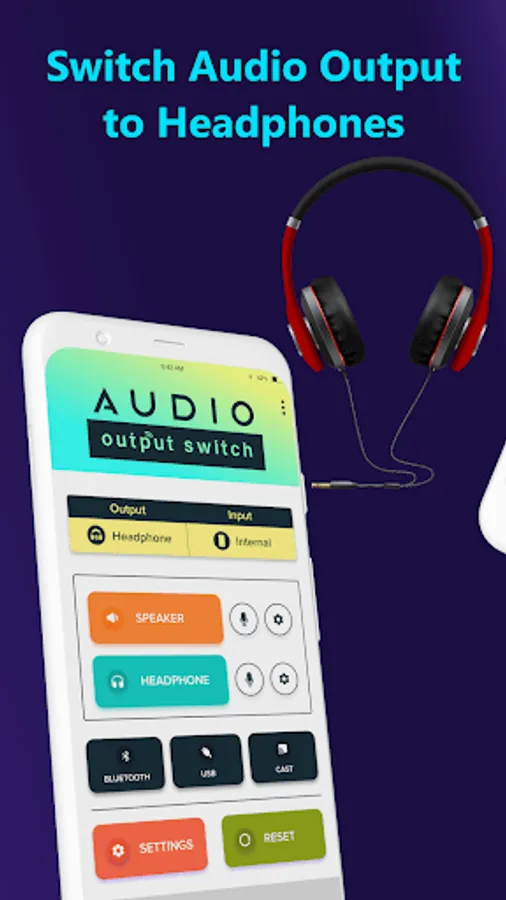
For those having problems with the headphone connector, the audio output switch app is incredibly helpful. When stuck, it is simple to switch the audio output to speakers and headphones. It is the ideal way to address issues with the headphone, headset, or earphone jack.
When the headphones are inserted or removed from the jack, the app will automatically detect them. When switching to the desired output, choose the microphones from the handset, USB, internal, and Bluetooth options to utilize.
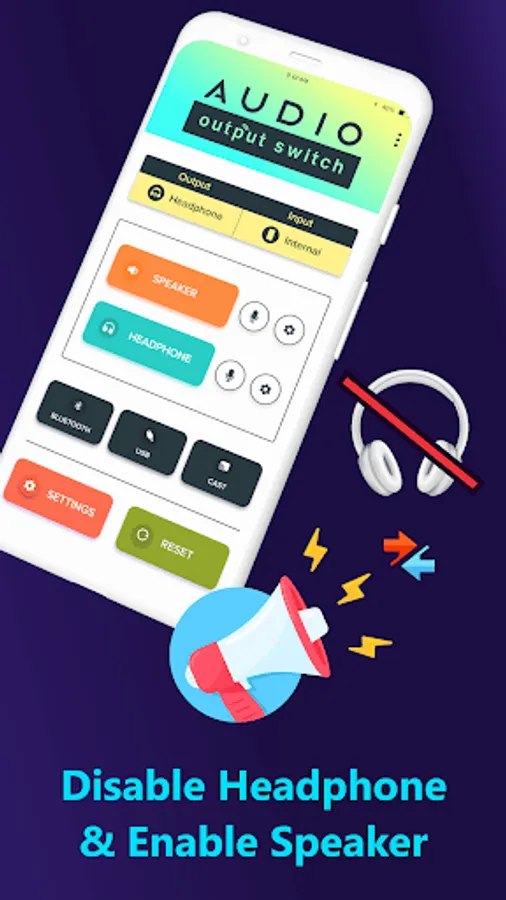
You may quickly play music through the built-in speakers by disabling the linked headphones with the help of this audio output toggle app.
For the speaker device option, you get the mute speaker and disable earpiece option. The device's alarm, notification, and other sounds are all turned off by using the mute speaker option. When the earpiece is turned off, the headphone is also turned off, making the main speaker the only audio source.
Choose the voice output for headphones, and if the jack is defective or improperly attached, choose between the 3-pole (without a microphone) and 4-pole options (with a microphone). This is the best solution for the faulty earphone jack.
This app cannot function on Android 12 and later.
Features of the Audio Output Switch Application:
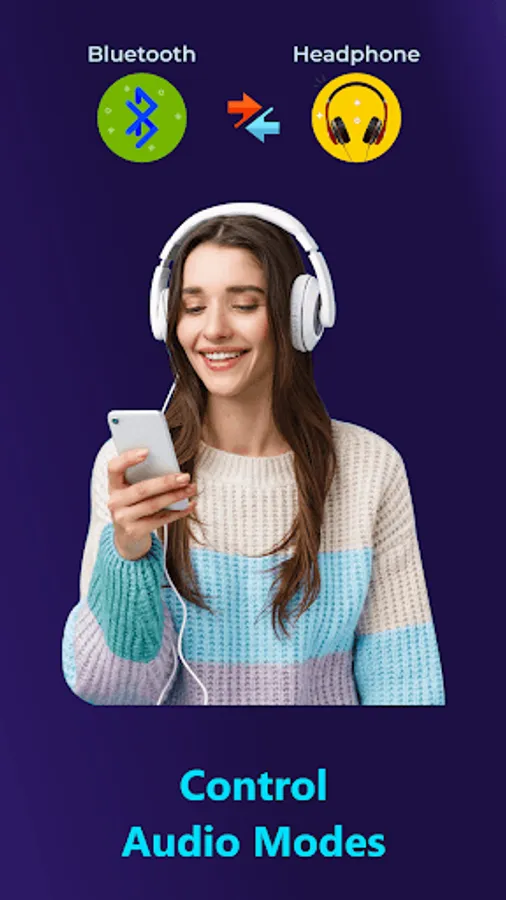
- It is simple to switch between a speaker and a headphone, headset, or earphone as the output device.
- Can activate USB and Bluetooth devices.
- Android's native cast-screen feature is available.
- Solution for the faulty headphone/headset/earphone jack.
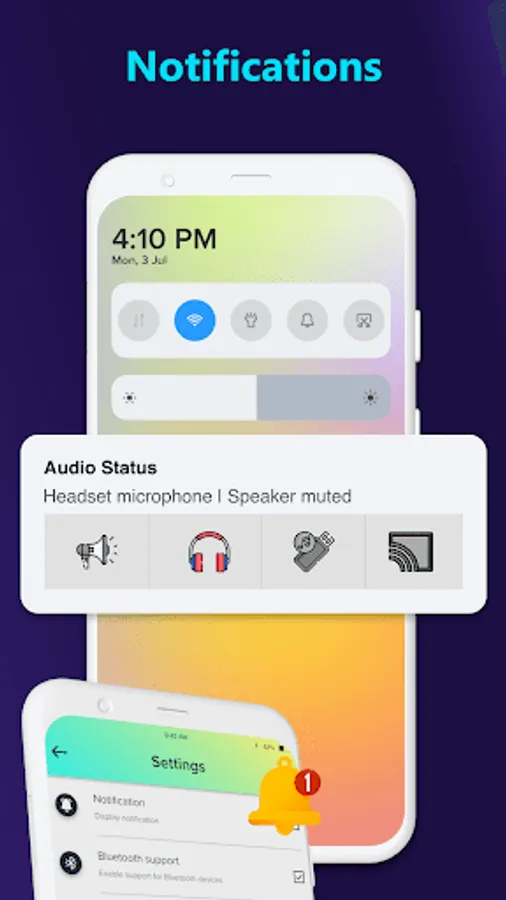
- Automatically identifies headphones, whether they are inserted or removed.
Here, you have the option of switching to the microphone in addition to selecting the output device. Most of the speaker devices can be completely muted if you wish to do so.
For those having problems with the headphone connector, the audio output switch app is incredibly helpful. When stuck, it is simple to switch the audio output to speakers and headphones. It is the ideal way to address issues with the headphone, headset, or earphone jack.
When the headphones are inserted or removed from the jack, the app will automatically detect them. When switching to the desired output, choose the microphones from the handset, USB, internal, and Bluetooth options to utilize.
You may quickly play music through the built-in speakers by disabling the linked headphones with the help of this audio output toggle app.
For the speaker device option, you get the mute speaker and disable earpiece option. The device's alarm, notification, and other sounds are all turned off by using the mute speaker option. When the earpiece is turned off, the headphone is also turned off, making the main speaker the only audio source.
Choose the voice output for headphones, and if the jack is defective or improperly attached, choose between the 3-pole (without a microphone) and 4-pole options (with a microphone). This is the best solution for the faulty earphone jack.
This app cannot function on Android 12 and later.
Features of the Audio Output Switch Application:
- It is simple to switch between a speaker and a headphone, headset, or earphone as the output device.
- Can activate USB and Bluetooth devices.
- Android's native cast-screen feature is available.
- Solution for the faulty headphone/headset/earphone jack.
- Automatically identifies headphones, whether they are inserted or removed.