Big Letters & Numbers Keyboard
happytime inc
4.5 ★
92 ratings
5,000+
downloads
Free
With this keyboard app, you can customize key size, themes, and fonts for comfortable typing. Includes background options, adjustable keyboard height, and language support.
AppRecs review analysis
AppRecs rating 4.0. Trustworthiness 79 out of 100. Review manipulation risk 26 out of 100. Based on a review sample analyzed.
★★★★☆
4.0
AppRecs Rating
Ratings breakdown
5 star
81%
4 star
6%
3 star
3%
2 star
1%
1 star
9%
What to know
✓
Low review manipulation risk
26% review manipulation risk
✓
Credible reviews
79% trustworthiness score from analyzed reviews
⚠
Ad complaints
Many low ratings mention excessive ads
About Big Letters & Numbers Keyboard
Willing to customize your standard keyboard to a big button keypad?
If yes, then Big Letters & Numbers Keyboard app is the best solution for your question.
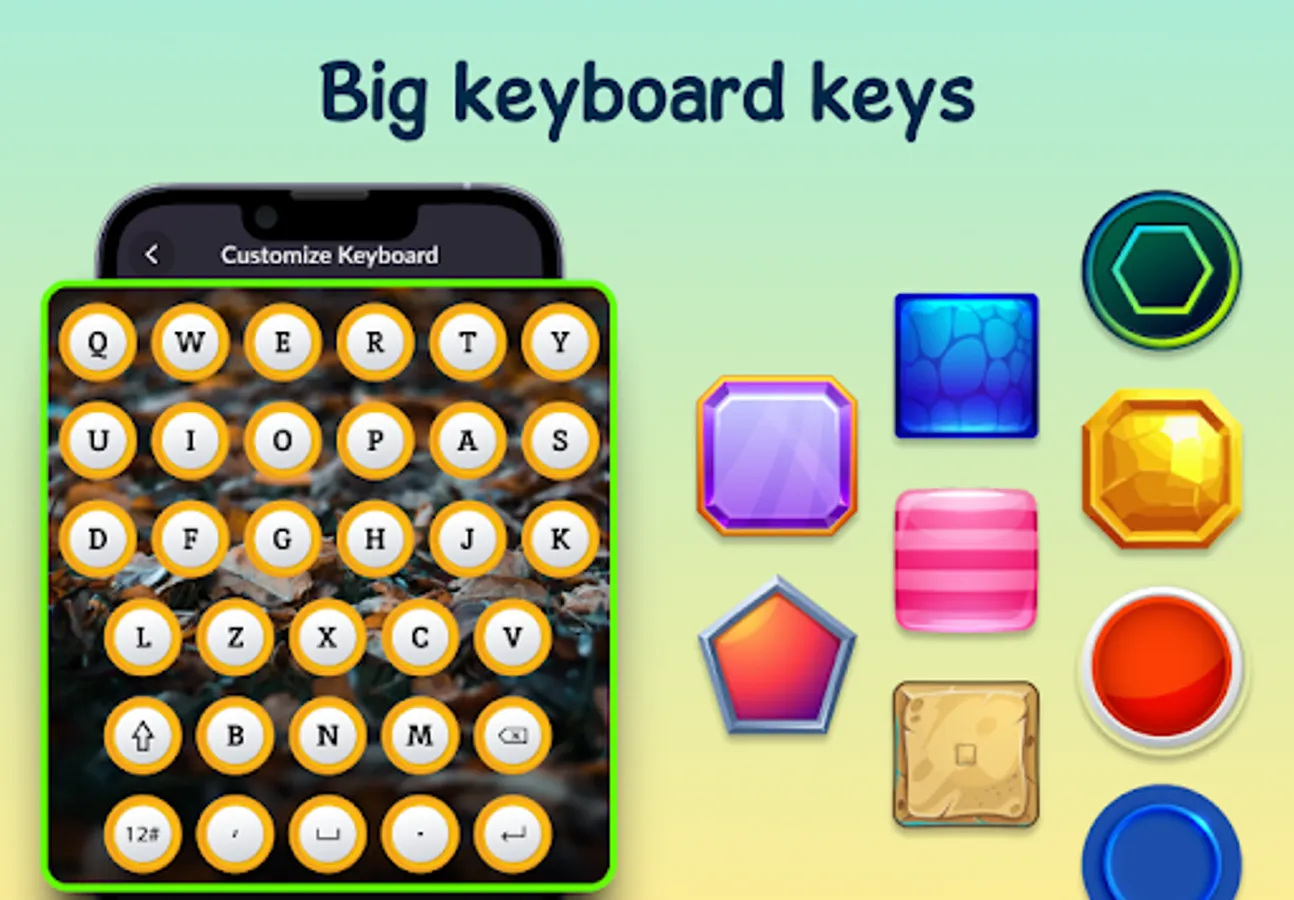
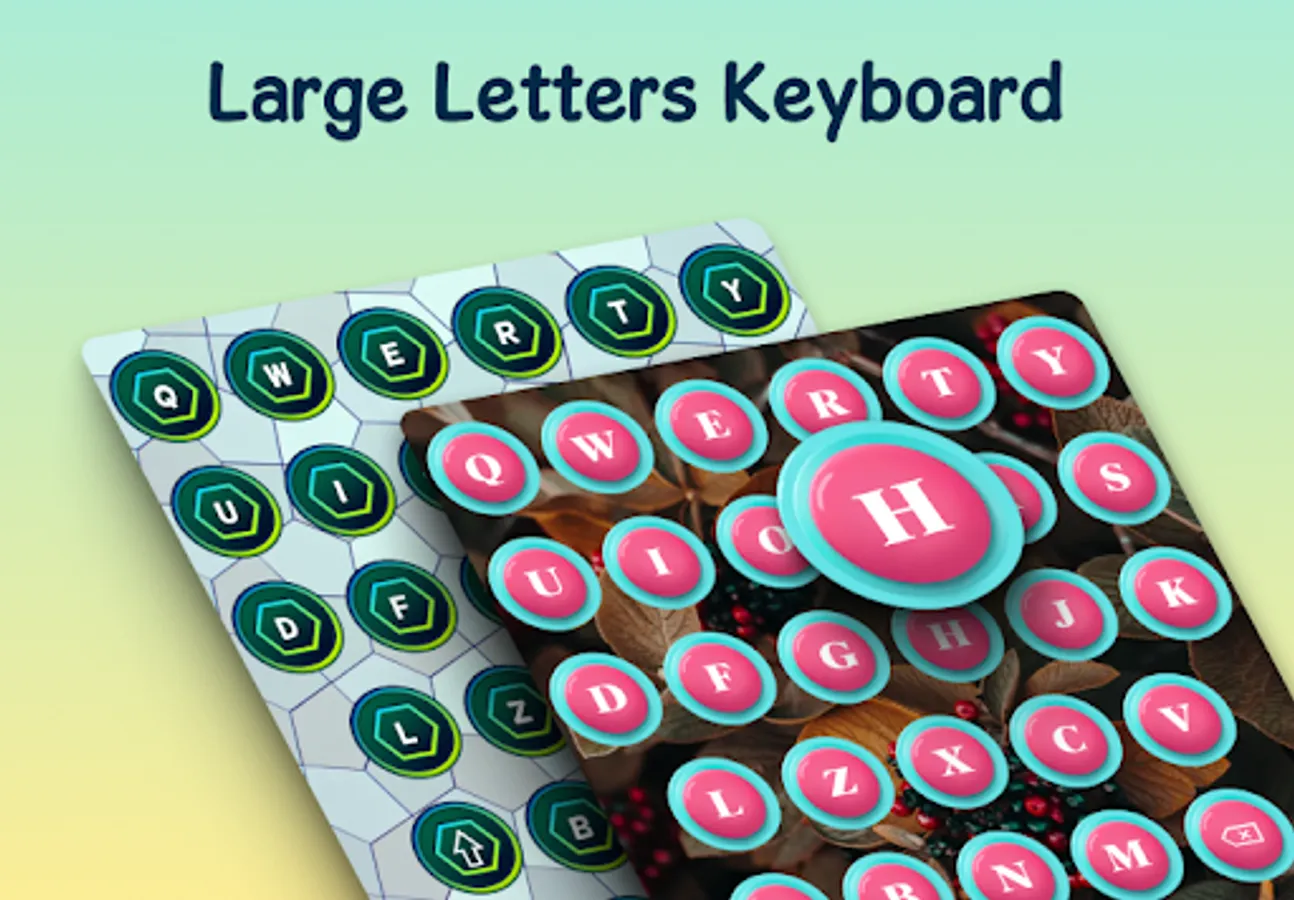
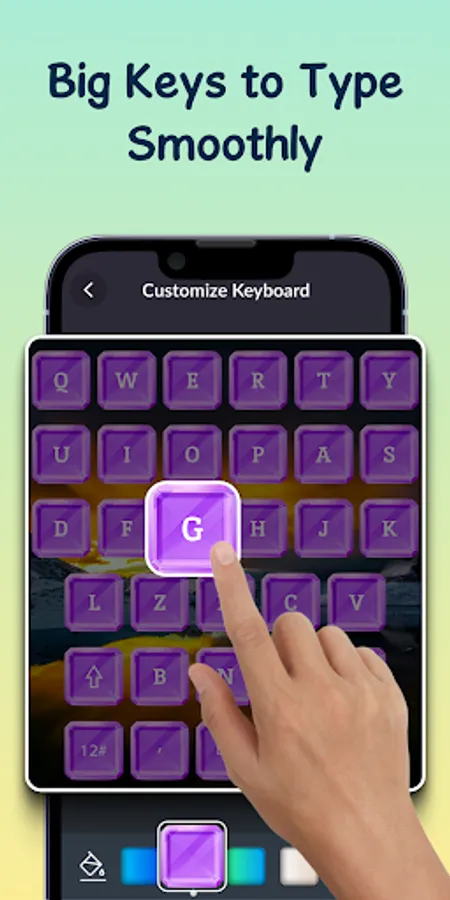
Now you will not need to struggle with a small key pad keyboard. Now, with this large keyboard application, you can enlarge the size of the keys. It will help you in typing.
If you are having fat fingers and are not able to type properly, then this is the best app for you. It will reduce eye strain, and you can enjoy comfortable messaging.
Note: You will need to select and enable this application as your keyboard. Then only you can use the big alphabet, punctuation, and numeric letters keyboard.
What's all included in this big buttons keyboard app ?
1. Customize Keyboard:
The app offers background, theme, and font customization features.
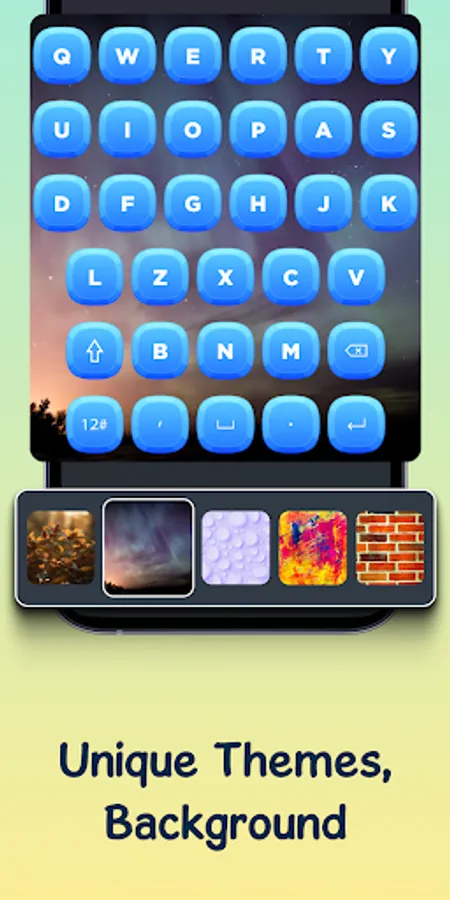
- Backgrounds: You can pick the background from the collection, color, or from the phone gallery.
- Theme: This big font keyboard gives an amazing collection of themes. You can select from the collection or select the preferred color to set it as the large keyboard theme.
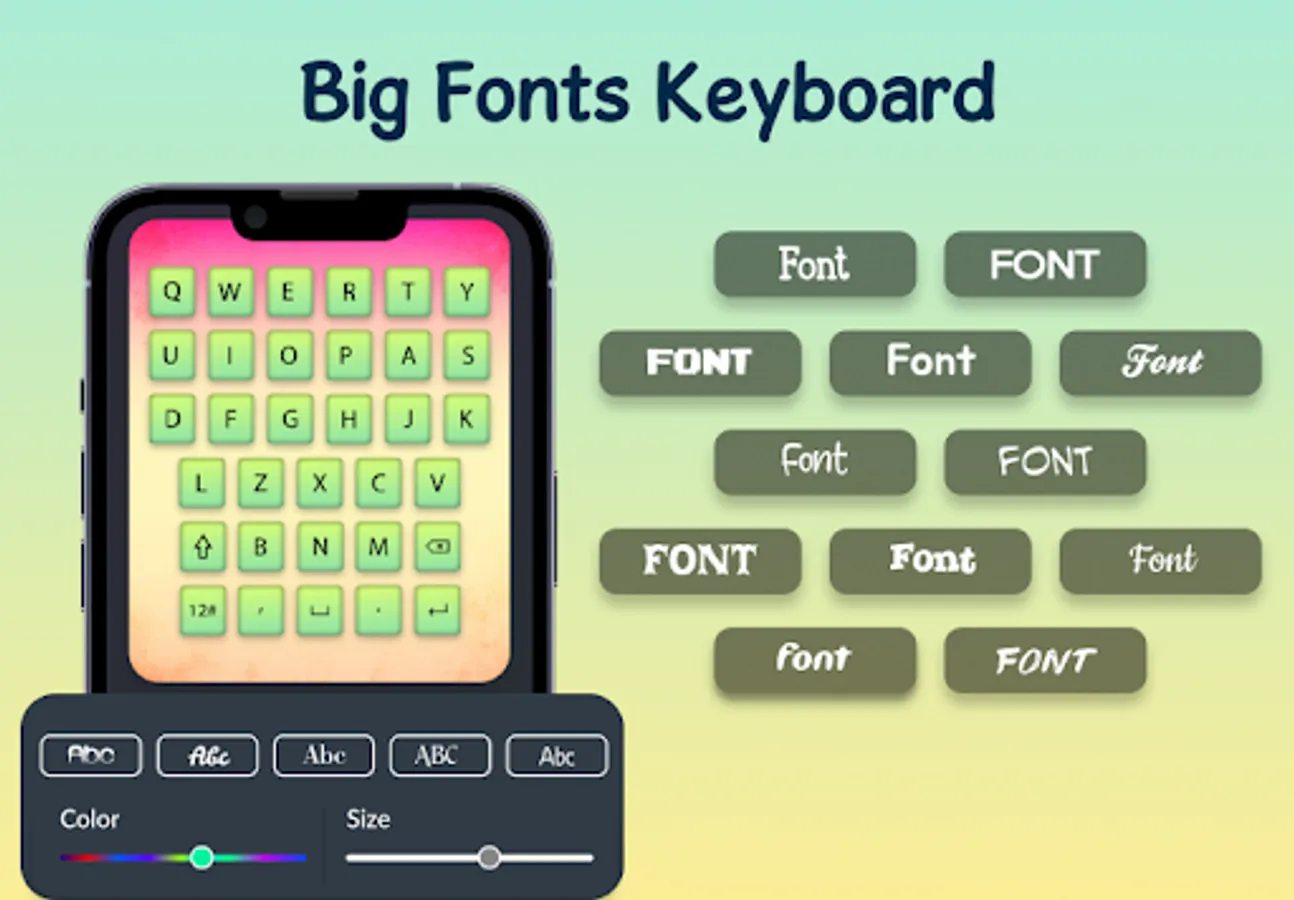
- Font: This extra large letters keyboard app gives various font styles and colors. You can select the desired one and set it on the keypad. You can adjust the letter size as needed.
2. Settings:
- Enable Keyboard: Enable and select the Big Letters & Numbers Keyboard app.
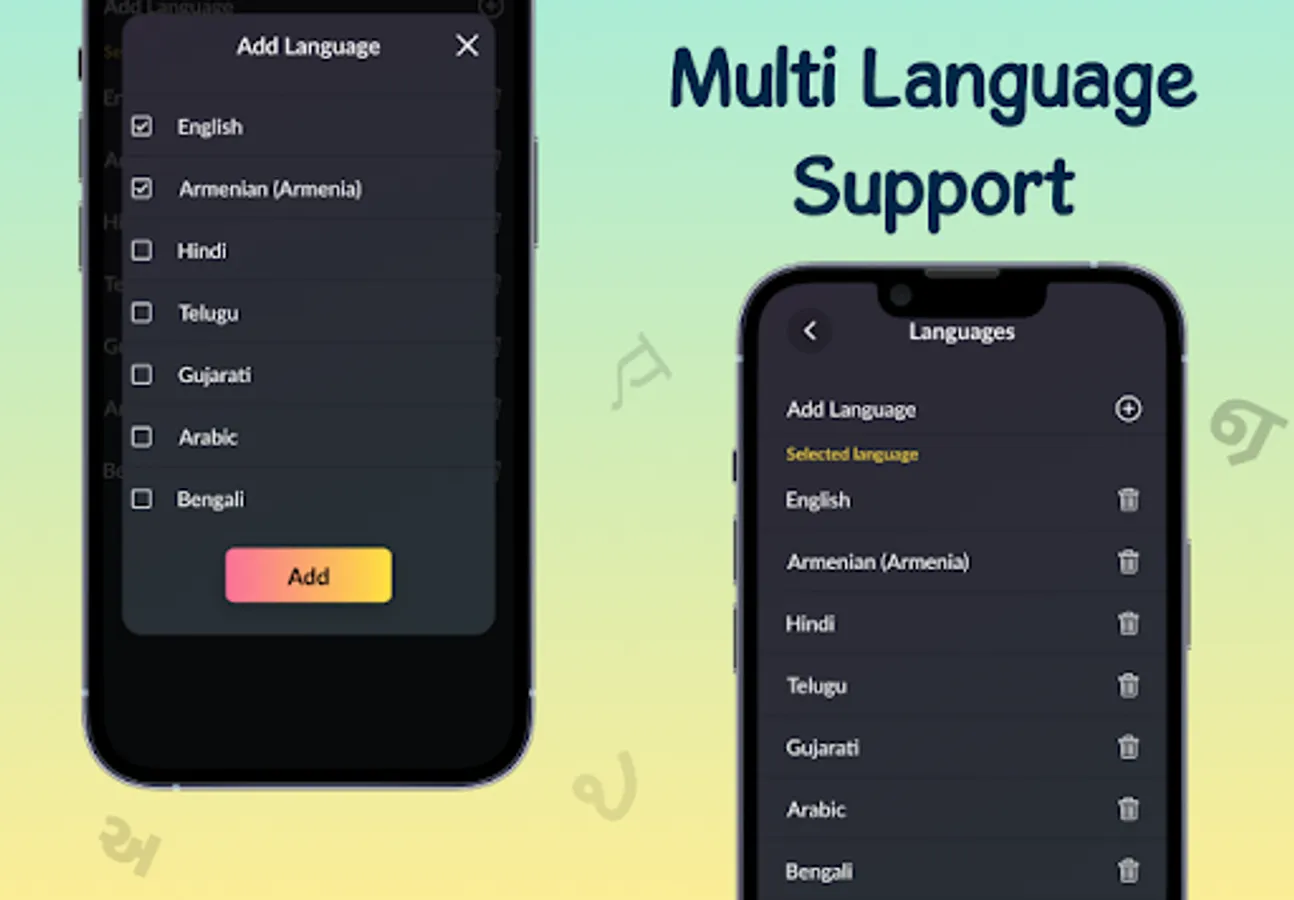
- Add Languages: Select from the listing and add the preferred language keyboard for typing.
- Keyboard: Easily adjust the keyboard height as per required.
- Vibrate Key-press: Enable the vibration on key press.
- Vibration Duration: Adjust and set the desired vibration time.
- Keypress Sound: You can ON the key-press sound.
- Popup on Keypress: You can ON the popup on the keypress.
- Key Long Press Delay: Set the delay timing for a long press.
The Big Letters & Numbers Keyboard application is simple and easy to use. With this app, enjoy comfortable typing and reduce eye strain.
If yes, then Big Letters & Numbers Keyboard app is the best solution for your question.
Now you will not need to struggle with a small key pad keyboard. Now, with this large keyboard application, you can enlarge the size of the keys. It will help you in typing.
If you are having fat fingers and are not able to type properly, then this is the best app for you. It will reduce eye strain, and you can enjoy comfortable messaging.
Note: You will need to select and enable this application as your keyboard. Then only you can use the big alphabet, punctuation, and numeric letters keyboard.
What's all included in this big buttons keyboard app ?
1. Customize Keyboard:
The app offers background, theme, and font customization features.
- Backgrounds: You can pick the background from the collection, color, or from the phone gallery.
- Theme: This big font keyboard gives an amazing collection of themes. You can select from the collection or select the preferred color to set it as the large keyboard theme.
- Font: This extra large letters keyboard app gives various font styles and colors. You can select the desired one and set it on the keypad. You can adjust the letter size as needed.
2. Settings:
- Enable Keyboard: Enable and select the Big Letters & Numbers Keyboard app.
- Add Languages: Select from the listing and add the preferred language keyboard for typing.
- Keyboard: Easily adjust the keyboard height as per required.
- Vibrate Key-press: Enable the vibration on key press.
- Vibration Duration: Adjust and set the desired vibration time.
- Keypress Sound: You can ON the key-press sound.
- Popup on Keypress: You can ON the popup on the keypress.
- Key Long Press Delay: Set the delay timing for a long press.
The Big Letters & Numbers Keyboard application is simple and easy to use. With this app, enjoy comfortable typing and reduce eye strain.