
Auto Clicker Pro - Auto Tapper
Bright Prospect
3.0 ★
545 ratings
100,000+
downloads
Free
+ in-app
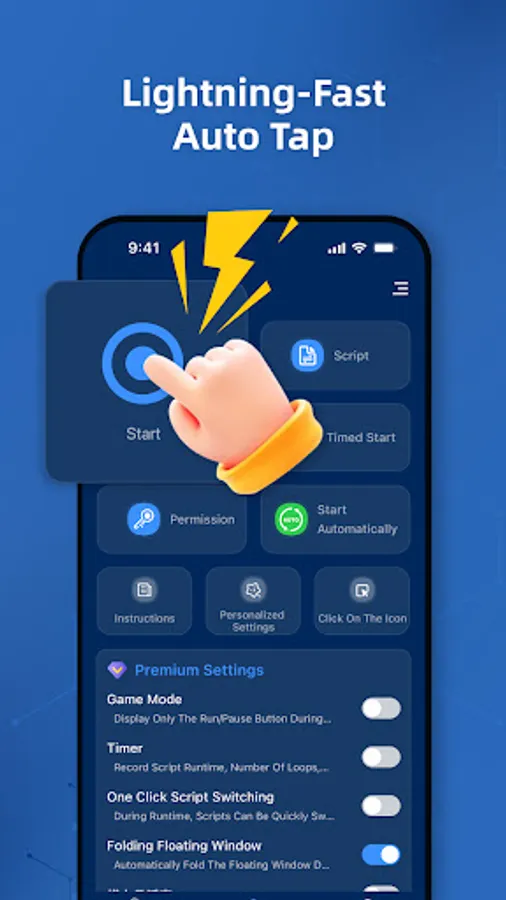
In this auto tapper app, you can automate multi-point taps, swipe gestures, and schedule scripts. Includes gesture recording, script management, and customizable floating controls.
AppRecs review analysis
AppRecs rating 2.7. Trustworthiness 81 out of 100. Review manipulation risk 26 out of 100. Based on a review sample analyzed.
★★☆☆☆
2.7
AppRecs Rating
Ratings breakdown
5 star
43%
4 star
7%
3 star
3%
2 star
3%
1 star
43%
What to know
✓
Low review manipulation risk
26% review manipulation risk
⚠
Ad complaints
Many low ratings mention excessive ads
⚠
High negative review ratio
47% of sampled ratings are 1–2 stars
About Auto Clicker Pro - Auto Tapper
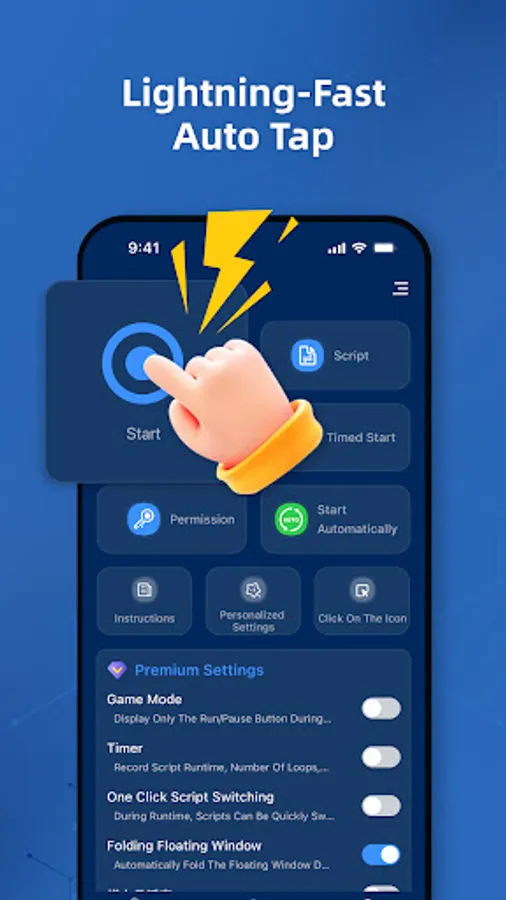
Simplify your automation journey. Whether you’re a beginner or a power user, this clicker adapts to your needs—with lightning-fast tapping and smart gesture automation.
🔹 Two Modes. One Powerful Tool:
• Easy Mode
Just getting started? Use quick access to multi-point taps and swipe paths. Ideal for casual automation—simple, fast, and effective.
• Expert Mode
Need advanced control? Unlock full automation with gesture recording, synchronous tapping, and custom timing. Designed for gamers and pro users.
🔧 Key Features:
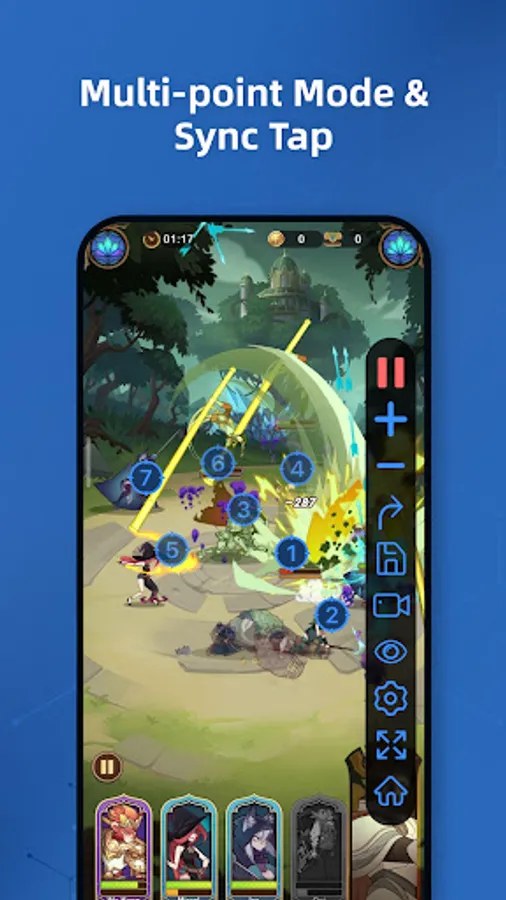
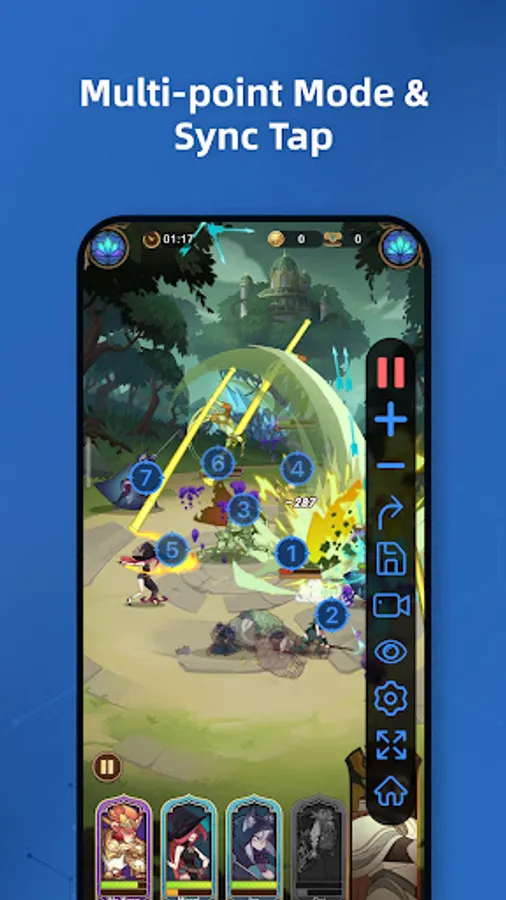
Multi-Point Control
Automate several taps or swipes either together or in sequence.
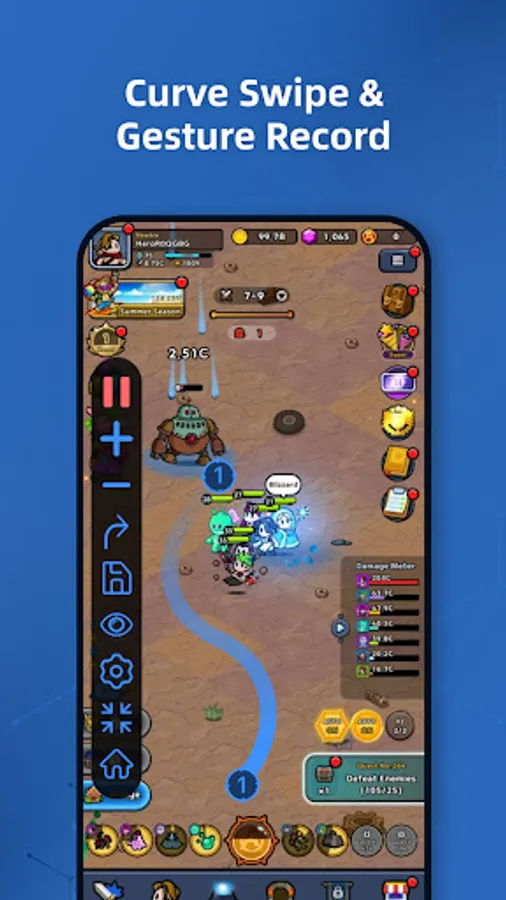
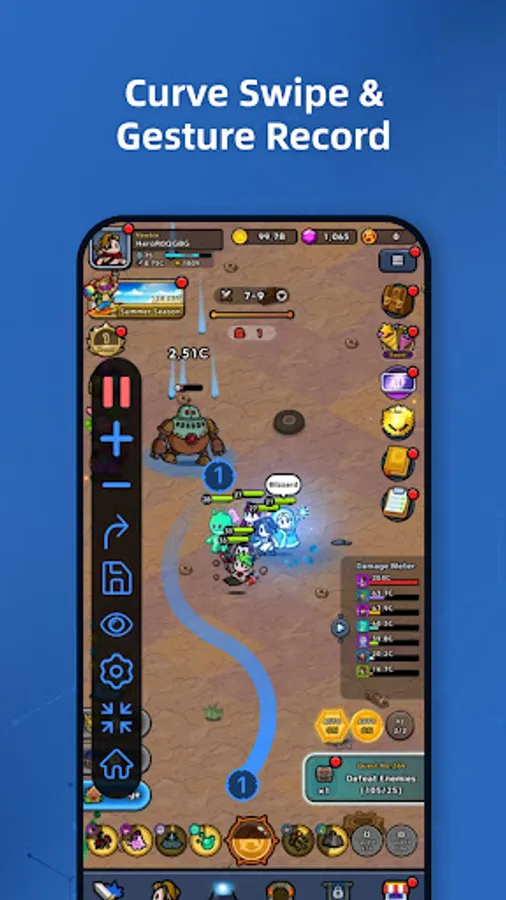
Gesture Recorder
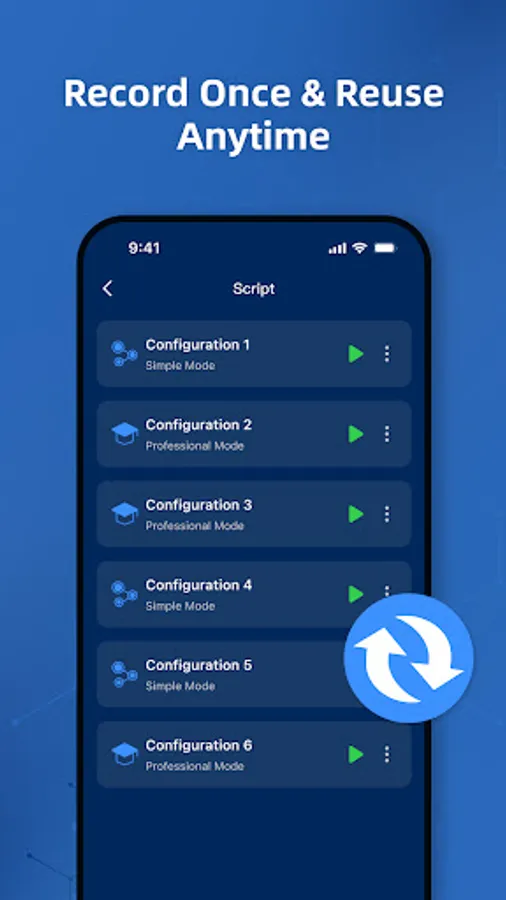
Record your actions—taps, swipes, holds—and replay them anytime.
Sync Mode
Tap multiple targets at once with perfect synchronization.
Curve Swipe Support
Create smooth swipe gestures to simulate natural motion.
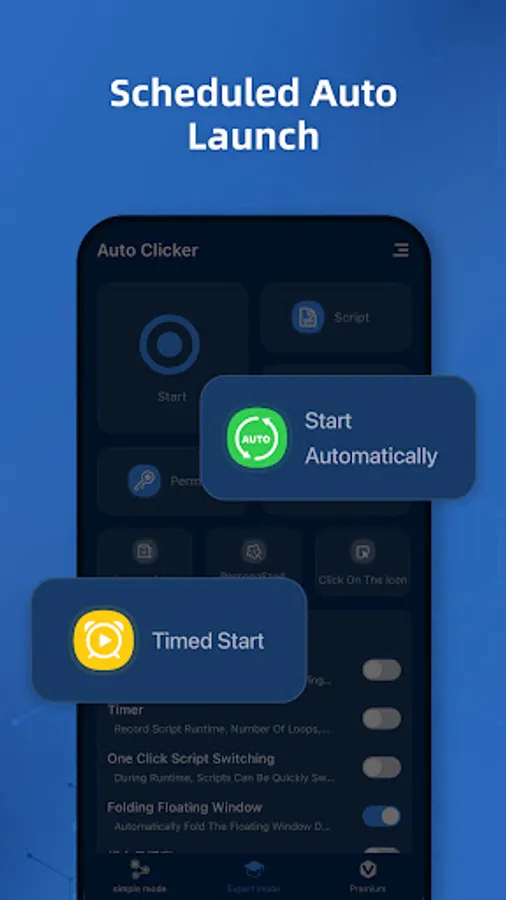
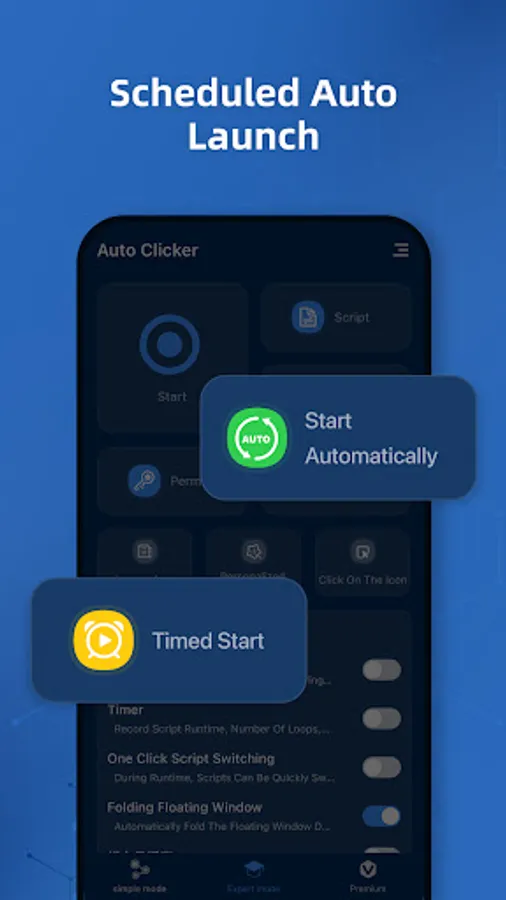
Scheduled Auto-Start
Launch apps and run your scripts automatically on a timer.
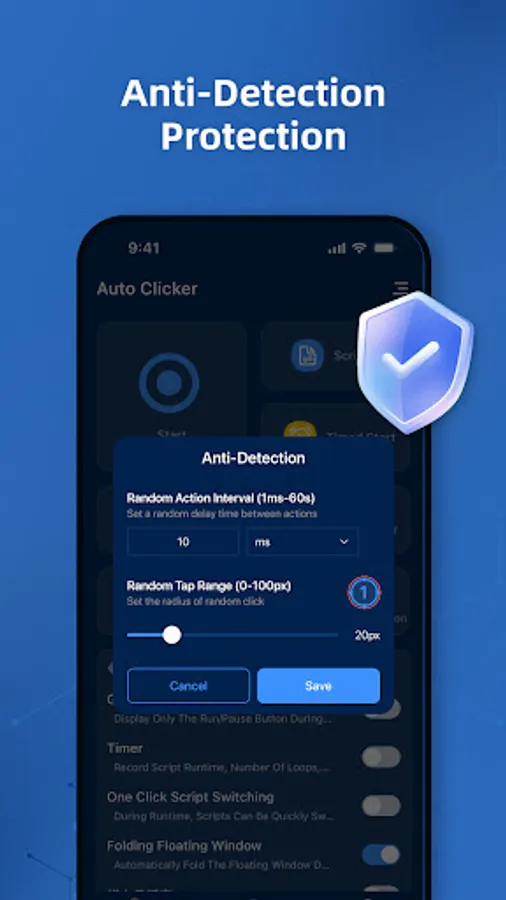
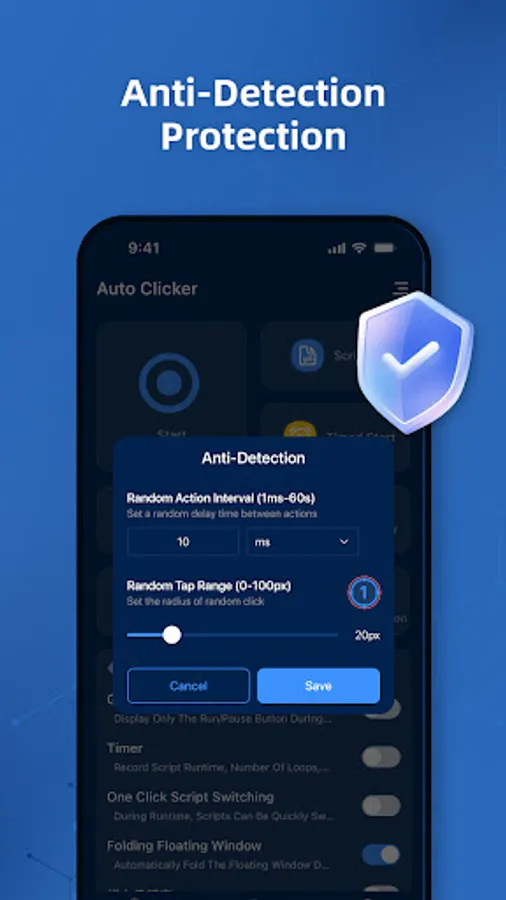
Anti-Detection Engine
Optimized to reduce detection risks in sensitive apps or games.
Floating Panel Customization
Adjust size, transparency, and position for seamless control.
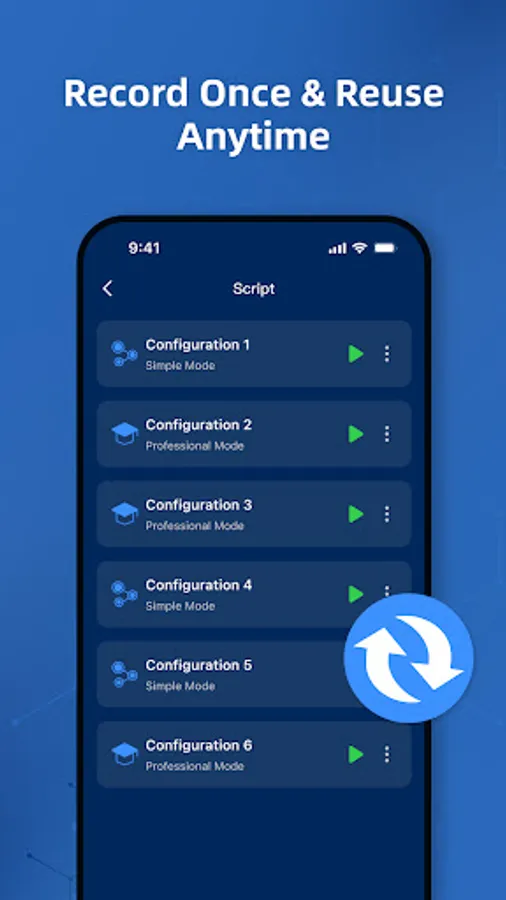
Save & Load Scripts
Store multiple setups and switch instantly between them.
⚙️ Accessibility Disclosure:
This app uses Accessibility Services to enable core features such as tapping, swiping, and gesture replay.
Permission is required for proper operation on Android 12+.
No personal or sensitive data is collected.
Download now and choose your mode—easy or expert. Start automating in seconds.
🔹 Two Modes. One Powerful Tool:
• Easy Mode
Just getting started? Use quick access to multi-point taps and swipe paths. Ideal for casual automation—simple, fast, and effective.
• Expert Mode
Need advanced control? Unlock full automation with gesture recording, synchronous tapping, and custom timing. Designed for gamers and pro users.
🔧 Key Features:
Multi-Point Control
Automate several taps or swipes either together or in sequence.
Gesture Recorder
Record your actions—taps, swipes, holds—and replay them anytime.
Sync Mode
Tap multiple targets at once with perfect synchronization.
Curve Swipe Support
Create smooth swipe gestures to simulate natural motion.
Scheduled Auto-Start
Launch apps and run your scripts automatically on a timer.
Anti-Detection Engine
Optimized to reduce detection risks in sensitive apps or games.
Floating Panel Customization
Adjust size, transparency, and position for seamless control.
Save & Load Scripts
Store multiple setups and switch instantly between them.
⚙️ Accessibility Disclosure:
This app uses Accessibility Services to enable core features such as tapping, swiping, and gesture replay.
Permission is required for proper operation on Android 12+.
No personal or sensitive data is collected.
Download now and choose your mode—easy or expert. Start automating in seconds.
Auto Clicker Pro - Auto Tapper Screenshots
Tap to Rate:
Reviews for Auto Clicker Pro - Auto Tapper
Sam Sam
12/20/2025
it doesn't work it is struck it allowing setting even if you allow it say to allow again and again useless and their ads to
Rameswar Kampa
12/13/2025
nice app 💯☺️