
Auto Clicker-Auto Tap & Swipe
Bright Prospect
4.1 ★
59K ratings
10,000,000+
downloads
Free
+ in-app
AppRecs review analysis
AppRecs rating 3.6. Trustworthiness 64 out of 100. Review manipulation risk 32 out of 100. Based on a review sample analyzed.
★★★☆☆
3.6
AppRecs Rating
Ratings breakdown
5 star
70%
4 star
7%
3 star
3%
2 star
3%
1 star
17%
What to know
✓
High user satisfaction
76% of sampled ratings are 4+ stars (4.1★ average)
⚠
Ad complaints
Many low ratings mention excessive ads
About Auto Clicker-Auto Tap & Swipe
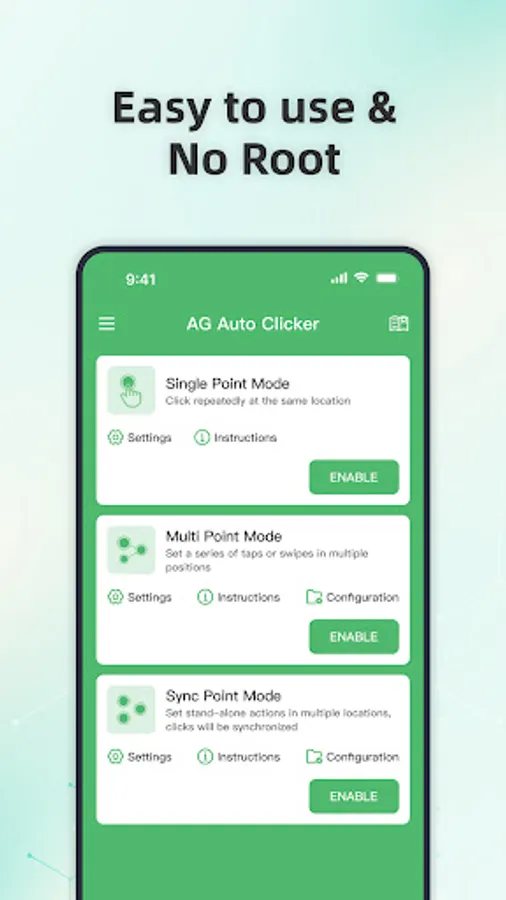
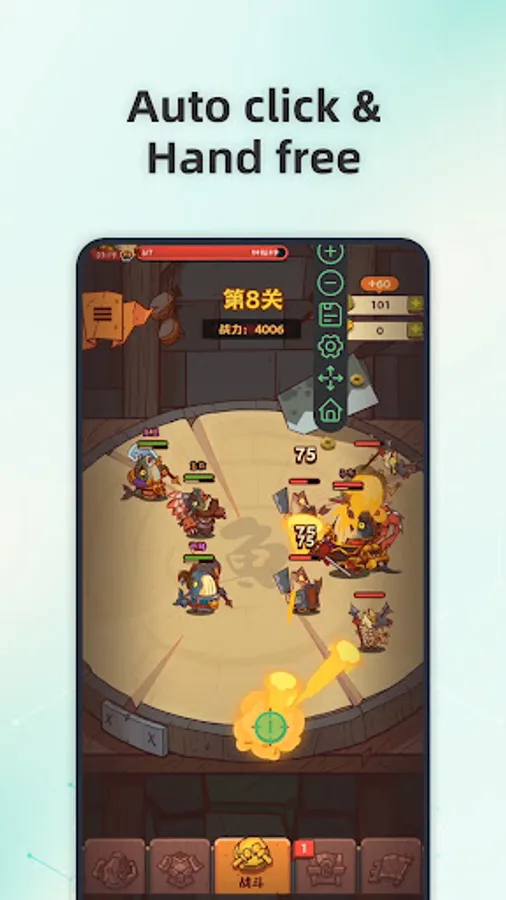
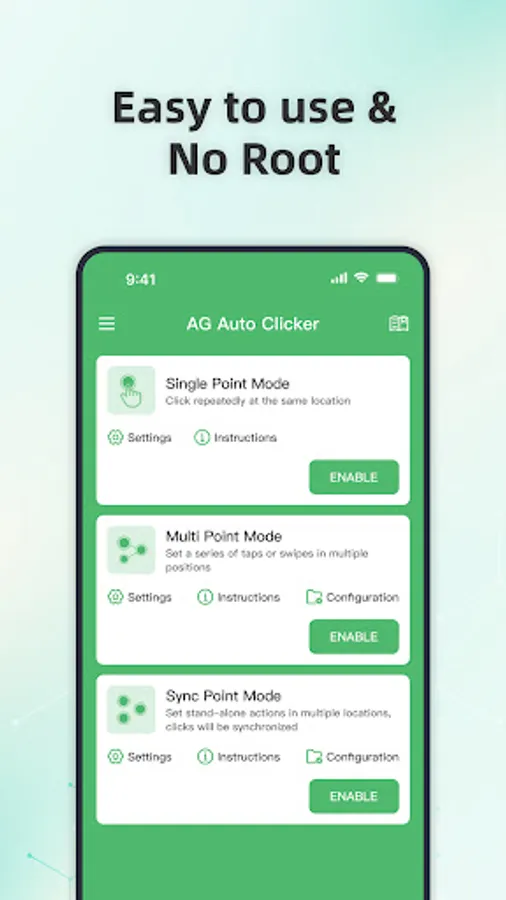
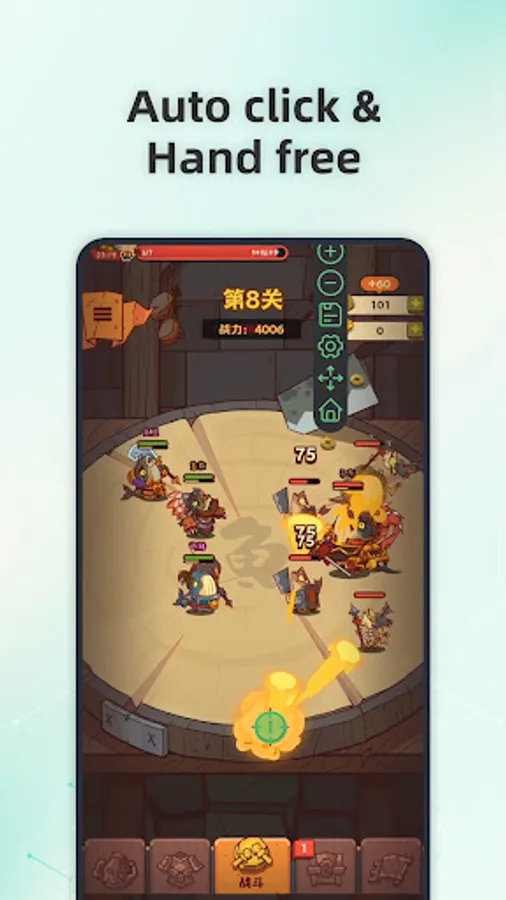
AG Auto Clicker is a user-controlled automation tool that helps automate repetitive on-screen actions such as taps, swipes, and long presses on Android devices.
All automation features are manually configured and explicitly initiated by the user. The app only functions after the user has voluntarily granted and enabled the required Accessibility permission, and automation runs strictly according to the user's settings.
Key Capabilities
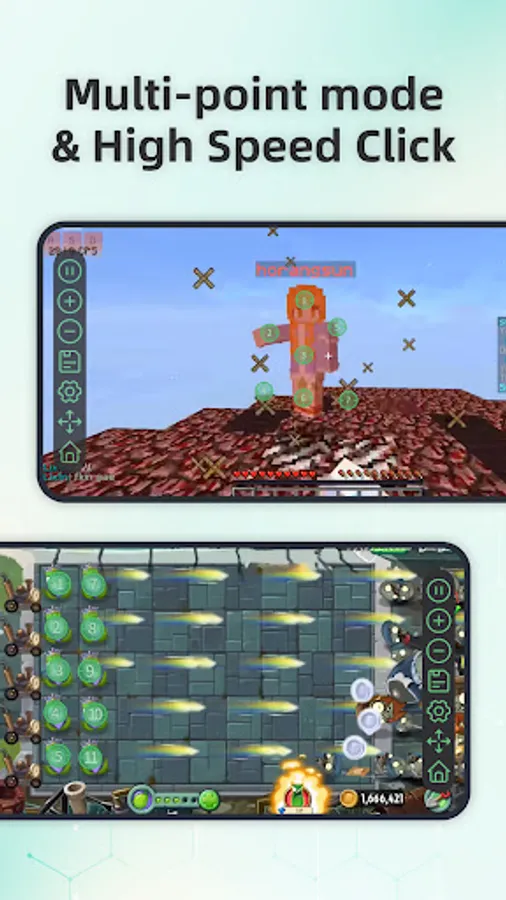
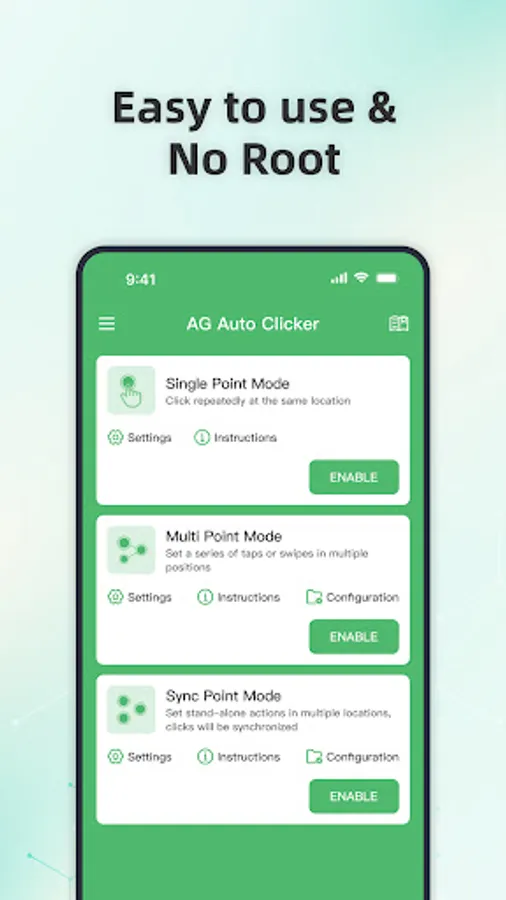
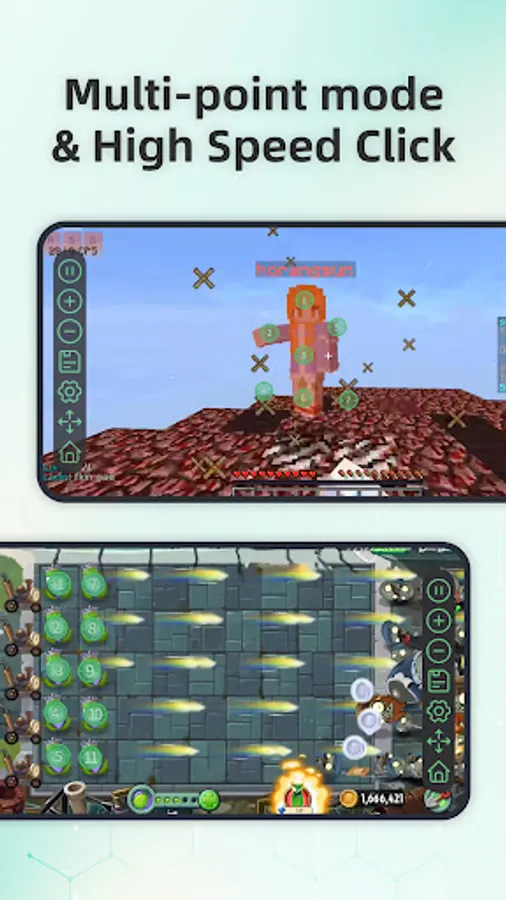
✅ Multi-Point & Multi-Touch Automation
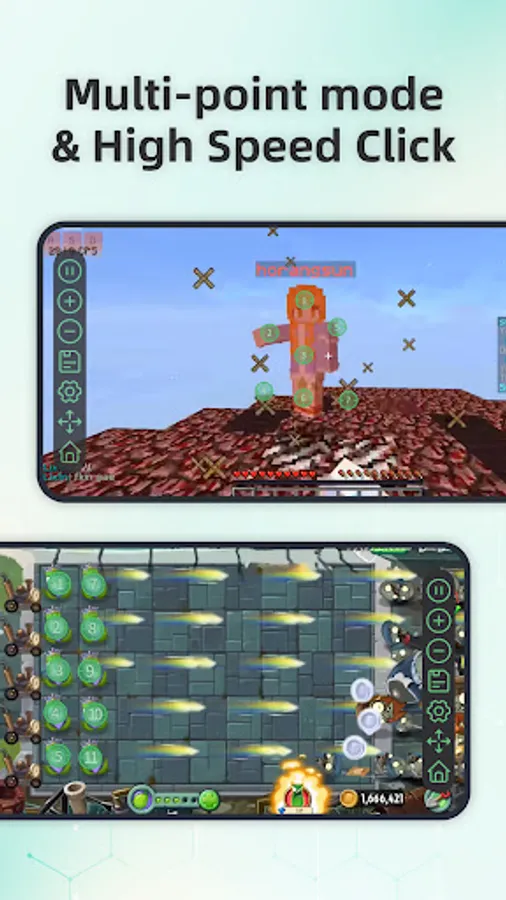
Create sequences of taps or swipes that run in sync or in order, fully defined by the user.
✅ Synchronous Clicking
Trigger multiple click points simultaneously for user-defined tasks that require coordinated input.
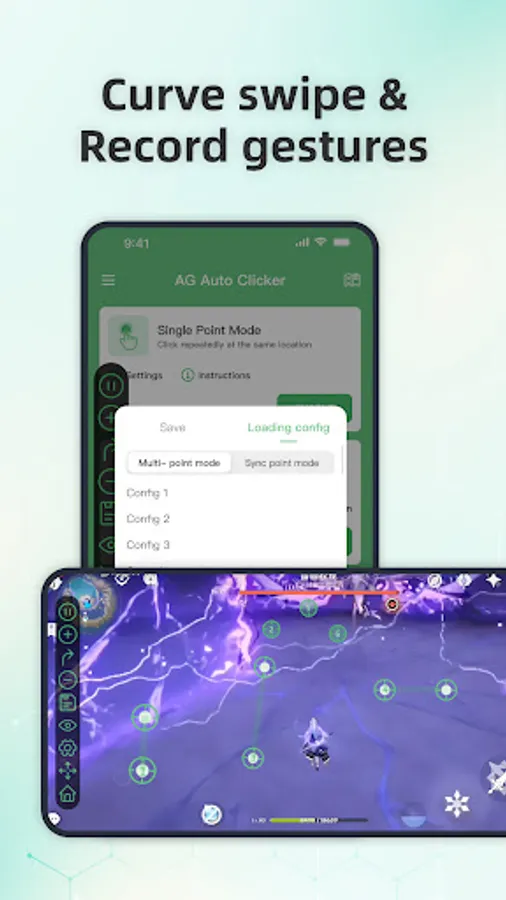
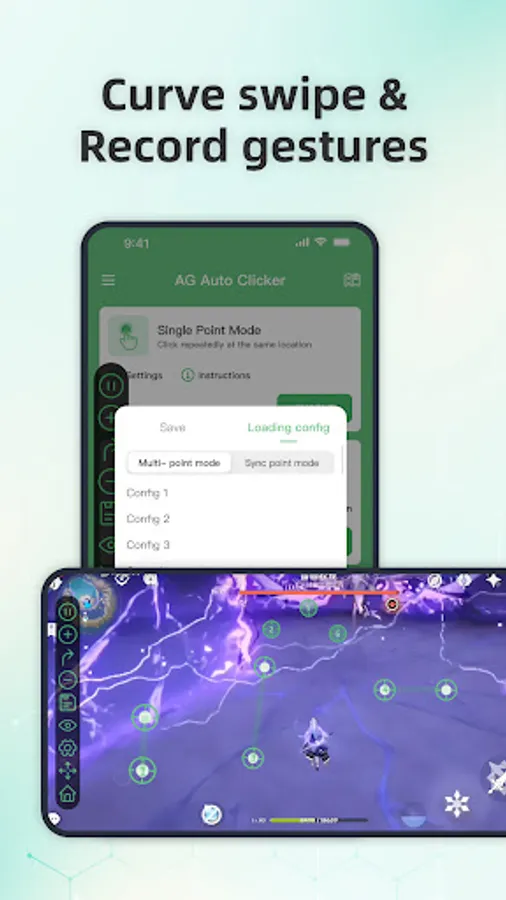
✅ Record & Playback
Record on-screen gestures and replay them as configured by the user for personal automation scenarios.
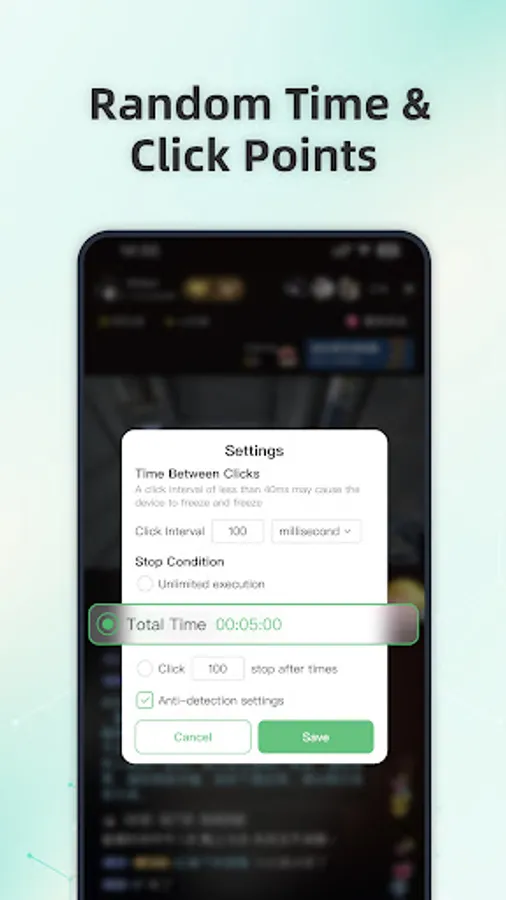
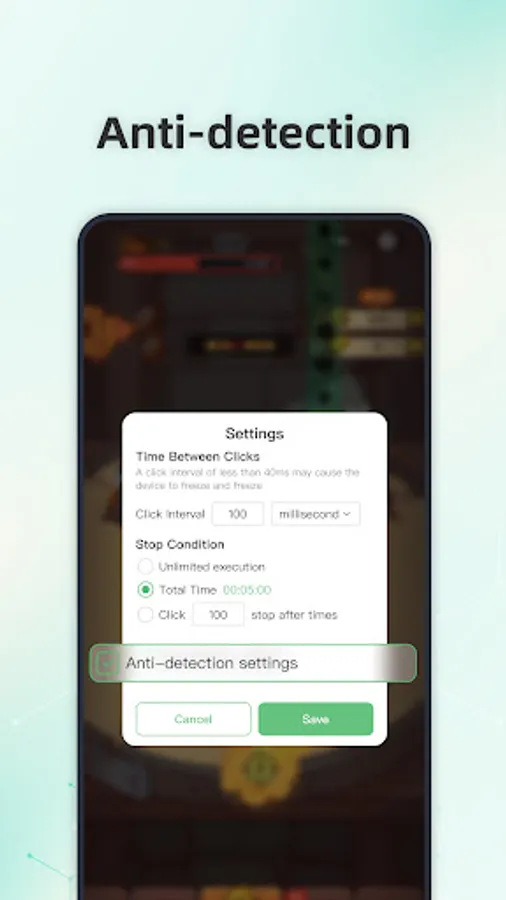
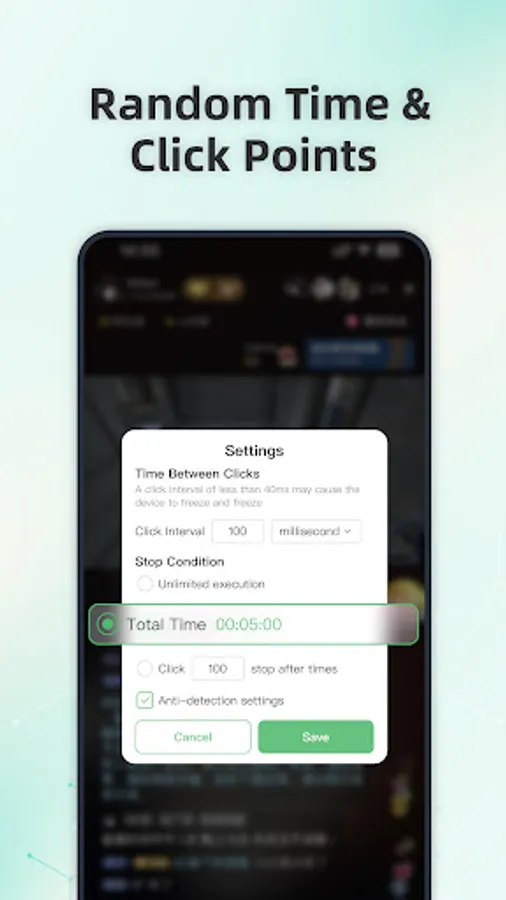
✅ Scheduled Start & Interval Control
Set a delayed start time and customize click intervals with precise timing control.
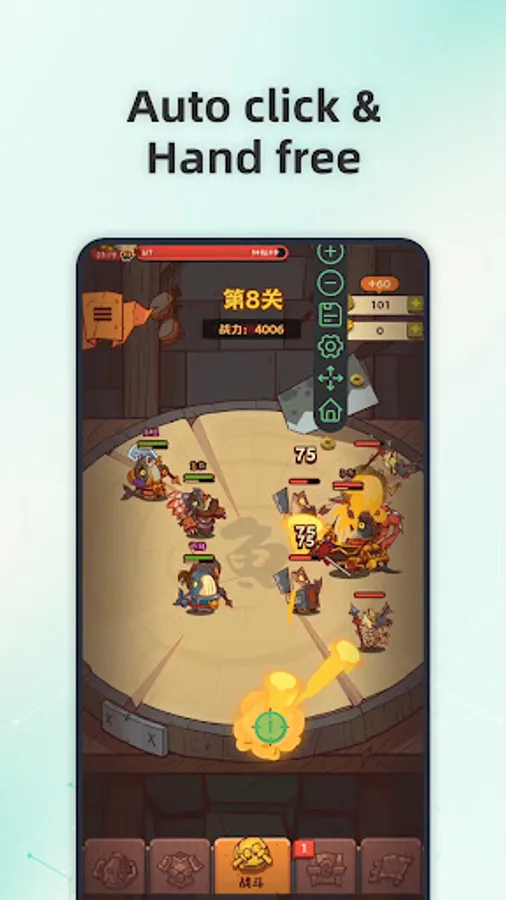
✅ Floating Control Panel
Start or stop automation at any time using an adjustable floating control overlay.
AG Auto Clicker does not perform actions without user configuration and does not bypass system restrictions, security mechanisms, or third-party protections.
Accessibility Service Declaration
AG Auto Clicker uses the Android Accessibility Service solely to enable user-approved automation features such as tapping, swiping, and long pressing.
Accessibility permission is optional and disabled by default
Features are available only after the user manually enables the permission
The app does not access, collect, or store:
Usernames or passwords
Account credentials
Personal or sensitive user data
The app does not perform background actions without user awareness
The app does not communicate with third-party services through Accessibility APIs
No ROOT access is required. Compatible with Android 12 and above.
All automation features are manually configured and explicitly initiated by the user. The app only functions after the user has voluntarily granted and enabled the required Accessibility permission, and automation runs strictly according to the user's settings.
Key Capabilities
✅ Multi-Point & Multi-Touch Automation
Create sequences of taps or swipes that run in sync or in order, fully defined by the user.
✅ Synchronous Clicking
Trigger multiple click points simultaneously for user-defined tasks that require coordinated input.
✅ Record & Playback
Record on-screen gestures and replay them as configured by the user for personal automation scenarios.
✅ Scheduled Start & Interval Control
Set a delayed start time and customize click intervals with precise timing control.
✅ Floating Control Panel
Start or stop automation at any time using an adjustable floating control overlay.
AG Auto Clicker does not perform actions without user configuration and does not bypass system restrictions, security mechanisms, or third-party protections.
Accessibility Service Declaration
AG Auto Clicker uses the Android Accessibility Service solely to enable user-approved automation features such as tapping, swiping, and long pressing.
Accessibility permission is optional and disabled by default
Features are available only after the user manually enables the permission
The app does not access, collect, or store:
Usernames or passwords
Account credentials
Personal or sensitive user data
The app does not perform background actions without user awareness
The app does not communicate with third-party services through Accessibility APIs
No ROOT access is required. Compatible with Android 12 and above.
Auto Clicker-Auto Tap & Swipe Screenshots
Tap to Rate:
Reviews for Auto Clicker-Auto Tap & Swipe
BASHAR Khayata
3/6/2026
very good auto clicker and it works
Apolo Cantu
3/6/2026
It's Impossible to beat me in blade ball thanks.. But sometimes it doesn't work..