
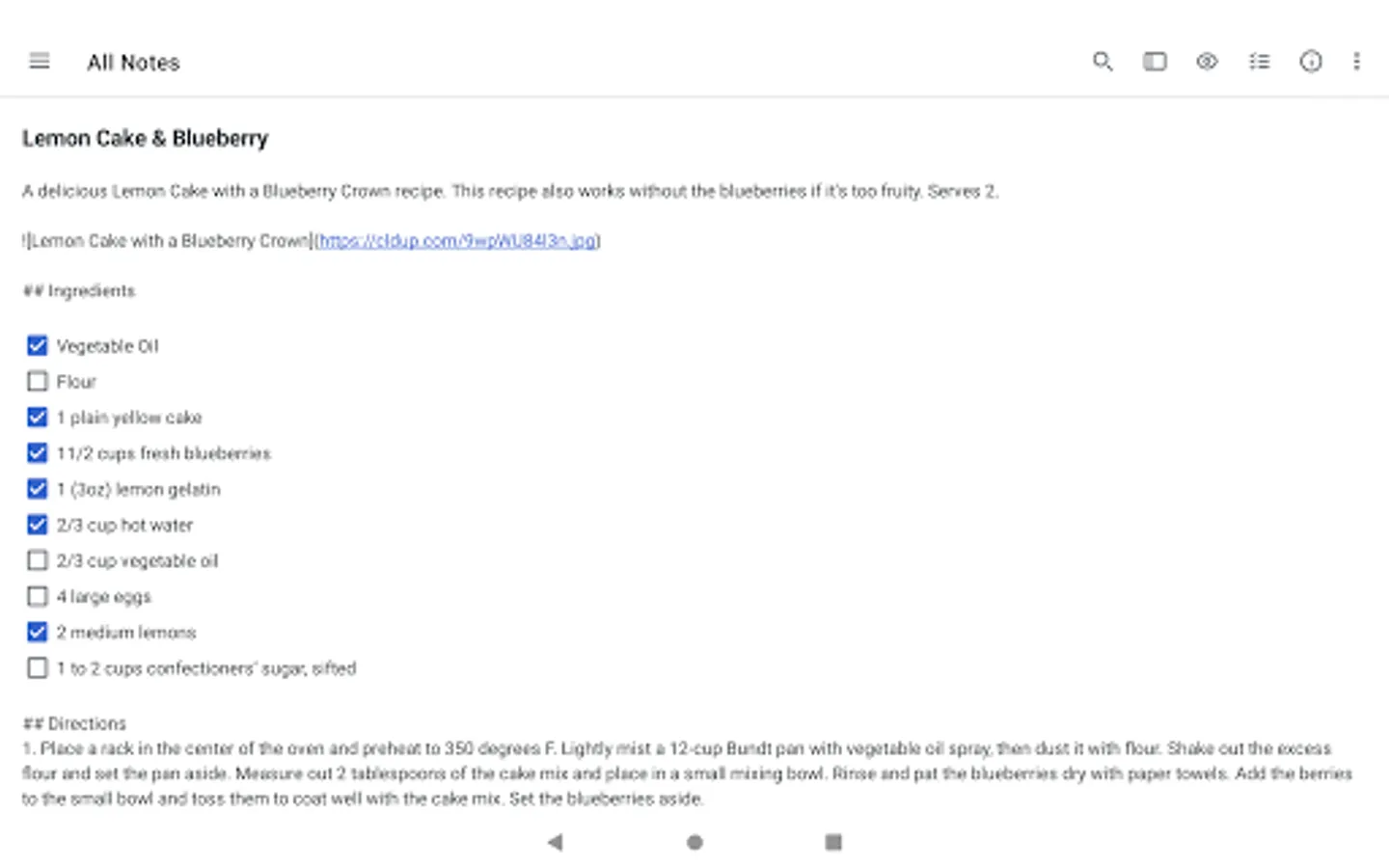
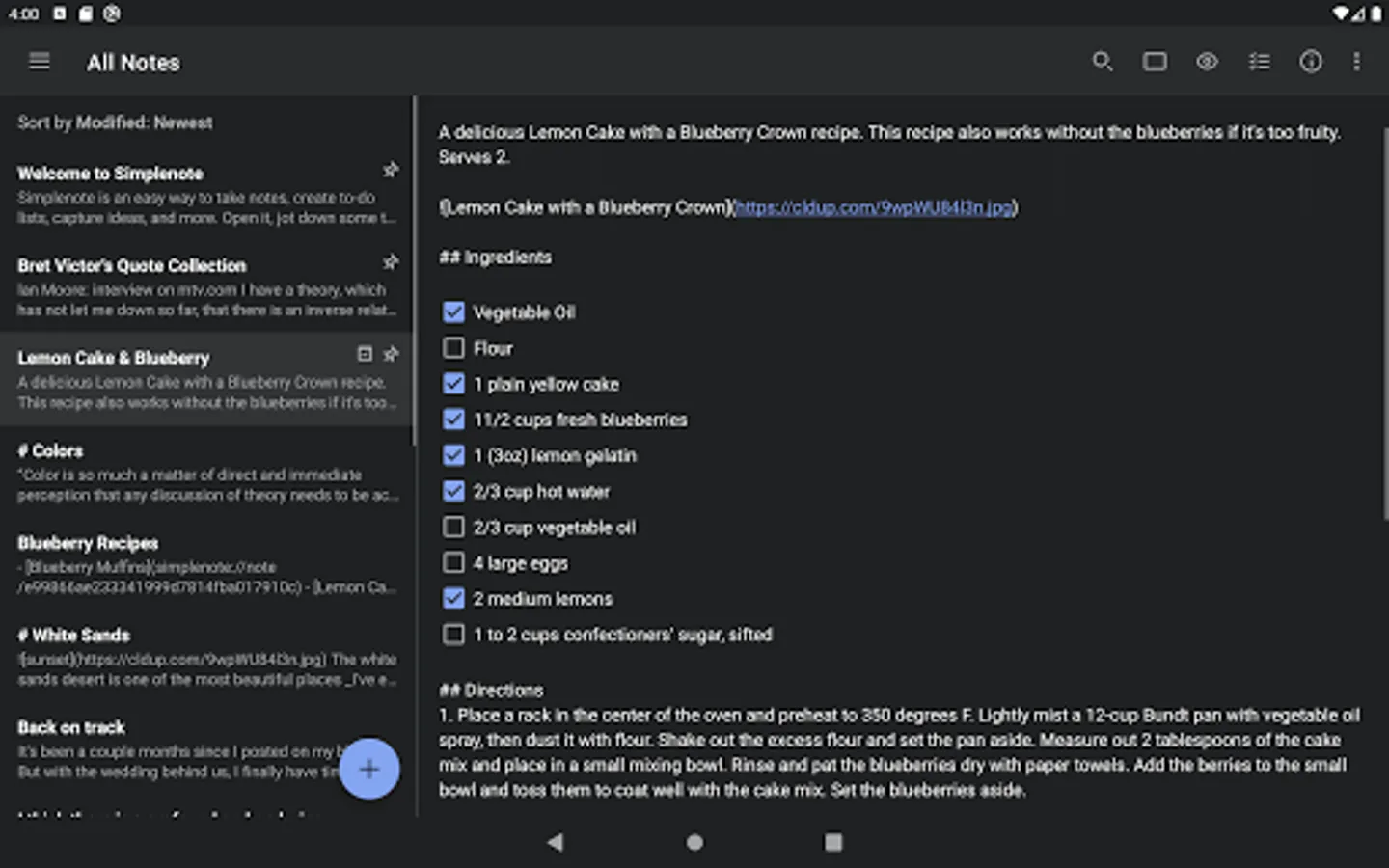
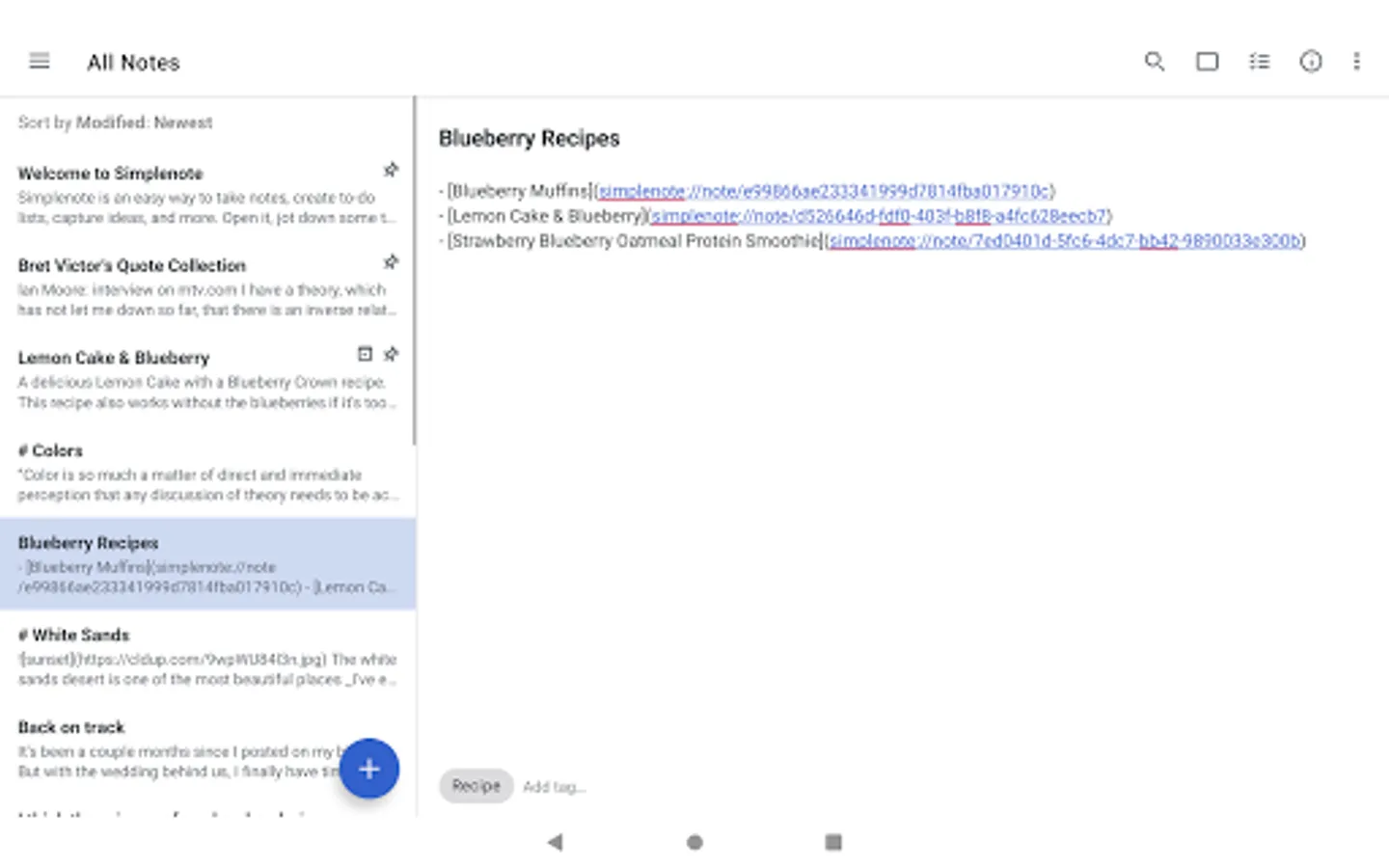
In this note-taking app, you can jot down ideas, create to-do lists, and organize notes using tags and pins. Includes syncing across devices, collaboration, and search features.
AppRecs review analysis
AppRecs rating 3.5. Trustworthiness 89 out of 100. Review manipulation risk 20 out of 100. Based on a review sample analyzed.
★★★☆☆
3.5
AppRecs Rating
Ratings breakdown
5 star
50%
4 star
13%
3 star
8%
2 star
4%
1 star
25%
What to know
✓
Low review manipulation risk
20% review manipulation risk
✓
Credible reviews
89% trustworthiness score from analyzed reviews
✓
Good user ratings
63% positive sampled reviews
About Simplenote
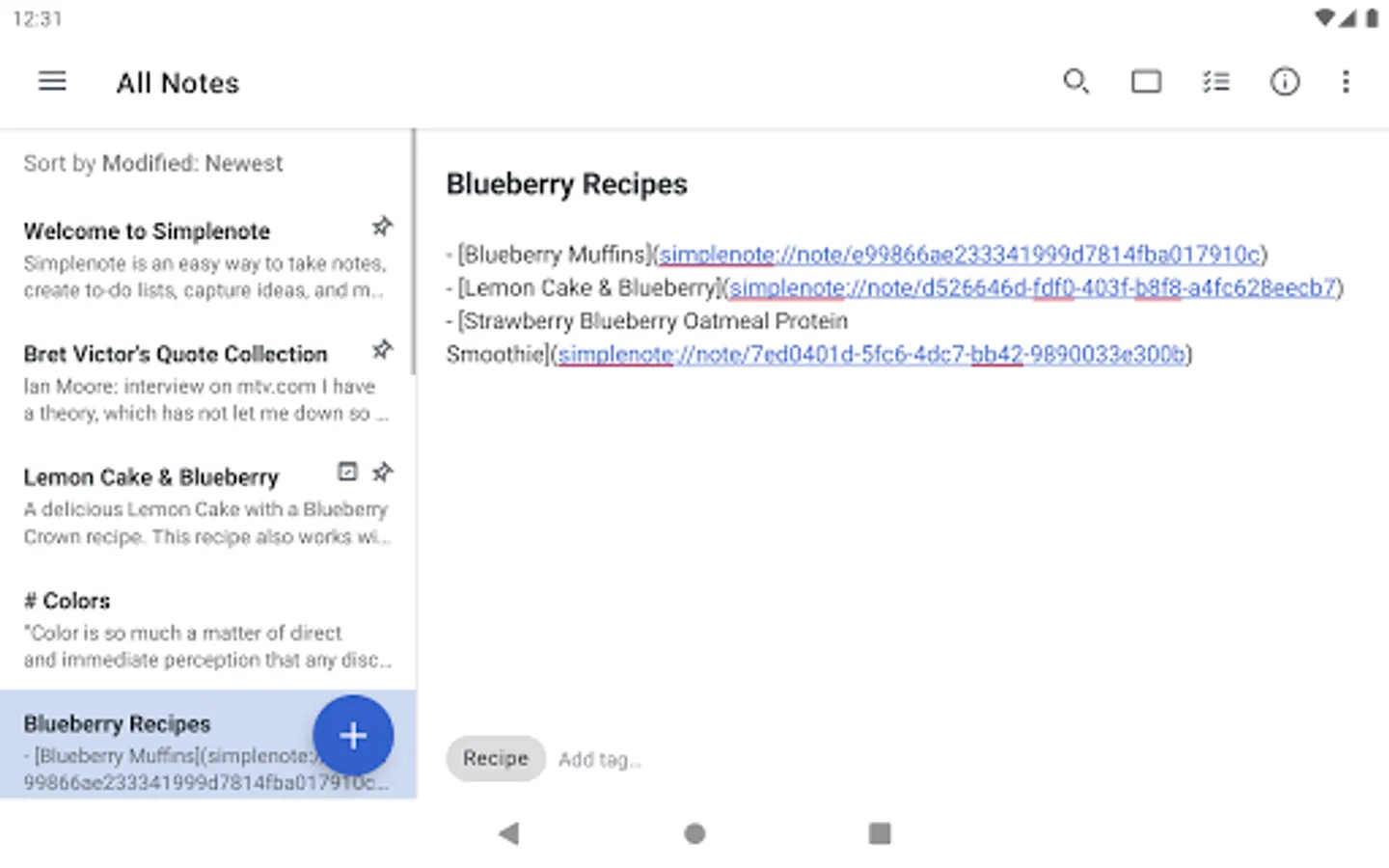
- A simple, note taking experience
- Sync everything across all your devices
- Collaborate and share
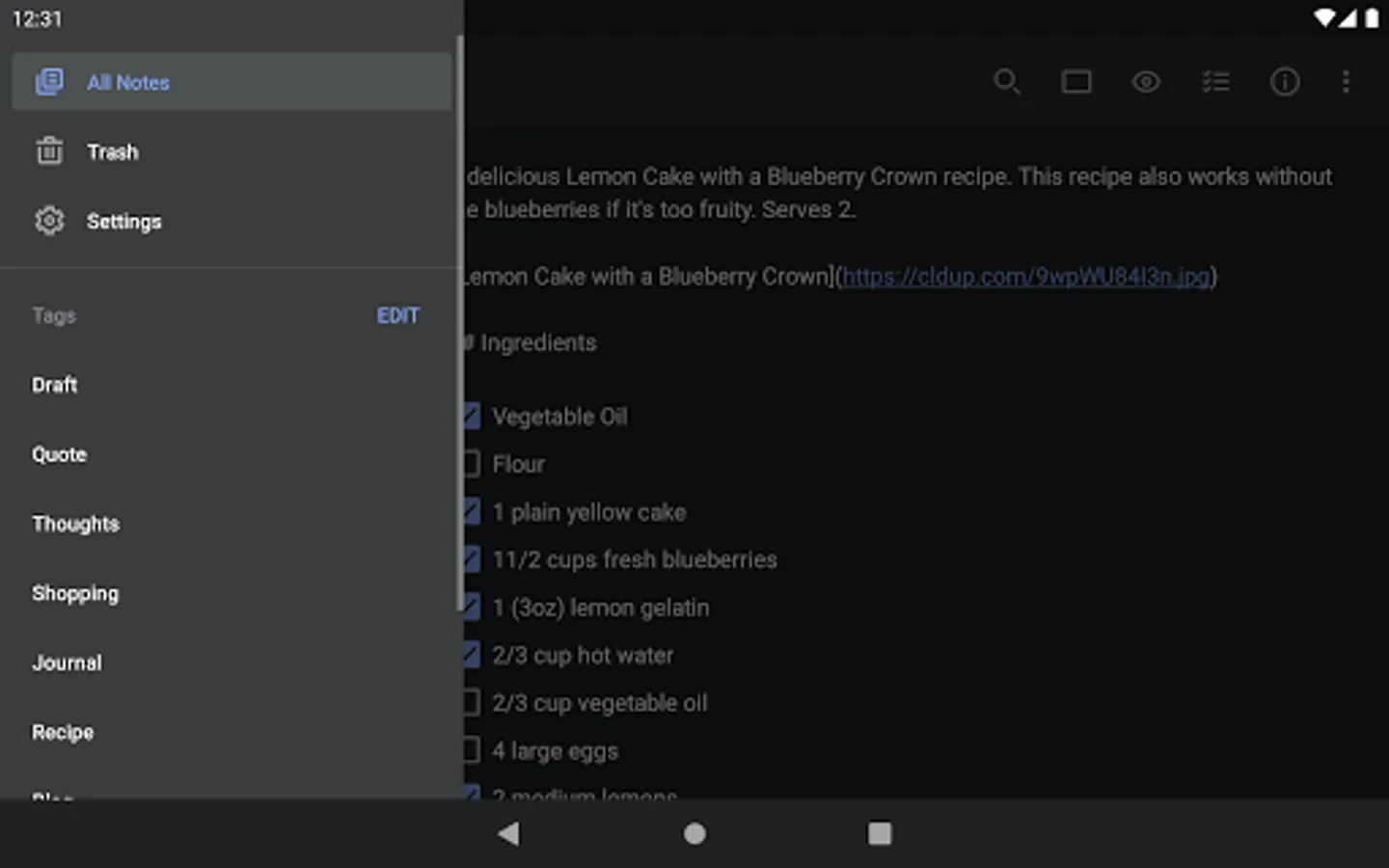
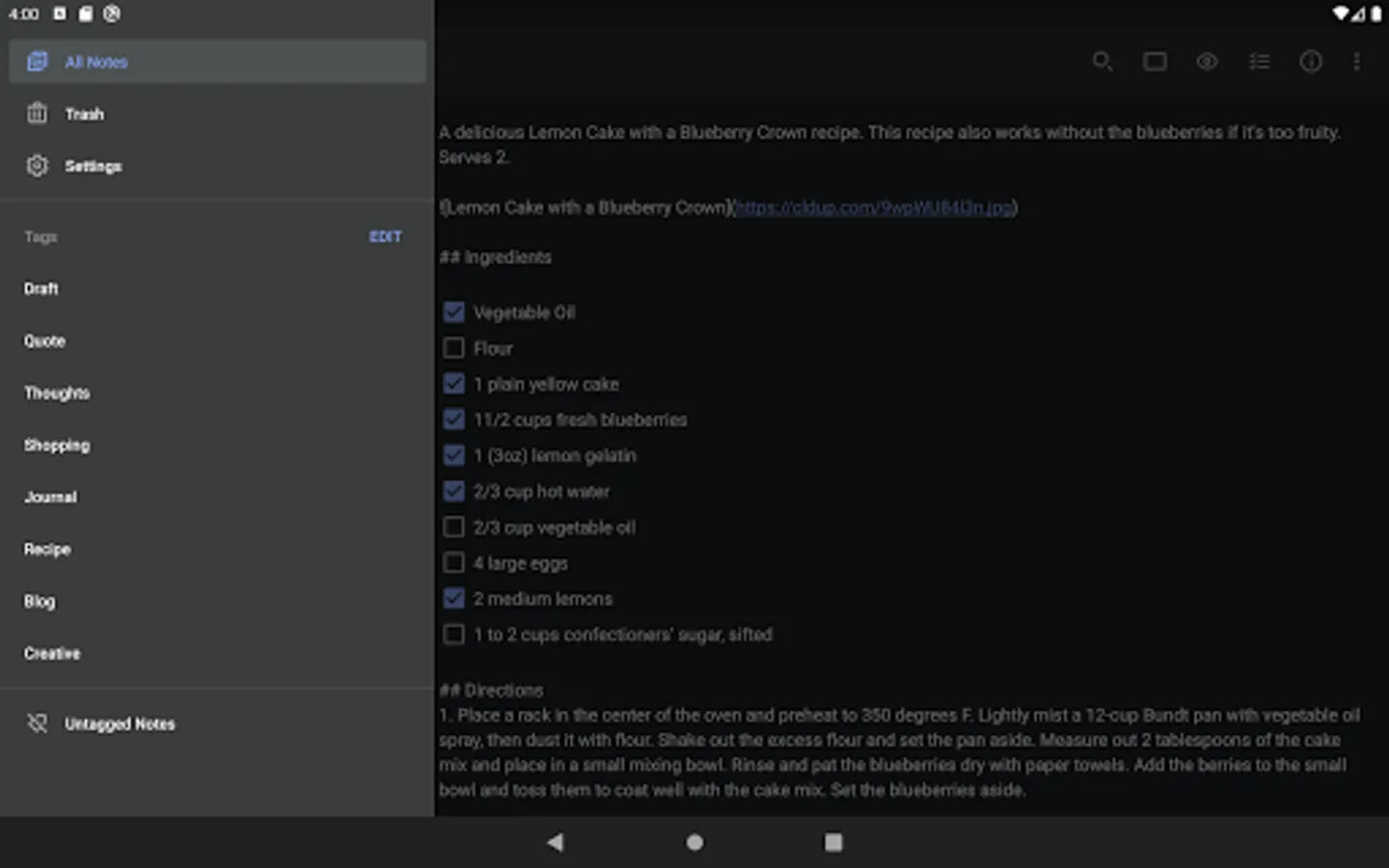
- Stay organized with tags
- Log in with your email or WordPress.com account
SYNC WITH CONFIDENCE
- Automatically sync seamlessly across any computer, phone or tablet.
- Back up and sync everything as you take notes, so you never lose your content.
COLLABORATE AND SHARE
- Collaborate and work together -- share ideas with a colleague, or write a grocery list with your roommate.
- Choose whether to publish your content to the web, and share a link with whoever you want.
- Publish directly to a WordPress site by connecting your WordPress.com account.
- Quickly and easily share with third-party apps.
ORGANIZE AND SEARCH
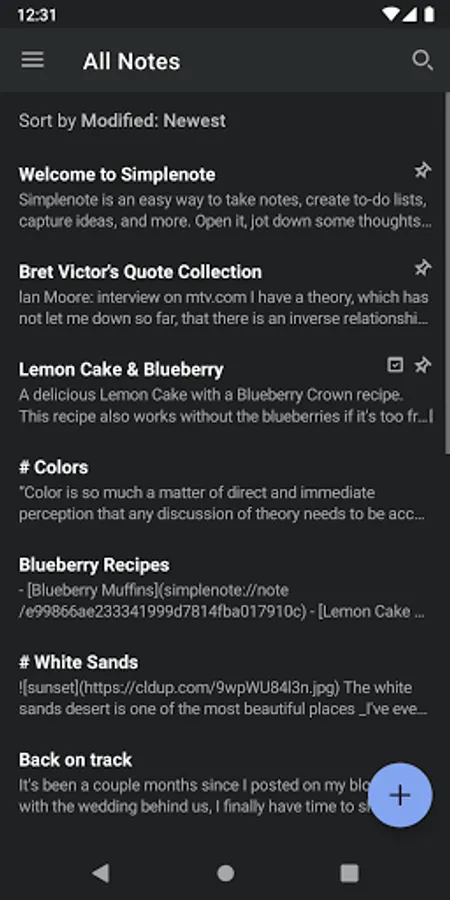
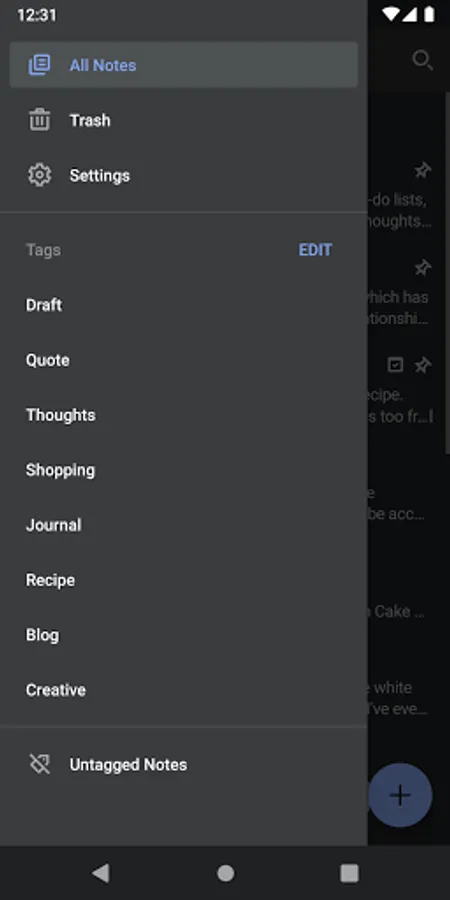
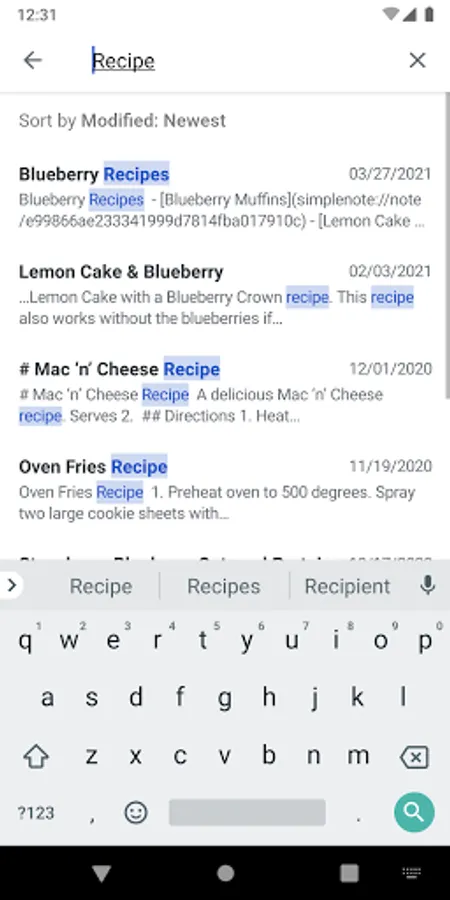
- Stay organized with tags, and use them for quick searching and sorting.
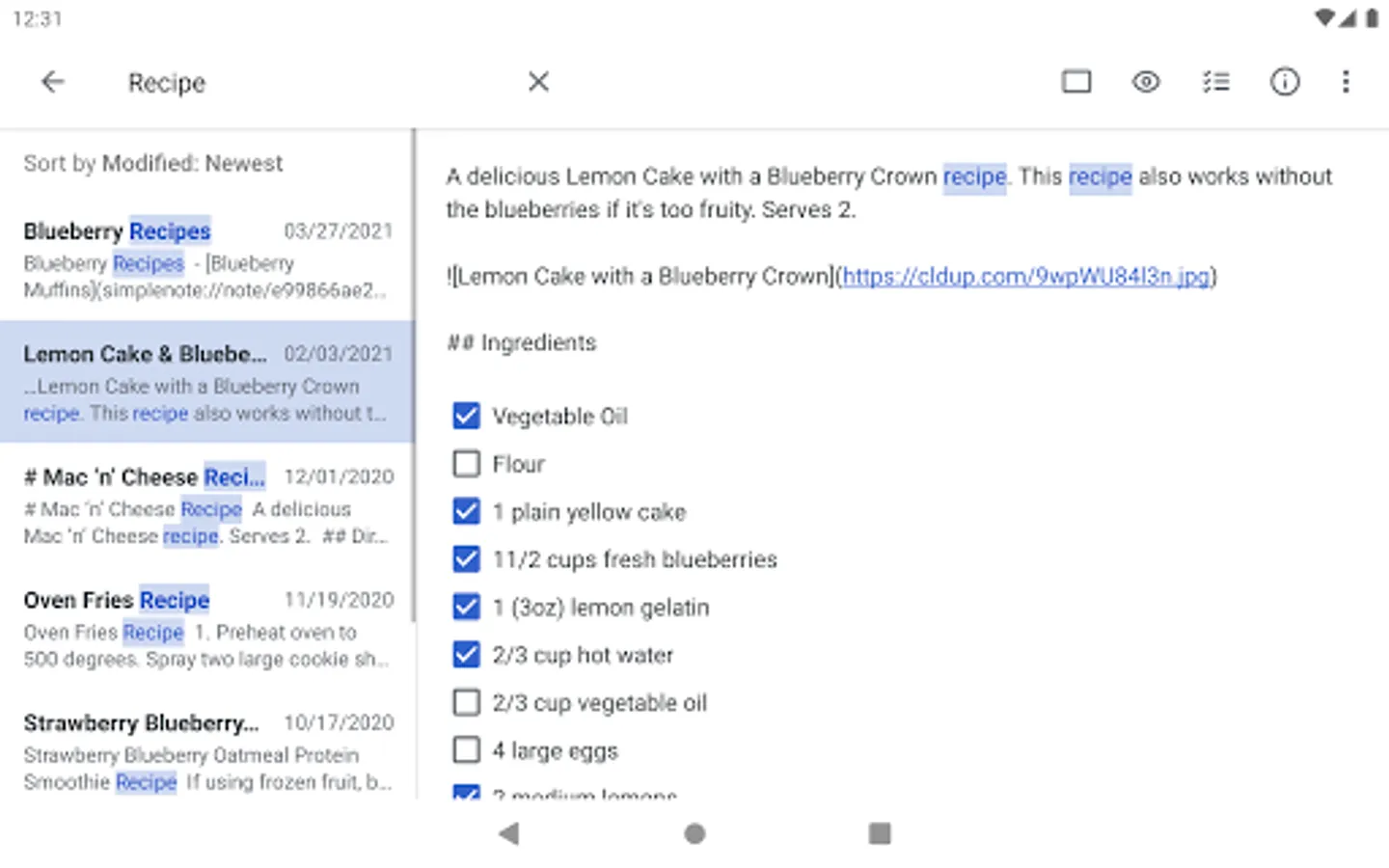
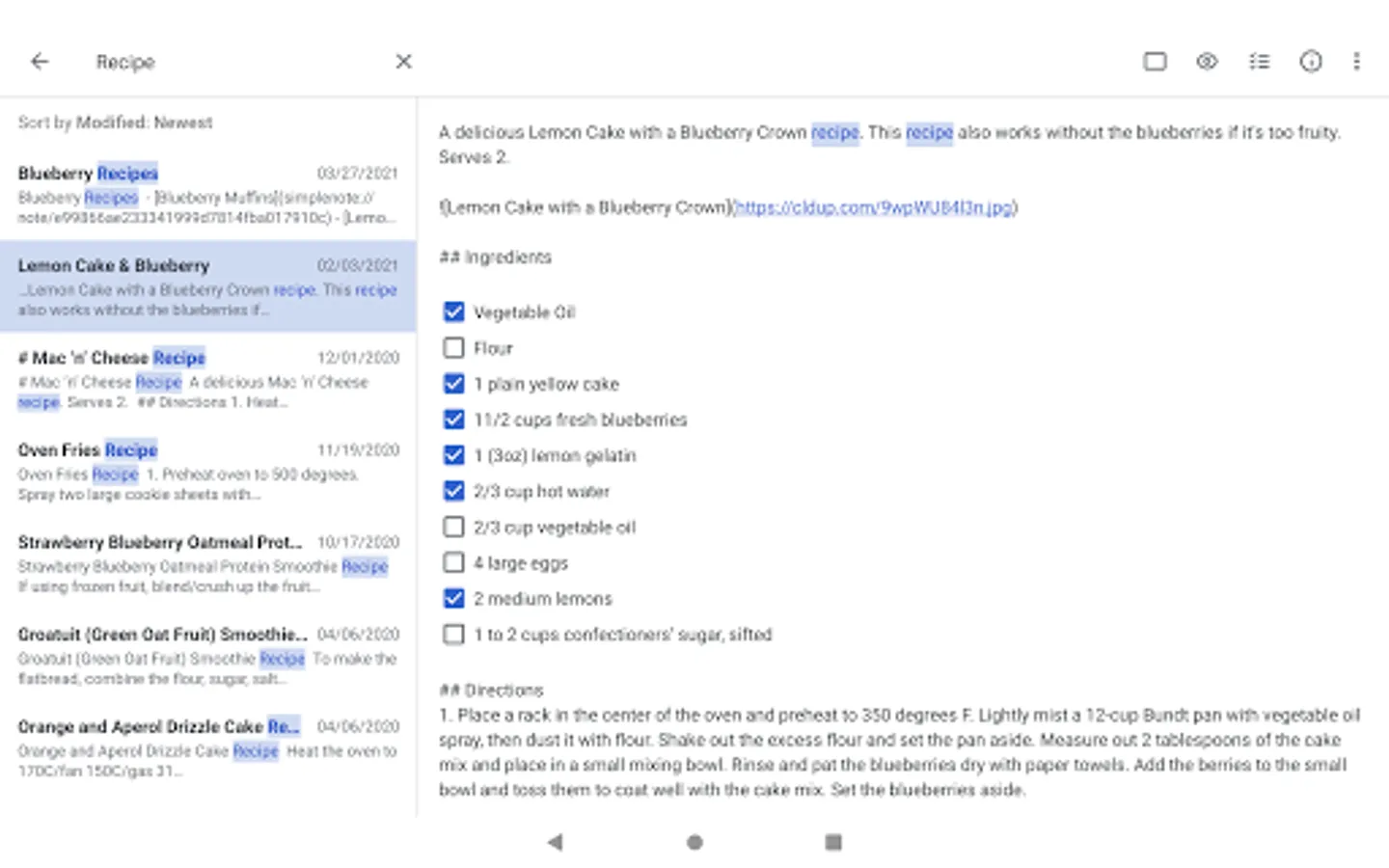
- Instantly find what you’re looking for with keyword highlighting.
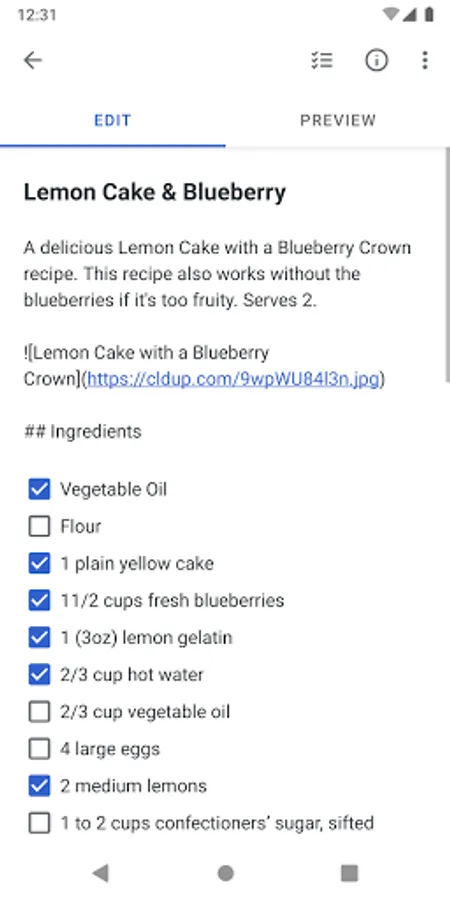
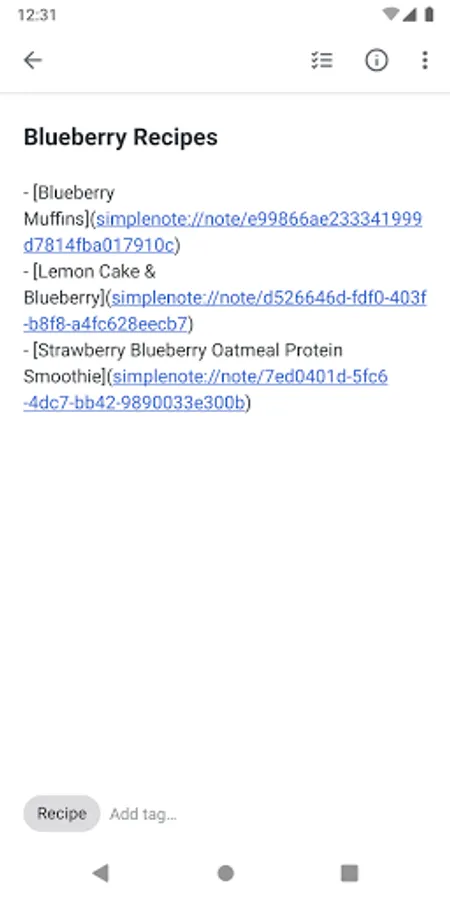
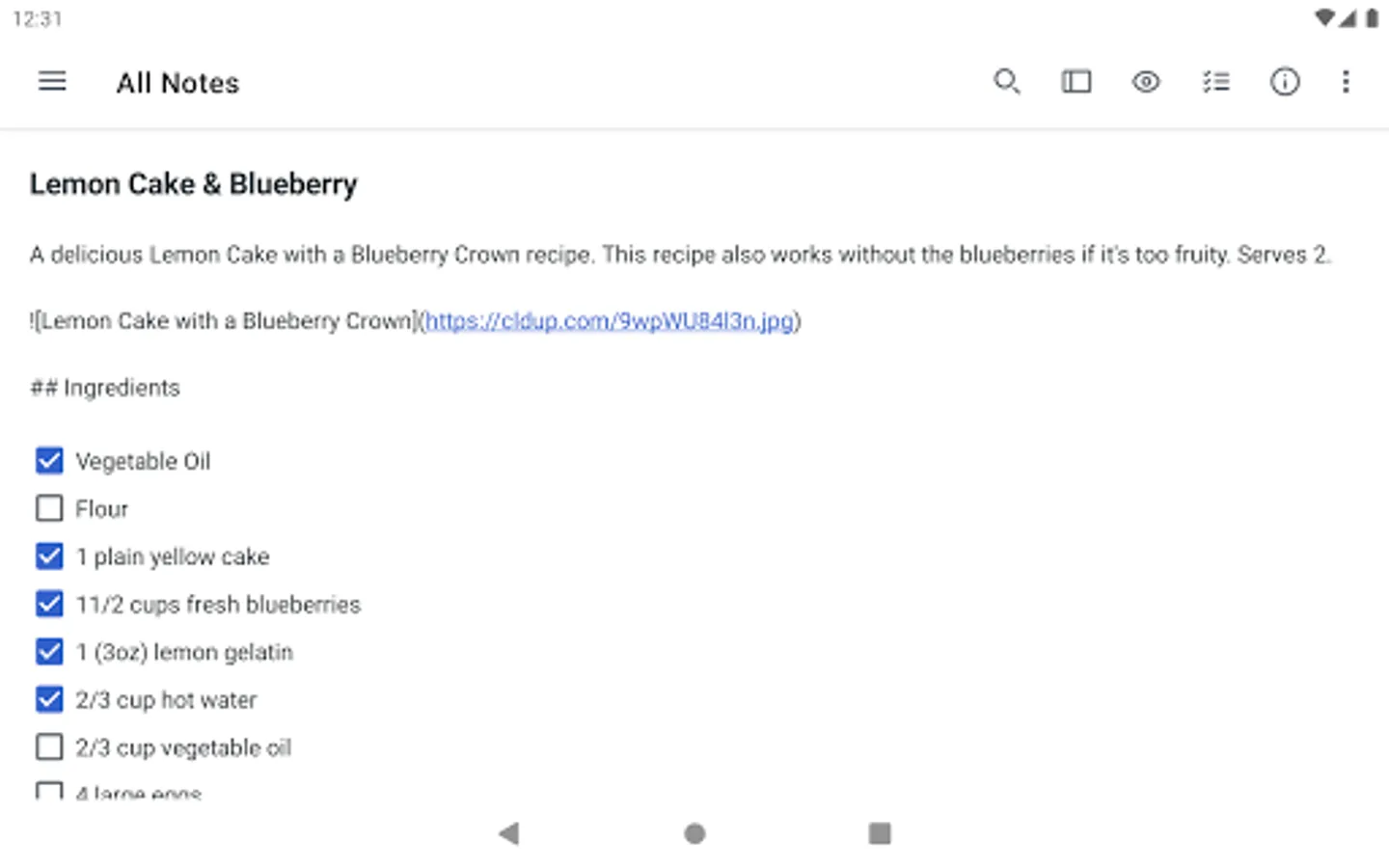
- Use markdown to add formatting.
- Create to-do lists.
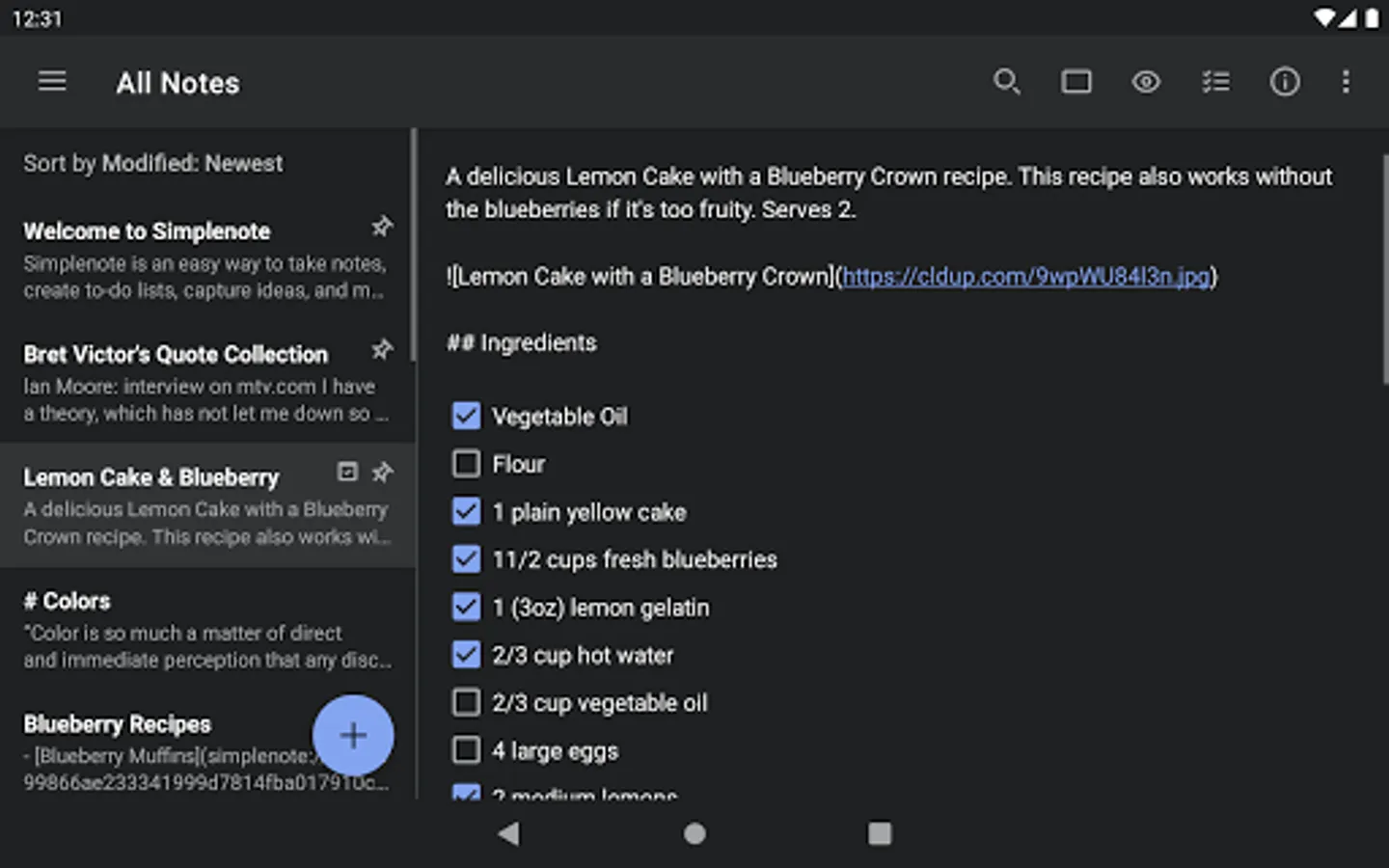
- Choose the sorting order of your notes and tags.
- Pin the notes that you use the most.
- Edit tags directly by renaming and reordering.
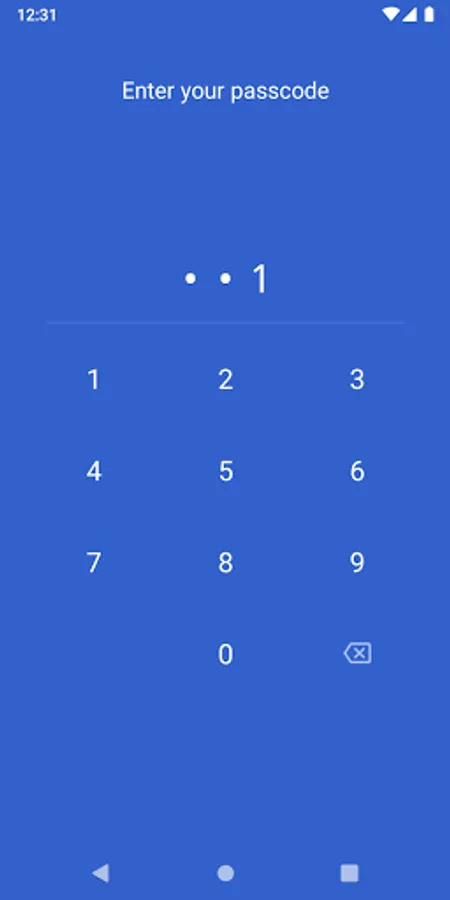
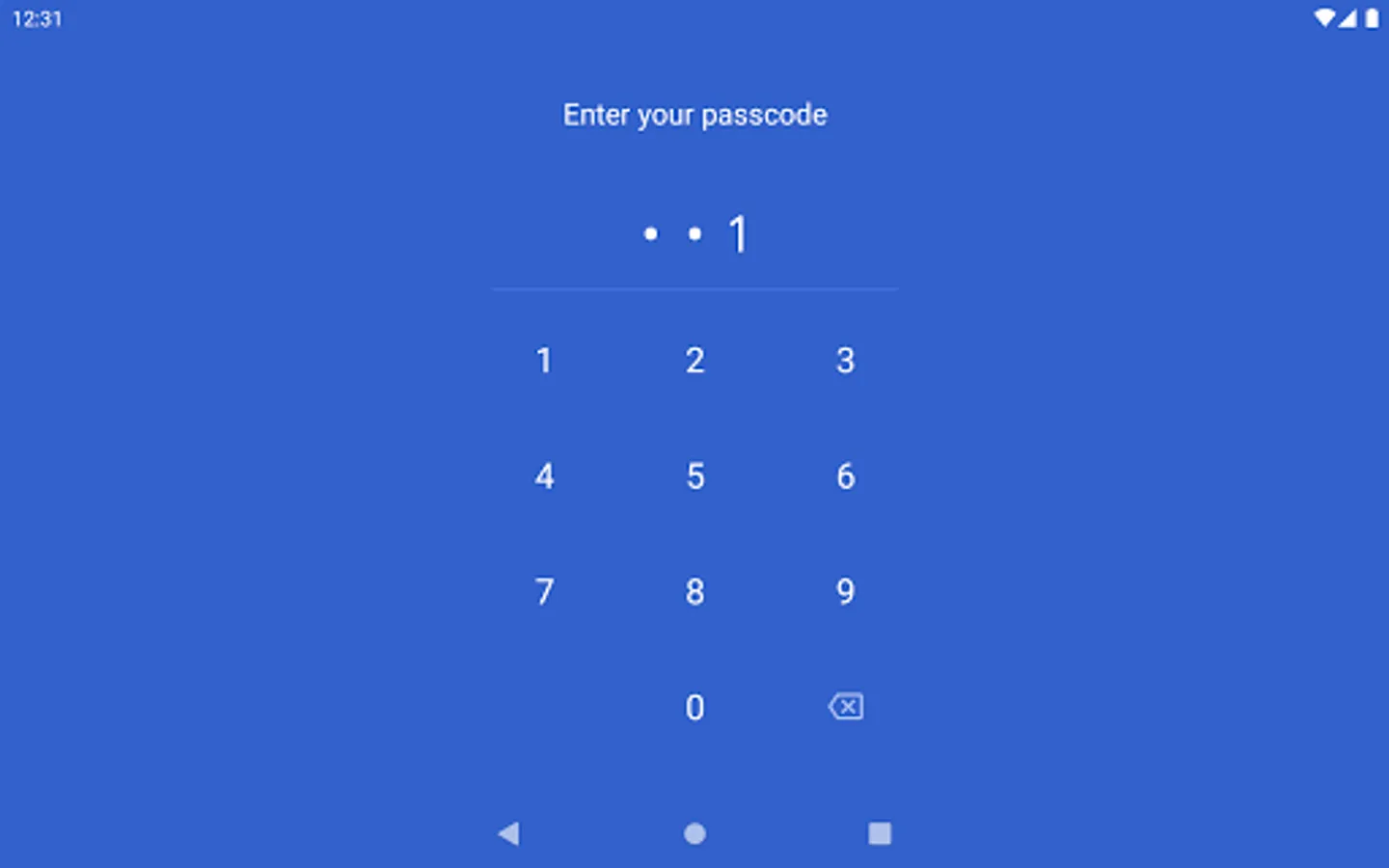
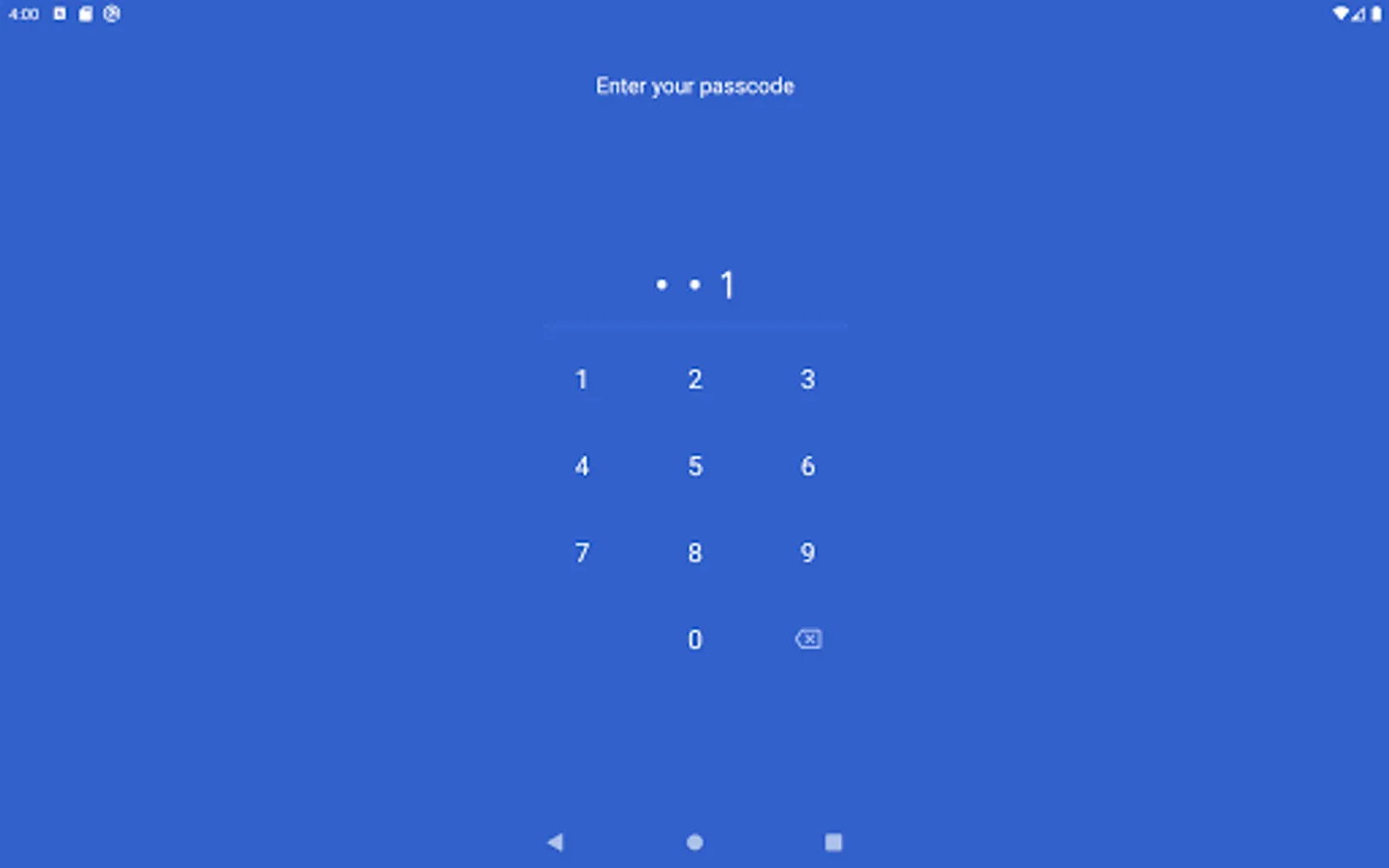
- Protect your content with a passcode lock.
--
Privacy Policy: https://automattic.com/privacy/
Terms of Service: https://simplenote.com/terms/
--
Visit simplenote.com to download Simplenote for your other devices.
Simplenote Screenshots
Tap to Rate:
Reviews for Simplenote
LaDar Moore?
12/27/2025
I love this app, but there's 1 thing that needs added. I'm an aspiring author & am using the app for writing my stories. The notes cannot be named or have subtitles, therefore the story title and chapter headings have to be added into the note itself, which messes with the word count of the story. Also, it would be nice if there was a FAQ installed that explained all features of the app. One of the features is a check box next to the word "Publish." Publishes to WordPress? That won't help me. 😩
Tyler Davis
12/24/2025
Worked well for a while, now it crashes every time I open it.