AppRecs review analysis
AppRecs rating . Trustworthiness 55 out of 100. Review manipulation risk 20 out of 100. Based on a review sample analyzed.
★
AppRecs Rating
Ratings breakdown
5 star
0%
4 star
0%
3 star
0%
2 star
0%
1 star
100%
What to know
⚠
Mixed user feedback
Average 1.0★ rating suggests room for improvement
About Daily To-DO Planner & Notes
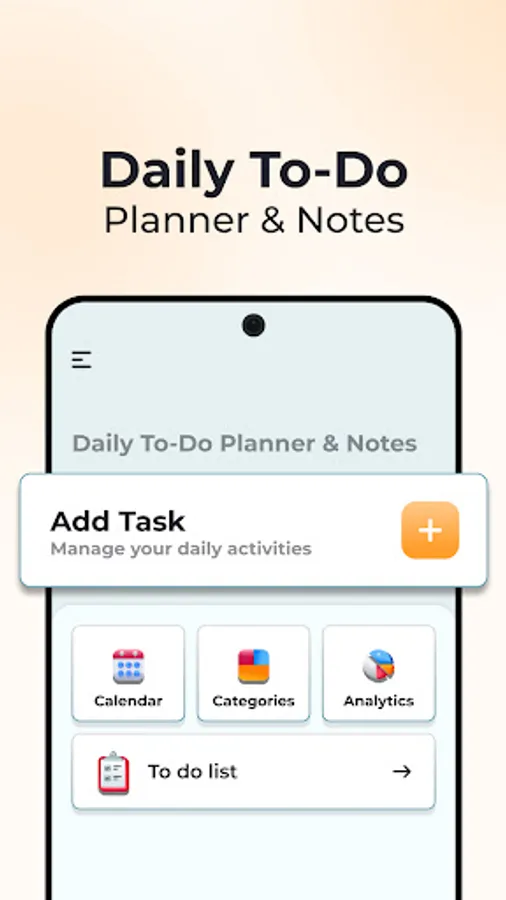
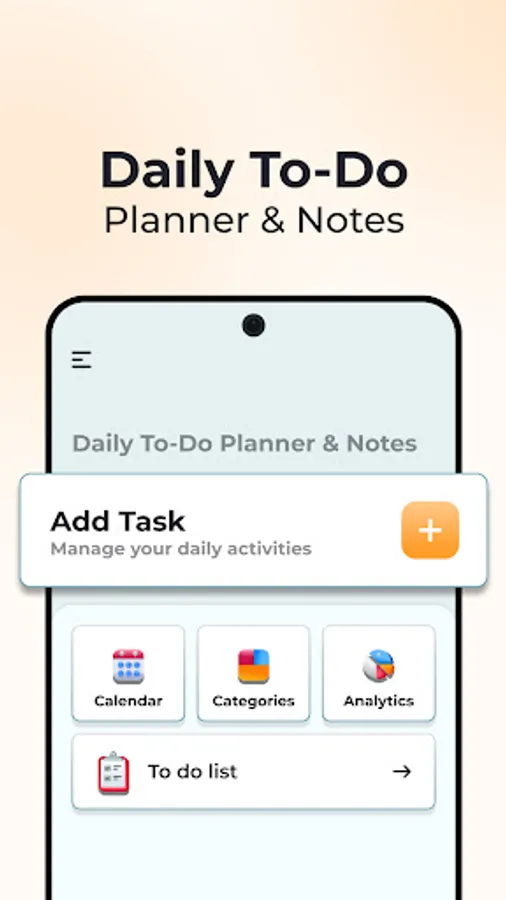
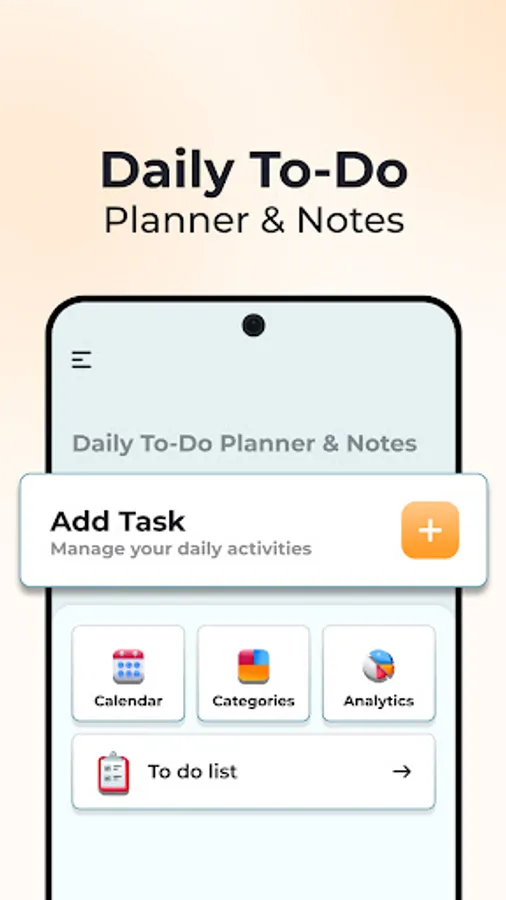
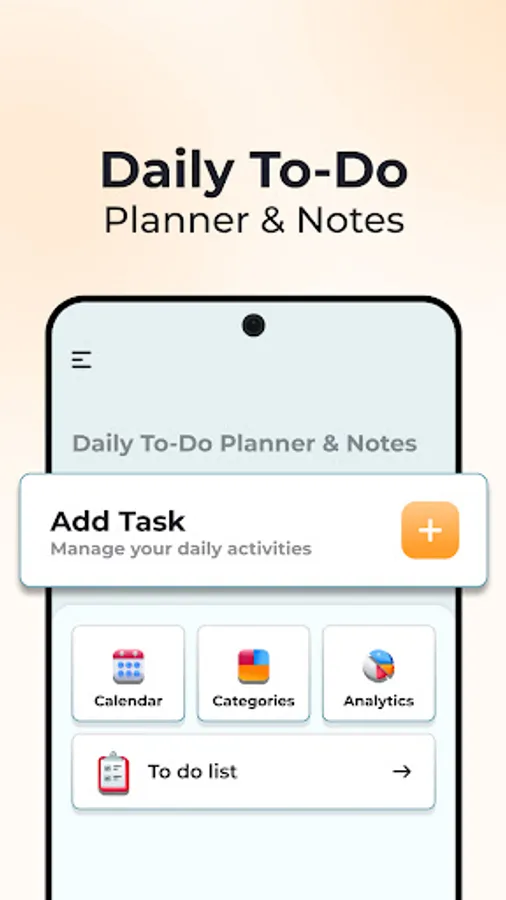
Simple and easy Daily to-do or task planner that helps you stay organised and remind you to complete all your work in time. Also maintain notes that you need to write on daily basis.
App Main Features:
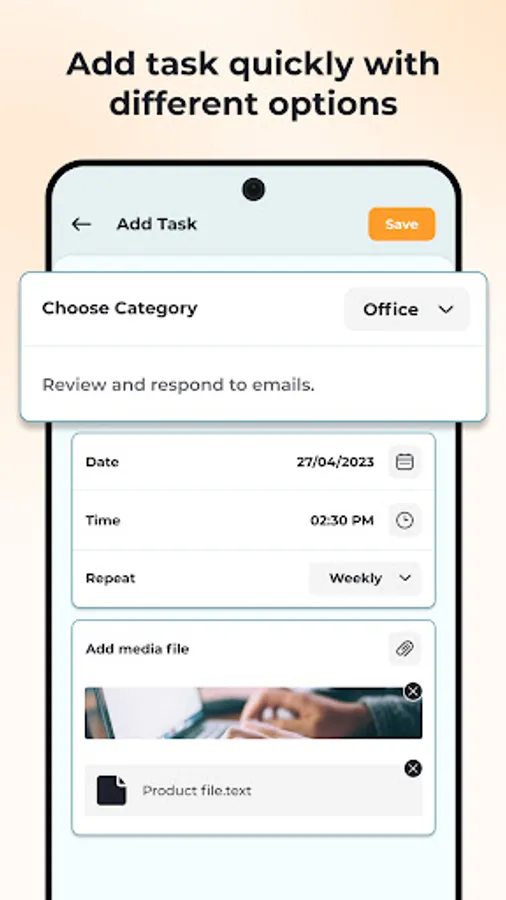
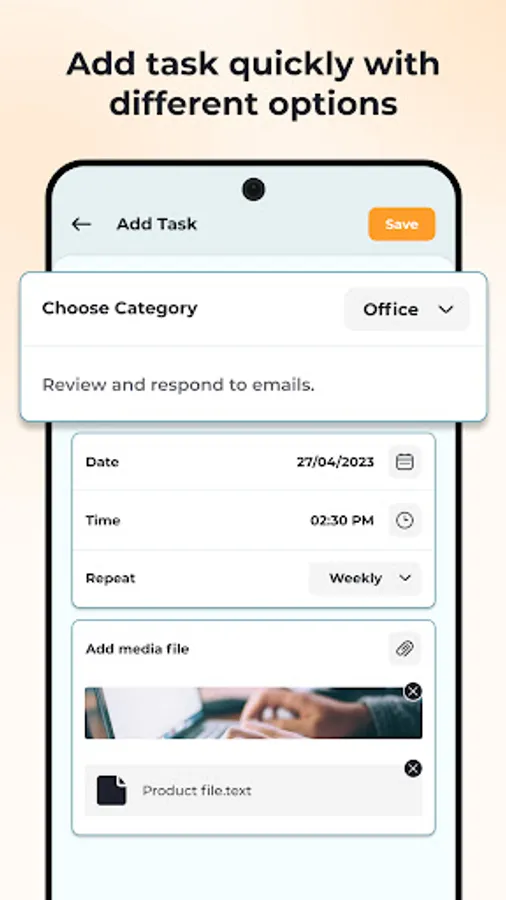
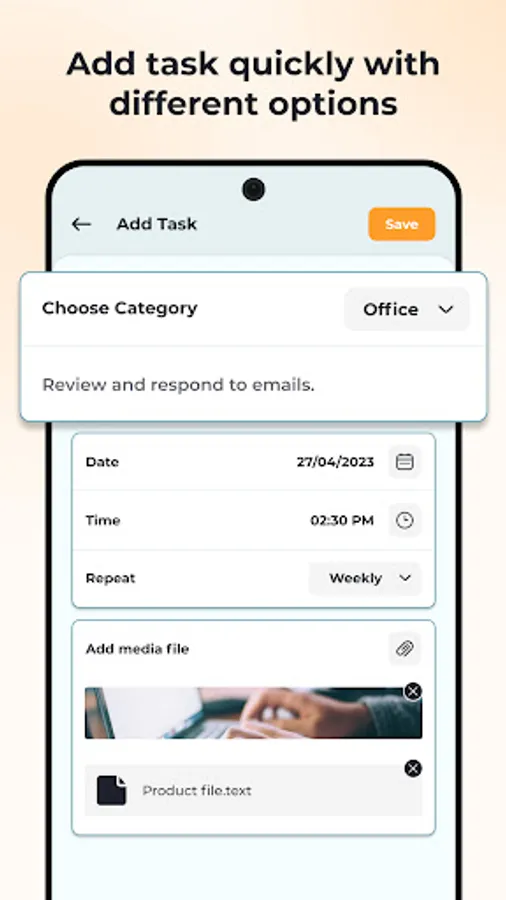
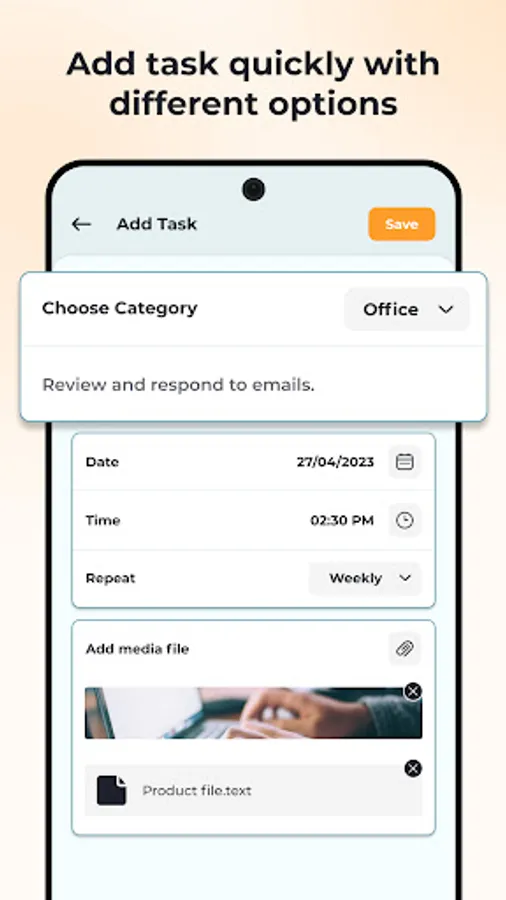
- Built-in reminder function ⏰, allowing you to create detailed task lists with specific due dates and times. Attach images 📷, documents 📄, and other media 🎞️ to your tasks, ensuring that you have everything you need to complete them. The reminders can be customised, so you can set them up exactly how you like 🎨.
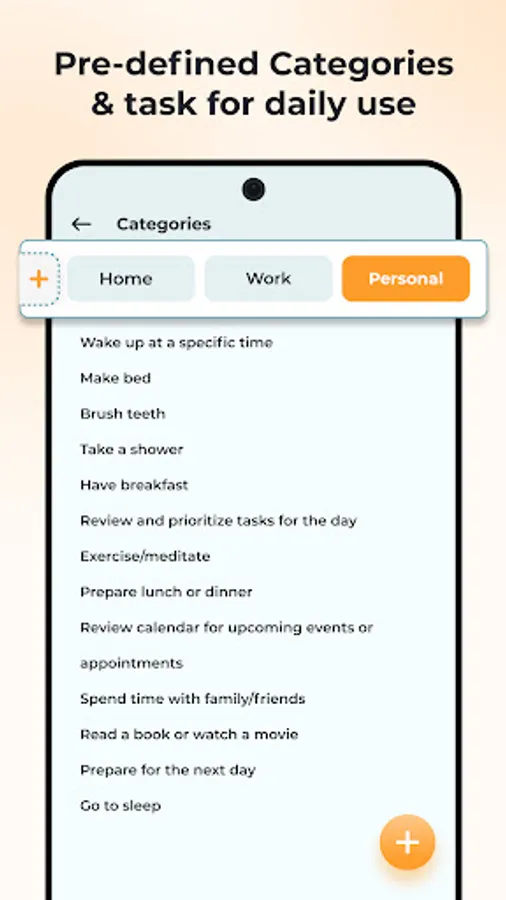
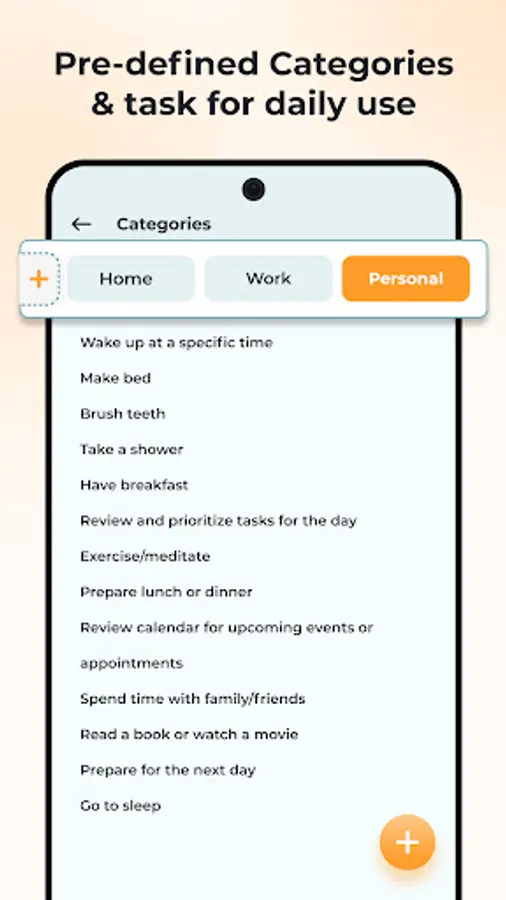
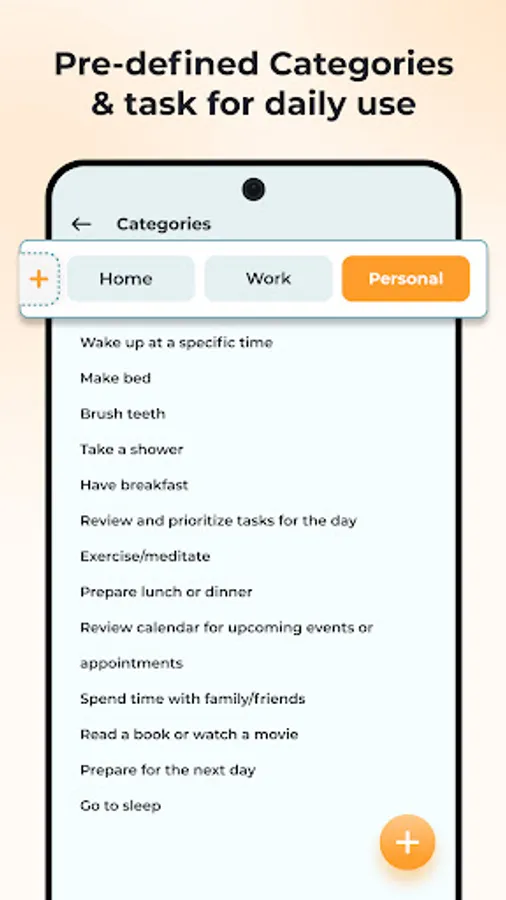
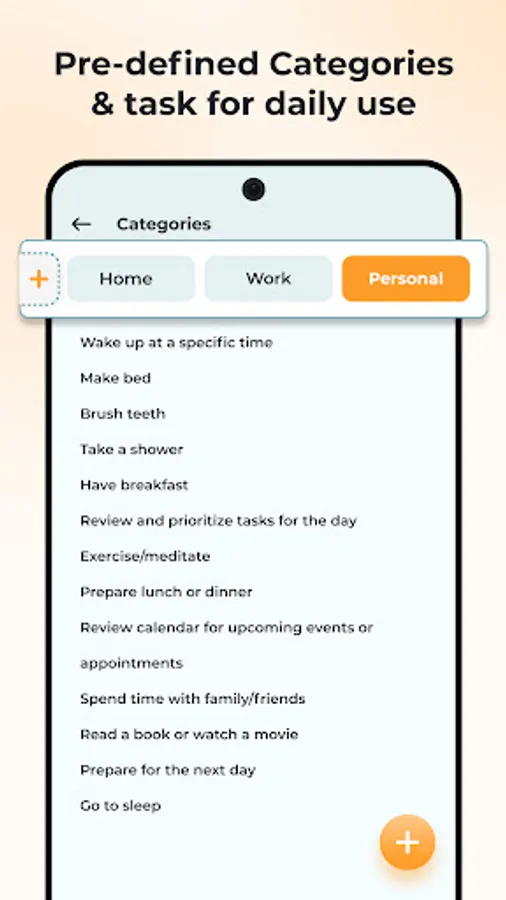
- Category function 🗂️, easily sort your tasks into Home 🏠, Office 🏢, or Personal 🧘 categories, making it easy to find the right task. Also set primary categories for quick access to add new categories and tasks as needed.
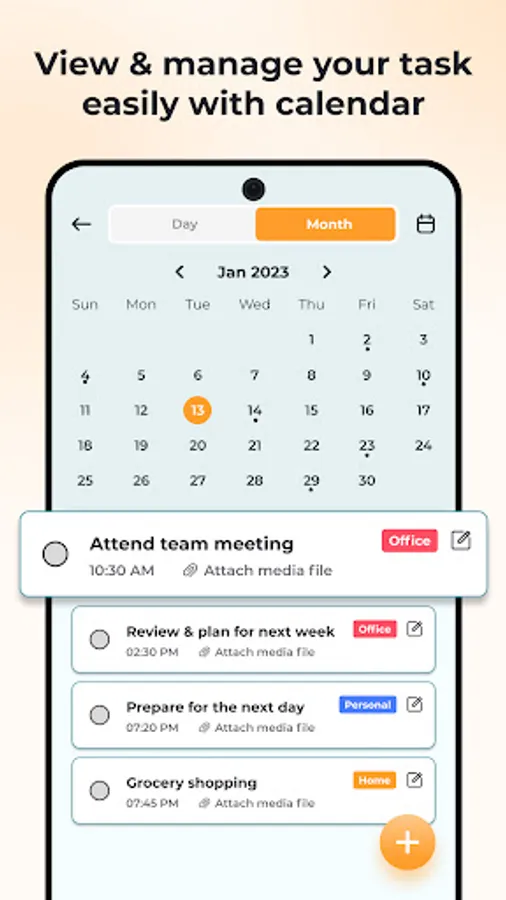
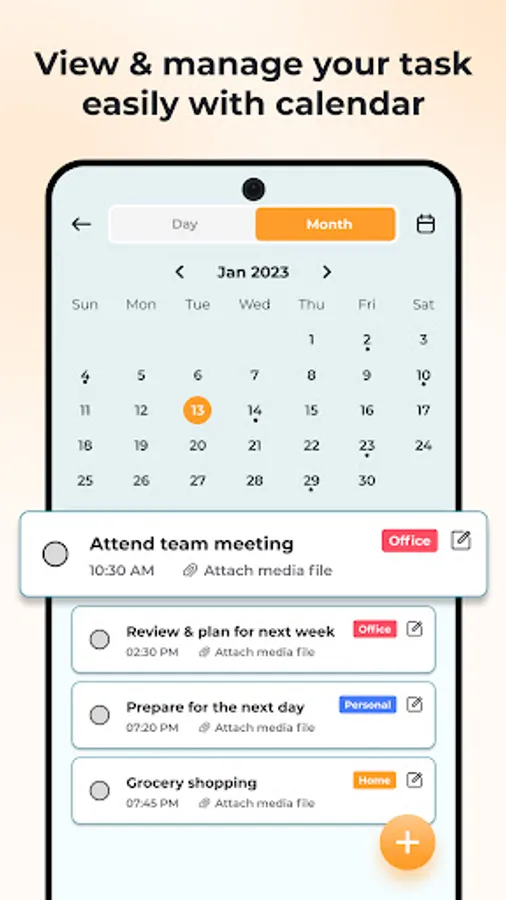
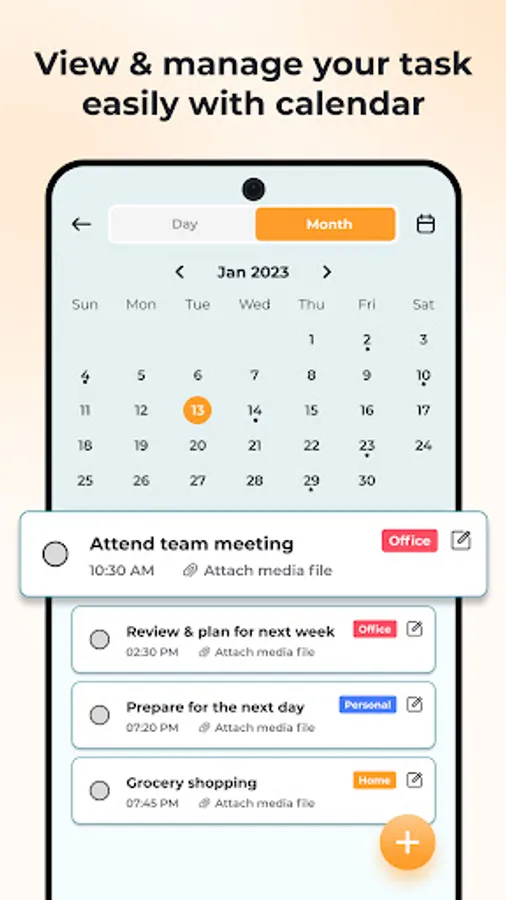
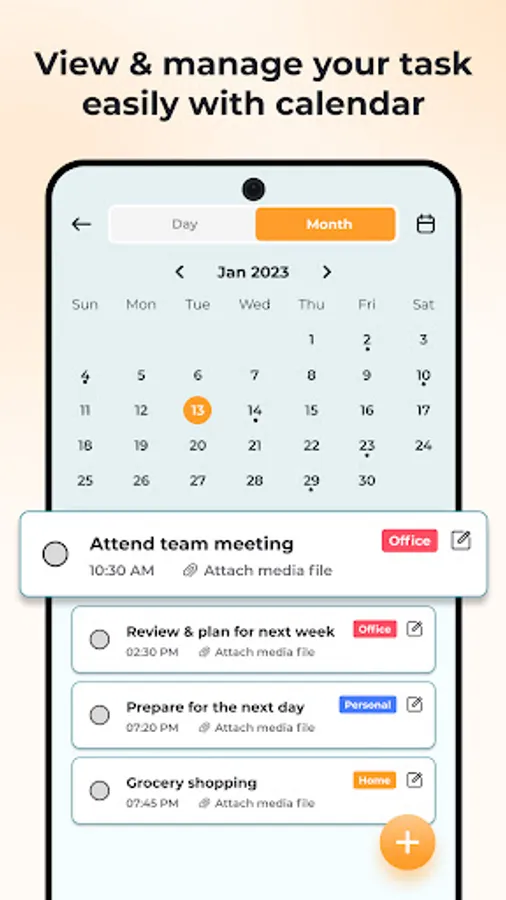
- The calendar view 🗓️ offers a comprehensive overview of all your tasks, allowing you to view your schedule day by day or month by month.
- The user-friendly interface makes it easy to see which tasks have been completed ✅ and which are still pending 🕒.
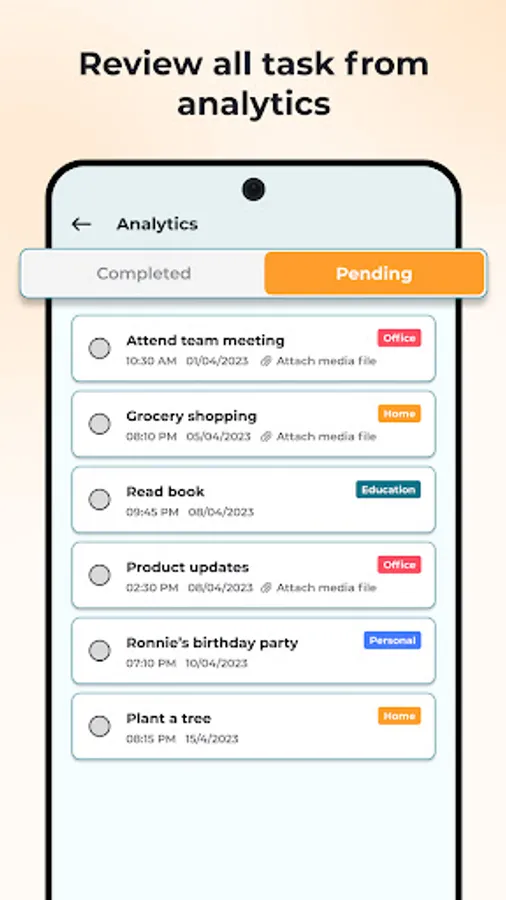
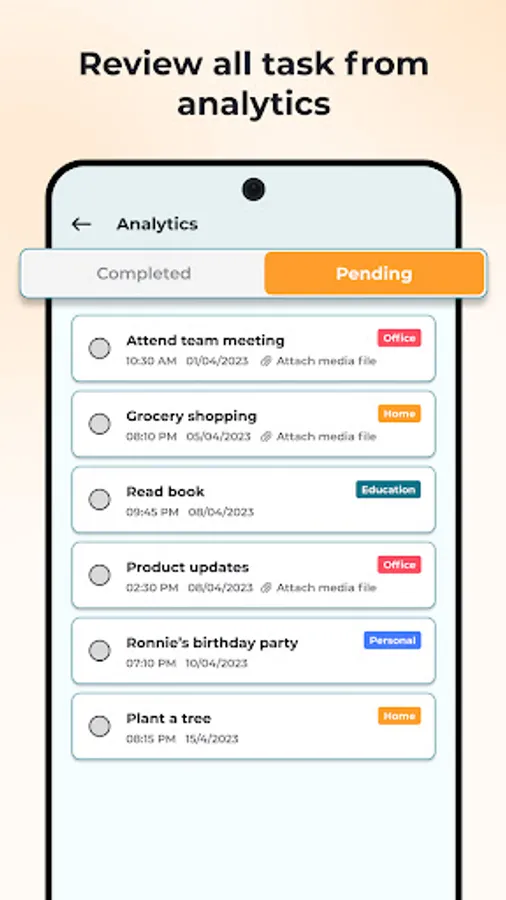
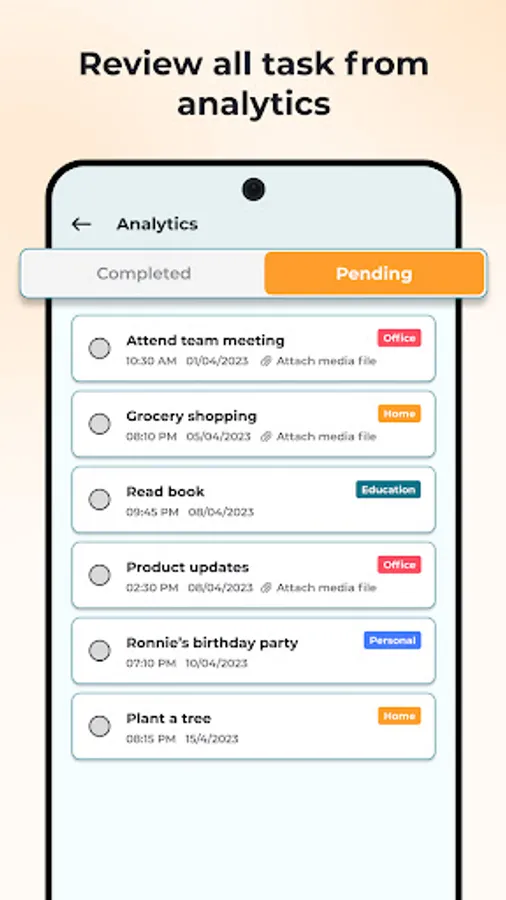
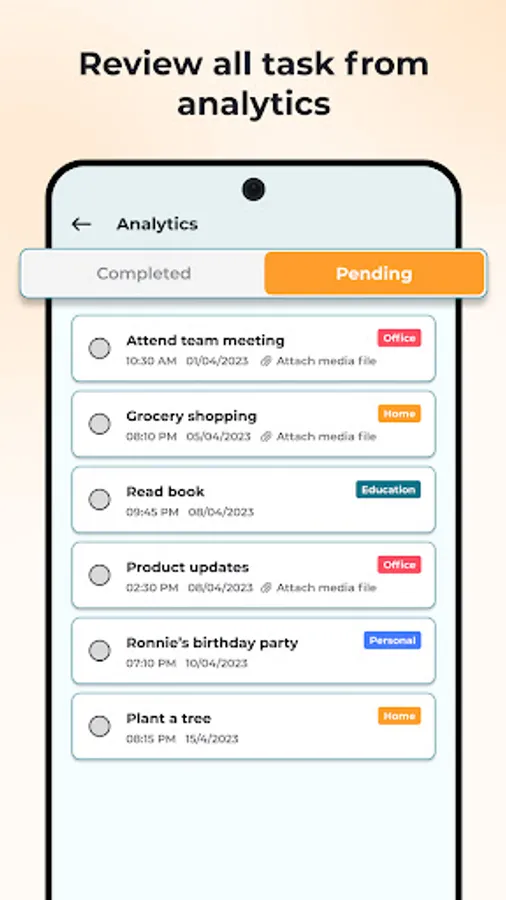
- The analytics 📊 provides an overview of your completed and pending tasks, making it easy to reschedule or prioritise them as needed.
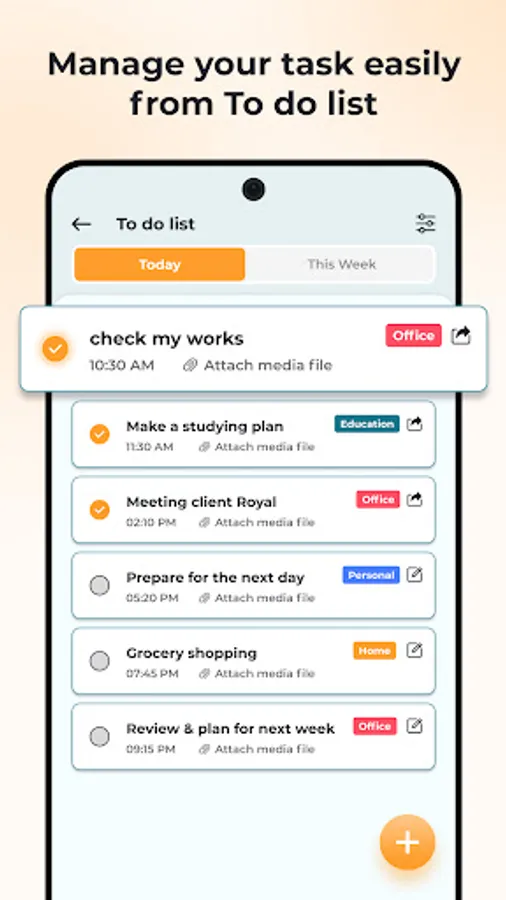
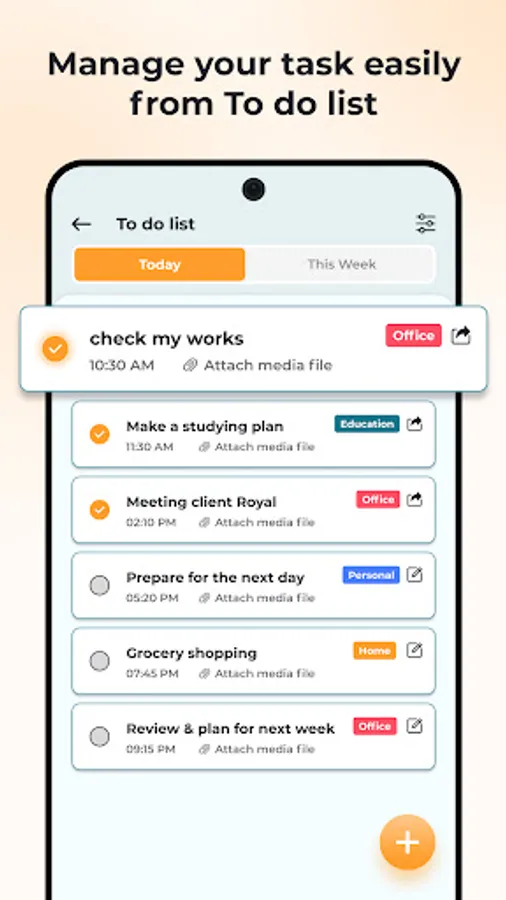
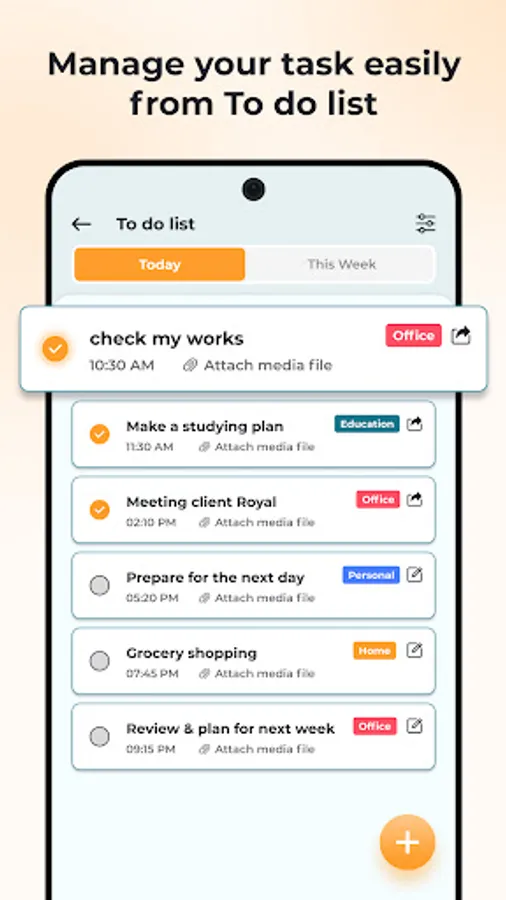
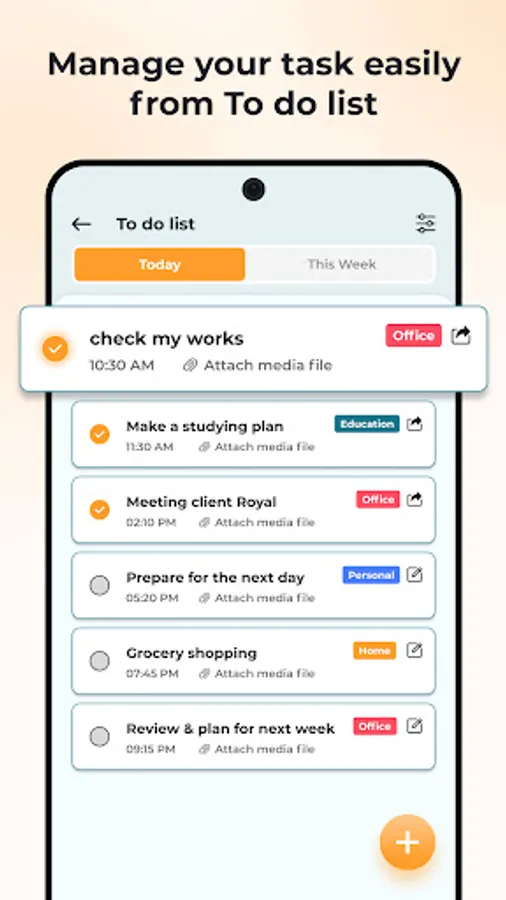
- To-do list function 📝 provides a simple, easy-to-use interface for viewing your tasks for the day or week. Add new tasks directly from this screen.
App Main Features:
- Built-in reminder function ⏰, allowing you to create detailed task lists with specific due dates and times. Attach images 📷, documents 📄, and other media 🎞️ to your tasks, ensuring that you have everything you need to complete them. The reminders can be customised, so you can set them up exactly how you like 🎨.
- Category function 🗂️, easily sort your tasks into Home 🏠, Office 🏢, or Personal 🧘 categories, making it easy to find the right task. Also set primary categories for quick access to add new categories and tasks as needed.
- The calendar view 🗓️ offers a comprehensive overview of all your tasks, allowing you to view your schedule day by day or month by month.
- The user-friendly interface makes it easy to see which tasks have been completed ✅ and which are still pending 🕒.
- The analytics 📊 provides an overview of your completed and pending tasks, making it easy to reschedule or prioritise them as needed.
- To-do list function 📝 provides a simple, easy-to-use interface for viewing your tasks for the day or week. Add new tasks directly from this screen.