
Classic eReader - book reader
Bartolomei Development
3.5 ★
315 ratings
10,000+
downloads
$2.49
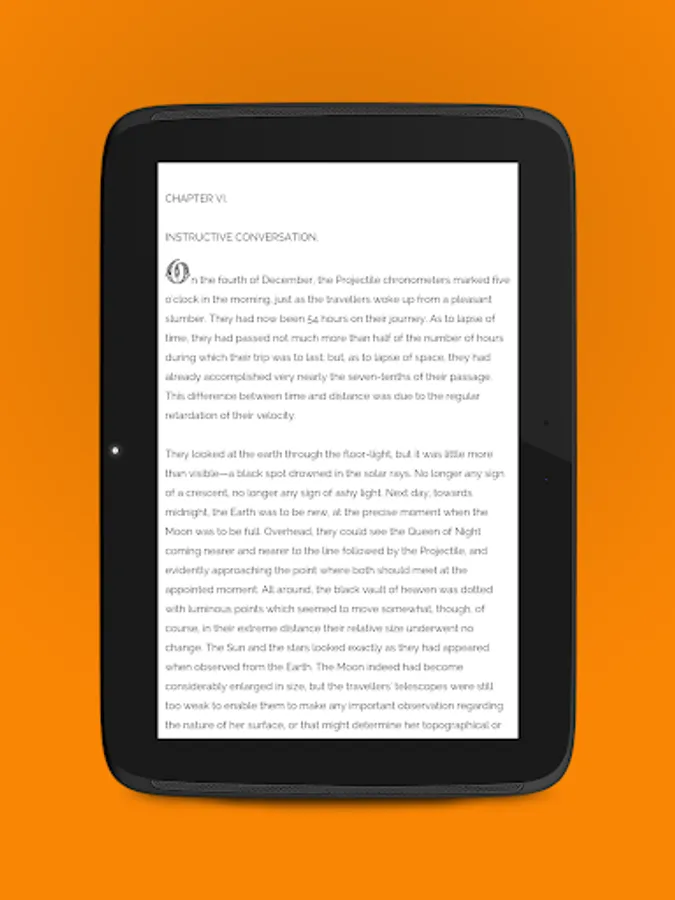
In this eReader app, you can read epub books with features like highlighting, notes, and custom themes. Includes Dropbox synchronization, Text To Speech, and a built-in online library.
AppRecs review analysis
AppRecs rating 3.4. Trustworthiness 77 out of 100. Review manipulation risk 23 out of 100. Based on a review sample analyzed.
★★★☆☆
3.4
AppRecs Rating
Ratings breakdown
5 star
32%
4 star
26%
3 star
16%
2 star
11%
1 star
16%
What to know
✓
Low review manipulation risk
23% review manipulation risk
✓
Credible reviews
77% trustworthiness score from analyzed reviews
✓
Authentic reviews
No red flags detected
About Classic eReader - book reader
Some features of the Classic eReader:
✔ redesigned user interface, optimized for phones, 7'' and 10'' tablets,
✔ TalkBack support,
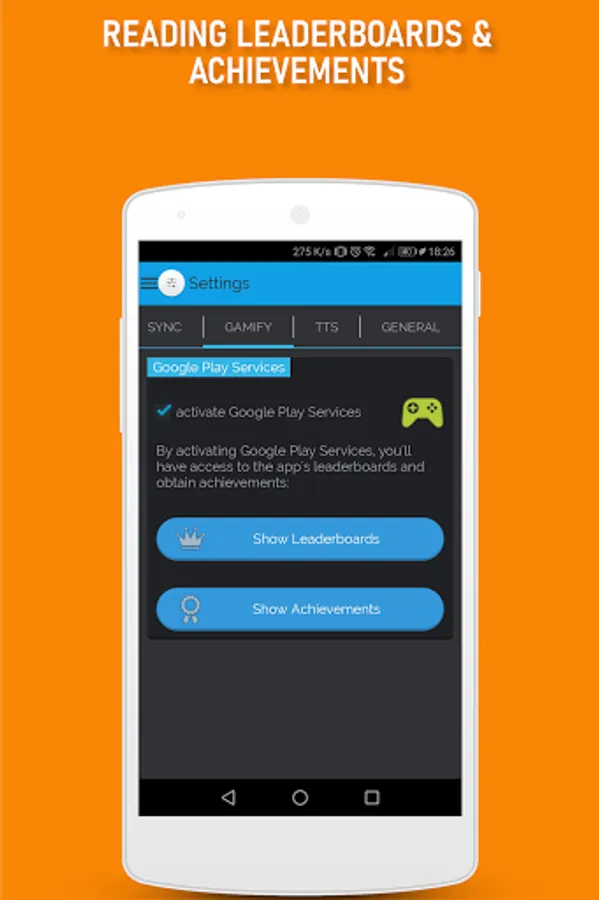
✔ app gamification option (through Google Play Services, go to Settings → GAMIFY to activate it): reading Leaderboards + in app badges through Achievements,
✔ Dropbox synchronization option so you can read your favorite books on any of your android devices (Dropbox account is needed to be able to use this option),
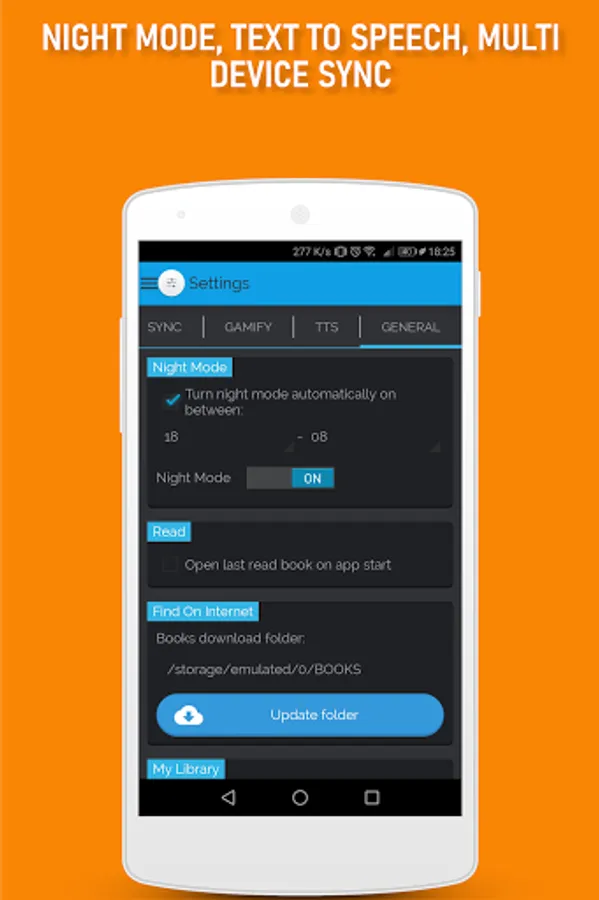
✔ full dark mode theme customizable from Settings → General → Night Mode,
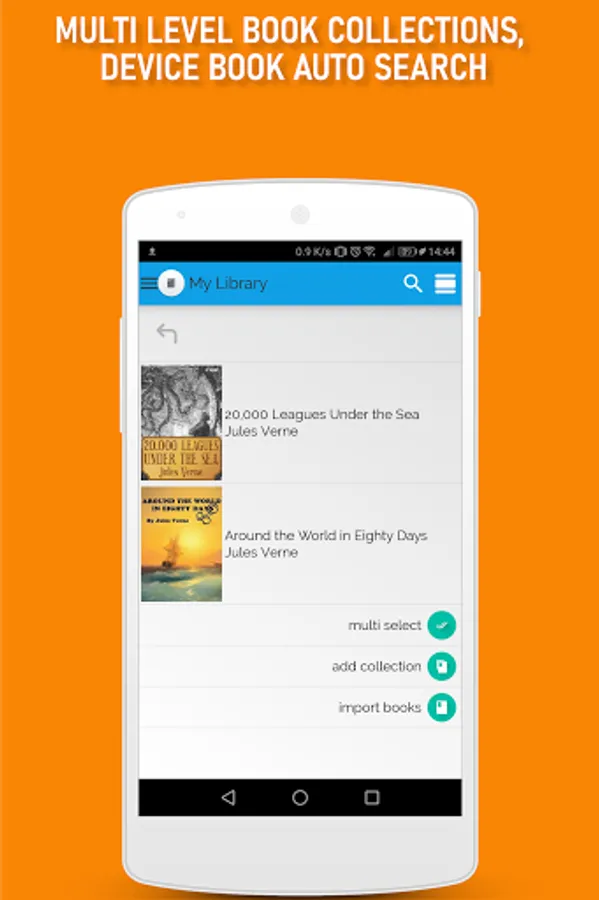
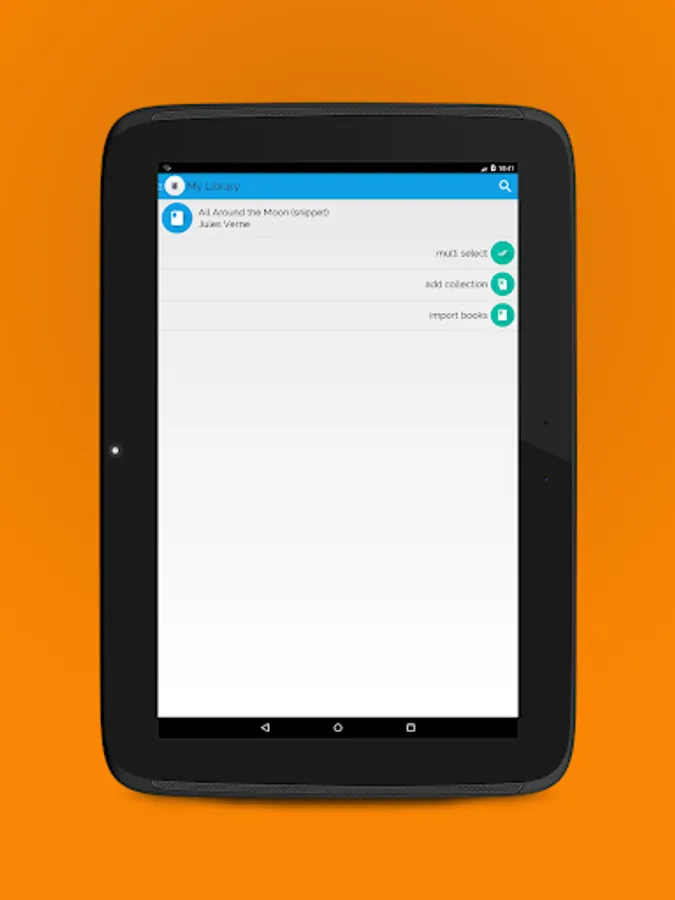
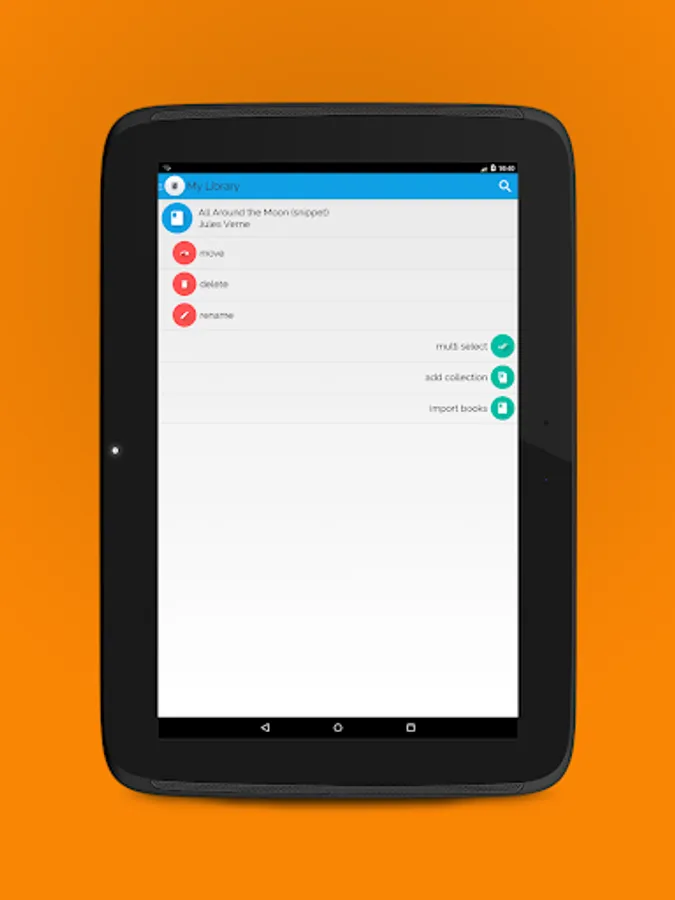
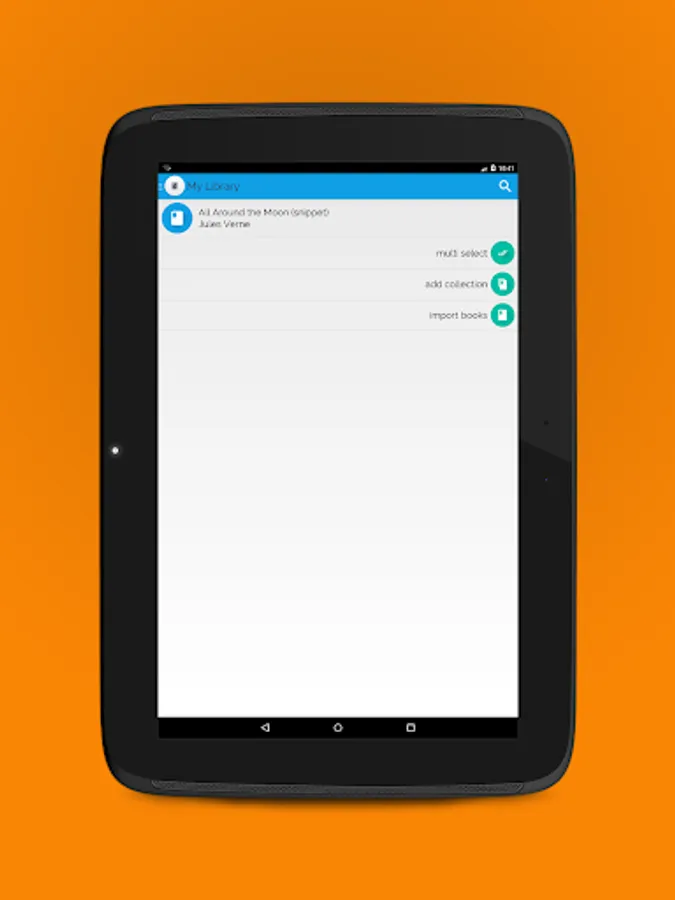
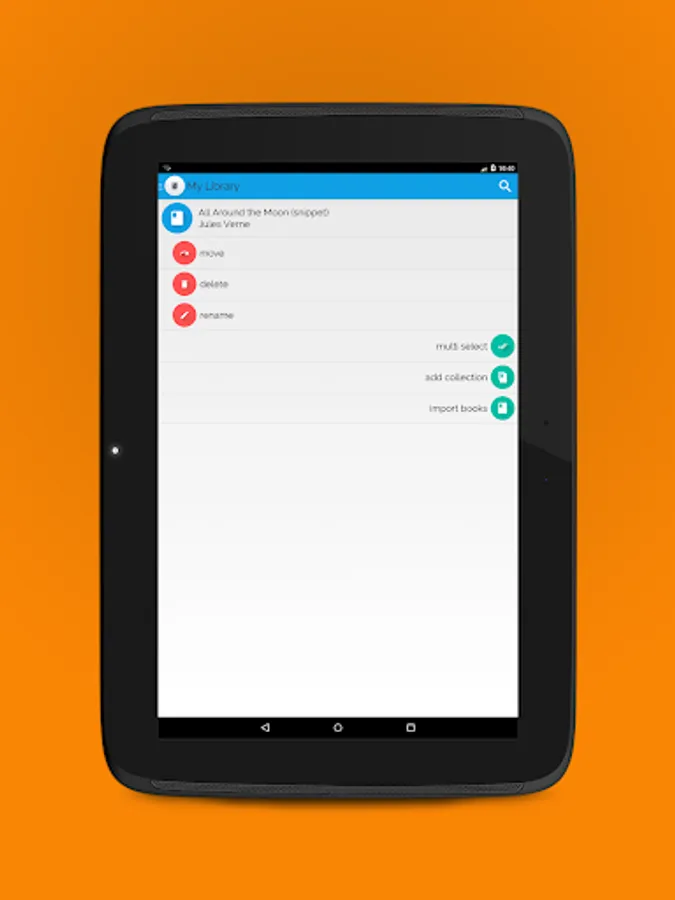
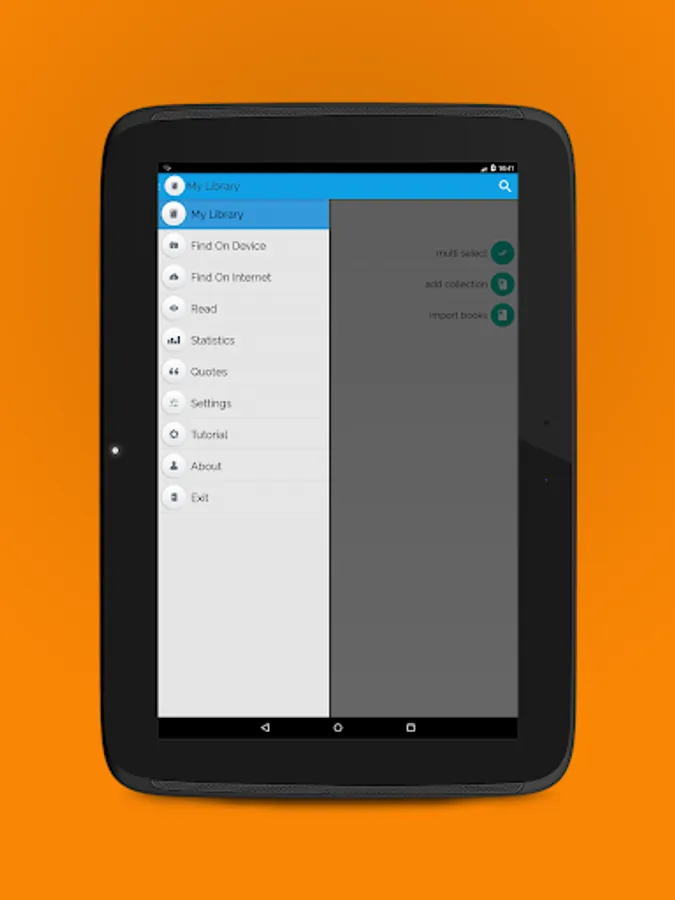
✔ organizes your books in (multilevel) collections,
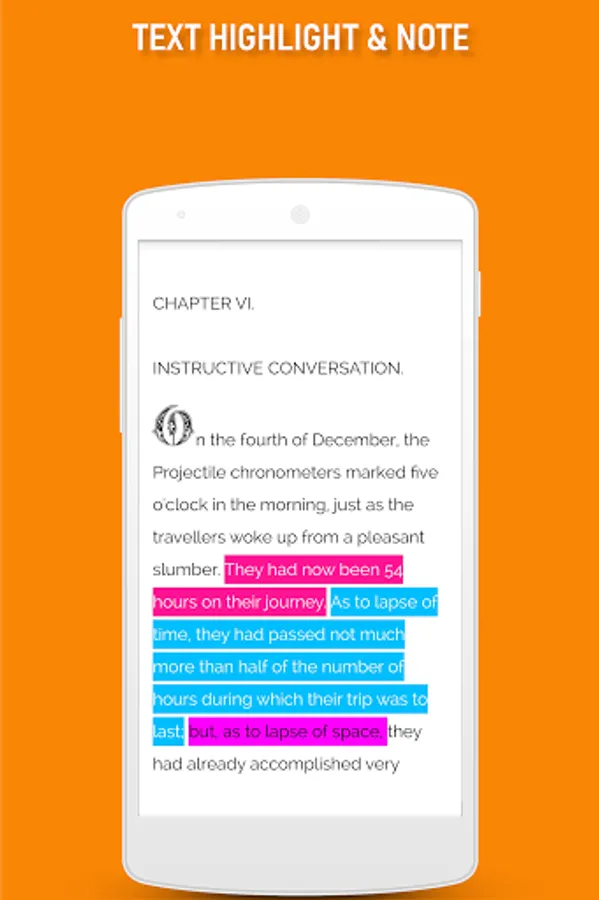
✔ highlighting and notes,
✔ library icons view or book covers view options,
✔ library search option for books and collections,
✔ multi-select feature (select multiple books and/or collections to move or delete),
✔ multiple book import (you can select multiple folders and/or books to import in your library),
✔ online library with most read books from the public domain (free books in English, for all ages),
✔ statistics with time spent reading per month,
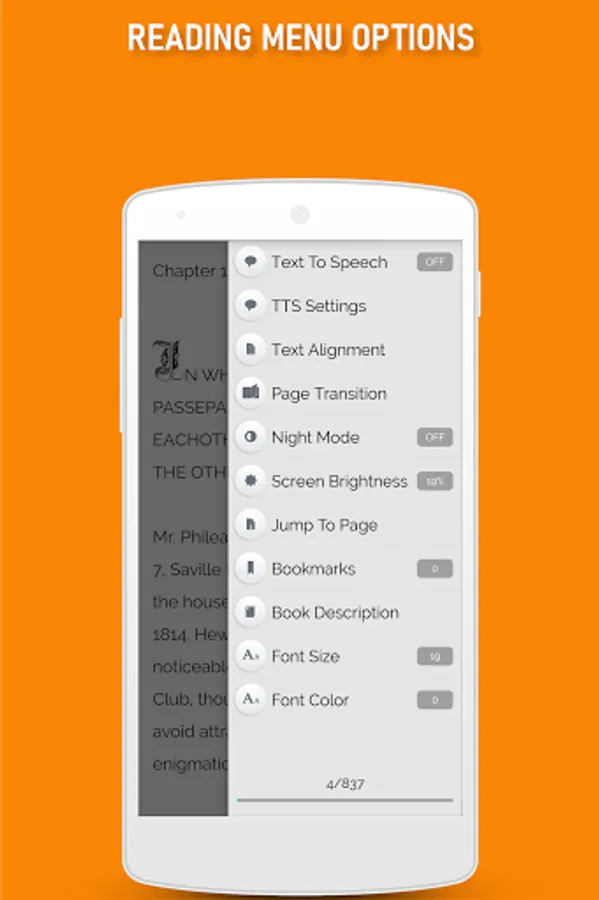
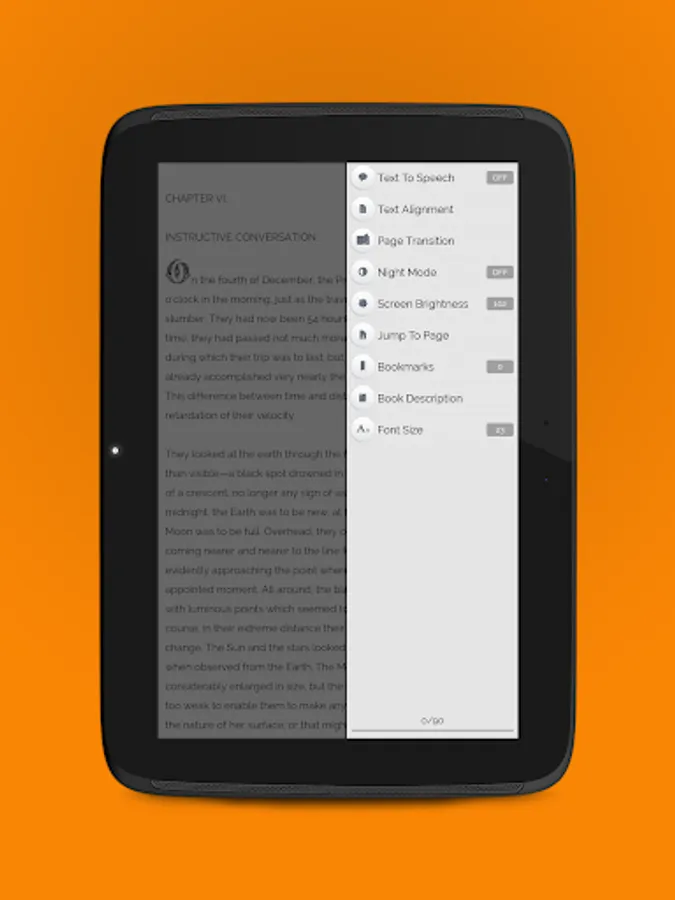
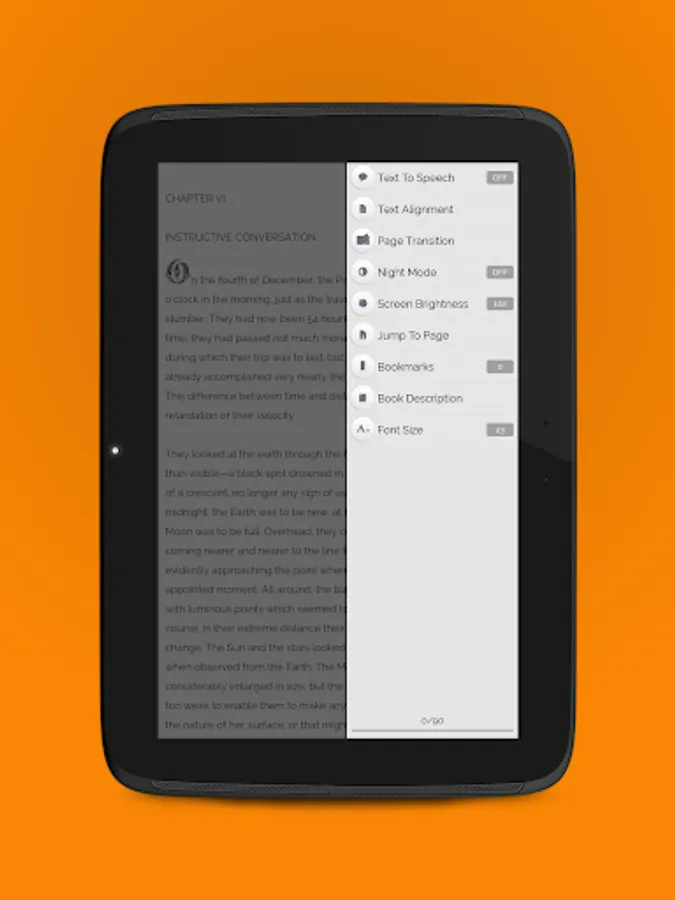
✔ built in Text To Speech (TTS - reads the text in the book aloud). Supported languages: German, English (+localizations), Spanish (+localizations), French (+localizations), Japanese, Korean, Dutch, Polish, Portuguese (+localizations), Russian, Chinese (+localizations), (*)
✔ option to customize the TTS voice pitch and speech rate,
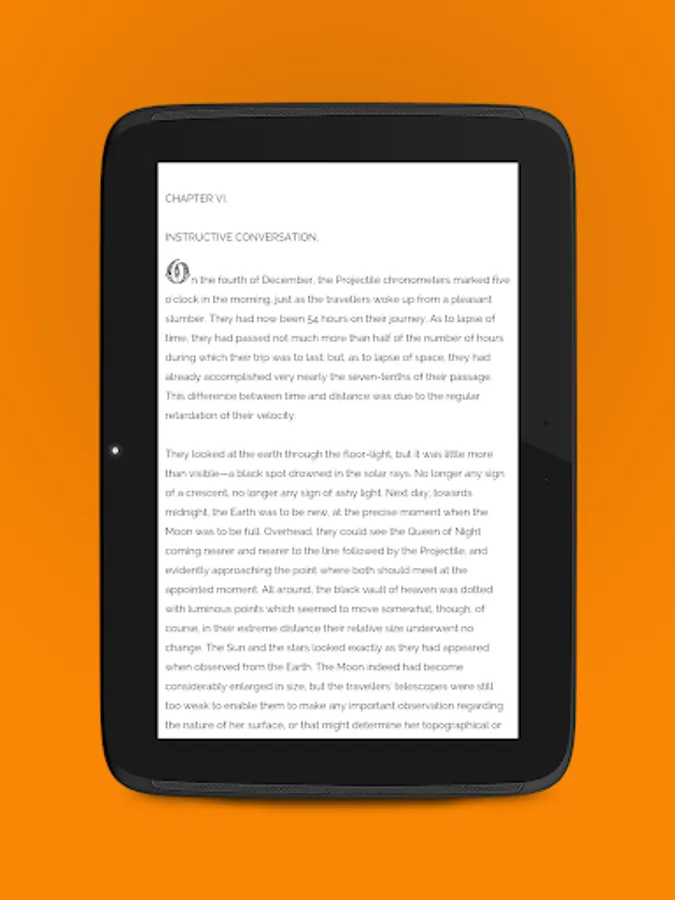
✔ text align, text color and font resize options,
✔ option to change the page transition mode (7 available transitions at the moment),
✔ night mode reading feature,
✔ screen brightness change feature,
✔ jump to page option,
✔ bookmarks (add, manage and go to bookmark),
✔ book description,
✔ page progress,
✔ full screen reading mode,
✔ you can open epub files in Classic eReader from any external file explorer,
✔ option to add book to "My Library" when opening it from "Find On Device" or an external file explorer,
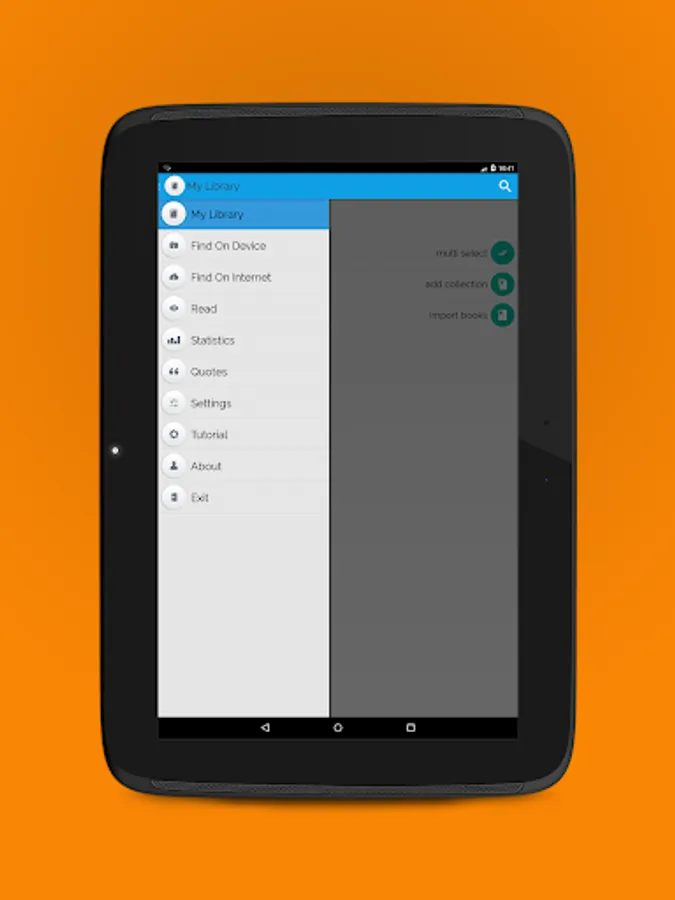
✔ sorting options for books and collections in "My Library" (setup from Settings → General → My Library),
✔ option to open last read book on app start (setup from Settings → General → Read).
For issues/bugs and new features requests, please send an email to: classic.ereader@gmail.com
________________
(*) The Text To Speech feature is built upon Google Text To Speech ( Google TTS ) engine. For a complete list of supported languages, go to: https://market.android.com/details?id=com.google.android.tts
You can install / update Google TTS directly from the Classic eReader app (if your device has access to Google Play Store), from the 'Settings' section.
Classic eReader - book reader Screenshots
Tap to Rate:
Reviews for Classic eReader - book reader
TBT MUSIC
8/19/2025
The Highlight feature doesn't work.
Santosh Kumar Kewat
4/19/2023
This a very nice good e-reader app.