Tiny Calendar: Planner & Tasks
TinyWork Apps
4.0 ★
506 ratings
100,000+
downloads
Free
+ in-app
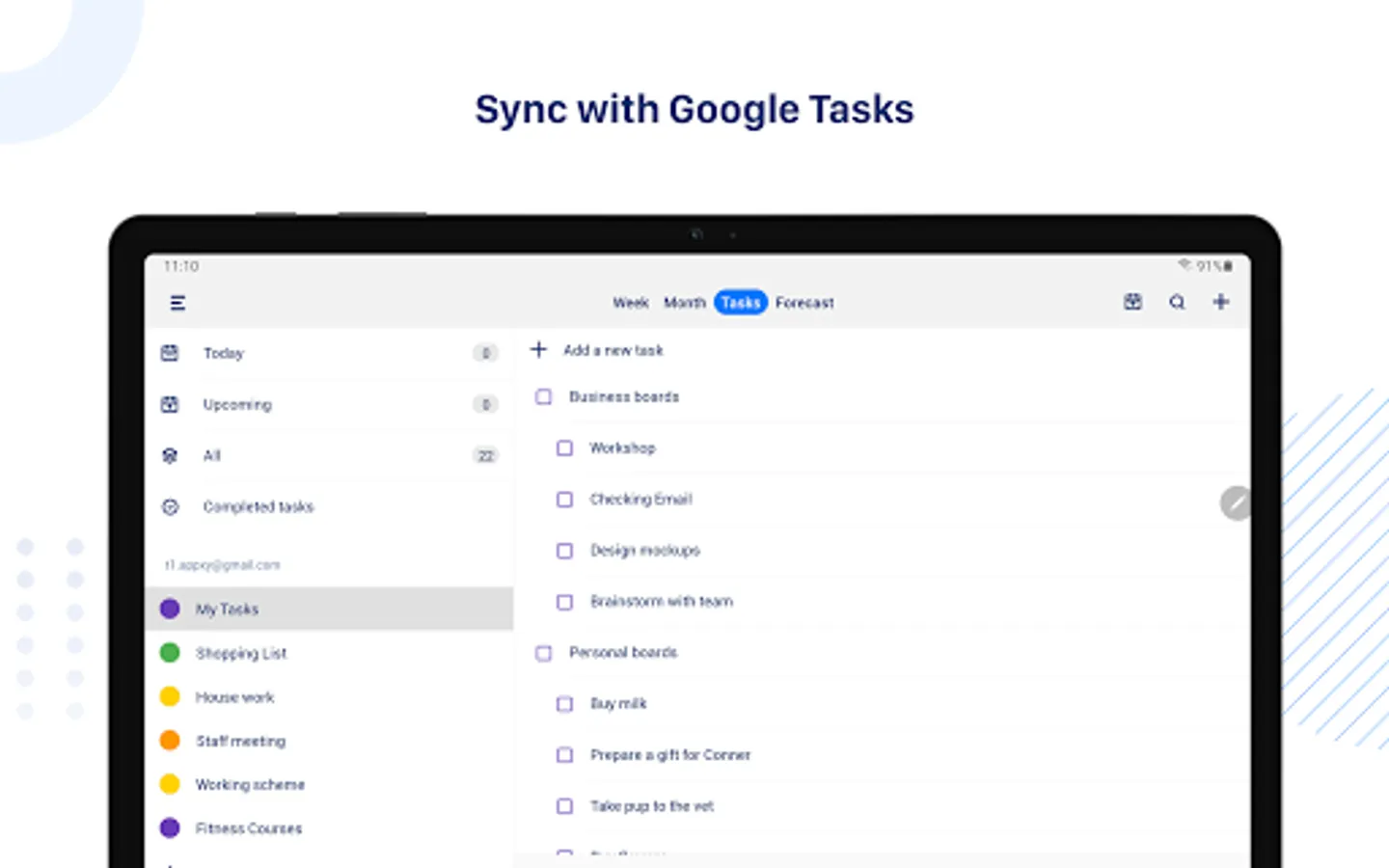
In this calendar app, users can view, create, and edit events with gestures and smart features. Includes support for multiple calendar types, offline access, and advanced reminders.
AppRecs review analysis
AppRecs rating 4.1. Trustworthiness 79 out of 100. Review manipulation risk 24 out of 100. Based on a review sample analyzed.
★★★★☆
4.1
AppRecs Rating
Ratings breakdown
5 star
62%
4 star
12%
3 star
5%
2 star
1%
1 star
20%
What to know
✓
Low review manipulation risk
24% review manipulation risk
✓
Credible reviews
79% trustworthiness score from analyzed reviews
✓
Good user ratings
74% positive sampled reviews
About Tiny Calendar: Planner & Tasks
SMART ENOUGH TO CREATE
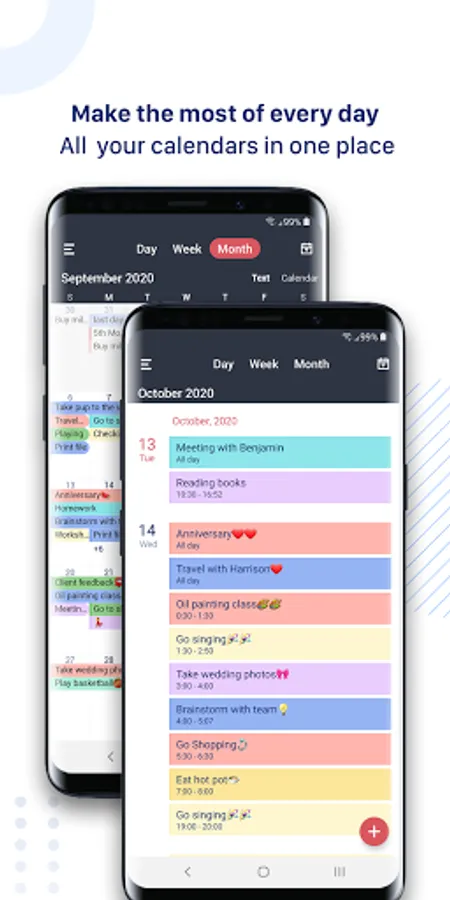
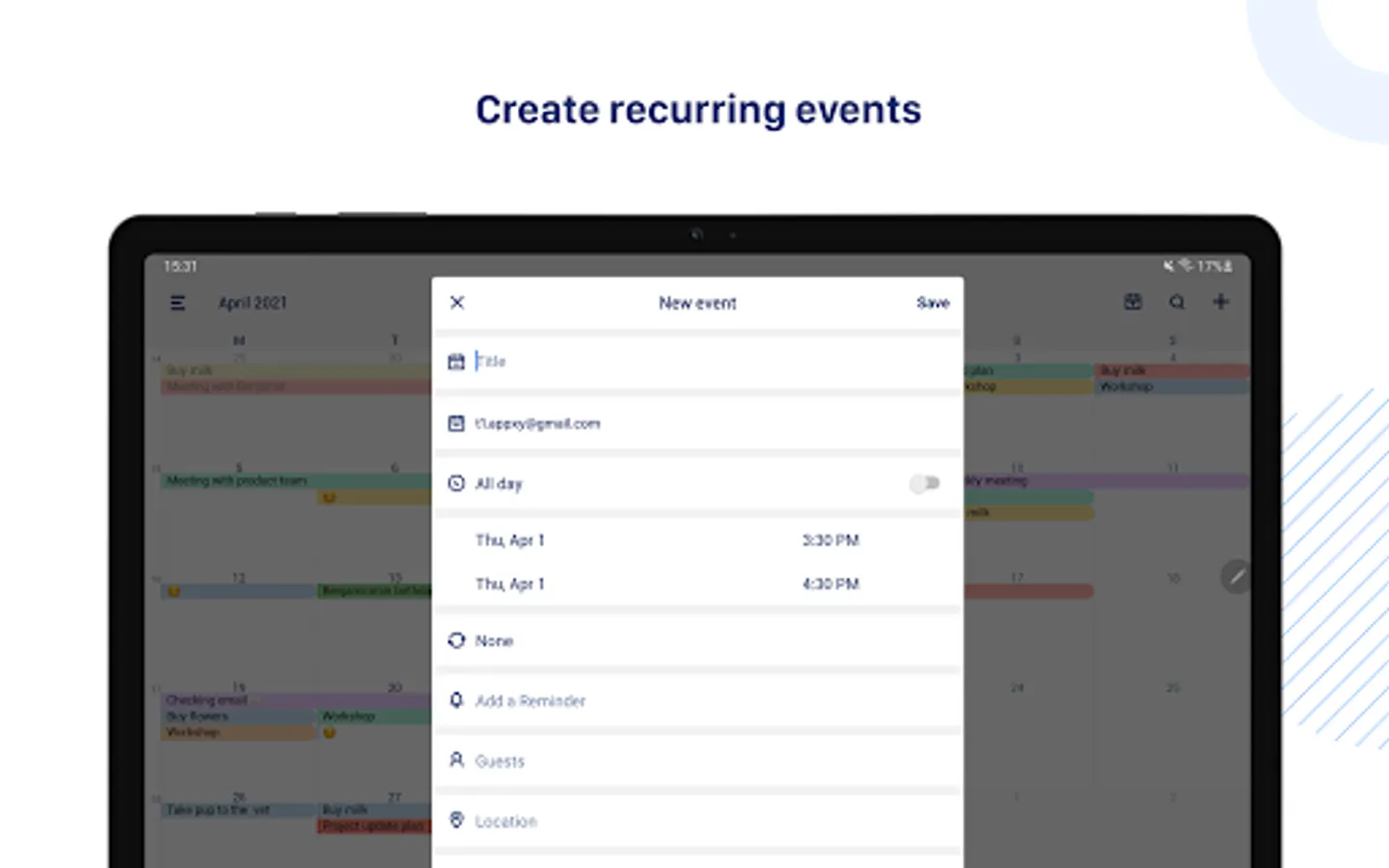
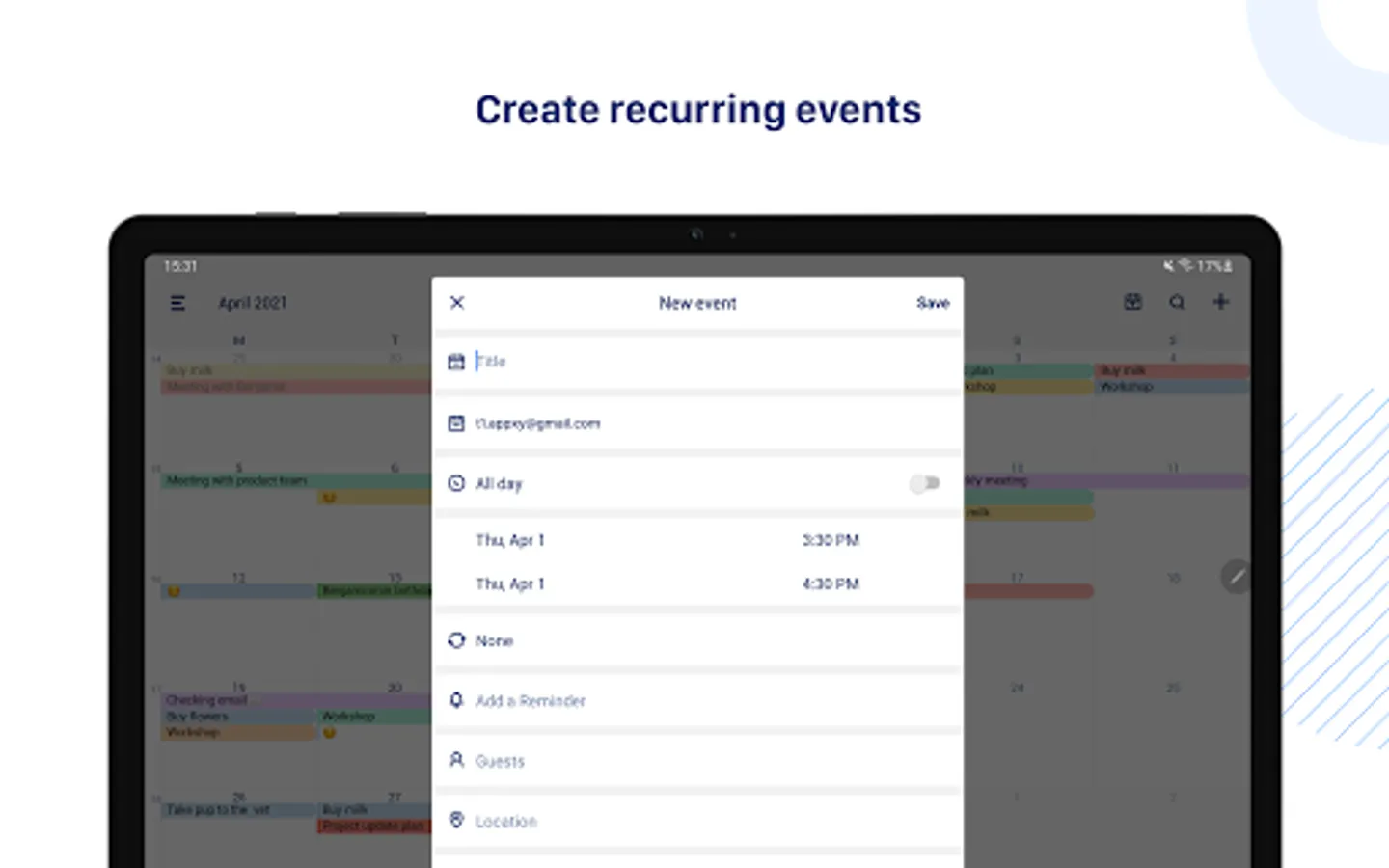
Tiny Calendar has features like drag and drop, gestures and other smart methods to predict your intention and help you create and edit your events more easily.
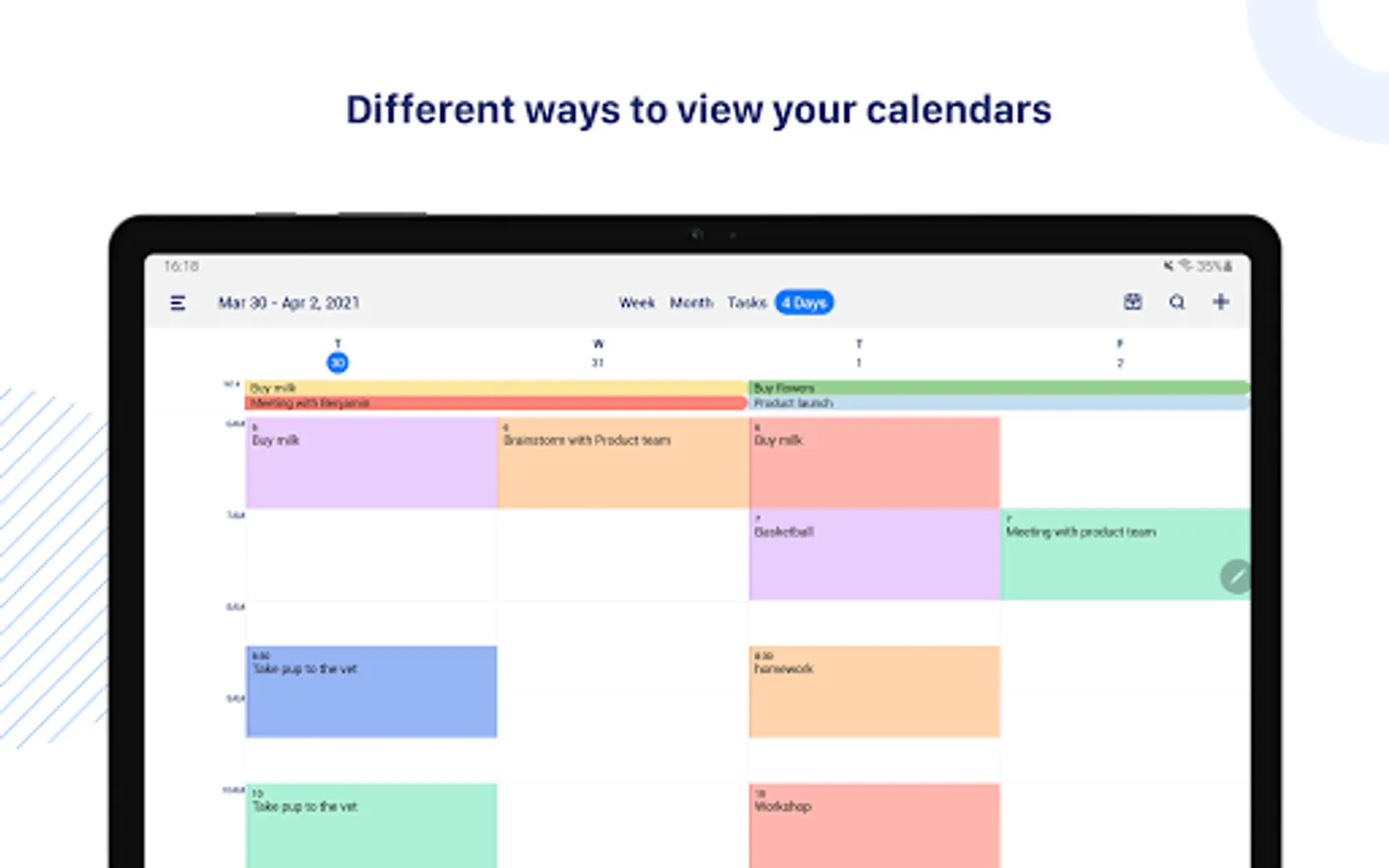
MULTIPLE WAYS TO VIEW
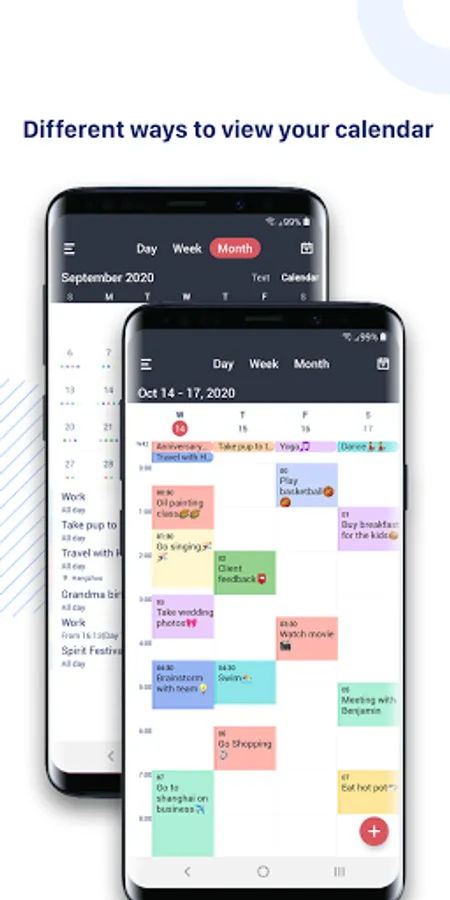
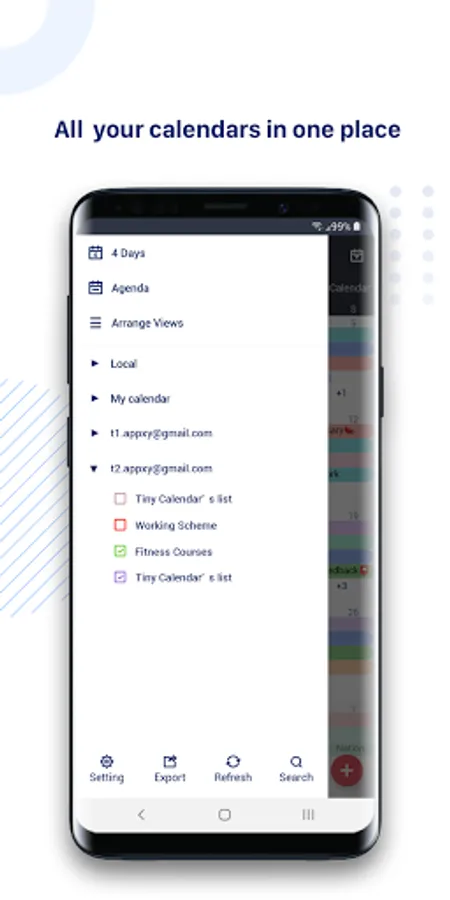
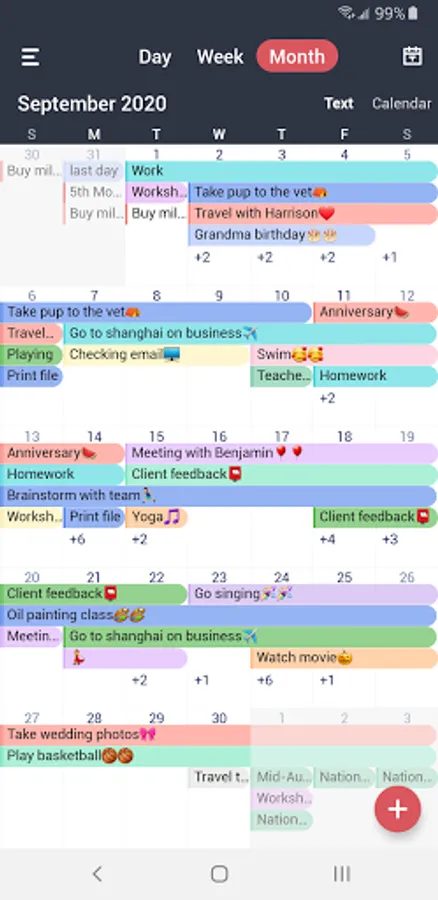
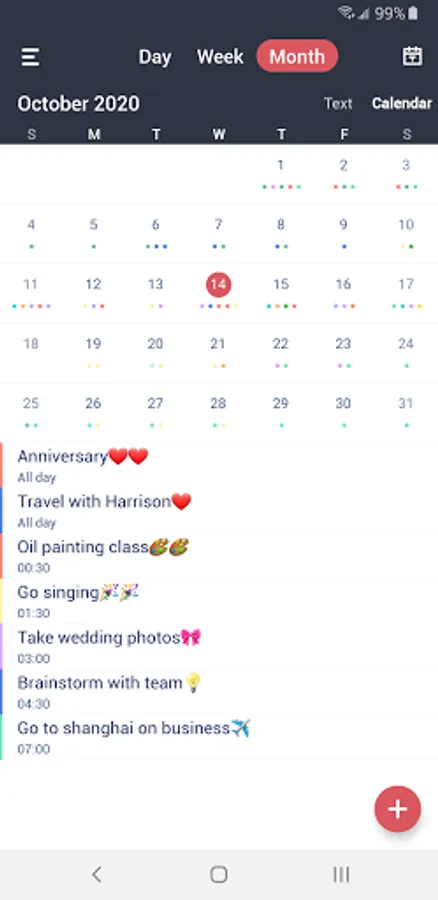
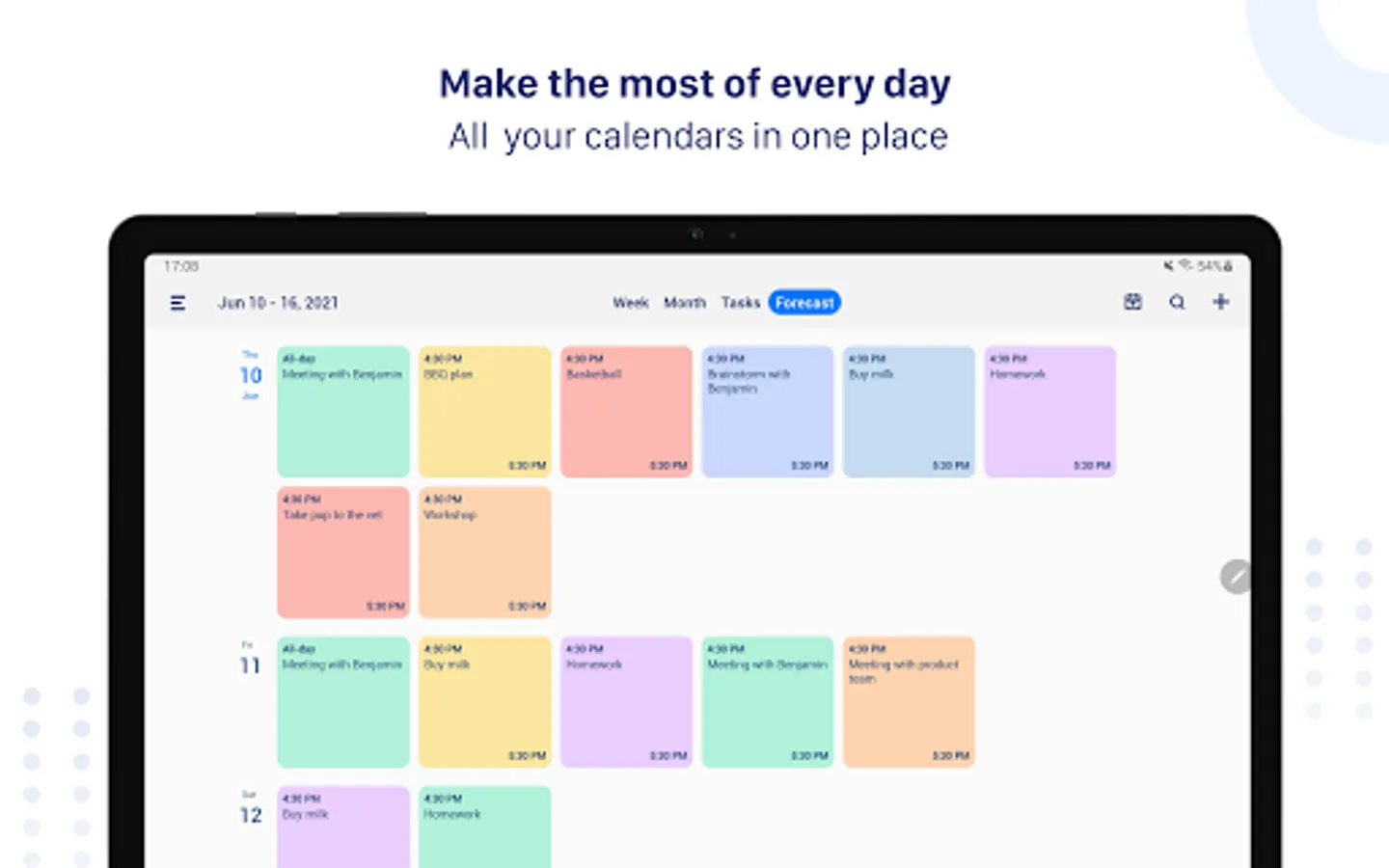
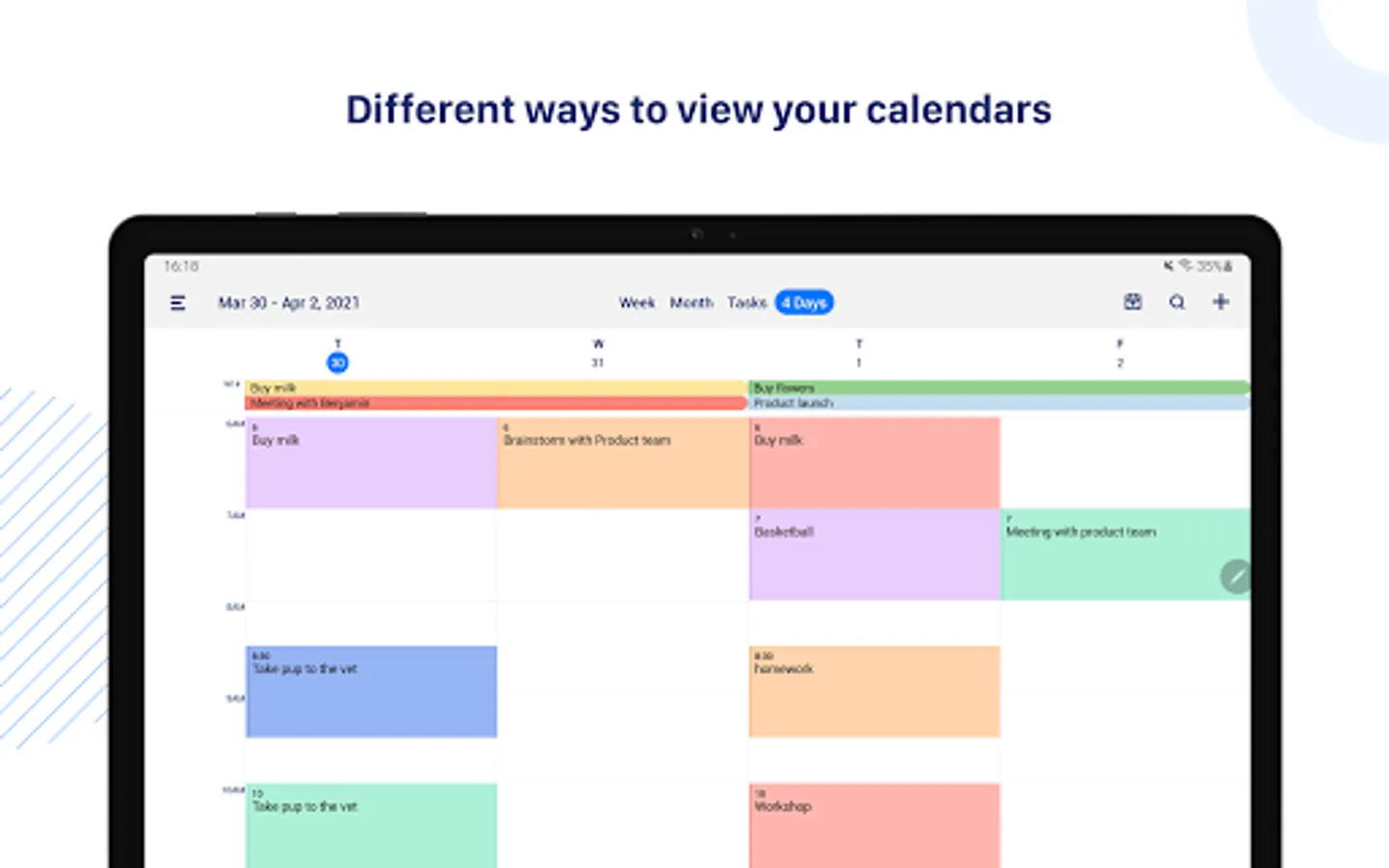
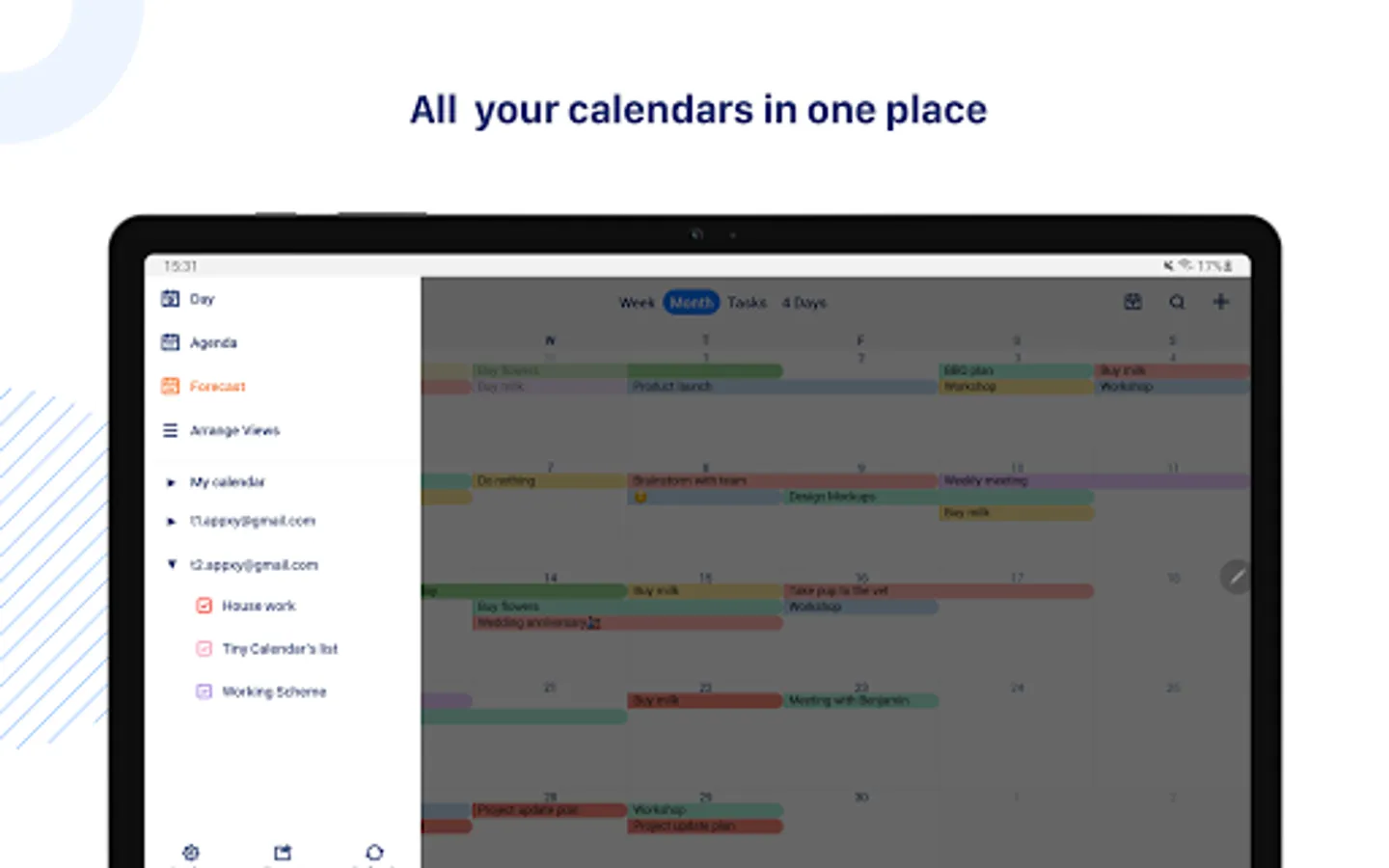
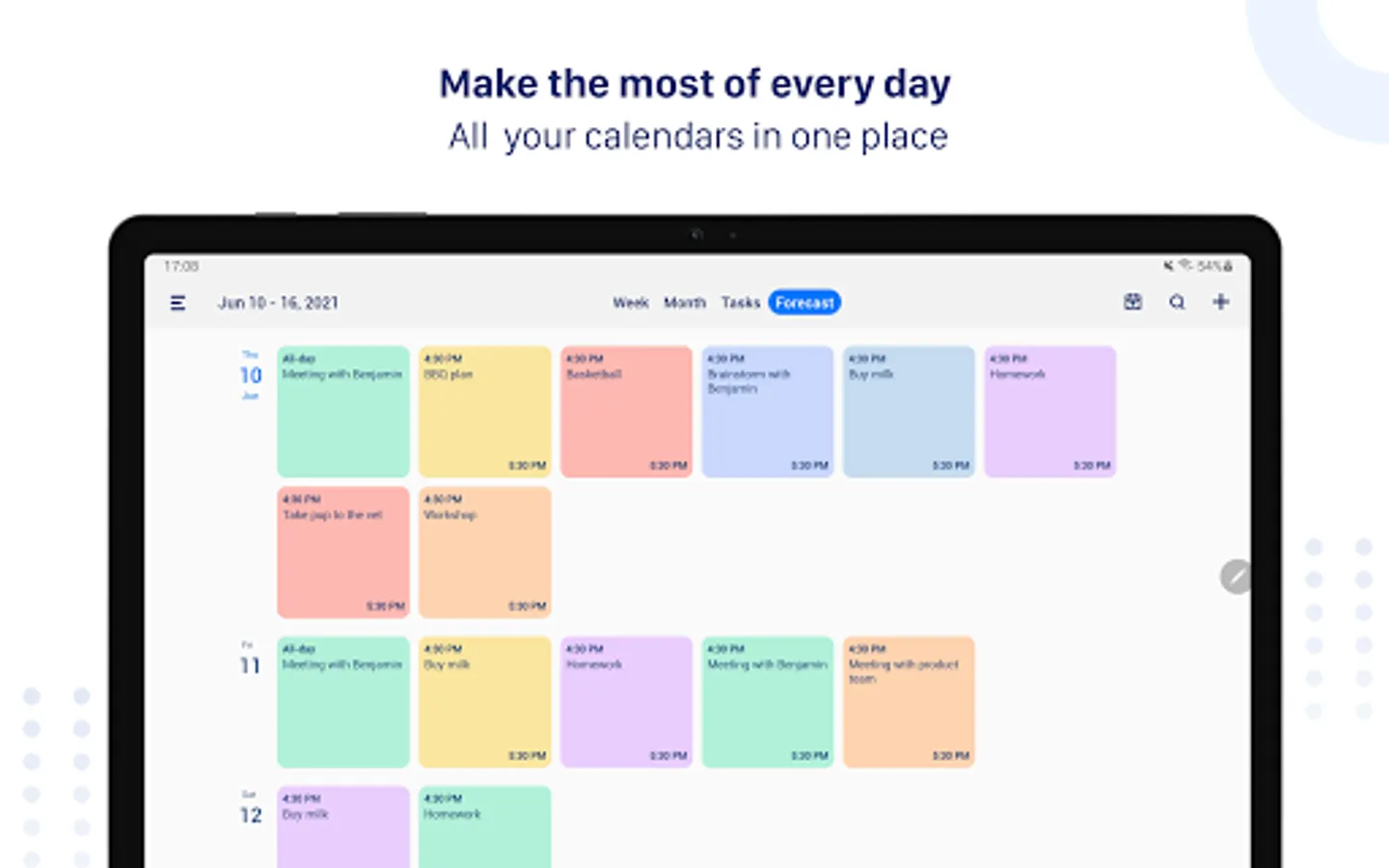
Tiny Calendar supports 8 standard views - day, week, month, 4-days, year, mini-month, week agenda and agenda. You can instantly switch views to discover events or find a time you're looking for.
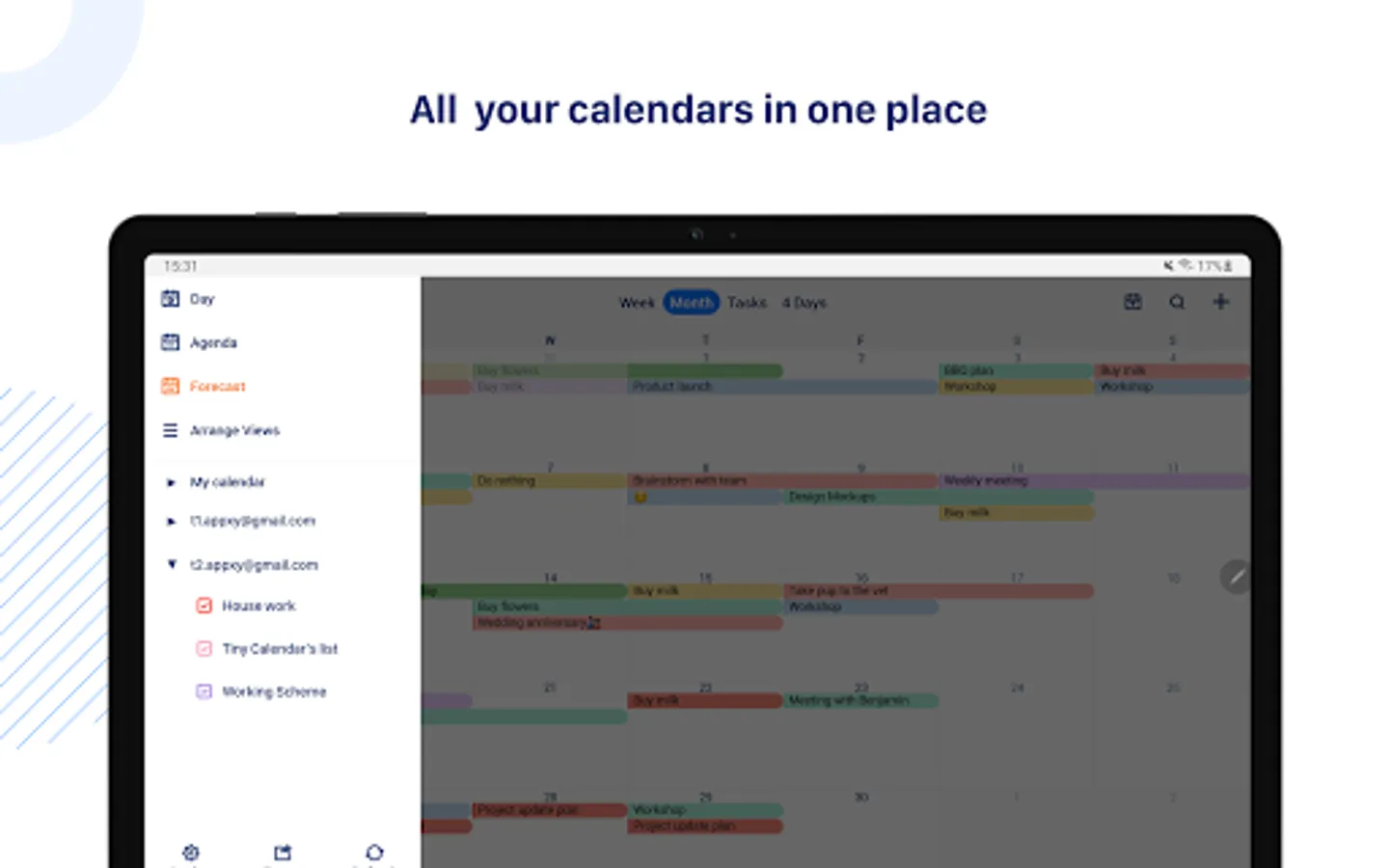
CONNECT ALL YOUR CALENDARS
Tiny Calendar supports to read events from Google Calendar directly via Google OAuth, it also reads events from local calendar to supports events on Microsoft Outlook, Exchange and other calendars.
WORKS OFFLINE
You can still create, edit and delete events when you don't have an Internet connection.
ADVANCED REMINDER SYSTEM
Never forget about a meeting! Tiny Calendar allows you to set multiple reminders for an event.
Permissions Used in Tiny Calendar:
1. Calendar: Tiny Calendar needs this permission to read events from local calendars.
2. Contacts: Tiny Calendar needs this permission to read Google Accounts from your device for adding Google account within app. Also Tiny Calendar needs this permission to read contacts from local when you choose to add attendees for an event.
Tiny Calendar: Planner & Tasks Screenshots
Tap to Rate:
Reviews for Tiny Calendar: Planner & Tasks
Lana Back
12/1/2025
i bought the ad free version but when I tried to use it, it doesn't click anywhere. It also keeps saying "sync failed" as well. I used to love this app on my apple but it doesn't seem to work on my new galaxy. Please refund. update: I have sent several emails as per reply and have given them screenshot videos to prove that the app isn't working properly on my phone. When I asked for a refund, their comment was "we are not not able to replicate this on our end". So no fix still and no refund.
LINDA LEEDOGMAI
11/22/2025
I LOVE THIS APP