About Beysos Denetim
Beysos Audit: Easily Monitor Branch Standards
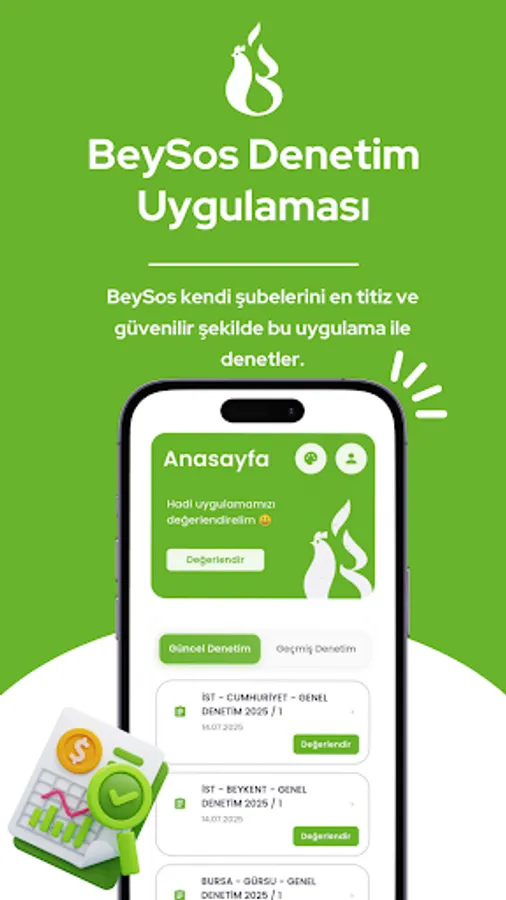
Beysos Audit is a corporate internal audit application that enables regular and consistent audits of quality, hygiene, operational, and brand standards at Beysos Döner branches through a single application. Designed for field auditors and regional managers, this application streamlines audit processes, simplifies evidence collection, and enables instantaneous sharing of results with headquarters. It standardizes all processes, from daily operational checks to periodic audits, makes them measurable, and facilitates action.
Key Features
Dynamic audit lists: Category- and question-based, standards-compliant audit flows
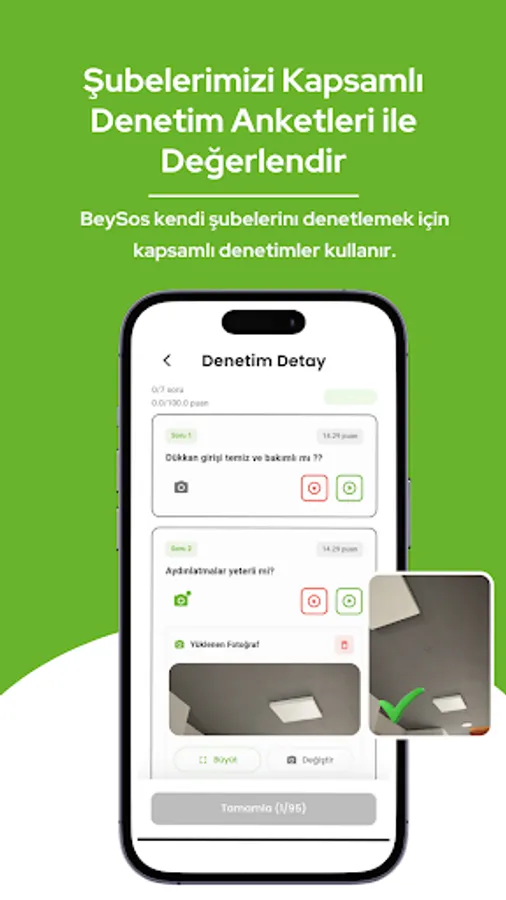
Adding visual evidence: Document findings by taking photos with your camera
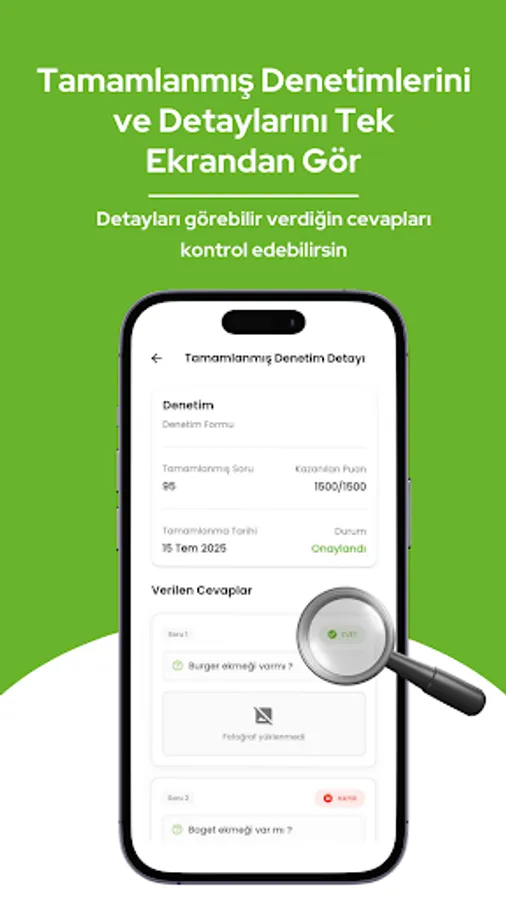
Scoring and status tracking: Identify strengths and areas for improvement with question- and category-based scoring
Working with drafts: Save drafts and complete the audit later without interrupting
Offline support: Securely store data in case of disconnection; Send when internet is available
Fast submission: Submit audits to the system with a single click
User-friendly interface: Clear, intuitive, and fast navigation
Notification reminders: Reminders for scheduled audits (on compatible devices)
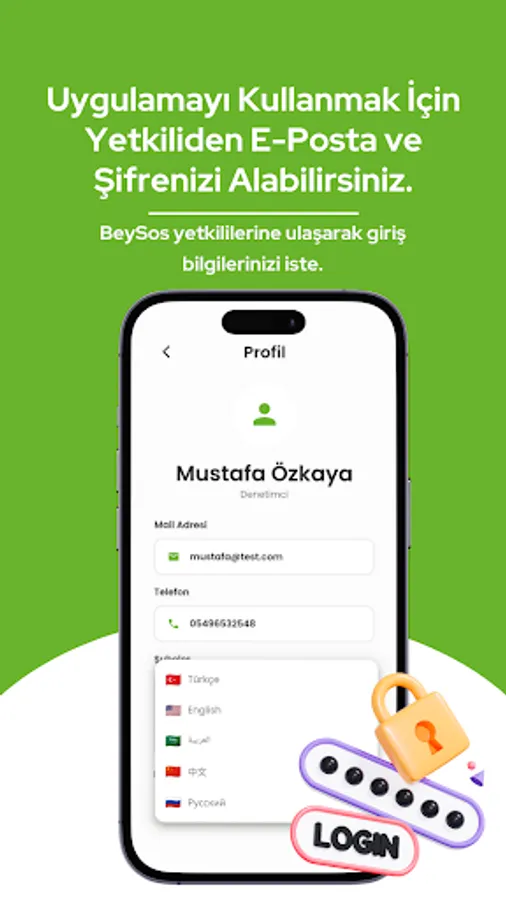
Secure login: Corporate user authentication and secure data storage
How it works:
Corporate login: Log in with your authorized username and password.
Audit selection: Select from a list of branches/audits assigned to your authority.
Categories and questions: Answer the questions defined for each category; add notes as needed.
Photo evidence: Document findings by instantly adding images from your camera.
Save draft: Save the audit as a draft at any stage.
Review and submission: View the score, address any deficiencies, and submit the audit.
Benefits
Consistency: Measurements are conducted to the same standard across all branches.
Transparency: Audit results are supported by clear, visual evidence.
Speed: Reduces time spent in the field; minimizes reporting overhead. Action-oriented: Strengths and areas for improvement become quickly apparent.
Operational excellence: The sustainability of hygiene, quality, service, and brand standards increases.
Who is it for?
Beysos Döner internal audit teams
Regional managers and field managers
Central operations and quality teams
Note: This app is not available to the public; it is intended for authorized Beysos personnel only.
Security and Privacy
Authorized access with a corporate account
Protection of sensitive information with secure storage solutions on the device
Only data necessary for audit processes is collected; no unnecessary personal data is processed
Offline Operation
Save your audits as drafts when disconnected
Drafts are sent securely when internet access is available
A robust feed suitable for field conditions
Notifications
Receive reminders for scheduled audits
Notification permission is optional; You can manage it from your device settings.
Permissions and Usage
Camera: To add visual evidence to inspection findings
Storage/Photos: To attach captured images to inspections
Notifications: For inspection reminders and informational messages (optional)
Beysos Audit is a corporate internal audit application that enables regular and consistent audits of quality, hygiene, operational, and brand standards at Beysos Döner branches through a single application. Designed for field auditors and regional managers, this application streamlines audit processes, simplifies evidence collection, and enables instantaneous sharing of results with headquarters. It standardizes all processes, from daily operational checks to periodic audits, makes them measurable, and facilitates action.
Key Features
Dynamic audit lists: Category- and question-based, standards-compliant audit flows
Adding visual evidence: Document findings by taking photos with your camera
Scoring and status tracking: Identify strengths and areas for improvement with question- and category-based scoring
Working with drafts: Save drafts and complete the audit later without interrupting
Offline support: Securely store data in case of disconnection; Send when internet is available
Fast submission: Submit audits to the system with a single click
User-friendly interface: Clear, intuitive, and fast navigation
Notification reminders: Reminders for scheduled audits (on compatible devices)
Secure login: Corporate user authentication and secure data storage
How it works:
Corporate login: Log in with your authorized username and password.
Audit selection: Select from a list of branches/audits assigned to your authority.
Categories and questions: Answer the questions defined for each category; add notes as needed.
Photo evidence: Document findings by instantly adding images from your camera.
Save draft: Save the audit as a draft at any stage.
Review and submission: View the score, address any deficiencies, and submit the audit.
Benefits
Consistency: Measurements are conducted to the same standard across all branches.
Transparency: Audit results are supported by clear, visual evidence.
Speed: Reduces time spent in the field; minimizes reporting overhead. Action-oriented: Strengths and areas for improvement become quickly apparent.
Operational excellence: The sustainability of hygiene, quality, service, and brand standards increases.
Who is it for?
Beysos Döner internal audit teams
Regional managers and field managers
Central operations and quality teams
Note: This app is not available to the public; it is intended for authorized Beysos personnel only.
Security and Privacy
Authorized access with a corporate account
Protection of sensitive information with secure storage solutions on the device
Only data necessary for audit processes is collected; no unnecessary personal data is processed
Offline Operation
Save your audits as drafts when disconnected
Drafts are sent securely when internet access is available
A robust feed suitable for field conditions
Notifications
Receive reminders for scheduled audits
Notification permission is optional; You can manage it from your device settings.
Permissions and Usage
Camera: To add visual evidence to inspection findings
Storage/Photos: To attach captured images to inspections
Notifications: For inspection reminders and informational messages (optional)