
With this diagramming app, you can create various types of diagrams including flowcharts, mind maps, and network layouts by connecting shapes and adding pages easily. Includes export options to PNG, JPG, PDF, and SVG formats, with support for importing custom images.
AppRecs review analysis
AppRecs rating 3.8. Trustworthiness 76 out of 100. Review manipulation risk 28 out of 100. Based on a review sample analyzed.
★★★☆☆
3.8
AppRecs Rating
Ratings breakdown
5 star
45%
4 star
23%
3 star
10%
2 star
6%
1 star
16%
What to know
✓
Low review manipulation risk
28% review manipulation risk
✓
Credible reviews
76% trustworthiness score from analyzed reviews
✓
Good user ratings
68% positive sampled reviews
About Flowdia Diagrams
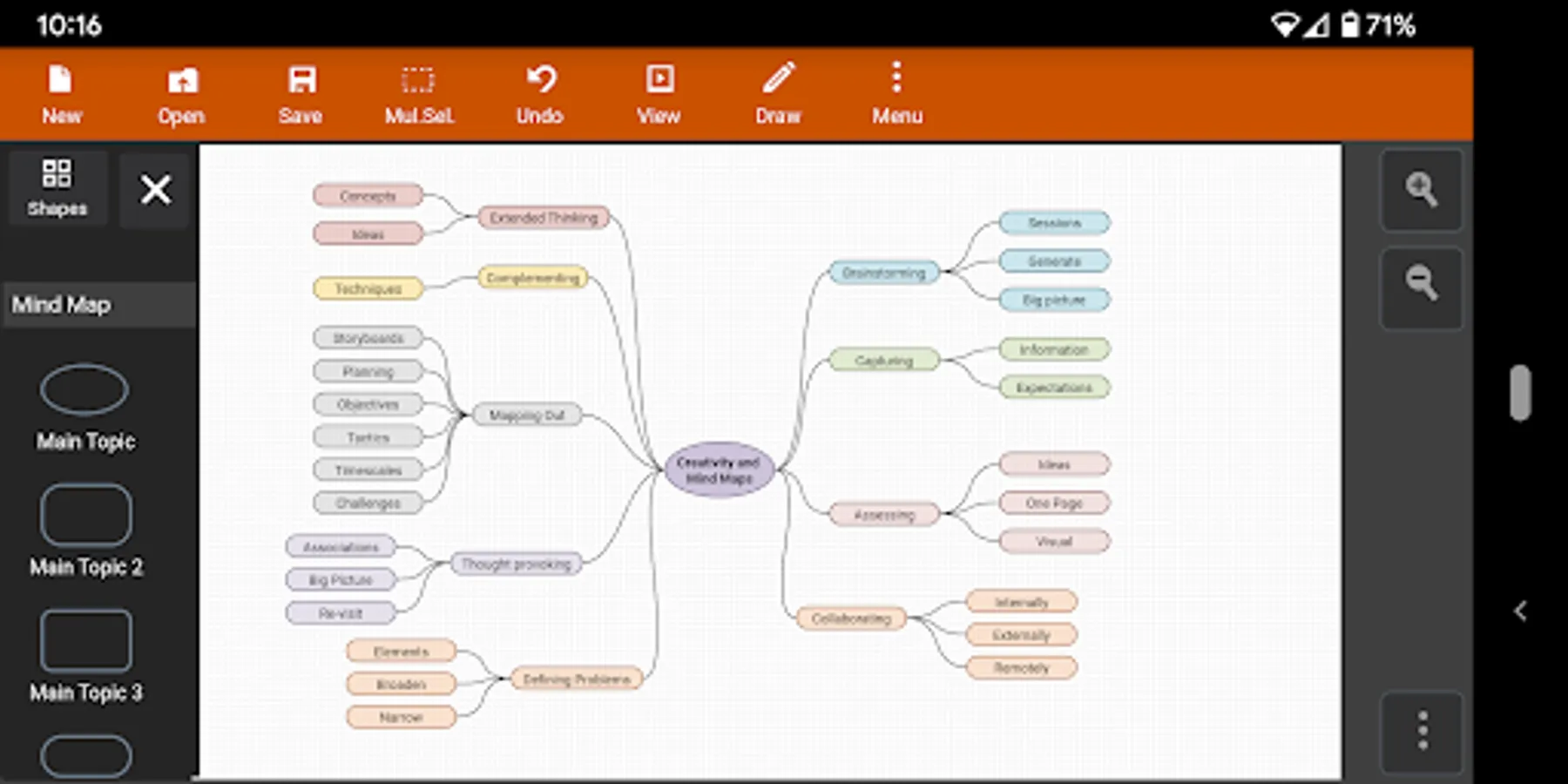
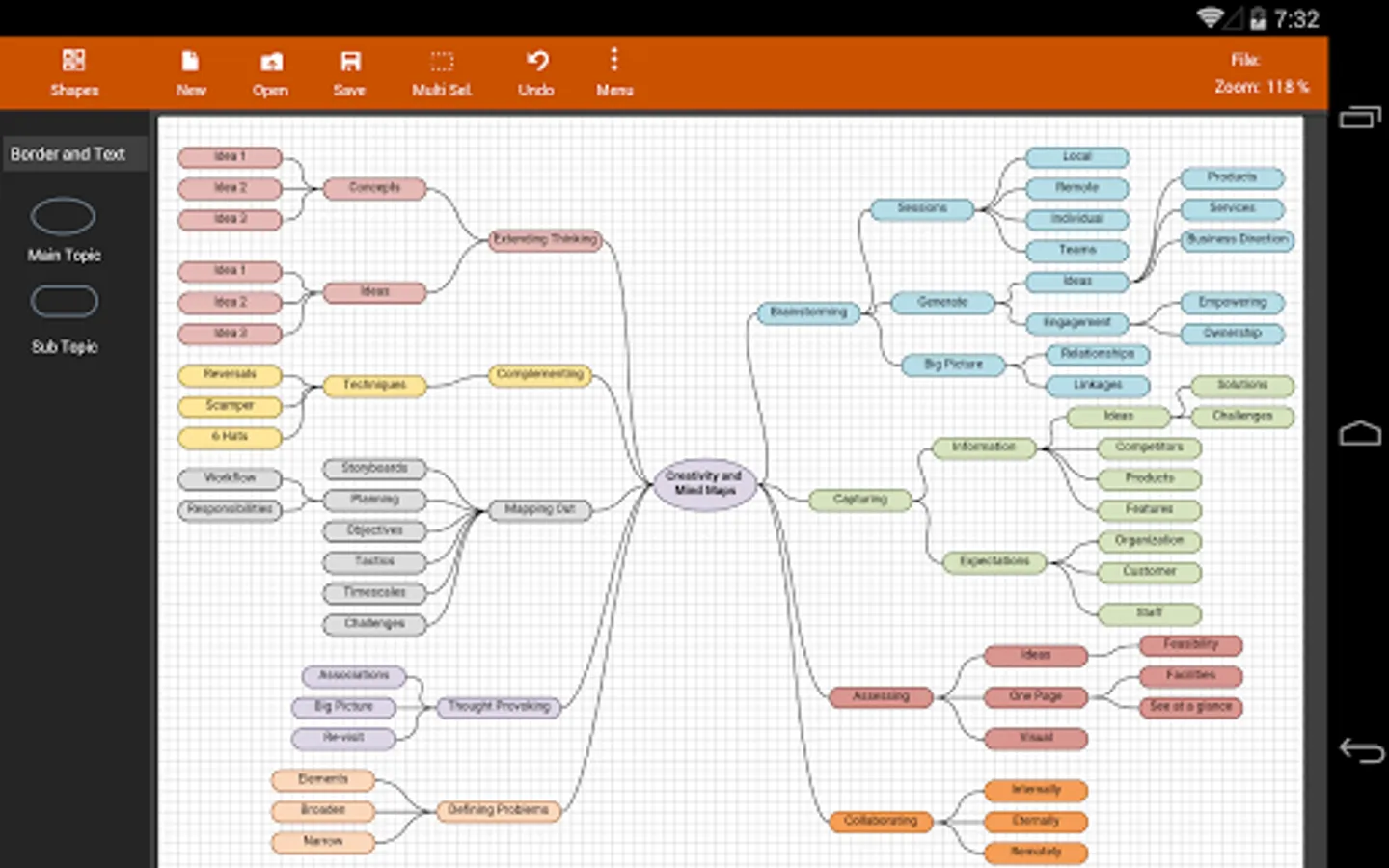
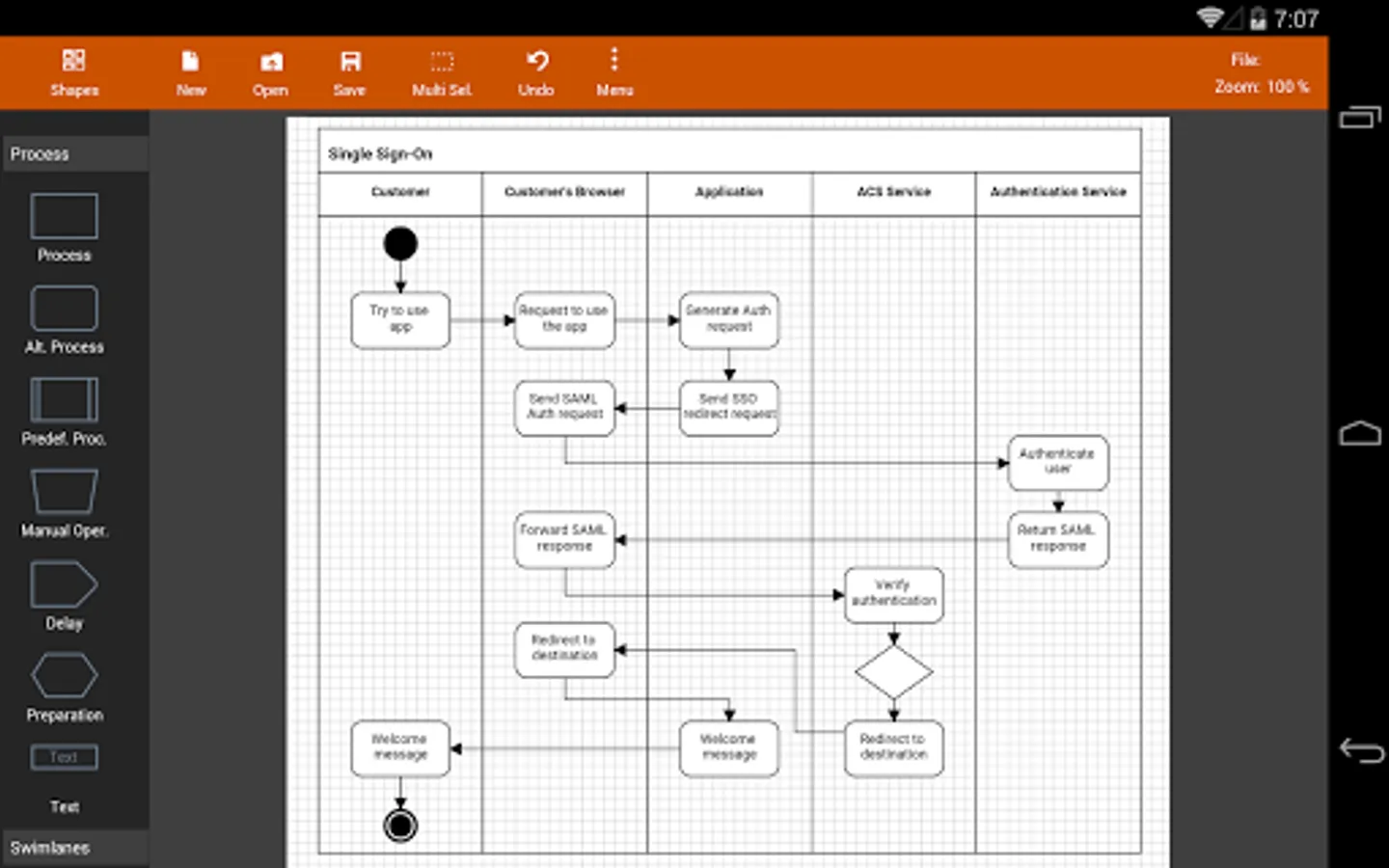
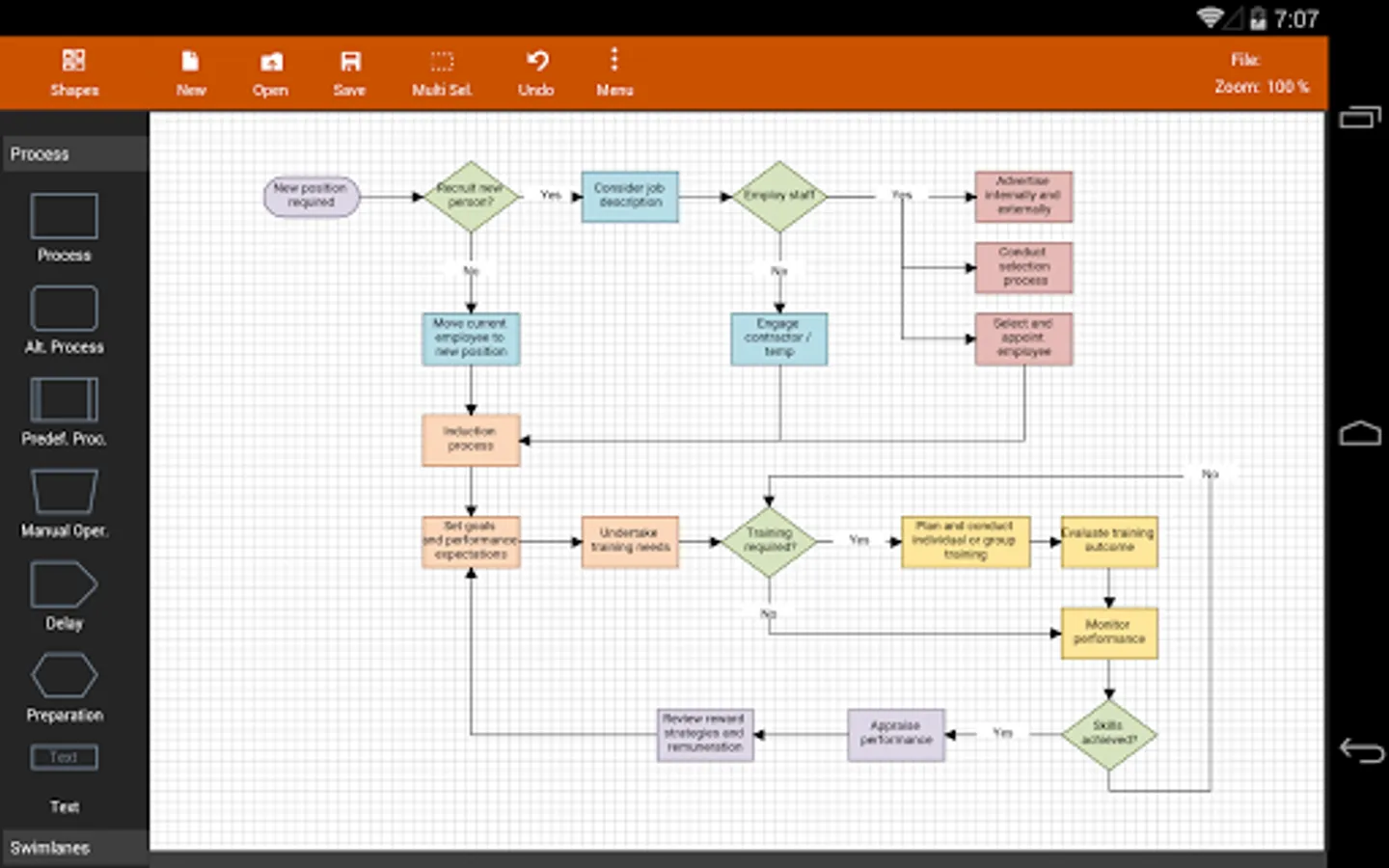
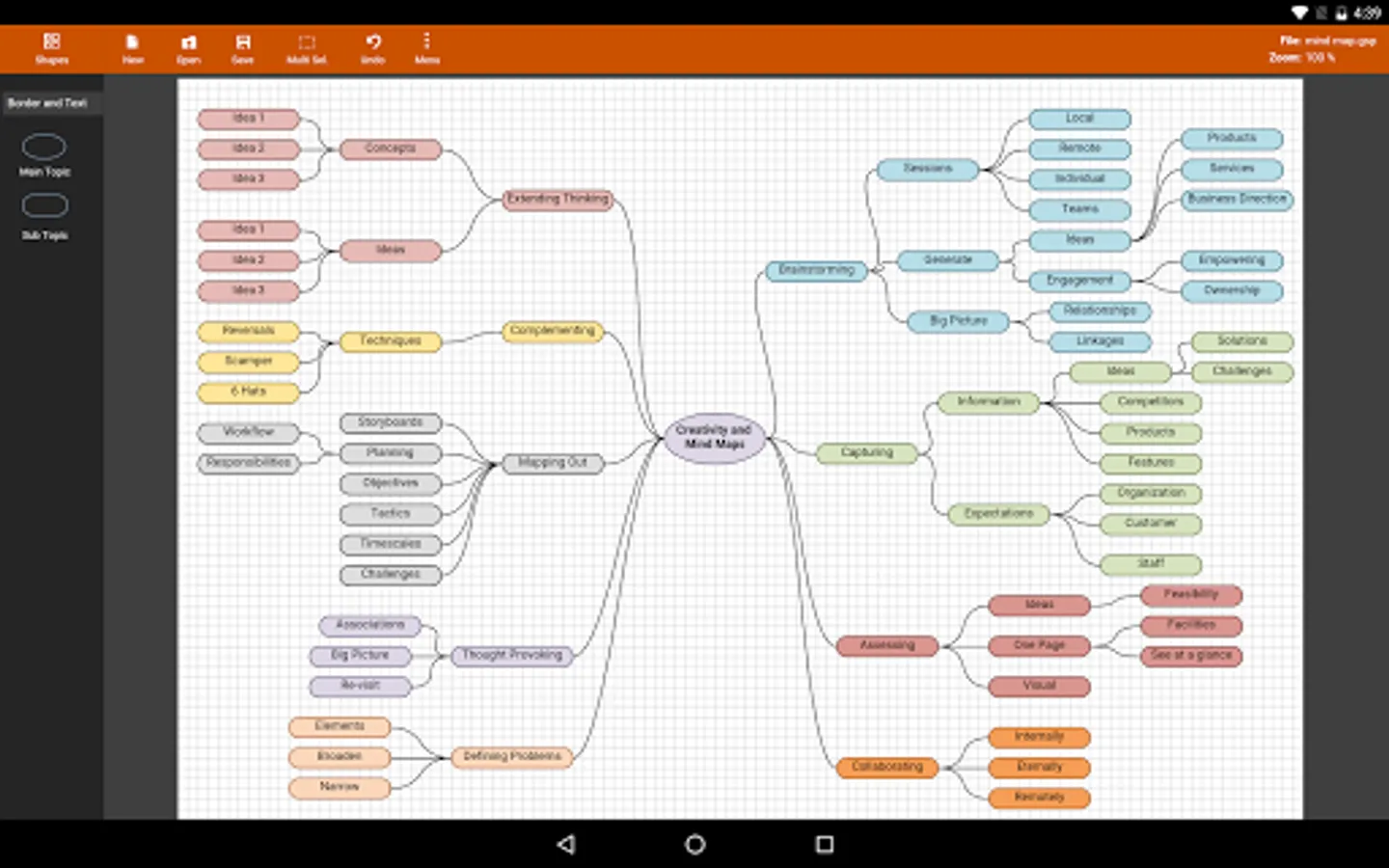
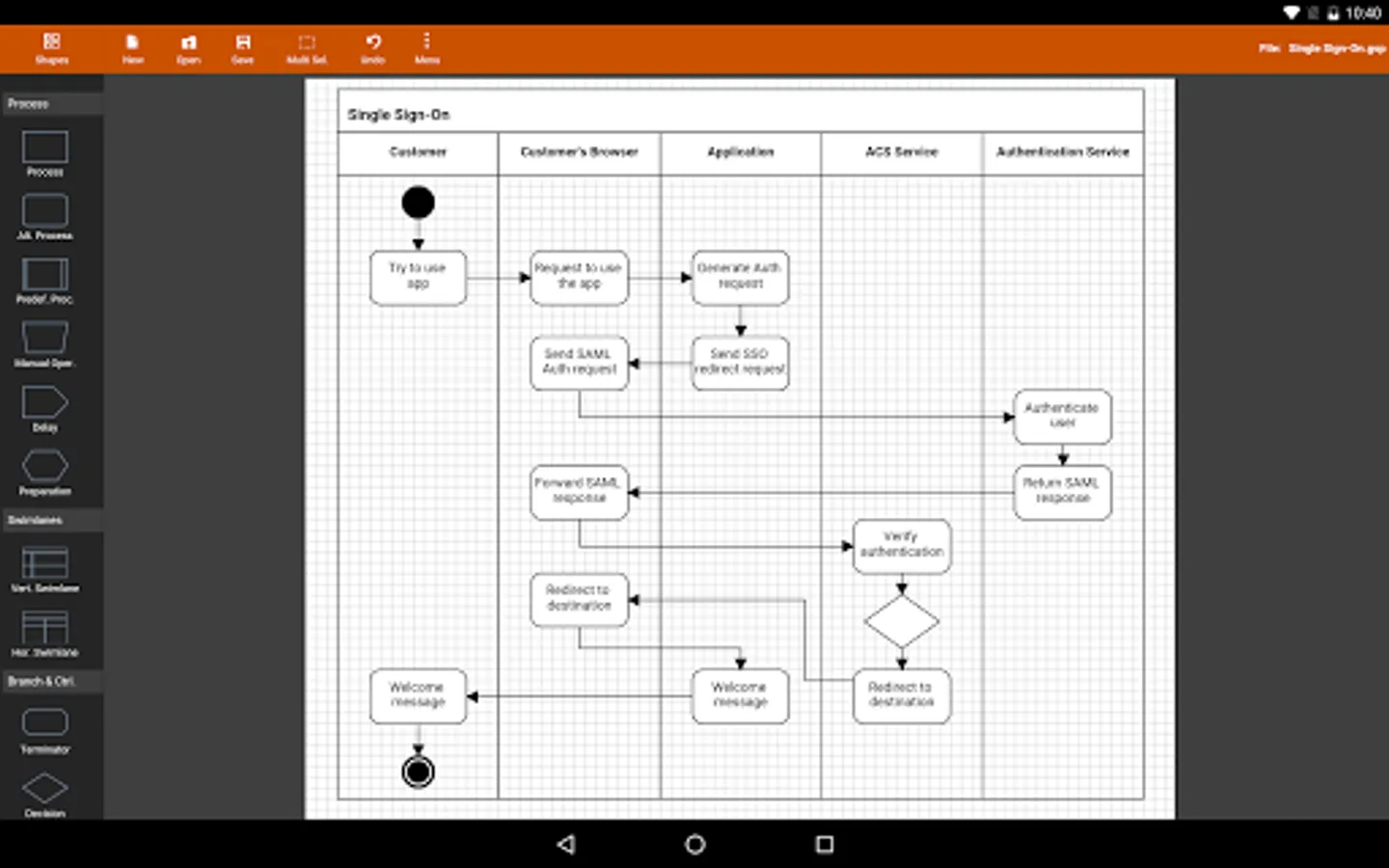
The app is designed with ease of use in mind. You can quickly connect flowchart shapes by simply selecting the start and end connection points and quickly add new lanes to a swimlane diagram or new sub-topics to a mind map diagram by using "+" button from the selected swimlane or mind map shape menu. The mind map sub-topics are automatically positioned on the page but can be easily moved as required.
Flowdia supports export of the diagram / flowchart to PNG, JPG, PDF and SVG formats. You can view exported SVG files in Microsoft Visio.
You can import custom PNG and JPG images.
You can add up to 10 pages to a diagram and copy, delete and rename pages as required.
The following diagrams can be created using Flowdia:
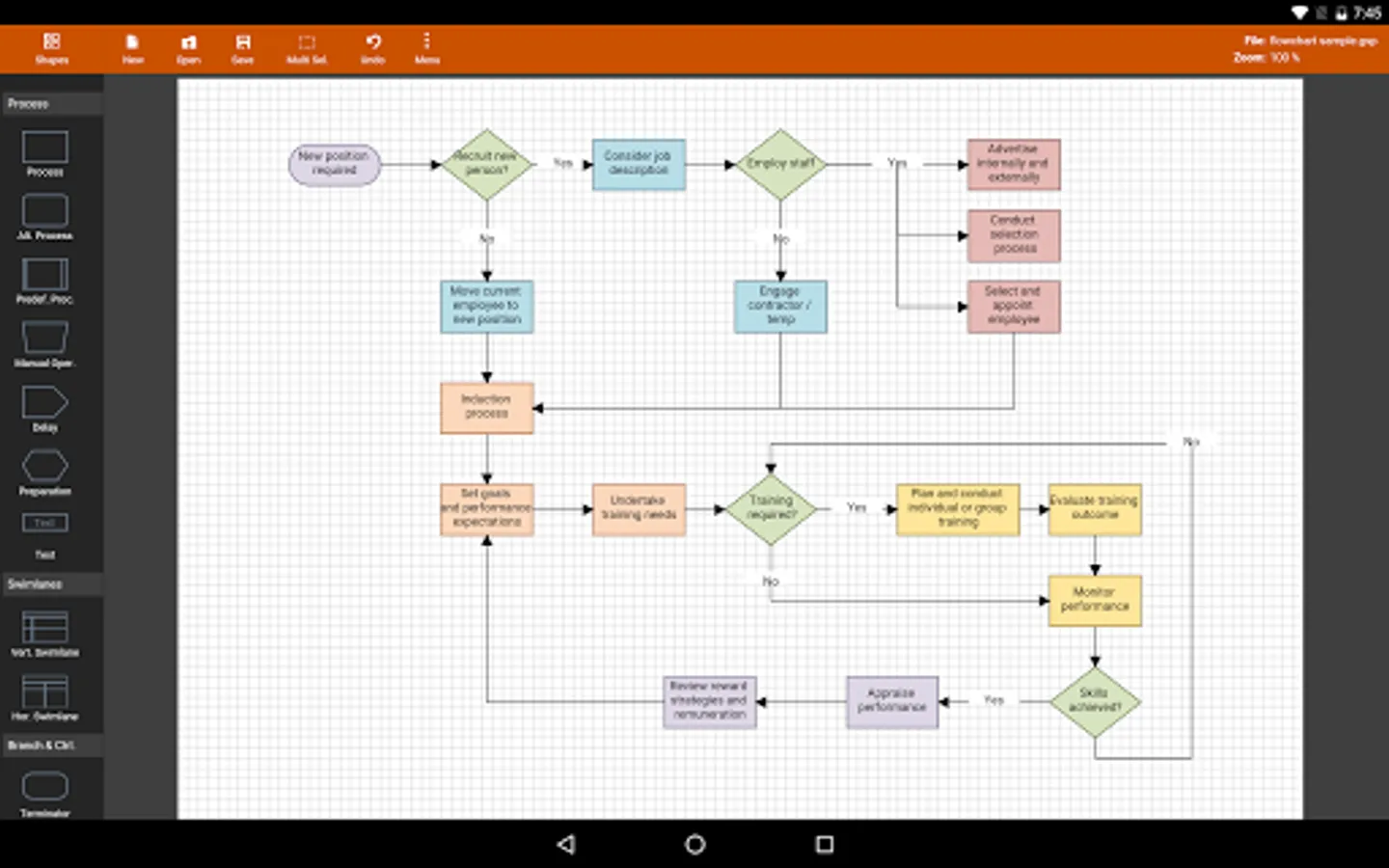
- Flowchart
- Swimlanes
- Mind Maps
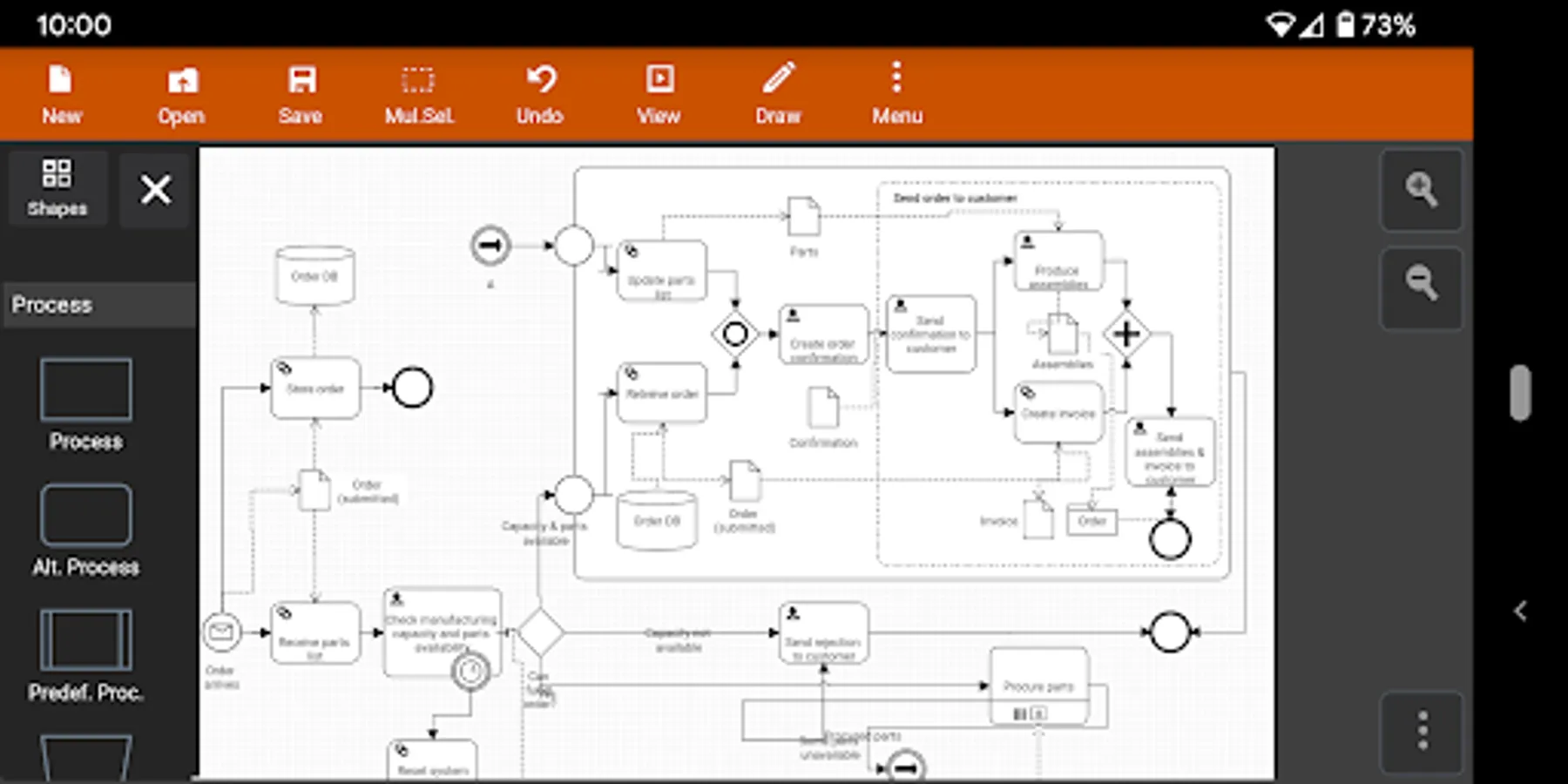
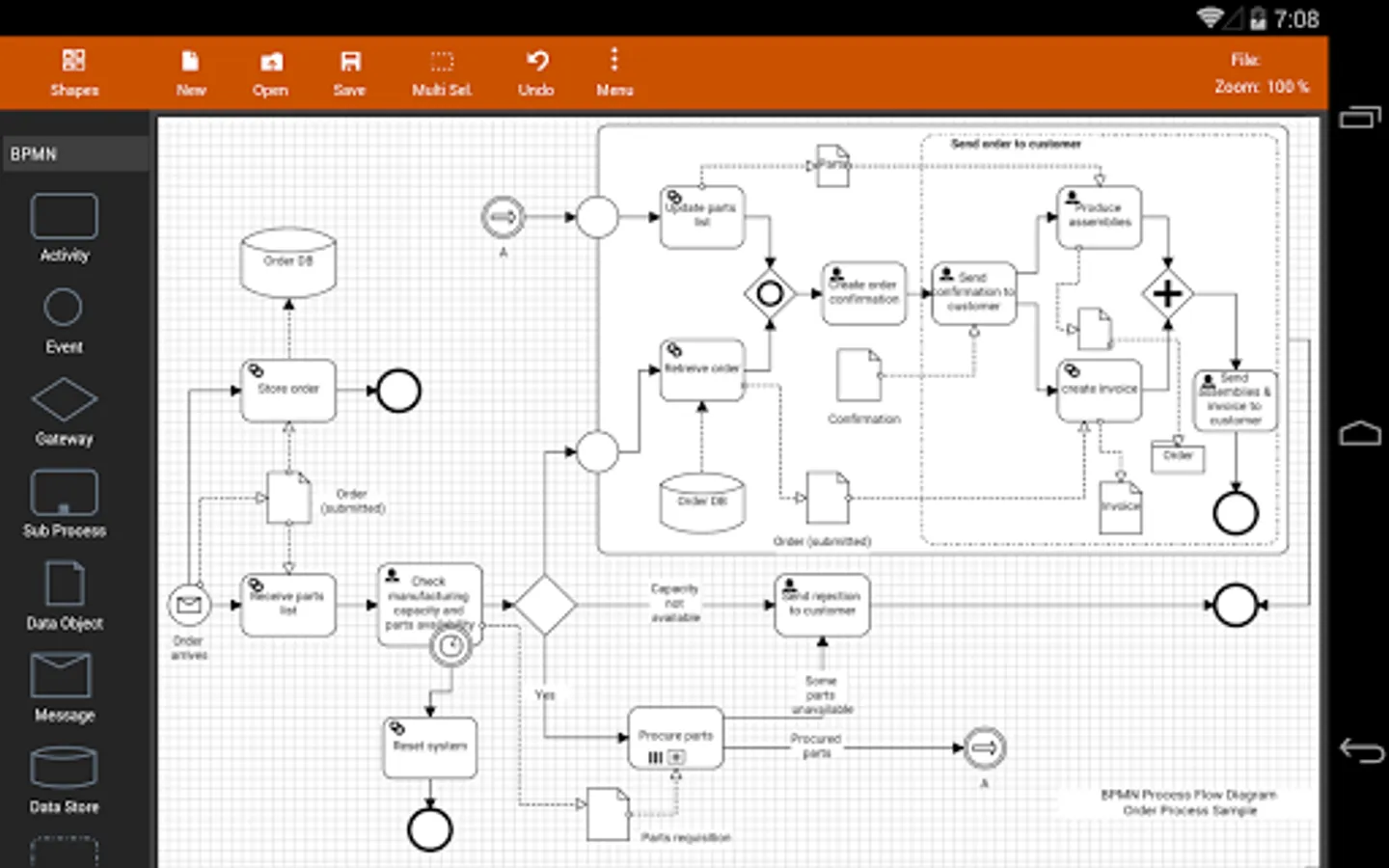
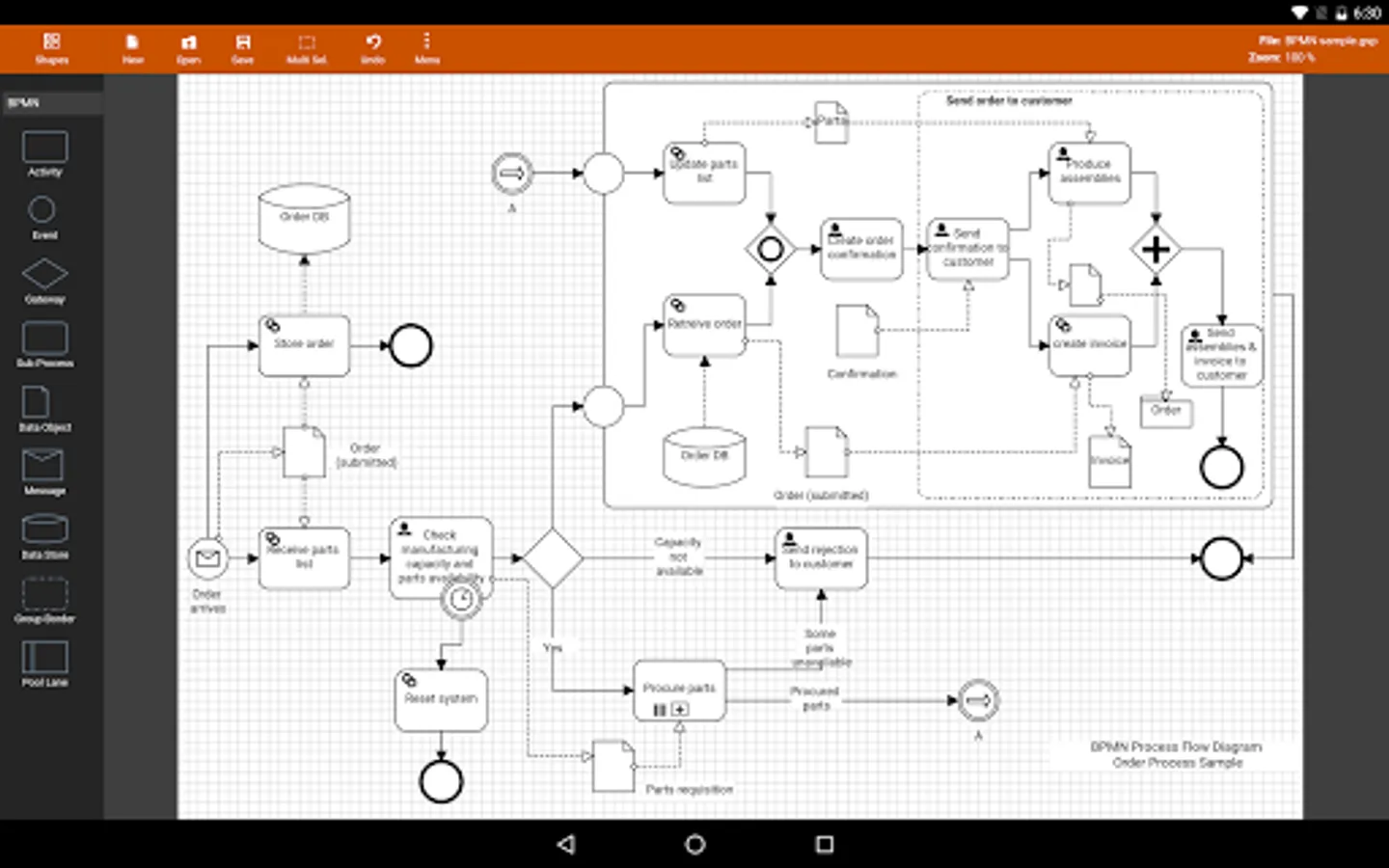
- BPMN
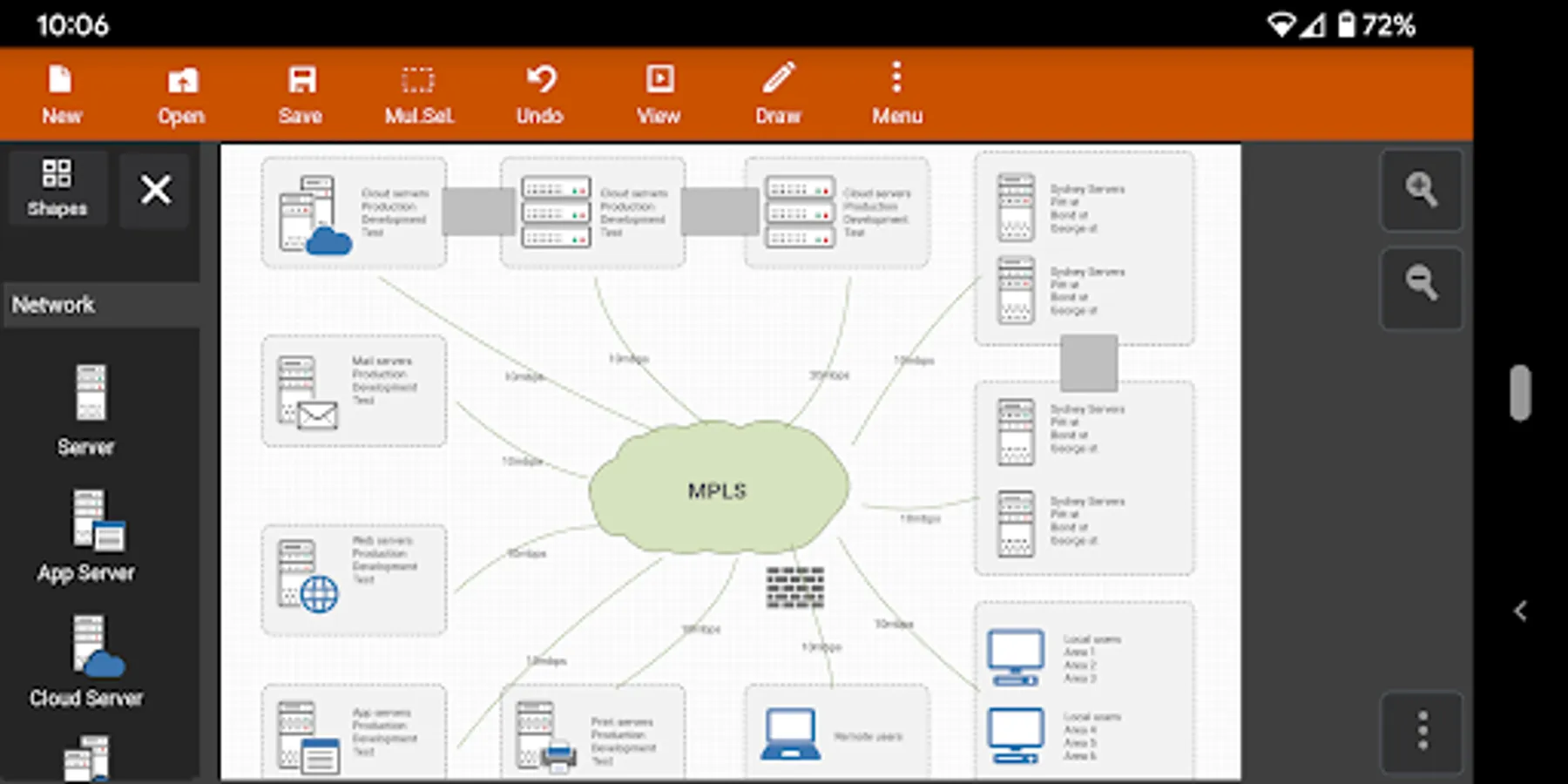
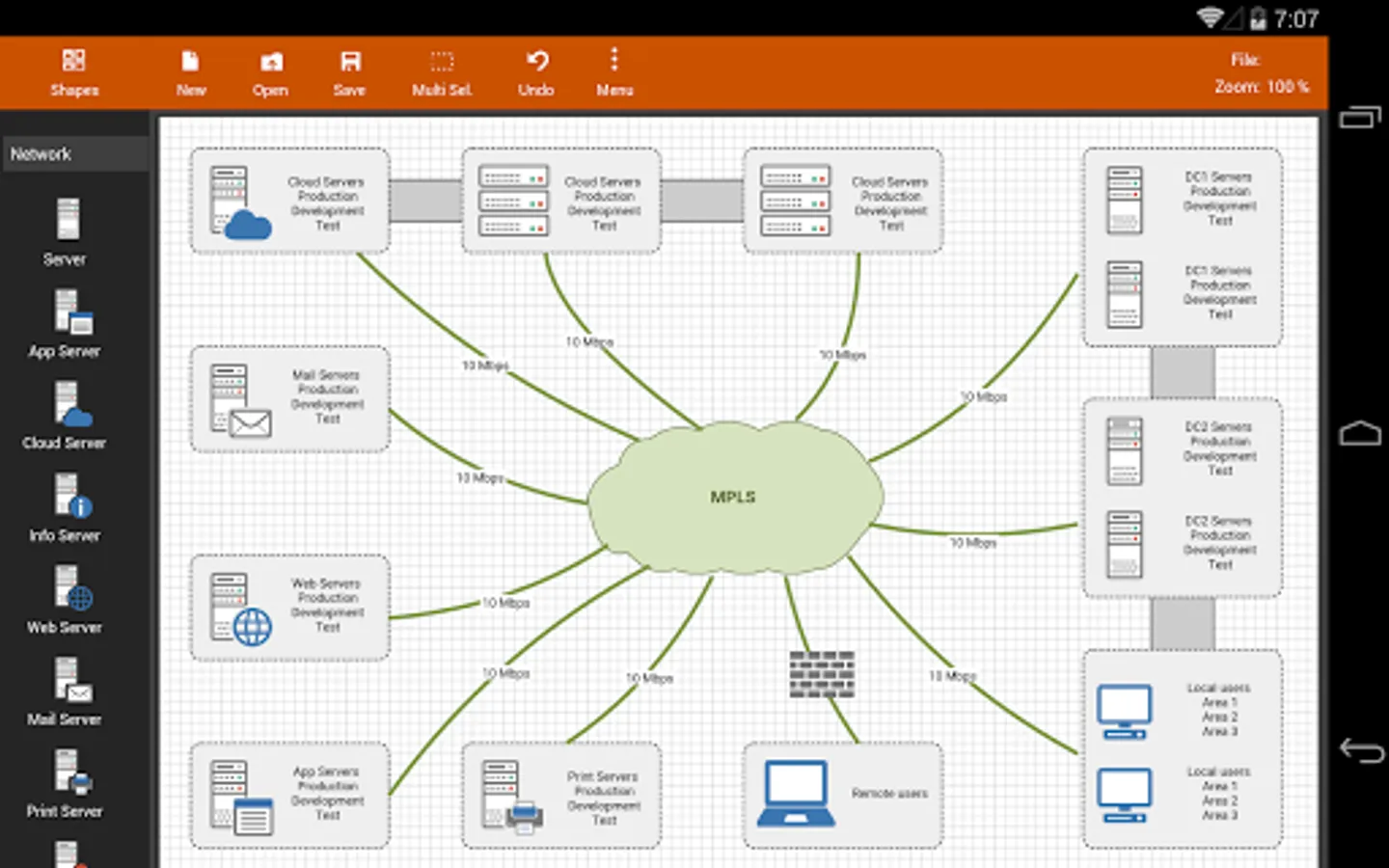
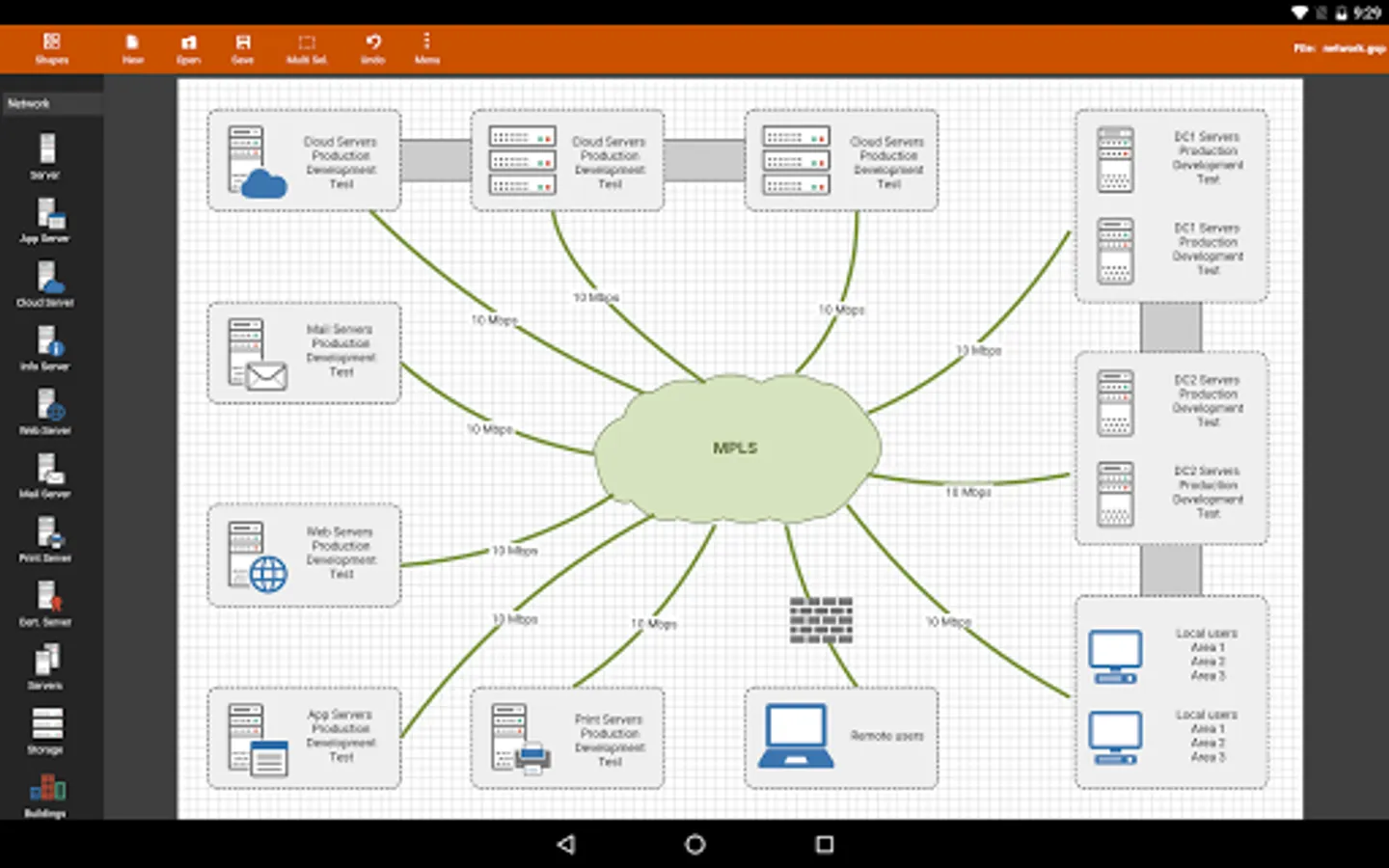
- Network Diagram
- Cisco Network Diagram
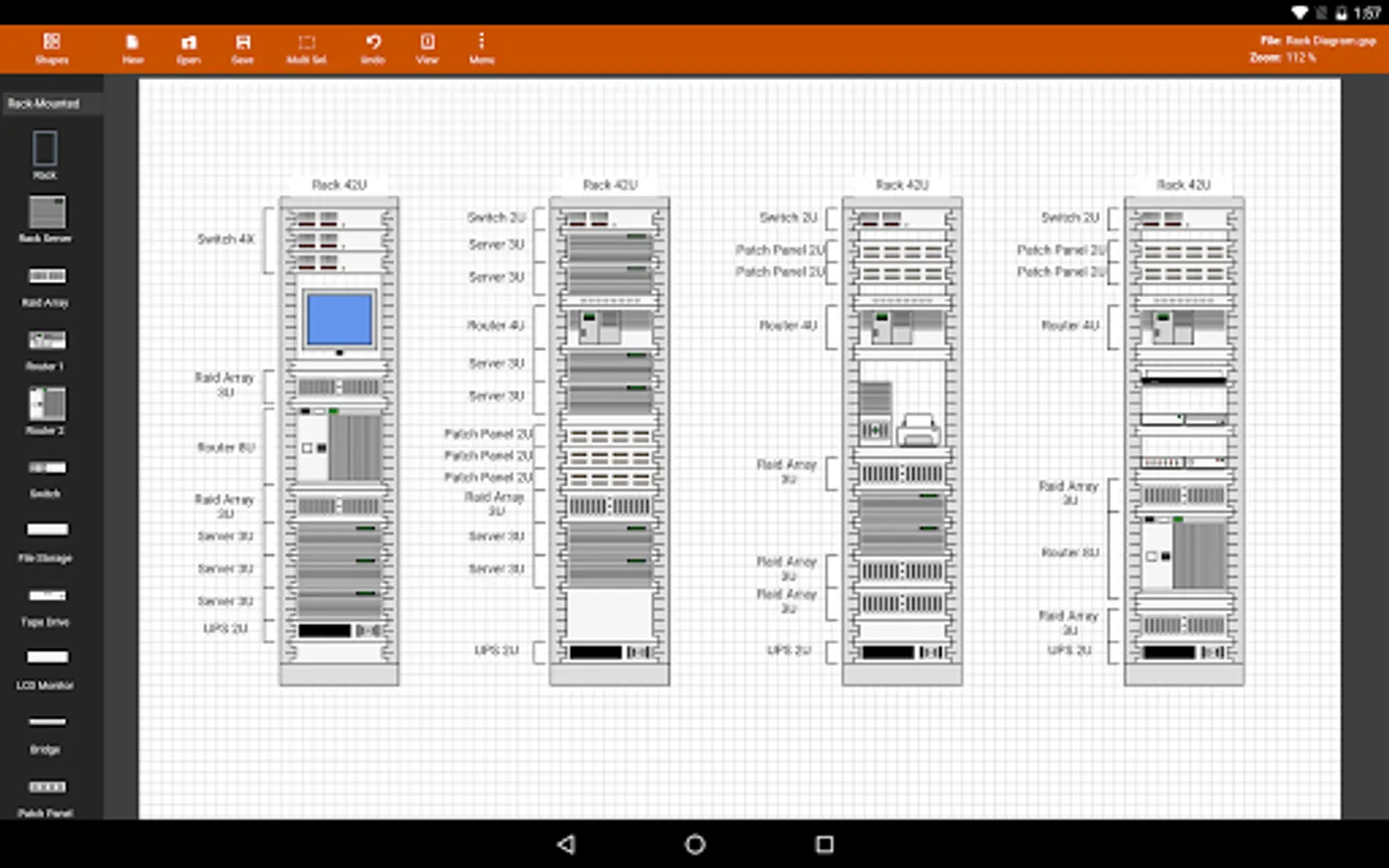
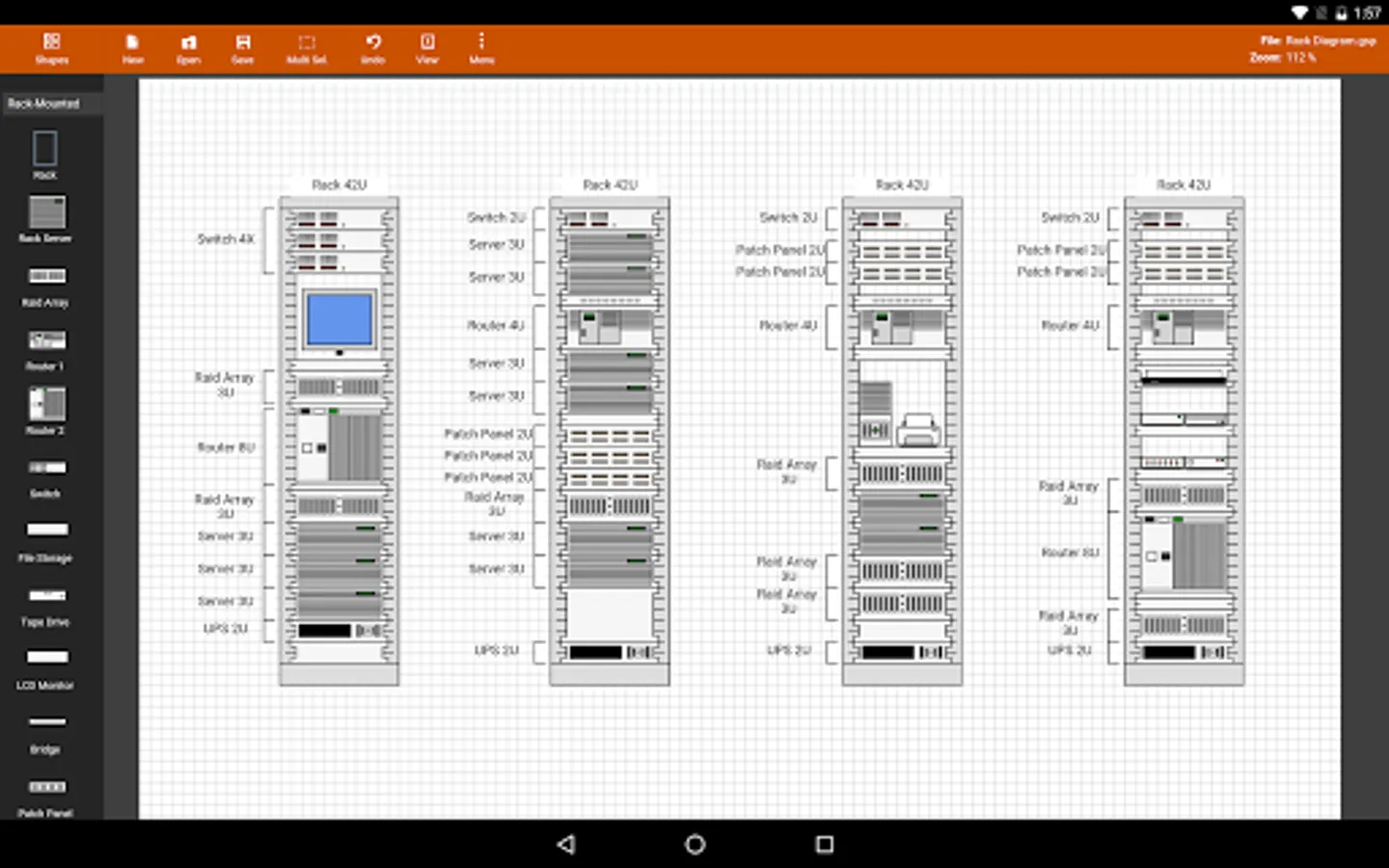
- Rack Diagram
- Server Layout Diagram
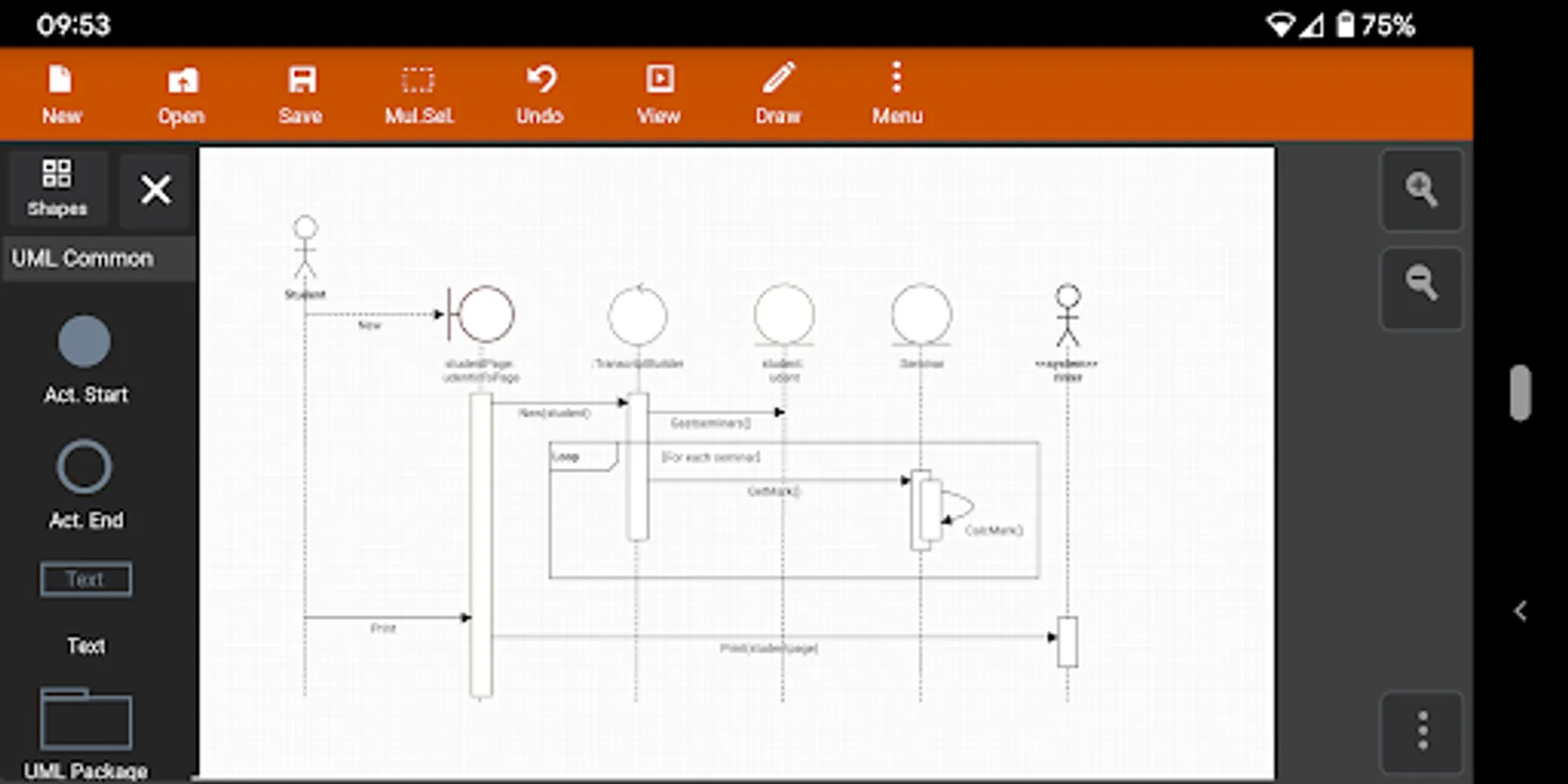
- UML Activity Diagram
- Business Process Diagram
- Process Flow
- Chevron Diagram
You can quickly select and change BPMN activity, event and gateway types by using the special shape selector available to all BPMN shapes.
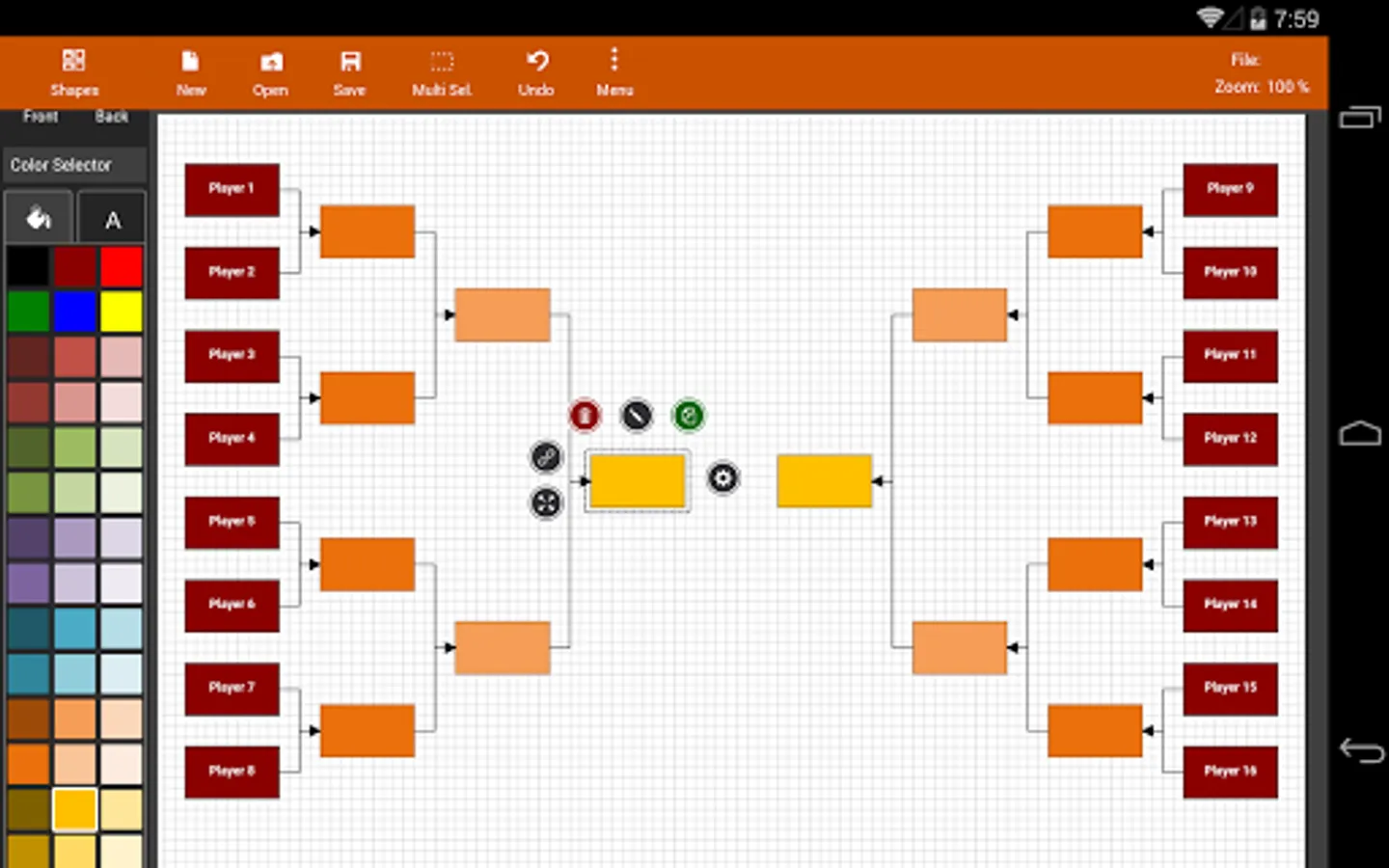
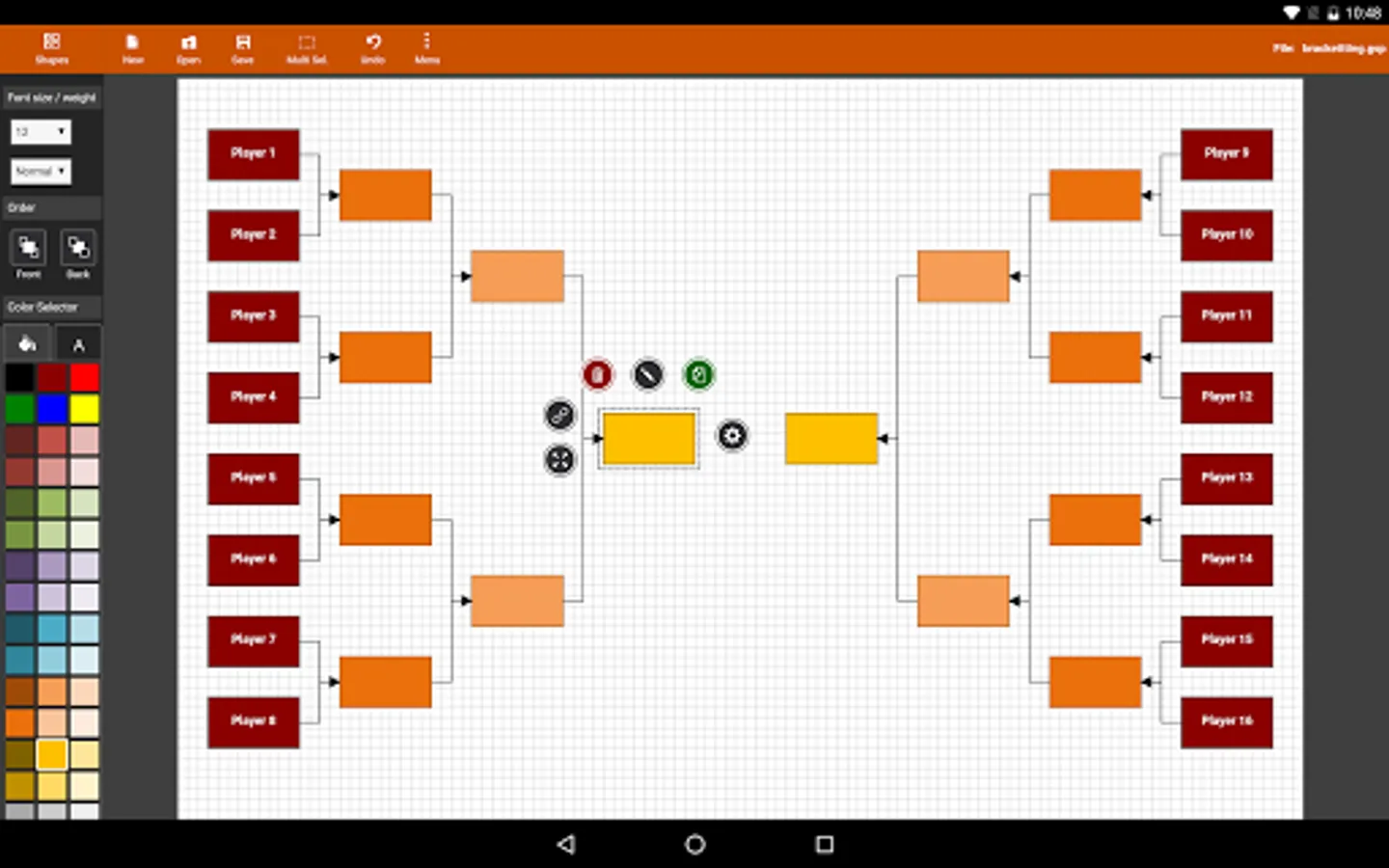
The flowchart shapes in this tool are not images can be re-sized without loosing quality. You can customize the look of the shapes by applying background color and also change the font color and size of the text.
Flowdia Diagrams Screenshots
Tap to Rate:
Reviews for Flowdia Diagrams
Phil
11/11/2025
Issues with the quality of imported images. Images are very small, and the resolution is beyond poor. images are of no use, especially when scaled up. Exporting to pdf is a poor attempt. The diagram is not exported in vector. Therefore, it looks pixilated when you zoom in.
Enrique Molina
4/23/2025
Good for basic diagrams, mind maps, and flowcharts. Works better with a stylus.