
AppRecs review analysis
AppRecs rating 3.3. Trustworthiness 83 out of 100. Review manipulation risk 23 out of 100. Based on a review sample analyzed.
★★★☆☆
3.3
AppRecs Rating
Ratings breakdown
5 star
46%
4 star
14%
3 star
11%
2 star
7%
1 star
23%
What to know
✓
Low review manipulation risk
23% review manipulation risk
✓
Credible reviews
83% trustworthiness score from analyzed reviews
✓
Authentic reviews
Natural distribution, no red flags
About Flowdia Diagrams Lite
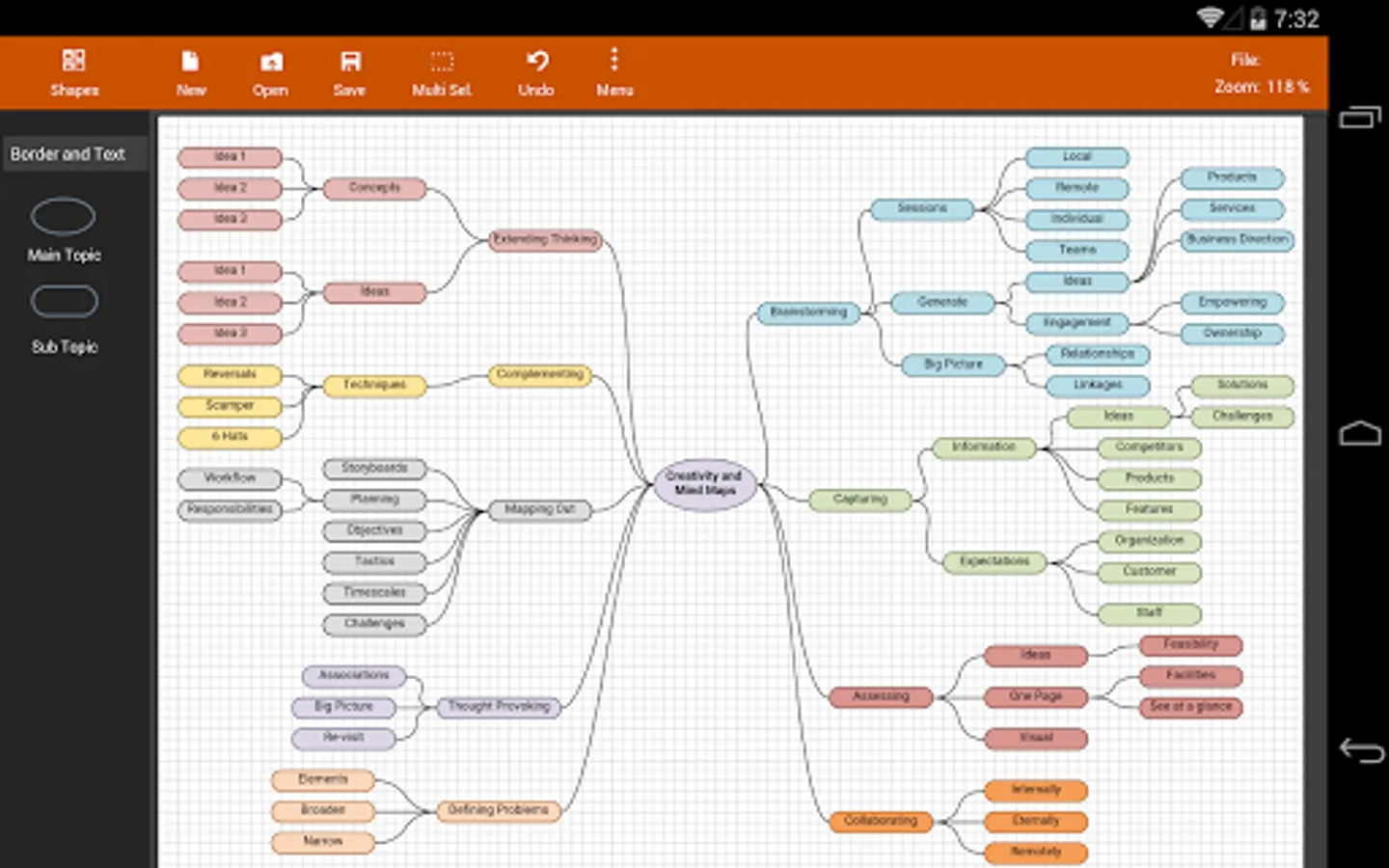
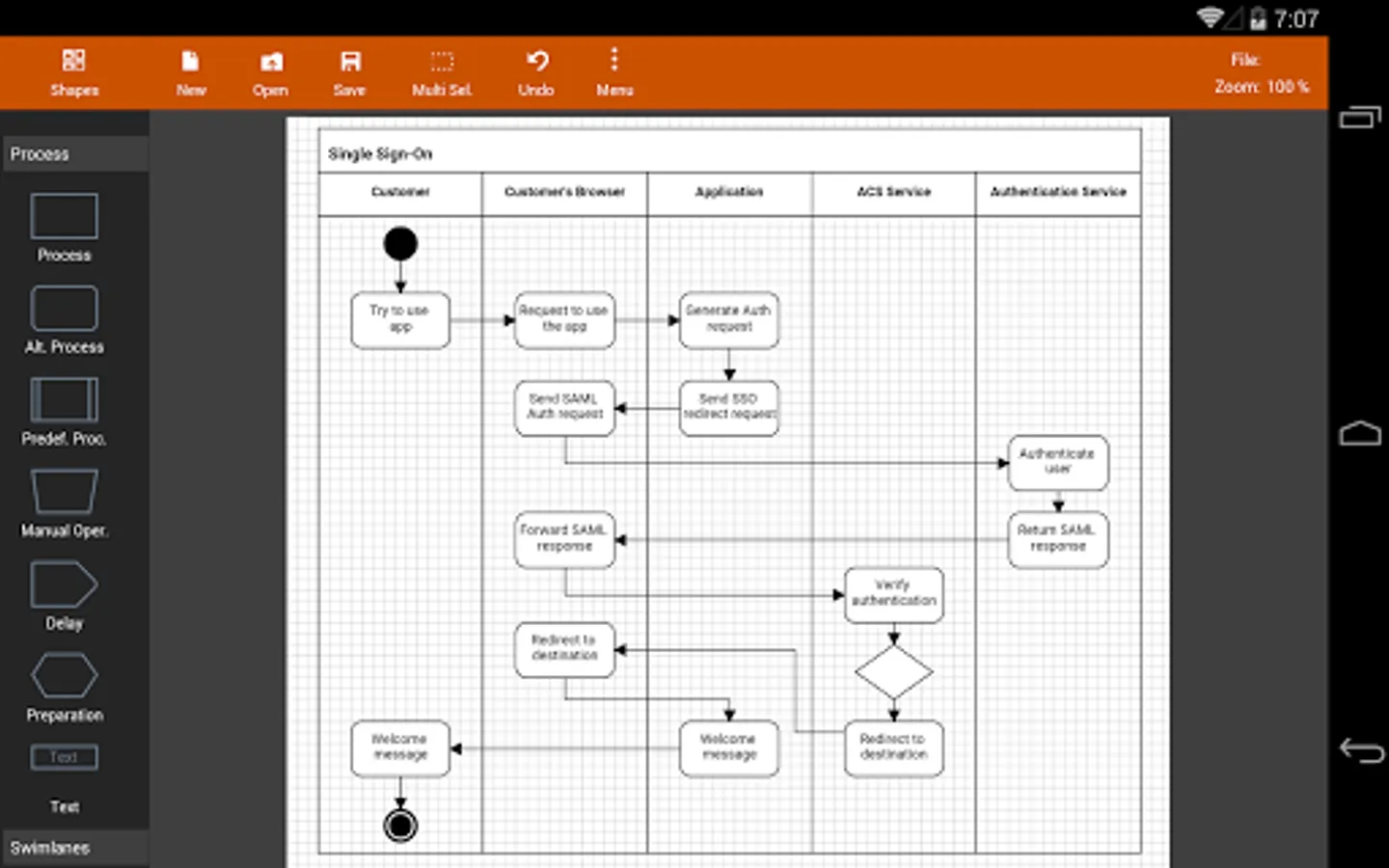
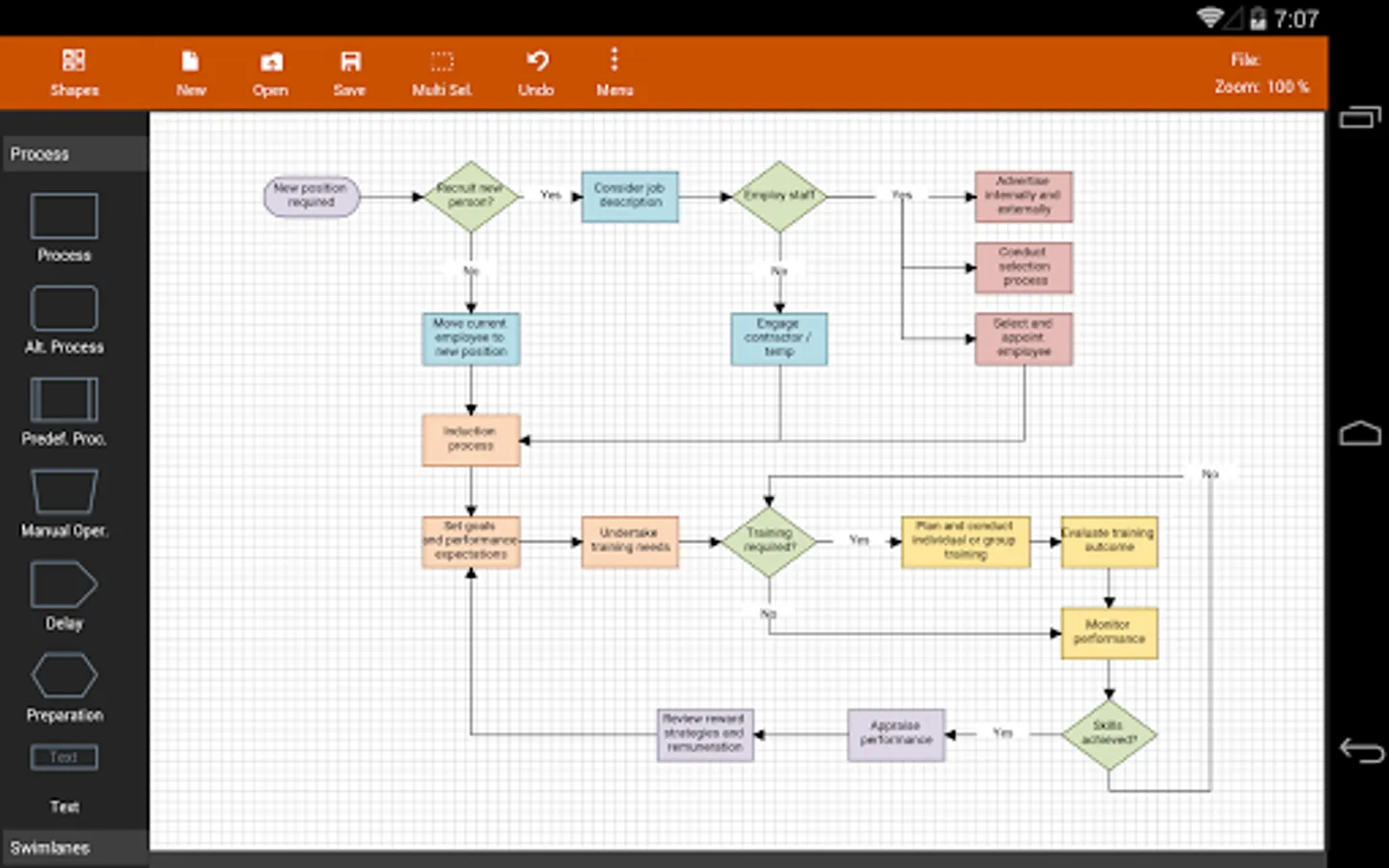
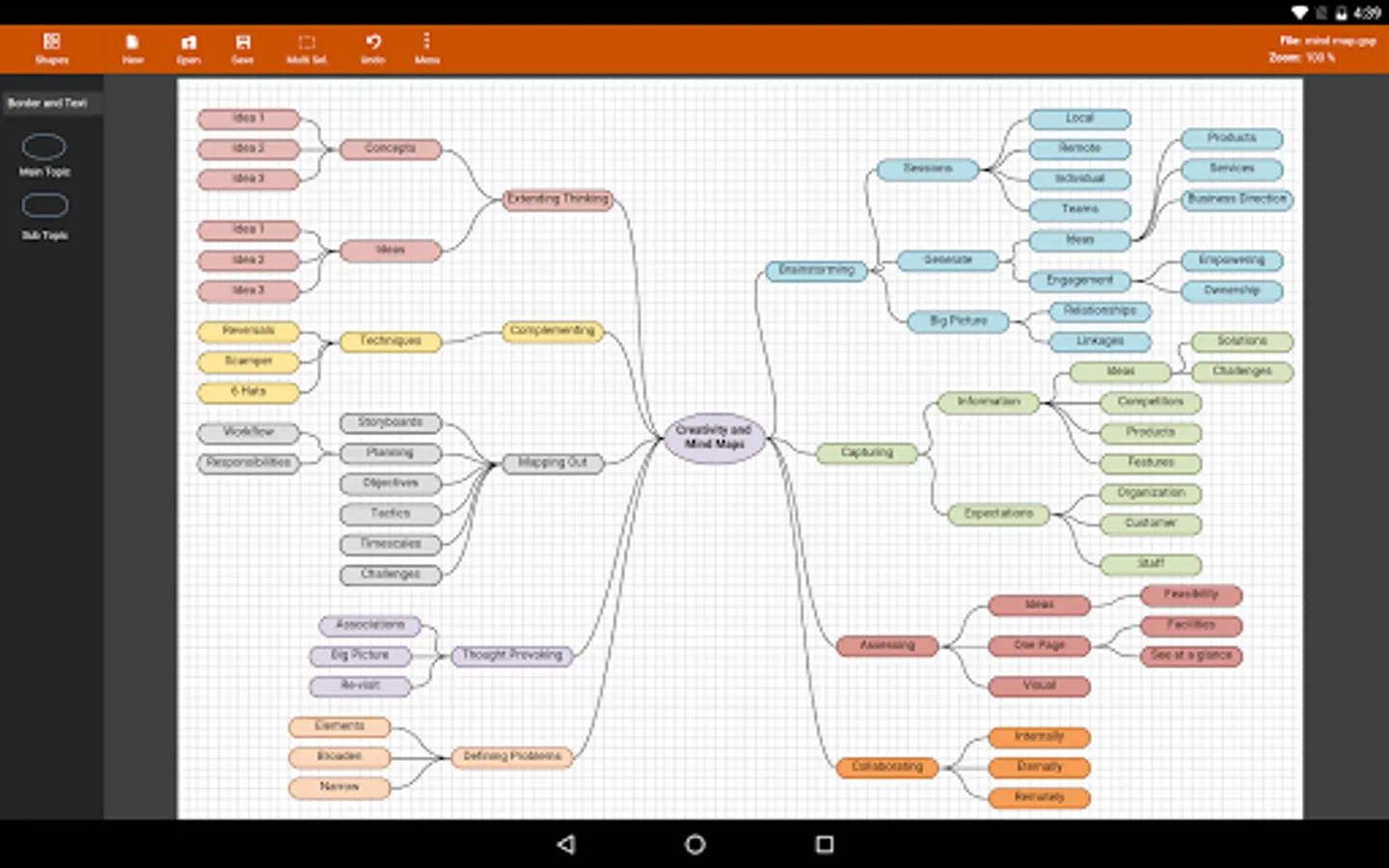
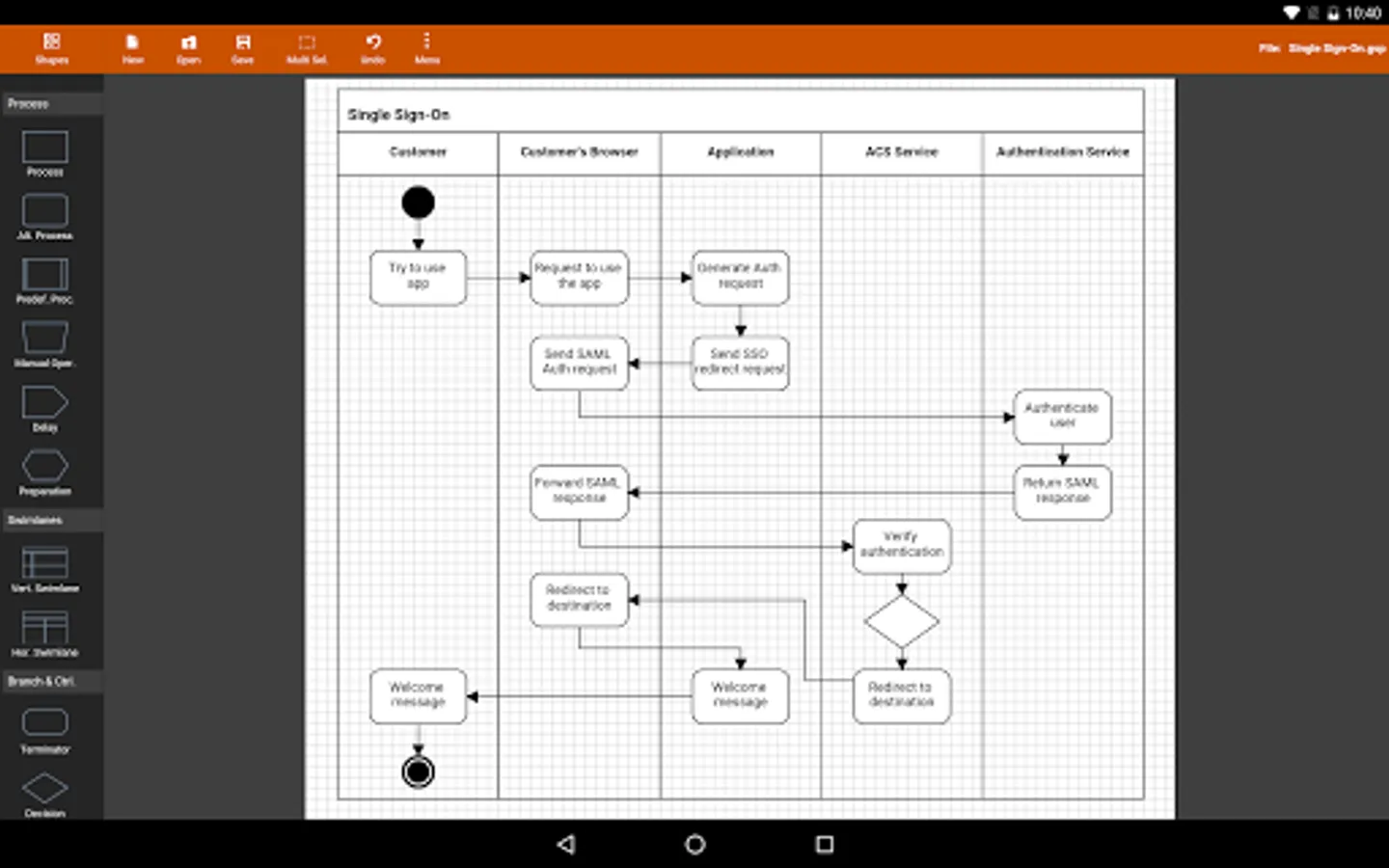
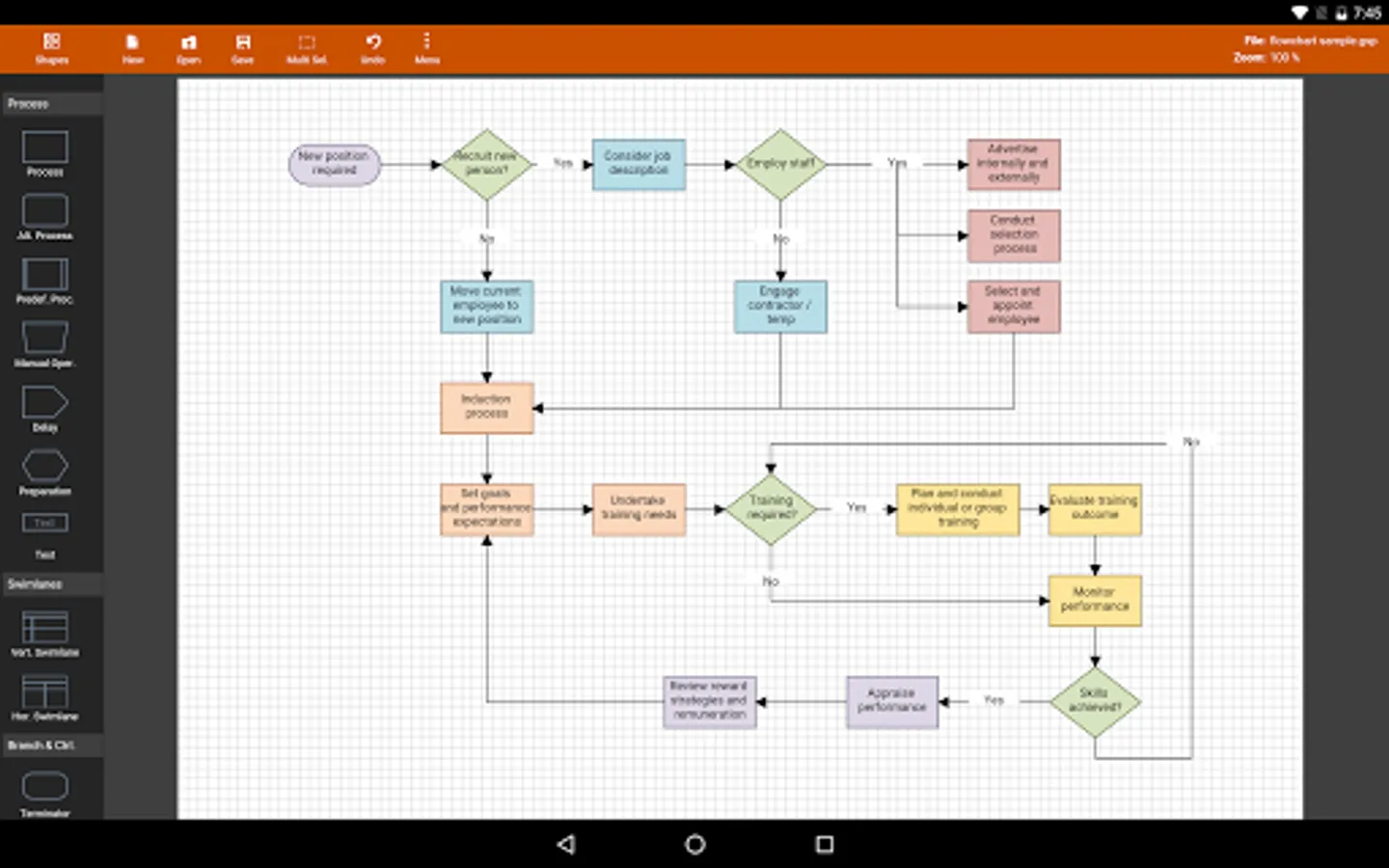
The app is designed with ease of use in mind. You can quickly connect flowchart shapes by simply selecting the start and end connection points and quickly add new lanes to a swimlane diagram or new sub-topics to a mind map diagram by using "+" button from the selected swimlane or mind map shape menu. The mind map sub-topics are automatically positioned on the page but can be easily moved as required.
Flowdia supports export of the diagram / flowchart to PNG, JPG, PDF and SVG formats.You can view exported SVG files in Microsoft Visio.
You can import custom PNG and JPG images.
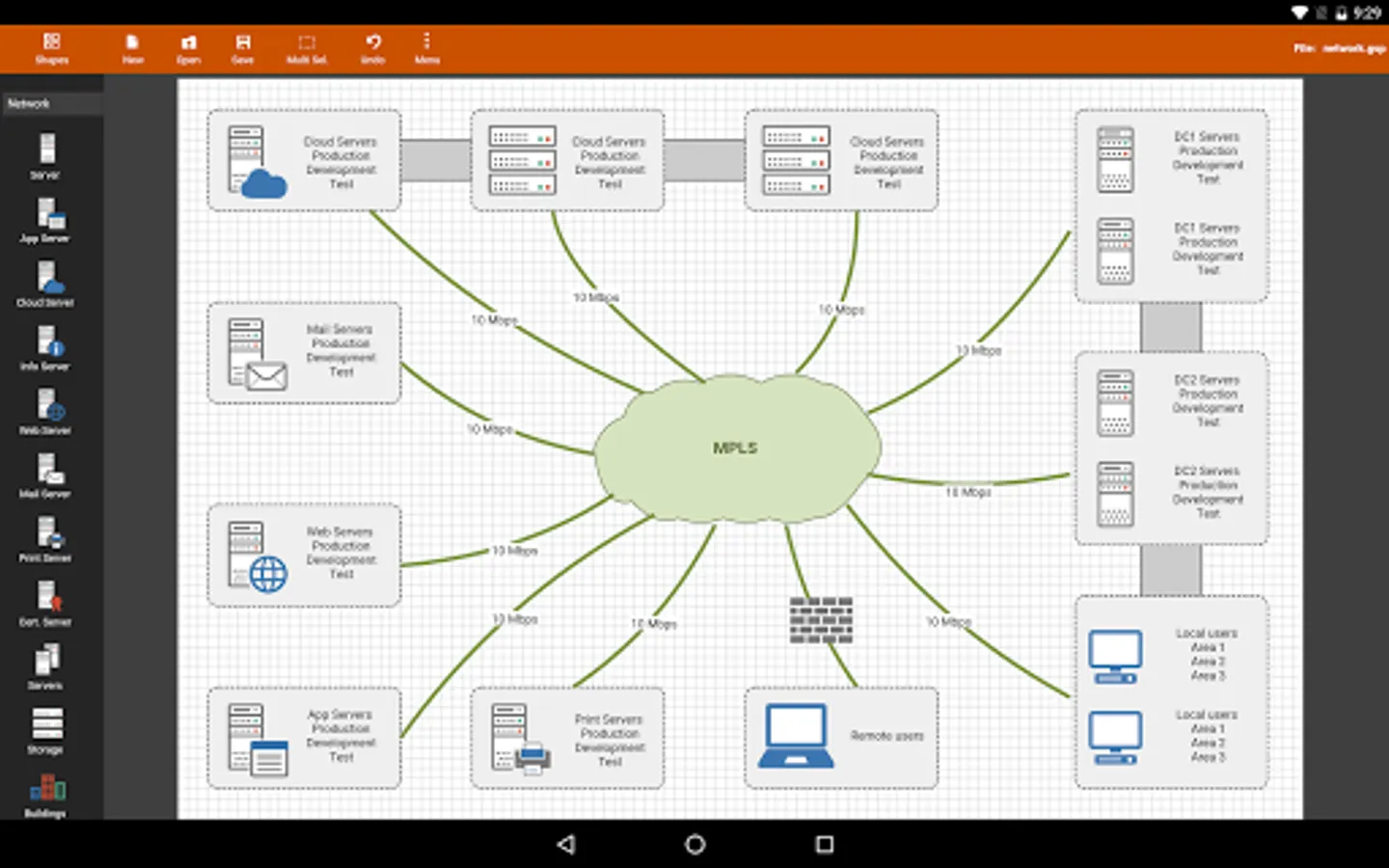
The following diagrams can be created using Flowdia:
- Flowchart
- Swimlanes
- Mind Maps
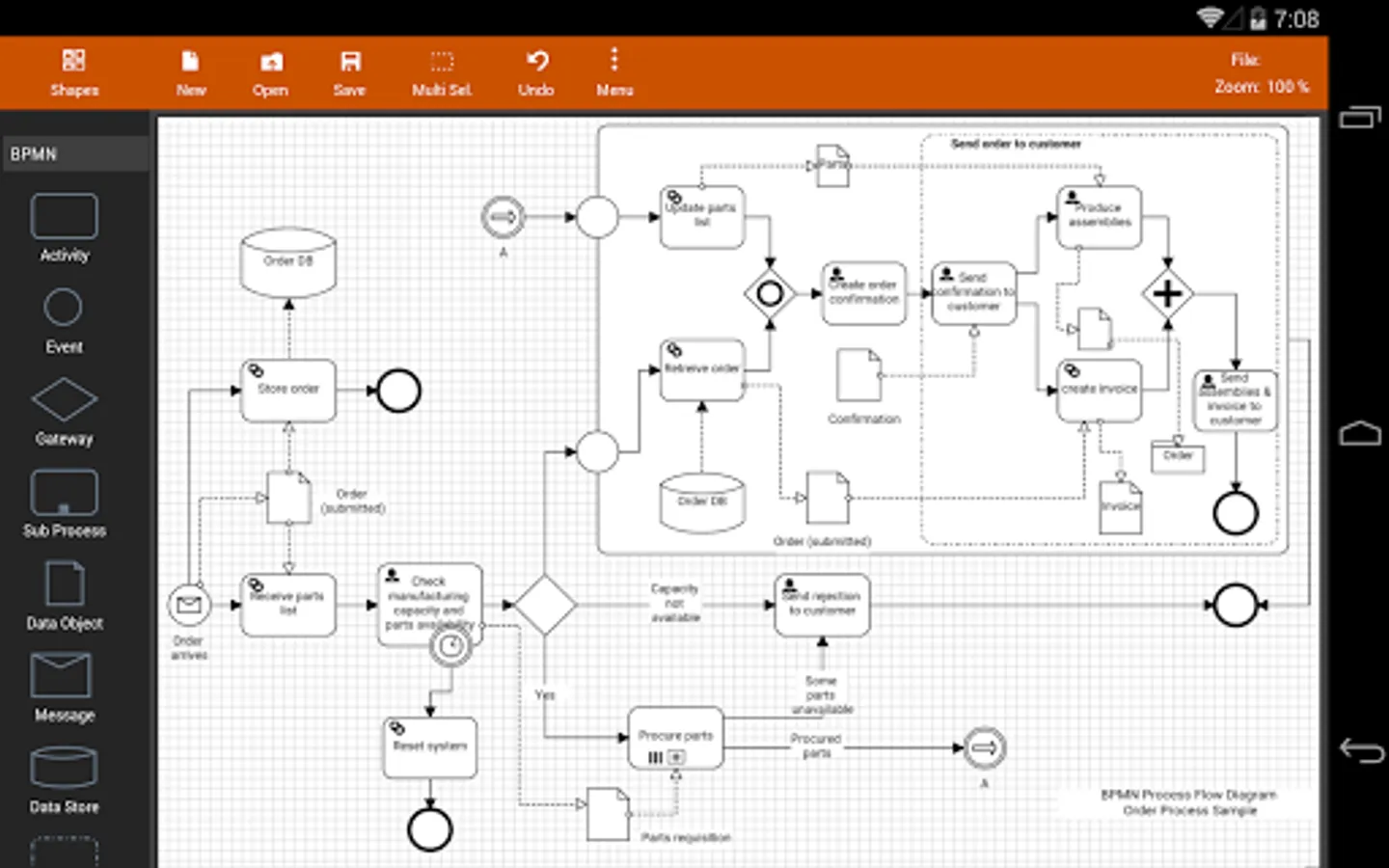
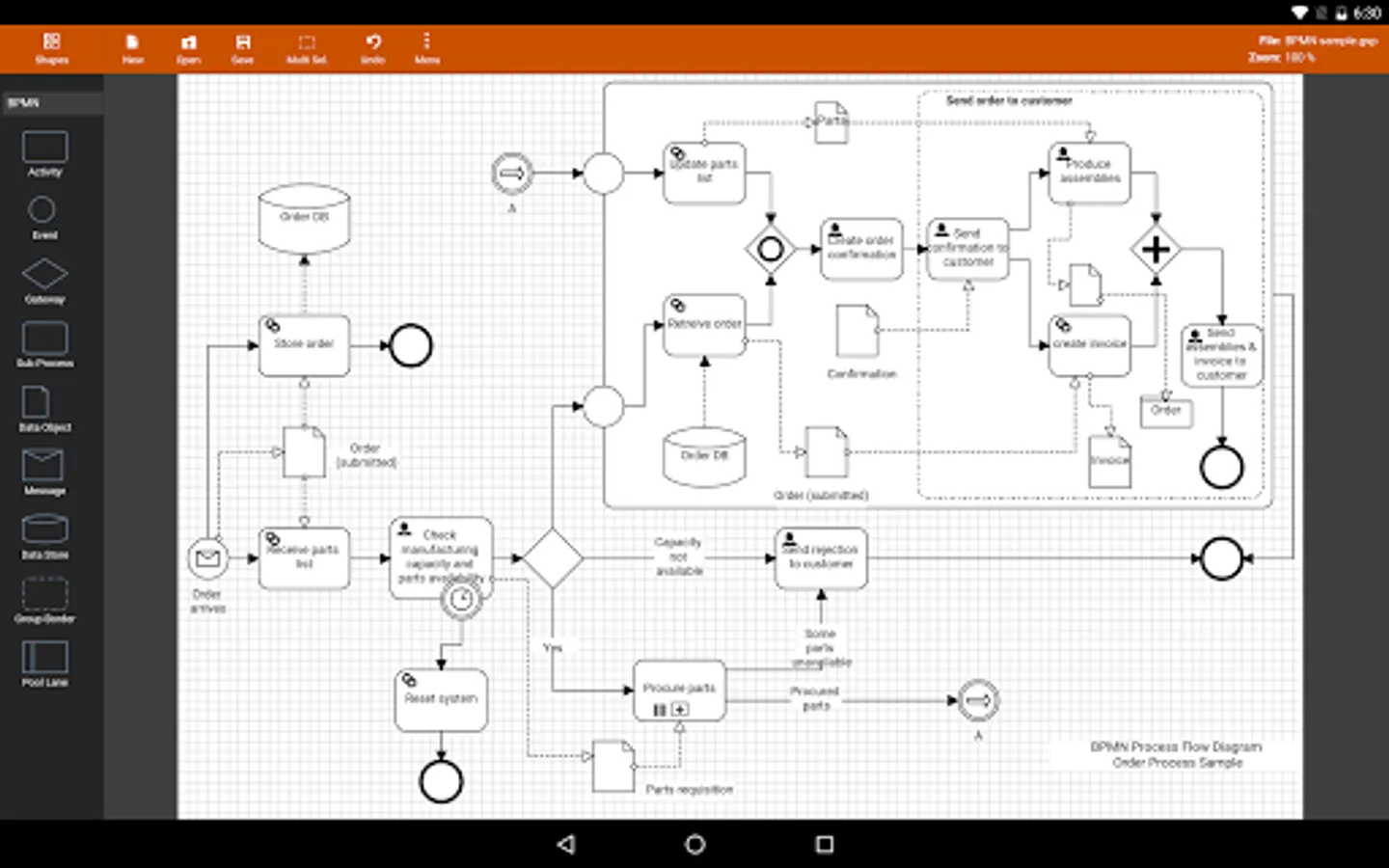
- BPMN
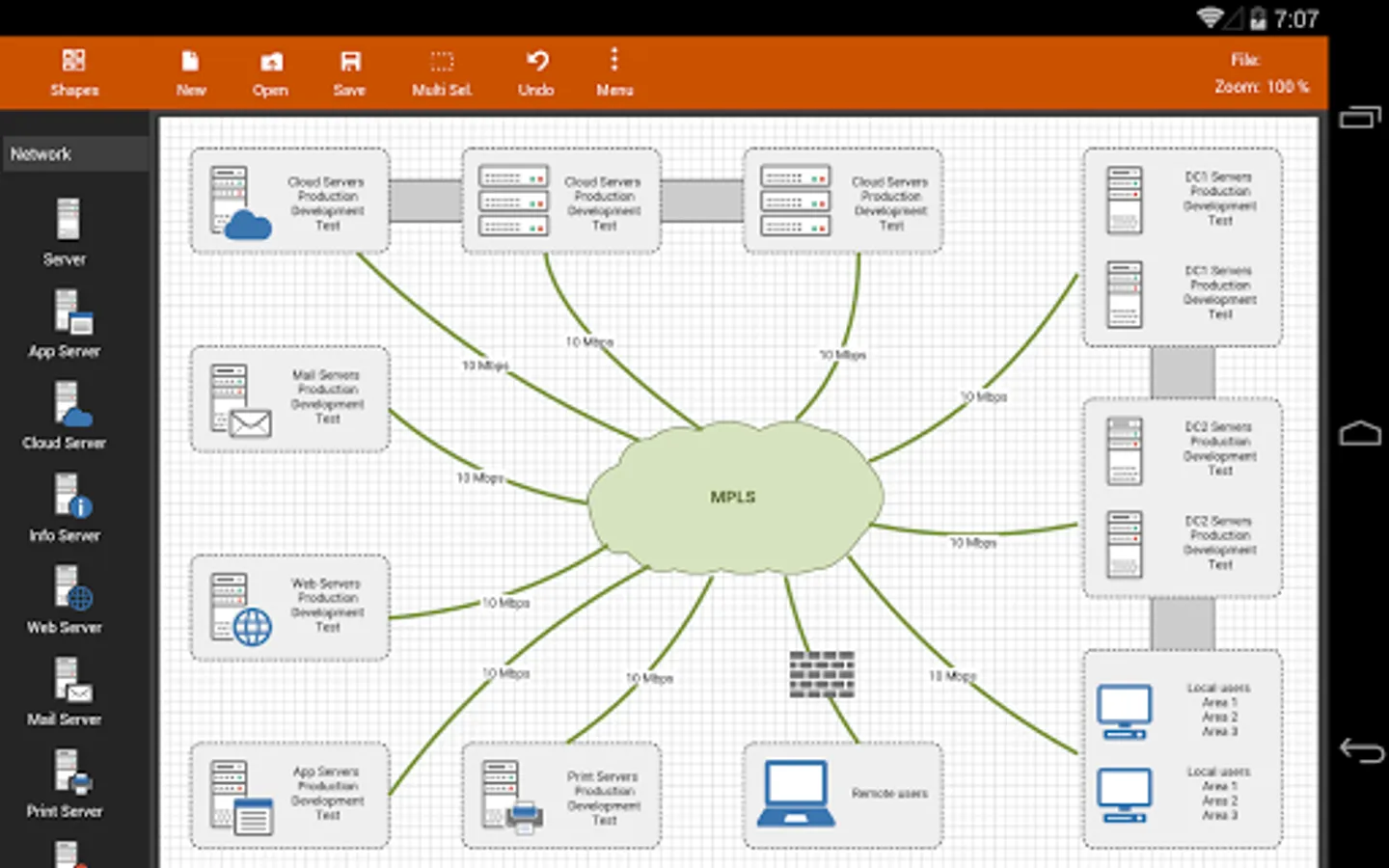
- Network Diagram
- Cisco Network Diagram
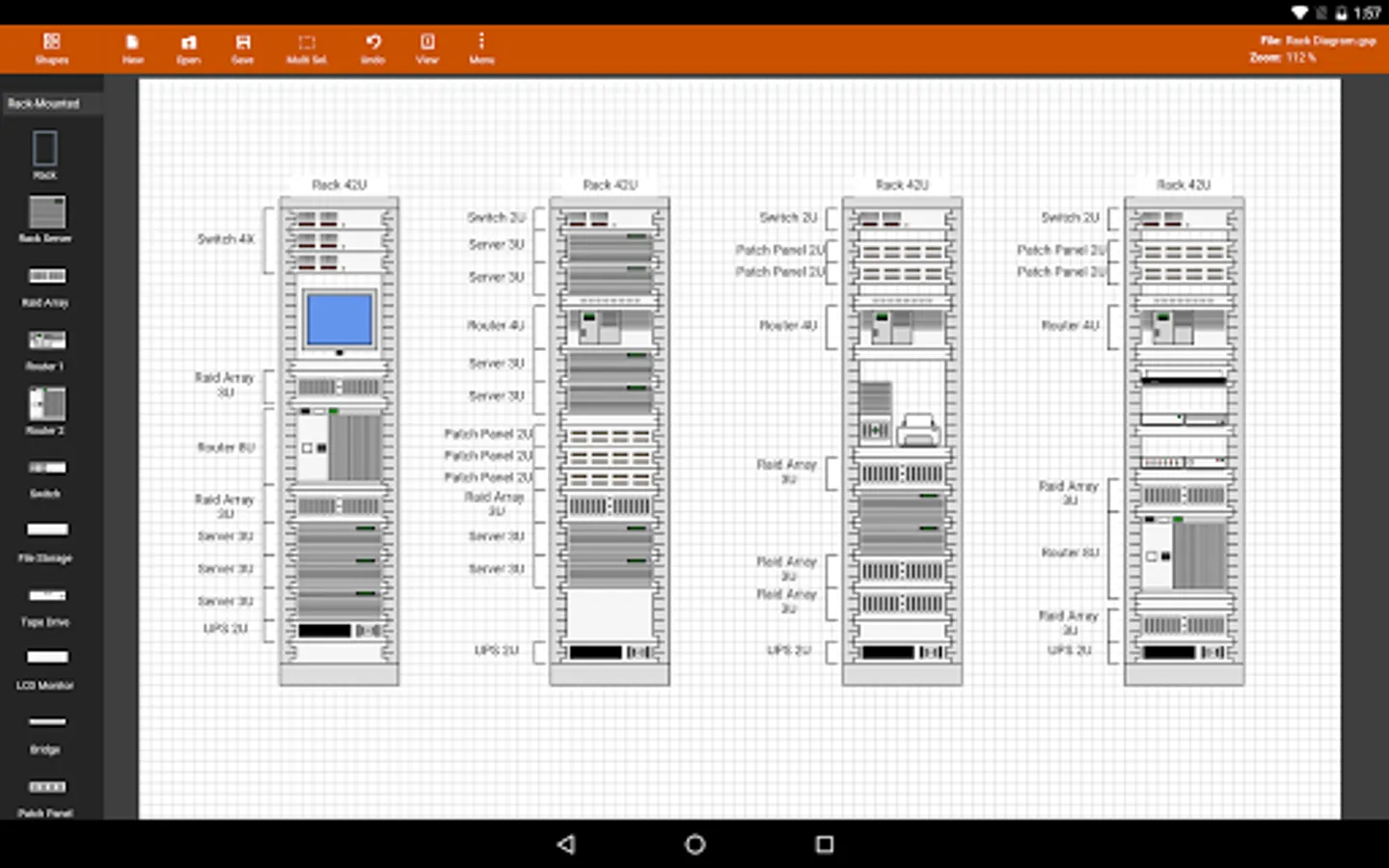
- Server Layout Diagram
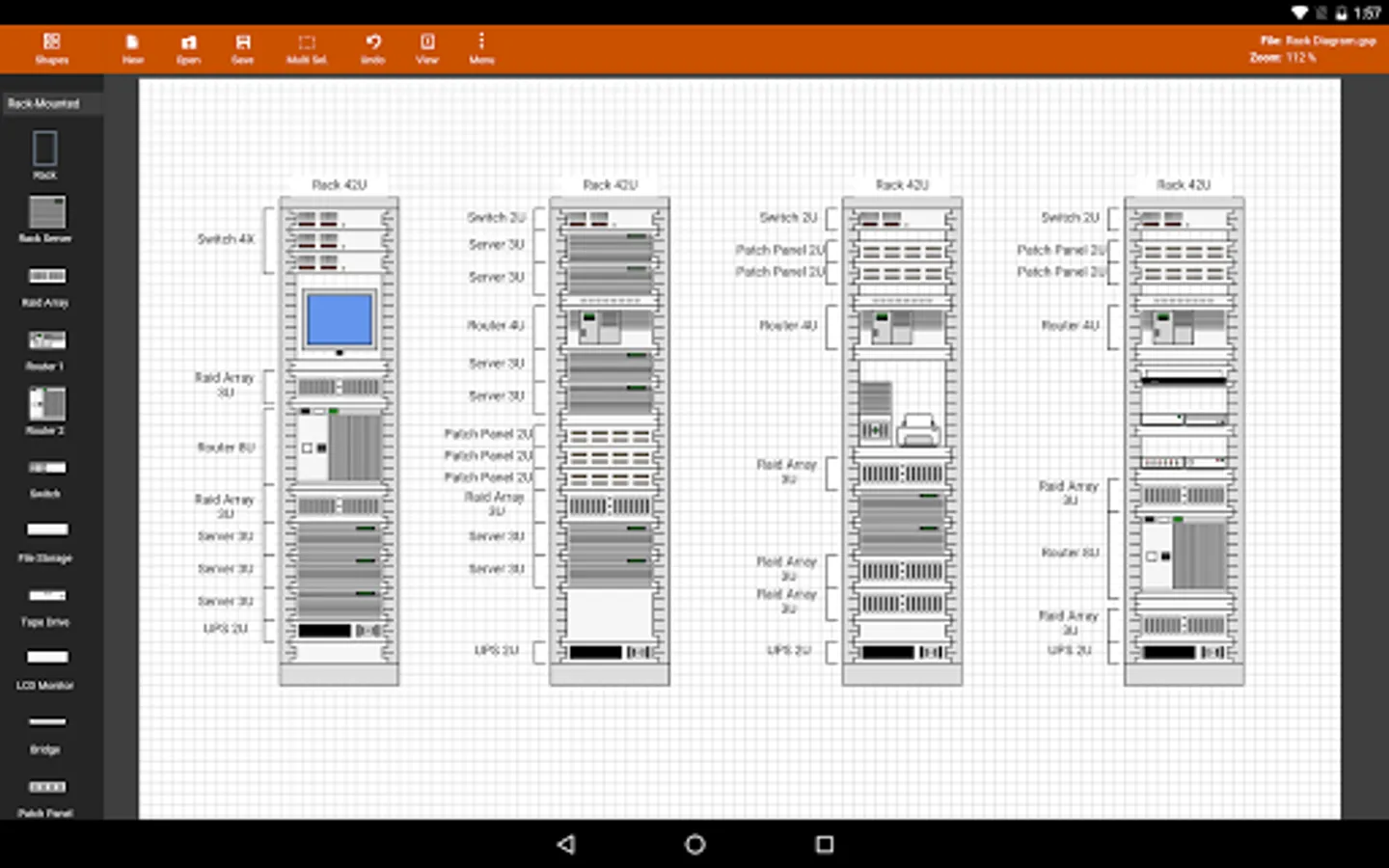
- Rack Diagram
- UML Activity Diagram
- Business Process Diagram
- Process Flow
- Chevron Diagram
You can quickly select and change BPMN activity, event and gateway types by using the special shape selector available to all BPMN shapes.
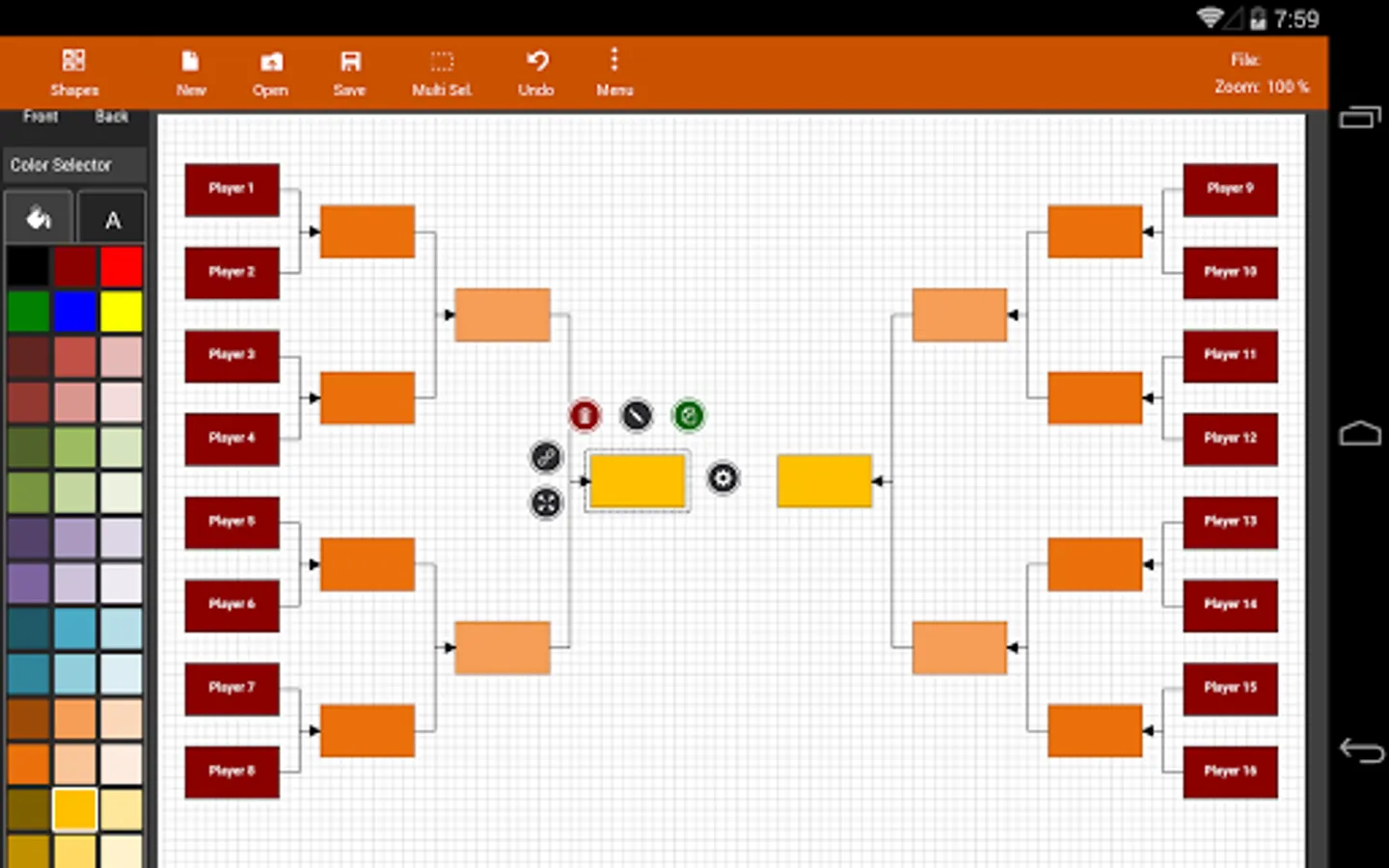
The flowchart shapes in this tool are not images can be re-sized without loosing quality. You can customize the look of the shapes by applying background color and also change the font color and size of the text.
**NOTE: Lite version of Flowdia is restricted to:
- 4 files.
- 1 page per diagram.
- Cannot remove or duplicate pages.
- Image and PDF exports with watermark
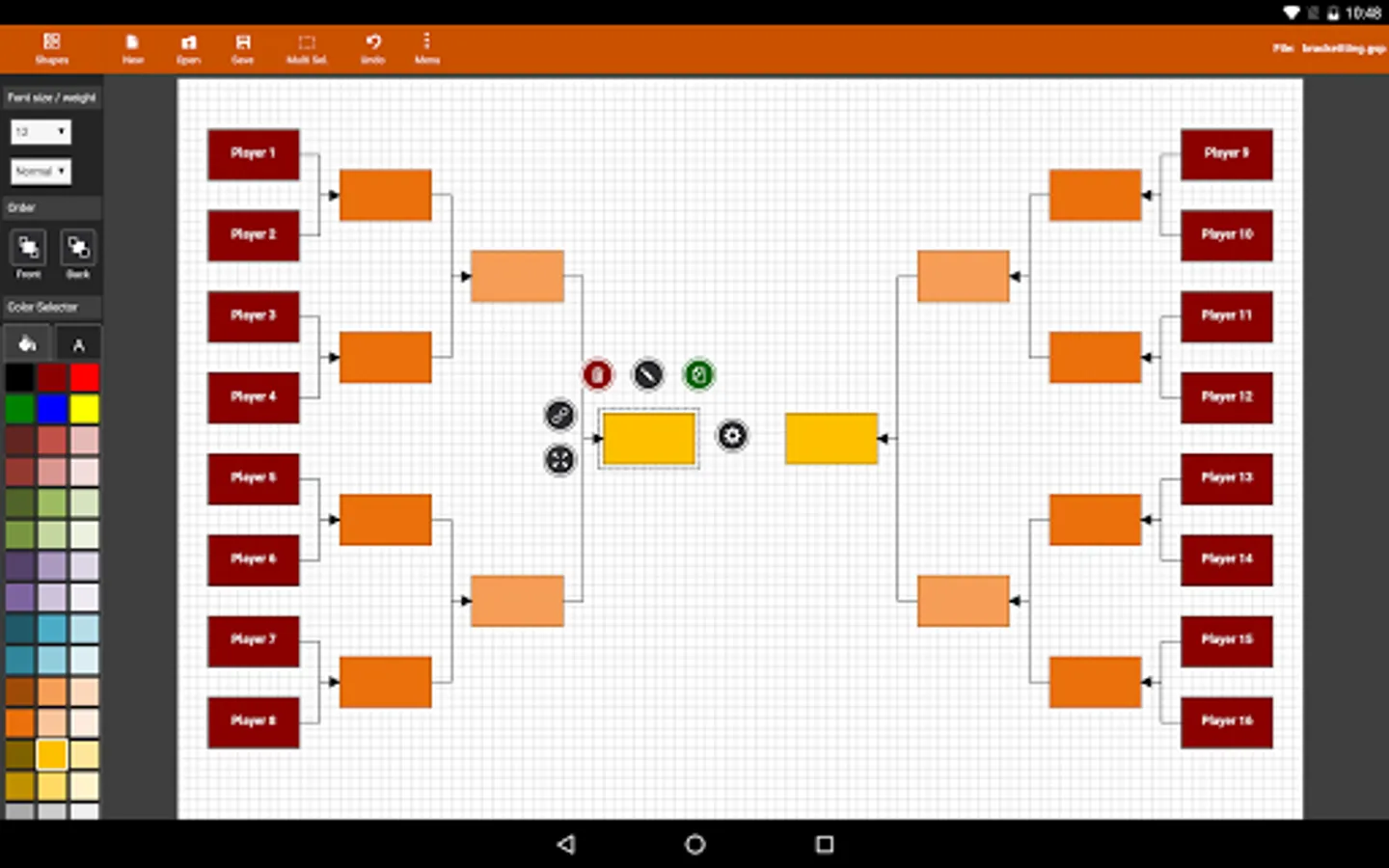
Flowdia Diagrams Lite Screenshots
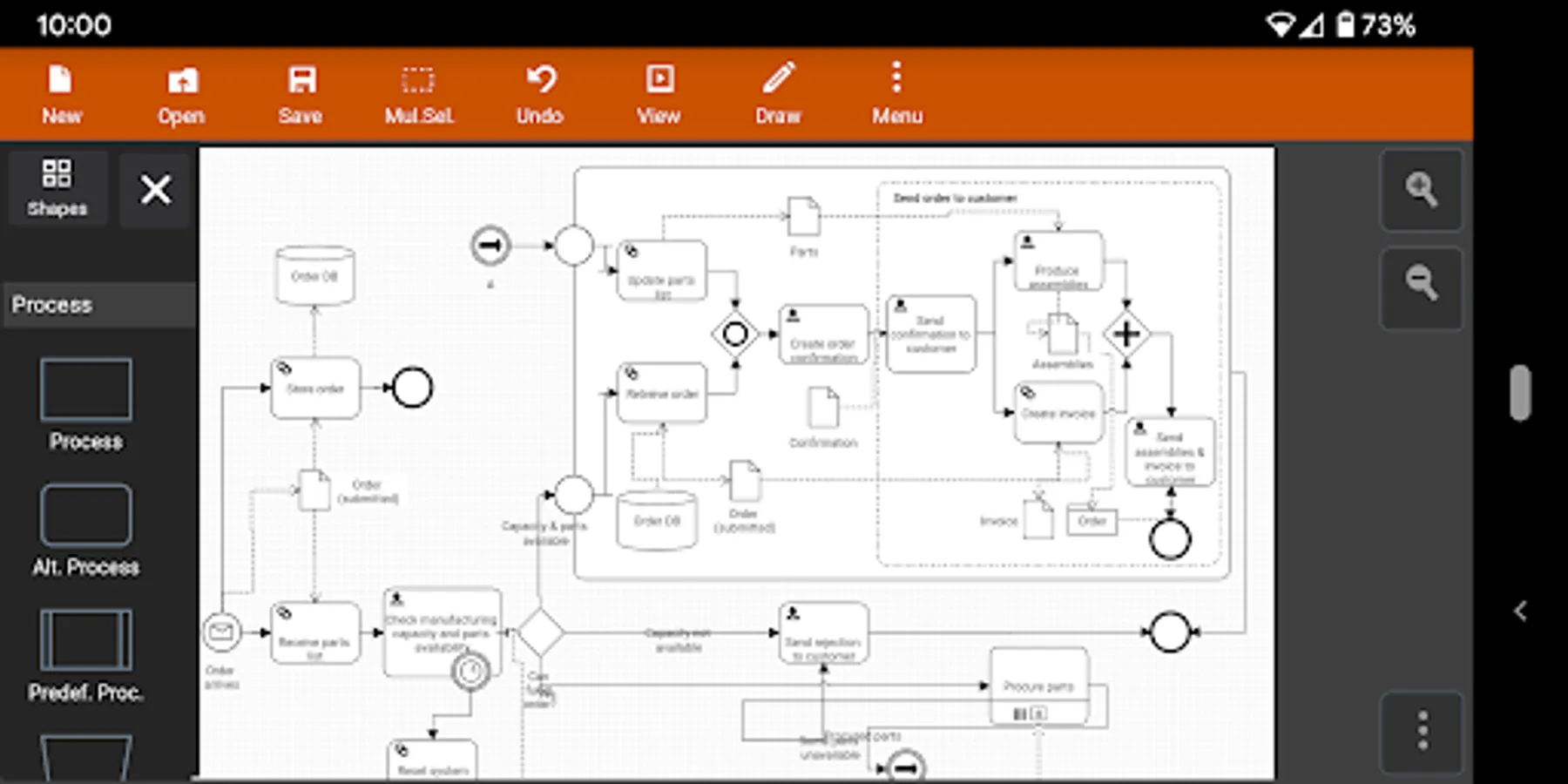
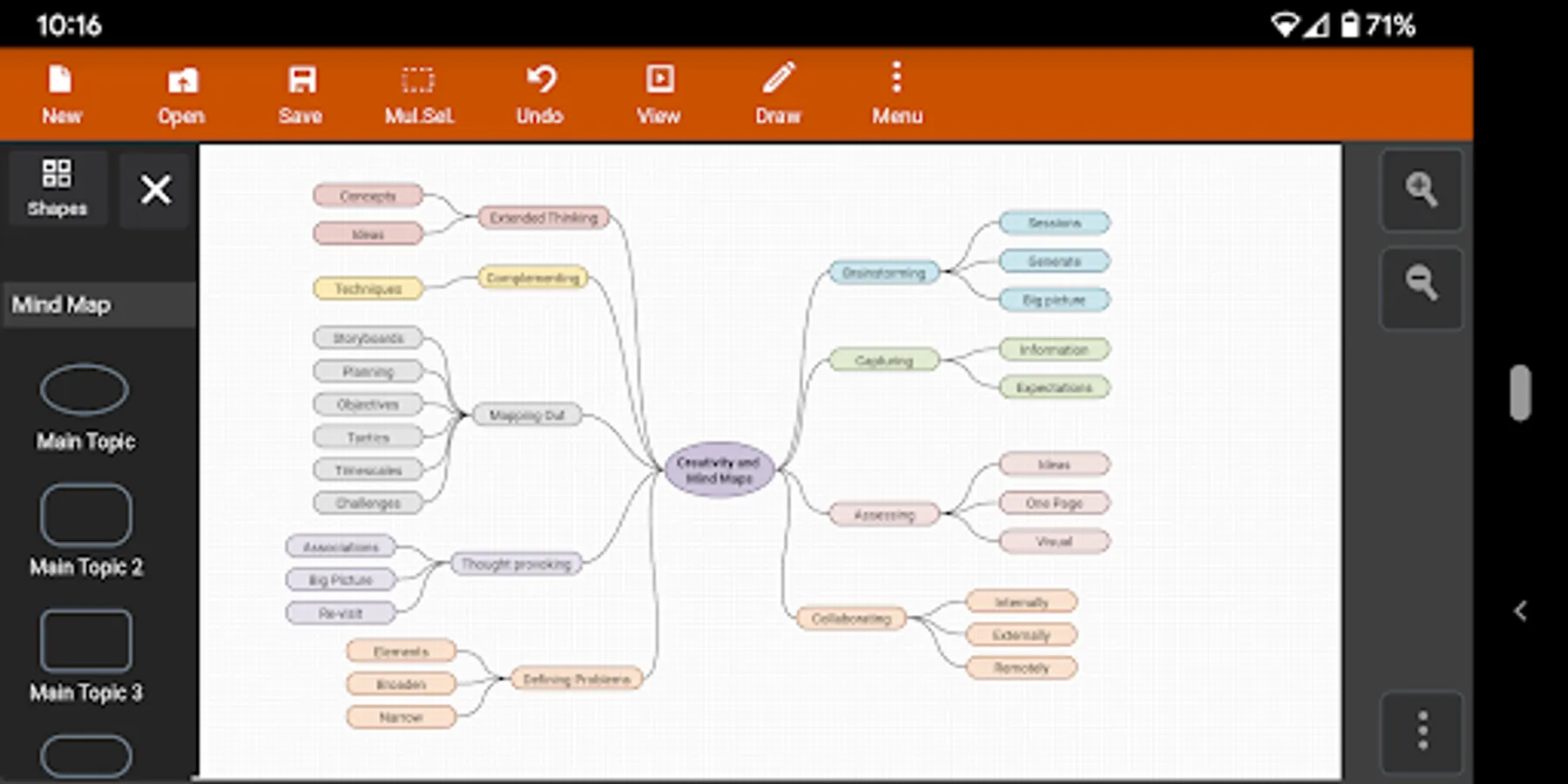
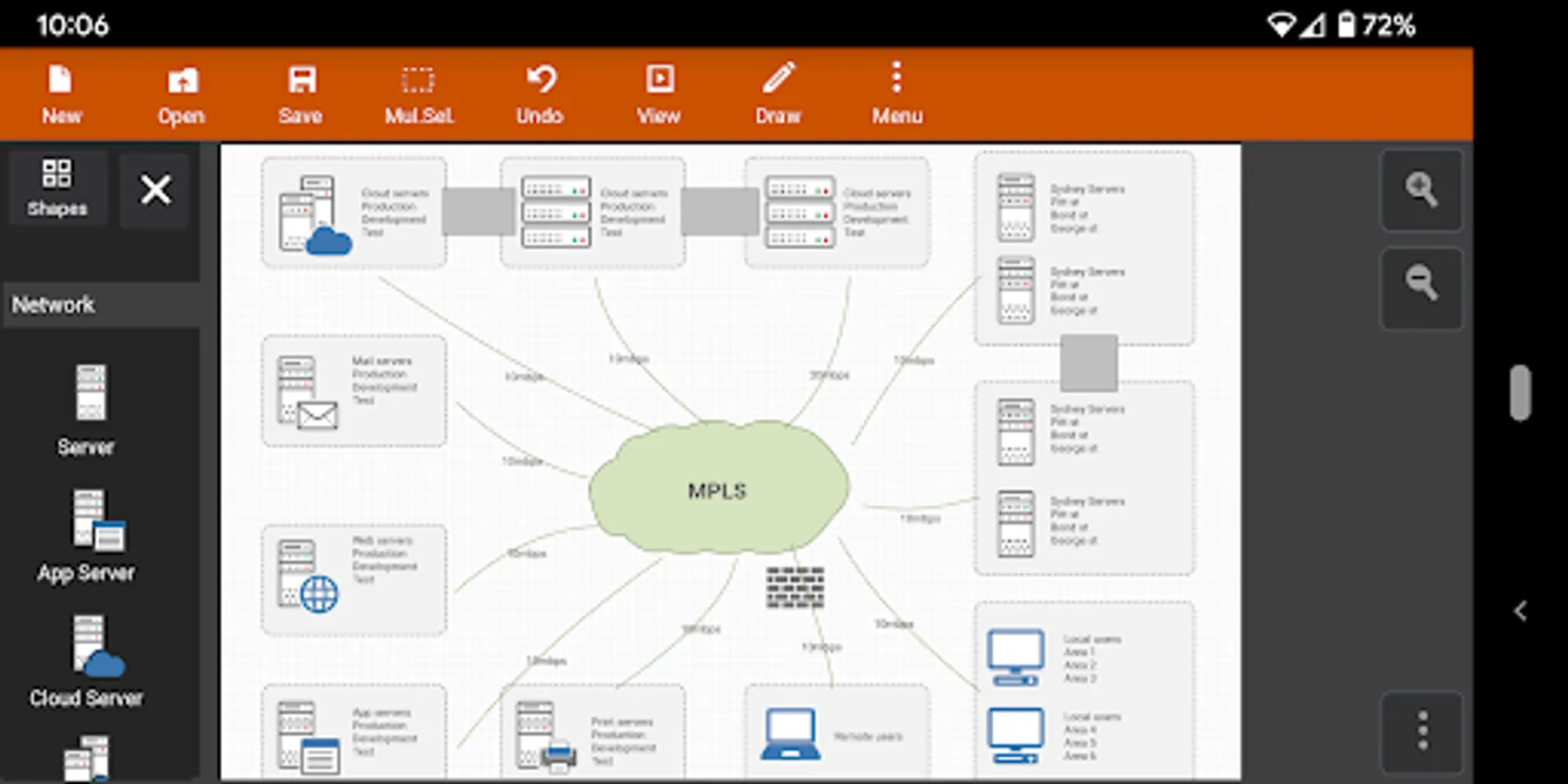
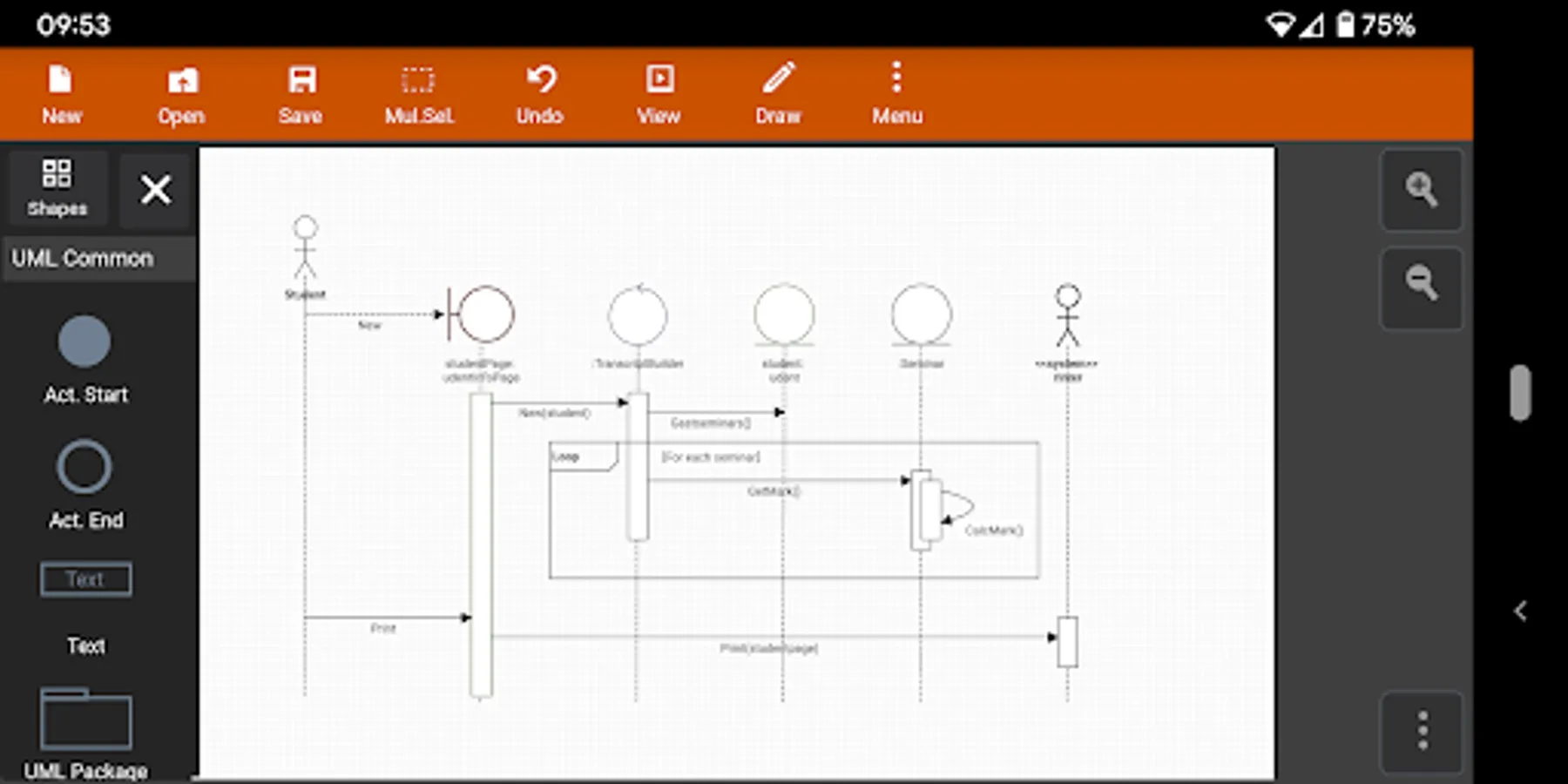
Tap to Rate:
Reviews for Flowdia Diagrams Lite
shweta jaitly
12/7/2025
file did not save all work waste dont use
Andly Kwan
9/27/2025
Even the trial version isn't good. Why would I want to pay? Since the developer does look at reviews, I'll leave feedback Why are there blank spots in element settings. Picking a different line style for example has blank spots that close the popup without saving my changes Save file limit and watermark? Pick one please Odd behavior, especially when selecting elements. Selecting styles and scrolling down closed the style menu Saving files is not intuitive, why not use default file context? Thx