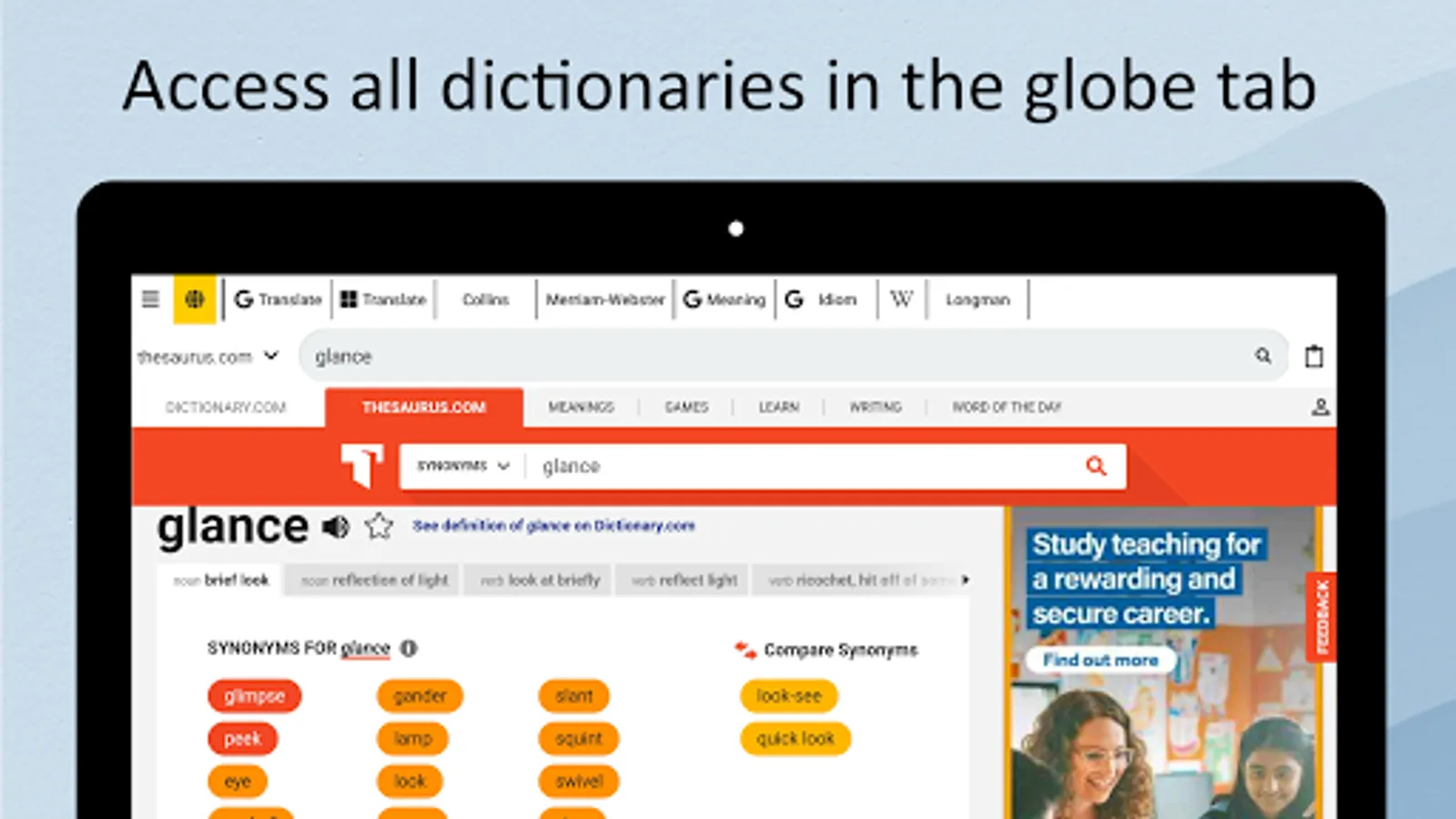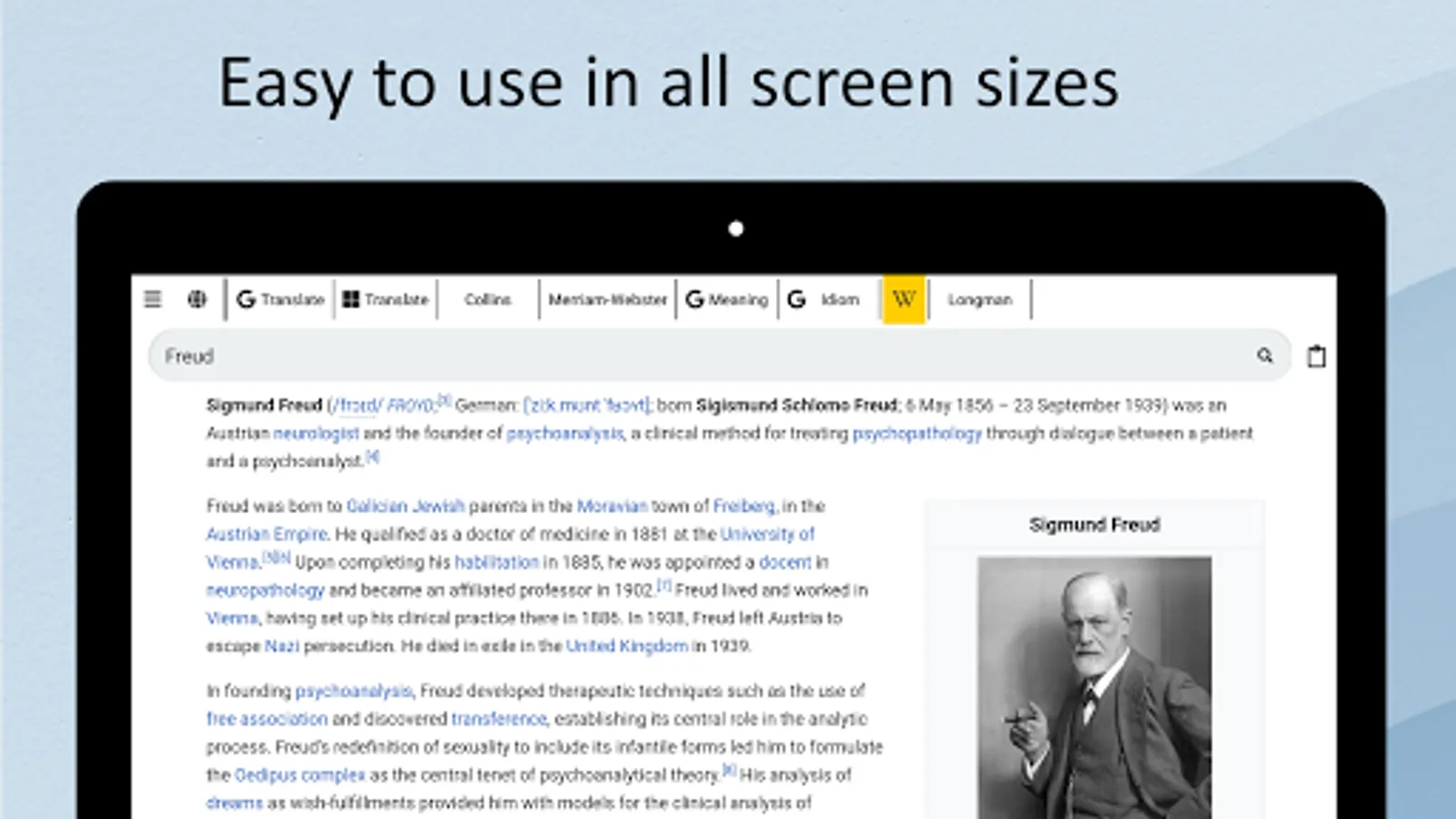
In this app, you can search for words and expressions across multiple dictionaries and search engines with a few taps. Includes access to Google, Bing, Wikipedia, Oxford, Merriam Webster, and translation services.
AppRecs review analysis
AppRecs rating 3.7. Trustworthiness 0 out of 100. Review manipulation risk 0 out of 100. Based on a review sample analyzed.
★★★☆☆
3.7
AppRecs Rating
Ratings breakdown
5 star
54%
4 star
12%
3 star
4%
2 star
19%
1 star
12%
What to know
✓
Good user ratings
65% positive sampled reviews
About Deep Lookup
All dictionaries in one app. There are numerous invaluable online resources to help language learners to lookup for meaning of words and idioms, including the powerful search engines such as Google and Bing. Each application makes one of these resources available to you. Each dictionary is useful in a certain aspect, and not so great in another. However, it's quite a tedious job to switch between them and look up all of them one by one.
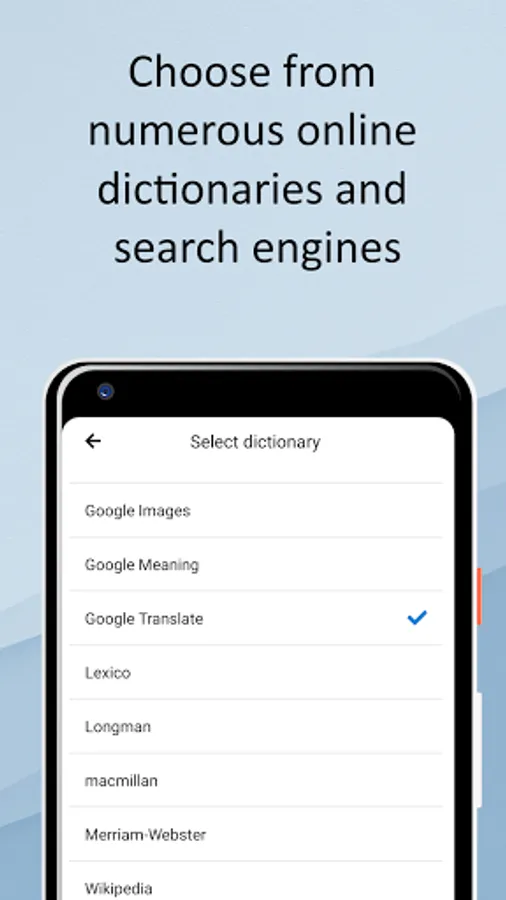
Deep Lookup tries to solve this problem. With Deep Lookup you can search the word or expression in various online websites, ranging from Google, Bing and Wikipedia, to Oxford, Longman, Collins, Merriam Webster, and many other dictionaries available online.
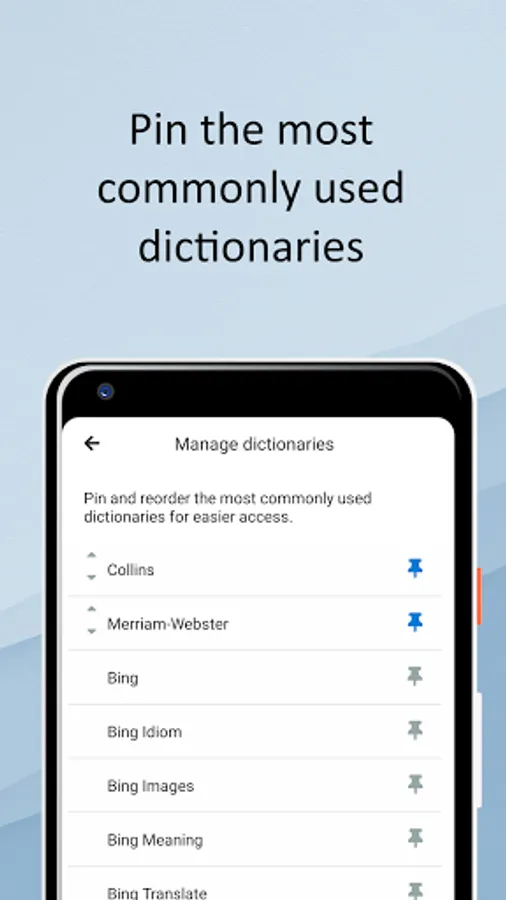
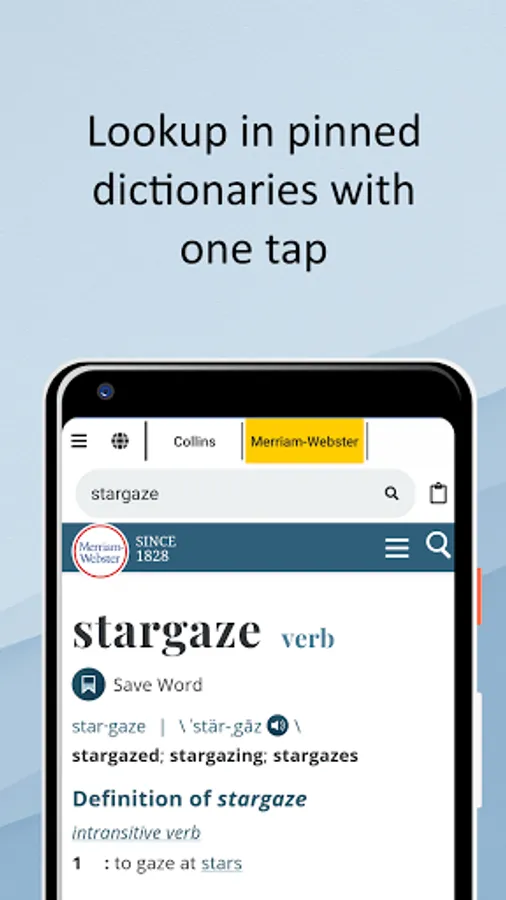
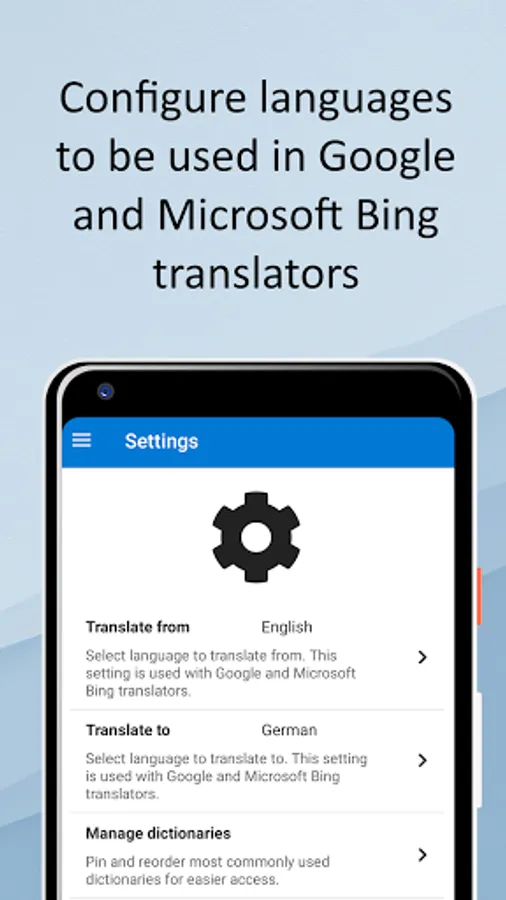
With Deep Lookup you can easily switch between various online dictionaries and search engines with a couple of taps. You can also search in Google Translate and Bing Translate engines as easily as searching in other dictionaries. There's a settings page in which you can configure the languages you usually translate from and to.
Deep Lookup tries to solve this problem. With Deep Lookup you can search the word or expression in various online websites, ranging from Google, Bing and Wikipedia, to Oxford, Longman, Collins, Merriam Webster, and many other dictionaries available online.
With Deep Lookup you can easily switch between various online dictionaries and search engines with a couple of taps. You can also search in Google Translate and Bing Translate engines as easily as searching in other dictionaries. There's a settings page in which you can configure the languages you usually translate from and to.