Bluetooth Device Battery Perce
SV Tools
3.0 ★
2K ratings
100,000+
downloads
Free
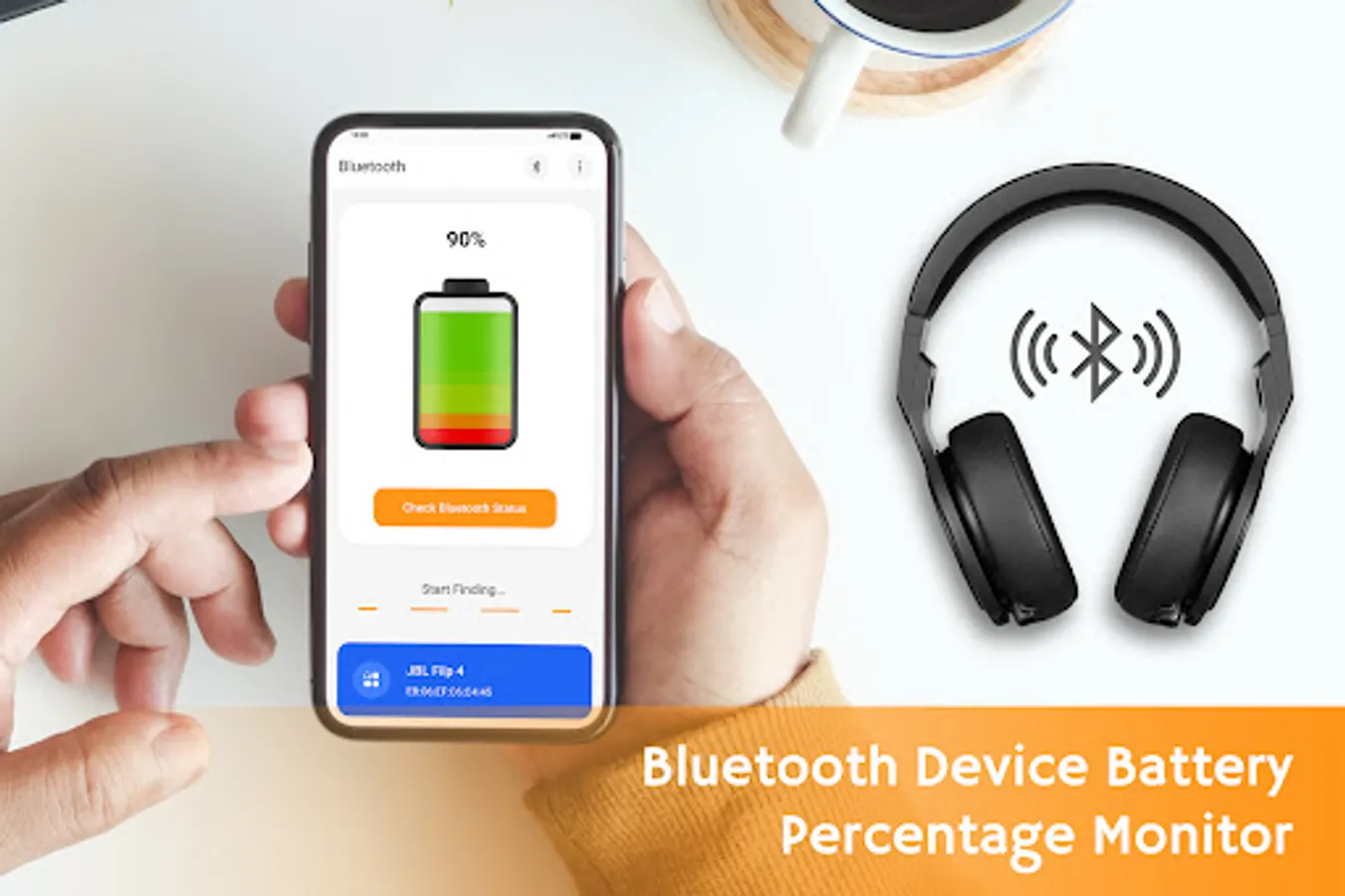
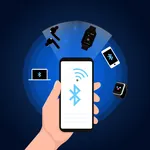
In this battery monitoring app, you can view the battery level of Bluetooth devices and manage device pairing. Includes device list, battery status updates, and widget setup options.
AppRecs review analysis
AppRecs rating 2.8. Trustworthiness 81 out of 100. Review manipulation risk 28 out of 100. Based on a review sample analyzed.
★★☆☆☆
2.8
AppRecs Rating
Ratings breakdown
5 star
40%
4 star
10%
3 star
3%
2 star
5%
1 star
43%
What to know
⚠
Ad complaints
Many low ratings mention excessive ads
⚠
Mixed user feedback
Average 3.0★ rating suggests room for improvement
⚠
High negative review ratio
48% of sampled ratings are 1–2 stars
About Bluetooth Device Battery Perce
🎧 Want to check the battery level monitor for AirPods and Bluetooth devices?
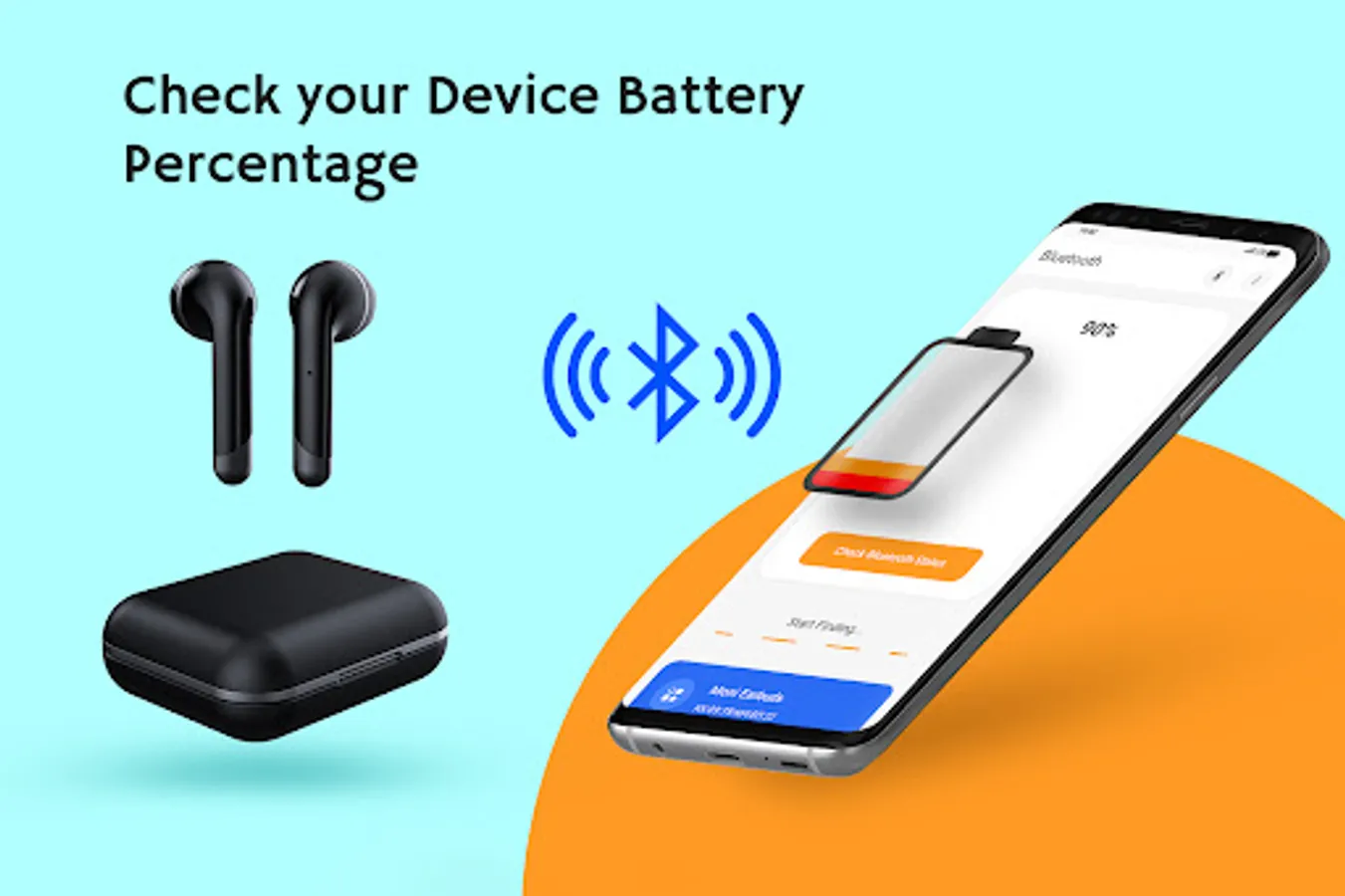
🔊 Bluetooth Device Battery Percentage Monitor allows you to read the battery level of Bluetooth devices like Bluetooth headsets, headphones 🎧, speakers 🔊 and Bluetooth Low Energy (BLE)🎙️ devices.
🎧 Bluetooth battery percentage checker for AirPods checks the remaining battery level of the AirPods and Bluetooth devices. You can change pairing device 📎, check battery status, list of Bluetooth devices and get the tutorial for new users.
🔥 Features of Bluetooth Device Battery Monitor
🔋 list of paired Bluetooth devices
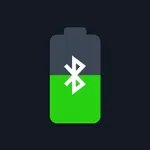
🔋 Check the battery level of Bluetooth devices
🔋 You can set add widget
🔋 Can get the battery status on the phone screen
🔋 Can change pairing device
🔋 Application is light weighted
🔋 Battery Level Monitor app is internet free
🔊 How to use the BT Battery Level Monitor?
1. Firstly, open the app and ON the Bluetooth
2. Connect the Bluetooth device
3. Click on Check battery status and Bluetooth device battery monitor will display the battery level in percentage.
4. Tap on Bluetooth button on top & you will get the list of Bluetooth devices.
5. Click on more option and then on help, it will give a tutorial to set the widget on the phone's screen.
🔋 Download the Bluetooth Device Battery Percentage Monitor app and get the battery percentage of the Bluetooth device on the phone screen before getting it to discharge. 🔋
Disclaimer:
This Bluetooth Device Battery Percentage Monitor app is not an official app by any company or organization. All the copyrights and trademarks belong to their respective owners. In case of any copyright issues on any content in the app, please contact us on "", We will take prompt action on the same by either deleting it OR giving proper attribution.
🔊 Bluetooth Device Battery Percentage Monitor allows you to read the battery level of Bluetooth devices like Bluetooth headsets, headphones 🎧, speakers 🔊 and Bluetooth Low Energy (BLE)🎙️ devices.
🎧 Bluetooth battery percentage checker for AirPods checks the remaining battery level of the AirPods and Bluetooth devices. You can change pairing device 📎, check battery status, list of Bluetooth devices and get the tutorial for new users.
🔥 Features of Bluetooth Device Battery Monitor
🔋 list of paired Bluetooth devices
🔋 Check the battery level of Bluetooth devices
🔋 You can set add widget
🔋 Can get the battery status on the phone screen
🔋 Can change pairing device
🔋 Application is light weighted
🔋 Battery Level Monitor app is internet free
🔊 How to use the BT Battery Level Monitor?
1. Firstly, open the app and ON the Bluetooth
2. Connect the Bluetooth device
3. Click on Check battery status and Bluetooth device battery monitor will display the battery level in percentage.
4. Tap on Bluetooth button on top & you will get the list of Bluetooth devices.
5. Click on more option and then on help, it will give a tutorial to set the widget on the phone's screen.
🔋 Download the Bluetooth Device Battery Percentage Monitor app and get the battery percentage of the Bluetooth device on the phone screen before getting it to discharge. 🔋
Disclaimer:
This Bluetooth Device Battery Percentage Monitor app is not an official app by any company or organization. All the copyrights and trademarks belong to their respective owners. In case of any copyright issues on any content in the app, please contact us on "", We will take prompt action on the same by either deleting it OR giving proper attribution.