Very simple to use application.
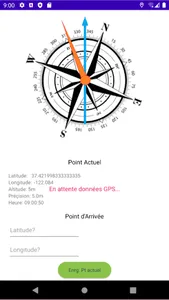
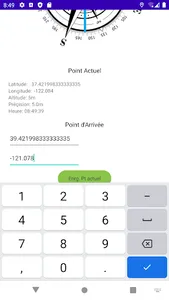
At the start of your hike for example, record your position (Button "Enrg. Current Pt" or by entering in decimal latitude and longitude ) in the application "Compass GPS point", and close the application.
Move, start your hike.
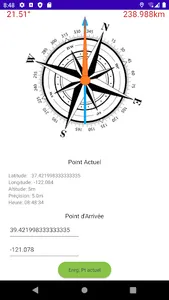
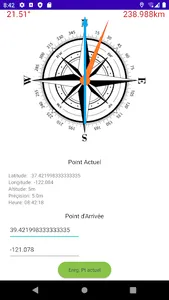
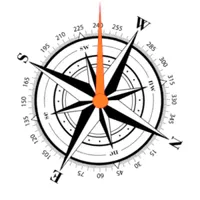
Then reopen the "COMPASS GPS point" application, it will tell you, following the orange arrow, the direction towards your starting point. As well as the angle of your orientation to the north, and the distance separating you from your starting point. You can follow this direction toward return to your starting point.
At the start of your hike for example, record your position (Button "Enrg. Current Pt" or by entering in decimal latitude and longitude ) in the application "Compass GPS point", and close the application.
Move, start your hike.
Then reopen the "COMPASS GPS point" application, it will tell you, following the orange arrow, the direction towards your starting point. As well as the angle of your orientation to the north, and the distance separating you from your starting point. You can follow this direction toward return to your starting point.
Show More