Brother SupportCenter
Brother Industries, Ltd.
3.9 ★
1K ratings
500,000+
downloads
Free
With this support app, you can access product setup guides, manuals, and troubleshooting resources. Includes setup videos, FAQs, supply status, and contact information.
AppRecs review analysis
AppRecs rating 3.9. Trustworthiness 0 out of 100. Review manipulation risk 0 out of 100. Based on a review sample analyzed.
★★★☆☆
3.9
AppRecs Rating
Ratings breakdown
5 star
57%
4 star
16%
3 star
6%
2 star
3%
1 star
18%
What to know
✓
Good user ratings
73% positive sampled reviews
✓
Authentic reviews
Natural distribution, no red flags
About Brother SupportCenter
Brother SupportCenter App will provide you how to setup your Brother products, manuals, FAQ & Troubleshooting, and contact to Brother customer service.
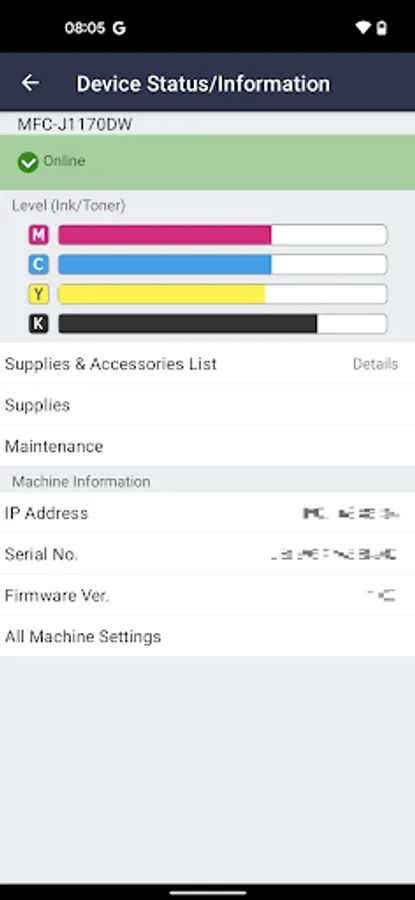
You can also check remaining level of supplies.
Note: Some menues are available only to limited models.
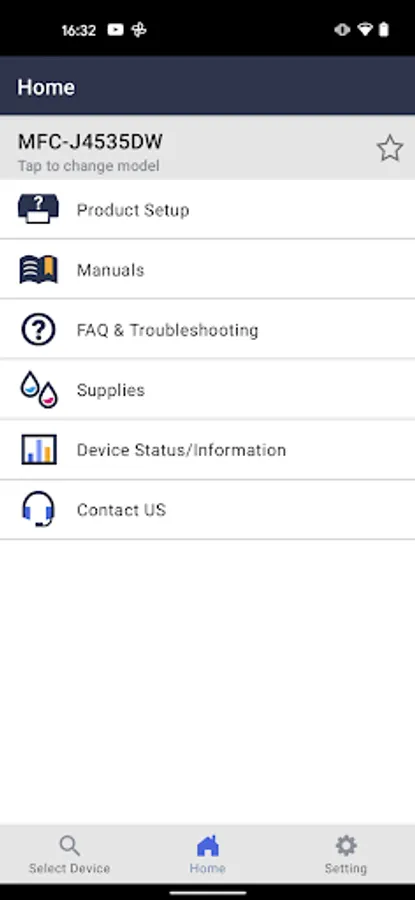
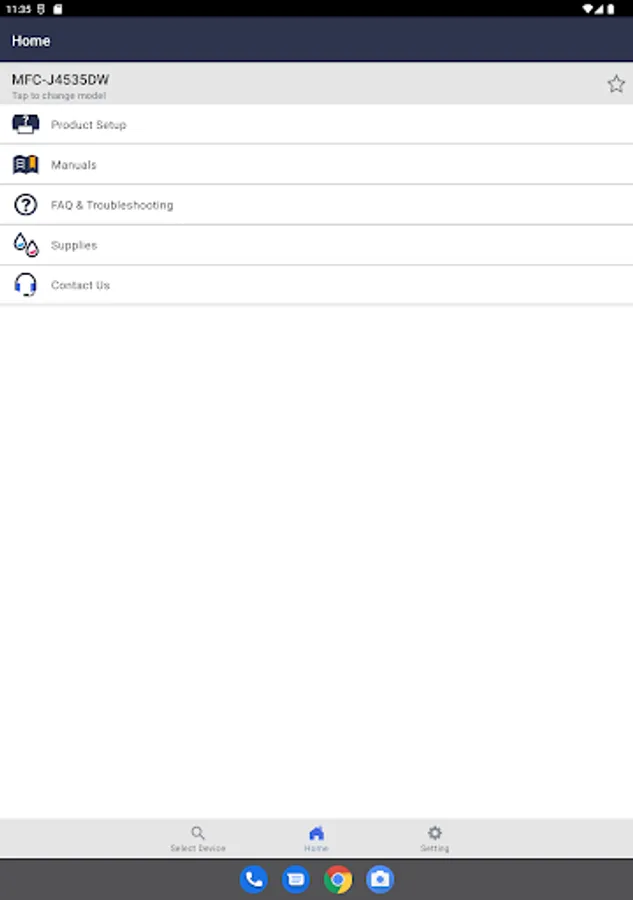
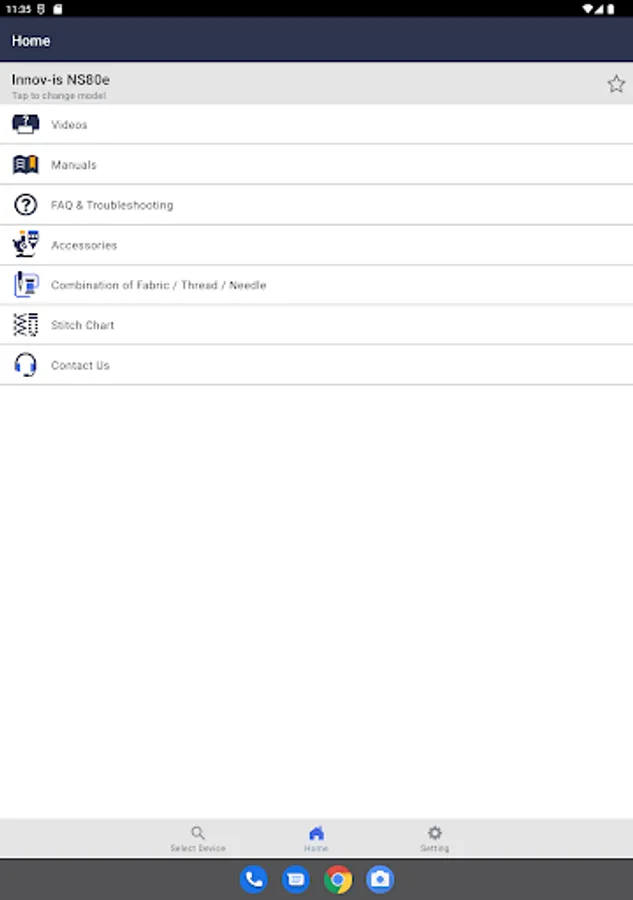
This App will provide you following menu. For more detail, please refer to each description.
Product Setup:
You can view product setup video and/or setup guide.
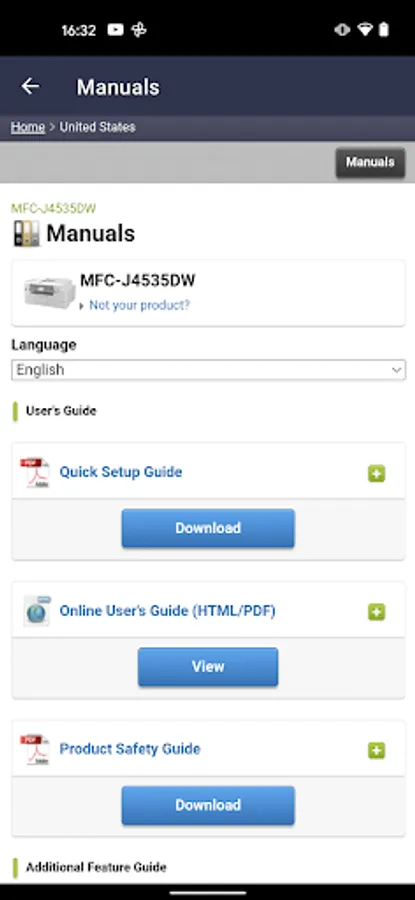
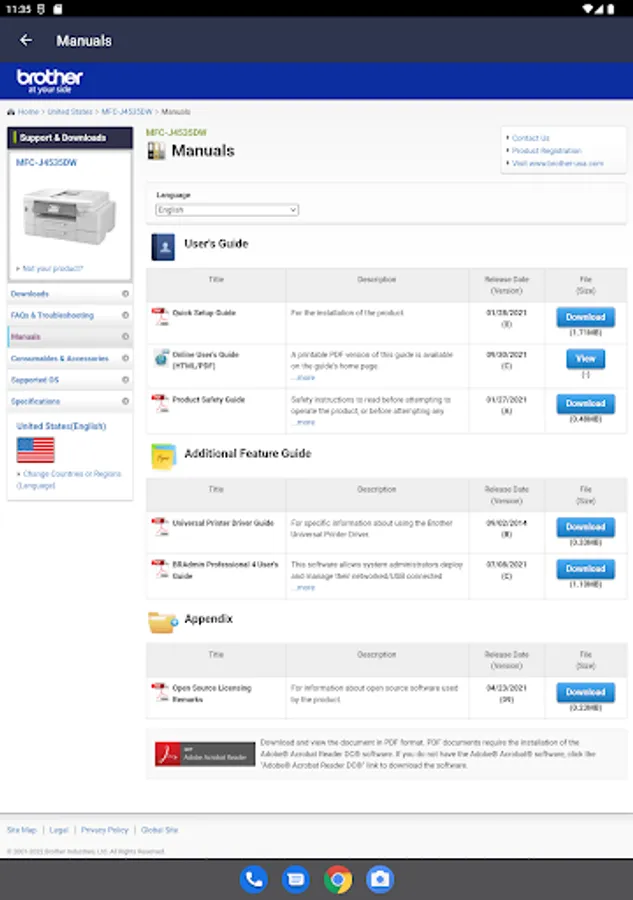
Manuals:
You can view product manuals.
Supplies:
You can view various information about your product supplies.
You can order supplies on-line, check genuine, recycle information, and so on.
Contact:
You can view contact to Brother customer service.
Device Status/Information:
You can view your product network status, serial number, and remaining amount of supplies.
User Setting:
You can check or change the country and language setting.
QR Code Reader:
You can scan QR and Data Matrix codes assigned to Brother products or manuals to obtain more information.
You can also check remaining level of supplies.
Note: Some menues are available only to limited models.
This App will provide you following menu. For more detail, please refer to each description.
Product Setup:
You can view product setup video and/or setup guide.
Manuals:
You can view product manuals.
Supplies:
You can view various information about your product supplies.
You can order supplies on-line, check genuine, recycle information, and so on.
Contact:
You can view contact to Brother customer service.
Device Status/Information:
You can view your product network status, serial number, and remaining amount of supplies.
User Setting:
You can check or change the country and language setting.
QR Code Reader:
You can scan QR and Data Matrix codes assigned to Brother products or manuals to obtain more information.
Brother SupportCenter Screenshots
Tap to Rate: