Brother Pro Label Tool
Brother Industries, Ltd.
4.1 ★
670 ratings
100,000+
downloads
Free
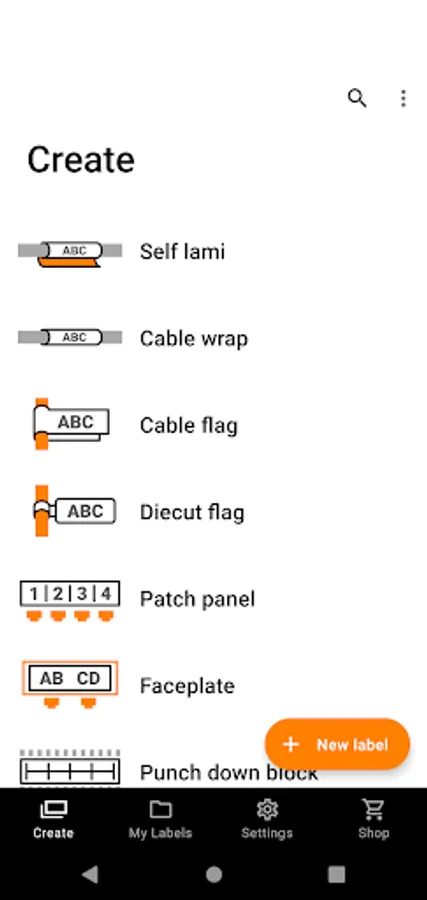
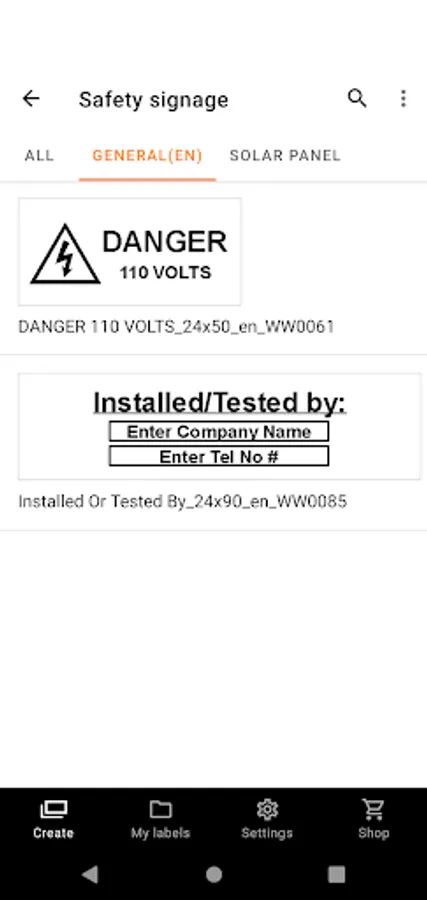
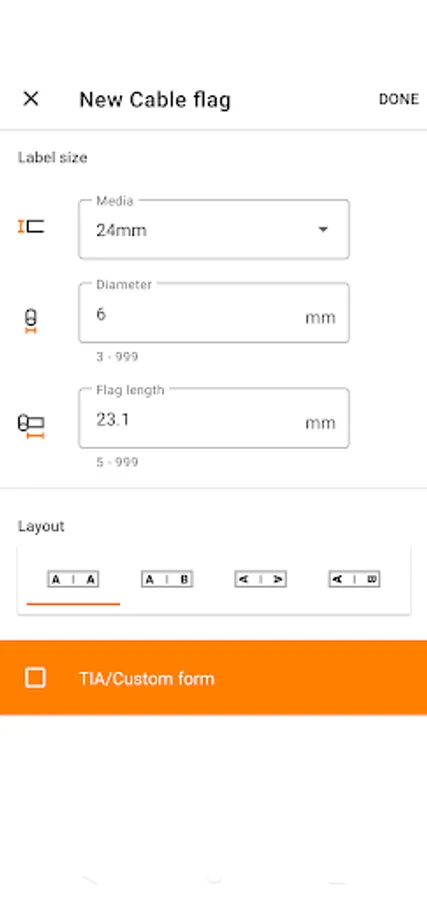
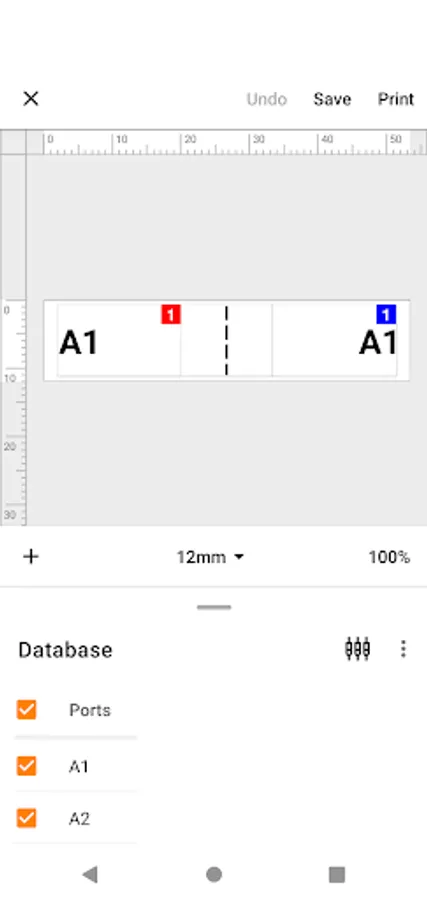
In this label-making app, you can select templates, customize designs, and print labels wirelessly. Includes cloud template updates, database connectivity, and serialization features.
AppRecs review analysis
AppRecs rating 4.0. Trustworthiness 85 out of 100. Review manipulation risk 15 out of 100. Based on a review sample analyzed.
★★★★☆
4.0
AppRecs Rating
Ratings breakdown
5 star
66%
4 star
10%
3 star
5%
2 star
7%
1 star
12%
What to know
✓
Low review manipulation risk
15% review manipulation risk
✓
Credible reviews
85% trustworthiness score from analyzed reviews
✓
High user satisfaction
76% of sampled ratings are 4+ stars (4.1★ average)
About Brother Pro Label Tool
[Description]
Pro Label Tool is the successor to Mobile Cable Label Tool.
This is a free application designed to create labels for telecom, datacom and/or electrical identifications on demand. It enables you to easily print labels from your smartphone/tablet to a Brother label printer using a local wireless network.
[Key Features]
1. Automatic loading of pre-designed label templates from Brother's cloud server to keep them up to date.
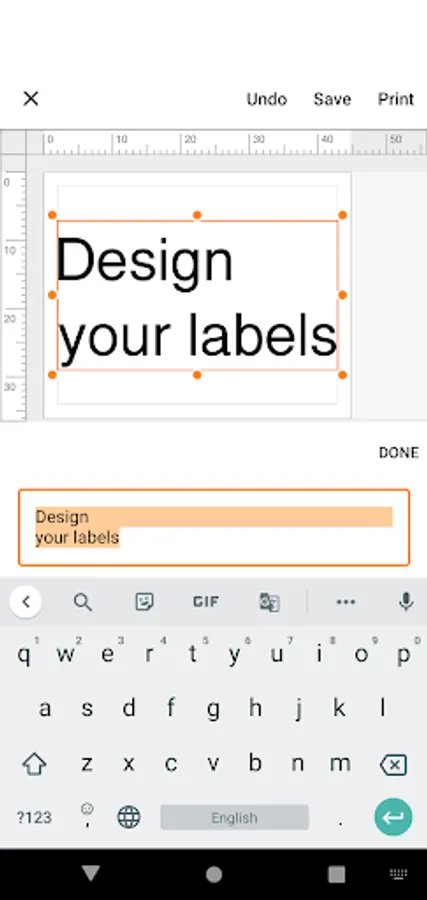
2. Easy to use - just a few taps to choose, edit and print professional quality labels.
3. No computer or printer driver required.
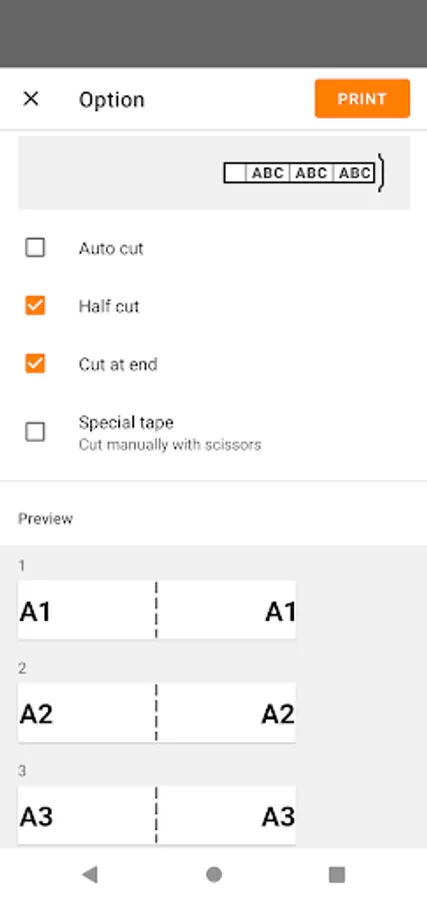
4. Powerful Print Preview
5. Enables you to work more efficiently by creating label designs with P-touch Editor at the office, then send them via email to others to print at the working site.
6. Connectable to CSV database
7. Serialize function frees you from duplicate typing when printing sequential labels with similar content on rows of ID labels.
8. Use the Custom Form function to create labels with standardised network address information.
[Compatible machines]
PT-E550W,PT-P750W, PT-P900W, PT-P950NW, PT-D800W, PT-E800W,PT-E850TKW, PT-E310BT,PT-E560BT, PT-E720BT, PT-E920BT
To help us improve the application, send your feedback to Feedback-mobile-apps-lm@brother.com. Please note that we may not be able to respond to individual emails.
Pro Label Tool is the successor to Mobile Cable Label Tool.
This is a free application designed to create labels for telecom, datacom and/or electrical identifications on demand. It enables you to easily print labels from your smartphone/tablet to a Brother label printer using a local wireless network.
[Key Features]
1. Automatic loading of pre-designed label templates from Brother's cloud server to keep them up to date.
2. Easy to use - just a few taps to choose, edit and print professional quality labels.
3. No computer or printer driver required.
4. Powerful Print Preview
5. Enables you to work more efficiently by creating label designs with P-touch Editor at the office, then send them via email to others to print at the working site.
6. Connectable to CSV database
7. Serialize function frees you from duplicate typing when printing sequential labels with similar content on rows of ID labels.
8. Use the Custom Form function to create labels with standardised network address information.
[Compatible machines]
PT-E550W,PT-P750W, PT-P900W, PT-P950NW, PT-D800W, PT-E800W,PT-E850TKW, PT-E310BT,PT-E560BT, PT-E720BT, PT-E920BT
To help us improve the application, send your feedback to Feedback-mobile-apps-lm@brother.com. Please note that we may not be able to respond to individual emails.
Brother Pro Label Tool Screenshots
Tap to Rate:
Reviews for Brother Pro Label Tool
Tim
12/18/2025
Only connects to wifi & Bluetooth devices. No support for USB devices.
Suman Muhammad
11/16/2025
Best For me...❤️★★★★★