AppRecs review analysis
AppRecs rating . Trustworthiness 55 out of 100. Review manipulation risk 52 out of 100. Based on a review sample analyzed.
★
AppRecs Rating
Ratings breakdown
5 star
100%
4 star
0%
3 star
0%
2 star
0%
1 star
0%
What to know
⚠
Questionable review patterns
52% review manipulation risk - some review patterns appear unusual
⚠
Unusually uniform ratings
100% of sampled ratings are 5 stars with very little variation
About Master Repertory
Thanks to the Master Repertory app, you can easily create your repertory and manage it professionally. Here are some of the things you can do with the Master Repertory app:
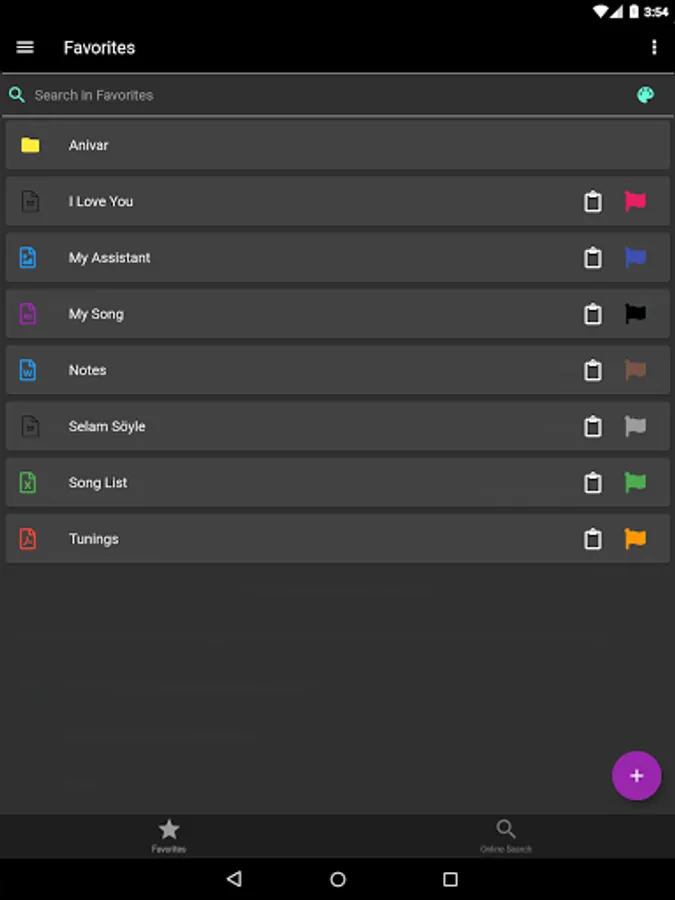
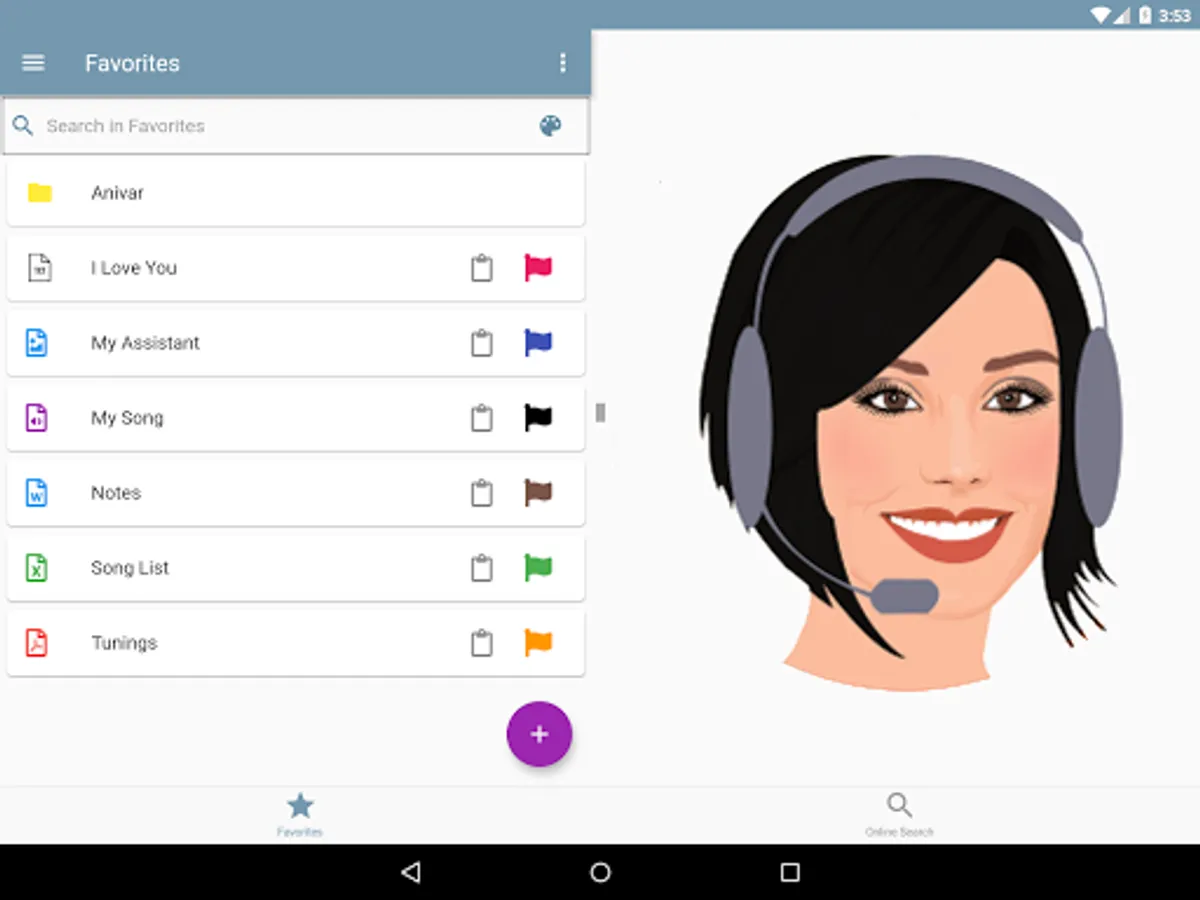
Favorites Page
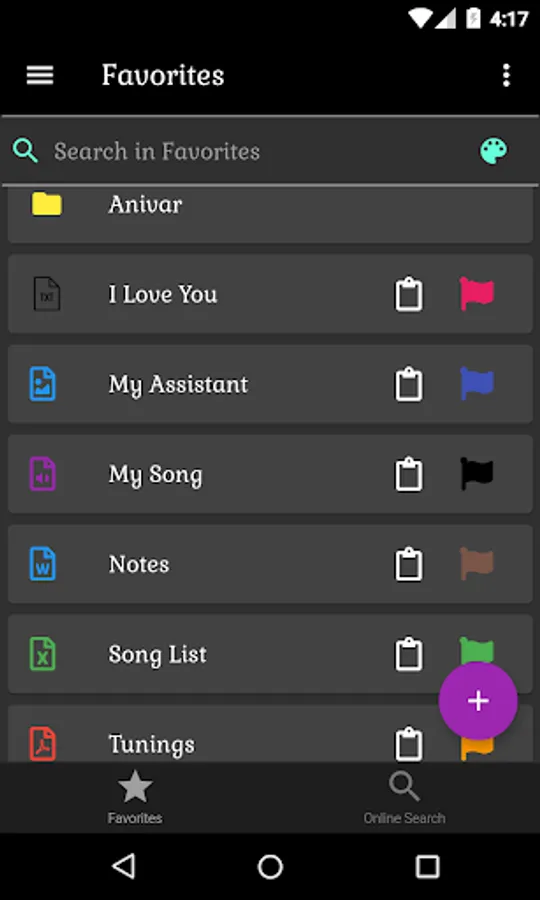
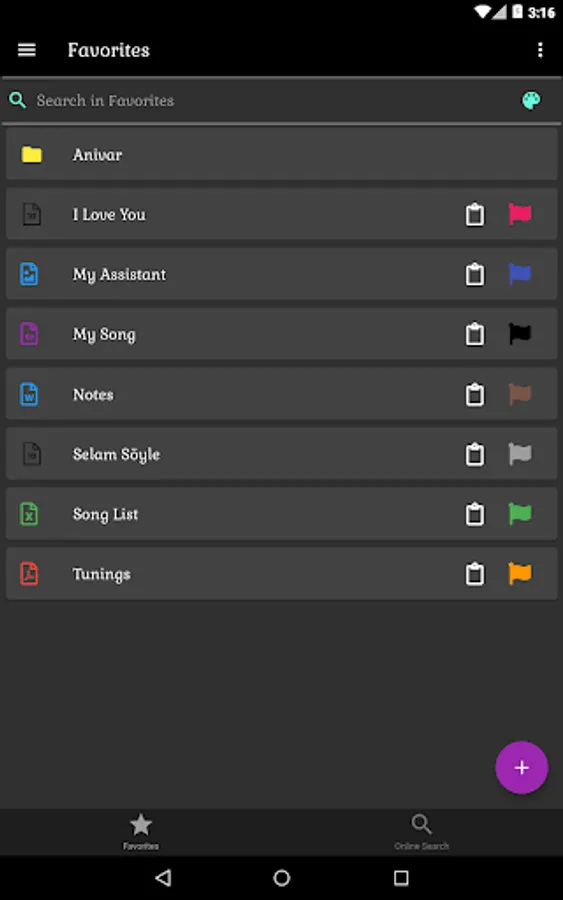
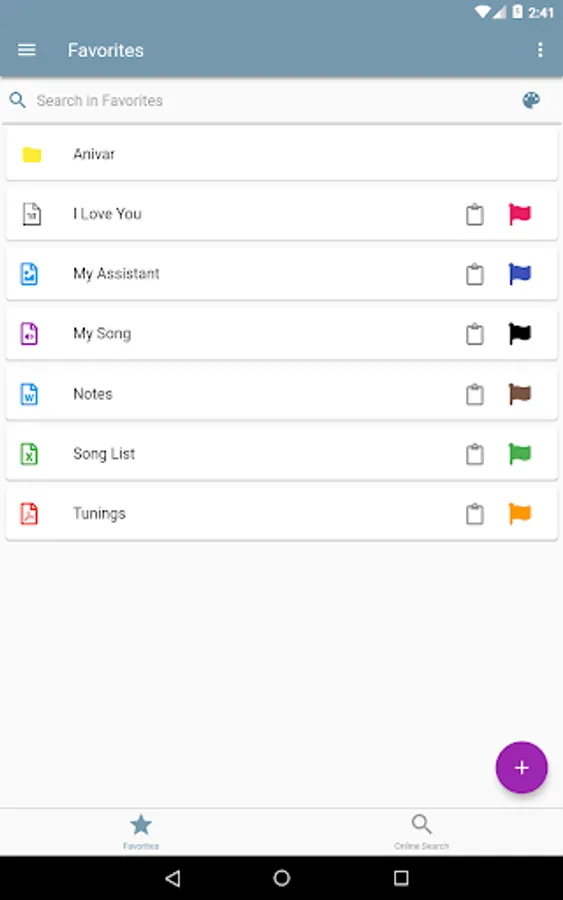
• Unlimited folder and sub-folder creation,
• Cut, copy, paste, delete and edit files and folders with single - multiple selection,
• Taking and recording photos or videos while in any folder,
• Creating a voice recording in any folder,
• Copying the files and folders on the phone into the application,
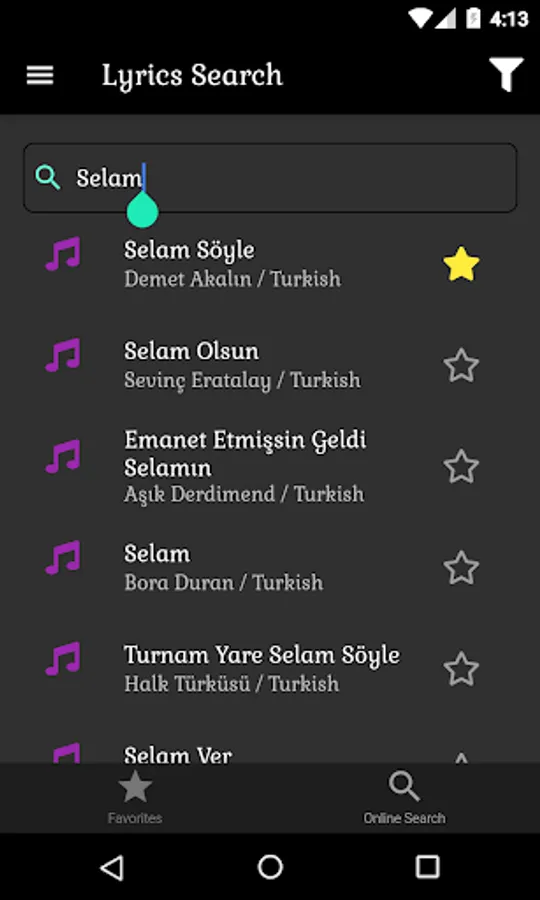
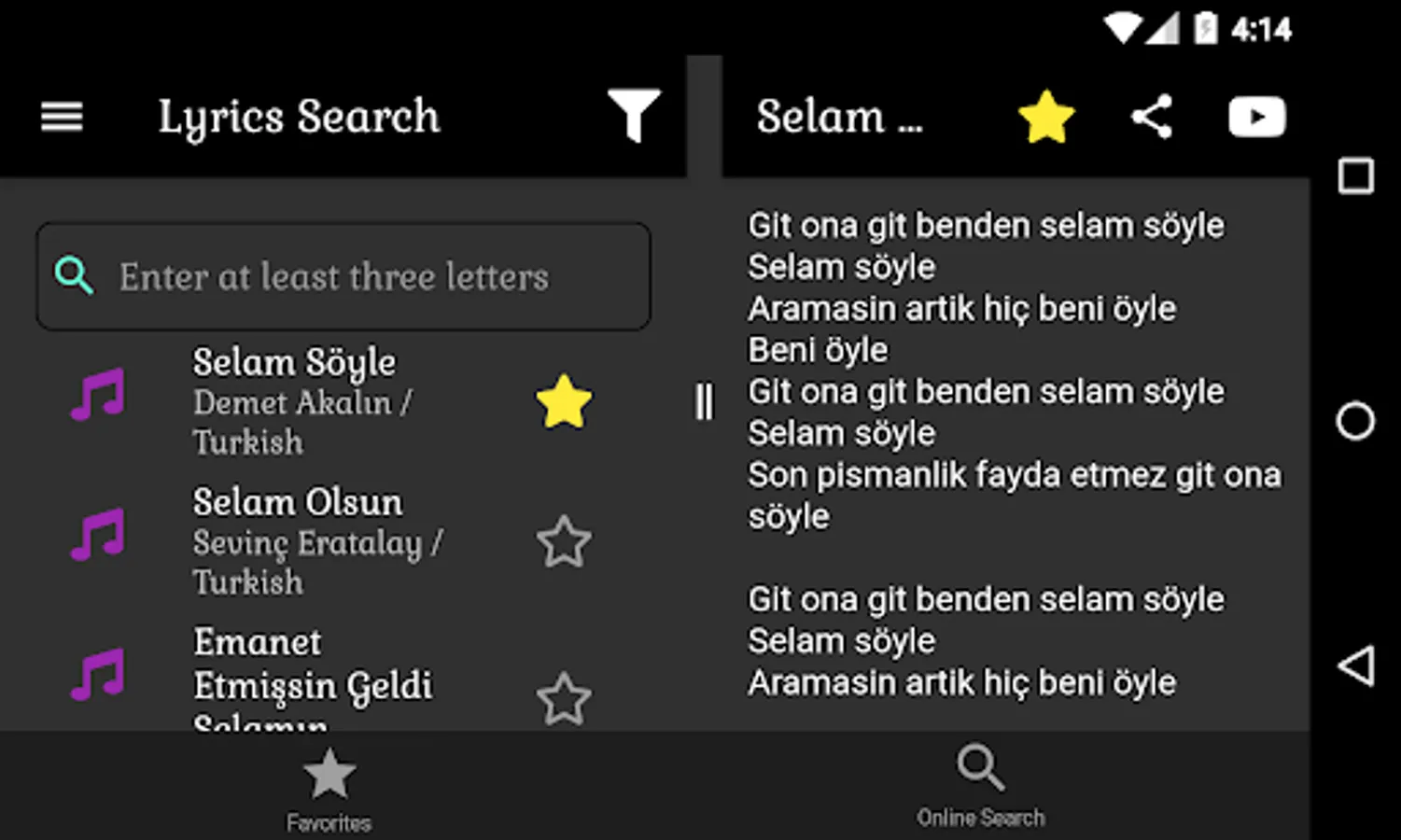
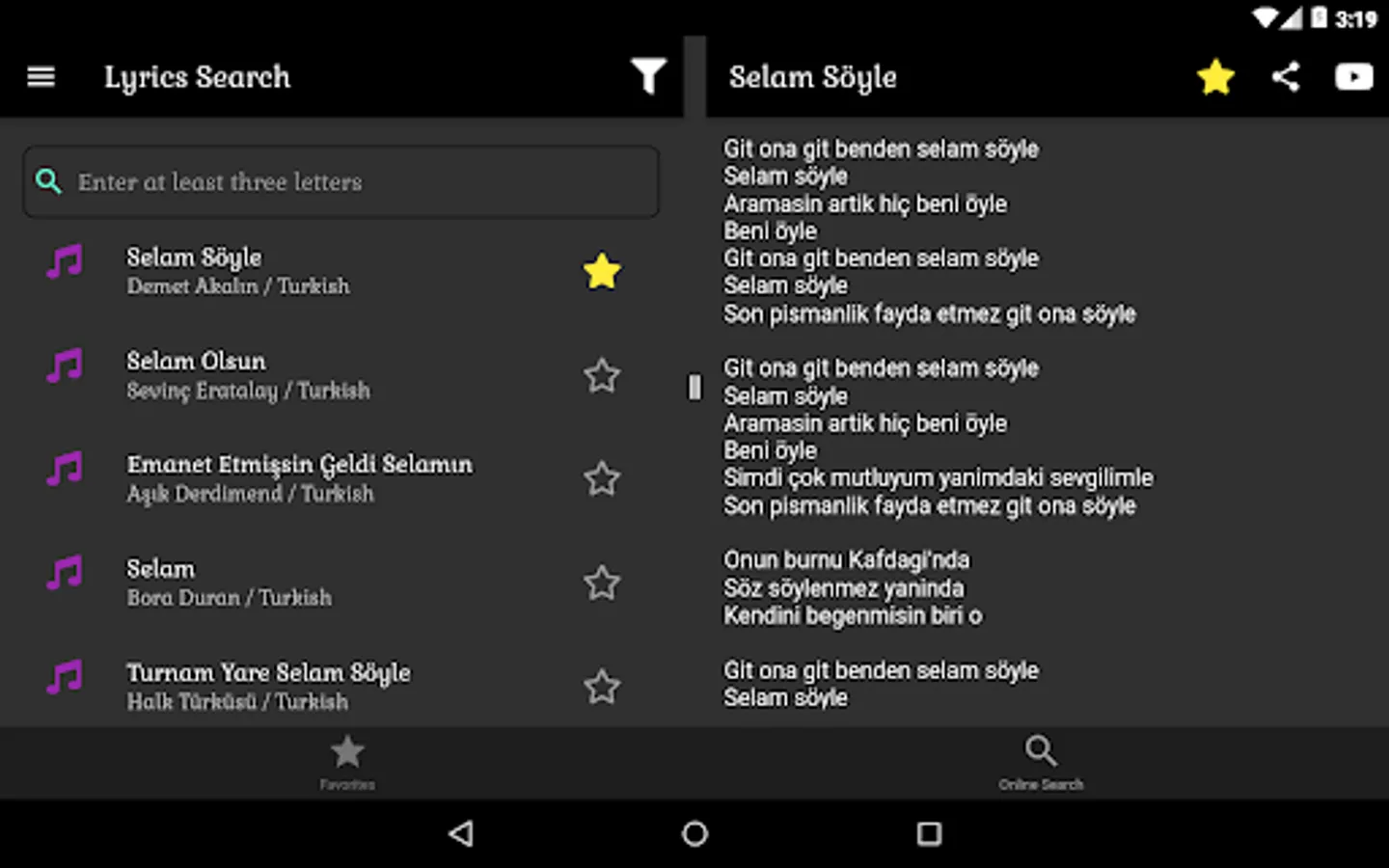
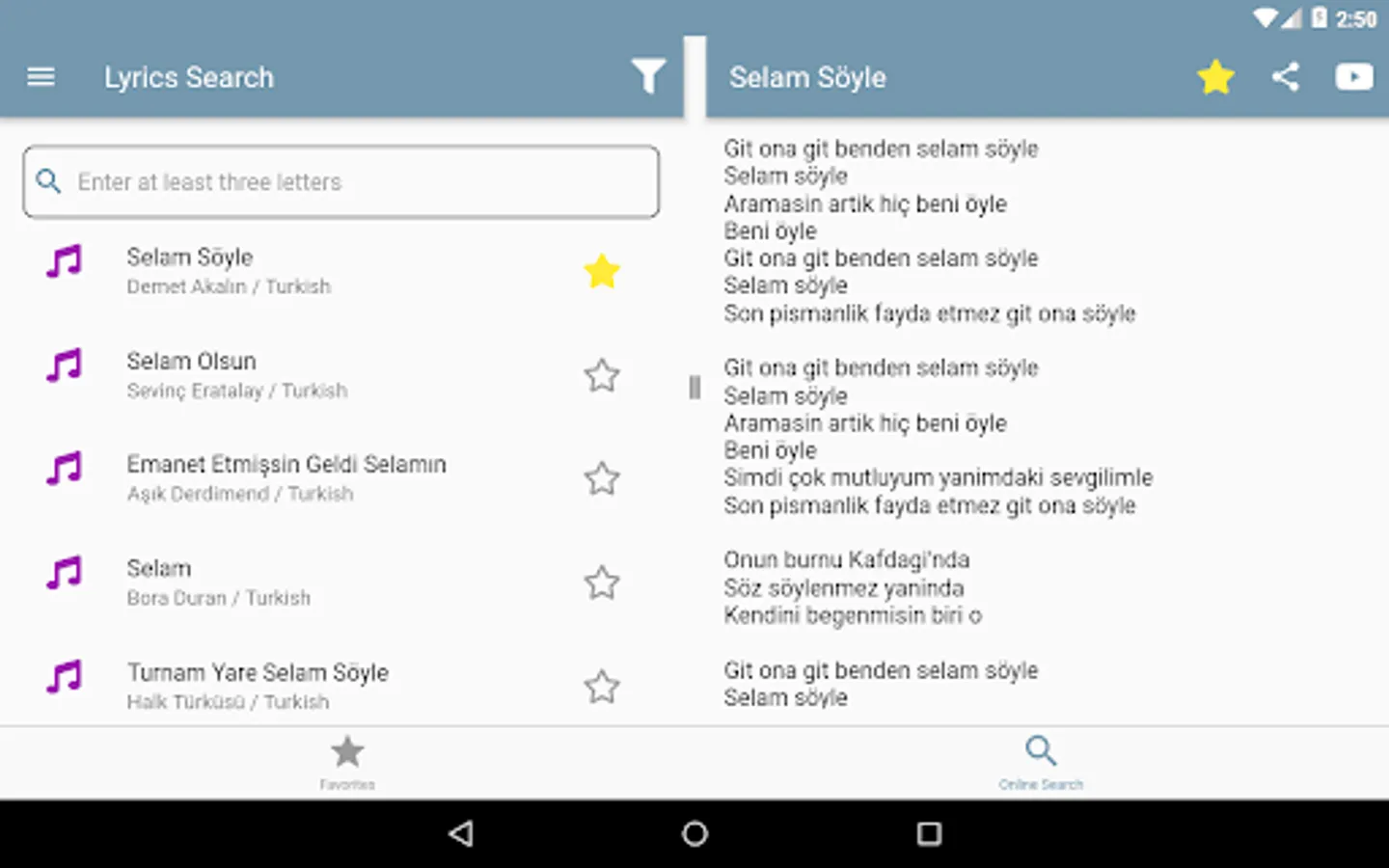
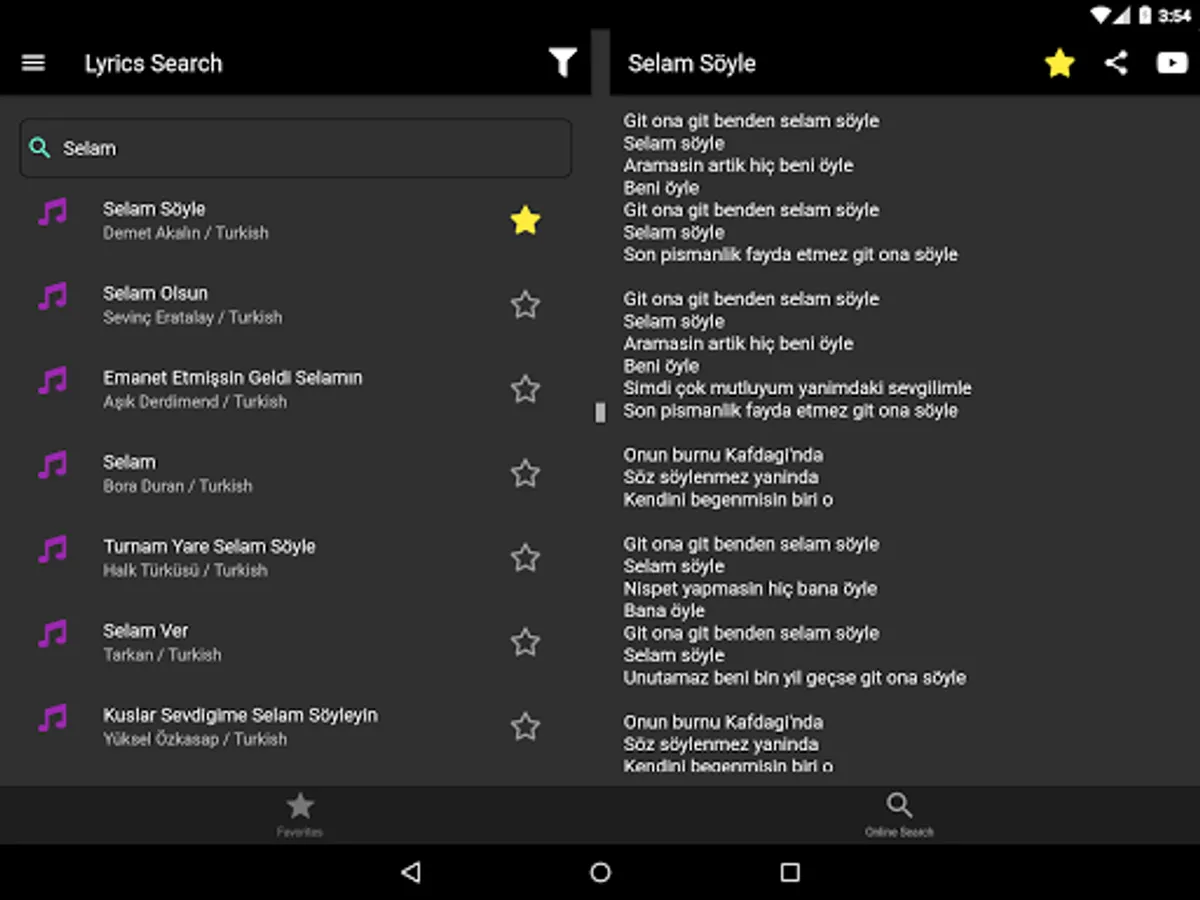
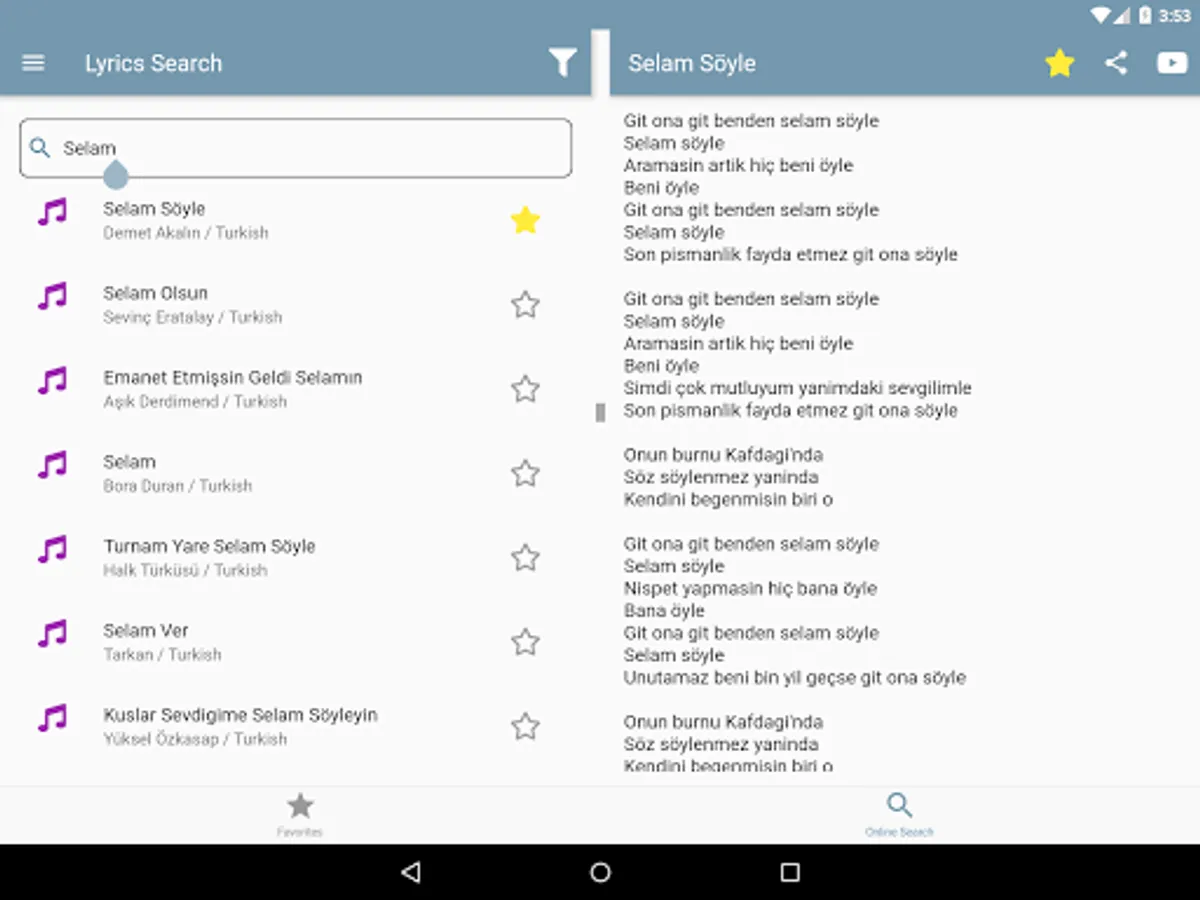
• Adding the songs found on the online search page to the favorites page automatically by clicking the star icon,
• Opening pdf, doc, excell, jpeg, png, txt, mp3, mp4 extension and many more files supported by your phone,
• Assigning colors to files,
• Adding notes to files,
• Quickly filter among all files thanks to the search bar,
• Filtering according to file colors thanks to the palette in the search bar
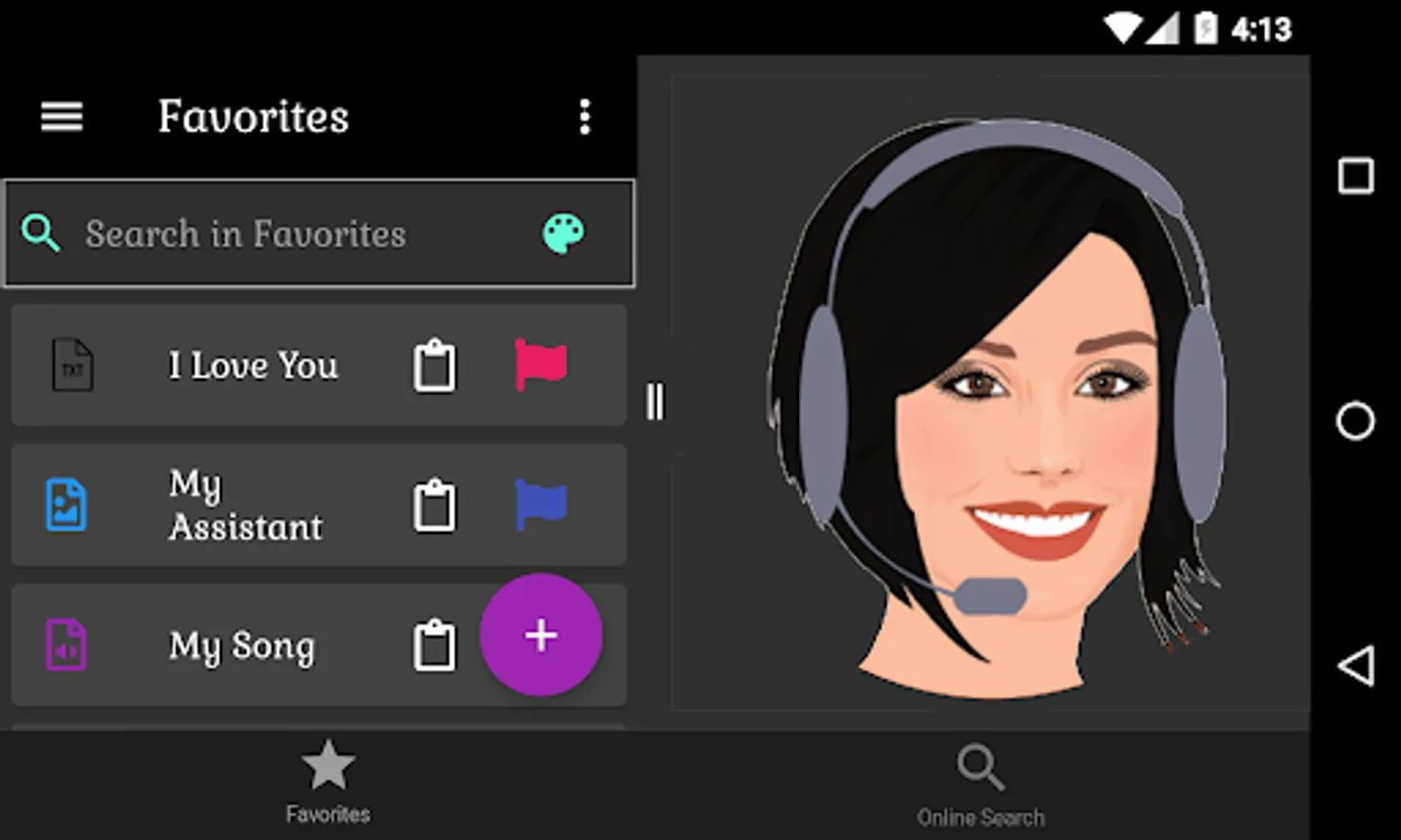
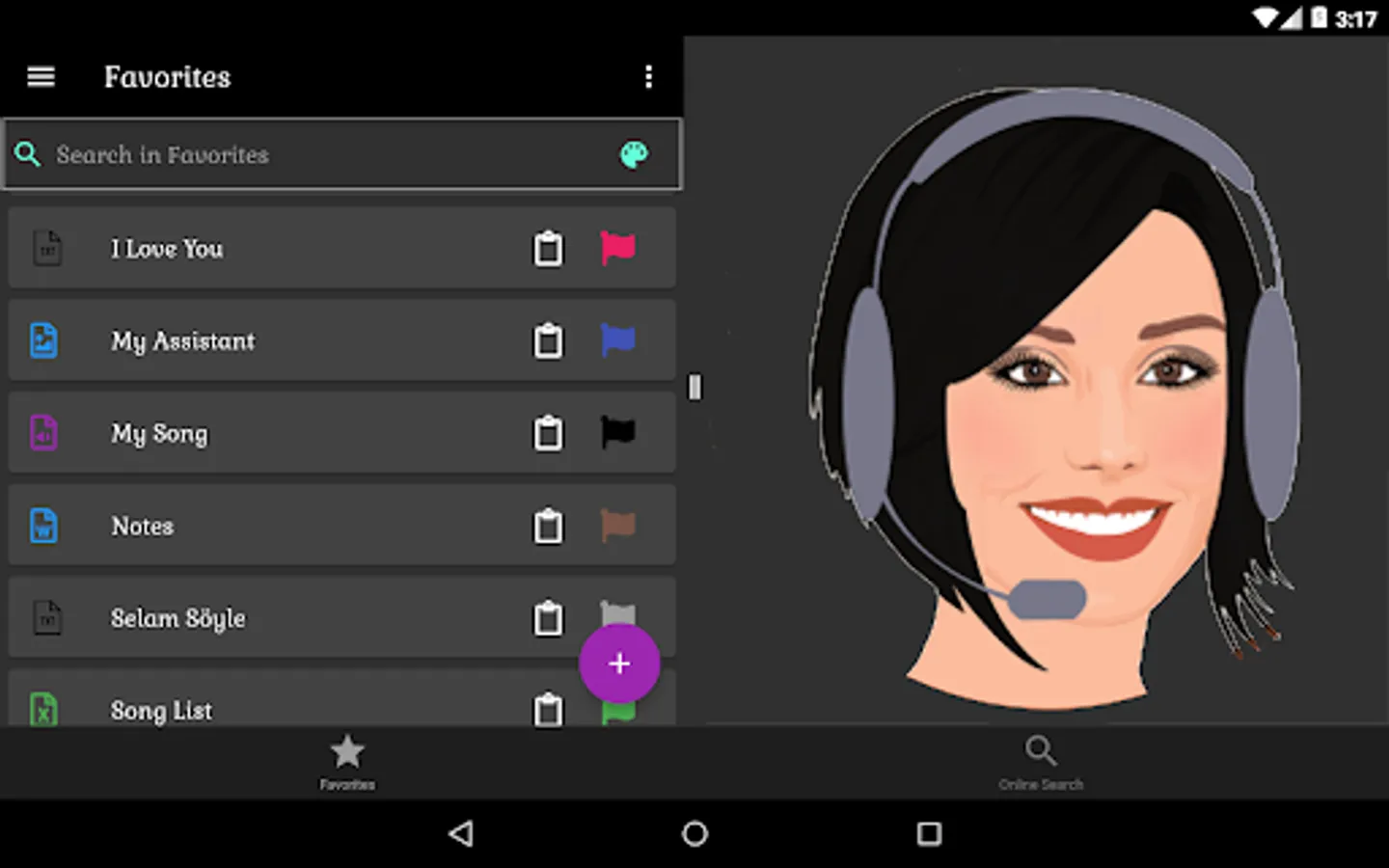
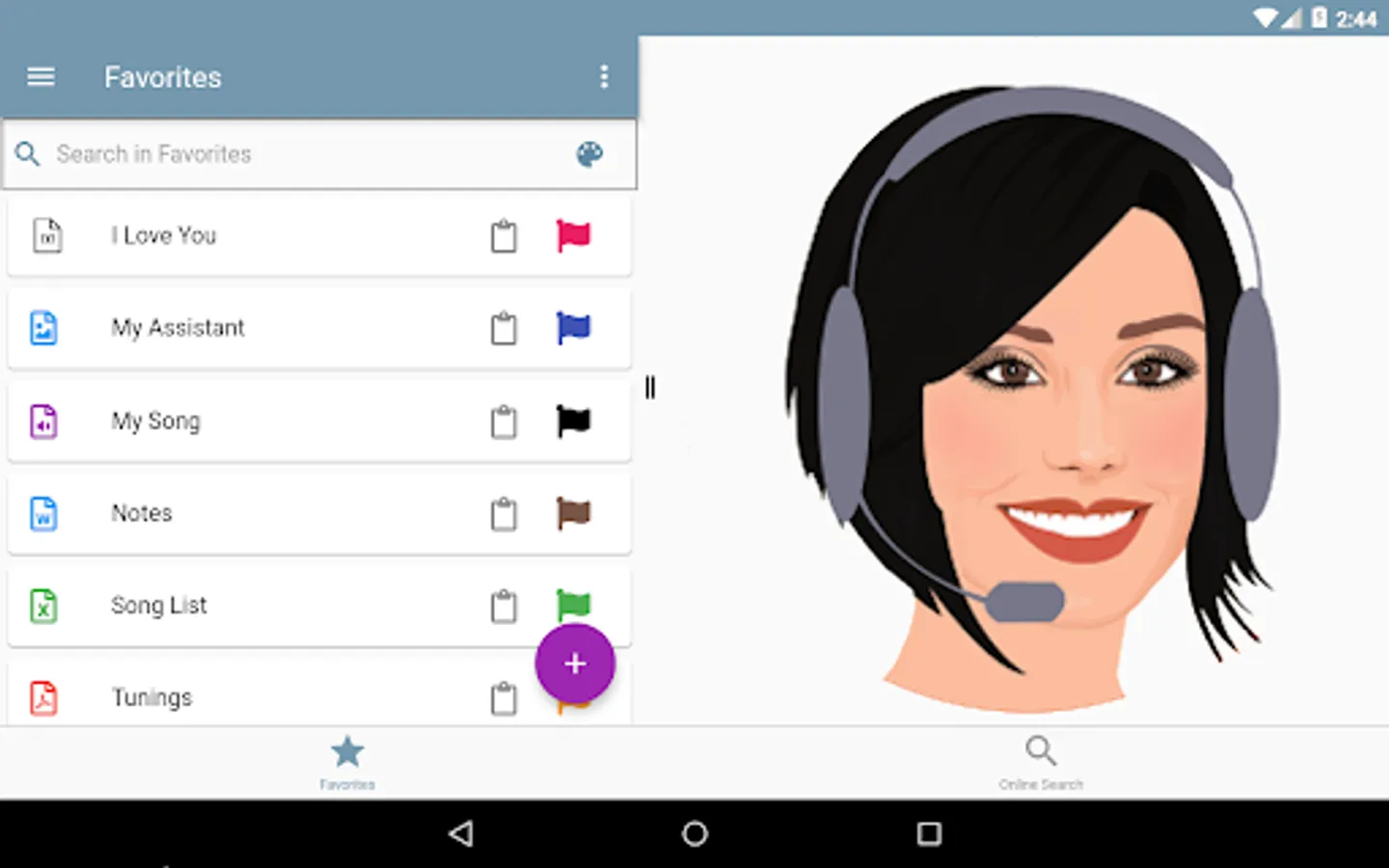
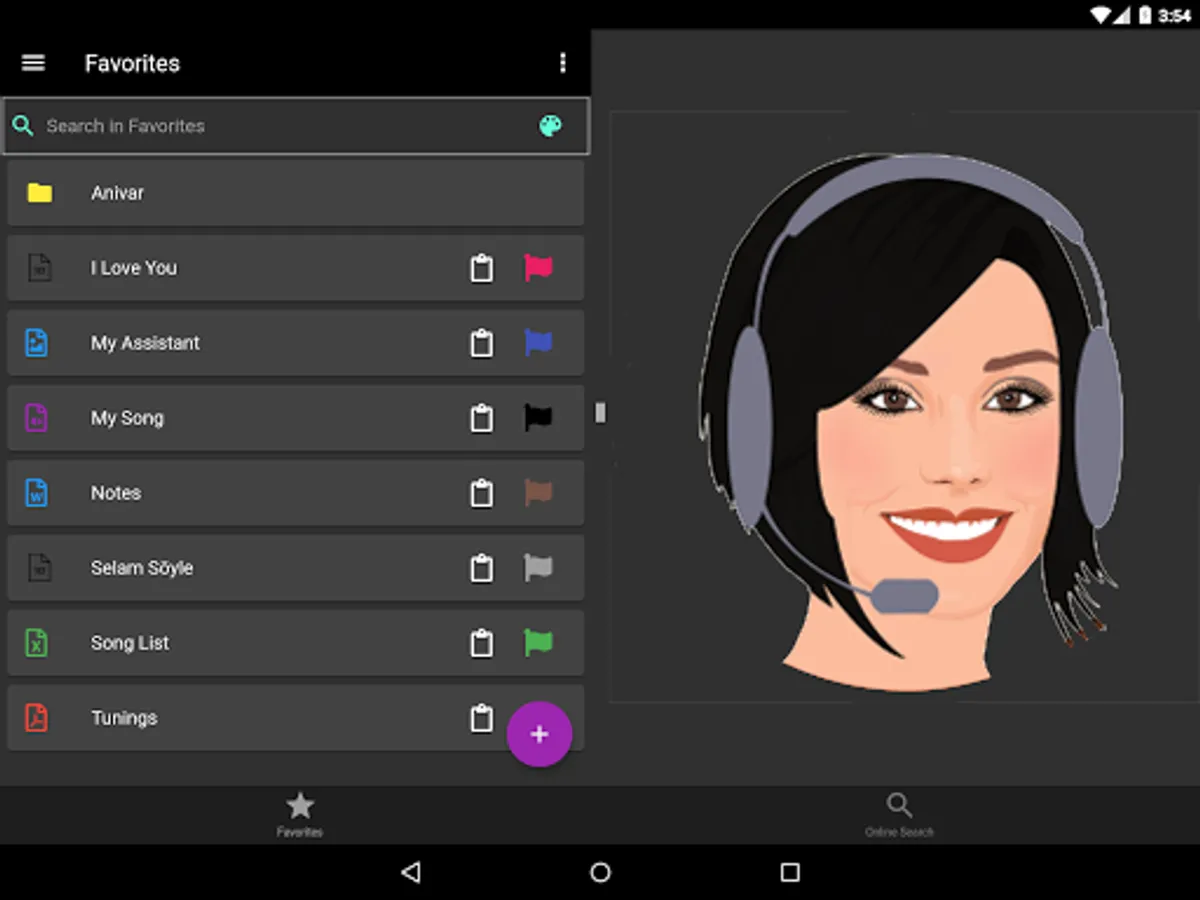
• Opening files in landscape mode with preview (Only Pdf (Android 4.4 and later), txt, jpeg, jpg, png, svg, gif etc. files),
• Offline use,
Text Reading Page
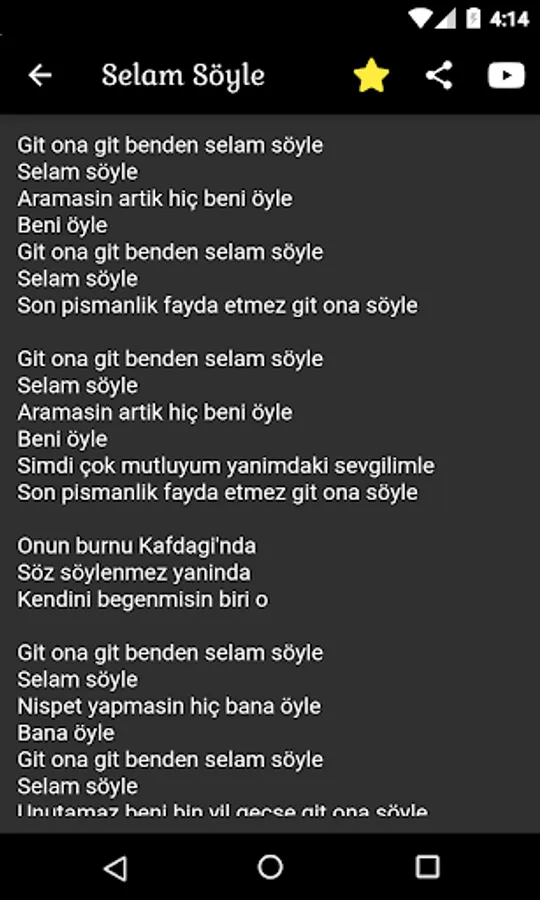
• Controlling the font size with two fingers,
• Saving the font size automatically in order not to adjust the font size of the txt files on the favorites page over and over again,
• Adding and removing lyrics to favorites,
• Sharing the lyrics with your loved ones with the share button,
Backup
• Exporting all files and folders on the favorites page in zip format,
• Importing the zip extension backup file on the phone,
Settings
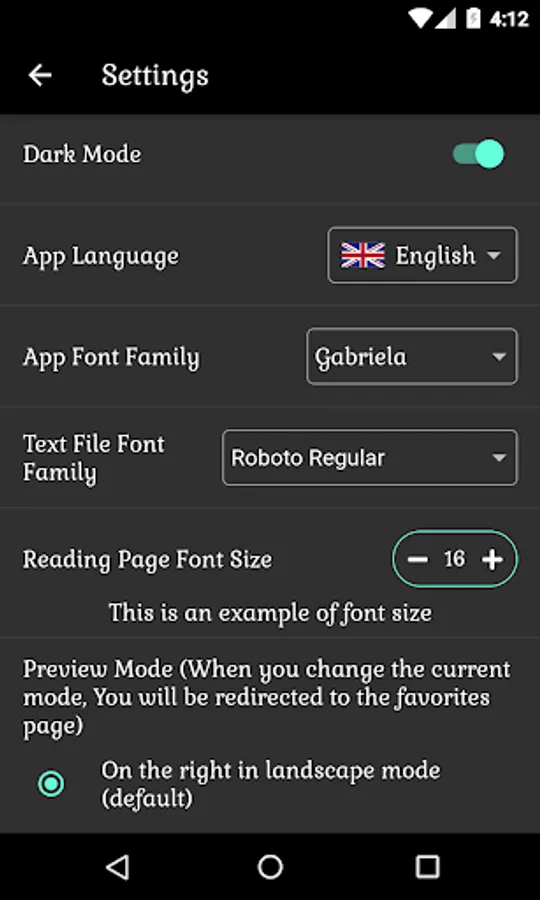
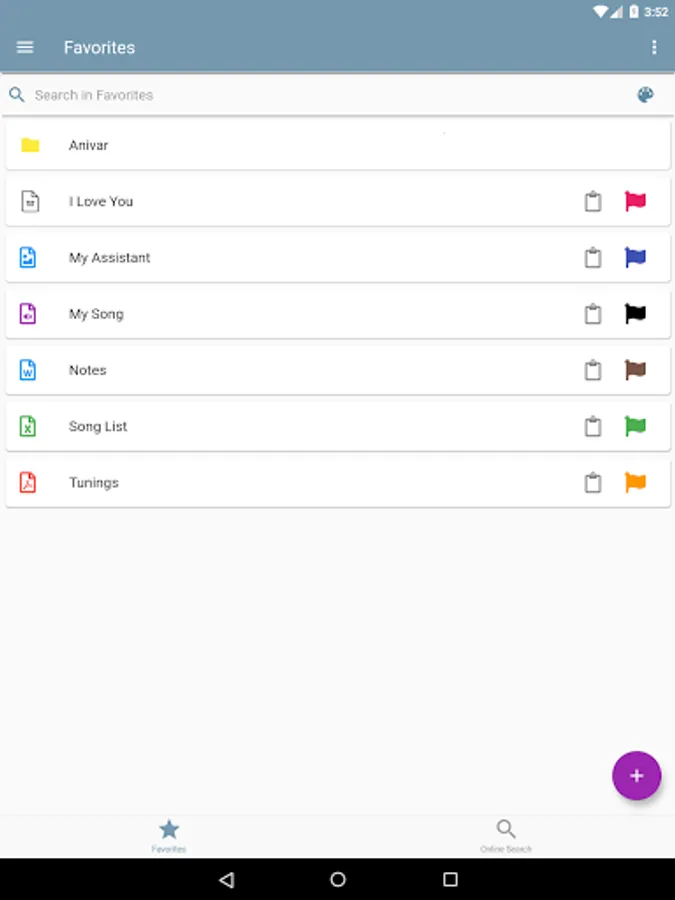
• Using the application with light and dark mode,
• Ability to use the application in more than one language,
• Setting the application font,
• Setting text reading page font,
• Setting the text reading page font size,
• When the phone is in landscape mode, the preview screen can be adjusted to the right or left,
VIP Membership
• Ability to use the application without advertising,
Support Panel
• To give feedback by clicking on the plus icon and selecting one of the "song request, suggestion, complaint, other" topic headings,
To professionally manage your repertory using this and many more features, download the Master Repertory app now.
The positive or negative evaluations you will make will be our guide during the application development phase.
As the Master Repertory team, we wish everyone a life full of music.
Favorites Page
• Unlimited folder and sub-folder creation,
• Cut, copy, paste, delete and edit files and folders with single - multiple selection,
• Taking and recording photos or videos while in any folder,
• Creating a voice recording in any folder,
• Copying the files and folders on the phone into the application,
• Adding the songs found on the online search page to the favorites page automatically by clicking the star icon,
• Opening pdf, doc, excell, jpeg, png, txt, mp3, mp4 extension and many more files supported by your phone,
• Assigning colors to files,
• Adding notes to files,
• Quickly filter among all files thanks to the search bar,
• Filtering according to file colors thanks to the palette in the search bar
• Opening files in landscape mode with preview (Only Pdf (Android 4.4 and later), txt, jpeg, jpg, png, svg, gif etc. files),
• Offline use,
Text Reading Page
• Controlling the font size with two fingers,
• Saving the font size automatically in order not to adjust the font size of the txt files on the favorites page over and over again,
• Adding and removing lyrics to favorites,
• Sharing the lyrics with your loved ones with the share button,
Backup
• Exporting all files and folders on the favorites page in zip format,
• Importing the zip extension backup file on the phone,
Settings
• Using the application with light and dark mode,
• Ability to use the application in more than one language,
• Setting the application font,
• Setting text reading page font,
• Setting the text reading page font size,
• When the phone is in landscape mode, the preview screen can be adjusted to the right or left,
VIP Membership
• Ability to use the application without advertising,
Support Panel
• To give feedback by clicking on the plus icon and selecting one of the "song request, suggestion, complaint, other" topic headings,
To professionally manage your repertory using this and many more features, download the Master Repertory app now.
The positive or negative evaluations you will make will be our guide during the application development phase.
As the Master Repertory team, we wish everyone a life full of music.